This article is the second in a three-part series on what it costs organizations to have their tools working in silos. The first part looked at what disconnected tools cost support and dev teams: the support engineers, developers, and scrum masters who chase statuses between systems every week. This one is for the people deciding what to do about it. Part 3, for the admins and implementation leads who have to make it work, is coming soon.
If you’re reading this, you’ve already moved past the “is this actually a problem” stage. Someone on your team, probably several people, has been complaining long enough that you’ve decided to take it seriously. The manual handoffs, the status updates that go missing, the colleagues who ping you on Slack to ask if you saw the ticket they updated two days ago. You know the problem. Now you need to figure out what to do about it.
This article is for the person who owns that decision, and/or the evaluation that leads to it.
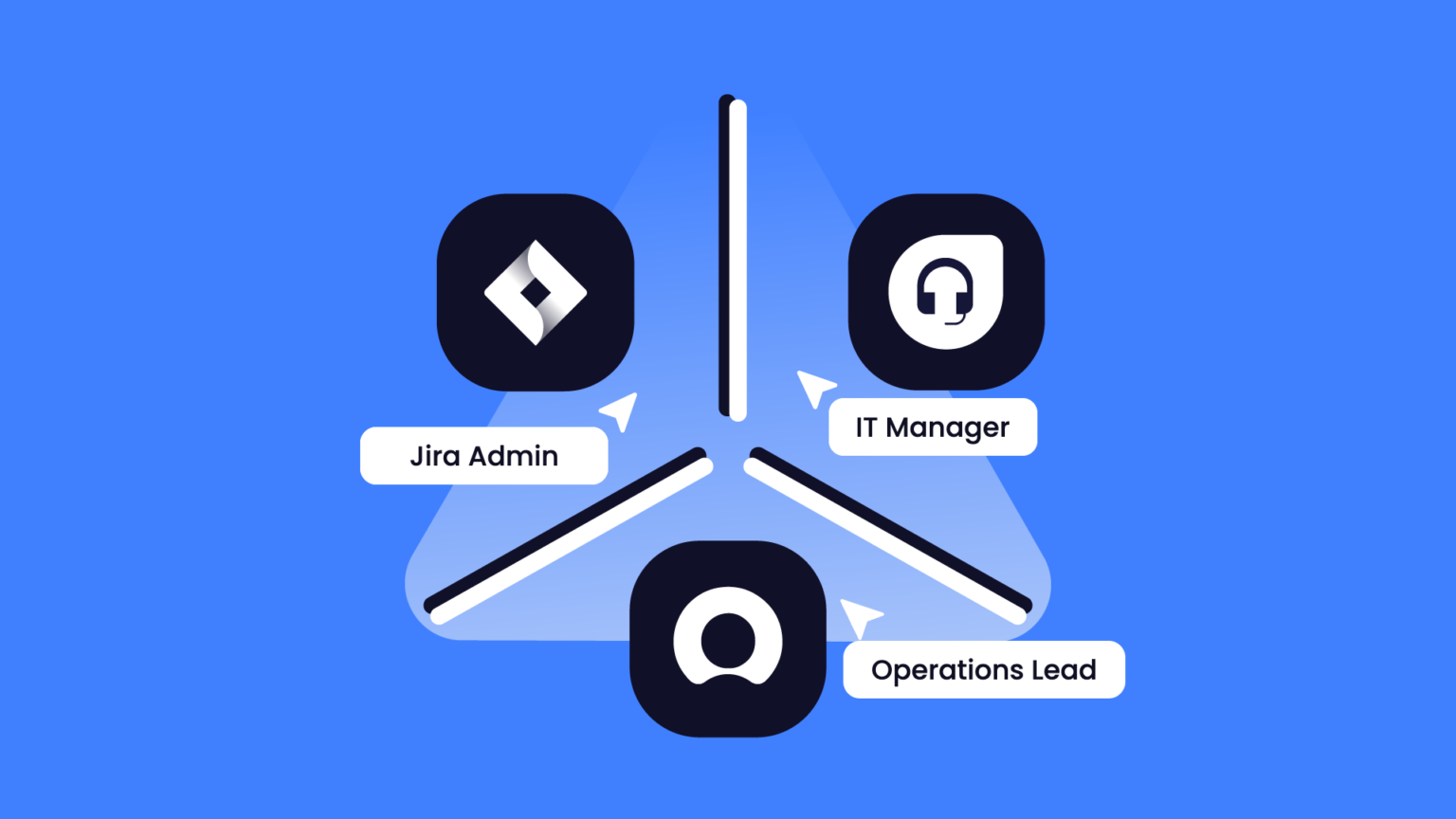
Maybe you’re the Jira admin who’s been asked to find something that actually works. Maybe you’re the IT manager who has to sign off on the budget and justify it to people who wonder why the free native connectors aren’t (good) enough. Maybe you’re the operations lead who is tired of watching your team act as human middleware between two systems that should be talking to each other directly. Whoever you are, the challenge is the same: there are a lot of integration tools that claim to solve this, and most of them look identical on a feature comparison sheet.
They are not identical. And the differences that matter most are rarely on that sheet.
First, An Honest Question: What Does Your Integration Actually Need?
Before you spend time evaluating integration platforms, it’s worth being honest about what you actually need, because not every situation calls for the same solution.
If your use case is simple and mostly one-directional (say, pushing a notification from one system to another when a status changes), a lightweight automation tool like Zapier or Make will likely serve you well and cost a fraction of what a dedicated integration platform does. There’s no shame in that. The right tool for a simple problem is a simple tool.
Where lightweight automation cannot pull the weight is when you need bidirectional sync, field-level control over what moves in which direction, and the ability to handle complex conditional logic. Also, a reliable setup that will still be running in a year, even if the person who configured it has changed roles. If that’s your situation, a fire-and-forget tool will eventually frustrate you, and the cost of switching later is higher than the cost of starting in the right place now.
Do You Really Need a Feature Comparison List?
The standard approach to evaluating integration tools is to build a feature comparison matrix. You list your requirements down one side, the tools across the top, and you fill in the boxes. It feels rigorous. The word here is “feels”.
Two tools can check every box on your list and behave completely differently once they’re running in your environment. The feature list tells you what a tool can do on a good day. It tells you almost nothing about what happens on a bad one: when something breaks, when your requirements change, when the person who set it up leaves the company, or when the volume of tickets doubles.
The useful question is not “which tool has the most features”. It’s “which tool survives reality, my reality?”
The Things That Will Cost You the Most, And That Rarely End Up On a Feature List
Silent sync failures
This one comes up in almost every conversation with teams that have been burned by a previous integration. The tool appeared to be working. Nobody got an alert. Then a stakeholder asked why nothing had synced for three days, and the investigation began. Vague error messages that tell you something went wrong, but not where or why, are one of the most common sources of operational pain with integration tools.
When you’re evaluating, ask specifically: when it fails, do I get a clear, actionable error message?

Source: https://javascript.plainenglish.io/25-programming-memes-that-will-lighten-your-mood-d56983a5a696
The person it all ends up on
This is the cost that appears nowhere in the pricing conversation but shows up very clearly six months after go-live. A real pattern from organizations that have been through this: the integration is technically “working,” but it has effectively become one person’s private system. They understand it, they maintain it, they’re the ones who get called when something breaks. When they go on leave, the integration risk mitigation strategy reduces to knocking on wood and burning sage, and neither scales particularly well. I wouldn’t even dare mention what happens if they leave the company entirely. I don’t even want to imagine those Slack threads…
So before you commit to any tool, ask yourself: does your team want to own and operate this directly, or would you rather hand it off to a colleague or a professional services team?
Both are valid choices. Just go in knowing that the second one comes with a certain level of ongoing dependency, and make sure you’re comfortable with that before you sign anything.
What happens when integration requirements change
Integration requirements always change. Fifteen years in this industry proves that true time and time again, despite every assurance from prospects and then customers that their setup is stable and unlikely to ever need touching.
A new field gets added. A workflow gets restructured. A third system gets added to the mix. Some tools handle this gracefully: you adjust the configuration, test it, and move on. Others make every change feel like starting from scratch, with complexity that compounds every time you add a new rule. This is very hard to assess from a demo, because demos show the happy path.
Ask to see what the configuration looks like after two years of real use, or talk to a customer who has been running the integration in production for a while.
Total cost of ownership, not license cost
Pricing can surprise people who have been anchoring on the cost of a lightweight connector. One IT manager came in expecting around €2,000 and found the actual minimum was considerably higher. Whether that number makes sense depends entirely on what you are getting in return, and for teams absorbing significant manual overhead, it often does.
But you need to do that math honestly, including the cost of configuration, maintenance, and the human time the tool will either save or create. If you go with the cheaper option, factor in what it actually costs when your team has to spend time figuring out workarounds or bending the tool to fit your use case. That time has a price too. On the other hand, sometimes paying for professional services that come with the solution means the whole thing is up and running in weeks rather than months, and the people who would otherwise be wrestling with the configuration can just do their jobs.
11 Questions to Ask Integration Vendors Before You Commit

Checklist of questions to ask integration vendors during evaluation
Take these into your vendor conversations. They’re answerable, and the quality of the answers will tell you more than any feature matrix.
- Does it sync both ways, or only push one direction?
- When it fails, do I get a specific, actionable error?
- Who ends up owning this in six months, and do they actually want to? Is this something your team can operate independently, or does it come with an ongoing dependency on a specialist or a professional services team?
- When my requirements change, does the configuration flex, or does complexity compound?
- Does the other side need to install or license anything, and what does that cost them?
- Can I control sync at the field, comment, status, and direction level, or is it all-or-nothing?
- How does it handle different workflows and statuses across systems?
- Can it migrate the tickets I already have, not just new ones going forward?
- Where does my data live, and who controls each end?
- What is the total cost: license plus the human time to configure, maintain, and run it?
- If you’re in a regulated environment: will the vendor sign the compliance agreements you’re legally required to have? (More on this in our guide to integration security.)
A Fair Look at the Integration Tool Categories
Most teams end up comparing options across a few distinct categories, and each has genuine strengths alongside real limitations worth naming.
Template-based tools
Template-based tools like Unito or Getint are easy to start with and cover common sync scenarios well. Where they tend to struggle is when your use case has specific requirements that don’t fit the predefined mappings: the more you need to bend them to your context, the more their limitations show.
iPaaS platforms
iPaaS platforms like Workato, Boomi, or MuleSoft offer broad coverage across many systems and are well-suited to orchestration at enterprise scale. The tradeoffs are real though: they are expensive, implementation is complex, and for teams whose primary need is controlled bidirectional sync between two or three systems, they can feel like significant overkill.
Custom-built integrations
Custom-built integrations are appealing because they seem cheap to start and completely flexible (if you’re weighing this route, the build vs. buy calculator puts numbers on it). The hidden costs are maintenance, documentation, accountability when something breaks, and the fact that point-to-point builds rarely scale cleanly as requirements evolve. The team that built it understands it; everyone else has to take it on faith.
Lightweight automation tools
Lightweight automation tools like Zapier are genuinely useful for simple, one-directional flows. If that’s your use case, they’re a sensible choice. If you need real bidirectional sync with field-level control, they’ll hit their ceiling very quickly.
Dedicated sync tools
Dedicated sync tools like Exalate sit in a different category: built specifically for bidirectional, field-level sync across complex environments, including cross-company scenarios where each side needs to maintain control of its own configuration. The tradeoff is real: there is a learning curve, Groovy-based scripting requires some technical comfort, and the price reflects the depth of capability. For teams with truly basic, low-volume needs, it may be more than the situation requires. For teams managing integrations across multiple tools, external partners, or enterprise environments where reliability and control are non-negotiable, it’s the kind of tool that tends to stay in production for years.
Sometimes, The Answer is Two Integration Tools, Not One
There is an assumption baked into most integration evaluations that rarely gets questioned: that you are looking for a single tool to handle everything. In practice, the most pragmatic architecture is often a combination of two tools, each doing what it was actually designed to do, without either one being stretched beyond its natural scope.
I have two concrete examples.
ServiceNow IntegrationHub plus a dedicated sync tool
If your environment includes ServiceNow, you likely already have access to IntegrationHub. It is ServiceNow’s native integration layer, and it is genuinely good at what it was built for: orchestrating workflows within the ServiceNow ecosystem, triggering internal automations, handling approvals, and calling external APIs from within a Flow Designer flow. Where it runs into real limitations is when you need true bidirectional sync with an external system like Jira or Azure DevOps. The other side might also request to be able to control what it shares, how it maps fields, and what logic governs incoming data.
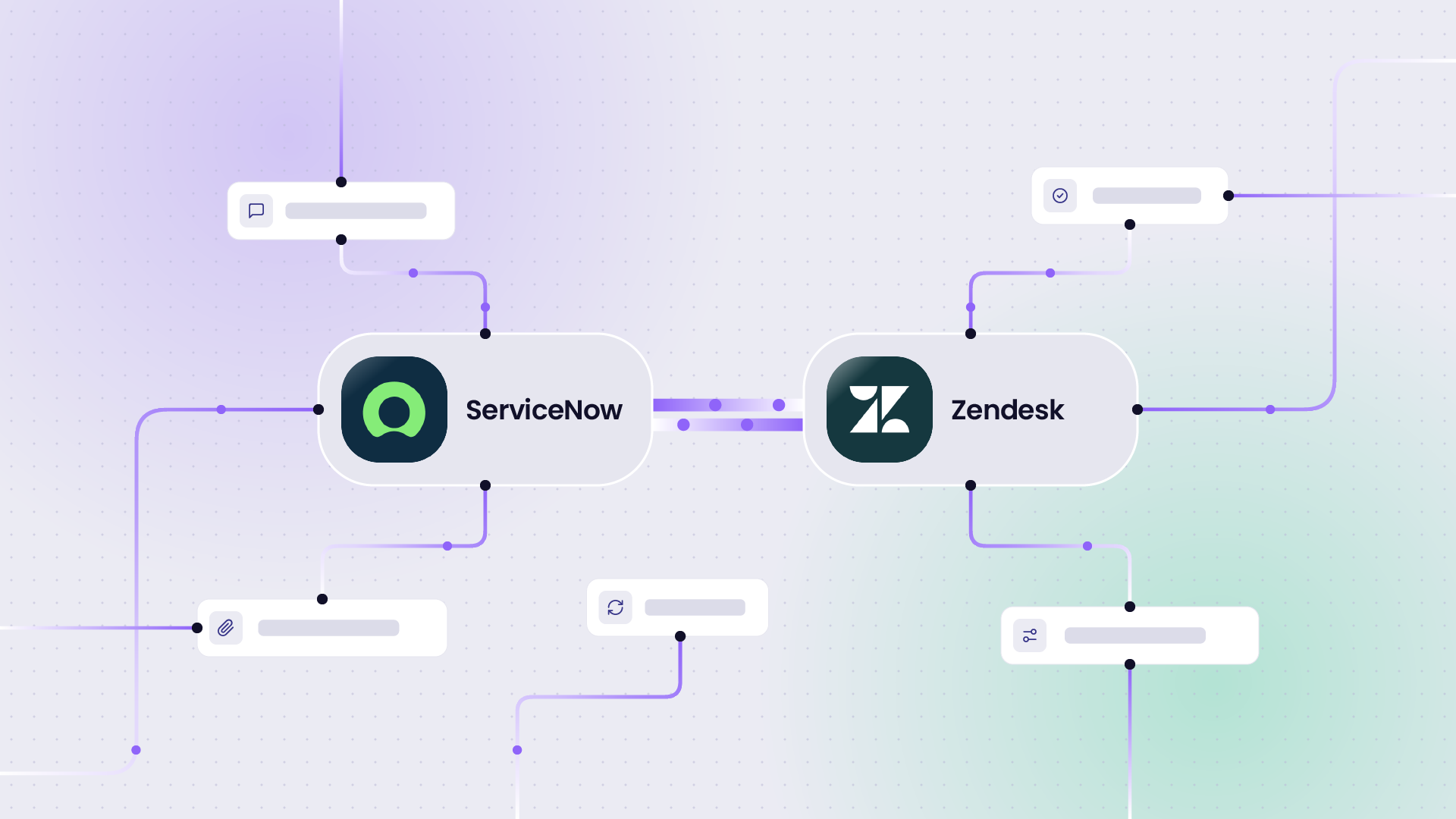
IntegrationHub is primarily designed to push from ServiceNow outward. Getting genuine two-way sync working requires significant additional configuration on the connected system side, and the transaction-based pricing model means costs can grow quickly as volume increases. A team that uses IntegrationHub for its internal ServiceNow automations and Exalate for the cross-system, cross-company bidirectional sync (for example, a Jira ServiceNow integration) is not running two competing tools; they are running two tools that cover fundamentally different parts of the problem.
Jira and Azure DevOps: the native app plus a sync tool
The same logic applies in the Jira and Azure DevOps world. Atlassian publishes a free official app that connects Azure DevOps with Jira Software Cloud, and it does its job well. That job, however, is narrowly defined: it surfaces development activity inside Jira work items: branches, commits, pull requests, deployments, build status. It gives project managers and product leads visibility into what is happening on the engineering side without leaving Jira.
What it does not do is sync work items. There is no bidirectional transfer of issues, no field mapping, no comment sync, no attachment handling, and no mechanism for the Azure DevOps side to push updates back into Jira in any structured way. For teams where developers stay in ADO and product or support teams stay in Jira, and where both sides need to see each other’s work items, statuses, and comments in real time, the native app covers only a fraction of what is actually needed. Pairing it with a dedicated sync tool for Jira Azure DevOps integration fills that gap without replacing what the native app already does well and for free.
Why one tool for everything can cost more
The broader point, and one that is worth raising explicitly in any evaluation, is that the question “which single tool should we pick” sometimes leads you to over-invest in a tool that does too much in some areas and not enough in others.
A solution architect who maps out what each layer of the integration actually requires, and then selects the right tool for each layer, often ends up with a more maintainable and cost-effective architecture than one who forces a single tool to do everything. That is not a reason to complicate the stack unnecessarily; it is a reason to be honest about what you are actually asking each tool to do.
What You Are Actually Choosing
A good integration decision is not about finding the perfect tool. It is about understanding your environment well enough to know what “good enough” actually means for your situation, and being honest about the hidden costs (in time, in people, and in the complexity you are taking on) before you commit. The tools that tend to stay in production for years are rarely the ones that won the demo. They are the ones that held up when reality arrived.
Frequently Asked Questions
Which is the best integration tool?
It depends on what you need it to do. For simple, one-directional flows, a lightweight automation tool like Zapier or Make is usually enough. For orchestration across many systems at enterprise scale, an iPaaS like Workato, Boomi, or MuleSoft fits better. For bidirectional, field-level sync between two or three systems, especially across company borders, a dedicated sync tool like Exalate is built for that job.
When is Zapier enough for an integration?
Zapier works well when the flow runs in one direction, and the logic is simple, like sending a notification from one system to another when a status changes. It reaches its limit when you need two-way sync, control over which fields move in which direction, or conditional logic that has to keep running after the person who set it up changes roles.
What’s the difference between an iPaaS and a dedicated sync tool?
An iPaaS connects many systems and orchestrates workflows across them, which makes it a strong fit for broad enterprise automation. A dedicated sync tool focuses on keeping records aligned in both directions between specific systems, with field-level control on each side. If your main need is controlled bidirectional sync between two or three tools, an iPaaS often costs more and takes longer to implement than the problem requires.
Can ServiceNow IntegrationHub do bidirectional sync with Jira?
IntegrationHub is designed mainly to push from ServiceNow outward. You can build two-way sync with it, but it takes significant additional configuration on the Jira side, and its transaction-based pricing means costs grow as volume increases. Many teams keep IntegrationHub for internal ServiceNow automations and use a dedicated sync tool for the Jira connection.
Does the free Atlassian Azure DevOps app sync work items with Jira?
No. The app shows development activity inside Jira work items, such as branches, commits, pull requests, deployments, and build status. It doesn’t transfer work items, map fields, sync comments, or handle attachments, so teams that need both sides to see each other’s work items pair it with a dedicated sync tool.
How much does an integration tool really cost?
The license is only part of it. You also need to count the time to configure, maintain, and run the integration, plus the time your team loses to workarounds if the tool doesn’t fit your use case. Professional services add to the upfront cost but can get you live in weeks rather than months.
Recommended Reads
- Why Support, Devs, and Scrum Masters End Up in the Same Relay of Status-Chasing and Follow-Ups: Part 1 of this series, on what disconnected tools cost the people who work with them every day.
- Integration for MSPs: The companion piece in this series for MSPs managing the same problems across a portfolio of clients.
- 10 Best ServiceNow IntegrationHub Alternatives for Enterprise Integration: For ServiceNow teams who need bidirectional sync beyond what IntegrationHub was built for.
- Exalate vs ONEiO: What You Get on Price, Control, and Data Residency: A side-by-side look at two sync tools on cost, control, and where your data lives.
- Compare Exalate: Comparisons between Exalate and other integration tools, if you’re already building a shortlist.