
flexible two-way sync
Jira Asana Integration
Connect Jira and Asana to keep your business and technical teams in sync with real-time updates and smoother collaboration. Bridge the gap between engineering workflows and business planning.
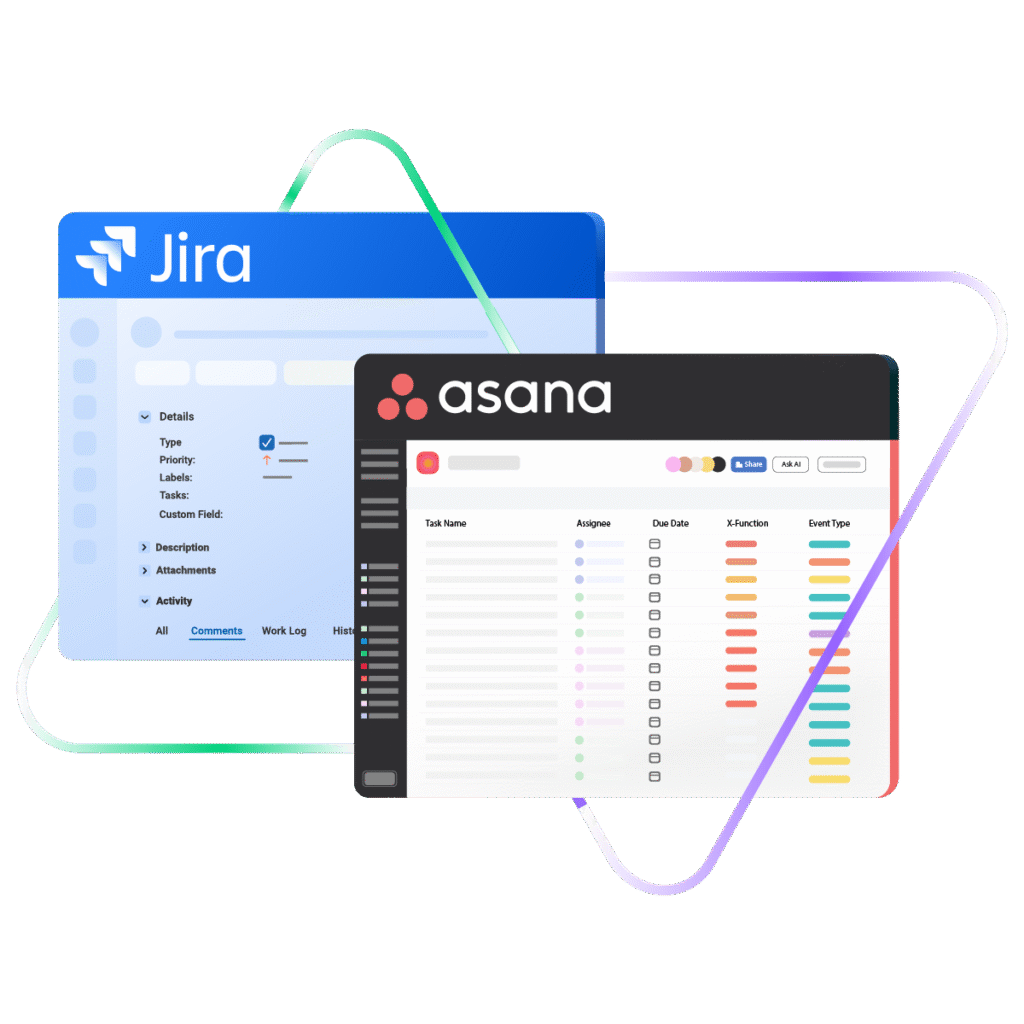
Sync Jira work items with Asana tasks, send changes across the second they happen, and choose field by field what actually crosses over.
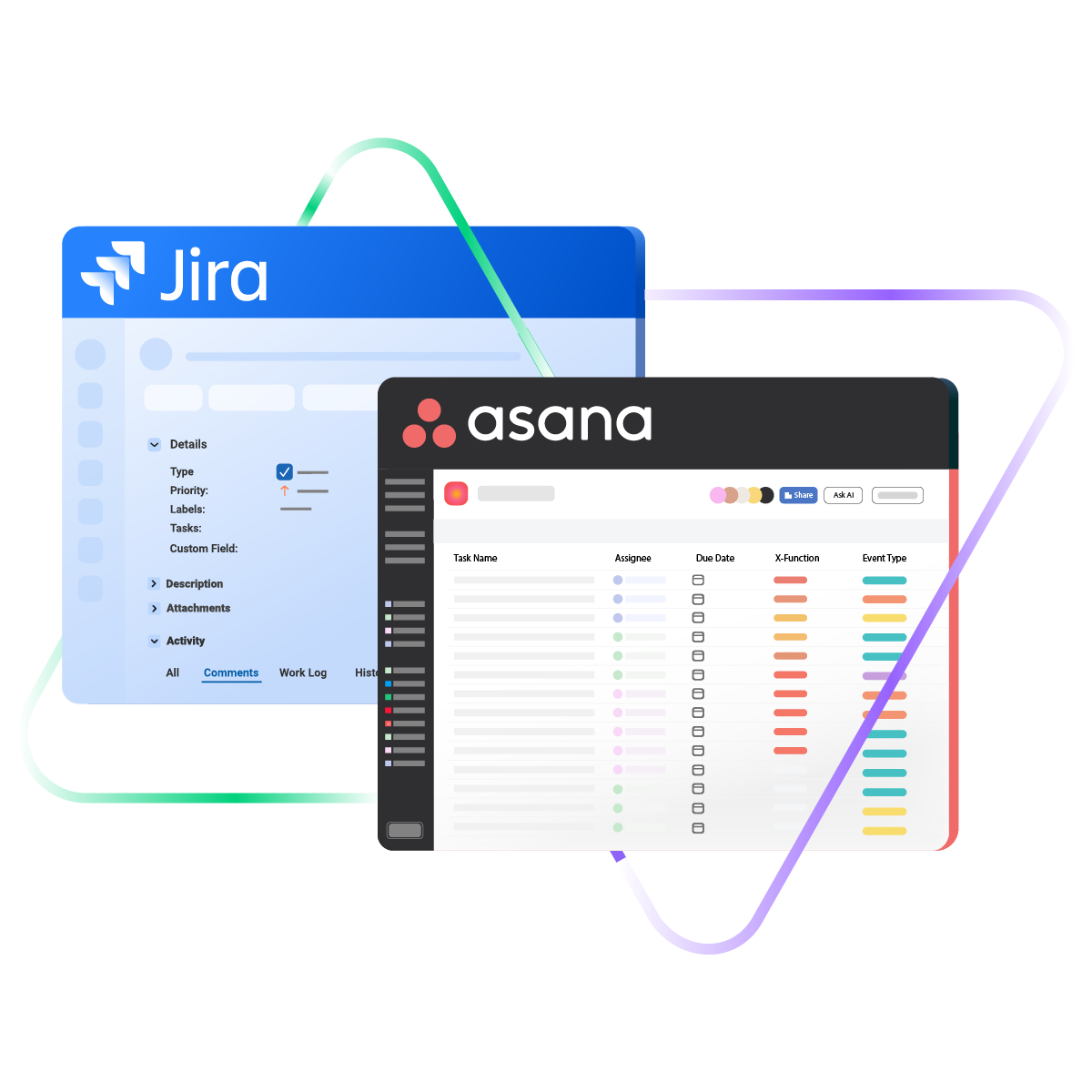
Sync type, title, creator...
sync status, description, priority...
sync attachments, custom fields...
sync comments...
Sync summary, description, labels...
Sync status, attachments...
Sync custom fields, due, project...
4.3/5
Highest Rated Integration App on the Atlassian Marketplace







Real-Time Asana Jira Sync for Product and Engineering Teams
Smooth Cross-Team Collaborations
Keep your dev and project teams working smoothly together with all the context they need in their own system. Align engineering workflows and business planning between teams and companies with a customizable Jira to Asana integration.
Sync work and task updates automatically to keep development and project teams aligned.
Automate the syncing process to save time and reduce manual effort across teams.
Eliminate data silos and gain a comprehensive view of projects across both platforms.
Link multiple Asana tasks to one Jira work item to track everything in one place.
Instantly convert Asana tasks to Jira work items for faster handoff and resolution.
Choose between real-time one-way or two-way syncing to control how information flows between platforms.
Sync Anything, Play By Your Own Rules
Map default and custom ticket fields for added context. Control what gets shared between Jira and Asana. Keep your data protected at rest and in transit between both platforms.

Asana
Enterprise supported
Tickets
All fields are supported, including:
- Custom fields
- Key
- Summary
- Description
- Asignee
- Reporter
- Status
- Attachment
- Label
- Due
- Comments
Tickets
All fields are supported, including:
- Custom Fields
- Key
- Summary
- Description
- Status
- Assignee

Jira
Jira Software (Cloud and Data Center)
Jira Service Management
Jira Product Discovery
Work Items (Issues)
(Bugs, Tasks, Stories…)
+40 fields are supported, including:
- Custom fields
- Summary
- Status
- Description
- Key
- Comment
- Attachment
- Priority
- Third-party plugin fields (e.g Insights)
Sprints
All fields are supported, incuding:
- Name
- State
- Start date
- End date
- Complete goal
- Origin board ID
- Goal
Simple or Advanced, We Got you Covered
Work with simple integration templates. Or, completely customize your sync.
Map Asana Task Completion to Your Jira Workflow
Turn a completed Asana task into a Done work item in Jira, and send Jira statuses back as on track, at risk, or off track on the Asana project. Write the mapping once in the incoming rules so neither team has to change the words they already use.
In practice:

...Or simply write a few lines of code
// Asana incoming sync, task level
entity.setStatus(replica.status.name == “Done” ? “completed” : “incomplete”)
// Asana incoming sync, project level
def statusMap = [
“Done” : “complete”,
“In Progress”: “on_track”,
“Blocked” : “off_track”
]
entity.status = nodeHelper.getStatus(statusMap[replica.status.name])
Carry Jira Custom Fields Into Asana Without Retyping Them
Send story points, priority, and target dates from Jira into Asana custom fields of any type, including text, number, date, single-select, multi-select, and people. Match the value format on the way in, since Asana dates need YYYY-MM-DD and multi-select values arrive comma-separated.
In practice:
...Or simply write a few lines of code
// Asana outgoing sync
replica.customFields = entity.customFields
replica.customFields.Priority = entity.customFields.Priority
replica.customFields.”Story Points” = entity.customFields.”Story Points”
// Asana incoming sync
entity.customFields.”Story Points”.value = 5
entity.customFields.”Project Start”.value = “2025-12-31”
entity.customFields.”Priority”.value = “High”
entity.customFields.”Skills”.value = “JavaScript, Python”
entity.customFields.”Reviewer”.value = “john.doe@company.com”
Send One Jira Work Item to Several Asana Projects at Once
List the Asana project names in your incoming rules, and the connector resolves each one before it assigns the task. Give marketing, design, and delivery the same task inside their own project plan without anyone duplicating it.
In practice:
...Or simply write a few lines of code
// Asana incoming sync
entity.customFields.project.value = “Cross-functional project plan,Mars Rover 123”
// Asana outgoing sync
replica.project = entity.project
Rebuild Your Jira Subtask Hierarchy Inside Asana
Pass the parent work item ID across and let Exalate attach the child task under the right Asana parent. Sync parents before children, because a subtask that arrives first throws an exception instead of guessing.
In practice:
...Or simply write a few lines of code
// Asana outgoing sync
replica.customFields.parent_task_gid = entity.customFields.parent_task_gid
// Jira incoming sync
if (replica.parentId) {
def localParent = syncHelper.getLocalIssueKeyFromRemoteId(replica.parentId.toLong(), “issue”)
if (localParent) {
issue.parentId = localParent.id
} else {
throw new com.exalate.api.exception.IssueTrackerException(
“Subtask cannot be created: parent issue with remote id ” +
replica.parentId + ” was not found”
)
}
}
Assign the Asana Task to Whoever Owns It in Jira
Match the Jira assignee to an Asana user by email address so the task lands in the right person's My Tasks list. Filter on project name, tag, assignee email, or completion state, so routine tasks never reach the Jira backlog.
In practice:
...Or simply write a few lines of code
// Asana outgoing sync
replica.customFields.parent_task_gid = entity.customFields.parent_task_gid
// Jira incoming sync
if (replica.parentId) {
def localParent = syncHelper.getLocalIssueKeyFromRemoteId(replica.parentId.toLong(), “issue”)
if (localParent) {
issue.parentId = localParent.id
} else {
throw new com.exalate.api.exception.IssueTrackerException(
“Subtask cannot be created: parent issue with remote id ” +
replica.parentId + ” was not found”
)
}
}
Keep Comment Threads Readable on Both Sides
Strip the HTML out of Asana comments on the way out so Jira renders them as plain text. Merge incoming Jira comments into the Asana task so the history stays intact and nothing gets posted twice.
Flag a Delivery Date as an Asana Milestone on the Timeline
Set the milestone custom field from your incoming rules and the task shows up with a diamond in the Asana timeline view. Convert it back to a regular task when the date moves or the scope changes.
Get the Most Out of Your Integration
Sync in Real-Time
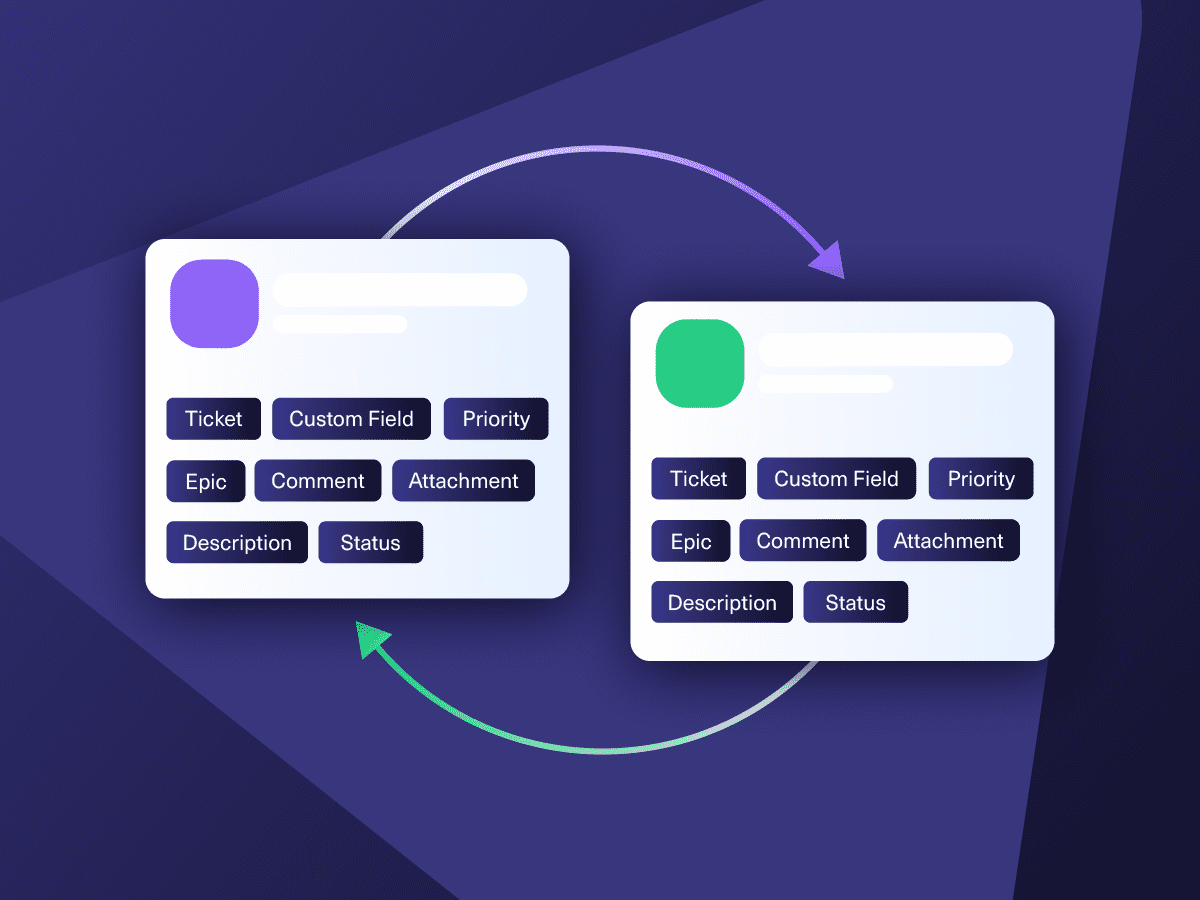
Two-way, real-time sync between platforms. Updates flow automatically. No manual exports, no delays.

Connect Any Number of Instances
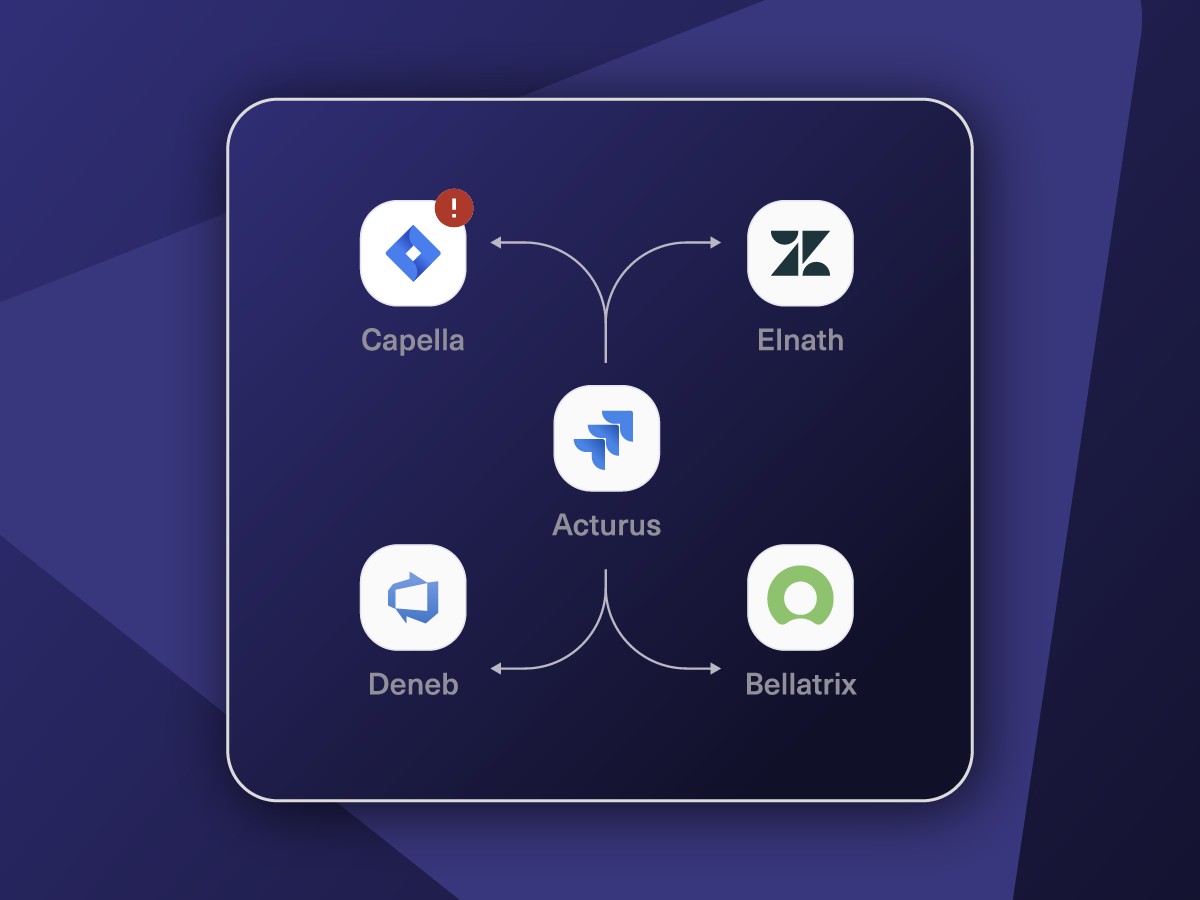
Connect multiple projects, instances, and platforms. Use different rules for each connection.

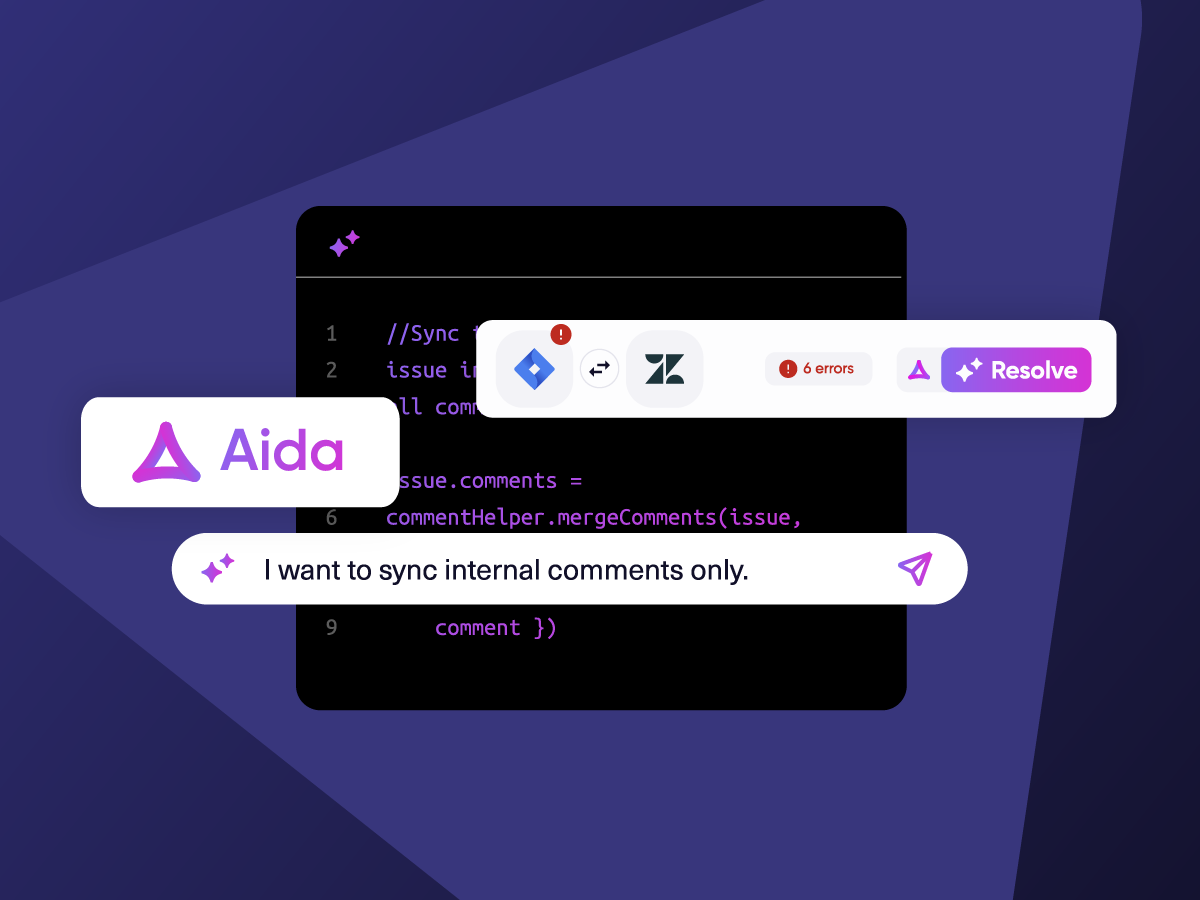
Know What Failed and Why
Get AI-powered recommendations for resolving the issue, including possible fixes and next steps.

AI Assisted SetUp
Describe your integration goal. Aida reviews your sync rules and connector type, then suggests script changes

Only Sync What Matches
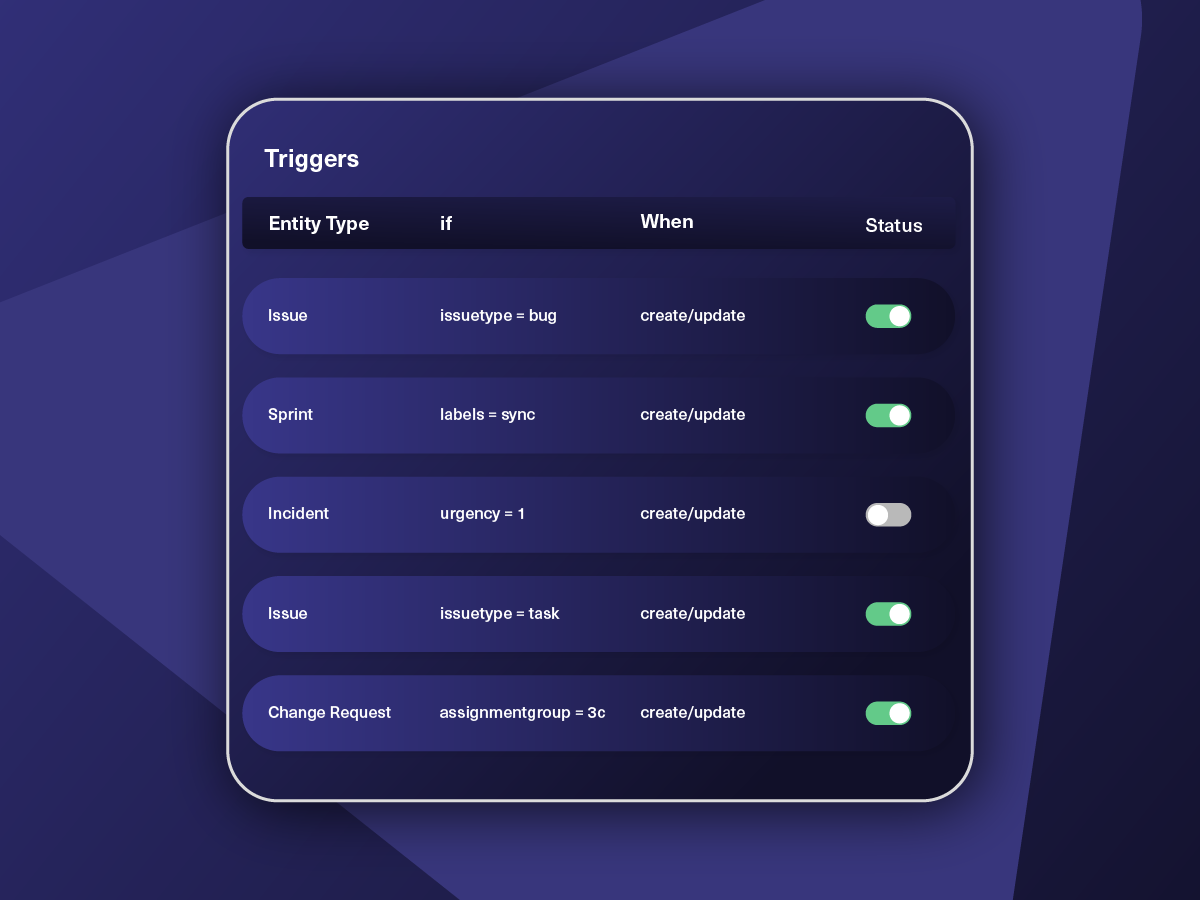
Set various conditions for automatic synchronization.


Sync Visibility, Right Where You Work
Check the real-time status of your active syncs, spot failures, and trigger a manual push. All from a browser extension, without opening the Exalate console.


Exalate is stable, flexible, customizable, and pretty easy to set up and use.
ALEXANDER SINNO
“
Exalate is stable, flexible, customizable, and pretty easy to set up and use.
ALEXANDER SINNO
How it Works
Connect
Easily connect multiple projects, instances, and platforms. With local, or external partners.
Customize
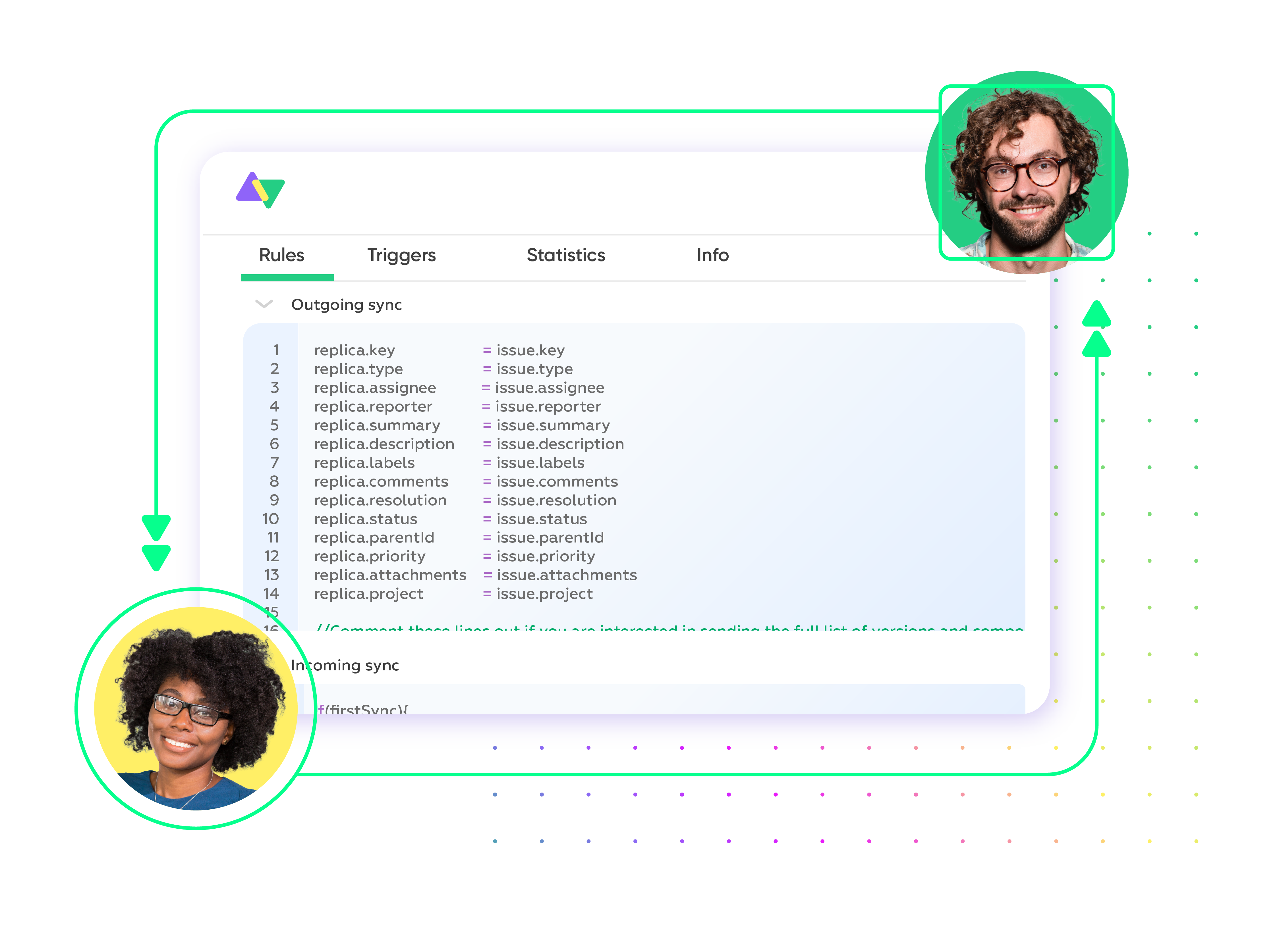
Set your sync rules to make sure the right data is shared.
Prompt Exalate’s AI to generate rules, or fine-tune with Groovy-based custom mappings and logic for complete control.
Automate
Set triggers to automate your sync based on specific conditions.
Synchronize
Now your connected instances will exchange information automatically. Happy syncing!
“
The team was very hands-on and very responsive. If we encountered an issue, they were able to resolve it quite fast.
Maarteen Cautreels


The team was very hands-on and very responsive. If we encountered an issue, they were able to resolve it quite fast.

Enhanced Scalability
Start with pre-configured connections for simple sync scenarios, then scale effortlessly with script-based connections as your needs grow. Expand, align, and build your integration strategies with partners for better relationships.

Top-notch Security
Keep your sensitive business data secure and stay ahead of potential security issues. Bank on our reliable single-tenant architecture and end-to-end encryption to safeguard your data from unauthorized access.
Always at Your Service
Get timely assistance from the best support technicians in the business. Relax as we help you solve every sync-related issue and more.
FAQ
Answers to the most frequent questions.
Didn't find what you were looking for? Ask Aida
Exalate enables real-time, bidirectional synchronization between Jira and Asana with complete control over what syncs and how. Unlike template-based integrations, Exalate uses a flexible scripting engine that handles any custom workflow, from simple field mappings to complex conditional logic. You can sync work items, tasks, comments, attachments, custom fields, and more while maintaining data governance. Register your account to start your 30-day free trial to start.
Exalate enables users to sync fields from Jira work (tasks, sprints, epics, etc), including summary, description, status, priority, urgency, attachments, notes, custom fields, custom keys, and more.
For Asana, you can sync default and custom fields, plus any other field available via REST APIs. If you don’t see the fields or entities that you need to sync, book a call with our engineers to discuss your use case.
Yes, Exalate provides complete custom field mapping control between Jira and Asana. You can map Jira priority levels to Asana custom dropdown fields, sync date and picklist custom fields, or connect any custom field available via REST APIs. The scripting engine handles complex transformations, like mapping one field format to another or applying conditional logic based on field values.
Jira to Asana integration simplifies workflows by linking development and project management teams. It guarantees real-time updates across both platforms, enhances cross-team collaboration, and eliminates manual work by automating task and work item syncing. You can also count on this integration to accelerate project delivery and maintain alignment between business and engineering teams.
Yes, Exalate handles both one-way and two-way syncs in real time. You can set up either one-way or two-way synchronization, depending on your requirements, offering flexibility in how data moves between Jira and Asana. You can also configure multi-directional syncs and migration workflows.
Yes, Exalate can connect multiple Asana tasks with a single Jira work item. This is the ideal setup for linking cross-functional teams or coordinating work across different departments. The dedicated teams for each platform control data flow and sync in their environment while retaining complete authority over mappings, conditions, and data privacy.
Exalate safeguards the data moving through your Jira to Asana integration using security features such as JWT access tokens, role-based access controls, HTTP (HTTPS), TLS 1.2 and 1.3, and multi-factor authentication. It is also ISO27001:2022 certified. You can learn more about it in the Trust Center.
Yes, Exalate supports real-time bidirectional syncing between Jira and Asana. When you update a work item status, priority, or add a comment in Jira, those changes instantly appear in the linked Asana task and vice versa. You can also configure one-way syncing if you only need data flowing in a single direction.
Both. You can use Bulk Sync to link existing work items and tasks created before the integration. This is useful when you’re connecting ongoing projects or want to establish relationships between legacy items. New work items and tasks will sync automatically based on your trigger conditions.
Exalate uses customizable conflict resolution rules that you define in your sync scripts. You can configure last-update-wins, prioritize one platform over the other, or create custom logic based on specific field values or user roles. The Groovy scripting engine gives you complete control over how conflicts are handled.
Yes, you can set up trigger conditions using Jira JQL queries and Asana search syntax to control exactly which items sync. For example, you might only sync work items with specific labels, from certain projects, assigned to particular teams, or with priority levels above a threshold. This keeps your sync focused on relevant data.
Yes, Exalate supports multi-project syncing. You can configure separate connections for different project pairs or create a single connection that routes work items to different Asana projects based on custom rules. This flexibility works well for organizations managing multiple client accounts, product lines, or team structures.
Exalate’s scripting engine lets you create custom status mappings between Asana sections and Jira workflows, even when they don’t align one-to-one. Use conditional logic to map multiple Asana statuses to single Jira statuses or vice versa. Aida can generate this mapping code based on your description, making complex workflow alignment accessible without deep scripting knowledge.
Exalate uses outcome-based pricing where you pay for active sync pairs (items currently synchronized between Jira and Asana), not per transaction or historical volume. This creates predictable costs that scale with business value. Each Jira-Asana integration requires its own plan. Find out the costs of your integration on our pricing page.
Asana’s native integration supports limited field sync (summary, description, reporter only) and lacks advanced customization. Exalate syncs unlimited custom fields, provides script-based flexibility for complex workflows, offers AI-assisted configuration through Aida, includes conflict resolution controls, and supports bulk operations. Exalate handles scenarios where template-based tools fail, like conditional logic, data transformations, and cross-company synchronization.