Integration for Government & Public Sector

Cross-Agency Integration That Clears the Security Gate

Exalate connects your tools across teams, contractors, and partner systems, with the data controls and compliance documentation your security team will actually approve.
No full admin access

required to get started

Field-level control

over what data leaves your environment

Different hosting options

Cloud, on-prem or region-specific

Hierarchy preserved

across epics, stories, and issues

The Public Sector Reality

The Tools Don't Talk. Your Team Pays for It.

Government and public sector teams run complex projects across multiple platforms, contractors, and agencies, each with its own ITSM.
Connecting them without creating a security incident is a common challenge.

Mismatched Systems by Design

Your customer-facing service portal and your internal task management system aren’t the same tool, but most teams try to make them work as one. The result is two systems running in parallel, with your team manually bridging the gap.

Security Reviews That Kill Evaluations

Integration tools that require full admin permissions get flagged immediately. If the Head of Security is the first gate, most tools don’t make it through.

Hierarchy Lost in Translation

Flat sync tools can’t preserve the epic-story-issue structure that project teams depend on. When that hierarchy disappears, so does your ability to track work meaningfully.

Partner Collaboration Overhead

Working with technology partners like defense contractors and external engineering teams means the same work lives in two systems simultaneously, with no automated way to keep them aligned.

Get the Most Out of Your Integration

Sync in Real-Time

Two-way, real-time sync between platforms. Updates flow automatically. No manual exports, no delays.

Connect Any Number of Instances

Connect multiple projects, instances, and platforms. Use different rules for each connection.

Know What Failed and Why

Get AI-powered recommendations for resolving the issue, including possible fixes and next steps.

AI Assisted SetUp

Describe your integration goal. Aida reviews your sync rules and connector type, then suggests script changes

Only Sync What Matches

Set various conditions for automatic synchronization.

Safe Test

Safely test your sync configurations before going live.

Sync Visibility, Right Where You Work

Check the real-time status of your active syncs, spot failures, and trigger a manual push. All from a browser extension, without opening the Exalate console.

common use cases

How Government & Public Sector Teams Use Exalate

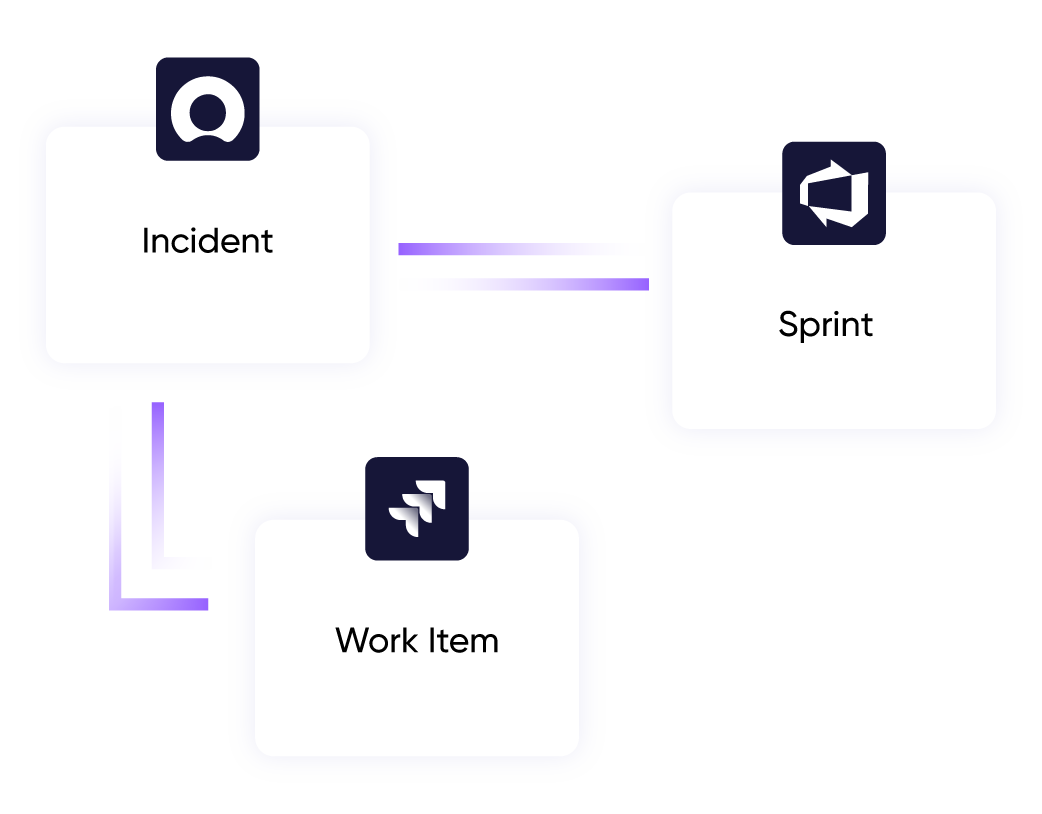
Keep your customer-facing service portal as the front door while consolidating actual task management in your internal project tool. Teams work where they work best, without duplicating effort across systems.

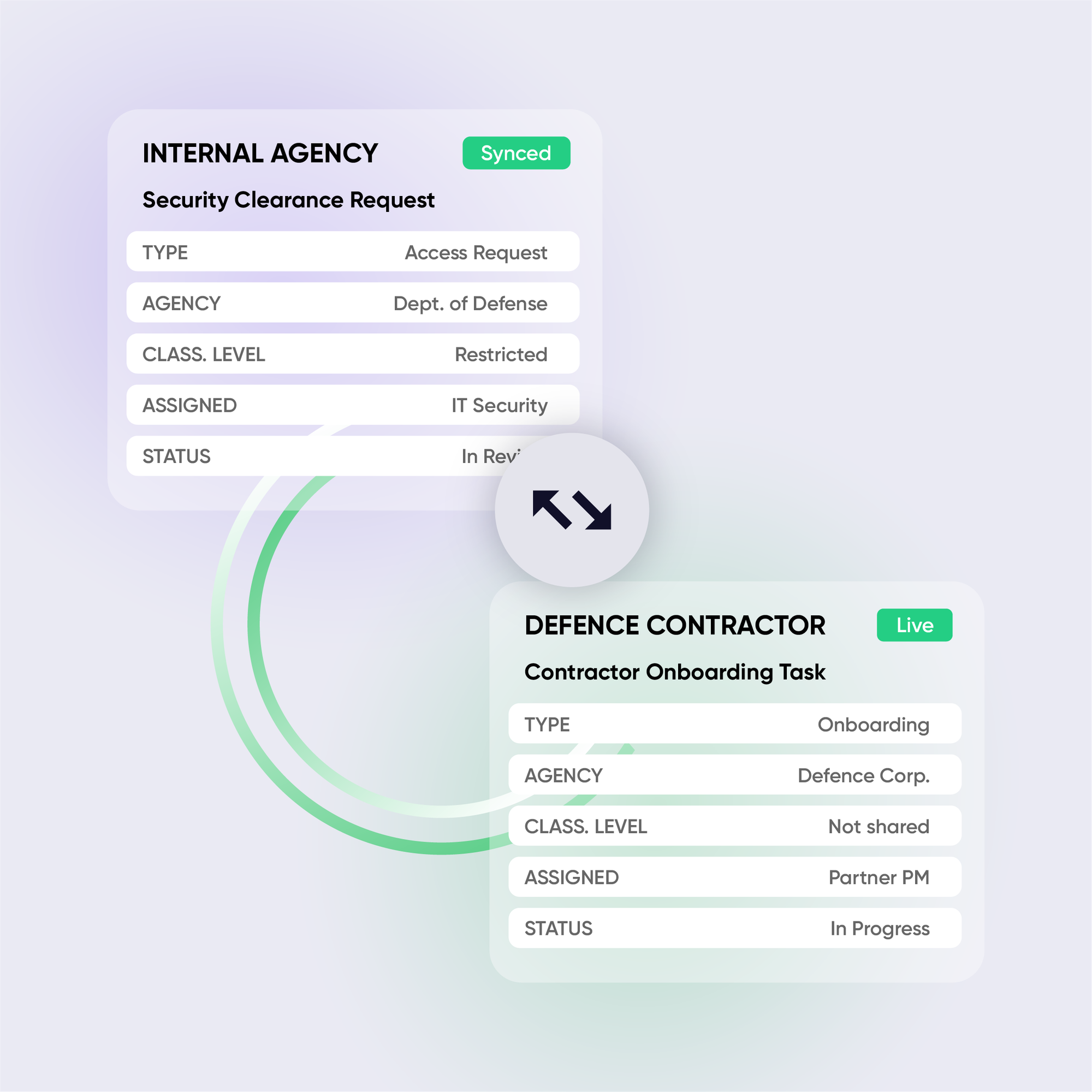
Sync work items with technology partners and external engineering teams while preserving the full epic-story-issue hierarchy. Both sides stay in their own tool. No access grants required.

Moving from one service management platform to another? Exalate supports continuous sync during the transition, so teams keep working normally while the migration runs in the background.
When an acquisition brings a new ITSM into your environment, Exalate connects it to your existing stack without forcing a rip-and-replace. Both systems keep running. The data flows.

Why Exalate is
Secure by Design

GDPR-badge.png
BC Certified logo_ISO 27001-2022 RVA_ENG
the build vs buy decision

Making the Right Choice

DIY webhooks and API integrations seem cheap at first. But they don’t stay cheap:

Free tools work for basic one-way syncs. But when you need bidirectional sync, advanced field mapping, or to scale across multiple clients; they hit limits fast.

CapabilityExalateNative Connectors / Flat Tools
Hierarchy preserved (epics/stories/issues)Full hierarchyNone
Field-level data filteringGranular controlNone
On-prem / Docker deploymentSupportedRarely available
TPRM / ISO 27001 documentationAvailableVaries
Independent control per sideFull controlNone
Bidirectional syncFull syncLimited
Maintenance burdenManagedHigh
Capability Overview
Hierarchy Preserved (Epics/Stories/Issues)
Exalate
Full hierarchy
Native / Flat Tools
None
Field-Level Data Filtering
Exalate
Granular control
Native / Flat Tools
None
On-Prem / Docker Deployment
Exalate
Supported
Native / Flat Tools
Rarely available
TPRM / ISO 27001 Documentation
Exalate
Available
Native / Flat Tools
Varies
Bidirectional Sync
Exalate
Full sync
Native / Flat Tools
Limited
Maintenance Burden
Exalate
Managed
Native / Flat Tools
High

See the New Exalate in Action

Let us show you how Exalate can fit your unique business needs.
trusted by clients worldwide

FAQ

Answers to the most frequent questions.
Didn't find what you were looking for? Ask Aida

Exalate connects through standard authentication methods and does not require full Jira or ServiceNow admin access to operate. For environments where the admin permission requirement has previously triggered a security review,contact our team, and we can walk through the specific access model with your security team directly.

Exalate is ISO 27001:2022 certified and provides full security documentation for third-party risk assessments. Visit our Trust Center for the complete documentation set

Yes. Exalate supports on-prem and Docker deployment for environments that can’t use cloud-hosted infrastructure. Region-specific data hosting is also available for government procurement requirements.

Yes. Unlike flat sync tools that collapse hierarchical relationships into a single level, Exalate’s script-based engine preserves the parent-child structure of your work items across both sides of the connection

Each side of an Exalate connection manages its own sync rules independently. Your contractor or technology partner doesn’t need to install anything on your infrastructure, and you don’t need access to theirs. Authentication is handled through standard methods: API keys, Basic Auth, OAuth, or PAT.

Exalate uses outcome-based pricing: you pay for active items currently in sync, not user seats or connection counts. For government procurement processes, contact our team to discuss the right structure for your budget cycle.

The critical difference for government and public sector teams is hierarchy preservation and scripting control. Unito and GetInt use template-based mapping that flattens hierarchical relationships and limits what you can filter at the field level; both are dealbreakers for complex project tracking and compliance-sensitive environments.