
Flexible two-way sync
Freshdesk Integration
Sync Freshdesk tickets with multiple platforms like Jira, Salesforce, Azure DevOps, Zendesk, ServiceNow, and more.
Have your teams collaborate across different systems, departments, and companies in real-time.
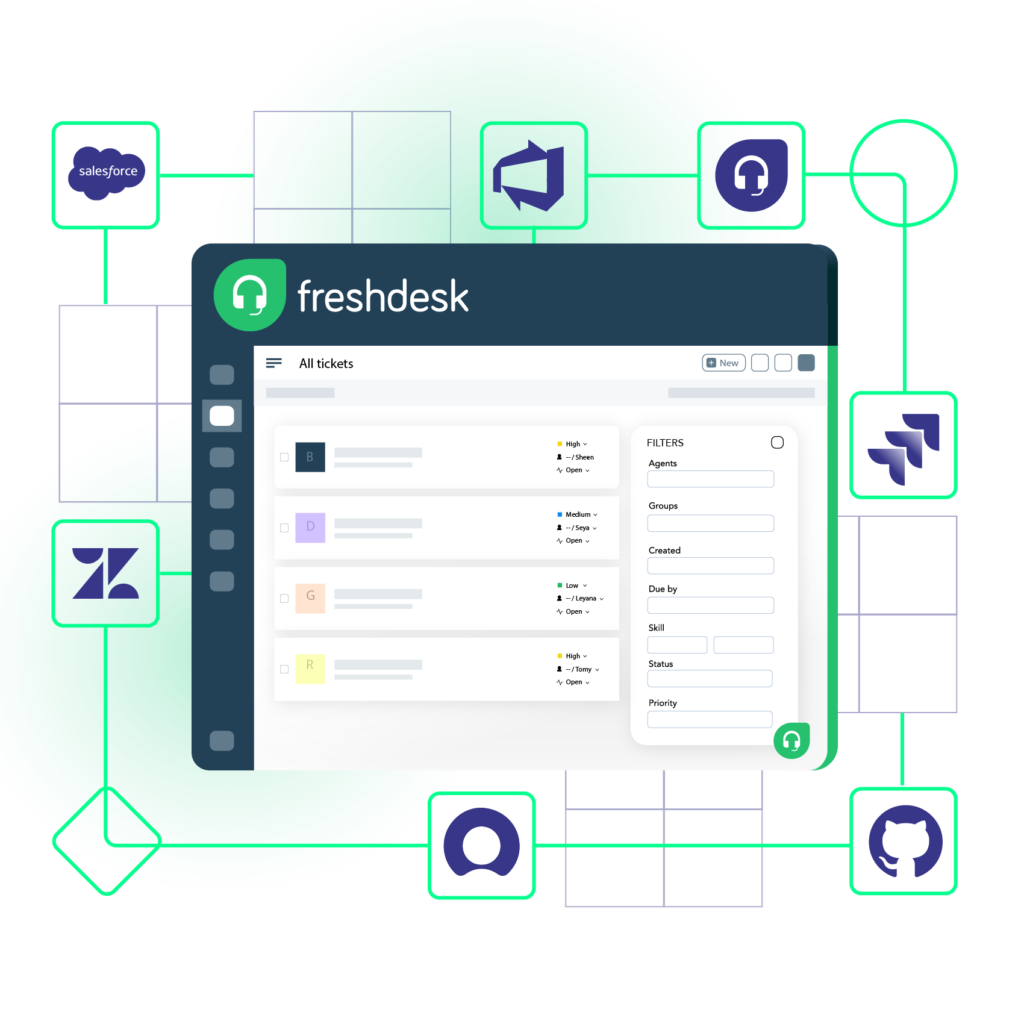





Don’t Switch Between Multiple Apps
Keep your teams, departments, and external partners aligned. Maintain context with every sync.
Keep your service desk data private
Choose what you share with other teams. Remove unwanted access to shared data.
Keep data consistent across platforms
Reduce manual updates between systems. Increase visibility on critical information and keep everyone on the same page.
Get ahead with real-time updates
Stay up-to-date on workflow statuses and never miss a deadline.
Embrace automation for more control
Save time with automatic exchange. Focus on things that matter.







Sync Anything
You can sync any ticket data with Freshdesk integration. The most common entities and fields are listed below.
Tickets
- Summary
- Description
- Label
- Status
- Priority
- Attachments
- Notes
- Custom fields
- Custom keys

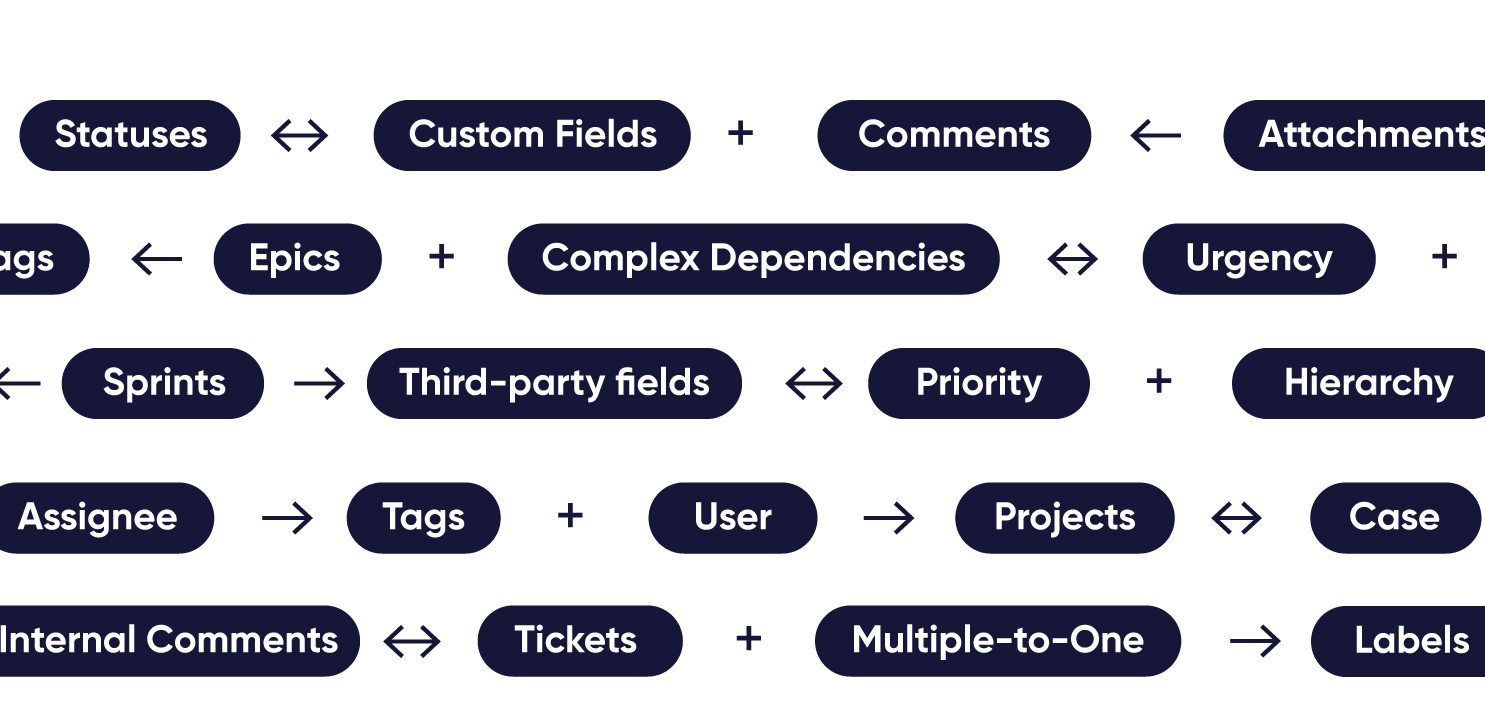
popular integrations with freshdesk


Common Use Cases Between Freshdesk and Other Systems
Connect Freshdesk with other work management systems bidirectionally. Start with simple integration templates or completely customize Freshdesk integrations.
Freshdesk to Freshdesk Integration
Sync tickets, notes, and statuses between Freshdesk accounts run by a parent company and its subsidiaries. Move customer issues between help desks based on rules each side controls. Deliver one consistent support experience, even when several teams work behind it.
Freshdesk to Jira Integration
Escalate Freshdesk tickets that need engineering to Jira as work items once they match your trigger, with notes and attachments included. Let frontline agents watch progress from Freshdesk to keep SLA timelines on track alongside the dev team.
Freshdesk to ServiceNow Integration
Sync client support tickets in Freshdesk with the ServiceNow incidents your client's IT team works on. Give both sides real-time updates, let them control their side of the sync, and onboard new MSP clients faster.
Freshdesk to Azure DevOps Integration
Send bug reports and suggestions from beta or early-access customers in Freshdesk to Azure DevOps as tagged work items. Separate beta feedback from everything else in the backlog. Update the customers who reported each item as engineers address it, keeping testers engaged.
Freshdesk to Salesforce Integration
Create a Freshdesk onboarding ticket automatically when a deal closes in Salesforce, with the account details and key contacts attached. Get your support team ready for new customers from day one. Let the account team check onboarding status directly in Salesforce.
Freshdesk to Zendesk Integration
Sync tickets between your Freshdesk and an outsourced support partner's Zendesk for overflow or after-hours coverage. Keep customer conversations flowing without anyone switching tools, and automatically capture every reply in both systems.
Freshdesk to GitHub Integration
Turn bug-related Freshdesk tickets into GitHub issues with the customer details attached. Sync developer comments and issue status back to the ticket. Let agents respond to customers without checking the repository, even when your development team lives entirely in GitHub.
Freshdesk to Freshservice Integration
Escalate Freshdesk tickets caused by server, network, or internal system problems to IT in Freshservice. Keep notes, priority, and status in sync across both Freshworks products. Resolve customer problems faster while IT works from a queue that already has the full story.
Freshdesk to Asana Integration
Create Asana tasks for your operations team from Freshdesk tickets involving deliveries, billing adjustments, or account changes. Automatically attach customer details to update the ticket once the task is complete, so agents can confirm the final outcome with the customer.
Get the Most Out of Your Integration
Sync in Real-Time
Two-way, real-time sync between platforms. Updates flow automatically. No manual exports, no delays.
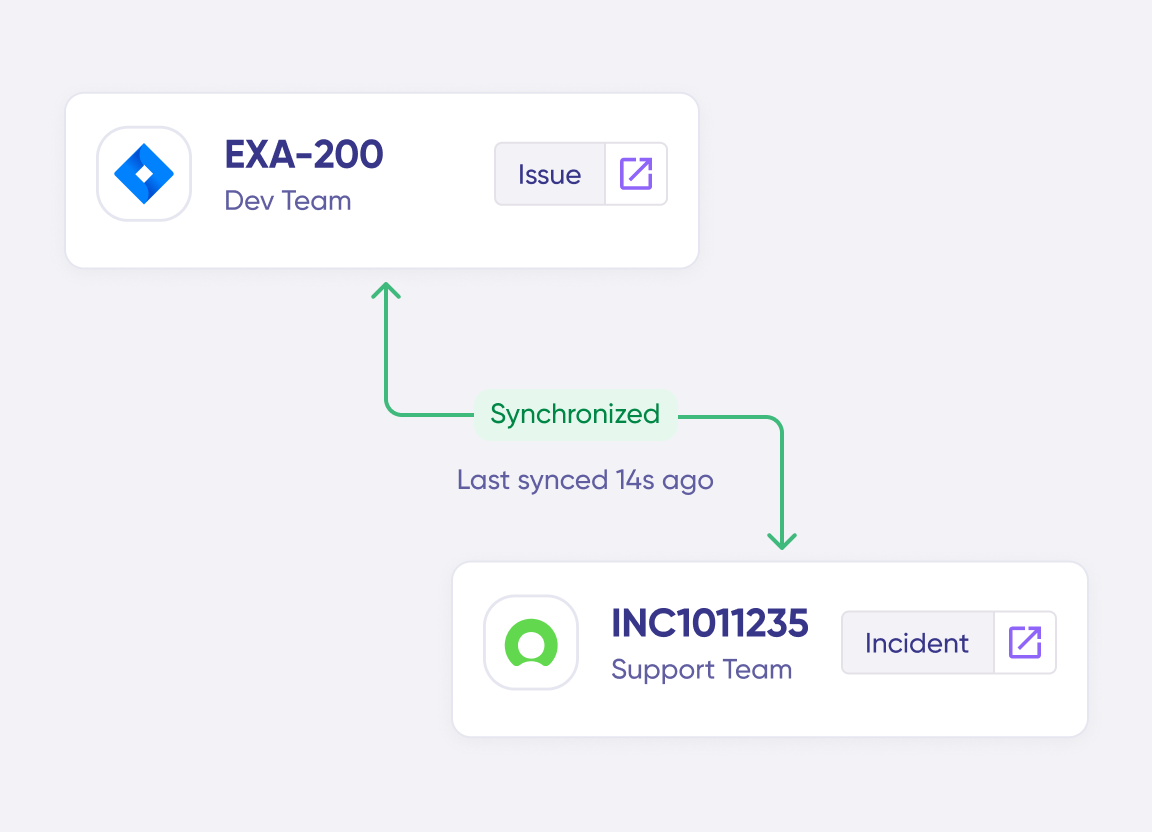
Connect Any Number of Instances
Connect multiple projects, instances, and platforms. Use different rules for each connection.
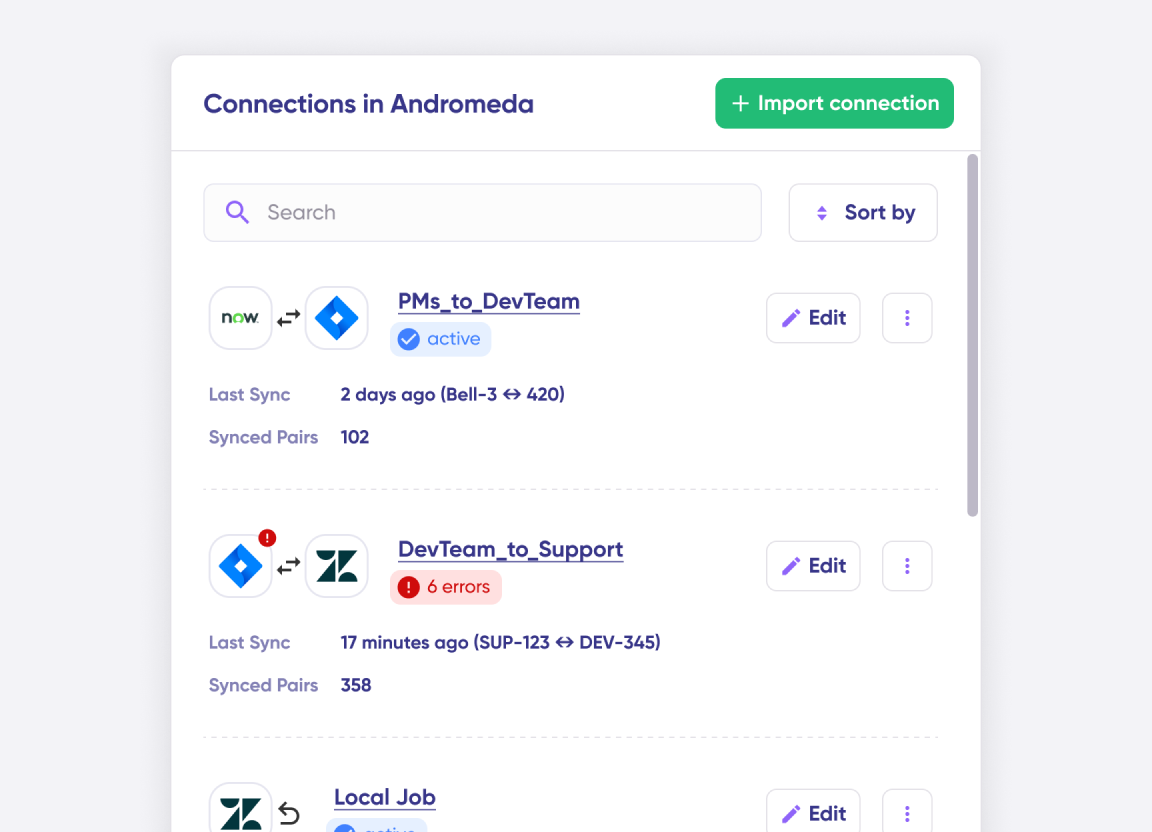
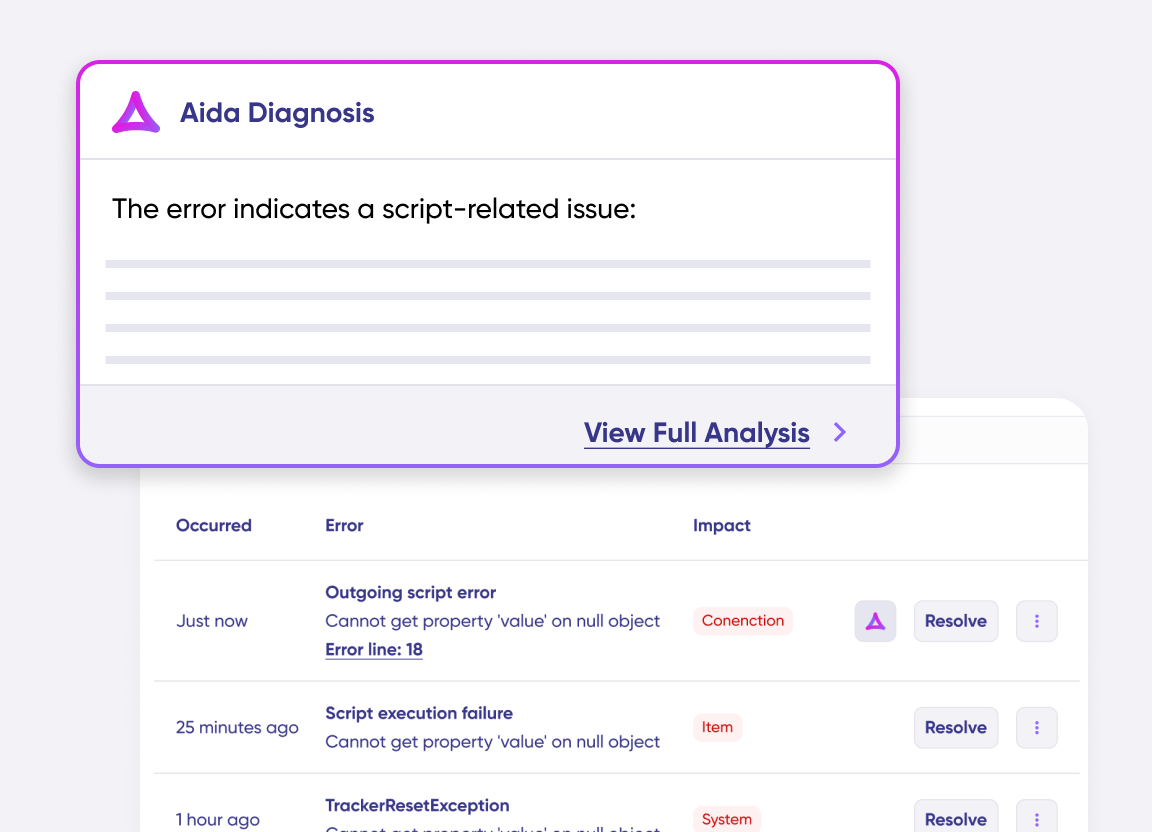
Know What Failed and Why
Get AI-powered recommendations for resolving the issue, including possible fixes and next steps.
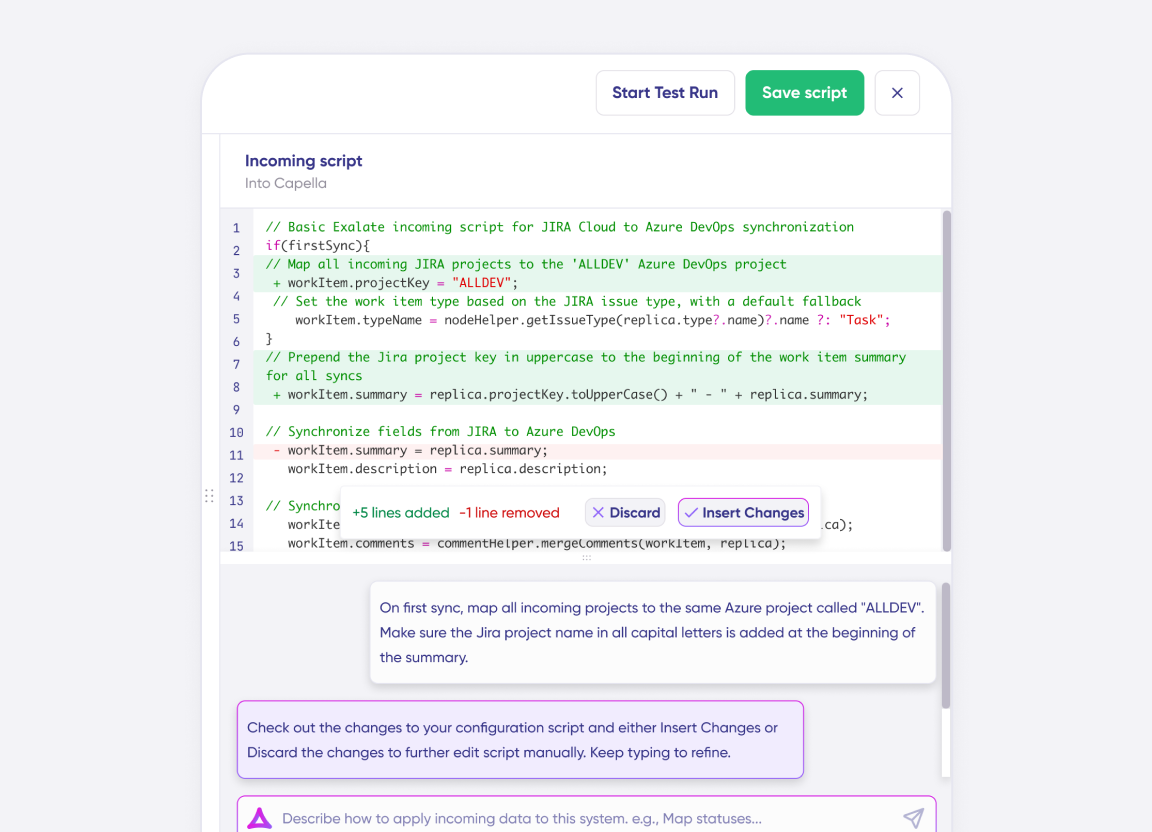
AI Assisted SetUp
Describe your integration goal. Aida reviews your sync rules and connector type, then suggests script changes
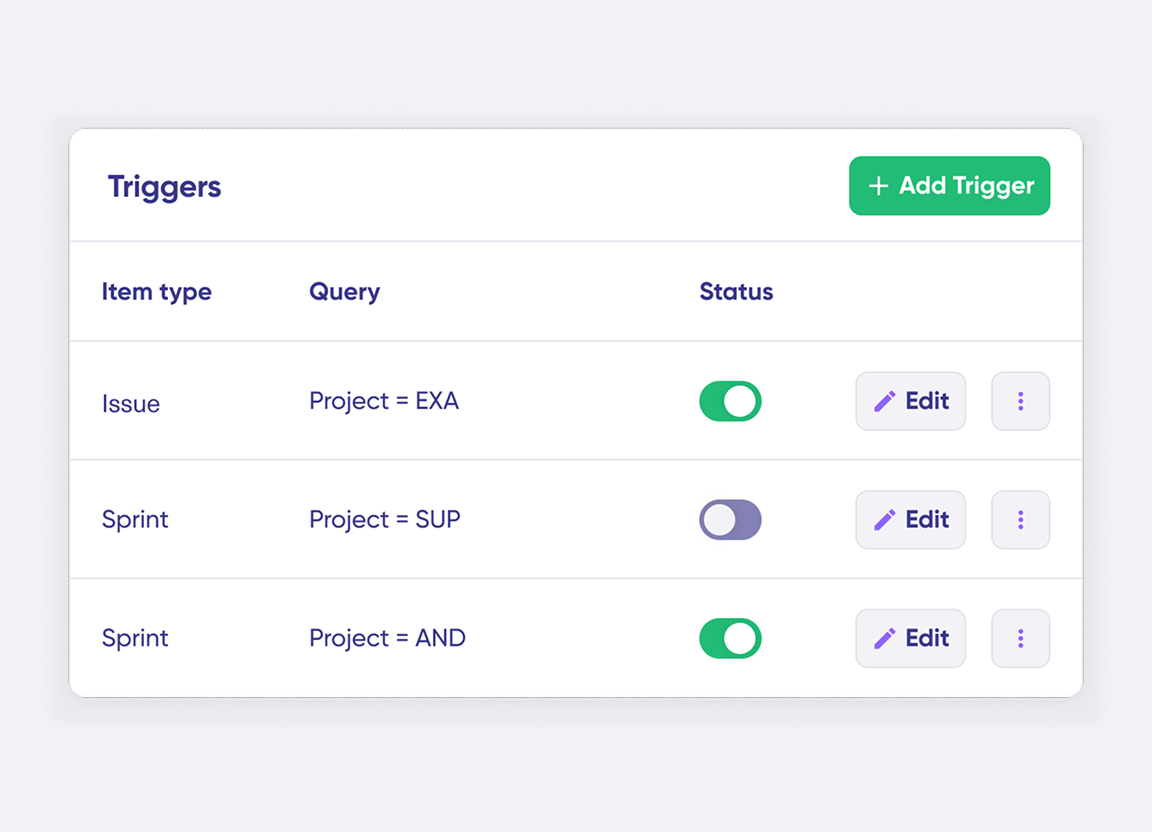
Only Sync What Matches
Set various conditions for automatic synchronization.
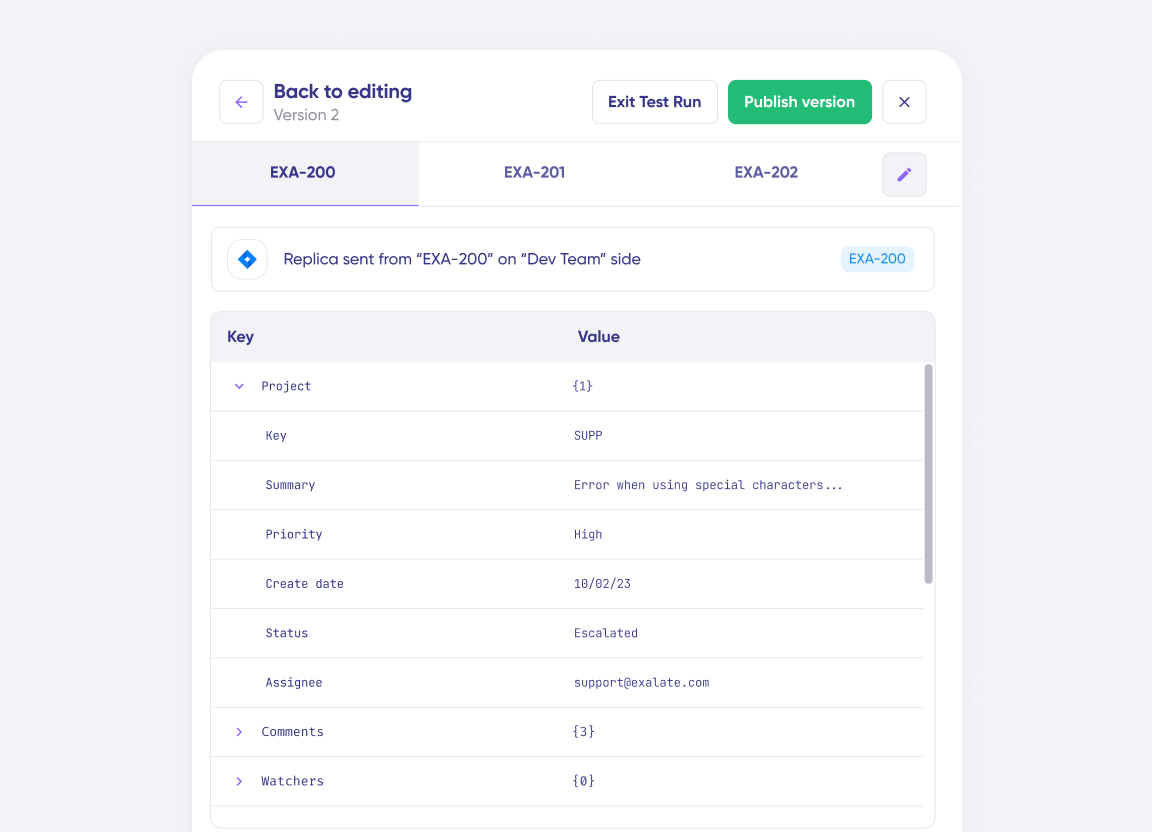
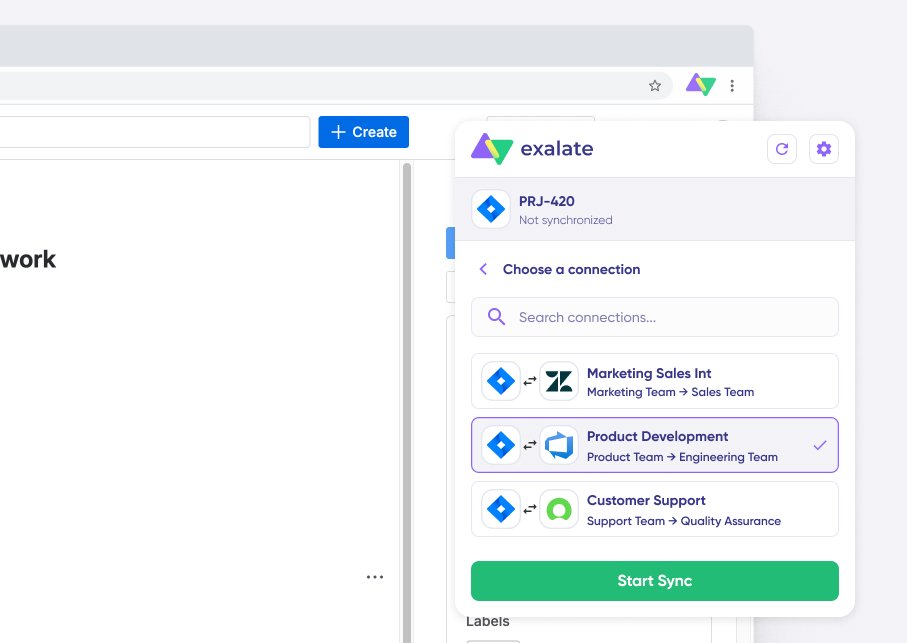
Sync Visibility, Right Where You Work
Check the real-time status of your active syncs, spot failures, and trigger a manual push. All from a browser extension, without opening the Exalate console.

Granular Control Over Synced Data
- Have independent and full control over synced data
- Use simple code to handle custom mappings and sync rules
- Establish conditions and event-specific triggers for automated synchronization.
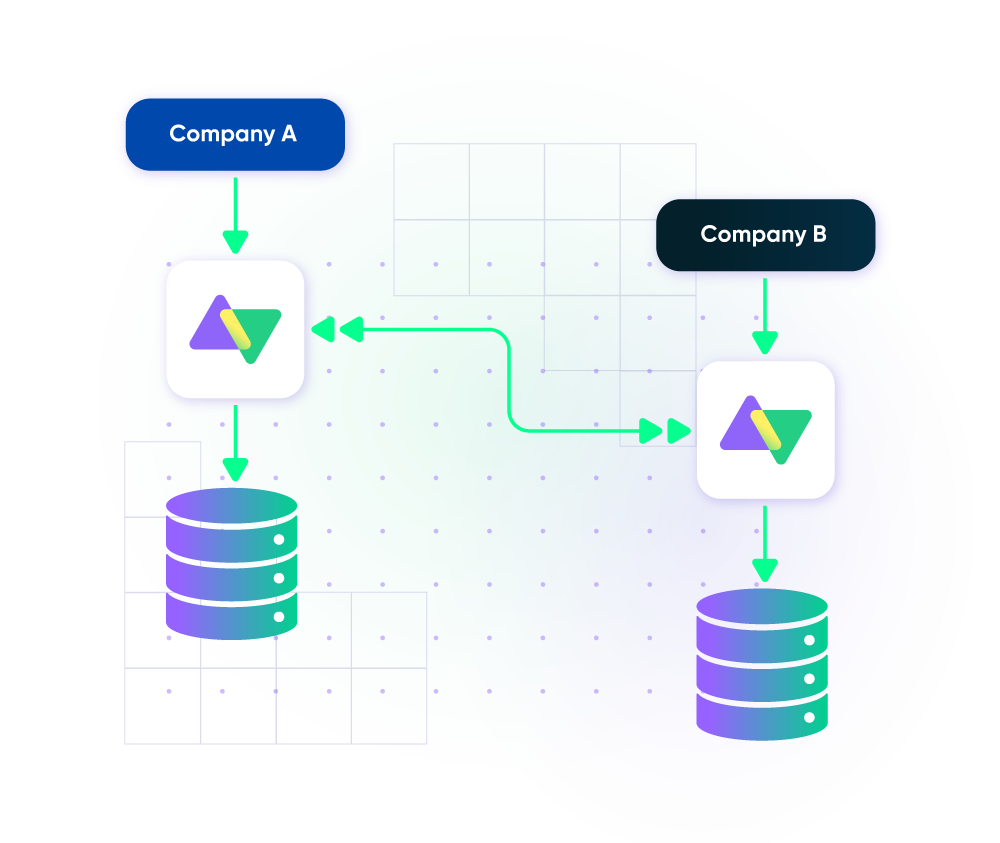
Secure Freshdesk Integration
- Stay protected with airtight security features and infrastructure backed by ISO 27001 certification.
- Safeguard your data under the single-tenant cloud infrastructure and distributed architecture.
- Maintain consistent scalability and flexibility with loosely coupled systems.
Set up, Customize, Sync!
01
connect
Connect the tools you want to integrate. Just add the instance’s URL.
02
customize
Configure your sync rules to make sure the right data is shared. Prompt the sync rules with Aida AI, or write your scripts from scratch.
03
automate
Set conditions with triggers, for an automatic synchronization.
04
synchronize
Now your instances are connected and will automatically exchange information instantly. Happy syncing!
See it in action
FAQ
Answers to the most frequent questions.
Didn't find what you were looking for? Ask Aida
Exalate is an integration platform that enables real-time, bidirectional sync between Freshdesk and other work management systems like Jira, ServiceNow, Azure DevOps, Salesforce, and Zendesk. It uses a scripting engine that lets you customize exactly what data syncs and how, with an AI assistant called Aida AI to help build and troubleshoot integrations. Each side of the connection maintains independent control over its sync configuration.
Exalate syncs all standard Freshdesk ticket fields including summary, description, status, priority, labels, attachments, and notes. Custom fields are fully supported through Groovy scripting. The AI assistant Aida can help generate sync scripts for complex field mappings. Any field accessible via Freshdesk REST APIs can be synchronized, giving you complete control over what data flows between systems
Yes, Exalate maintains rich text formatting across platforms. Bold, italic, underlined text, text colors, numbered and bulleted lists, internal and external links, and dividers all transfer correctly.
This ensures that important details highlighted in Freshdesk notes or descriptions remain visible when synced to Jira, Azure DevOps, ServiceNow, or other connected platforms.
Yes, Exalate uses customizable triggers to control which tickets sync and when. You can set conditions based on ticket priority, status, tags, assignee group, or custom field values. For example, you might automatically sync only high-priority tickets to ServiceNow, or escalate tickets tagged ‘engineering’ to Jira.
Triggers use Freshdesk’s native query language, giving you precise control over sync automation.
Yes, Exalate supports multi-platform connectivity. You can sync Freshdesk with Jira, Jira Service Management, ServiceNow, Zendesk, Azure DevOps, Salesforce, GitHub, and other systems at the same time. Each integration operates independently with its own sync rules, allowing you to build hub-and-spoke, mesh, or any topology that fits your workflow.
Yes, Exalate is designed for both intra or cross-company integrations. Each organization maintains complete control over what data it shares. Your internal ticket details stay private unless you explicitly include them in the sync rules. This makes Exalate ideal for MSPs managing client tickets, vendors collaborating on support cases, or partners sharing escalation workflows.
Exalate protects your Freshdesk integration data using JWT access tokens, role-based access controls, HTTPS with TLS 1.2 and 1.3 encryption, and multi-factor authentication.
The platform is ISO 27001:2022 certified. Each side of an integration maintains independent control over what data is shared, ensuring your internal ticket information stays private from external partners.
Visit Exalate’s Trust Center here.
Basic Freshdesk integrations can usually be configured in an hour. Enterprise implementations with multiple connections typically take a few days with support from our integration engineers.
Exalate uses outcome-based pricing where you pay for active items in sync, not per user or API call.
View Exalate’s pricing models or estimate your costs here.