
Integration for Automotive sector
Sync Every OEM, Supplier, and Internal Tool, Without Losing Control
Exalate connects your tools across your OEM and supplier network in real time. No one switches tools. No one hands over admin access. Each side keeps full control over what's shared.
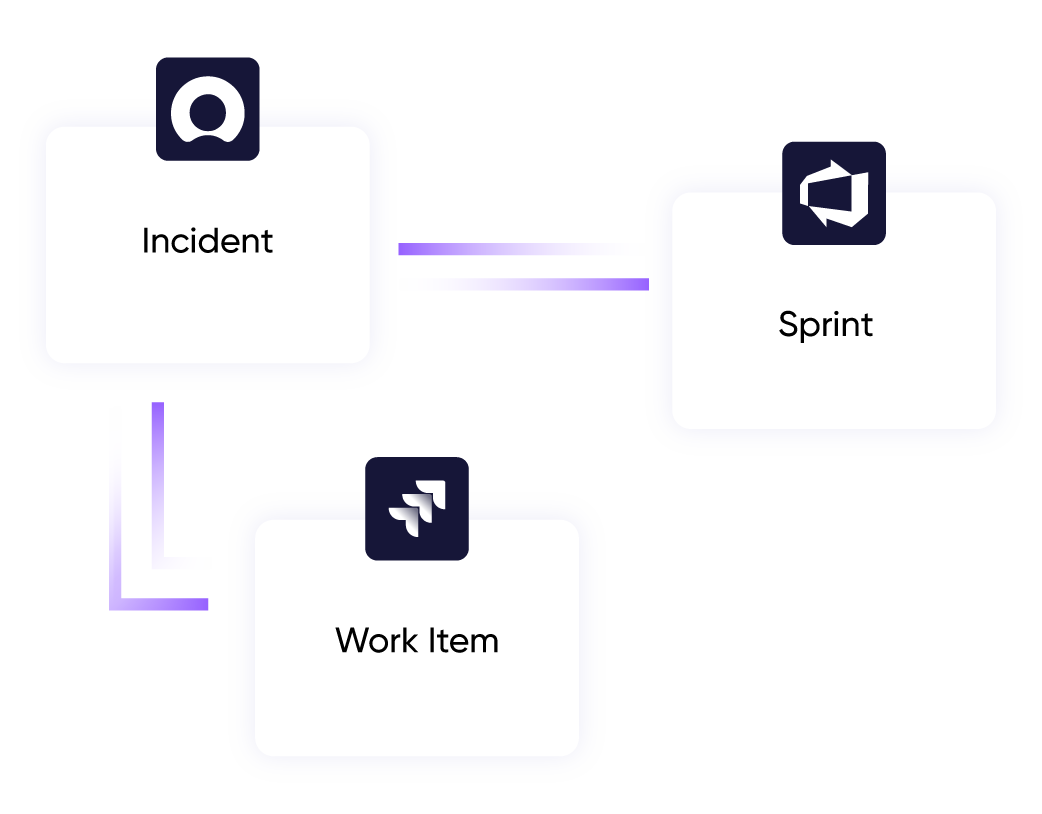
Zero manual re-entry
between OEM, supplier, and internal systems
Days, not months
to connect a new OEM or supplier relationship
Limitless connections
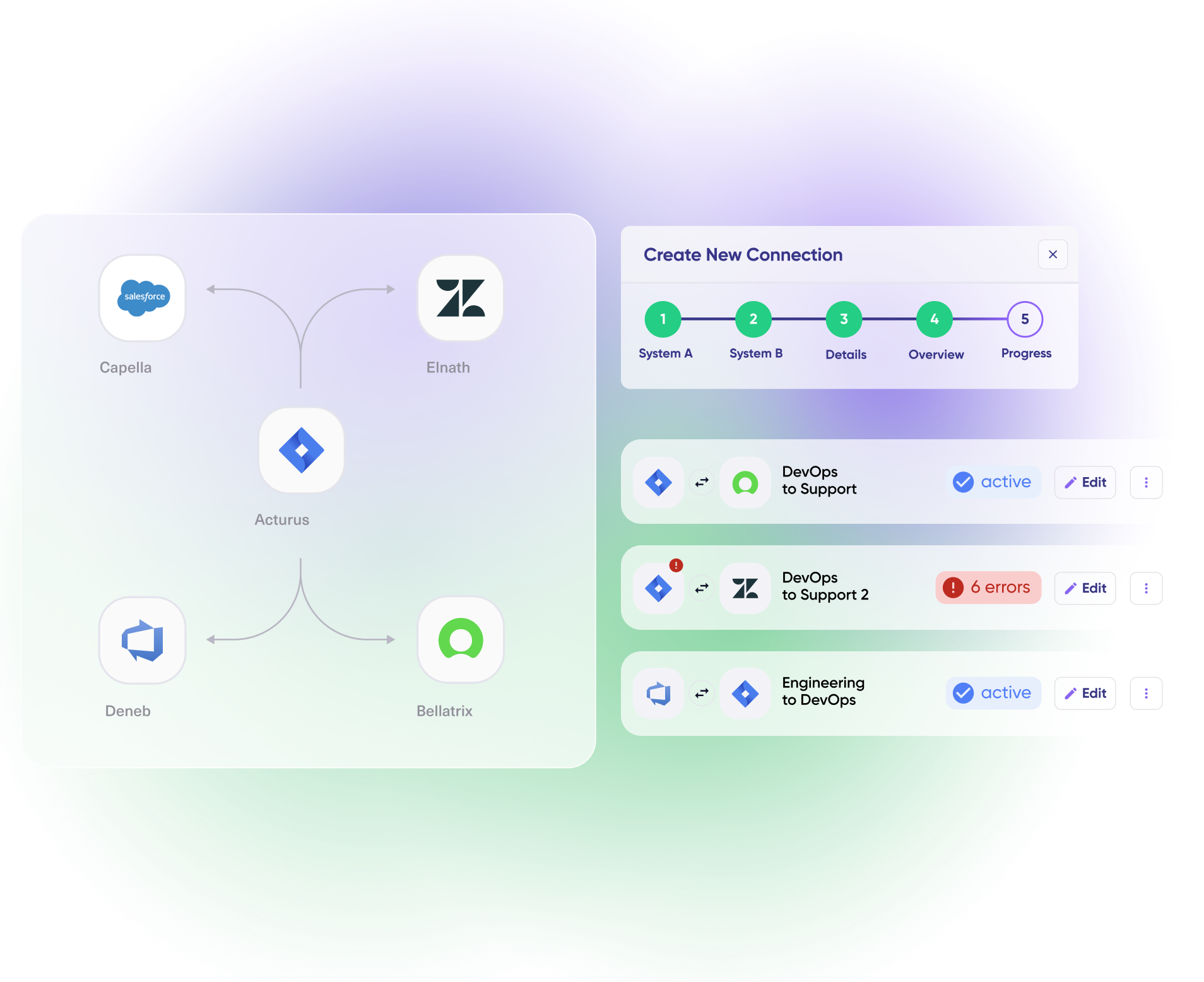
from a single or multiple instances
One console
for every OEM and supplier connection
the automotive reality
Your Engineering Team Is Doing Work That Shouldn't Exist
Automotive engineering, quality, and IT teams consistently describe the same set of frictions.
Manual, ad hoc sync
Defects and change requests get re-typed by hand between your ALM tool and a partner’s system, and it breaks more often with every new partner.
Homegrown connectors
Writing sync scripts become a permanent maintenance job, then get rebuilt for the next integration.
A different tool per OEM
Every OEM expects its own portal, so suppliers juggle several ticketing systems at once.
Security boundaries
Access to a sync connection can’t mean access to your underlying system.
Mismatched rollout speeds
Engineering and support teams move at different speeds and shouldn’t have to renegotiate a rollout twice.
Audit pressure
IATF 16949, ASPICE, and ISO 26262 audits expect a documented trail. Manual syncing doesn’t hold up.
common use cases
How Automotive Teams Use Exalate
OEM–supplier defect sync
Manage defect sync across every OEM and supplier relationship from a single instance. Defects and change requests sync automatically with independent rules per partner. Your engineering data never touches theirs.
Cross-Company QA Sync
Test results reach OEM and supplier teams instantly. Sync attachments and status updates bidirectionally while filtering sensitive fields based on each partner’s rules.
Phased Engineering + Support Rollout
Connect engineering systems first. Add support systems later, on their own license. Roll out at each team’s pace without reworking what’s already live
Multi-partner rollout at scale

For us who implement and manage the connection, flexibility is the most impressive feature as we can do almost anything we want with the sync. I can say I haven't seen any other apps as flexible as Exalate.
Daniel Miks | Atlassian Solution Expert





Why Exalate is
Secure by Design
- Single-tenant architecture – no shared infrastructure
- Encryption in transit and at rest
- Automatic recovery from outages
- ISO 27001:2022 certified
- 24/7 threat monitoring with SentinelOne

Get the Most Out of Your Integration
Sync in Real-Time
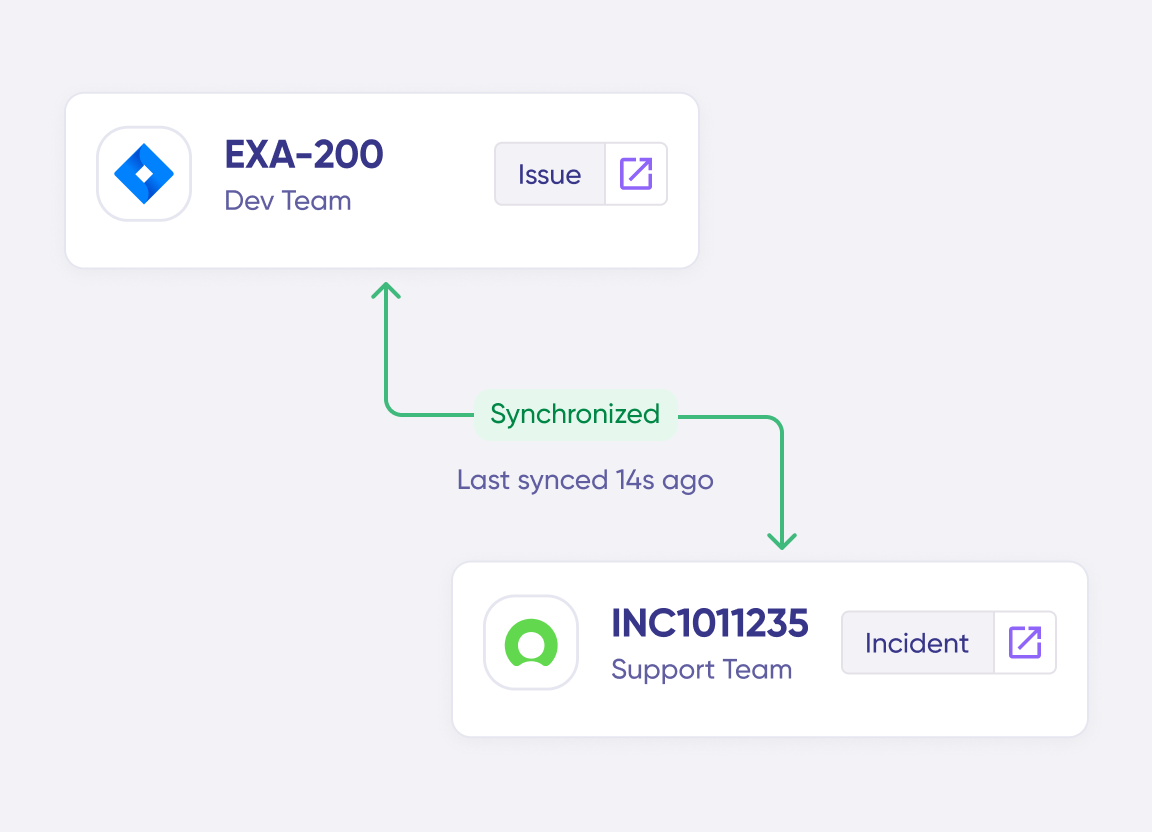
Two-way, real-time sync between platforms. Updates flow automatically. No manual exports, no delays.
Connect Any Number of Instances
Connect multiple projects, instances, and platforms. Use different rules for each connection.
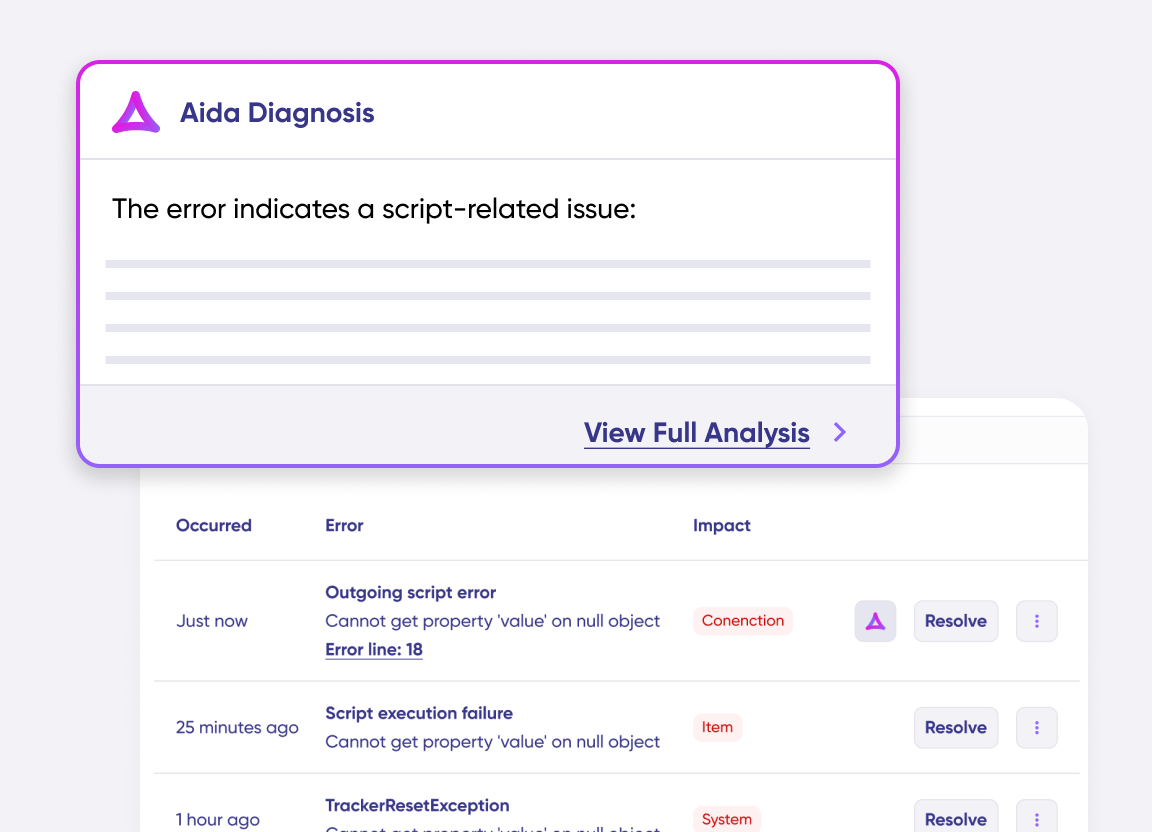
Know What Failed and Why
Get AI-powered recommendations for resolving the issue, including possible fixes and next steps.
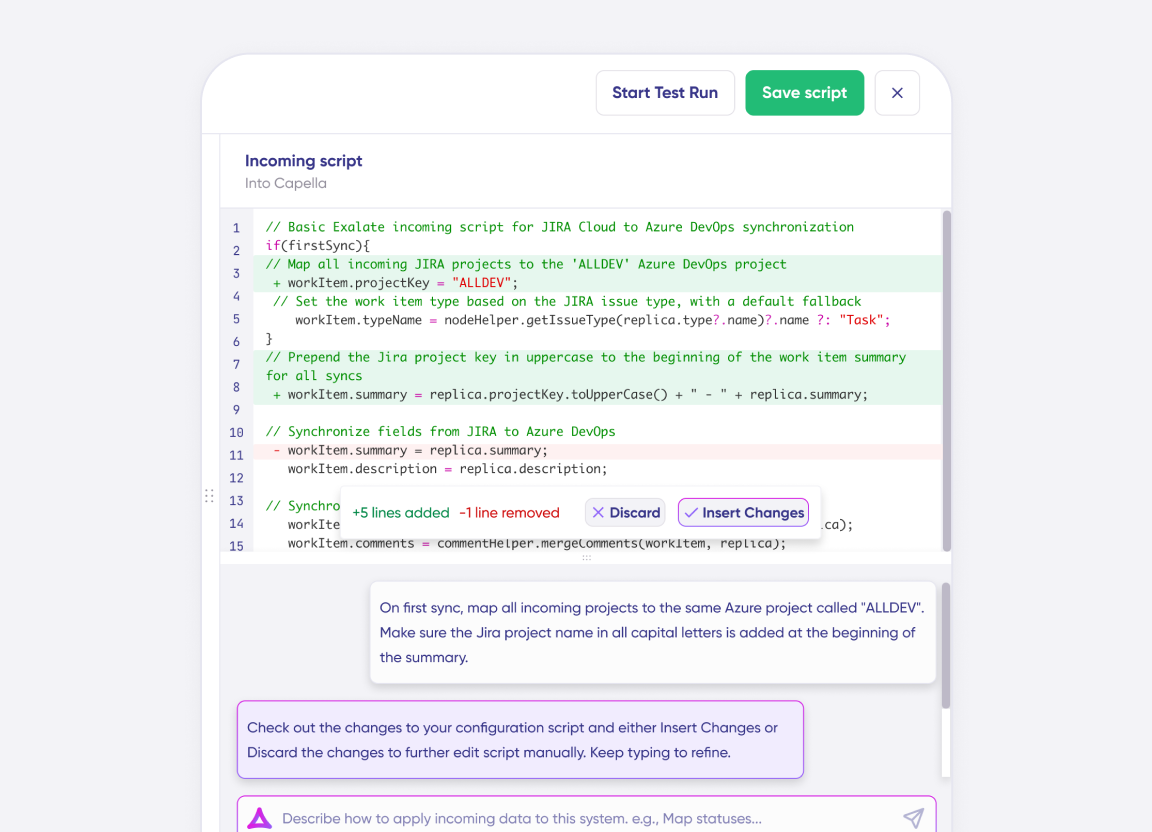
AI Assisted SetUp
Describe your integration goal. Aida reviews your sync rules and connector type, then suggests script changes
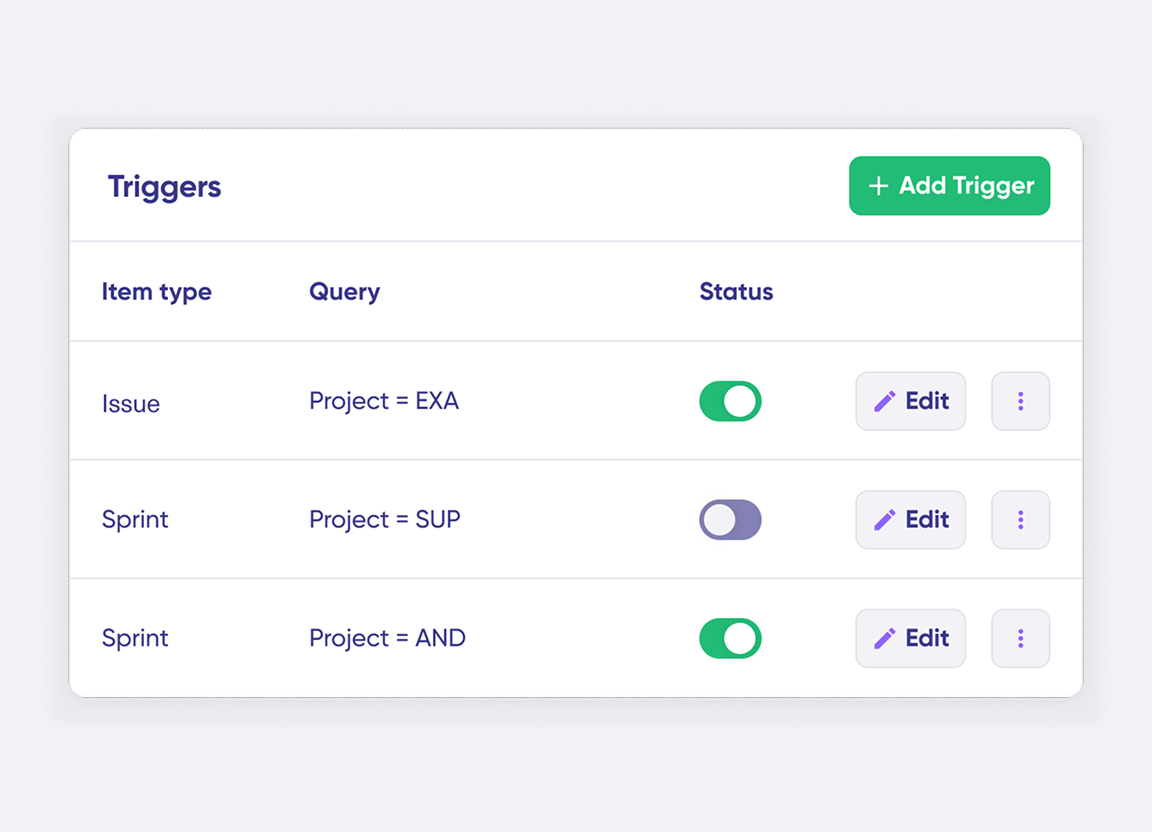
Only Sync What Matches
Set various conditions for automatic synchronization.
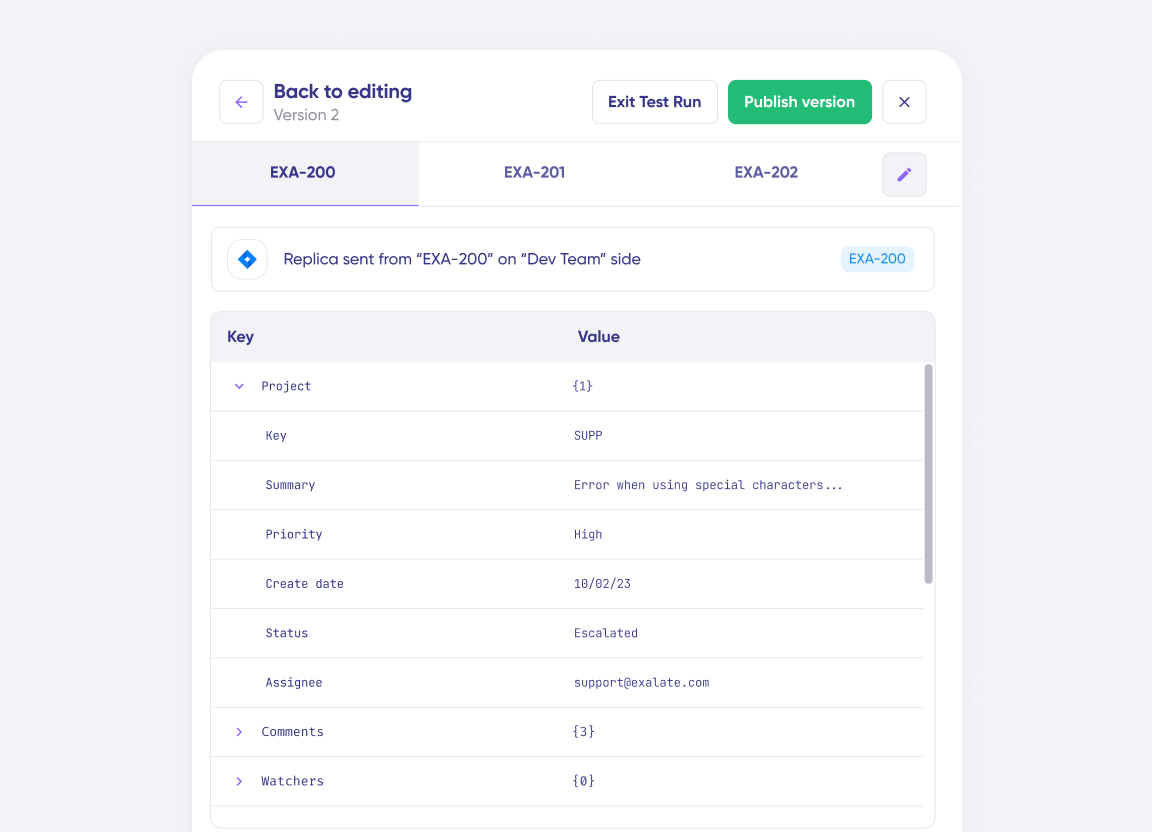
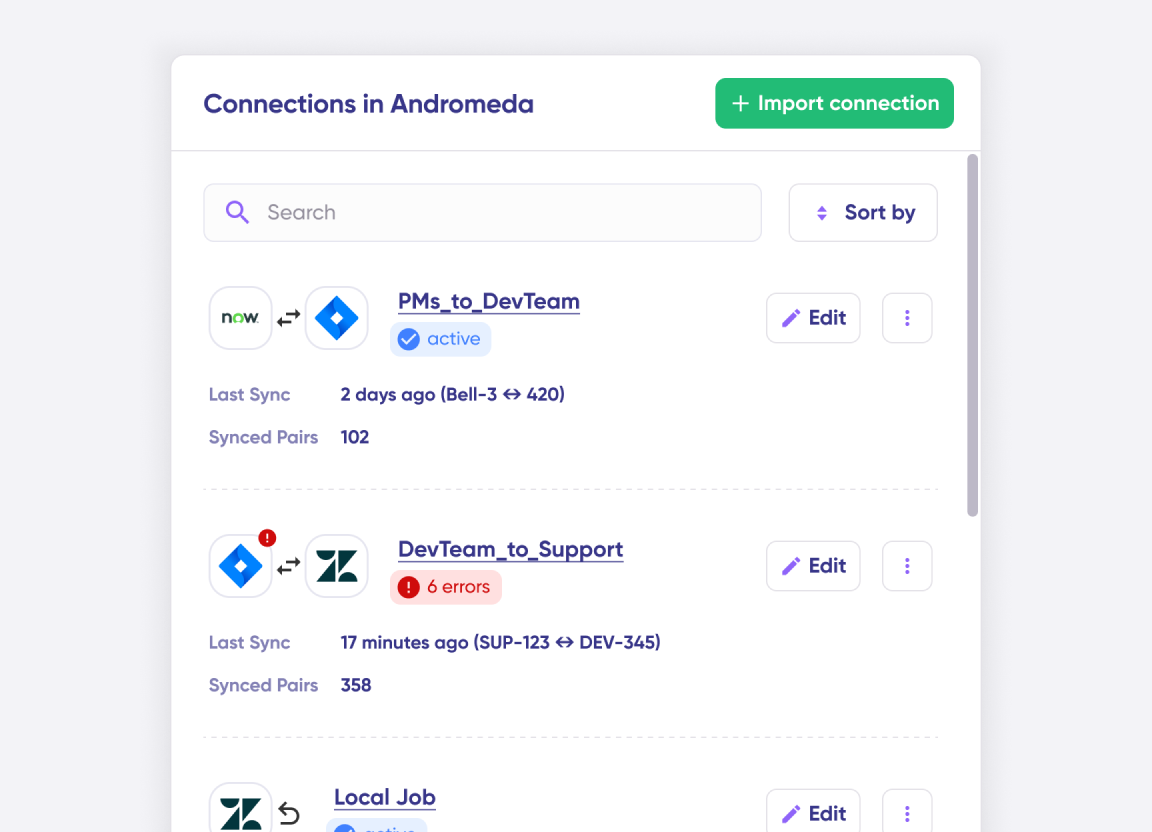
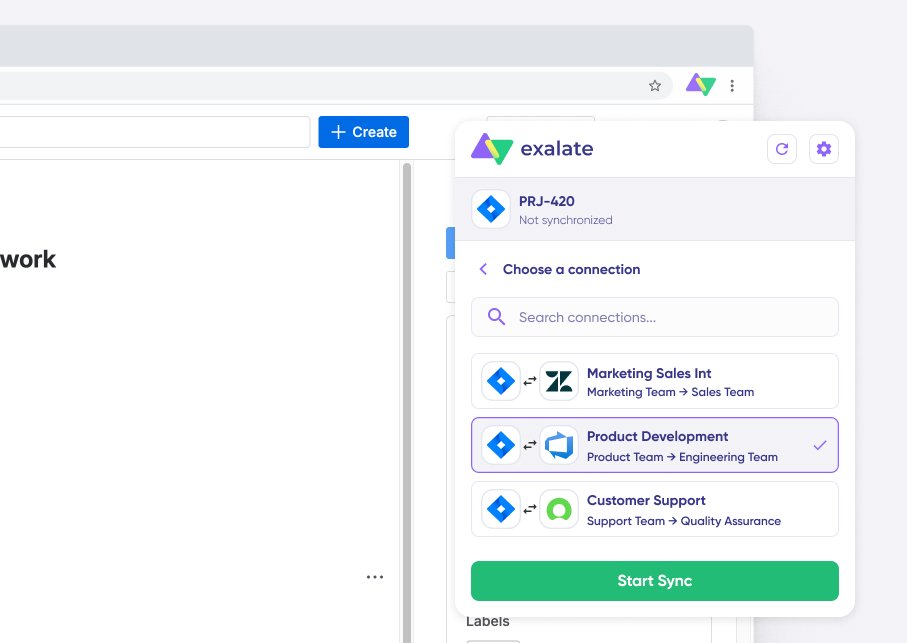
Sync Visibility, Right Where You Work
Check the real-time status of your active syncs, spot failures, and trigger a manual push. All from a browser extension, without opening the Exalate console.
the build vs buy decision
Making the Right Choice
DIY webhooks and API integrations seem cheap at first. But they don’t stay cheap:
- Race conditions causing data inconsistencies
- No bidirectional sync without significant engineering
- Breaks every time an API changes
- You become integration support, not client support
- Each new client = another custom build
Free tools work for basic one-way syncs. But when you need bidirectional sync, advanced field mapping, or to scale across multiple clients; they hit limits fast.
| Exalate | Generic iPaaS | Automotive ALM/B2B Connectors | Custom-Built | |
|---|---|---|---|---|
| Real-time, bi-directional | Yes | Varies | Yes | Varies |
| Independent control per side | Yes | Limited | Yes | Depends |
| Custom logic for OEM workflows | Yes | Heavy config needed High effort | Varies | Yes, unmaintained over time Tech debt |
| Spans ALM, ITSM, DevOps | Yes | Yes | Usually ALM/PLM only Limited scope | N/A |
| Maintenance burden | Low Low | Moderate to high | Low to moderate | Grows with each partner High |
| Pricing | Per-integration, outcome-based Predictable | Seat or task-based Scales with usage | Varies | Internal cost only Hidden cost |
See Exalate in Action
Let us show you how Exalate can fit your unique business needs.
trusted by clients worldwide






FAQ
Answers to the most frequent questions.
Didn't find what you were looking for? Ask Aida
Yes. It syncs ServiceNow, Jira, Azure DevOps & more with a partner’s Jira or other supported system, keeping defects and change requests aligned both ways.
Yes. Each organization sets its own sync rules. A connection doesn’t give a partner platform-level access to your system.
Yes. Each integration is licensed separately, so engineering and support can go live at different times.
Field-level encryption, token auth, and flexible deployment keep the connection separate from broader system access. Sensitive fields can be filtered per connection. Visit the Trust Center for more details.
For most teams, yes. A custom connector becomes a growing maintenance job. Exalate replaces it with a reusable, script-based pattern.
Yes. You pay for active synced items, not seats, and each integration is priced on its own. View the pricing details.
2–5 days for a simple connection, 2–3 weeks for larger, multi-partner networks.
Jira-focused tools handle simple field mapping. iPaaS platforms need heavy setup for automotive logic. Exalate’s script-based engine handles deep, cross-company sync without either side changing how it works.