
Flexible two-way sync
Asana Integration
Move work, tasks, and projects between Asana and Jira, Zendesk, ServiceNow, and more. Automate real-time data escalation from default and custom fields bidirectionally.
Have your teams collaborate across different systems, departments, and companies in real-time.
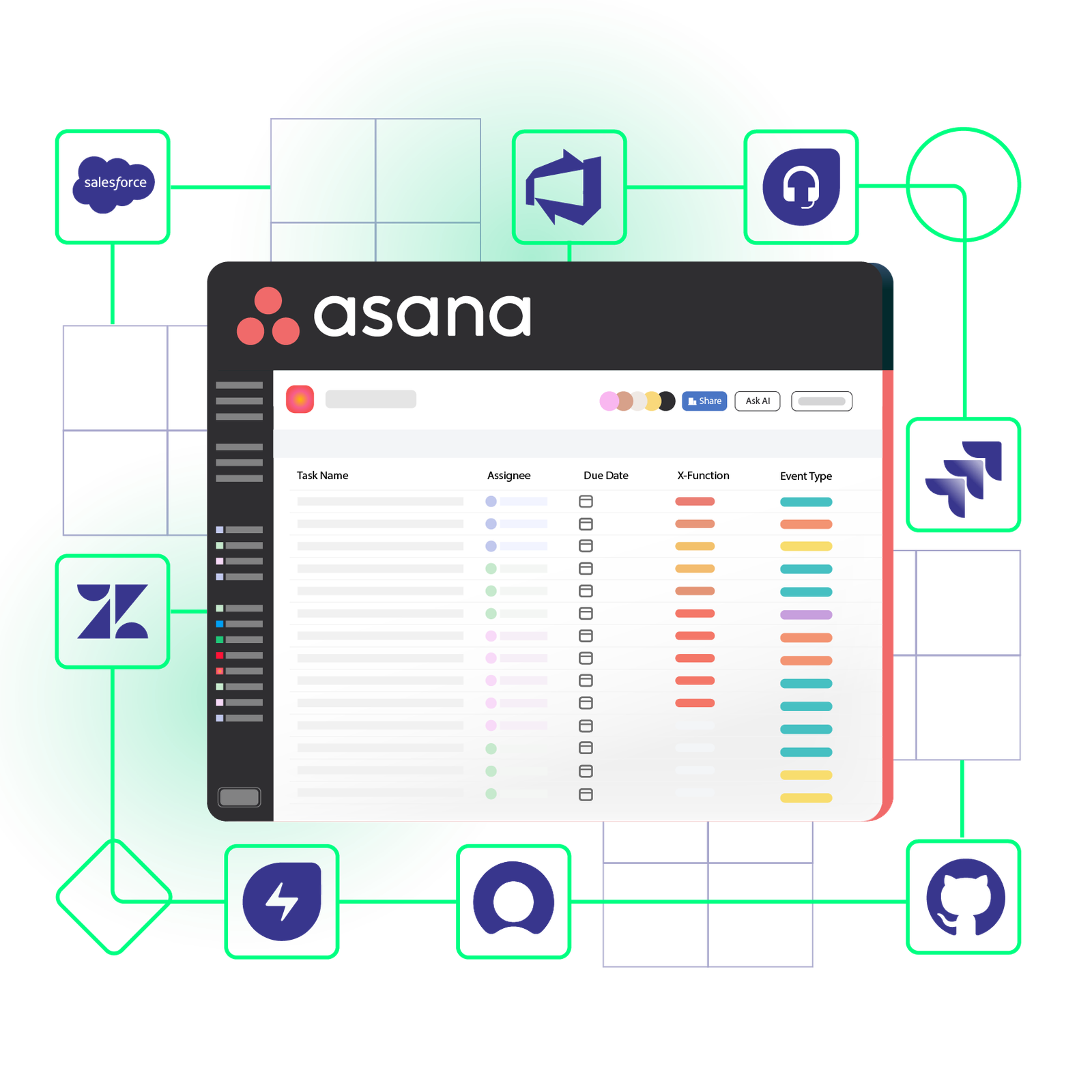





No More Context Switching
Unify workflows and keep teams aligned internally and externally for optimum performance.
Get real-time updates from your own system without shuffling between platforms.
Keep your
business data safe
Gain complete control over access to sensitive business data. Share public information with partners while protecting private data.
Maintain consistent formatting
Keep data consistent as it moves between Asana and other platforms. Guarantee that only the correct values appear when data is shared or escalated.
Never miss important updates
Always stay in the loop with the help of constant, real-time progress updates. Stay informed about project and task statuses from all sides of the integration.
Automate redundant workflows
Streamline internal and external processes through automatic data exchange. Improve workflow efficiency by integrating the right fields and entities.







Get the Most Out of Your Integration
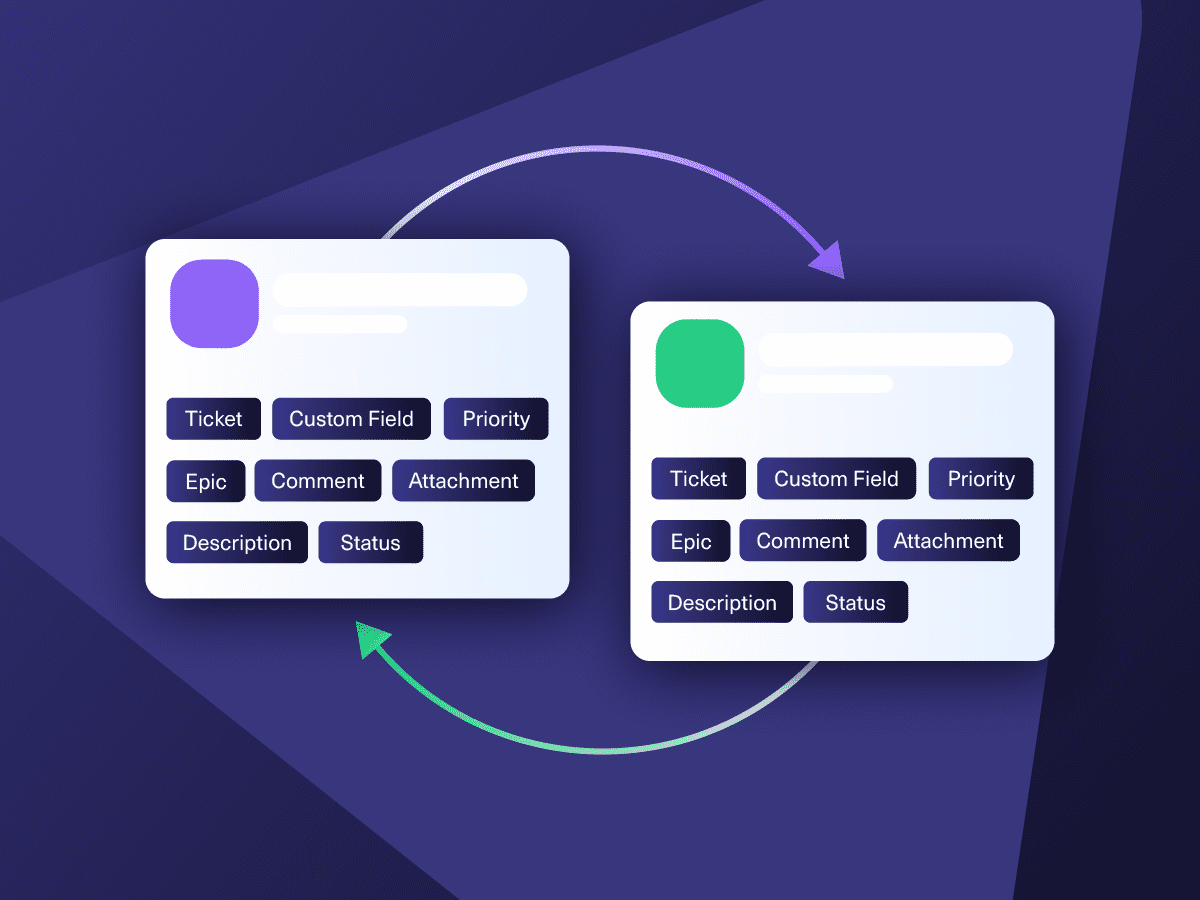
Sync in Real-Time
Two-way, real-time sync between platforms. Updates flow automatically. No manual exports, no delays.

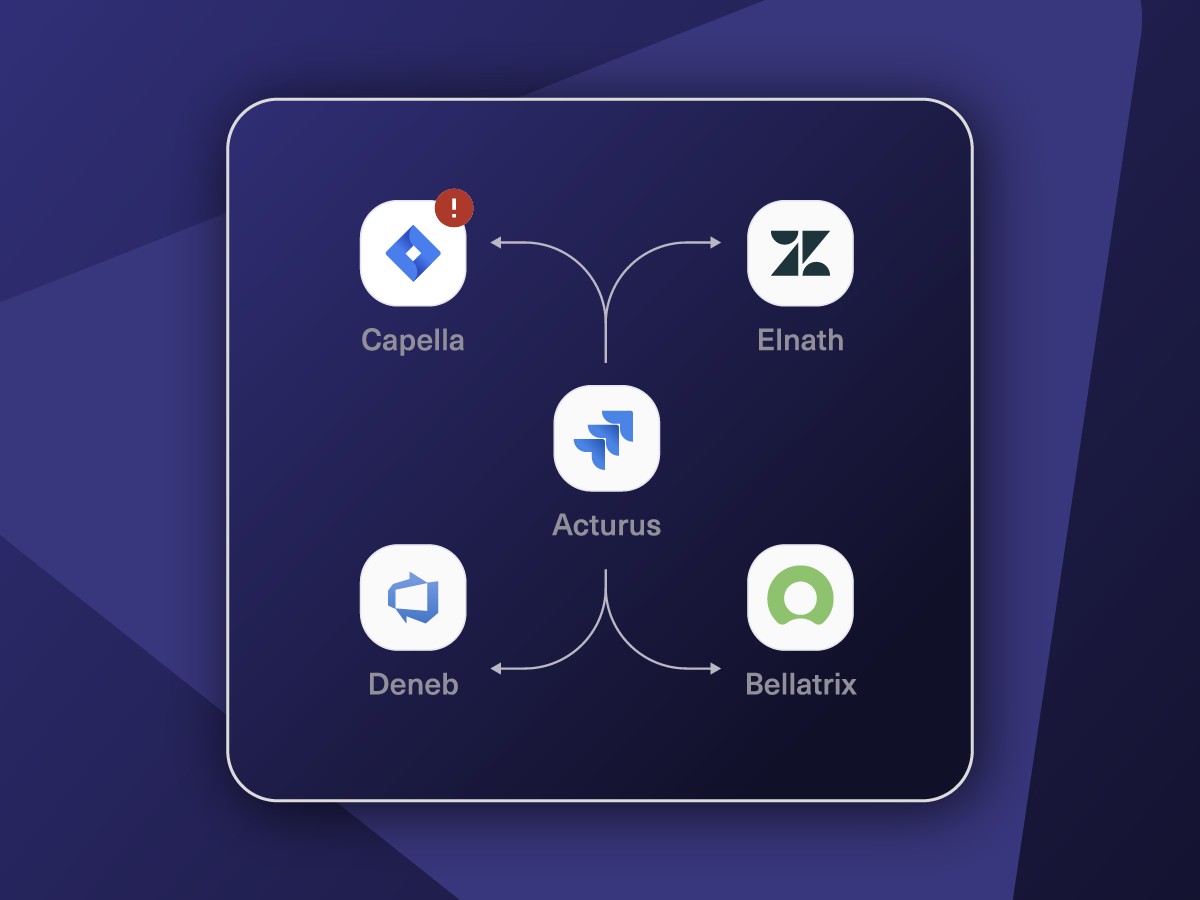
Connect Any Number of Instances
Connect multiple projects, instances, and platforms. Use different rules for each connection.

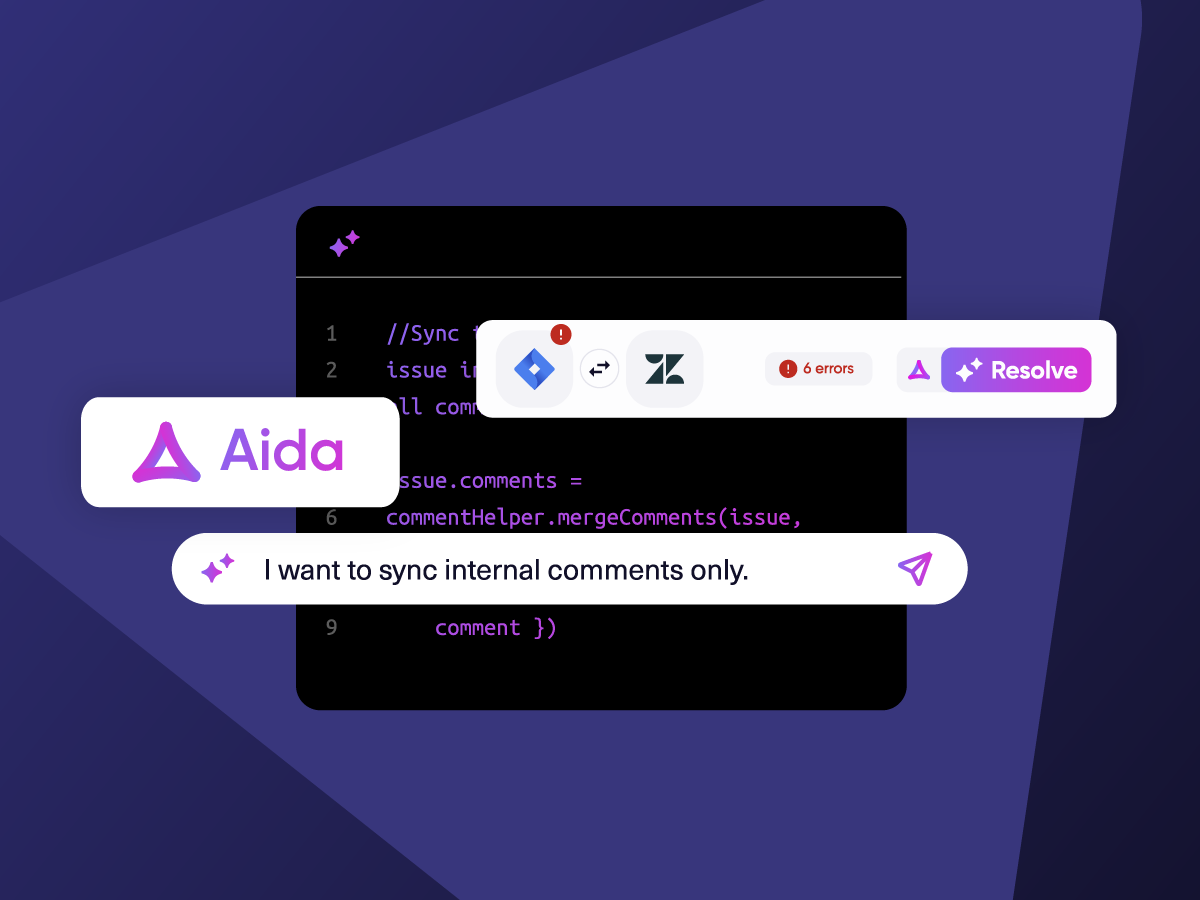
Know What Failed and Why
Get AI-powered recommendations for resolving the issue, including possible fixes and next steps.

AI Assisted SetUp
Describe your integration goal. Aida reviews your sync rules and connector type, then suggests script changes

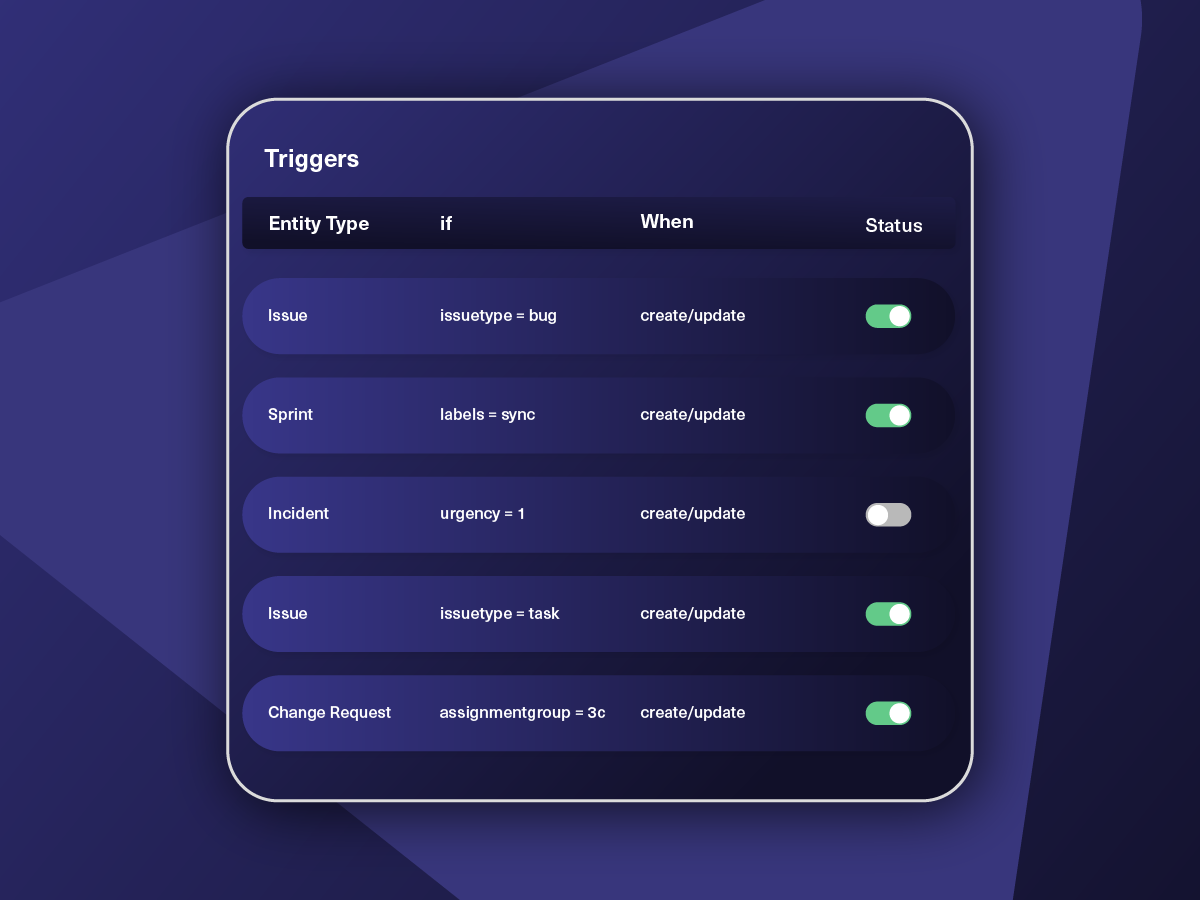
Only Sync What Matches
Set various conditions for automatic synchronization.


Sync Visibility, Right Where You Work
Check the real-time status of your active syncs, spot failures, and trigger a manual push. All from a browser extension, without opening the Exalate console.

Sync Anything between Asana and other tools
Sync standard and custom entities available through Asana REST API.

Asana
Enterprise supported
Tickets
All fields are supported, including:
- Custom fields
- Key
- Summary
- Description
- Asignee
- Reporter
- Status
- Attachment
- Label
- Due
- Comments
Tickets
All fields are supported, including:
- Custom Fields
- Key
- Summary
- Description
- Status
- Assignee

popular integrations with asana








Secure Asana Integration
- Keep your data safe with airtight security features backed by ISO 27001 certification.
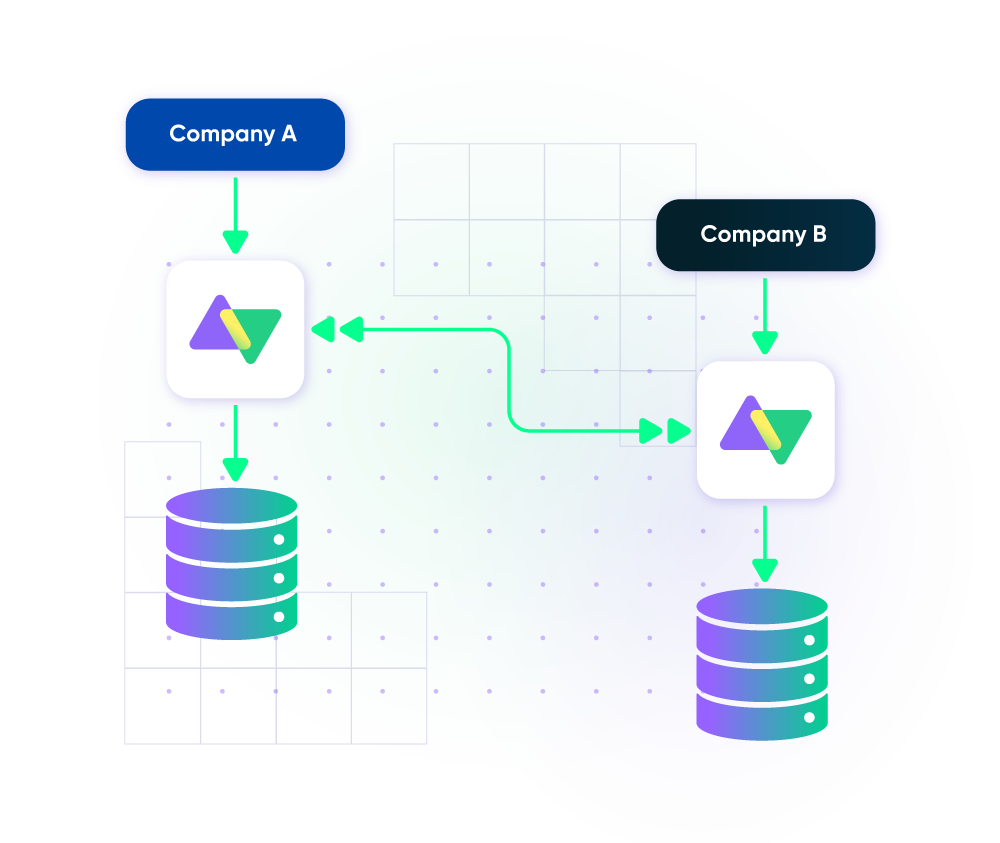
- Isolate your system under Exalate’s distributed and single-tenant cloud infrastructure.
- Scale consistently with limitless flexibility, thanks to loosely coupled systems.
How it Works
Connect
Easily connect multiple projects, instances, and platforms. With local, or external partners.
Customize
Set your sync rules to make sure the right data is shared.
Prompt Exalate’s AI to generate rules, or fine-tune with Groovy-based custom mappings and logic for complete control.
Automate
Set triggers to automate your sync based on specific conditions.
Synchronize
Now your connected instances will exchange information automatically. Happy syncing!
FAQ
Answers to the most frequent questions.
Didn't find what you were looking for? Ask Aida
The cost of Exalate for Asana (including the Enterprise plan) is available on our pricing page, or you can contact our team for a detailed quote. Book a short call or message us through the chat on this page, or send an email to sales@exalate.com.
Exalate enables users to sync fields from Asana tasks and projects, including summary, description, status, priority, urgency, attachments, notes, custom fields, custom keys, and more.
It’s also possible to sync other fields available via REST APIs using Exalate’s Groovy-based Script mode. You can automate the sync using granular triggers. Discuss your use case with us and explore all the possibilities.
Yes, you can integrate Asana and Jira. Exalate enables you to sync both default and custom fields between the two platforms. Admins and users with authorization will be able to control what to share or keep private in your Asana Jira sync. You can tailor the integration to your use case and workflows as you want using the scripting engine.
Yes, Exalate can connect multiple Asana tasks with a single ITSM platform such as Freshservice, Freshdesk, Zendesk, ServiceNow, Jira Service Management, etc. This is the ideal setup for linking cross-functional teams or coordinating work across different departments. The dedicated teams for each platform control data flow and sync in their environment while retaining complete authority over mappings, conditions, and data privacy.
Exalate protects the data flowing through your Asana integration using security features such as JWT access tokens, role-based access controls, HTTP (HTTPS), TLS 1.2 and 1.3, and multi-factor authentication. It is also ISO27001:2022 certified. You can find out more about it in the Trust Center.
Connect the tools you want to integrate. Just add the instance’s URL.