
flexible two-way sync
Asana to Asana Integration
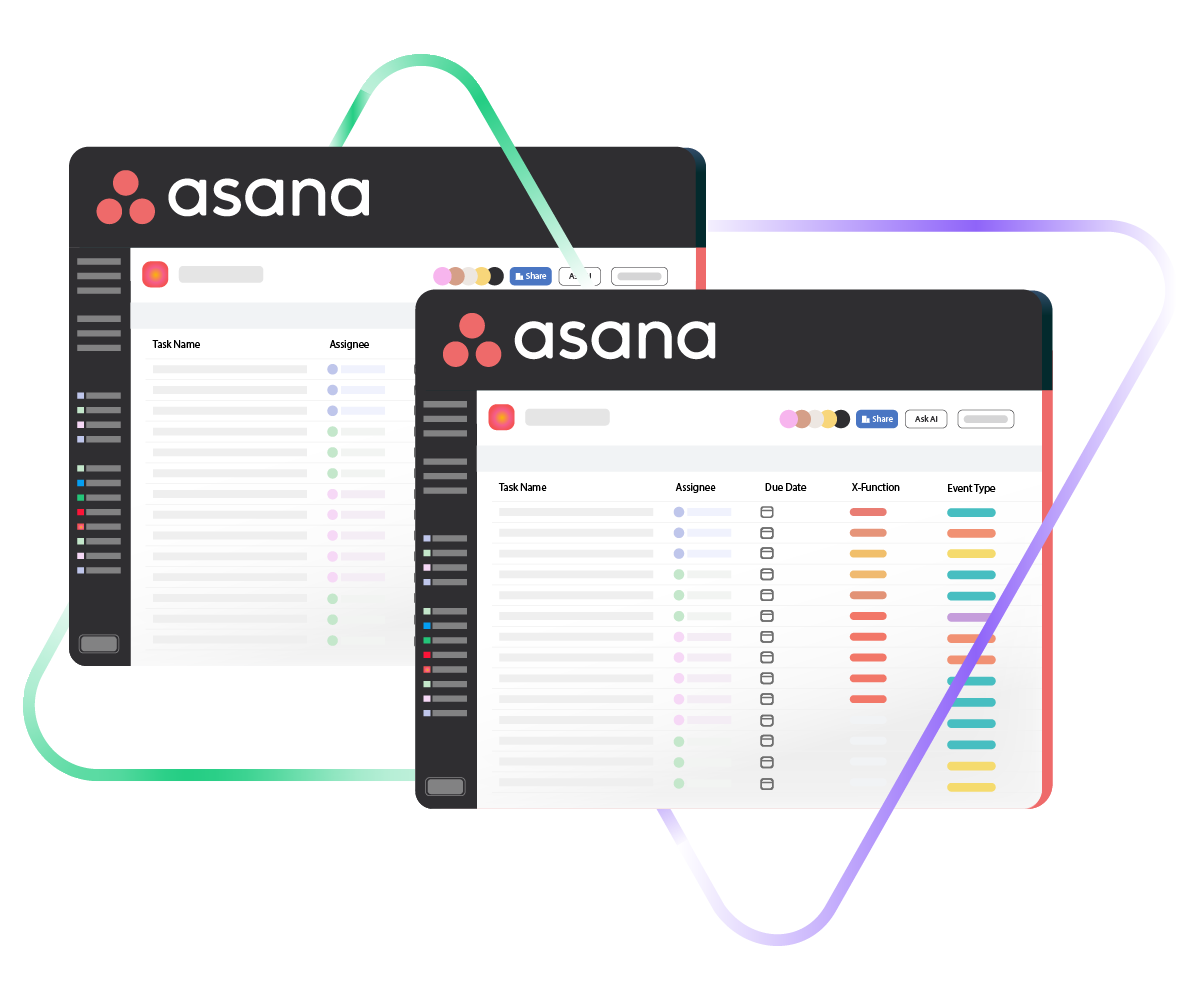
Sync separate Asana tasks or projects so distributed teams always have the same data in front of them. No more copying tasks by hand or toggling between accounts to check on progress.
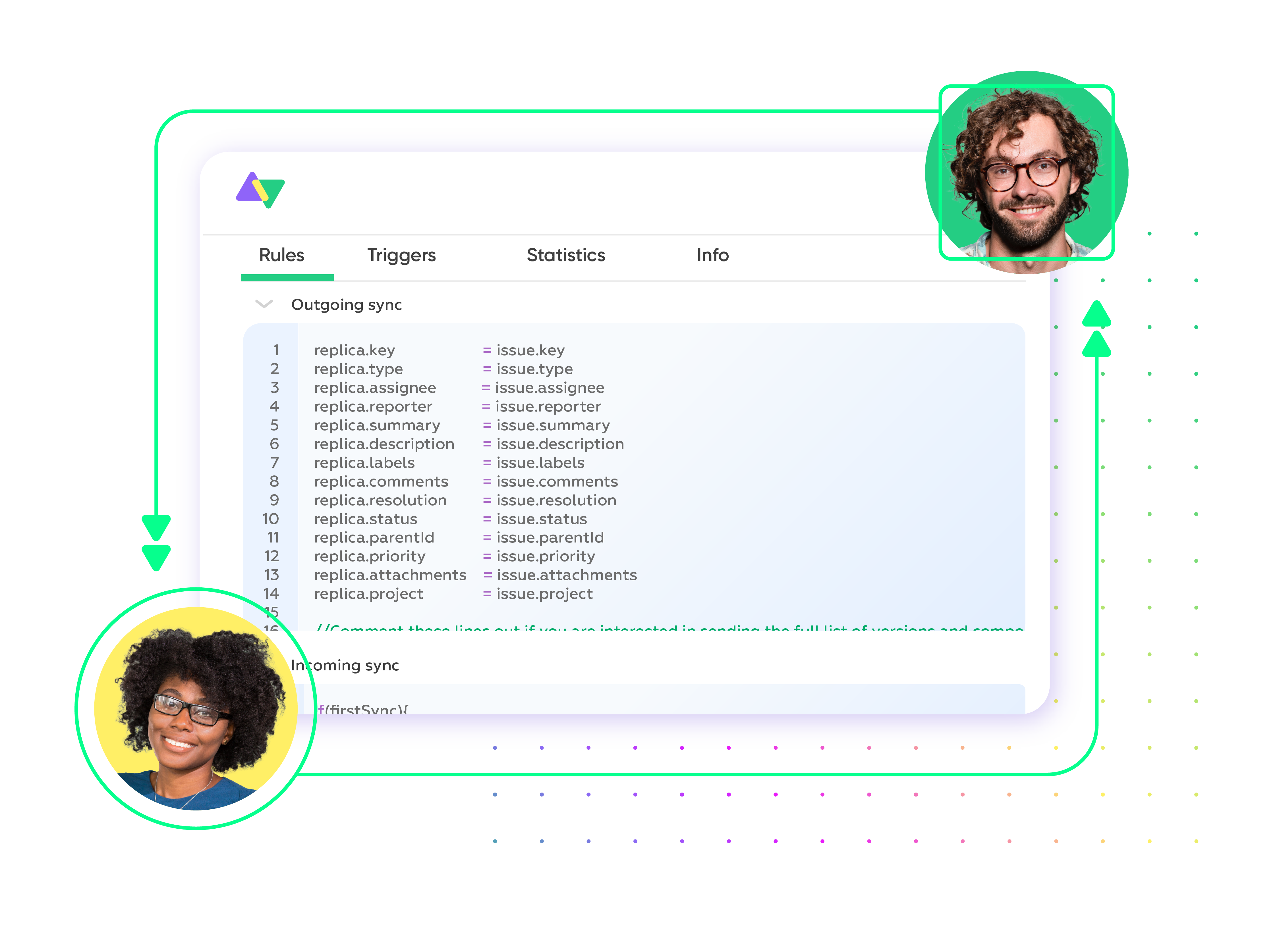
Mirror tasks across workspaces automatically and send status changes, comments, and custom field updates back and forth in real time.
Sync id, subject, description, type...
sync assignee, submitter, requester...
sync attachments, custom fields...
sync tags, priority, due sate, status...
Sync summary, description, labels...
Sync status, priority, attachments,
Sync phone, notes, custom fields, custom keys...







Asana to Asana Sync
Let Distributed Teams Operate as One
Separate Asana workspaces shouldn’t mean separate sources of truth. Set up a flexible, real-time Asana to Asana integration that fits how your teams actually collaborate.
Replicate tasks from one Asana workspace into another automatically so both teams see the same work items without duplicating effort.
Choose one-way or two-way real-time syncs depending on whether teams need to push updates in both directions or just one.
Transfer custom field values, status changes, and comments between tasks so nobody has to ask around for the latest info.
Cut out repetitive data entry by letting the sync handle field mapping and updates on its own.
Close the visibility gap between projects by keeping task data consistent on both sides.
Connect multiple Asana workspaces into a single sync network when projects span more than two teams or organizations.
Asana to Asana: Collaboration Without Boundaries
Decide exactly what data travels between your Asana workspaces and what stays put. Map default and custom fields on both sides so each team gets the context they need without unnecessary clutter.

Asana
Enterprise supported
Tickets
All fields are supported, including:
- Custom fields
- Key
- Summary
- Description
- Asignee
- Reporter
- Status
- Attachment
- Label
- Due
- Comments
Tickets
All fields are supported, including:
- Custom Fields
- Key
- Summary
- Description
- Status
- Assignee
Check the complete list of supported fields for Asana

Exalate is stable, flexible, customizable, and pretty easy to set up and use.
ALEXANDER SINNO
“
Exalate is stable, flexible, customizable, and pretty easy to set up and use.
ALEXANDER SINNO
Get the Most Out of Your Integration
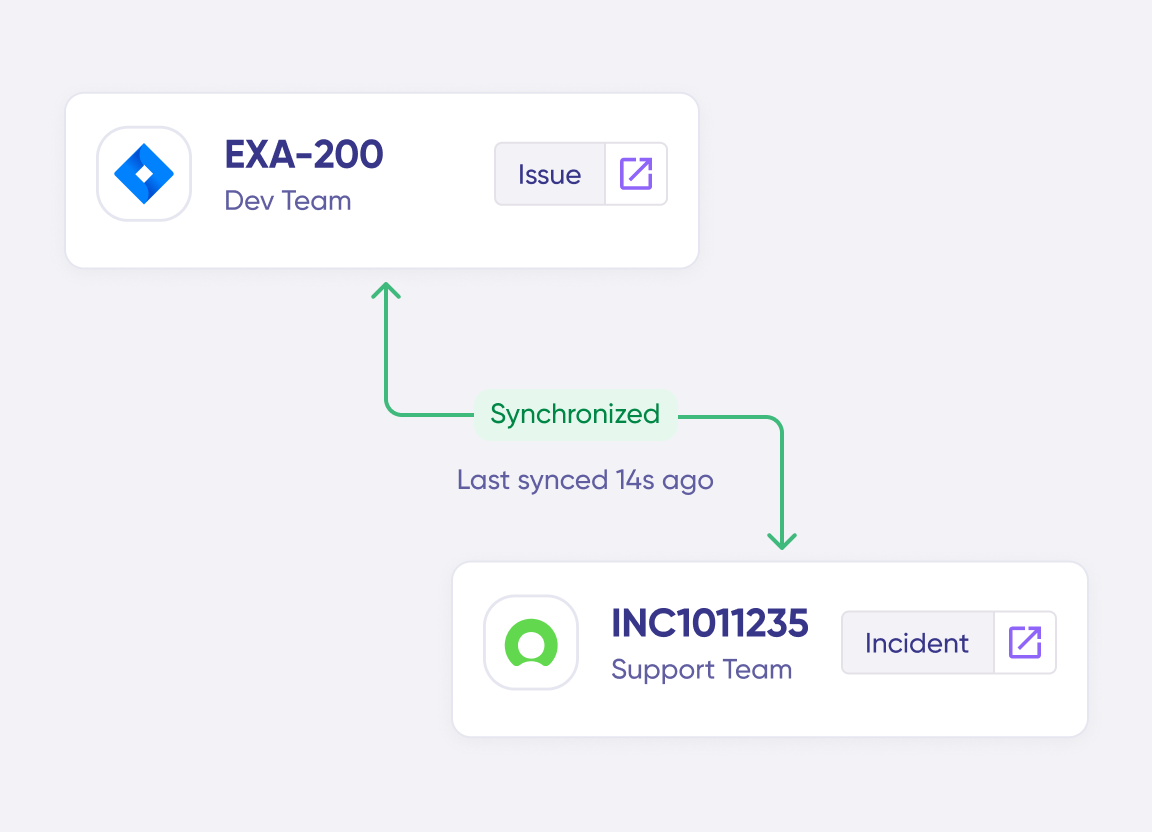
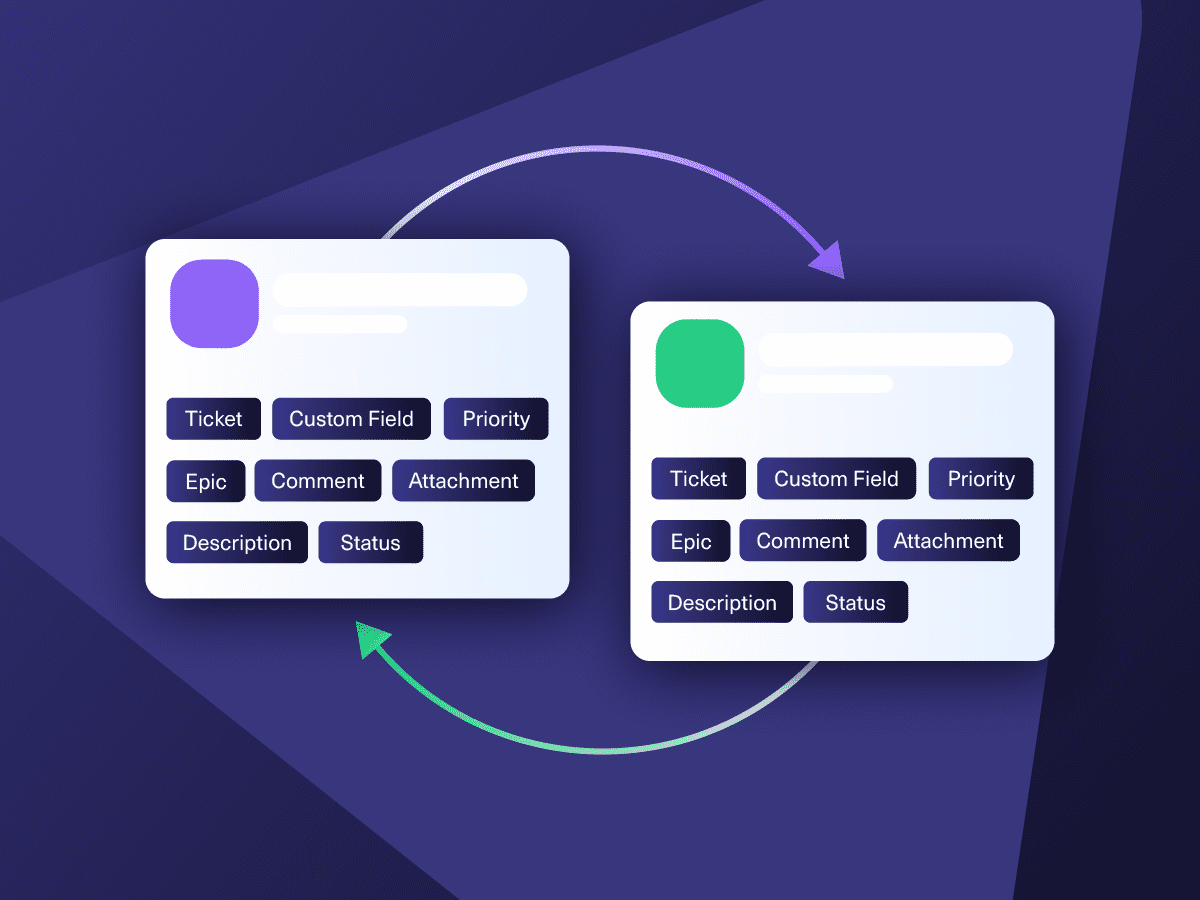
Sync in Real-Time
Two-way, real-time sync between platforms. Updates flow automatically. No manual exports, no delays.
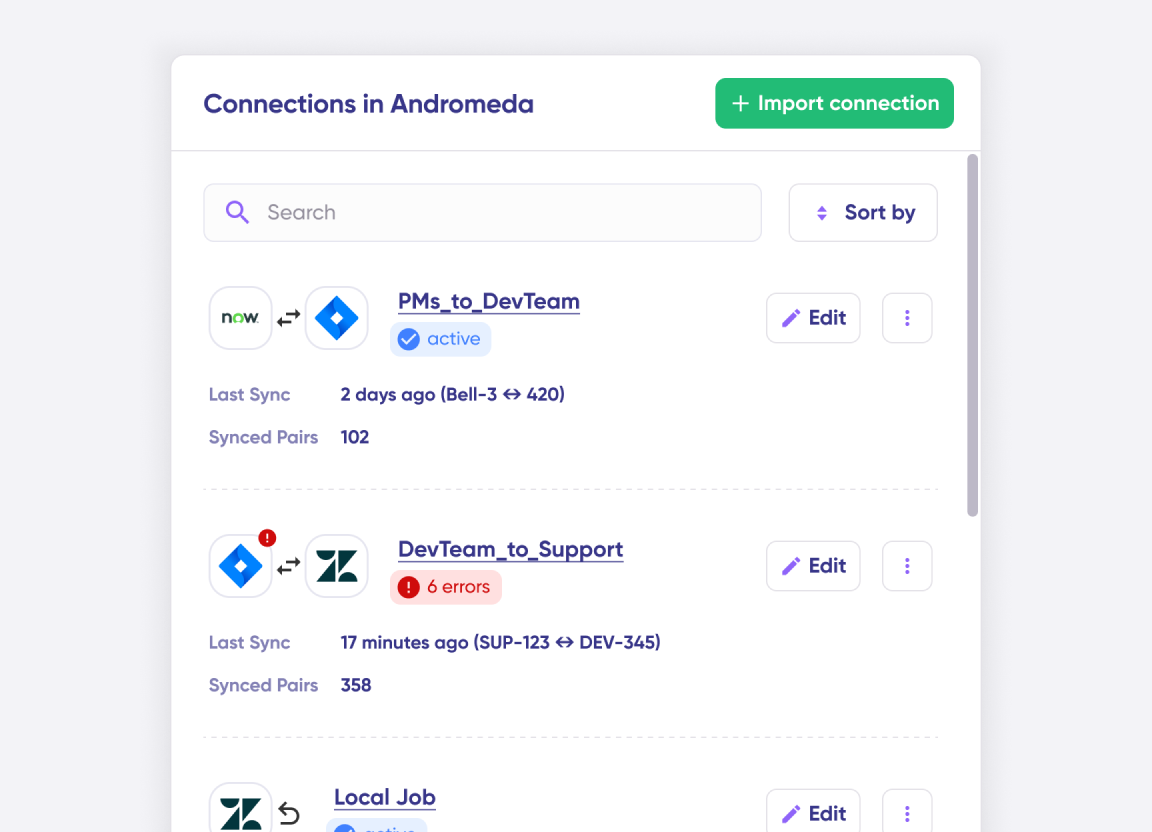
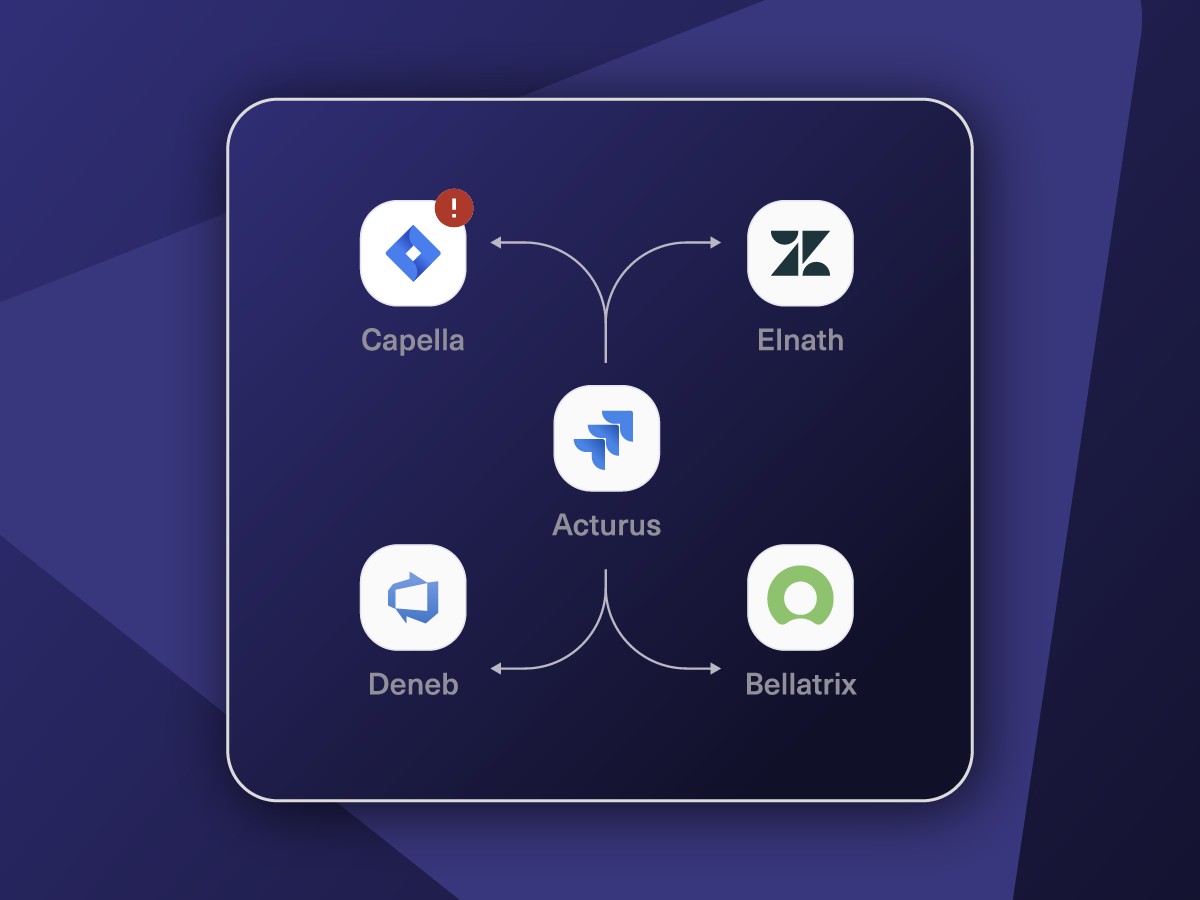
Connect Any Number of Instances
Connect multiple projects, instances, and platforms. Use different rules for each connection.
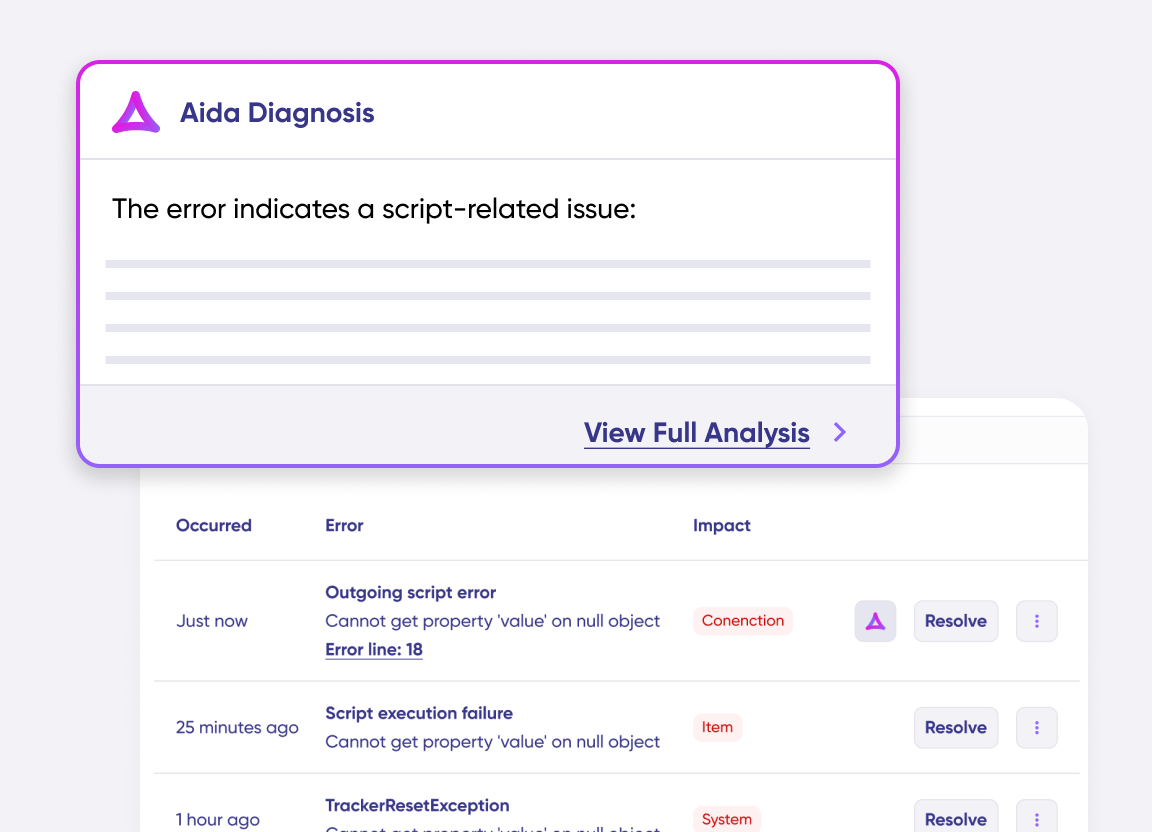
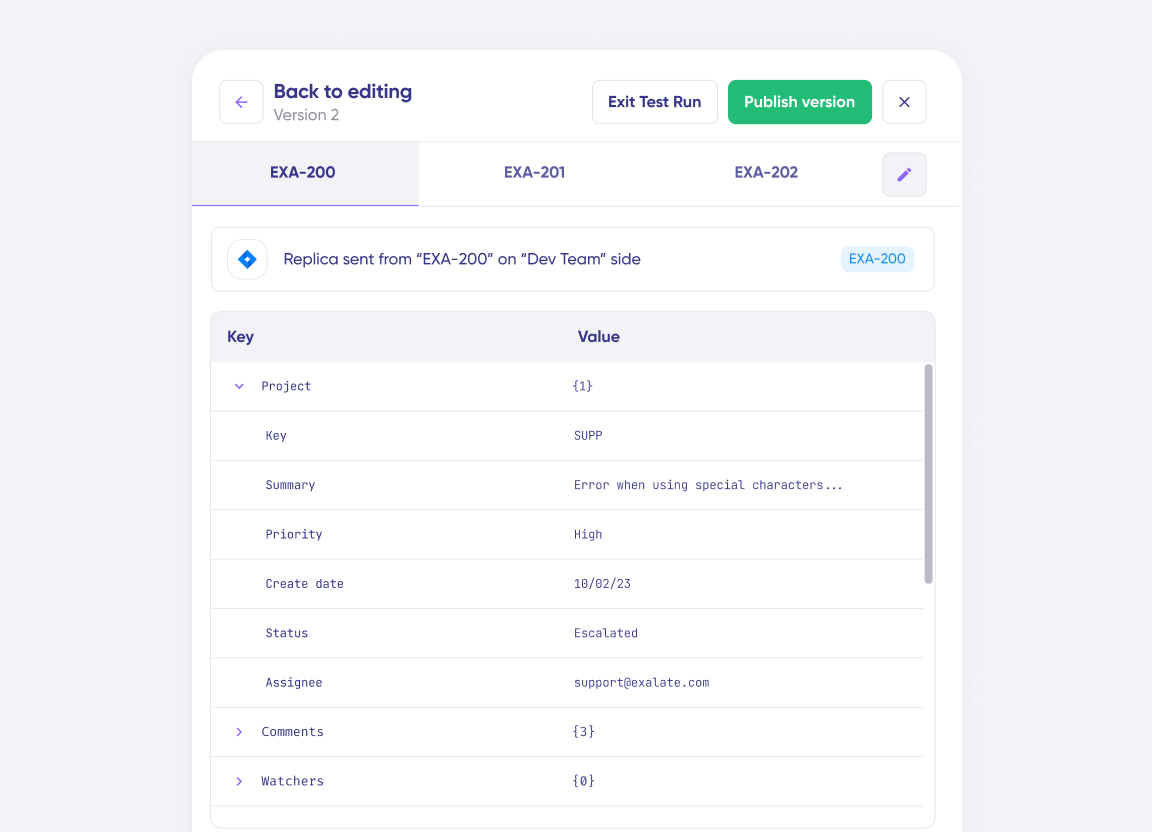
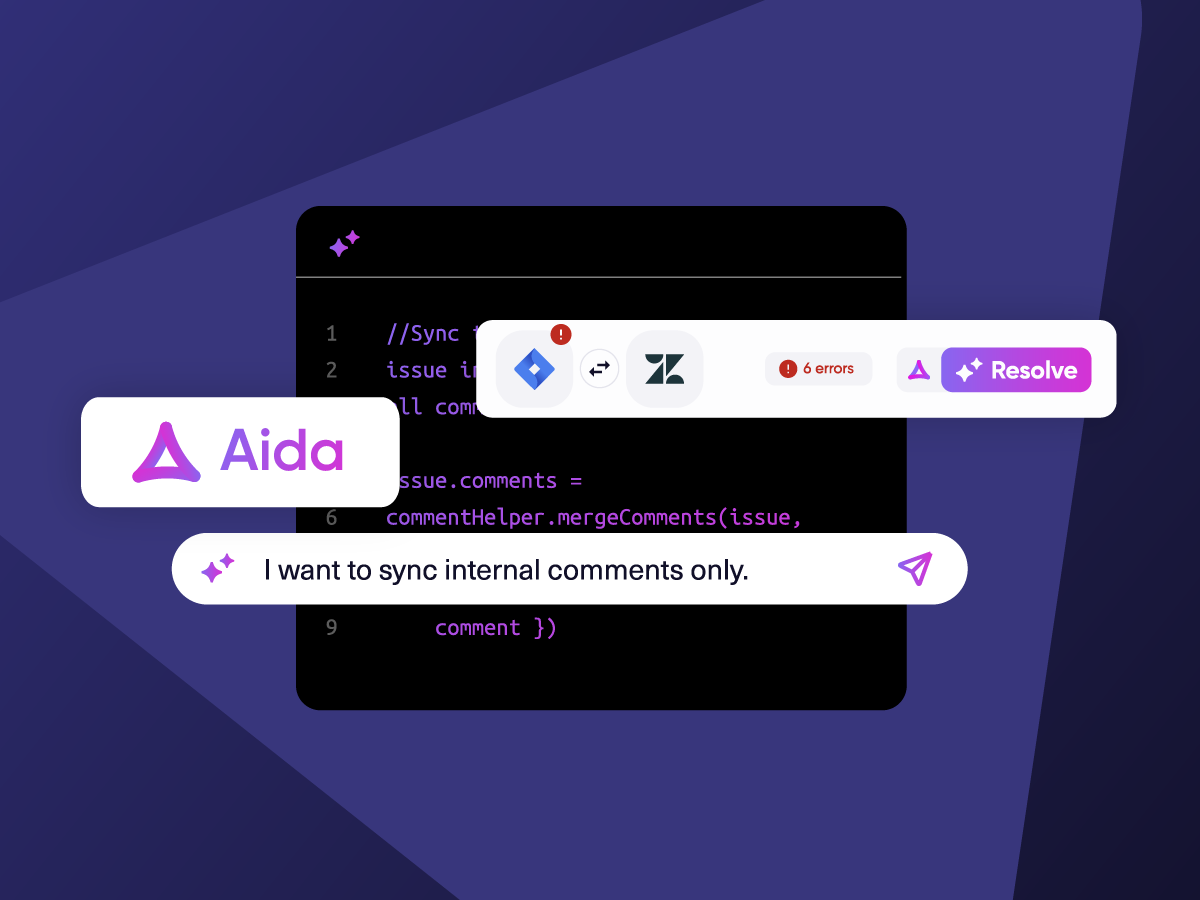
Know What Failed and Why
Get AI-powered recommendations for resolving the issue, including possible fixes and next steps.
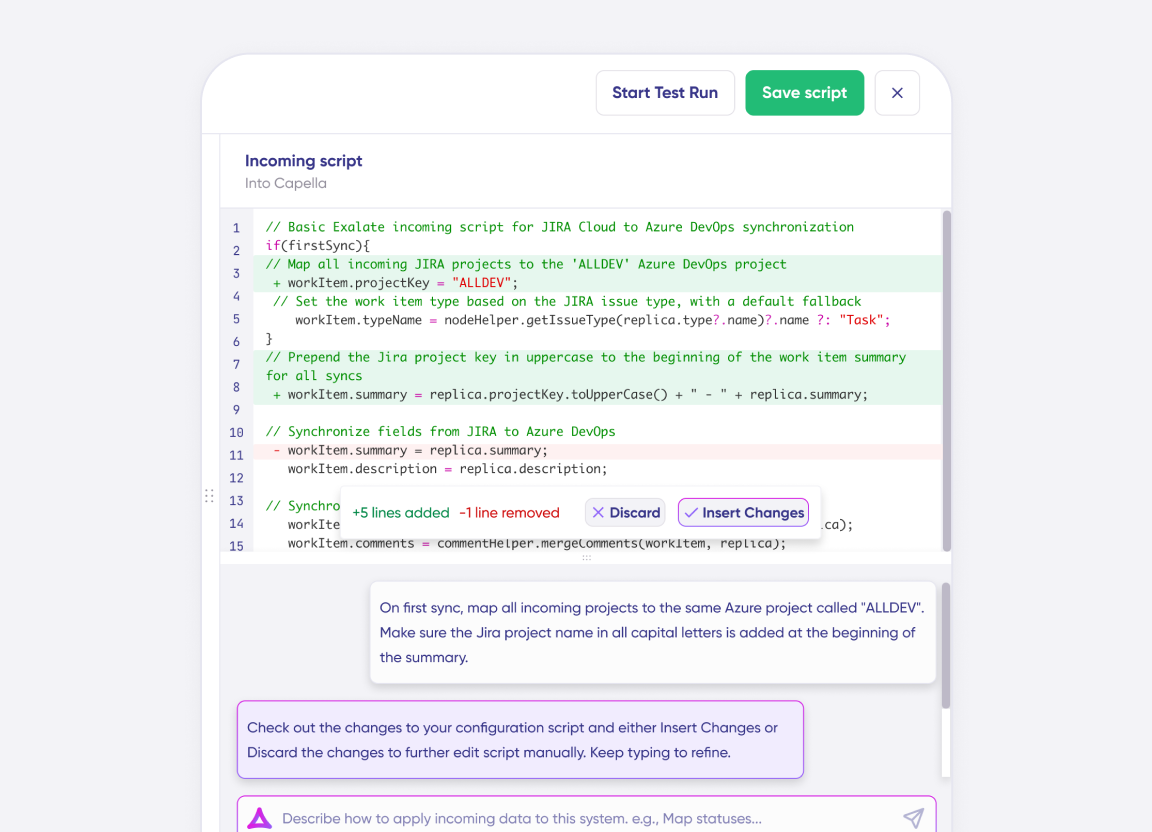
AI Assisted SetUp
Describe your integration goal. Aida reviews your sync rules and connector type, then suggests script changes
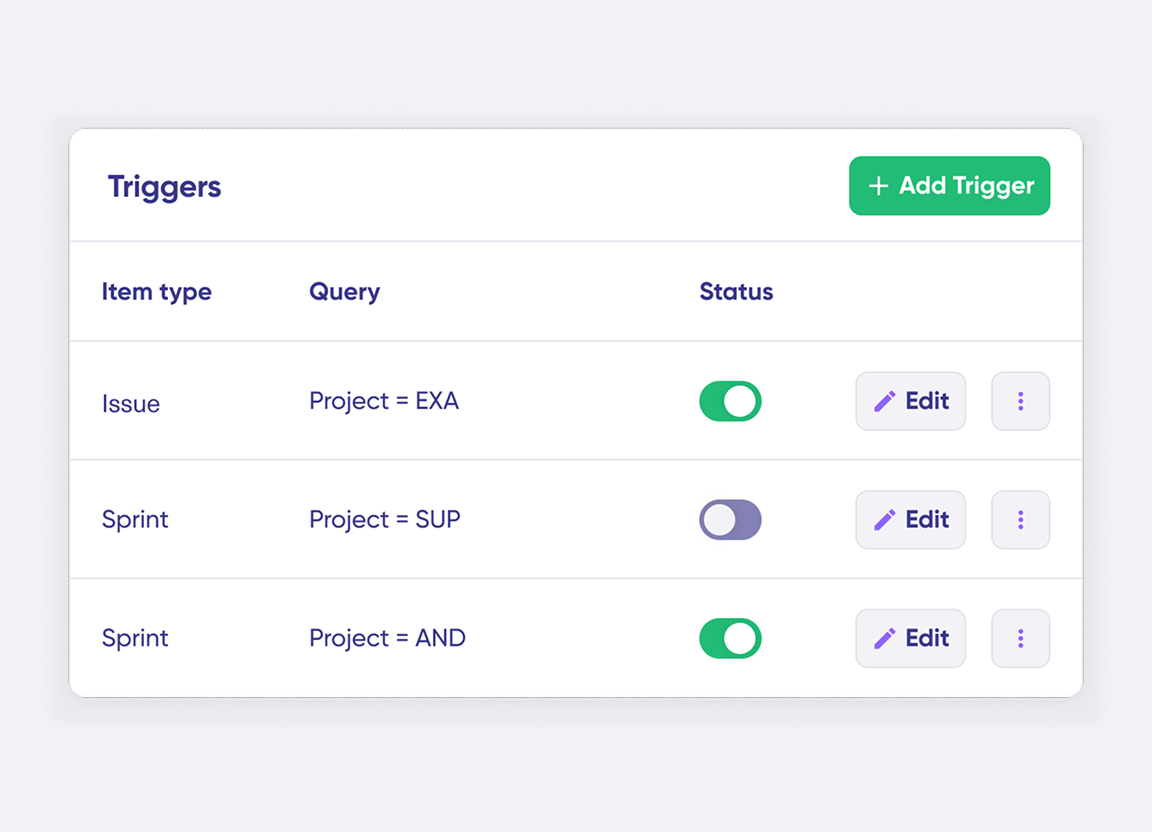
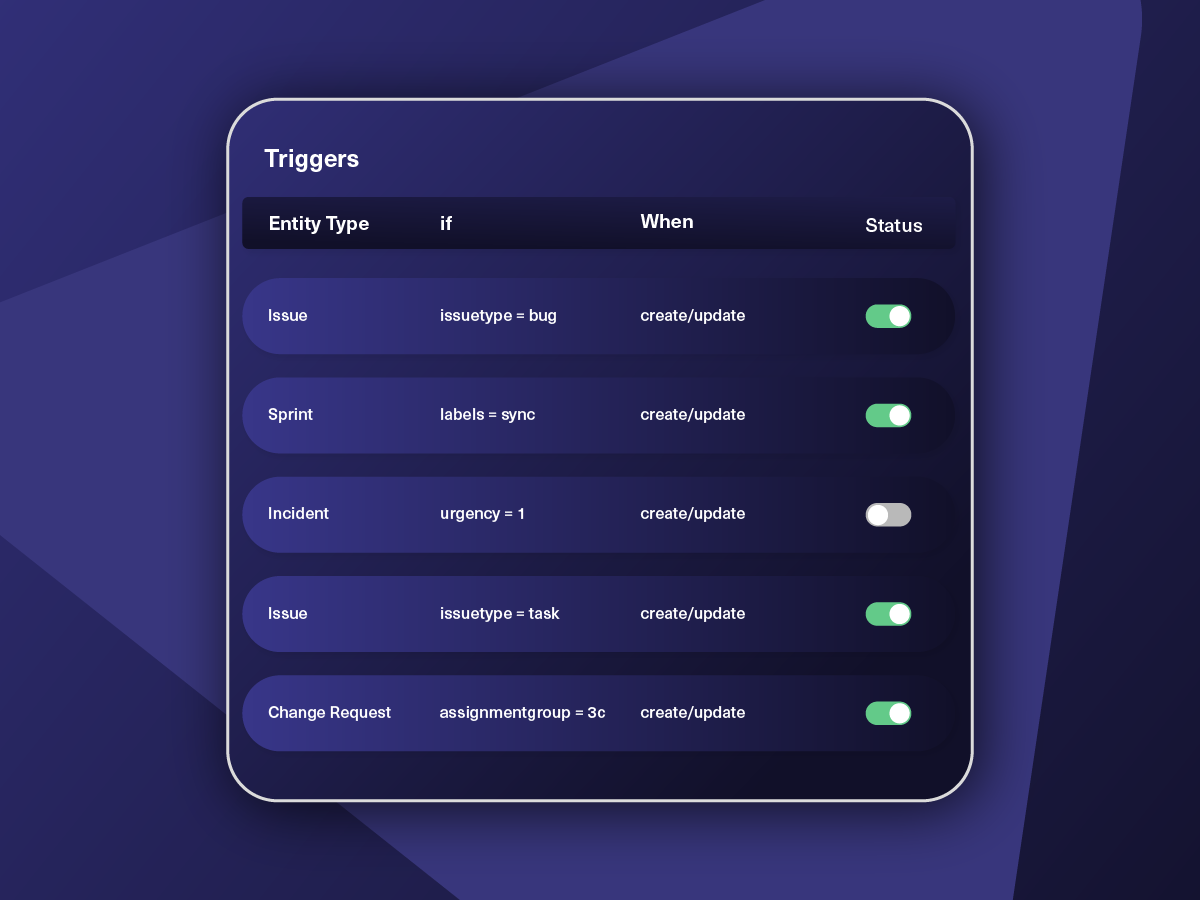
Only Sync What Matches
Set various conditions for automatic synchronization.
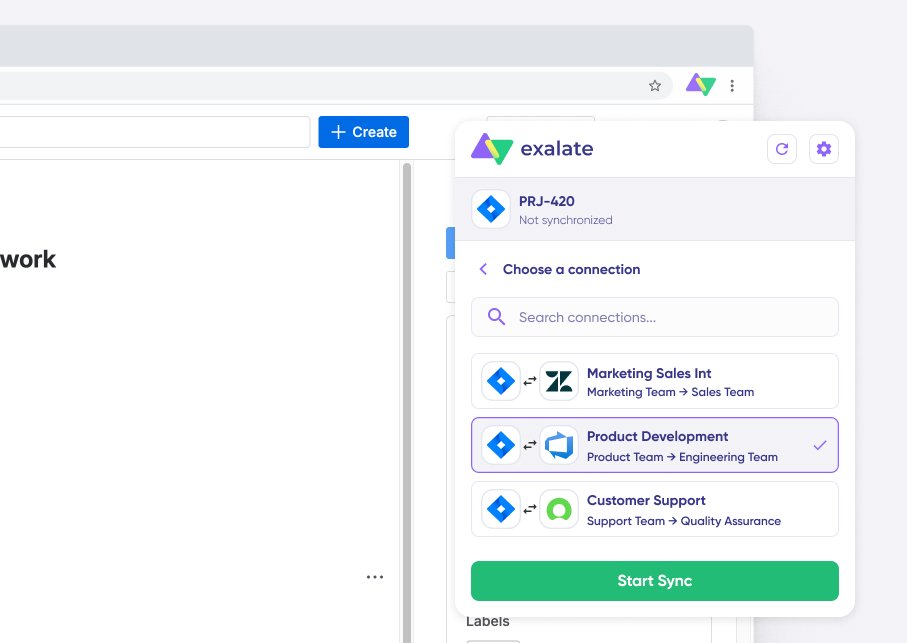
Sync Visibility, Right Where You Work
Check the real-time status of your active syncs, spot failures, and trigger a manual push. All from a browser extension, without opening the Exalate console.
How it Works
Connect
Easily connect multiple projects, instances, and platforms. With local, or external partners.
Customize
Set your sync rules to make sure the right data is shared.
Prompt Exalate’s AI to generate rules, or fine-tune with Groovy-based custom mappings and logic for complete control.
Automate
Set triggers to automate your sync based on specific conditions.
Synchronize
Now your connected instances will exchange information automatically. Happy syncing!
Simple to Sophisticated Asana to Asana Integration Use Cases
Begin with straightforward task mirroring and grow into advanced cross-organization workflows using AI-assisted scripting as your needs evolve.
Mirror Tasks Across Workspaces for Cross-Team Visibility
Automatically replicate tasks from one Asana workspace into another so both teams track the same deliverables. Task names, descriptions, due dates, assignees, and custom fields all carry over. When someone updates the task on their side, the mirrored copy reflects the change instantly. Neither team has to leave their own workspace to stay informed.
Route Incoming Tasks to Different Projects Based on Custom Fields
Send synced tasks to specific Asana projects depending on a custom field like "Department" or "Request Type." Tasks tagged "Design" land in the creative team's project, while tasks tagged "Engineering" go straight to the dev board. This keeps each workspace clean and prevents the wrong tasks from cluttering up someone else's backlog.
Sync Only External-Facing Comments Between Partner Organizations
Filter out internal notes and private discussions so only client-facing or partner-relevant comments travel between workspaces. This is critical when collaborating with an external agency or vendor. Your team's internal conversations stay private, but shared updates arrive on the other side in real time.
Coordinate Outsourced Work Without Giving Up Project Ownership
Share selected tasks with a contractor's Asana workspace while keeping full ownership of the original project records. Sync task status so your internal team sees real-time progress, but the external party only receives the fields you explicitly allow. Useful for agencies managing freelancers or companies working with offshore development partners.
Aggregate Portfolio Data From Multiple Workspaces Into a Central Board
Pull task data from several Asana workspaces into a single workspace for portfolio-level reporting. Leadership gets a consolidated view of timelines, completion rates, and blockers across every team without logging into multiple organizations. Each source workspace keeps operating independently with its own rules and project structure.

We can now handle around 500 customer incidents per week, thanks to Exalate, which is a very good result regarding the number of products we’re dealing with. It synchronizes 45x faster than our previous solution.
Christof Cuyper
“
We can now handle around 500 customer incidents per week, thanks to Exalate, which is a very good result regarding the number of products we’re dealing with. It synchronizes 45x faster than our previous solution.
Christof Cuyper |
Always at Your Service
Get timely assistance from the best support technicians in the business. Relax as we help you solve every sync-related issue and more.
FAQ
Answers to the most frequent questions.
Didn't find what you were looking for? Ask Aida
Head to exalate.app and create an account. Add both Asana workspaces as nodes, then open a connection between them. From there, you write sync rules that tell Exalate which task fields to send and how to map them on the receiving side. Aida, the built-in AI assistant, can draft these rules for you if you describe what you want in plain English. Set your triggers (the conditions that decide which tasks get synced), and the integration starts running on its own.
You can sync pretty much everything from an Asana task. Names, descriptions, assignees, due dates, completion status, comments, attachments, tags, followers, the project a task belongs to, and which section it sits in. All custom field types work too, whether that’s a dropdown, a number field, a date picker, or a people field. Anything else accessible through Asana’s API can be pulled in using Exalate’s scripting engine. The supported fields reference has the full breakdown.
A single shared workspace isn’t always practical because different business units may need administrative separation for compliance or data governance reasons. Post-merger scenarios often leave teams stuck on different Asana organizations with no clean way to unify them overnight. And if you’re collaborating with an outside company (a vendor, a client, a contractor), you can’t just invite them into your org without exposing internal projects. Syncing lets both sides keep their own environment intact while still working from the same task data.
Exalate supports both real-time and two-way syncs. A one-way setup pushes task data from a source workspace to a destination without sending anything back. That’s handy when a leadership team needs to monitor delivery progress without editing the original tasks. Two-way sync keeps both workspaces updated simultaneously, so a change on either side propagates to the other within seconds. You pick the direction per connection, and you can run different modes for different connections at the same time.
Yes, you can connect more than two Asana workspaces. You might have one central workspace that pulls data in from five regional teams (hub-and-spoke), or you might need every workspace talking to every other one (full mesh). Exalate treats each workspace pair as its own connection with its own rules, so adding a new node to the network doesn’t require reconfiguring anything that’s already running.
Asana has no built-in mechanism for pushing task data between separate organizations. Multi-homing lets you add a task to several projects, but only within the same workspace. Beyond that, your options are manual CSV exports, third-party automation platforms with shallow Asana connectors, or building something custom against the API. None of these give you bidirectional field-level sync, conflict handling, or the ability to filter and transform data based on conditions. That’s the gap Exalate is designed to fill.
Yes, you can sync text fields, number fields, dates, dropdowns (single and multi-select), and people fields natively. If both workspaces use the same custom field names, mapping is straightforward. If the names or option values differ, you can write transformation logic in your sync rules. For instance, one workspace might label priorities as “Critical / High / Medium / Low” while the other uses “P1 / P2 / P3 / P4.” Exalate lets you translate between the two automatically.
Pricing is based on the number of items actively being synced at any given time, not on how many users you have or how many API calls run in the background. The pricing calculator gives you a quick estimate, and there’s a free trial if you want to test it with real data first. Details are on the pricing page.
You can set up a separate connection from your agency’s workspace to each client’s Asana org, each with its own sync rules and field mappings. Client A’s tasks never bleed into Client B’s data. Your agency gets a single operational hub, but the sync boundaries keep everything partitioned. This is a common setup for consultancies, outsourcing firms, and digital agencies that need to coordinate deliverables across multiple external organizations without co-mingling project data.
Yes, triggers and script-level conditions let you get specific about what qualifies for syncing. You could limit the sync to tasks in a particular Asana section, or only sync tasks where a “Region” custom field matches “EMEA.” You can also apply conditions on the receiving side, like routing incoming tasks to different projects depending on their tags. Every condition is defined per connection, so your rules for one workspace pair don’t interfere with another.
Basic integrations can be configured in under an hour. Register at exalate.app, connect both systems, and use Aida to help write sync rules from plain-language descriptions. Complex integrations with custom field mappings, conditional logic, and multi-party connections may take longer to configure properly. For organizations that prefer expert assistance, Exalate offers managed services where integration engineers handle setup and ongoing optimization: https://exalate.com/managed-services/