
Integration for Financial Services & Banking
One Integration Platform. Every Vendor. Every Regulation Met.
Exalate connects your internal ITSM to vendor and partner platforms with independent, bidirectional sync. Each connection has its own rules. Sensitive data stays isolated. Your compliance posture stays intact.
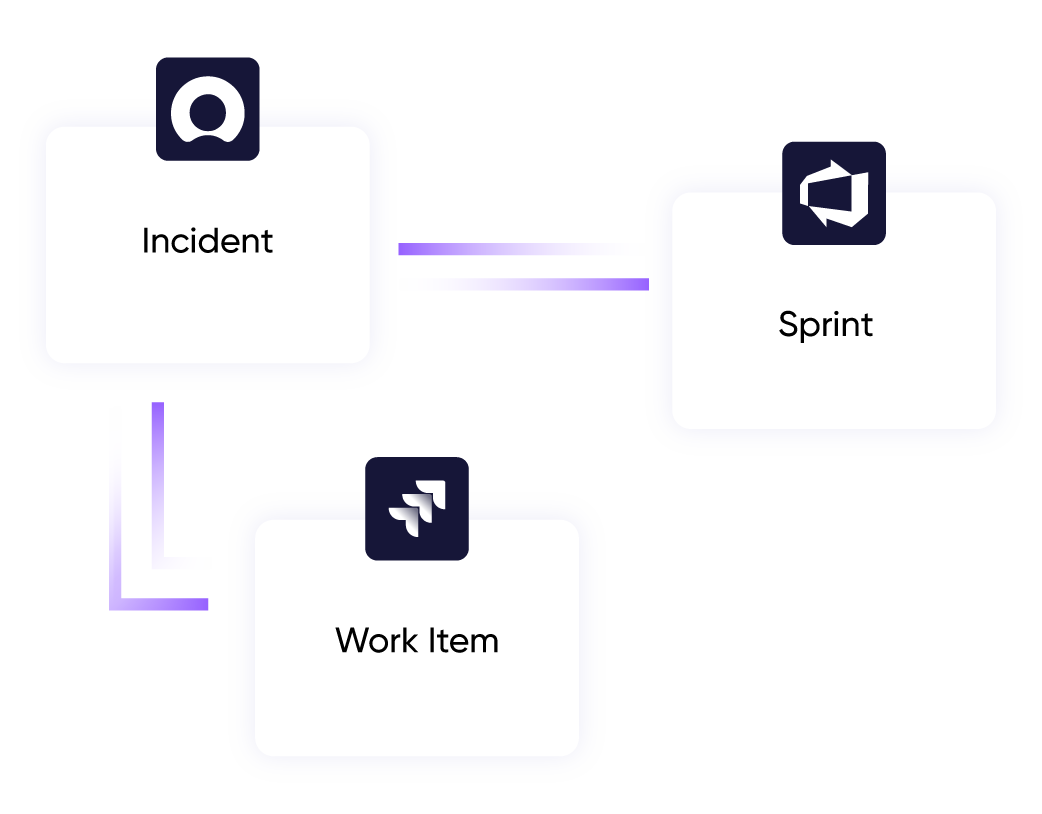
Field-level control
over what data leaves your environment
Minutes
to connect a new vendor or partner system
Cross-instance sync
without exposing regulated data
Audit trail
for every sync event, every change
The Financial Services Reality
Your Team Is Managing Vendor Risk on Spreadsheets
Financial institutions work with dozens of IT vendors, each running a different ITSM tool. The internal team is stuck in the middle, manually tracking everything.
Vendor Tool Sprawl
Every vendor runs their own system. Your internal team runs another. Tracking work across all of them means constant context-switching, manual updates, and blind spots your auditors will find before you do.
Compliance Exposure
Cross-system data flows are hard to govern without the right controls. Field-level filtering and a full audit trail aren’t optional; they’re expected.
Isolated Instances
Regulated environments often require separate instances for different business units or subsidiaries. But teams still need cross-instance visibility, and native functionality doesn’t cross that boundary.
Post-Acquisition Chaos
M&A timelines don’t wait for clean integrations. Acquired companies run their own tools. You need both systems connected before you can consolidate.
common use cases
How Financial Services Teams Use Exalate
Hub-and-Spoke Vendor Management
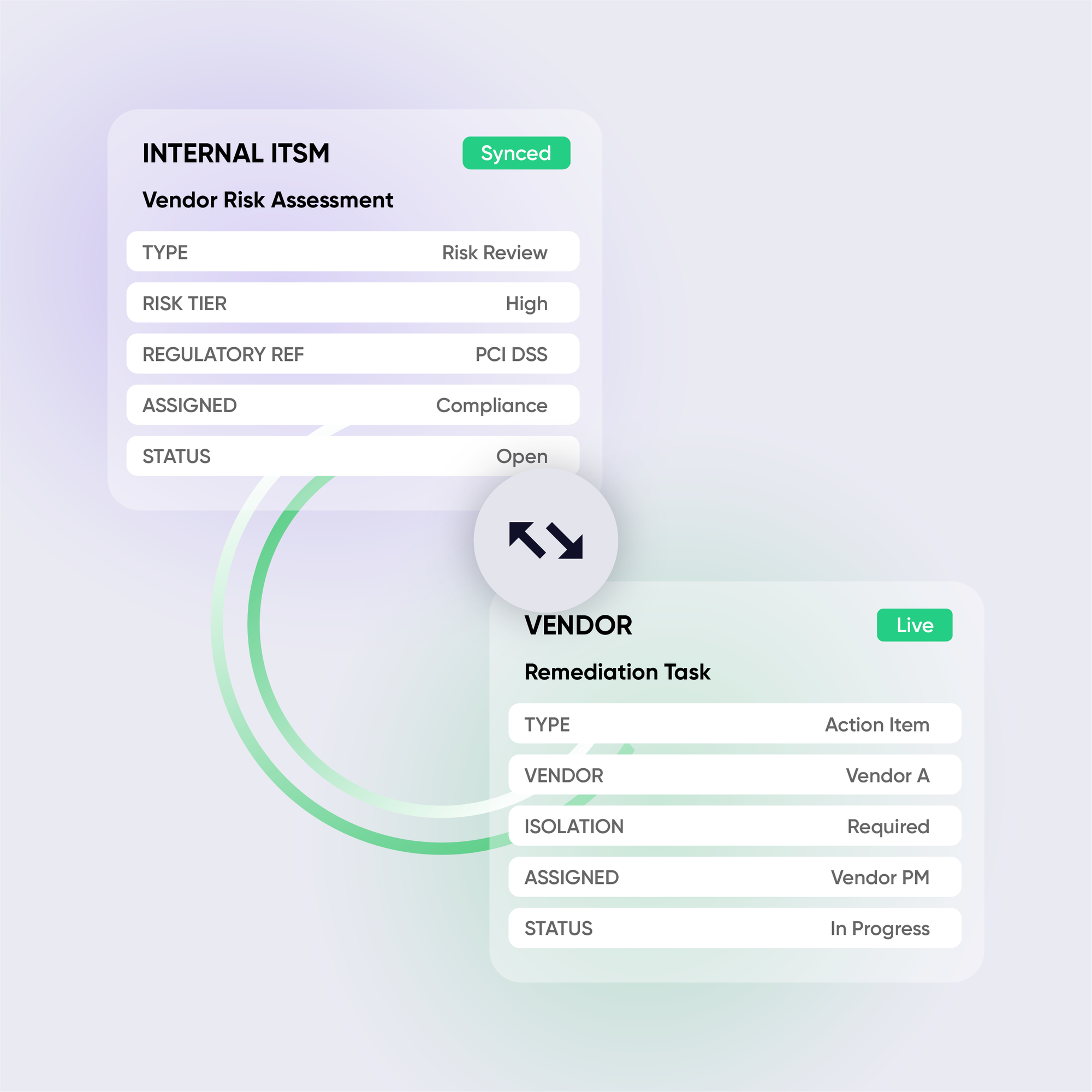
Connect your central ITSM to every IT vendor’s system, each with its own independent sync rules. Your team gets a single place to track work across the entire vendor network. Vendors never see each other’s data.
Cross-Instance Sync in Regulated Environments
When compliance requirements demand separate instances for different business units, subsidiaries, or risk tiers, Exalate bridges them without breaking isolation. Sync specific projects, specific fields, in one direction or both. Based on your rules, not the tool’s defaults.
Sensitive Data Filtering
Configure field-level filters to exclude regulated or protected information from sync payloads before anything leaves your environment. Control exactly what crosses the boundary between systems. And document every decision for your audit trail.





Why Exalate is
Secure by Design
- Single-tenant architecture – no shared infrastructure
- Encryption in transit and at rest
- Automatic recovery from outages
- ISO 27001:2022 certified
- 24/7 threat monitoring with SentinelOne

Get the Most Out of Your Integration
Sync in Real-Time
Two-way, real-time sync between platforms. Updates flow automatically. No manual exports, no delays.

Connect Any Number of Instances
Connect multiple projects, instances, and platforms. Use different rules for each connection.

Know What Failed and Why
Get AI-powered recommendations for resolving the issue, including possible fixes and next steps.

AI Assisted SetUp
Describe your integration goal. Aida reviews your sync rules and connector type, then suggests script changes

Only Sync What Matches
Set various conditions for automatic synchronization.


Sync Visibility, Right Where You Work
Check the real-time status of your active syncs, spot failures, and trigger a manual push. All from a browser extension, without opening the Exalate console.

the build vs buy decision
Making the Right Choice
DIY webhooks and API integrations seem cheap at first. But they don’t stay cheap:
- Race conditions causing data inconsistencies
- No bidirectional sync without significant engineering
- Breaks every time an API changes
- You become integration support, not client support
- Each new client = another custom build
Free tools work for basic one-way syncs. But when you need bidirectional sync, advanced field mapping, or to scale across multiple clients; they hit limits fast.
| Capability | Exalate | DIY / Custom Build |
|---|---|---|
| True bidirectional sync | ✓Full sync | Complex to build |
| Field-level data filtering | ✓Granular control | Manual scripting |
| Independent control per side | ✓Full control | ✗ |
| Audit trail for every change | ✓Complete | Your responsibility |
| AI-assisted configuration | ✓Aida AI | ✗ |
| Cross-instance sync | ✓Supported | Complex |
| Enterprise security (ISO 27001) | ✓Certified | Your responsibility |
| Maintenance burden | Managed | High |
See Exalate in Action
Let us show you how Exalate can fit your unique business needs.
trusted by clients worldwide






FAQ
Answers to the most frequent questions.
Didn't find what you were looking for? Ask Aida
Exalate uses single-tenant infrastructure where your data is never commingled with another customer’s environment. Field-level scripting lets you exclude sensitive data from sync payloads before anything leaves your system. You control what crosses every boundary. For full details, visit our Trust Center.
Yes. Exalate is purpose-built for cross-instance and cross-company sync where native Jira functionality doesn’t reach. Each side maintains its own sync rules independently, so you can connect two regulated environments without compromising either.
Exalate does not currently sign BAAs. If your use case requires a signed BAA, for example, if you’re handling protected health information under HIPAA, please contact our team to discuss your specific requirements before evaluating.
Your central ITSM connects to each vendor’s system independently. Each connection runs its own sync rules: vendor A’s tickets never touch vendor B’s environment. When you onboard a new vendor, you replicate your standard configuration rather than building from scratc
Your central ITSM connects to each vendor’s system independently. Each connection runs its own sync rules: vendor A’s tickets never touch vendor B’s environment. When you onboard a new vendor, you replicate your standard configuration rather than building from scratc
Most straightforward use cases go live within 2–5 days, including proof of concept. Complex environments involving multiple vendor connections or regulated data filtering typically run 2–3 weeks, including testing. Procurement and security review timelines are separate and vary by institution.
Exalate uses outcome-based pricing: you pay for active items currently in sync, not for user seats or API calls. Each integration pair (e.g., JSM ↔ Vendor ServiceNow) is priced independently. For environments with multiple vendor connections, contact our team to discuss volume options.
Exalate connects through standard authentication methods; no server-side installation required on the vendor’s end. The ramp-up flow handles authentication, and the console gives you visibility across your full integration network from one place.
The core difference is scripting control. Exalate’s Groovy-based engine lets you define exactly what syncs, in which direction, under which conditions, including field-level filtering for compliance. Template-based tools like GetInt limit you to predefined mappings that can’t accommodate the custom data handling that regulated environments require.
When an acquisition brings a new ITSM into your environment, Exalate connects it to your existing stack without forcing a rip-and-replace. Both systems keep running. The data flows.