
flexible two-way sync
Asana Freshdesk Integration
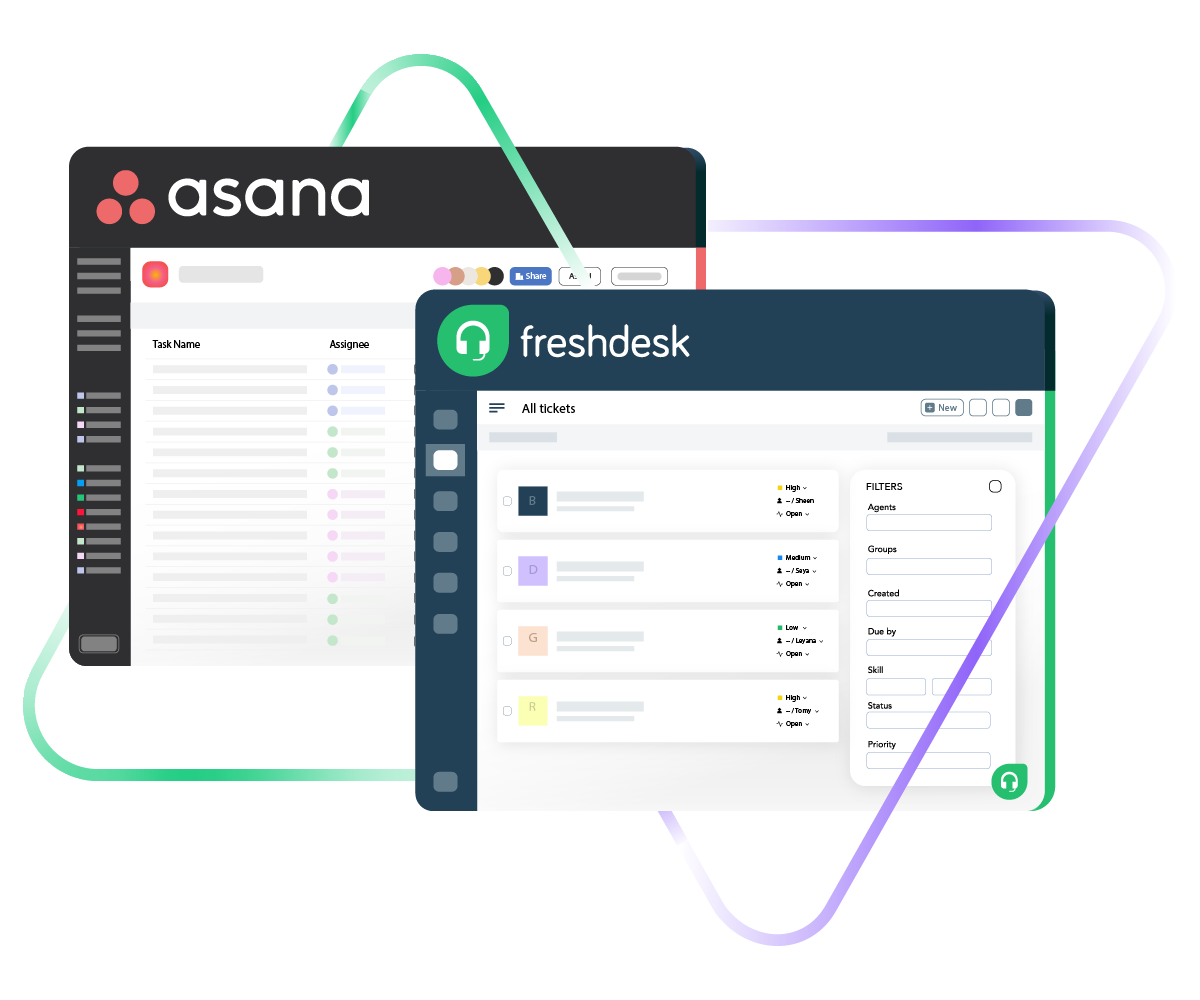
Bring Asana and Freshdesk together so your project workflows and customer support operations stay in sync around the clock. Stop copying ticket details into project boards by hand or pinging teammates for status updates they already logged somewhere else.
Route Freshdesk tickets into Asana as actionable tasks and push project updates back to your support team, all on autopilot.
Sync id, subject, description, type...
sync assignee, submitter, requester...
sync attachments, custom fields...
sync tags, priority, due sate, status...
Sync summary, description, labels...
Sync status, priority, attachments,
Sync phone, notes, custom fields, custom keys...







Asana to Freshdesk Sync
Keep Project Teams and Support Agents on the Same Page
Let your project managers plan in Asana, and your support agents resolve tickets in Freshdesk without either team losing sight of what the other is doing. Build a real-time Asana to Freshdesk integration that mirrors how your teams actually collaborate.
Automatically convert Freshdesk tickets into Asana tasks so project teams can act on customer issues the moment they come in.
Link several Freshdesk tickets to a single Asana task when they all stem from the same underlying issue or request.
Choose one-way or two-way synchronization based on whether one team simply needs visibility or both need to exchange updates.
Keep field values current across Asana tasks and Freshdesk tickets so nobody has to switch platforms just to check on progress.
Eliminate repetitive copy-paste work by letting the integration move data between systems on its own.
Bridge the information gap between project planning and customer support by making sure both tools reflect the latest state of shared work.
Asana to Freshdesk Integration: Full Control Over What Gets Shared
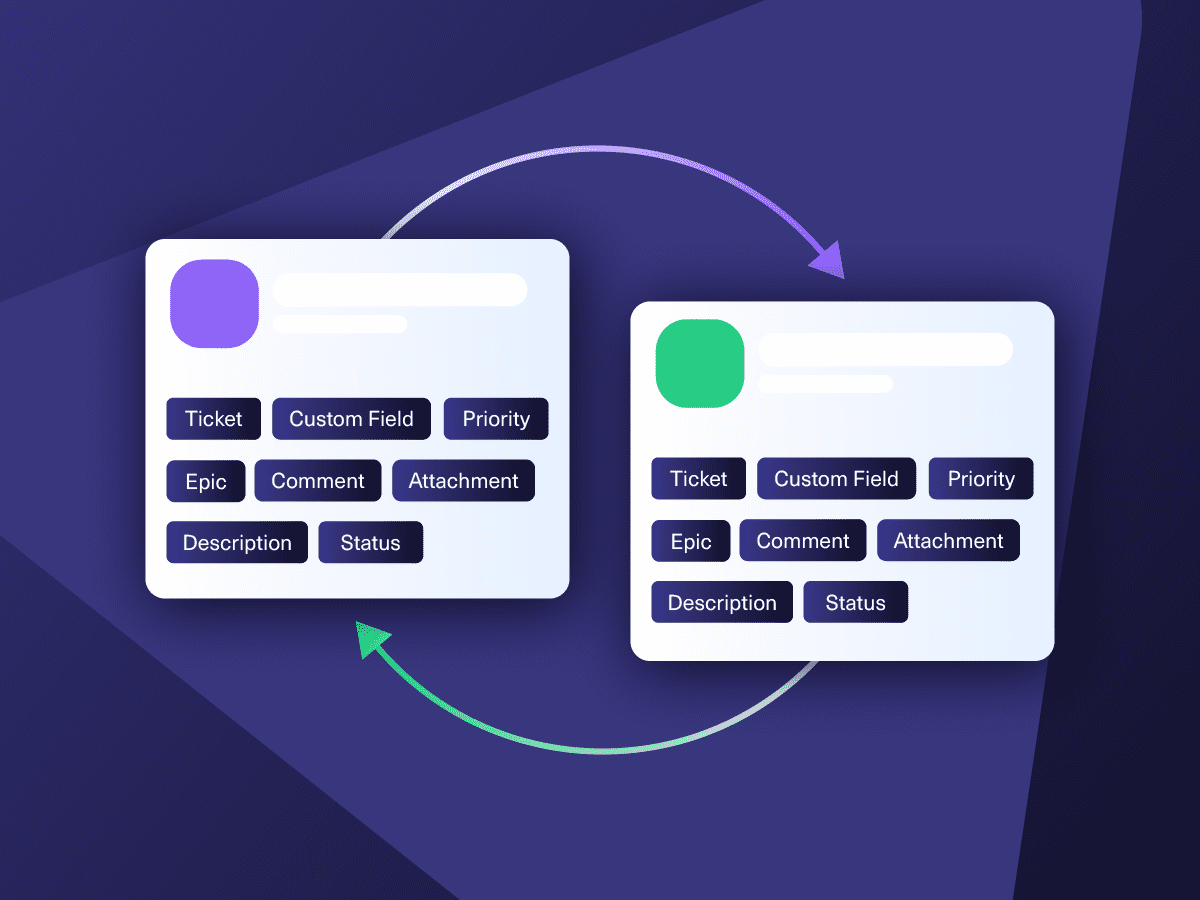
Control which data travels between Asana and Freshdesk and which stays put. Map standard and custom fields on both sides so each team gets the context they need without irrelevant noise.

Asana
Enterprise supported
Tickets
All fields are supported, including:
- Custom fields
- Key
- Summary
- Description
- Asignee
- Reporter
- Status
- Attachment
- Label
- Due
- Comments
Tickets
All fields are supported, including:
- Custom Fields
- Key
- Summary
- Description
- Status
- Assignee

Freshdesk
Freshdesk
9 fields are supported:
- Custom fields
- Summary
- Status
- Description
- Type
- Priority
- Labels
- Comment
- Attachment

Exalate is stable, flexible, customizable, and pretty easy to set up and use.
ALEXANDER SINNO
“
Exalate is stable, flexible, customizable, and pretty easy to set up and use.
ALEXANDER SINNO
Get the Most Out of Your Integration
Sync in Real-Time
Two-way, real-time sync between platforms. Updates flow automatically. No manual exports, no delays.

Connect Any Number of Instances
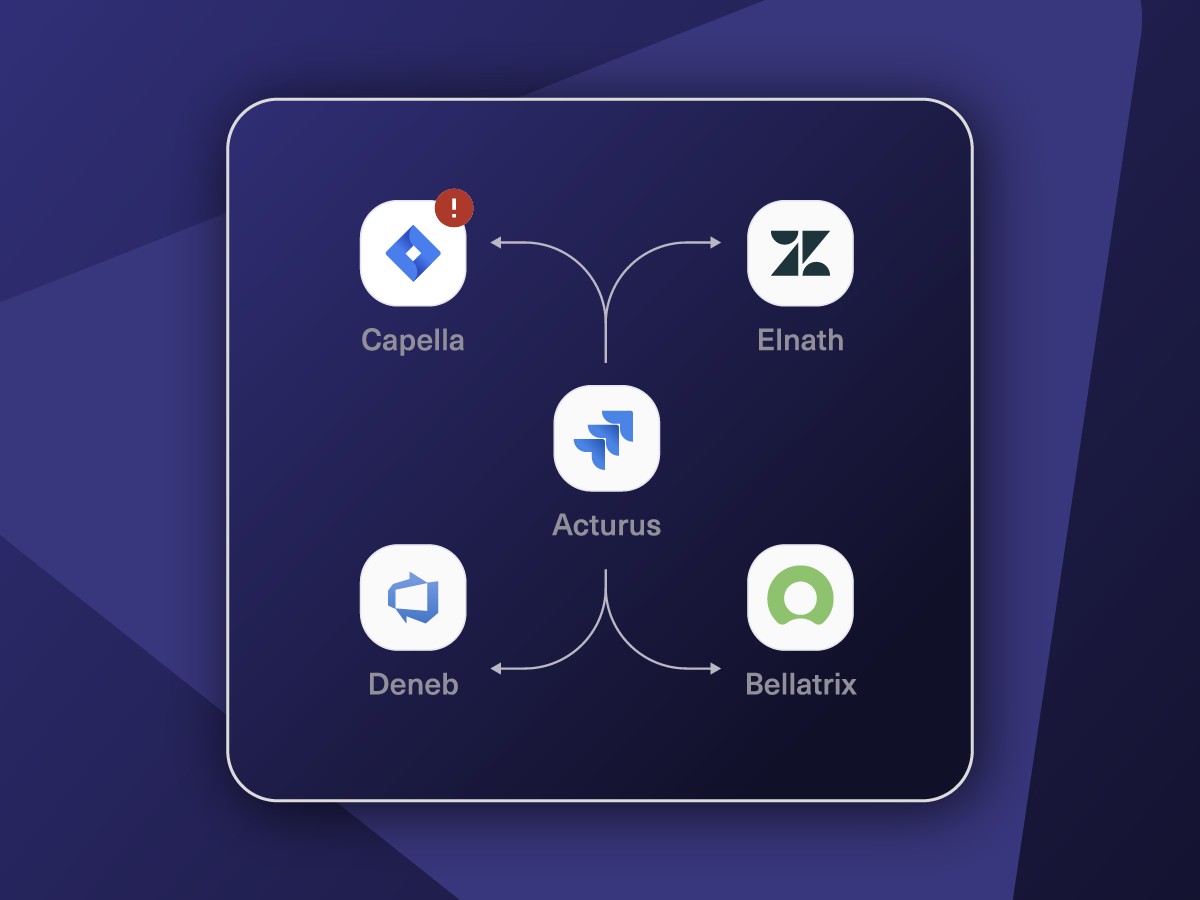
Connect multiple projects, instances, and platforms. Use different rules for each connection.

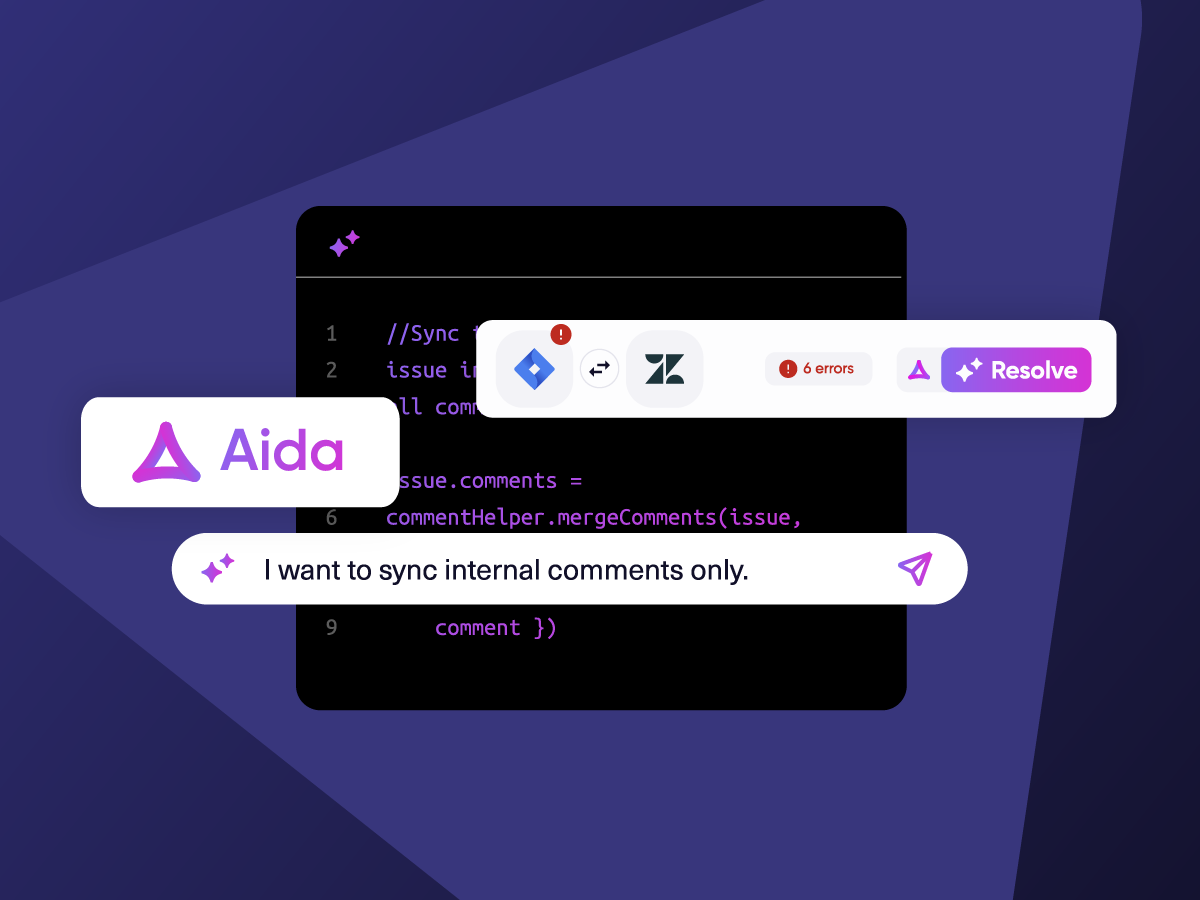
Know What Failed and Why
Get AI-powered recommendations for resolving the issue, including possible fixes and next steps.

AI Assisted SetUp
Describe your integration goal. Aida reviews your sync rules and connector type, then suggests script changes

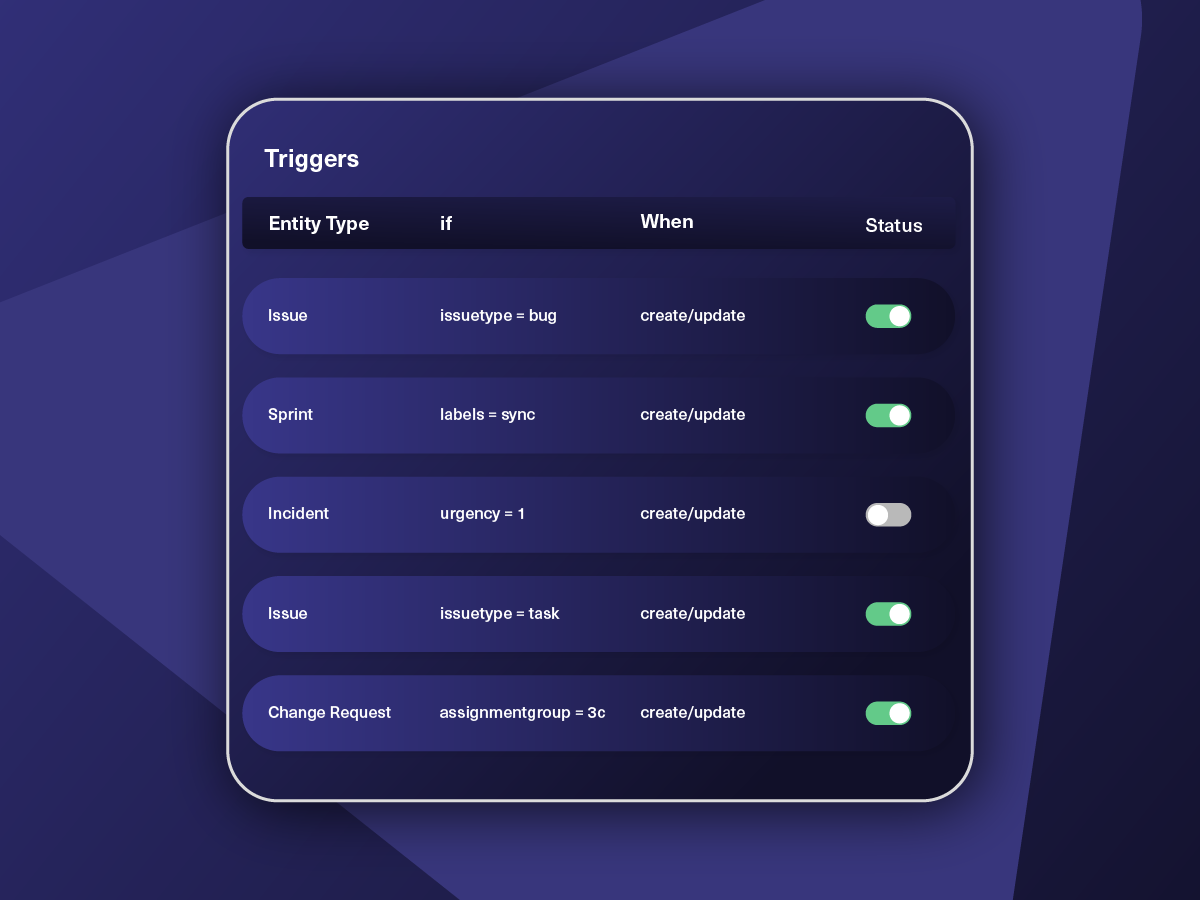
Only Sync What Matches
Set various conditions for automatic synchronization.


Sync Visibility, Right Where You Work
Check the real-time status of your active syncs, spot failures, and trigger a manual push. All from a browser extension, without opening the Exalate console.

How it Works
Connect
Easily connect multiple projects, instances, and platforms. With local, or external partners.
Customize
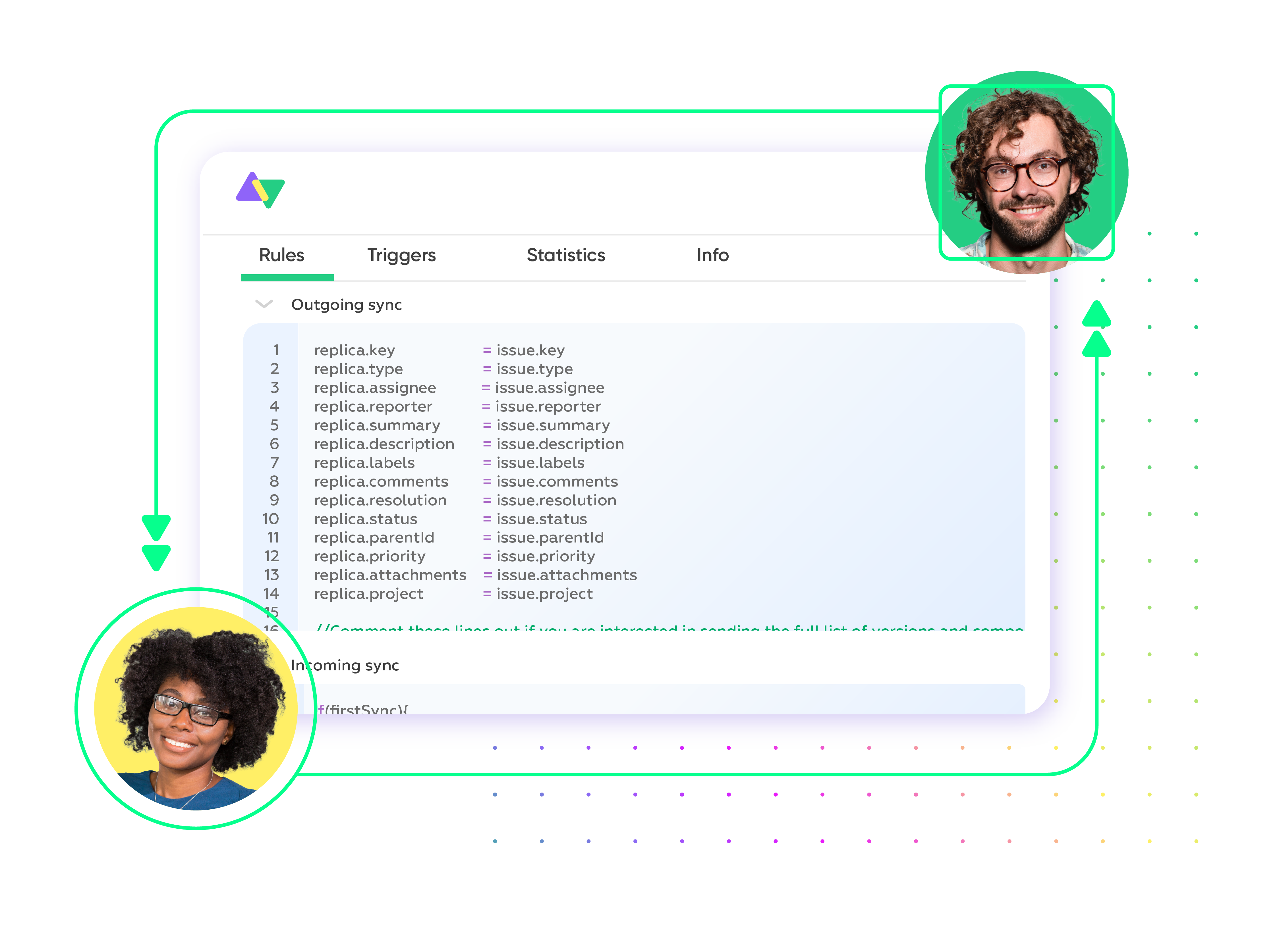
Set your sync rules to make sure the right data is shared.
Prompt Exalate’s AI to generate rules, or fine-tune with Groovy-based custom mappings and logic for complete control.
Automate
Set triggers to automate your sync based on specific conditions.
Synchronize
Now your connected instances will exchange information automatically. Happy syncing!
Straightforward to Advanced Asana to Freshdesk Integration Use Cases
Start with basic field mapping and scale into complex multi-step workflows using AI-assisted scripting as your needs evolve.
Escalate High-Priority Tickets to Asana for Cross-Functional Resolution
Automatically create an Asana task whenever a Freshdesk ticket hits "Urgent" priority or gets tagged for escalation. The ticket subject, description, requester details, and current status carry over so the project team has full context from the start. As the team documents progress and updates the Asana task, those changes reflect on the original Freshdesk ticket. This lets the support agent keep the customer informed without chasing the project team for updates.
Route Product Feedback Tickets Into an Asana Roadmap Project
Set conditions to sync Freshdesk tickets tagged as "Feature Request" or categorized under product feedback directly into a dedicated Asana project. Product managers can review incoming requests, assess volume and customer impact, and prioritize items on the roadmap. Feedback details, customer context, and attached screenshots all transfer over. The support team retains the original ticket while Asana becomes the workspace where product decisions are made and tracked.
Coordinate Onboarding Deliverables Across Support and Project Teams
Generate an Asana task in the appropriate project when a Freshdesk ticket involves customer onboarding steps that require work from multiple teams, like configuring an account, preparing training materials, or scheduling kickoff calls. The ticket description, requester name, company information, and any custom field values sync over so the project team understands exactly what is needed. Completion updates in Asana flow back to the Freshdesk ticket, allowing the support agent to close the loop with the customer.
Consolidate Recurring Bug Reports Into a Single Asana Investigation Task
Funnel multiple Freshdesk tickets that report the same bug or product defect into one Asana task. Instead of creating a separate task for every customer who raises the issue, the integration groups related tickets under a single investigation item. The project team can track total affected customers, review individual ticket notes, and coordinate the fix in one place. Each Freshdesk ticket retains its own record so agents can still communicate individually with each requester.
Build Multi-Platform Workflows That Span Freshdesk, Asana, and Engineering Tools
Connect the Asana-Freshdesk connection into a wider cross-tool workflow. For instance, a Freshdesk ticket flagged as a bug creates an Asana task for triage, which then generates a Jira issue for the development team to build the fix. As the Jira ticket progresses, updates ripple back through Asana and into the Freshdesk ticket. Every stakeholder, from support agents to project leads to engineers, sees the current status in their own tool without extra effort.

We can now handle around 500 customer incidents per week, thanks to Exalate, which is a very good result regarding the number of products we’re dealing with. It synchronizes 45x faster than our previous solution.
Christof Cuyper
“
We can now handle around 500 customer incidents per week, thanks to Exalate, which is a very good result regarding the number of products we’re dealing with. It synchronizes 45x faster than our previous solution.
Christof Cuyper |
Always at Your Service
Get timely assistance from the best support technicians in the business. Relax as we help you solve every sync-related issue and more.
FAQ
Answers to the most frequent questions.
Didn't find what you were looking for? Ask Aida
Support teams live in Freshdesk, handling tickets, while project and product teams plan their work in Asana. Without a link between the two, information travels through chat messages, forwarded emails, or standup meetings, and things inevitably slip through the cracks. An integration removes that friction. Ticket details reach the right project team as soon as they are logged, and task progress flows back to support automatically. Both sides spend less time coordinating and more time doing actual work.
Go to exalate.app and sign up. Once you’re in, add your Asana workspace and Freshdesk helpdesk as connected nodes. From there, configure what data should move between them. You can describe your requirements in everyday language and let Aida (Exalate’s AI assistant) draft the sync scripts for you. Or, if you prefer to have granular control, write the rules yourself using the scripting engine. After that, define triggers to specify which tickets or tasks should initiate a sync. Once everything is active, the connection handles itself.
Asana fields like task name, description, assignee, due date, status, comments, attachments, and custom fields are all available. On the Freshdesk side, you can sync subject, description, status, priority, source, agent, group, requester, tags, notes, attachments, and custom fields. Basically, if a field is accessible through either platform’s REST API, Exalate can handle it. For custom fields that require special transformations, Exalate’s team offers managed services to handle the configuration on your behalf.
Yes. You might set up a one-way flow where Freshdesk tickets create Asana tasks, but nothing syncs in return. Or you could go with a two-way setup, so both platforms stay updated whenever either side makes a change. Multi-directional flows are also possible if your workflow involves more than two tools. On top of that, you can migrate historical data, so the integration is not limited to only new tickets or tasks. Direction and scope are entirely up to you.
Yes. Consider a scenario where a product outage triggers a wave of customer tickets in Freshdesk. Rather than spawning a separate Asana task for each one, you can consolidate all related tickets under a single task for the project team to investigate. This prevents duplicated effort on the Asana side while preserving every individual ticket record in Freshdesk. Each platform keeps independent control over its own data and rules, so nothing crosses boundaries you have not defined.
The platform authenticates using JWT-based access tokens and enforces role-based access controls. All data in transit is protected with HTTPS using TLS 1.2 and 1.3 encryption, and data at rest is encrypted as well. Exalate operates on single-tenant infrastructure, meaning your environment is not shared with any other organization. The platform holds ISO 27001 certification. You can review full security documentation at the Exalate Trust Center.
Built-in connectors and general middleware can move basic data between Asana and Freshdesk, but they tend to hit a wall once requirements get more specific. Things like bidirectional field-level updates, consolidating several support tickets into one project task, or applying conditional logic to control exactly what syncs and when are usually outside their reach. They also lack the scripting flexibility you need for custom field transformations or workflows that chain across three or more platforms. For anything beyond simple data transfers, a purpose-built tool like Exalate covers those gaps.
Absolutely. Text fields, dropdowns, number fields, date fields, checkboxes, and anything else exposed through each platform’s API are all fair game. Aida can auto-generate transformation scripts for common mapping scenarios. For more complex requirements, such as converting between data types, applying value lookups, or conditionally populating a field based on ticket attributes, you can write custom logic directly in the scripting engine.
Pricing is based on the number of active sync pairs, meaning the count of records being synchronized at any point in time. A 30-day free trial is available so you can test the full feature set before making a commitment. Detailed pricing tiers are listed on the pricing page.
Yes. The platform handles multi-instance environments natively. You can connect several Freshdesk portals and Asana workspaces under a single Exalate deployment while maintaining strict data separation between each one. This works well for large enterprises with departmental helpdesks, managed service providers juggling multiple client environments, or any organization where data boundaries between business units need to stay airtight. A central admin view gives you oversight of all connections without breaking the isolation between them.
Basic integrations can be configured in under an hour. Register at exalate.app, connect both systems, and use Aida to help write sync rules from plain-language descriptions. Complex integrations with custom field mappings, conditional logic, and multi-party connections may take longer to configure properly. For organizations that prefer expert assistance, Exalate offers managed services where integration engineers handle setup and ongoing optimization: https://exalate.com/managed-services/
Yes, and the conditions can be as granular as your workflow requires. You could limit syncing to only tickets assigned to a particular Freshdesk group, or only fire a sync when an Asana task lands in a specific project section. Combining multiple conditions is also supported. For example, you could sync only urgent tickets tagged with a specific category. Field mapping behavior, data transformation rules, and overall workflow logic are all customizable per scenario, ensuring only relevant data actually travels between platforms.