
flexible two-way sync
Asana Azure DevOps Integration
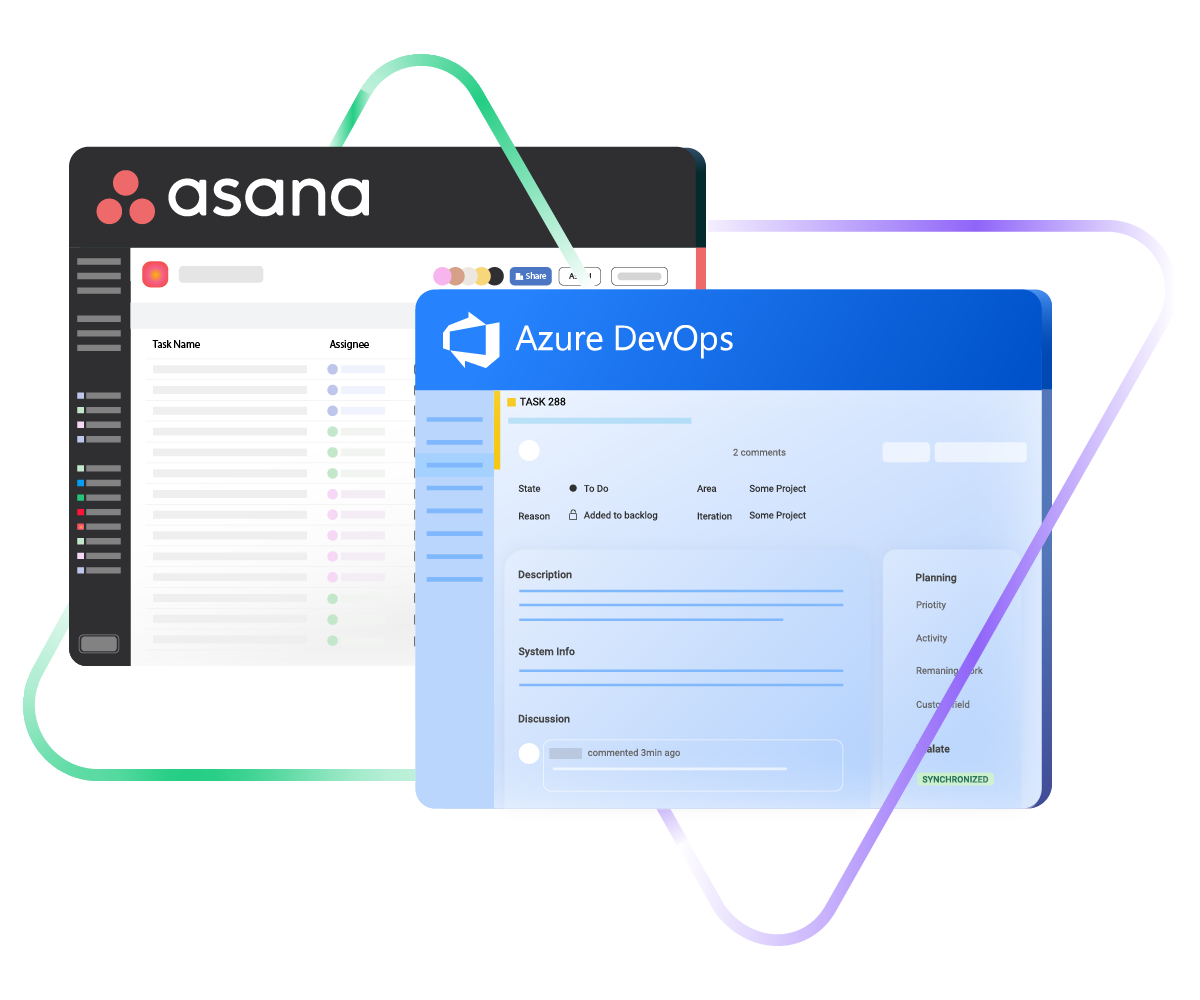
Bring Asana and Azure DevOps onto the same wavelength so your planning crew and your dev team aren’t running on different versions of the truth. Drop the constant tab-switching and constant update requests.
Send Asana tasks into Azure DevOps as work items, and bring sprint progress back into Asana on its own.
Sync id, subject, description, type...
sync assignee, submitter, requester...
sync attachments, custom fields...
sync tags, priority, due sate, status...
Sync summary, description, labels...
Sync status, priority, attachments,
Sync phone, notes, custom fields, custom keys...







Asana to Azure DevOps Sync
Plan in Asana, Build in Azure DevOps, Stay Aligned
Project leads live in Asana. Engineers live in Azure DevOps. The integration lets both groups stay in their preferred tool while the work itself moves between them in real time.
Push Asana tasks into Azure DevOps as user stories, bugs, features, or epics so engineers receive properly formatted work items, not pasted text in a backlog.
Tie a single Azure DevOps feature or epic to multiple Asana tasks when one initiative is being broken down across several project teams.
Run sync in whichever direction fits the relationship: one-way for read-only visibility, two-way when both teams contribute changes.
Share live development progress with project stakeholders without cloning your Azure DevOps board into Asana.
Skip the manual update request workflow that wastes everybody’s time.
Keep iteration paths, area paths, work item states, and Asana custom fields aligned without anyone touching a spreadsheet.
Asana to Azure DevOps: You Decide What Crosses Over
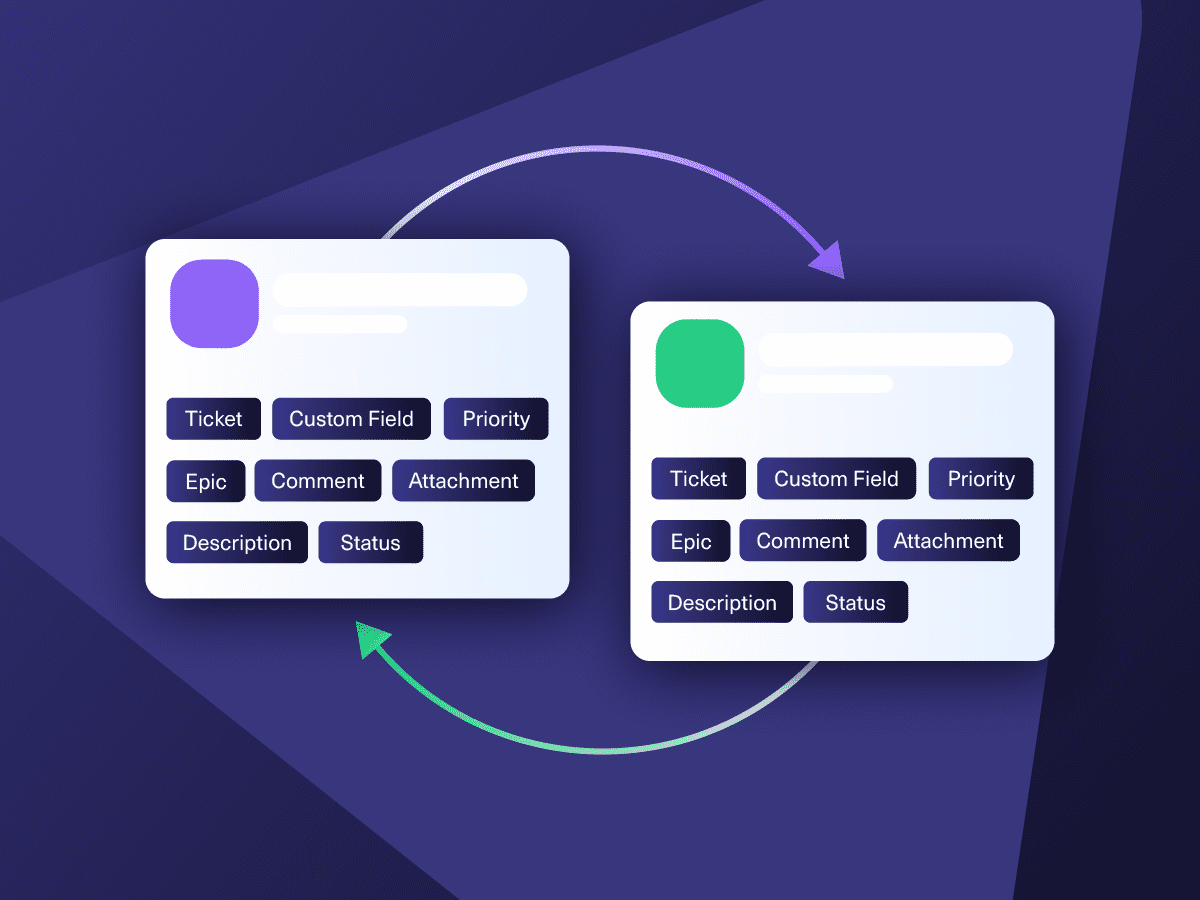
Pick the exact fields, work item types, and conditions that should travel between Asana and Azure DevOps. Everything else stays put. Mappings work for both standard and custom fields on each side, so the data each team sees actually matches how they work.

Asana
Enterprise supported
Tickets
All fields are supported, including:
- Custom fields
- Key
- Summary
- Description
- Asignee
- Reporter
- Status
- Attachment
- Label
- Due
- Comments
Tickets
All fields are supported, including:
- Custom Fields
- Key
- Summary
- Description
- Status
- Assignee

Azure DevOps
Work Items
+20 fields are supported, including:
- Custom fields
- Attachment
- Comment
- Title
- Description
- Tags
- Priority
- State
- Created by
Check the complete list of supported fields for Asana and Azure DevOps.

Exalate is stable, flexible, customizable, and pretty easy to set up and use.
ALEXANDER SINNO
“
Exalate is stable, flexible, customizable, and pretty easy to set up and use.
ALEXANDER SINNO
Get the Most Out of Your Integration
Sync in Real-Time
Two-way, real-time sync between platforms. Updates flow automatically. No manual exports, no delays.

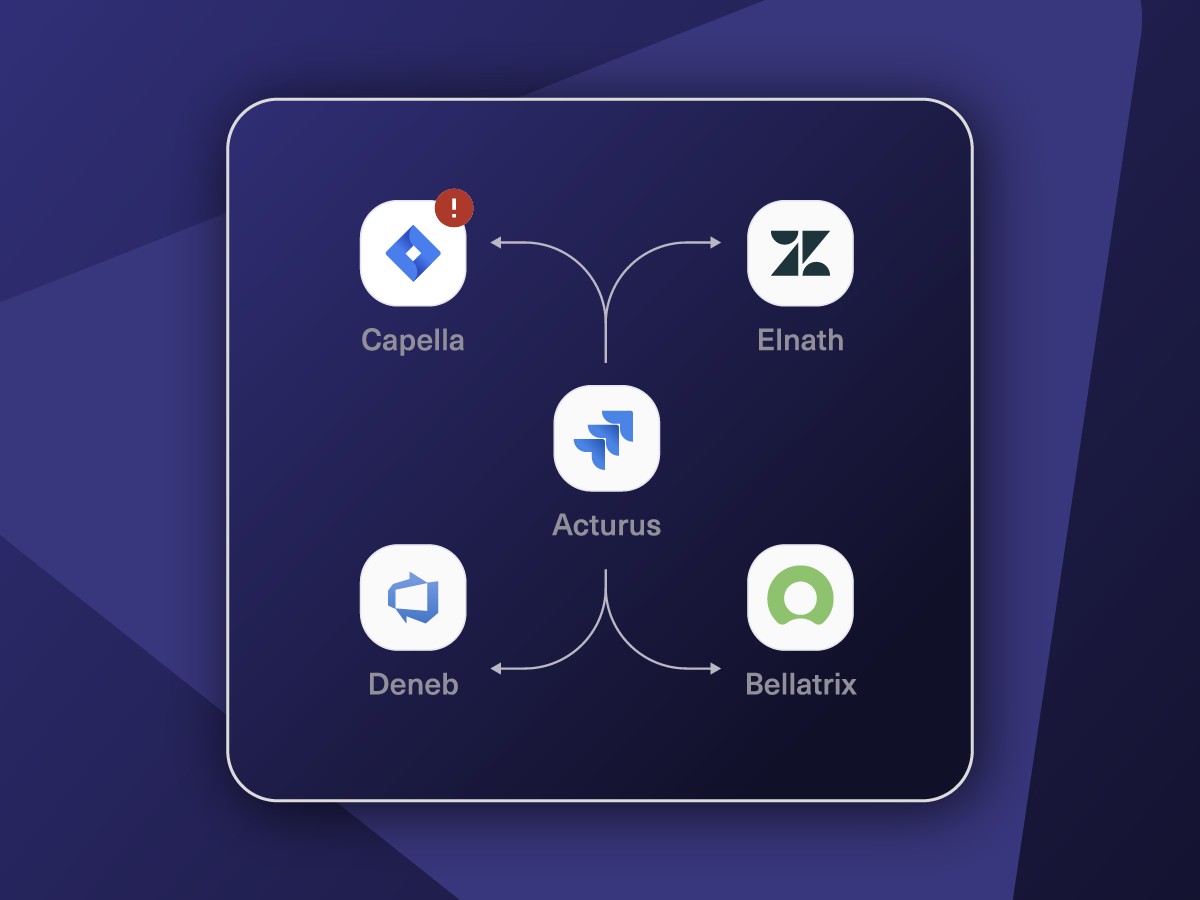
Connect Any Number of Instances
Connect multiple projects, instances, and platforms. Use different rules for each connection.

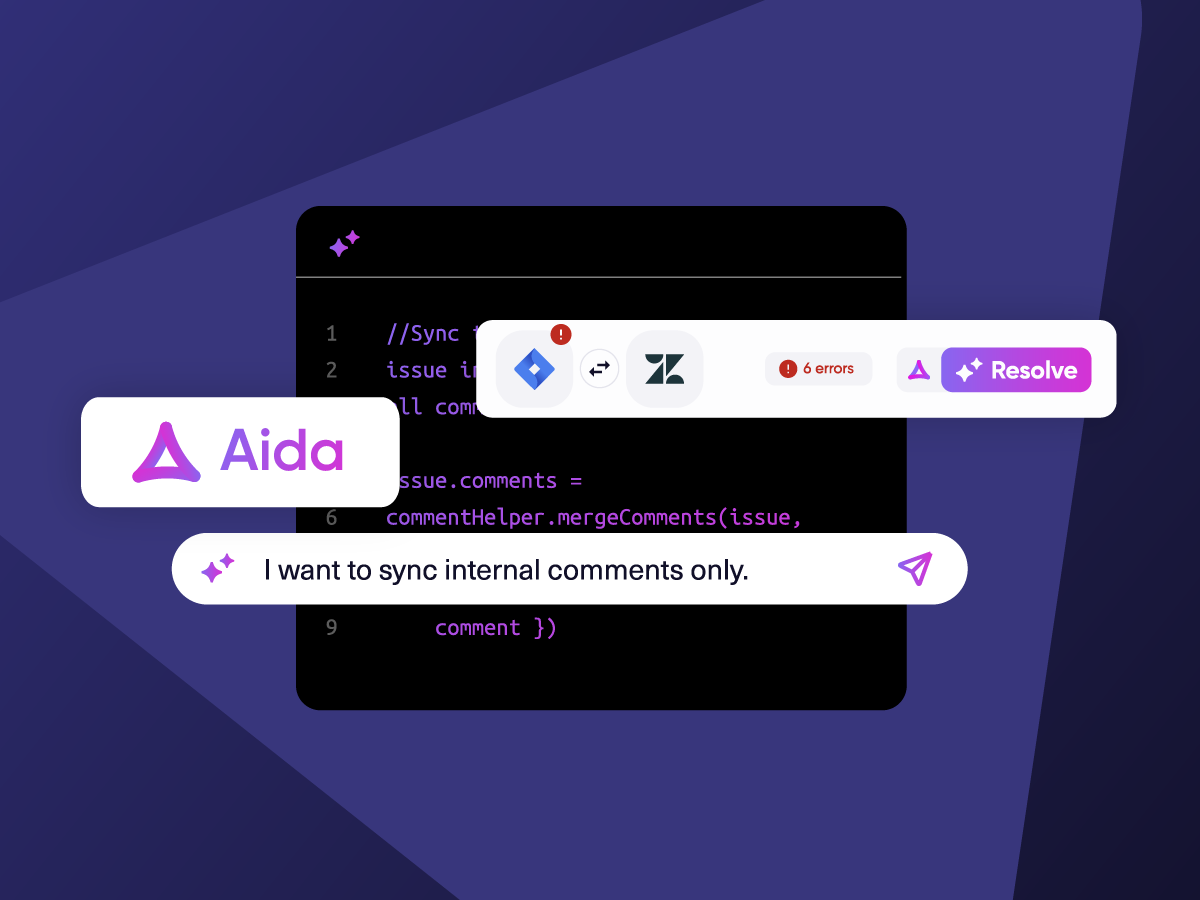
Know What Failed and Why
Get AI-powered recommendations for resolving the issue, including possible fixes and next steps.

AI Assisted SetUp
Describe your integration goal. Aida reviews your sync rules and connector type, then suggests script changes

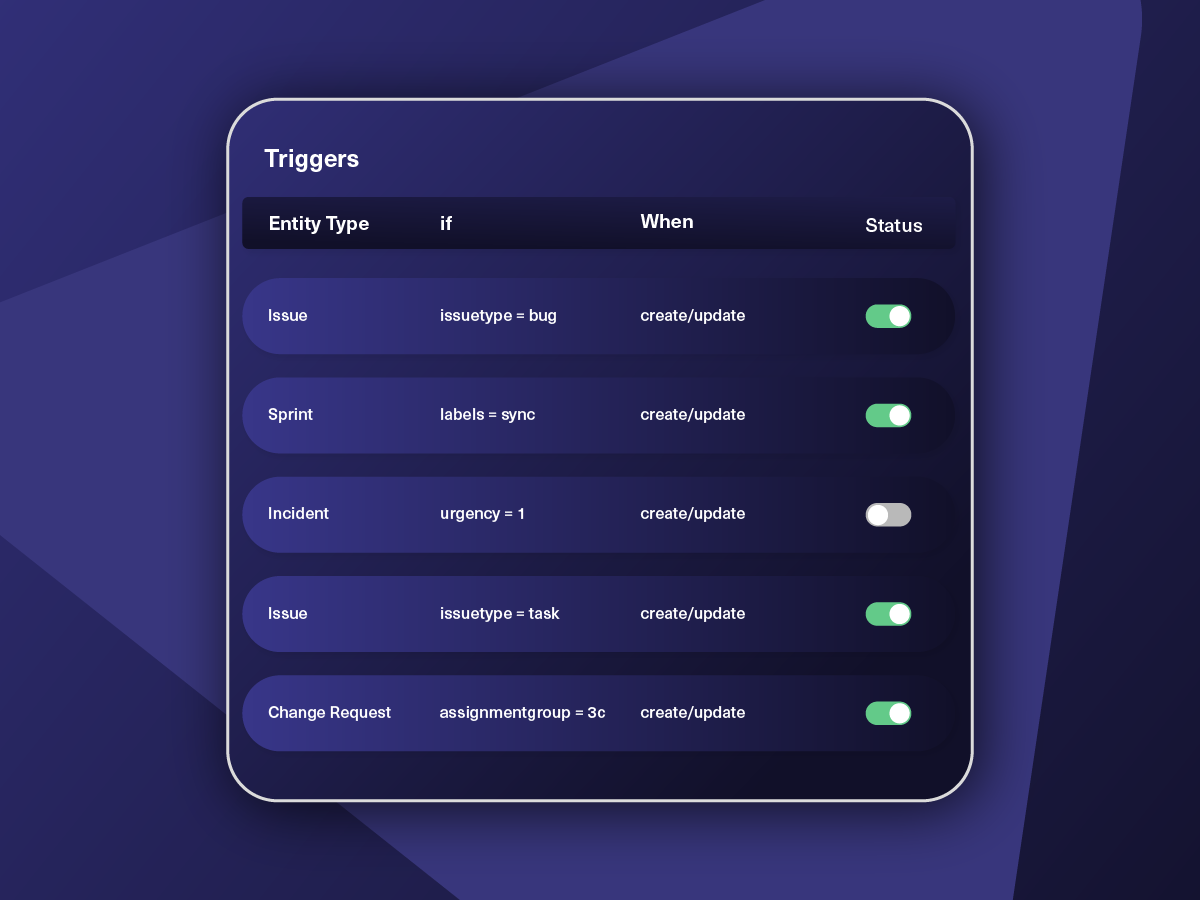
Only Sync What Matches
Set various conditions for automatic synchronization.


Sync Visibility, Right Where You Work
Check the real-time status of your active syncs, spot failures, and trigger a manual push. All from a browser extension, without opening the Exalate console.

How it Works
Connect
Easily connect multiple projects, instances, and platforms. With local, or external partners.
Customize
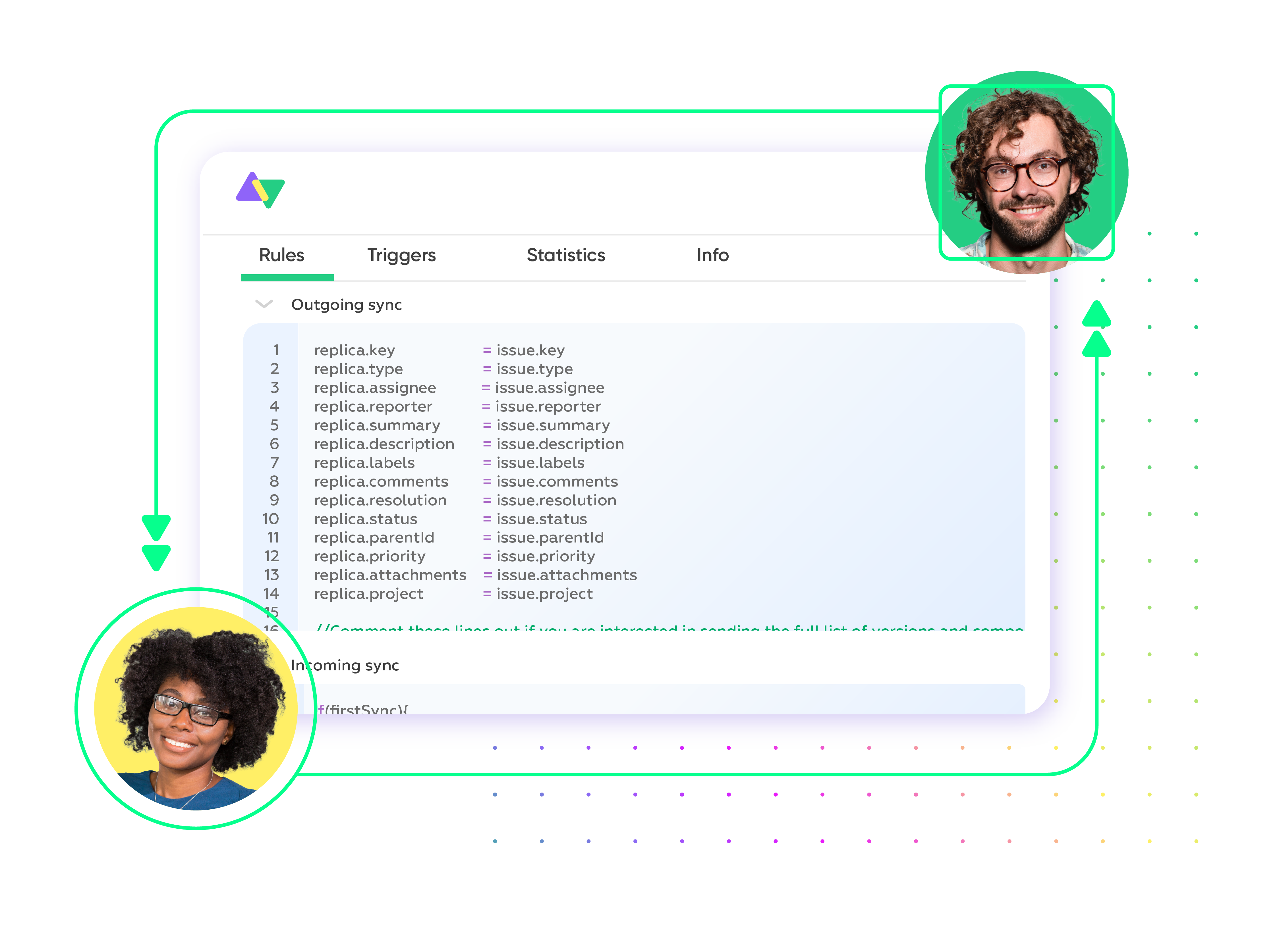
Set your sync rules to make sure the right data is shared.
Prompt Exalate’s AI to generate rules, or fine-tune with Groovy-based custom mappings and logic for complete control.
Automate
Set triggers to automate your sync based on specific conditions.
Synchronize
Now your connected instances will exchange information automatically. Happy syncing!
Simple to Sophisticated Asana to Azure DevOps Integration Use Cases
Begin with a basic field map and grow into multi-step workflows backed by AI-assisted scripting whenever your needs get more interesting.
Convert Asana Tasks Into Properly Typed Azure DevOps Work Items
Automatically generate the right kind of Azure DevOps work item based on what's in the Asana task. A task tagged "Bug" lands in Azure DevOps as a Bug with severity and repro steps populated. A task tagged "Feature" becomes a Feature under the correct area path. The acceptance criteria, assignee, and description all carry over, so engineers don't have to ask the project manager for the missing half of the requirement.
Roll Up Multiple Asana Project Tasks Under One Azure DevOps Epic
Set conditions to sync a cluster of related Asana tasks as child work items beneath a single Azure DevOps epic. Engineering leadership tracks the whole initiative through one epic with its child user stories and tasks, while project managers continue working at the task level in Asana. Both sides see the breakdown that makes sense to them.
Sync Sprint Progress Back to Asana Without Paying For New Seats
Create or update Asana tasks based on the state of their linked Azure DevOps work items. When a user story moves from "Active" to "Resolved" or hits its iteration's done column, the connected Asana task reflects the change immediately. Project managers stop pinging Slack to ask whether something shipped, and developers don't need an Asana login to keep stakeholders informed.
Escalate Bugs From Asana Customer Feedback Boards Into Azure DevOps Triage
Set up a flow where Asana tasks logged on a customer feedback or QA board automatically open Bug work items in Azure DevOps when they meet specific criteria, like a "Severity" custom field set to "Blocker" or a tag indicating a regression. Repro steps, screenshots, and reporter context flow into the bug. Engineering's resolution status flows back so the Asana task closes when the fix ships in a release.
Coordinate Cross-Tool Workflows Spanning Asana, Azure DevOps, and Beyond
Use the Asana to Azure DevOps connection as one node in a wider integration graph. A product idea logged in Asana spawns a feature in Azure DevOps, which then creates a Jira work item for a downstream team that hasn't migrated off Jira yet. State changes flow through the chain, so every group sees consistent information without anyone owning a manual sync between platforms.

We can now handle around 500 customer incidents per week, thanks to Exalate, which is a very good result regarding the number of products we’re dealing with. It synchronizes 45x faster than our previous solution.
Christof Cuyper
“
We can now handle around 500 customer incidents per week, thanks to Exalate, which is a very good result regarding the number of products we’re dealing with. It synchronizes 45x faster than our previous solution.
Christof Cuyper |
Always at Your Service
Get timely assistance from the best support technicians in the business. Relax as we help you solve every sync-related issue and more.
FAQ
Answers to the most frequent questions.
Didn't find what you were looking for? Ask Aida
Head to exalate.app to start your free, then add Asana and your Azure DevOps organization as nodes in your Exalate workspace. From there, open a connection between the two and define the sync rules. Aida can write the scripts for you if you describe the behavior you want, or you can write them yourself in Groovy. Add triggers to control when the sync fires, hit deploy, and the integration runs from there.
Yes, Exalate supports both real-time one-way and two-way syncs. You can run a one-way feed when only one team needs visibility (for example, mirroring Azure DevOps work item states into Asana for stakeholder reporting) or a full two-way sync when comments, status, and field changes need to move in either direction. It also supports mixed setups, where some fields are bidirectional, and others go one way only.
Yes, Exalate connects several Asana tasks to one Azure DevOps work item. A common pattern is mapping a group of related Asana tasks to child work items under a single Azure DevOps feature or epic. The grouping logic is defined in your sync rules, so you decide what goes over based on Asana project, section, tag, or custom field values.
Exalate uses HTTPS with TLS 1.2 and 1.3, authentication is JWT-based with role-based access controls, and MFA is supported. Data is encrypted in transit and at rest. Exalate holds ISO 27001 certification, and the Exalate Trust Center has the full breakdown of policies, audits, and controls.
Exalate is perfect for agencies or enterprises managing multiple Asana and Azure DevOps environments. Agencies can connect their internal Asana workspace to several Azure DevOps organizations belonging to different clients, with each connection running its own rules and keeping data partitioned. Enterprises with multiple business units can do the same thing in reverse, linking departmental Azure DevOps organizations to a central Asana workspace without letting teams see each other’s data.
Conditional logic is one of the things Exalate is built around. You can scope syncs by Asana project, section, tag, custom field value, or assignee. On the Azure DevOps side, conditions can key off work item type, area path, iteration path, state, tags, or any custom field. Conditions stack, so you can do things like “sync only Bug work items in the Mobile area path that are assigned to the Triage team” or “only push Asana tasks tagged ‘engineering’ from the Roadmap project.” Each connection has its own condition set, which keeps the rules for one team from interfering with another.
Native and off-the-shelf options usually work fine for surface-level sync, like creating a task here when a ticket is created there. Where they fall short is everything past that. They tend not to support proper bidirectional updates, can’t roll multiple tasks into one parent work item, don’t expose the conditional logic needed for more selective syncing, and rarely allow custom field transformations. They also can’t be extended into multi-platform workflows. If your integration needs anything beyond the basics, a dedicated tool like Exalate gives you significantly more headroom.
Custom fields are fully supported on both ends. Asana custom fields (single-select, multi-select, text, number, date, people) can map to any compatible Azure DevOps custom field, and vice versa. Where the data shapes don’t line up cleanly, scripting handles the conversion. For example, an Asana dropdown can translate to story points on the Azure DevOps side. Aida can generate the mapping logic when you describe the desired behavior.
Pricing is based on the number of active sync pairs, meaning the count of records being synchronized at any point in time. A 30-day free trial is available so you can test the full feature set before making a commitment. Detailed pricing tiers are listed on the pricing page.
Exalate allows you to sync pretty much anything reachable through each platform’s API. On the Asana side, that’s the standard task fields (name, description, assignee, due date, projects, sections, tags) along with any custom fields you’ve defined. On the Azure DevOps side, it covers the full work item model: title, description, state, work item type, area path, iteration path, severity, priority, story points, acceptance criteria, tags, attachments, comments, plus any custom fields configured on your process template. Edge cases or unusual mappings can be handled by Exalate’s managed services team.
You need to connect Asana and Azure DevOps because the two halves of the work usually live in different places. Product and project teams plan in Asana, while engineers execute in Azure DevOps. With a sync in place, any feature request that a PM logs in Asana shows up in the engineering backlog with the right work item type and metadata. As developers move it through the iteration, the project side sees it without asking.