
flexible two-way sync
Asana Freshservice Integration
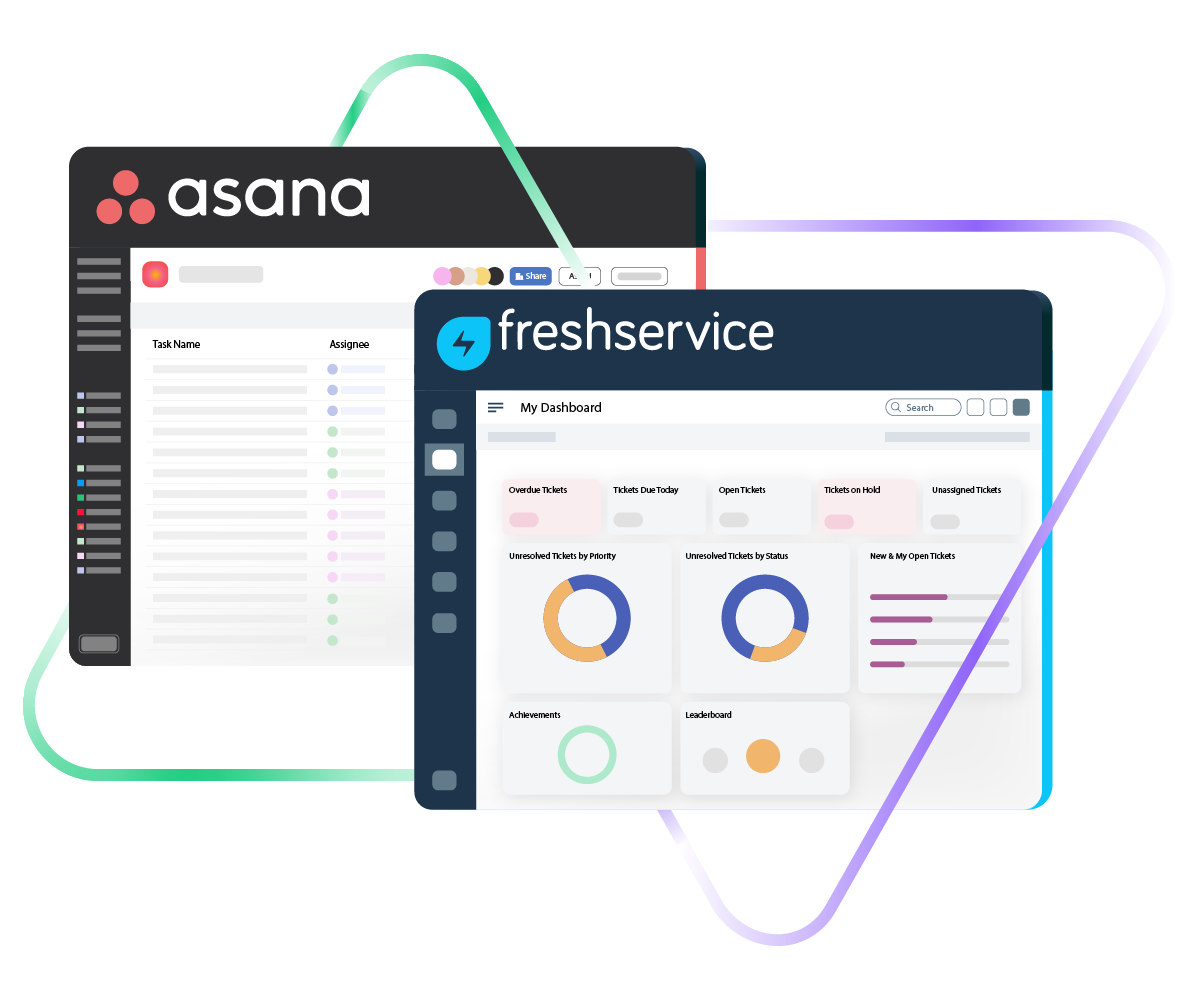
Connect Asana and Freshservice so your project teams and IT service desk operate from a shared set of data. No more copying incident details into tasks manually or pinging agents for updates they already recorded somewhere else.
Push Freshservice incidents and service requests into Asana as structured tasks, and send delivery updates back to your IT team automatically.
Sync id, subject, description, type...
sync assignee, submitter, requester...
sync attachments, custom fields...
sync tags, priority, due sate, status...
Sync summary, description, labels...
Sync status, priority, attachments,
Sync phone, notes, custom fields, custom keys...







Asana to Freshservice Sync
Align Project Delivery With IT Service Operations
Let project managers work in Asana while IT agents handle tickets in Freshservice, without either team losing track of the other’s progress. Configure a live Asana to Freshservice integration that reflects how your organization actually operates.
Turn Freshservice incidents or service requests into Asana tasks the moment they need attention from a project team.
Map multiple Freshservice tickets to one Asana task when they all trace back to the same root cause or initiative.
Select one-way or two-way synchronization depending on whether a team only needs to observe or actively contribute updates.
Close the gap between IT service delivery and project execution by making sure both systems reflect the current state of shared work.
Cut out manual data transfers by letting the integration shuttle information between platforms on its own.
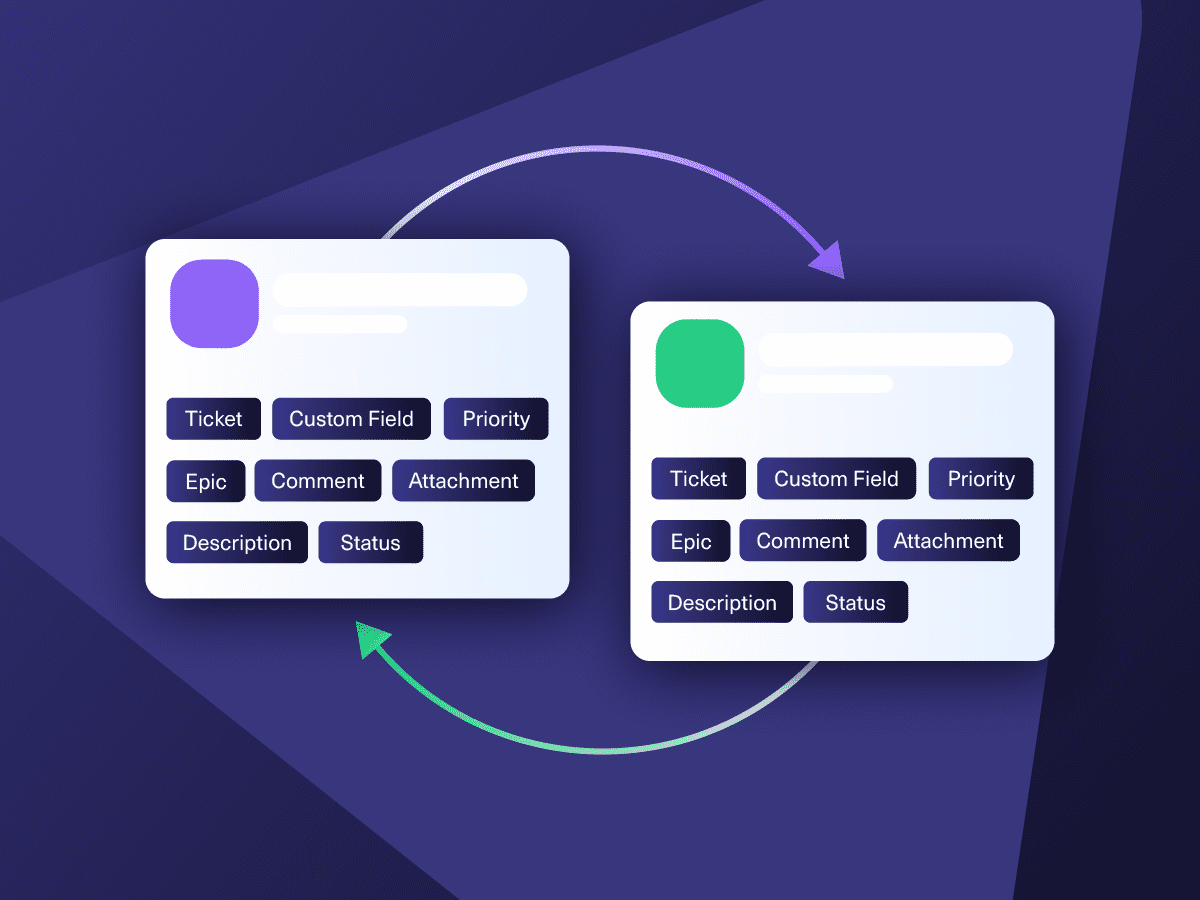
Sync field values between Asana tasks and Freshservice tickets so both tools always display the latest information.
Asana to Freshservice Integration: Full Control Over What Gets Shared
Decide which data moves between Asana and Freshservice and which stays local. Map standard and custom fields on each side, so teams receive only the context that matters to them.

Asana
Enterprise supported
Tickets
All fields are supported, including:
- Custom fields
- Key
- Summary
- Description
- Asignee
- Reporter
- Status
- Attachment
- Label
- Due
- Comments
Tickets
All fields are supported, including:
- Custom Fields
- Key
- Summary
- Description
- Status
- Assignee

Freshservice
Tickets
All fields are supported, including:
- Custom fields
- Custom keys
- Summary
- Description
- Status
- Attachment
- Label
- Priority
- Notes
Check the complete list of supported fields for Asana and Freshservice.

Exalate is stable, flexible, customizable, and pretty easy to set up and use.
ALEXANDER SINNO
“
Exalate is stable, flexible, customizable, and pretty easy to set up and use.
ALEXANDER SINNO
Get the Most Out of Your Integration
Sync in Real-Time
Two-way, real-time sync between platforms. Updates flow automatically. No manual exports, no delays.

Connect Any Number of Instances
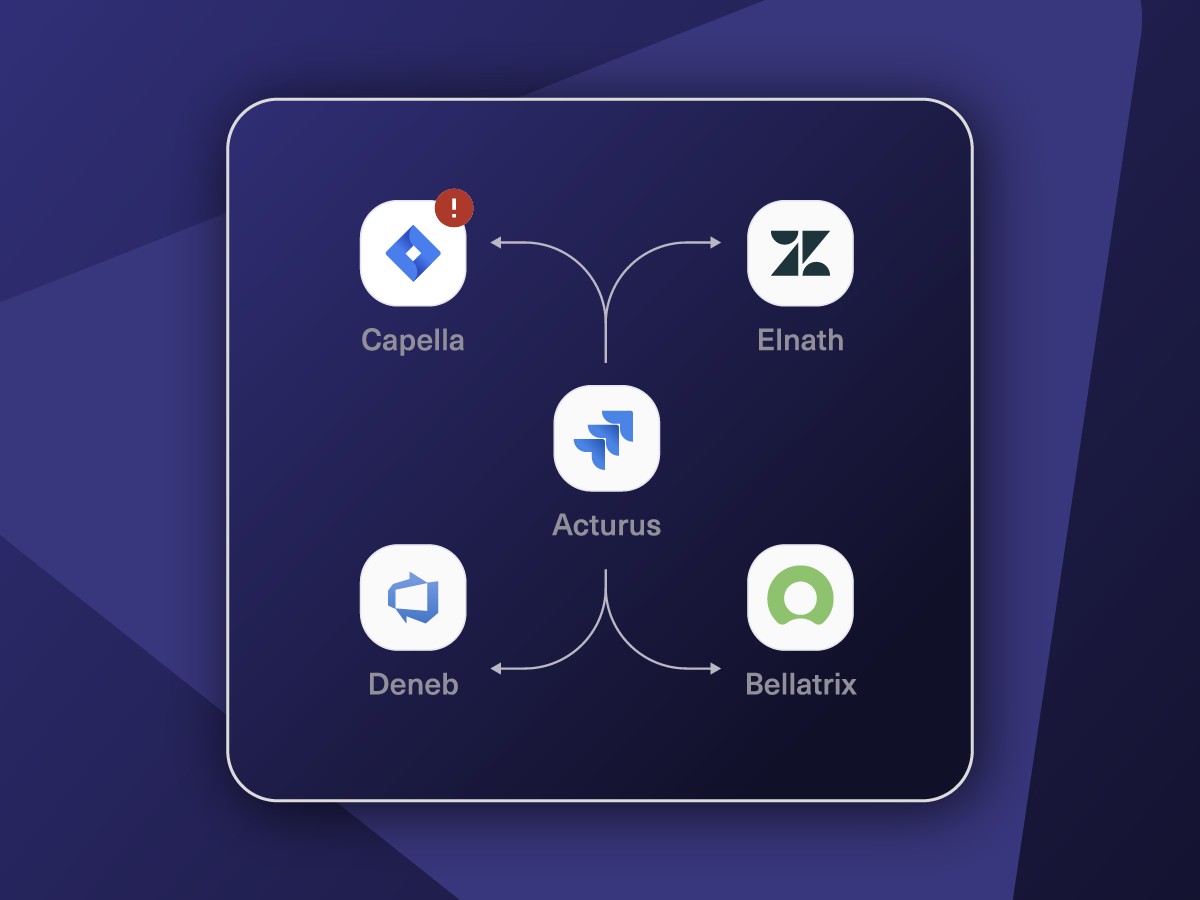
Connect multiple projects, instances, and platforms. Use different rules for each connection.

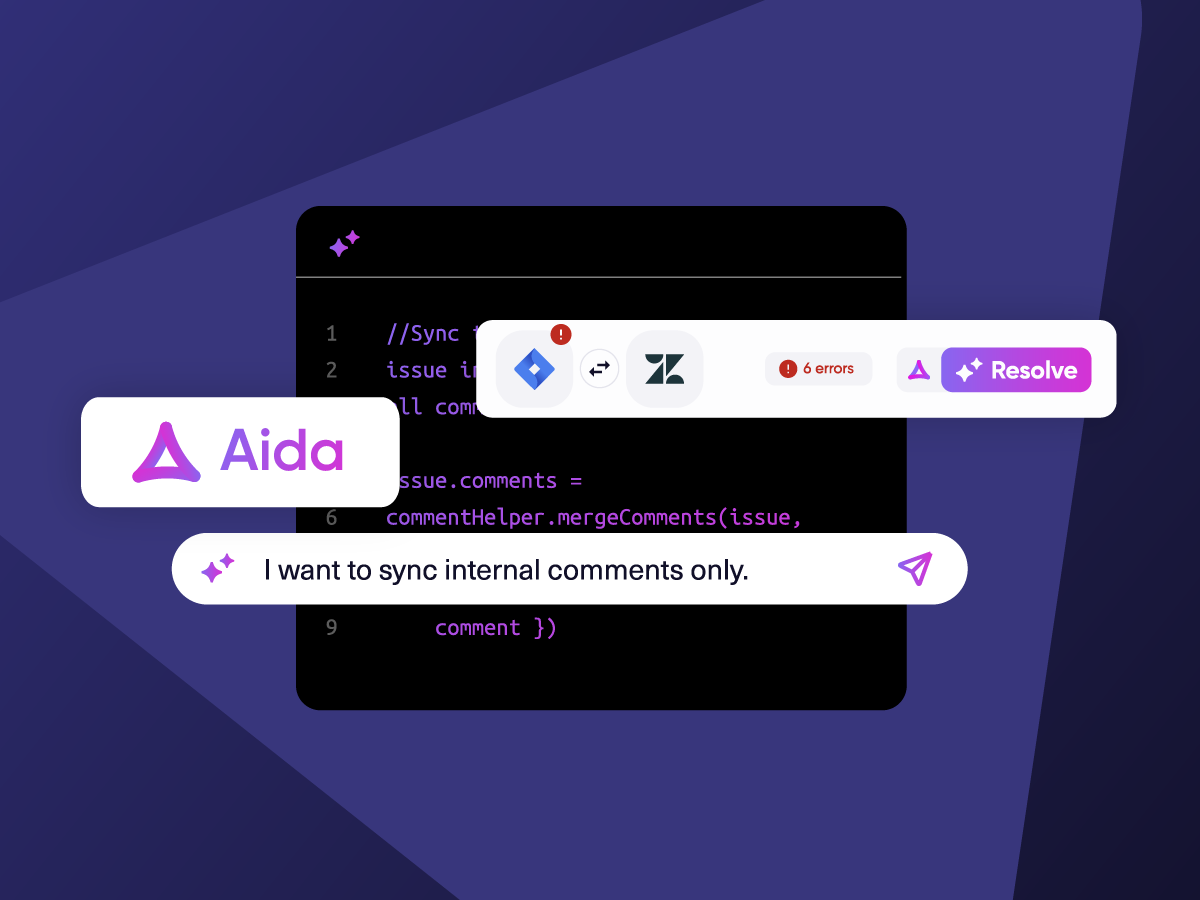
Know What Failed and Why
Get AI-powered recommendations for resolving the issue, including possible fixes and next steps.

AI Assisted SetUp
Describe your integration goal. Aida reviews your sync rules and connector type, then suggests script changes

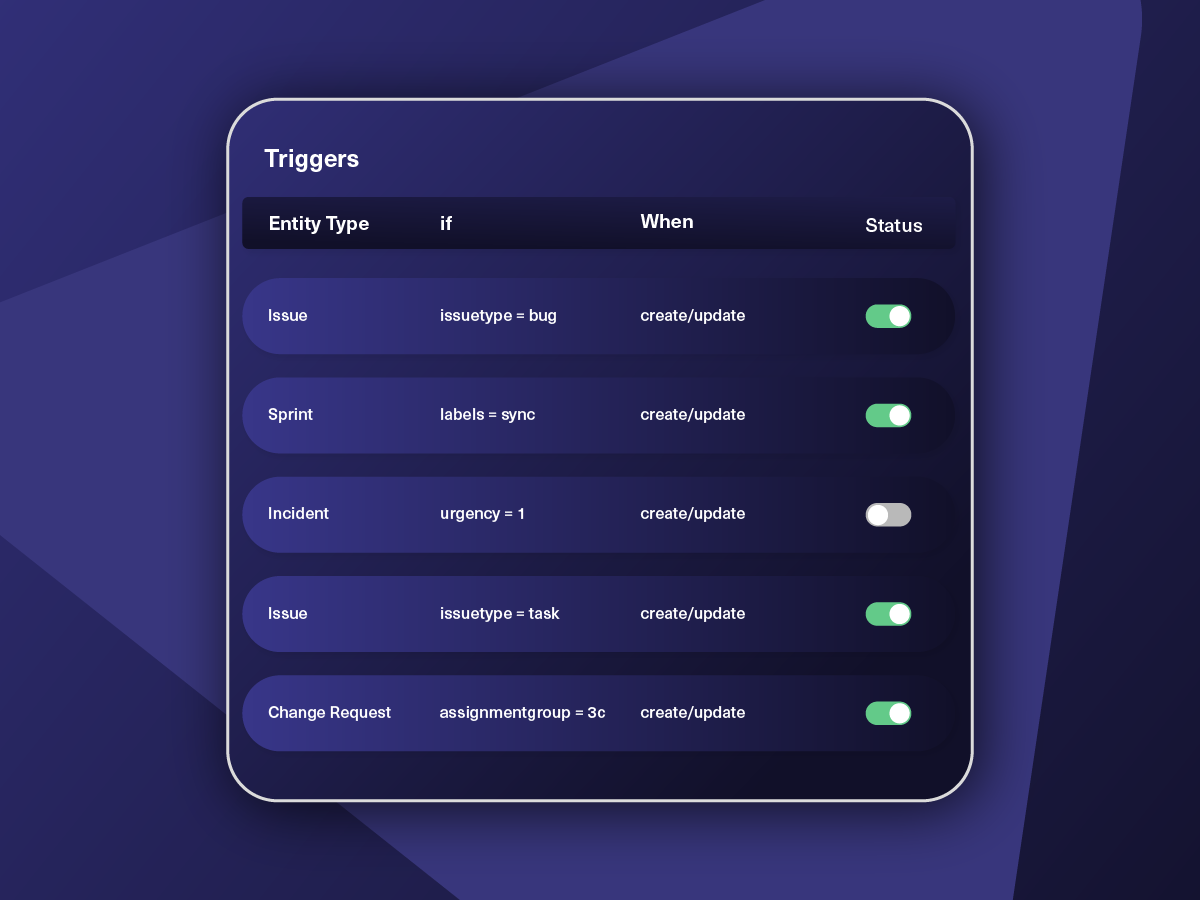
Only Sync What Matches
Set various conditions for automatic synchronization.


Sync Visibility, Right Where You Work
Check the real-time status of your active syncs, spot failures, and trigger a manual push. All from a browser extension, without opening the Exalate console.

How it Works
Connect
Easily connect multiple projects, instances, and platforms. With local, or external partners.
Customize
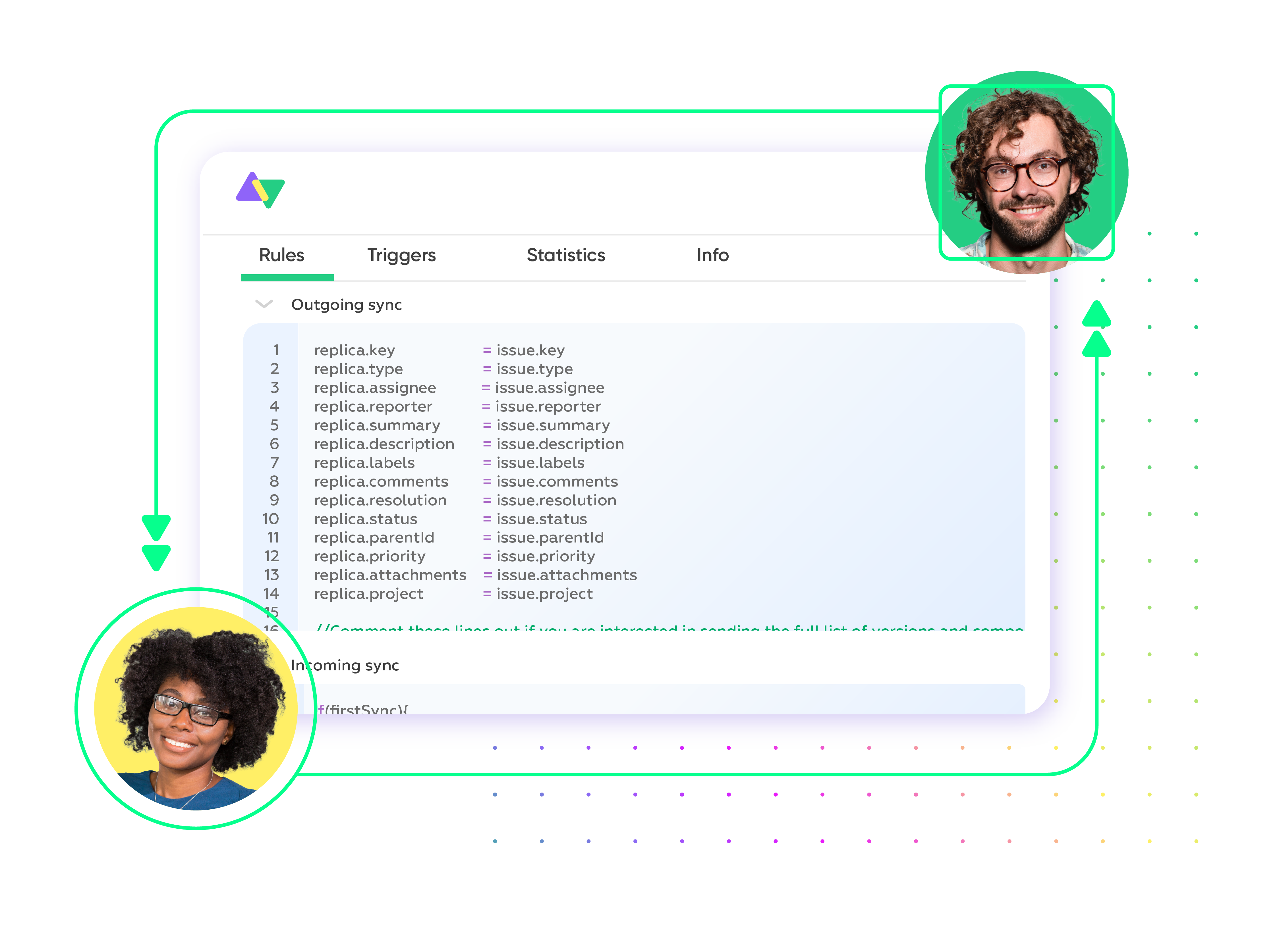
Set your sync rules to make sure the right data is shared.
Prompt Exalate’s AI to generate rules, or fine-tune with Groovy-based custom mappings and logic for complete control.
Automate
Set triggers to automate your sync based on specific conditions.
Synchronize
Now your connected instances will exchange information automatically. Happy syncing!
Practical Asana to Freshservice Integration Use Cases
Start with straightforward field mapping and scale into advanced multi-step workflows using AI-assisted scripting as requirements grow.
Escalate Major Incidents to Asana for Cross-Team Remediation
Automatically create an Asana task when a Freshservice incident is classified as a major incident, or its priority is set to "Urgent." The incident subject, description, affected user details, impact level, and current status all transfer into the task. Project team members can coordinate the fix in Asana while every progress update syncs back to the Freshservice incident record. The IT agent stays informed and can relay resolution timelines to affected users without switching tools.
Route Service Catalog Requests to Asana for Fulfillment Tracking
Set conditions to sync Freshservice service requests into an Asana project whenever they require deliverables from outside the IT team. For example, a new employee onboarding request submitted through the Freshservice service catalog can generate tasks in Asana for facilities setup, hardware procurement, and training coordination. The requested items, requester name, department, and approval status carry over, so each team understands the full scope. Completion updates flow back to the original service request, letting the service desk confirm fulfillment.
Funnel Problem Records Into Asana for Structured Root Cause Analysis
Generate an Asana project or task when a Freshservice ticket is opened to investigate a pattern of recurring incidents. The problem description, linked incident count, affected services, and category sync over so the investigation team has immediate context. As the team documents their findings and identifies workarounds or permanent fixes in Asana, those updates appear on the Freshservice problem record. The problem manager retains full visibility without needing to follow up manually.
Sync Approved Change Requests to Asana for Implementation Planning
Create an Asana task the moment a change request in Freshservice receives approval from the Change Advisory Board (CAB). The change type, risk level, implementation window, rollout plan, and backout plan carry over so the project team can schedule and execute the work with all necessary context. As tasks in Asana move through stages, status updates reflect on the Freshservice change record. This keeps the change manager informed about implementation progress in real time.
Orchestrate Multi-Platform Workflows Across Freshservice, Asana, and Engineering Tools
Extend the Asana-Freshservice connection into a larger cross-tool workflow. For instance, a Freshservice incident flagged as a software defect creates an Asana task for triage. That task then generates a Jira Service Management ticket for the development team to build and ship the fix. As the ticket moves through sprints, updates ripple back through Asana and into the Freshservice incident. Every participant, from IT agents to project leads to engineers, tracks progress in their own platform without duplicating effort.

We can now handle around 500 customer incidents per week, thanks to Exalate, which is a very good result regarding the number of products we’re dealing with. It synchronizes 45x faster than our previous solution.
Christof Cuyper
“
We can now handle around 500 customer incidents per week, thanks to Exalate, which is a very good result regarding the number of products we’re dealing with. It synchronizes 45x faster than our previous solution.
Christof Cuyper |
Always at Your Service
Get timely assistance from the best support technicians in the business. Relax as we help you solve every sync-related issue and more.
FAQ
Answers to the most frequent questions.
Didn't find what you were looking for? Ask Aida
Freshservice is where your IT team logs incidents, fulfills service requests, and manages changes. Asana is where project and operations teams plan and execute work. When these two systems are disconnected, details get relayed through chat threads, forwarded emails, or verbal updates, and important context gets lost along the way. Linking them means that an incident logged in Freshservice can automatically surface as a trackable task in Asana, and progress recorded in Asana flows straight back to the IT agent. Both teams spend their time resolving issues instead of chasing updates.
Head to exalate.app and register. After signing in, add your Asana workspace and Freshservice instance as connected nodes. From there, define what data should travel between the two. You can describe your sync requirements in natural language and let Aida, Exalate’s AI assistant, draft the scripts for you. If you want finer control, open the scripting engine and write the rules directly. Then set up triggers to specify which tickets or tasks should kick off a sync. Once active, the connection operates on its own.
For Zendesk, you can sync default and custom fields, plus any other field available via REST APIs. If you don’t see the fields or entities that you need to sync, book a call with our engineers to discuss your use case.
On the Asana side, you can sync task name, description, assignee, due date, status, comments, attachments, tags, and custom fields. Freshservice fields include subject, description, status, priority, urgency, impact, source, agent, group, requester, category, notes, attachments, and custom fields. Any field accessible through each platform’s REST API is available. For fields that need special handling or data transformations, Exalate offers managed services to build the configuration for you.
Yes. You can configure a one-way flow, for example, where Freshservice incidents create Asana tasks but no data returns, or a two-way flow where edits on either side update the other in real time. If your workflow spans more than two platforms, multi-directional sync is also available. Historical data migration is supported, too, so you are not limited to syncing only new records. The direction and scope of each connection are yours to define.
Yes, you can link multiple Freshservice tickets to a single Asana task. This is useful when a service outage or widespread software bug triggers a batch of incidents in Freshservice. Instead of spawning a separate Asana task for every ticket, you can group them under one task so the project team investigates the issue once. Each Freshservice ticket keeps its own record, allowing agents to communicate with individual requesters independently.
Authentication uses JWT-based access tokens, and role-based access controls govern who can configure and view sync rules. All data in transit is secured with HTTPS using TLS 1.2 and 1.3, and data at rest is encrypted as well. The platform holds ISO 27001certification. Full details are available at the Exalate Trust Center.
Most off-the-shelf connectors handle basic one-directional ticket creation without much room for customization. They typically cannot do bidirectional field-level updates, consolidate several Freshservice tickets into one Asana task, or apply conditional rules to filter what syncs based on ticket type, priority, or category. They also lack a scripting layer for custom field transformations or for building workflows that chain three or more platforms together. If your requirements go beyond simple data mirroring, a dedicated synchronization tool like Exalate fills those gaps.
Yes you can map text fields, dropdowns, number fields, date pickers, checkboxes, and any other field type exposed through each platform’s API can be mapped. Freshservice custom fields follow a naming convention that prefixes field names with cf_ and converts labels to lowercase with underscores. Aida can generate the transformation scripts for straightforward mappings. For more involved scenarios, like converting data types, applying lookup tables, or populating a field conditionally based on ticket properties, you can write the logic yourself in the scripting engine.
Pricing is based on the number of active sync pairs, meaning the count of records being synchronized at any point in time. A 30-day free trial is available so you can test the full feature set before making a commitment. Detailed pricing tiers are listed on the pricing page.
Yes. Exalate handles multi-workspace and multi-instance environments natively. You can connect several Freshservice workspaces, including separate IT and business team workspaces, with multiple Asana workspaces under a single deployment while keeping data strictly separated. This is well suited for enterprises that maintain distinct ITSM workspaces per department, managed service providers coordinating across client environments, or any organization where data boundaries between business units need to remain intact.
Basic integrations can be configured in under an hour. Register at exalate.app, connect both systems, and use Aida to help write sync rules from plain-language descriptions. Complex integrations with custom field mappings, conditional logic, and multi-party connections may take longer to configure properly. For organizations that prefer expert assistance, Exalate offers managed services where integration engineers handle setup and ongoing optimization: https://exalate.com/managed-services/
Yes, and the filtering can be as specific as your workflow demands. You could restrict syncing to incidents assigned to a particular Freshservice agent group, or only trigger a sync when an Asana task appears in a designated project section. Combining multiple conditions is supported, too. For example, you could sync only urgent incidents categorized under “Software” that have been open for more than 24 hours. Field mapping, data transformation logic, and overall workflow behavior are all configurable per connection, so only the data that matters actually crosses between platforms.