How to spot the manual handoffs, disconnected tools, and hidden dependencies that OOO season exposes.
People slow down in the summer. Tickets don’t.
Customers still need updates. Vendors still wait for answers. Incidents still cross teams, and development requests still move between systems whether or not the person who usually handles them is at their desk.
The real problem is: who ensures the workflows keep running as expected when teams are OOO, without the usual human workarounds?
The Slow Melt of Enterprise Workflows
Usually, integrations start with the same complaint: manual ticket duplication and double data entry between two systems. This is the single most common reason a team goes looking for a sync tool in the first place.
Support teams need visibility into what’s happening in engineering, or the other way around, and without an integration, that visibility means retyping the same ticket into a second system.
That’s manageable when the person who owns the workaround is around to do it. It gets expensive fast when they’re not.
A few signs the workaround is doing more work than the workflow:
- Status updates depend on someone manually copying fields from one system to another.
- Teams send Slack messages or attach screenshots to confirm what happened on the other side.
- Support and engineering each keep their own version of the same issue.
- One person understands how the handover actually works, and everyone else routes around them.
- External escalations stall because the one internal owner who talks to that vendor is out.
If the workflow only works when the right person is online, it’s already melting.
One Workflow Rarely Lives In One Tool
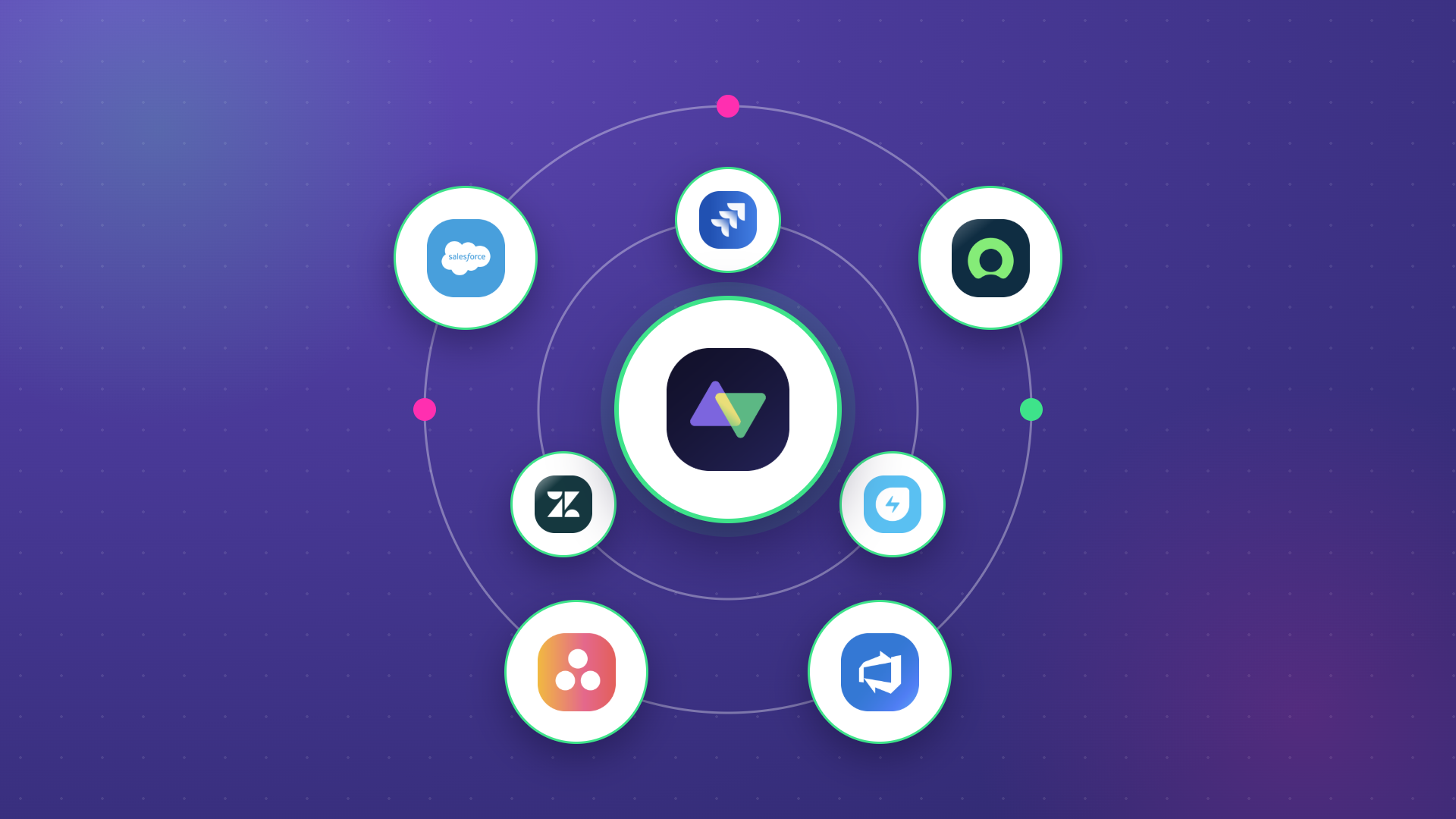
A customer reports an issue in Salesforce or Zendesk.
Support escalates it into Jira or Azure DevOps.
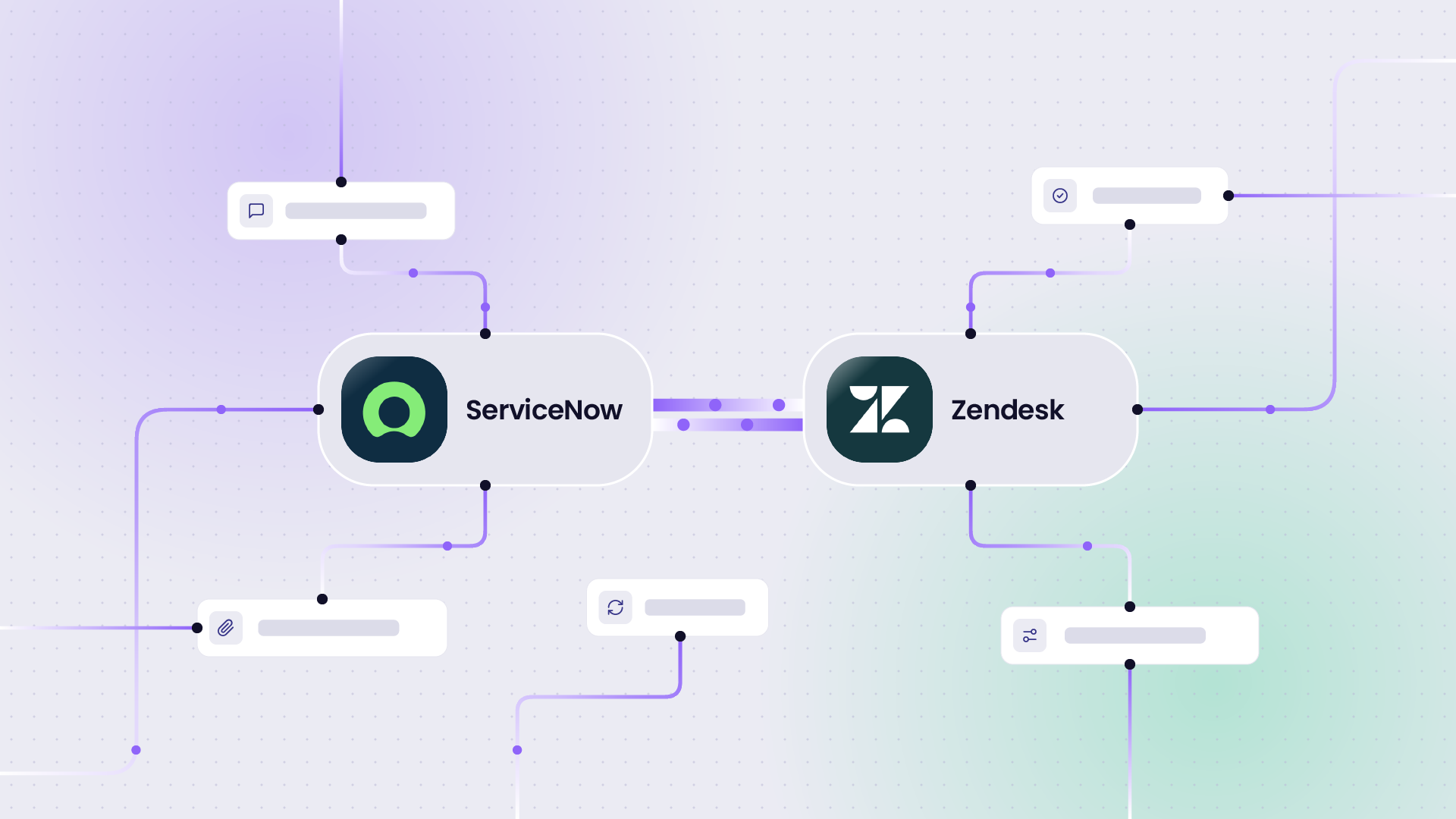
IT operations opens a related incident in ServiceNow.
A supplier or partner picks it up in their own environment and eventually has to get an update back to the customer-facing team.
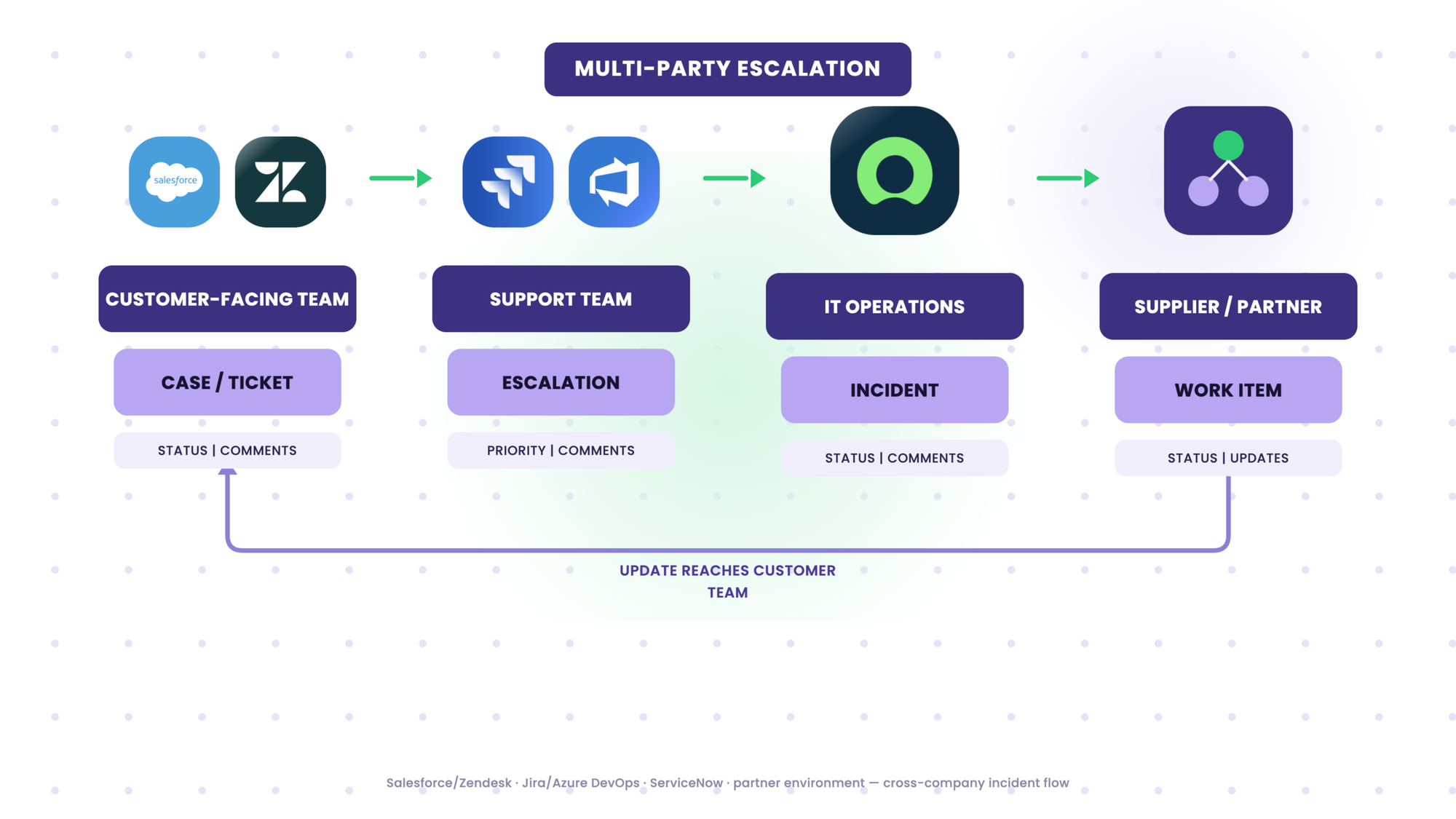
None of that is a Jira workflow, a Zendesk workflow, or a ServiceNow workflow.
It’s one business process that happens to cross four systems, and at least two companies, and every handoff between those systems is a place where someone can be the single point of failure.
That pattern shows up constantly in how companies actually use integration tools.
One security firm described their setup plainly: incidents get opened in ServiceNow and then manually recreated in Jira, and important updates get missed along the way. “That’s really a big issue,” was how their team put it.
A telecoms customer coordinating support for a large client had a similar problem in reverse. Their standard process ran through Zendesk, but the client’s tickets lived in ServiceNow, and connecting the two meant giving a handful of people direct logins into the client’s system instead of routing tickets through the normal support structure.
When one of those people is out, the whole client relationship narrows down to whoever’s left with access.
Why Forcing Everyone Into One Tool Isn’t the Answer
The obvious fix looks like consolidation: get everyone onto the same platform, and the handoff problem disappears. In practice, different teams and companies use different tools for real reasons, and moving one side onto the other side’s system usually just relocates the control problem instead of solving it.
One financial institute ran into this directly while trying to give two Jira admin teams a shared portfolio view. Neither side wanted to give up its own instance, and the parent field each side already used locally didn’t line up between them.
A defense contractor hit the same wall from a different angle: Jira, Azure DevOps, and GitHub already overlapped for the same work, and adding a sync layer on top could just as easily create double-entry and conflicting updates if no clear boundary was set around what synced and what didn’t.
A workable integration approach has to let each side keep its own environment, decide what gets shared, keep the rest private, and change its own configuration without handing that control to the other organization.
That’s a harder problem than “connect tool A to tool B,” but it’s the one that holds up when a summer handover puts the workflow under pressure.
The Summer Workflow Heat Check
This is the actual assessment. Work through it a category at a time. Each one covers a different kind of dependency.
Continuity and Ownership
- Can the work continue if the usual owner is out for two weeks?
- Would a customer or vendor notice if that person went quiet, or does the process route around them without help?
A “no” here means the workflow currently runs on a person, not a process. If the workaround is internal and low-stakes, that’s a routine inefficiency worth fixing when there’s time.
If that person is the only link to a customer or an external partner, it’s a higher-priority dependency, because the cost of the gap shows up outside your own team.
Visibility and Context
- Do all the teams involved see the status they need inside their own tool, or does someone have to go ask?
- Are customer and vendor updates staying in sync without someone copying and pasting between systems?
- Would you trust an automation or AI tool to act on the data sitting in these systems right now?
A “no” to the first two usually shows up as wasted time: duplicate tickets, screenshots, someone re-explaining a status that already exists somewhere else.
It becomes more serious once you get to the third question, because the same fragmented, delayed data is often exactly what an automation or AI system is quietly relying on to make decisions.
Access and Control
- Does each side still control what information leaves its own environment?
- Can an external team collaborate with you without getting direct access to your production systems?
A “no” here is rarely a minor inefficiency. Giving an external party standing access to a live system to work around a sync gap is a security and governance exposure, not just an inconvenience, and it tends to get discovered during an audit or an incident, not before either of those happens.
Resilience and Change
- Can you test an integration change before it touches a live workflow?
- If something stops syncing, how long does it take your team to notice, and what do they do about it?
A “no” to the first means changes are effectively being tested on production, whether anyone describes it that way or not.
A “no” to the second means a sync failure is discovered when someone downstream complains, which is the most expensive way to find out.
What to do with the answers. Any “no” identifies a dependency worth examining. The highest-priority risks are those involving external access, customer-facing handoffs, live service operations, and workflows owned or understood by only one person.
Start there. Everything else still belongs on the list. Schedule it for when the person who owns it is back, rather than leaving it open-ended.
Synchronized information is not the same as a workflow that runs itself. Keeping data current across systems removes the need for manual copying and gives every team the same context to work from, but continuity still depends on who owns a handoff, how exceptions get escalated, who’s watching for a break, and who has permission to act on what.
How Exalate Keeps The Workflow Connected
Four things do most of the work here.
Controlled collaboration. Each side decides what it shares and what stays internal, and neither side needs standing access to the other’s system to collaborate.
A financial institution ran into this concretely when its Jira admin needed to work with an Azure DevOps team but didn’t have admin rights on that side, and corporate policy wasn’t going to change that.
Solving the access problem, not just the data problem, is what let the two teams work together at all. The same setup cut connection setup time from over a day down to a couple of minutes once it was in place.
Safe configuration testing. A sync rule doesn’t have to go live the moment you write it. Script versioning and test run validation let a team see what a change would actually do to real tickets before it touches the live workflow, catching a bad field mapping or a status mismatch in a sandbox instead of in front of a customer.
That matters more, not less, when the person who’d normally review a change before it ships is the one who’s out.
Resilient synchronization. Sync doesn’t depend on both systems being online and healthy at the same instant. Asynchronous sync and retry logic mean that when one side is down for maintenance or temporarily unreachable, updates catch up once it’s back rather than getting lost.
That’s not a promise of zero data loss in every scenario; it’s a description of how the retry logic behaves, and it’s the difference between “the sync recovers on its own” and “someone has to notice and manually reconcile two systems.”
Reliable workflow context. Connected, current data gives people and any automation layered on top of it something real to work from. Fragmented updates spread across five disconnected tools are a bad foundation for an AI system that’s supposed to act on them. Better integration infrastructure is what makes that automation trustworthy in the first place, not the other way around.

The Mid-summer Migration Window
August looks like a good time to run a platform migration. Traffic is lower, fewer people are asking for changes, and the calendar has some slack in it. It’s also the worst time to do it with half the usual team, which is exactly the tradeoff most organizations end up making without meaning to.
Uber Freight moved roughly 130,000 tickets from ServiceNow to Jira Service Management while running the old and new environments side by side, and kept its live service desk operating the whole time.
Ticket history and relationships came across intact, and the team never had to choose between migrating and staying operational.
Stellantis ran a similar playbook moving 150,000 issues from Jira Server to Jira Cloud, and completed it in 25 days without a downtime window.
Neither of those is a story about migration tooling for its own sake. They’re both examples of an organization changing its architecture without freezing the workflow that runs on top of it, which is the part that matters when the team doing the migrating is also short-staffed for the summer.
Before You Take That Break
Your team can take a summer break. Your workflows can’t, and the gap between those two facts is usually invisible until the person who normally papers over it is out of office.
Look at where information actually pools up today. Look at which cross-tool handoffs depend on one person remembering how they work.
That’s the list worth fixing before the next OOO message goes up, not after a customer or vendor notices first.
Run the Summer Workflow Heat Check above to identify where your workflows still depend on manual handoffs, individual access, or one person’s knowledge.
Want a second opinion? Talk to an integration expert.