Integrations ensure that daily operations across multiple business units and platforms are seamless and accurate. When those integrations span multiple enterprises—think partners, MSPs, vendors, or suppliers—the complexity, criticality, and volume of exchanged data all increase.
But here’s what often gets overlooked: integration points are also attack surfaces. Every connection between two systems is a potential entry point for data breaches, unauthorized access, or compliance violations. And the more integrations you add, the larger your exposure becomes.
This article breaks down what integration security actually looks like in practice, what to prioritize when evaluating solutions, and how to build a security-first approach that scales with your enterprise.
Key Takeaways
- Integration security isn’t just about encryption; it involves authentication, access control, compliance, and continuous monitoring working together.
- Cross-company integrations introduce unique risks because you’re exchanging data across organizational boundaries with different security postures.
- API security, zero trust principles, and data governance frameworks are now table stakes for enterprise integrations.
- Real-world integration security requires balancing protection with performance; overly restrictive controls can break the workflows that integrations are supposed to streamline.
- Choosing an integration platform with built-in security controls saves significant time compared to bolting security onto an existing setup.

What is Integration Security?
Integration security refers to the combination of protocols, practices, and technologies that protect data as it moves between connected systems. It covers everything from how data is encrypted during transfer to who can access it, how authentication works between systems, and what happens when something goes wrong.
In practical terms, integration security answers these questions: Who can initiate a sync? What data gets shared? How is that data protected in transit and at rest? What happens if an unauthorized party tries to intercept or modify the data? And how do you prove compliance when regulators come asking?
For single-organization integrations—say, connecting your Jira Cloud instance to ServiceNow internally—the security considerations are fairly standard. You’re managing access controls, encryption, and monitoring within your own environment.
But cross-company integrations are a different story. When you’re syncing data between your ITSM platform and a partner’s development tool, or sharing customer records between your CRM and an MSP’s ticketing system, you’re dealing with two separate security postures, two sets of compliance requirements, and often two very different levels of security maturity.
Why Integration Security Matters More Than Ever
The average enterprise now runs over 1,000 applications. Each integration between those applications creates a data pathway that needs protection. Here’s why this is becoming increasingly critical:
Expanding Attack Surfaces
Every integration endpoint is a potential vulnerability. APIs, webhooks, sync agents—each one needs authentication, authorization, and encryption. As organizations add more connections across platforms like Jira, ServiceNow, Salesforce, Azure DevOps, Freshservice, Freshdesk, Zendesk, and Asana, the number of endpoints to secure multiplies.
The risk isn’t theoretical. API-based attacks increased significantly over recent years, with misconfigured integrations being one of the most common entry points. Attackers specifically target integration points because they often have elevated permissions and access to data across multiple systems.
Regulatory Pressure Keeps Growing
Data protection regulations don’t just apply to your primary systems. They apply everywhere your data flows, including through integrations. If a customer’s health records move from your EHR system to a partner’s service desk through an integration, that entire data pathway falls under HIPAA.
Non-compliance isn’t just about fines (though those can reach millions). It’s about operational disruption when regulators require you to shut down non-compliant data flows, and reputational damage that takes years to recover from.
Cross-Company Data Exchange is the Norm
Integration is no longer just an internal IT concern. Organizations routinely share data with partners, vendors, MSPs, and customers. These cross-company integrations introduce risks that internal integrations don’t face: different security standards, different compliance requirements, and limited visibility into the other party’s security practices.
When a managed service provider connects to your ServiceNow instance to manage tickets, you need confidence that the integration itself isn’t creating a backdoor into your environment.
Business Continuity Dependencies
Modern workflows depend on integrations functioning correctly and securely. When a security incident disrupts an integration—whether it’s a compromised API key, a man-in-the-middle attack, or a misconfigured access control—it doesn’t just affect the integration. It can cascade through dependent processes, affecting teams that may not even know they rely on that data flow.
Common Integration Security Threats
Understanding the specific threats helps you evaluate whether an integration solution actually addresses them or just checks boxes on a marketing page.
API Vulnerabilities
Most modern integrations rely on APIs. Common API security gaps include broken authentication (weak or improperly implemented token validation), excessive data exposure (APIs returning more data than the integration actually needs), and insufficient rate limiting (making APIs vulnerable to brute force attacks).
An integration platform should enforce strict API security by default, not leave it to you to configure correctly.
Man-in-the-Middle (MITM) Attacks
Data in transit between systems is vulnerable to interception if encryption isn’t properly implemented. This is especially relevant for cross-company integrations where data travels over public networks. TLS 1.2 or TLS 1.3 encryption should be non-negotiable for any integration handling sensitive data.
Credential Compromise
Integration connections require authentication credentials—API keys, OAuth tokens, service account passwords. If these credentials are compromised (through phishing, code repository leaks, or insider threats), attackers gain the same access the integration has, which is often broad.
Look for platforms that use short-lived tokens (JWT), support OAuth 2.0, and allow credential rotation without disrupting active integrations.
Privilege Escalation
Integrations often require elevated permissions to read and write data across systems. If access controls aren’t granular enough, an integration might have permissions far beyond what it actually needs. This violates the principle of least privilege and creates unnecessary risk.
Data Leakage Through Misconfiguration
One of the most common and preventable security issues is simply configuring an integration to share more data than intended. Without clear controls over what data gets synced and where, sensitive information can end up in systems where it shouldn’t be.
This is where independent sync control matters. Each side of an integration should be able to define exactly what data it sends and receives, without depending on the other party’s configuration.
Essential Security Controls for Enterprise Integrations
When evaluating integration solutions, these are the security controls that actually matter—not as a checklist, but as operational capabilities:
Encryption (In Transit and At Rest)
This is the baseline. All data moving between systems should use TLS 1.2 or TLS 1.3 encryption. Data stored temporarily during sync processing should be encrypted at rest. Ask vendors specifically about their encryption implementation—”we use encryption” isn’t enough. What protocols? What key management practices? Who has access to decryption keys?
Authentication and Authorization
Strong authentication between integrated systems prevents unauthorized connections. This means OAuth 2.0 or JWT-based authentication rather than static API keys, role-based access controls (RBAC) that limit what each integration connection can access, and multi-factor authentication (MFA) for administrative access to integration configurations.
Data Governance and Minimization
Integration platforms should let you control exactly what data gets synchronized. This means configurable field mappings, the ability to exclude sensitive fields from sync, and data transformation capabilities that can mask or anonymize information before it leaves your environment. You should never be forced to share your entire dataset just because two systems are connected.
Monitoring and Alerting
Passive security isn’t enough. Integration platforms should provide real-time monitoring of sync activity, alerting on anomalies (unusual data volumes, unexpected access patterns, failed authentication attempts), and logging that supports forensic analysis if something goes wrong. Look for platforms that maintain 24/7 monitoring.
Zero Trust Principles in Integration Security
Zero trust isn’t just a network security concept; it applies directly to integrations. The core idea: never trust, always verify.
Applied to integrations, zero trust means every sync request is authenticated and authorized, regardless of where it originates. Connections aren’t trusted just because they were configured by an admin last year. Access is continuously verified, and permissions are regularly reviewed. Each integration connection has the minimum permissions necessary to function, nothing more.
This approach is particularly important for cross-company integrations, where you can’t make assumptions about the other party’s internal security. Even if a partner’s network is compromised, zero-trust controls at the integration layer limit the blast radius.
Integration Security for Cross-Company Scenarios
Cross-company integrations introduce unique security challenges that require specific architectural decisions:
Independent Control Per Organization
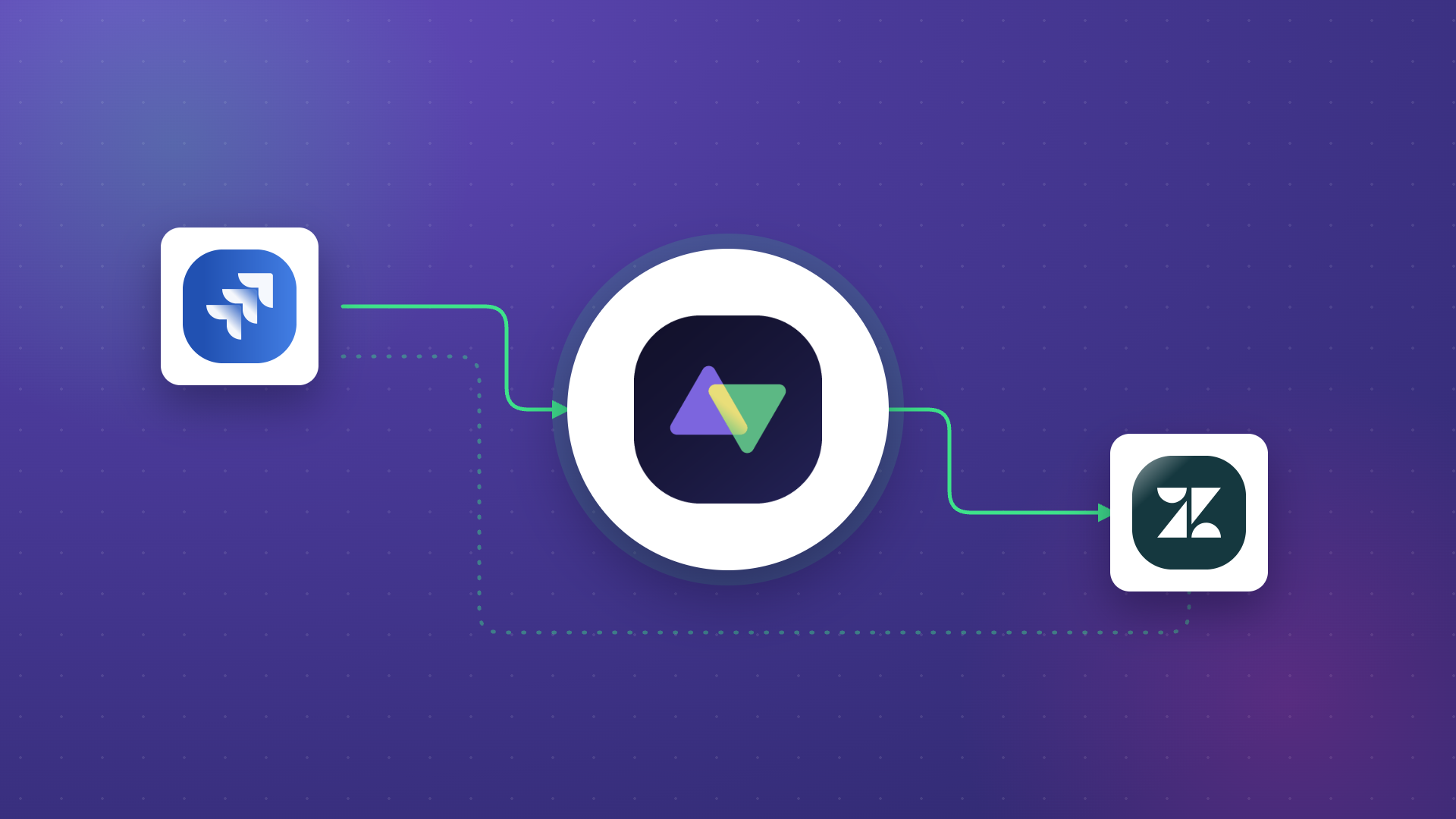
Both parties in a cross-company integration need independent control over their sync configuration. Organization A should be able to define exactly what data they share without requiring Organization B to configure it, and vice versa. This prevents one organization’s security lapse from exposing the other’s data.
At Exalate, each side of an integration connection operates independently. Each organization controls their own sync rules, field mappings, and data filters. This means a misconfiguration on one side doesn’t automatically expose data from the other.
Data Residency and Sovereignty
For organizations operating across multiple jurisdictions, where data is processed and stored matters. Integration solutions should offer flexibility in deployment—cloud, on-premise, or containerized (Docker)—so organizations can meet data residency requirements without sacrificing integration capabilities.
This is especially critical for regulated industries. A European healthcare organization syncing patient data with an American partner needs to ensure that integration processing respects GDPR data residency rules.
Secure Connection Establishment
The process of establishing a new integration connection should itself be secure. This means mutual authentication between connecting organizations, encrypted invitation mechanisms, and verification steps that prevent unauthorized parties from establishing connections.
Practical Use Cases: Integration Security in Action
Financial Services Partner Integration
Case: A fintech company integrates its Jira Cloud environment with a banking partner’s ServiceNow instance to collaborate on regulatory compliance work items. Both organizations need to share progress updates without exposing proprietary development details.
Solution: Independent sync rules on each side ensure the fintech shares only compliance-related work item statuses and comments, while internal development notes, code references, and sprint planning data stay within their Jira environment. JWT-based authentication secures the connection, and token rotation occurs automatically.
Real-world application: Compliance teams at both organizations track shared regulatory deliverables in real time. The bank sees status updates and relevant notes in ServiceNow without ever accessing the fintech’s Jira instance directly. No manual status emails, no spreadsheet tracking, no security gaps.
MSP Multi-Client Management
Case: An MSP manages IT services for 15 clients, each using different platforms, some on Freshservice, others on Zendesk, and several on ServiceNow. The MSP needs to integrate with each client’s environment without creating cross-client data exposure.
Solution: Each client integration operates as an isolated connection with its own authentication credentials, sync rules, and data filters. The MSP’s central system receives only the data each client has approved for sharing. No client’s data can leak to another client’s workspace through the integration layer.
Real-world application: The MSP resolves a critical incident for Client A in Freshservice, and the status update syncs to Client A’s internal system automatically. Client B’s Zendesk environment is completely unaffected and isolated, even though both integrations run through the same MSP platform.
Development-to-Operations Handoff
Case: A software company uses Azure DevOps for development and Freshdesk for customer support. When customers report bugs, support needs to escalate them to development and track resolution without giving the support team direct access to the development environment.
Solution: Integration connects Freshdesk tickets to Azure DevOps work items with controlled field mapping. Support teams see resolution status and developer comments relevant to the customer, but internal technical discussions, code diffs, and sprint assignments remain in Azure DevOps. The integration uses AI-assisted configuration to set up the appropriate field mappings and sync rules without requiring manual scripting.
Real-world application: A customer reports a bug in Freshdesk. The ticket automatically creates a corresponding work item in Azure DevOps. As developers investigate and fix the issue, the customer-facing status updates sync back to Freshdesk so the support agent can keep the customer informed, all without any copy- pasting between systems.
How Exalate Approaches Integration Security
At Exalate, integration security is built into the platform architecture.
Exalate holds ISO 27001:2022 certification, which means our information security management system is continuously audited against international standards. But certifications only tell part of the story.
Here’s what that looks like operationally: All data in transit is encrypted using TLS 1.2/1.3. Authentication between connected instances uses JWT tokens with automatic rotation. Role-based access controls govern who can create, modify, or delete integration connections. A 24/7 security operations center monitors for threats continuously.
For cross-company integrations, each organization maintains independent control over its sync configuration. Your sync rules, field mappings, and data filters are yours so the other party can’t override them. This ensures that even if a partner’s environment is compromised, your data exposure is limited to exactly what you’ve configured to share.
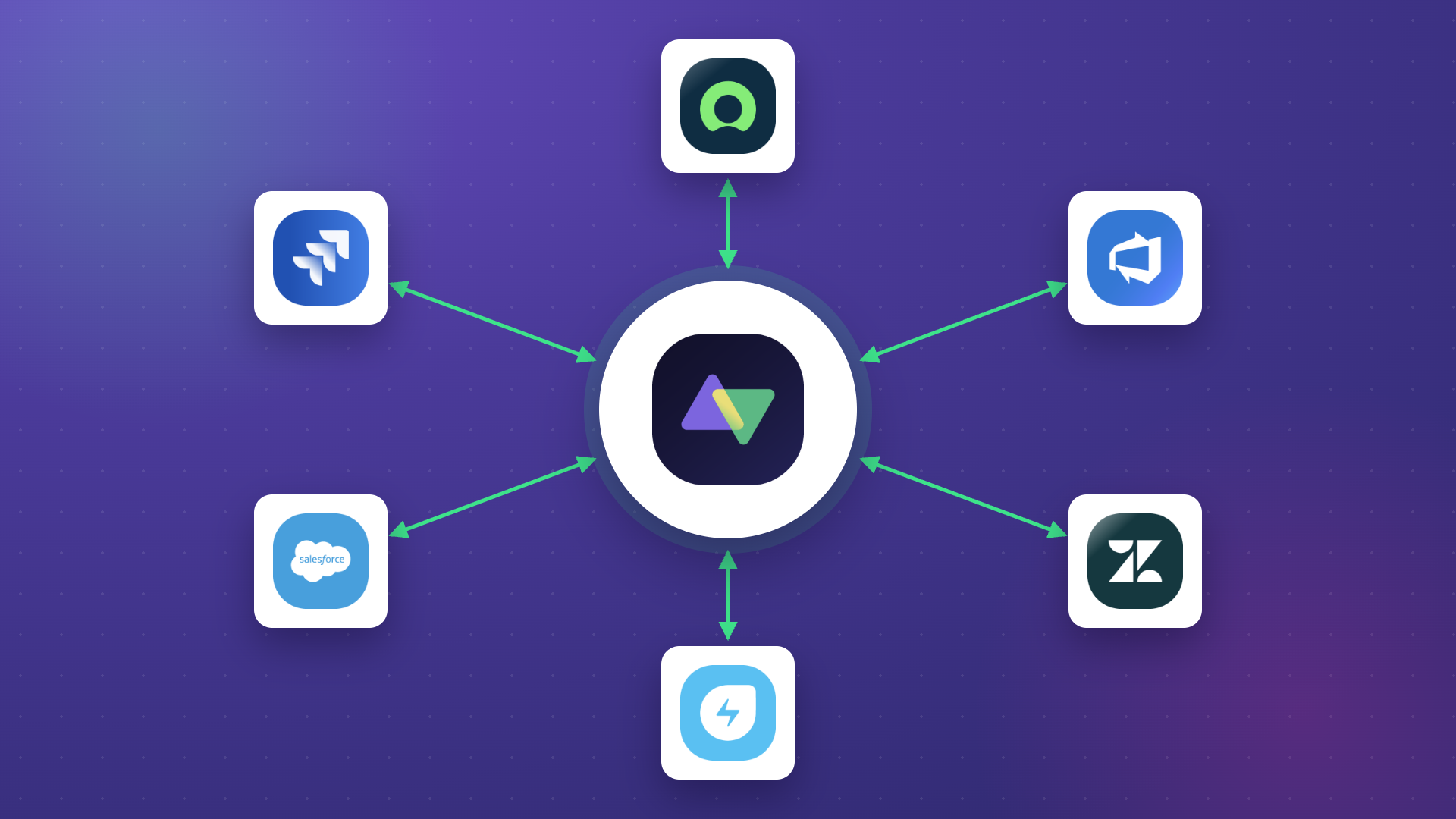
Exalate supports connections across Jira Cloud, ServiceNow, Zendesk, Salesforce, Azure DevOps (Server and Service), Freshservice, Freshdesk, GitHub, Asana, and custom REST API connectors.
AI-assisted configuration through Aida helps teams set up secure integrations faster by guiding configuration decisions and reducing the risk of misconfiguration.
Deployment flexibility means you can run Exalate in the cloud (fully managed), on-premise (self-hosted), or in Docker containers, matching your data residency and sovereignty requirements without compromising integration capabilities.
Visit our Trust Center for full details on Exalate’s security posture, certifications, and compliance documentation.
How to Evaluate Integration Security Before You Buy
Not all integration platforms treat security equally. Here’s a practical framework for evaluating vendors beyond their marketing claims:
Ask About Architecture, Not Just Features
A vendor might list “encryption” on their website, but that doesn’t tell you whether they encrypt data at rest, how they manage encryption keys, or what happens if a key is compromised. Ask specific questions: What encryption protocols do you use? How are API credentials stored? What’s your key rotation policy?
Review Compliance Documentation
Request ISO certificates directly. Check when they were issued. Look for vendors that publish security documentation transparently, like through a publicly accessible trust center.
Test Access Controls
During proof-of-concept evaluations, test whether the platform actually enforces the access controls it claims. Can you restrict specific fields from syncing? Can you set up granular permissions for different team members? Does RBAC actually work at the connection level, or just at the platform level?
Evaluate Cross-Company Controls
If you need cross-company integrations, verify that each organization has independent control. A platform that requires shared admin access or gives one party visibility into the other’s configuration creates unnecessary risk.
Check Incident Response Capabilities
Ask vendors about their incident response plan. How quickly do they notify customers of security incidents? What’s their process for patching vulnerabilities? Do they have a bug bounty program? Vendors that are transparent about their incident response process are generally more trustworthy than those who claim they “never have security issues.”
Conclusion
Integration security is a continuous practice that should be embedded in how you select, configure, and maintain every connection between systems.
As enterprise integration landscapes grow more complex, with cross-company data exchange becoming standard, the gap between organizations that treat security as foundational and those that treat it as an afterthought will only widen.
The right integration solution should make security easier, not harder. It should give you encryption by default, granular access controls, independent configuration for cross-company scenarios, and compliance certifications that hold up under scrutiny.
Exalate provides enterprise-grade integration solutions built on these principles. Book a demo to see how it works for your specific use case.
Frequently Asked Questions
What is integration security?
Integration security is the set of protocols, practices, and technologies that protect data as it moves between connected systems. It covers encryption, authentication, access controls, data governance, monitoring, and compliance, essentially everything needed to ensure data exchanges between platforms remain secure, authorized, and auditable. For enterprise environments connecting tools like Jira, ServiceNow, or Salesforce, integration security ensures that the convenience of automation doesn’t come at the cost of data protection.
What certifications should an integration platform have?
ISO 27001 confirms the vendor has a systematic information security management system. For industry-specific needs, verify that the platform supports compliance with GDPR, depending on your regulatory environment.
How does Exalate handle cross-company integration security?
Exalate gives each organization in a cross-company integration independent control over their sync configuration. Each side defines what data they send and receive through their own sync rules and field mappings; the other party can’t override or access these settings. Authentication uses JWT tokens with automatic rotation, and all data moves over TLS 1.2/1.3 encryption. This architecture means that even if a partner’s environment is compromised, your data exposure is limited to exactly what you’ve configured to share.
What platforms does Exalate support?
Exalate connects Jira Cloud, ServiceNow, Zendesk, Salesforce, Azure DevOps (both Server and Service), Freshservice, Freshdesk, GitHub, and Asana. For systems not on that list, Exalate supports custom REST API connectors, extending integration capabilities to proprietary platforms and niche tools. Each connector applies the same security controls—encryption, RBAC, JWT authentication, regardless of the connected platform.
Can I control exactly what data syncs through an integration?
Yes, this is a critical integration security capability. Exalate allows granular field-level control over what data gets synchronized. You can sync work item statuses and comments while excluding internal notes, financial information, or personally identifiable data. You can also apply data transformations that modify or anonymize information before it leaves your environment. This supports data minimization principles and regulatory compliance.
How does AI-assisted configuration improve integration security?
Exalate’s AI-assisted tools help reduce security risks by guiding configuration decisions. Instead of manually scripting sync rules where a typo could expose unintended data, Aida helps you understand what each configuration option does and how it affects data flow. This reduces misconfiguration errors, which are one of the most common causes of integration security incidents.
What deployment options does Exalate offer for data residency compliance?
Exalate offers cloud (fully managed), on-premise (self-hosted), and Docker (containerized) deployment options. This flexibility is essential for organizations with strict data residency requirements, such as European organizations that need to keep data processing within the EU for GDPR compliance, or government agencies operating air-gapped environments. Hybrid configurations are also supported, where some integration nodes run in the cloud and others on-premises.
How do I evaluate an integration platform’s security before purchasing?
Review their trust center or security documentation for specifics on encryption protocols, authentication mechanisms, and access controls. During proof-of-concept testing, verify that access controls actually work at the field level. For cross-company use cases, confirm that each organization has independent configuration control. Ask about their incident response plan, vulnerability management process, and security monitoring capabilities. Vendors that are transparent about security details are generally more trustworthy.
What happens to my data if an integration connection is compromised?
A well-architected integration platform limits blast radius. With Exalate, each connection is independently authenticated and authorized, so a compromise in one connection doesn’t affect others. JWT tokens expire automatically and can be rotated without downtime. Independent sync controls mean only the data you’ve explicitly configured to share is at risk, not your entire dataset. Exalate monitors for anomalies and can respond to threats in real time. Your incident response should include revoking compromised connection credentials, reviewing sync logs, and re-establishing the connection with fresh authentication.
Recommended Reading:
- Integration Security: Safeguarding Your Data in Connected Systems
- How a Cybersecurity MSP Uses Deep Ticket Integration as a Competitive Advantage
- Exploring the Build vs. Buy Integration Debate
- MSP Integration: Why It Matters for Your Business
- ITSM Integration: Simplify Your IT Services Like Never Before
- How to Get the Most out of Your Workflow Integration