
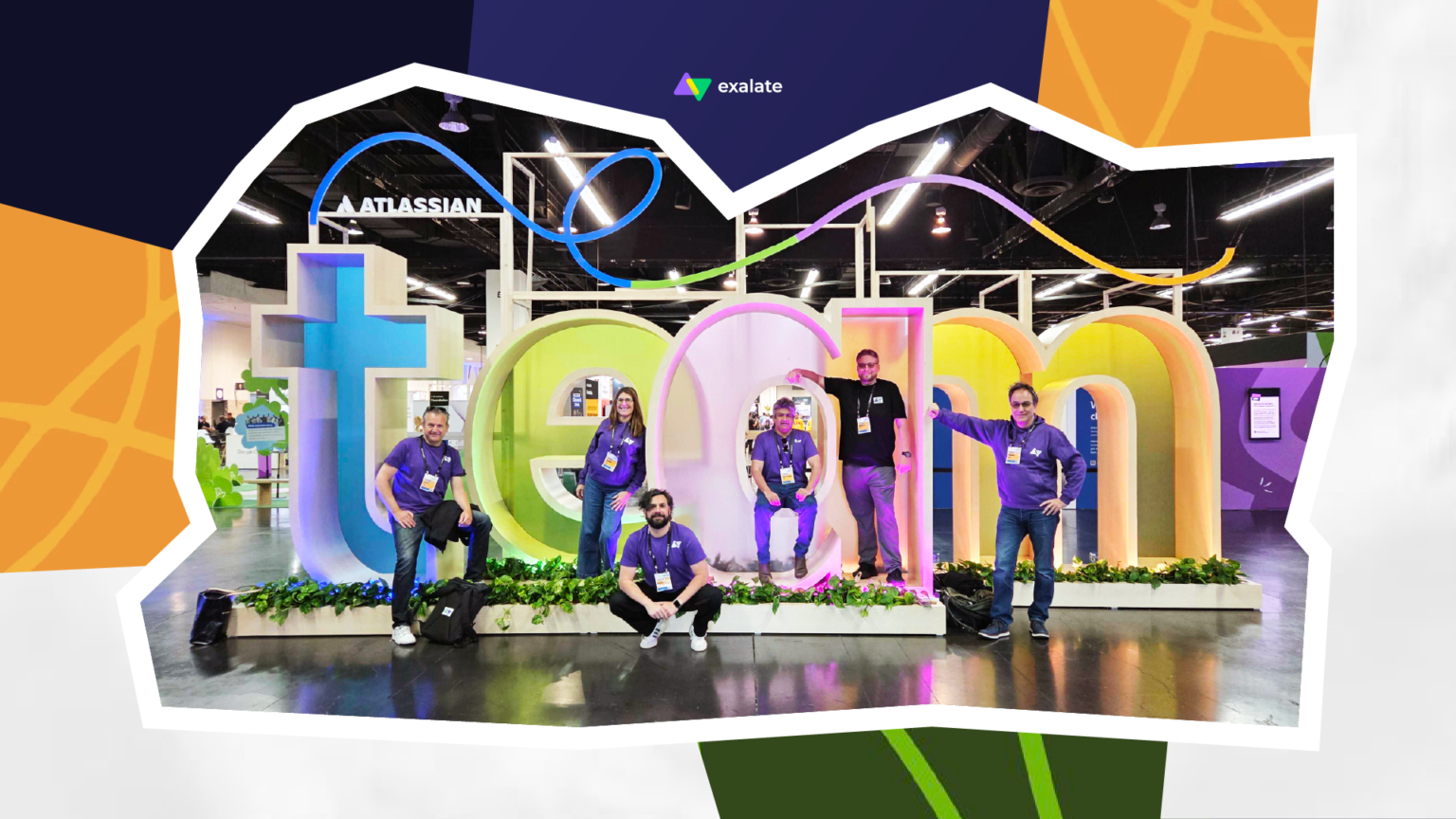
At Team ’26 Anaheim, Exalate saw rising enterprise demand for bidirectional ServiceNow to Jira software Cloud integration, Jira Service Management escalations, migration coexistence, and controlled cross-company collaboration. As Atlassian moves deeper into AI-native teamwork with Teamwork Graph, Rovo, and Agents in Jira, the integration layer becomes more important: AI needs context, but enterprises need control.
When AI Joins the Team, the Sync Layer Matters More
At Team ’26 Anaheim, Atlassian put context at the center of the AI conversation. Teamwork Graph, Rovo, Agents in Jira, Rovo Studio, and the broader AI announcements all pointed in the same direction: the future of work depends on how well organizations connect the people, systems, history, and decisions behind every task.
Great. We love a good graph.
But enterprise work has a habit of wandering outside the neat lines.
That gap — between the AI vision on stage and the integration reality on the floor — is where Team ’26 got interesting for Exalate.
The implicit assumption behind advanced AI agents is that your organizational data is already clean, unified, and accessible. For most enterprises, it isn’t. It is trapped across company boundaries, legacy platforms, and distinct business units.
For partners and enterprise follow-up conversations, the clear signal was: ServiceNow-to-Jira, Jira-to-Jira, Jira Service Management escalations, system coexistence, and cross-company collaboration are not side topics. They are active operational problems with budget, urgency, and internal visibility.
They also sit directly underneath the AI story. Before AI can summarize, route, escalate, or act across work, the systems underneath need to share the right context reliably, securely, and on each side’s terms.
That is the layer Exalate lives in.
ServiceNow and Jira Are Both Staying in the Room
While keynotes focused on a unified platform future, the conversations at our booth were grounded in immediate operational friction. Teams do not want to lose their preferred systems of record, nor can they afford to lose cross-system context.
The single hottest topic? ServiceNow (SNOW) <—> Jira Service Management (JSM).
Service teams work in ServiceNow. Engineering teams work in Jira. Customer-facing teams may live in Jira Service Management. External vendors may use something else entirely. None of those teams want to lose their system of record. None of them can afford to lose context. They need the systems to sync securely, reliably, and selectively.
These are daily operating problems, not abstract integration scenarios.
Yet, there are surprisingly few robust options in the market that can handle this specific, high-stakes pipeline.
ITSM-to-dev handoffs.
When a high-priority incident needs development input, the handoff has to be fast, clean, and visible on both sides. Without sync, teams fall back on copy-paste updates, Slack chasing, and two tickets that drift apart when clarity matters most.
JSM escalations.
Jira Service Management often sits close to support and customer-facing teams. Jira sits closer to engineering delivery. When a ticket needs engineering input, the escalation path has to preserve customer context, ownership, and status visibility. Without sync, the support team loses traceability exactly when the customer is waiting for an answer.
Jira-to-Jira sync.
Large enterprises often run multiple Jira instances — across business units, geographies, or post-acquisition structures. Those instances were never designed to share context. Teams end up duplicating work, losing visibility across delivery, and hitting the exact data walls that make AI tools like Rovo less useful. Connecting those environments through controlled, selective sync is one of the clearest immediate wins available, and it lays the groundwork for the AI-native future Atlassian is building toward.
Change management.
ServiceNow often owns the CAB (Change Advisory Board) approval process. Jira owns the implementation work. When approvals, risk notes, and development progress stay disconnected, teams lose the audit trail between decision and delivery. For compliance-heavy environments, that gap becomes a real risk.
Cross-company collaboration.
Enterprise work doesn’t stay inside one system — or one company. A team on ServiceNow may need to collaborate with a vendor on Jira, a client on Azure DevOps, or a delivery partner on Salesforce. Neither side wants to move systems. Neither side should have to. A controlled sync becomes the bridge that lets both sides collaborate while keeping their own workflows, permissions, and reporting intact.
Migrations.
You might think the migration wave created two years ago, but the ground truth says otherwise. Our migration breakfast, hosted together with our partners Trundl and Isos Technology, was packed. The room worked because the topic was specific. Migrations are still mid-journey, messier than the project plan said they’d be: active tickets, compliance records, technical debt, vendor dependencies. Teams need coexistence — old and new systems running side-by-side, validating workflows while the plane is being built mid-air.
That is where synchronization becomes useful before, during, and after the migration.
The hype cycle may have moved to AI, but enterprise IT is still in the trenches trying to get core infrastructure in order.
Uber Freight’s ServiceNow-to-JSM migration moved around 130,000 tickets into Jira Service Management with Exalate, kept the service desk running throughout, and validated data integrity before cutover.
AI Needs the Work Story, Not Just the Work Item
Atlassian is pushing deeper into AI-supported work — agents, service workflows, and connected context across its platform. AI agents were presented less like tools and more like participants in work. That direction increases the importance of synchronization. As AI agents transition into multi-step execution and automated workflows, their output relies entirely on the scope of their visibility.
A Jira issue without the related ServiceNow incident gives an incomplete operational picture. A ServiceNow change request without the linked Jira implementation work leaves part of the story outside the system. A partner escalation without the vendor-side update limits what the team can trust. And fragmented Jira instances across business units mean AI can only see part of the data landscape — not the patterns that span it.
For enterprise teams, AI raises a practical question: what can the system see, and can teams trust what it sees? The synchronization layer determines whether AI agents see a cohesive sequence of events or a set of isolated data points. The quality of the output is only ever as good as the completeness of the context.
The best sync doesn’t make itself the story. It gives teams one less thing to carry.
“The industry is moving from feature-heavy software toward workflow-first ecosystems. AI can reduce friction, but it only earns trust when people stay in control of the logic, the data, and the boundaries. Enterprises don’t just want more automation. They want to know exactly what moves, what stays local, and who owns the decision.”
— Francis Martens, CEO of Exalate
See You in Amsterdam
Atlassian’s direction is ambitious: AI in the flow of work, agents as teammates, a system of work that gets smarter as teams use it. That direction creates real potential — and real pressure on the underlying enterprise data fabric.
The future of work won’t be powered by AI alone. It will be powered by AI that understands the right context, acts within the right boundaries, and moves across systems without breaking the trust teams rely on.
Team ’26 Europe is next — and home ground for us.
Bring the messy use case. We’ll keep the details intact.

Questions From the Floor. Answers We Actually Have.
Why does AI make enterprise integration more important?
AI agents rely on connected context. If incidents, change requests, implementation work, and partner updates live in separate data silos, AI can only see part of the operational picture. Cross-system integration ensures your AI tools are working with the full story, not just a fragment.
Why is ServiceNow-to-Jira synchronization a major enterprise use case?
Many enterprises use ServiceNow for ITSM and Jira or Jira Service Management for engineering, support, and delivery work. Synchronization acts as the operational bridge, keeping both sides perfectly aligned in real time without forcing either team to abandon their preferred environment.
What is migration coexistence?
Migration coexistence means old and new systems run in parallel while teams validate workflows, preserve operational continuity, and choose a safer cutover moment.
What does Exalate add to Atlassian’s AI story?
Exalate helps bring reliable data from external systems into Atlassian environments while allowing each side to control what moves, what stays local, and how synchronization logic behaves.