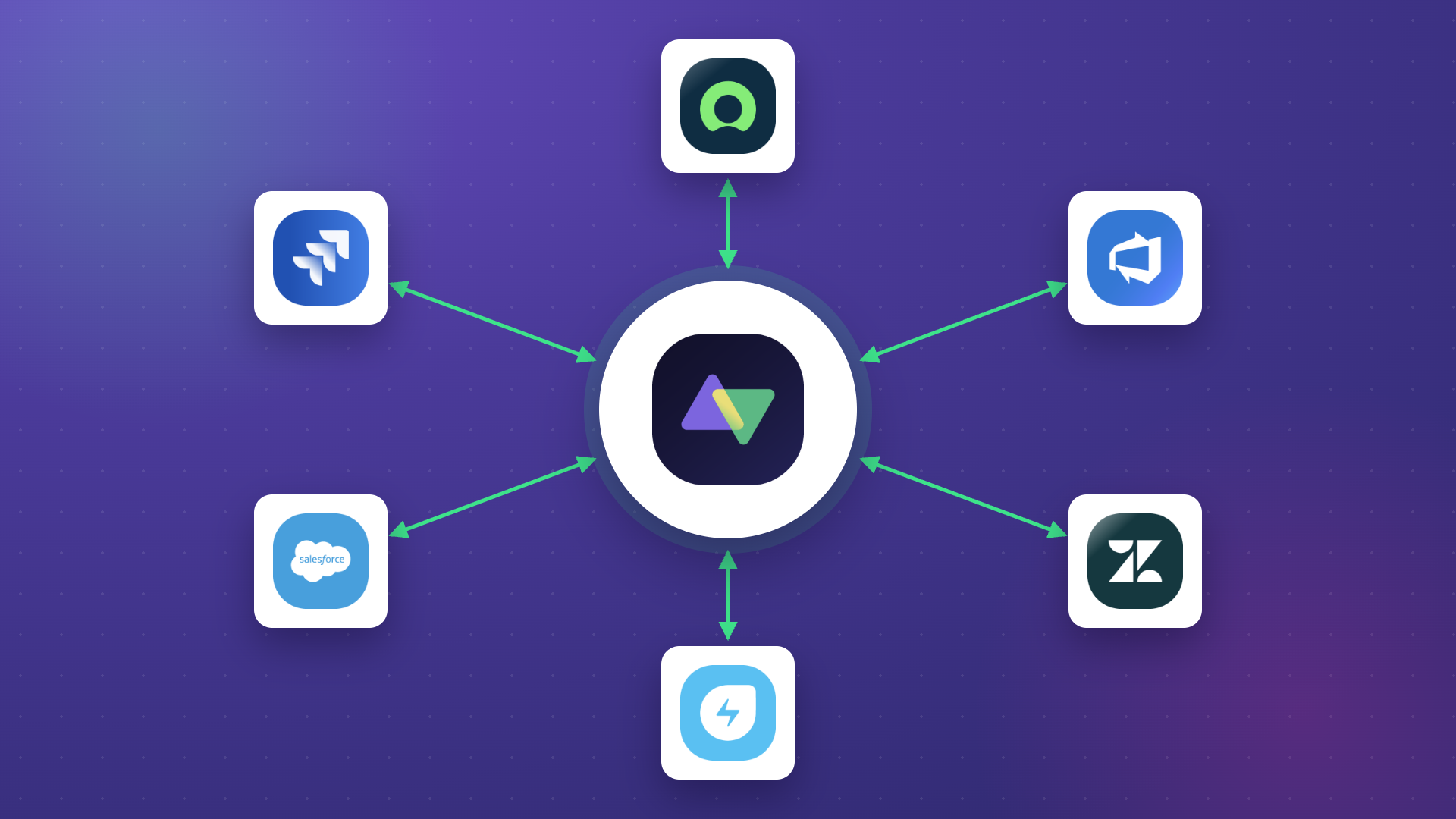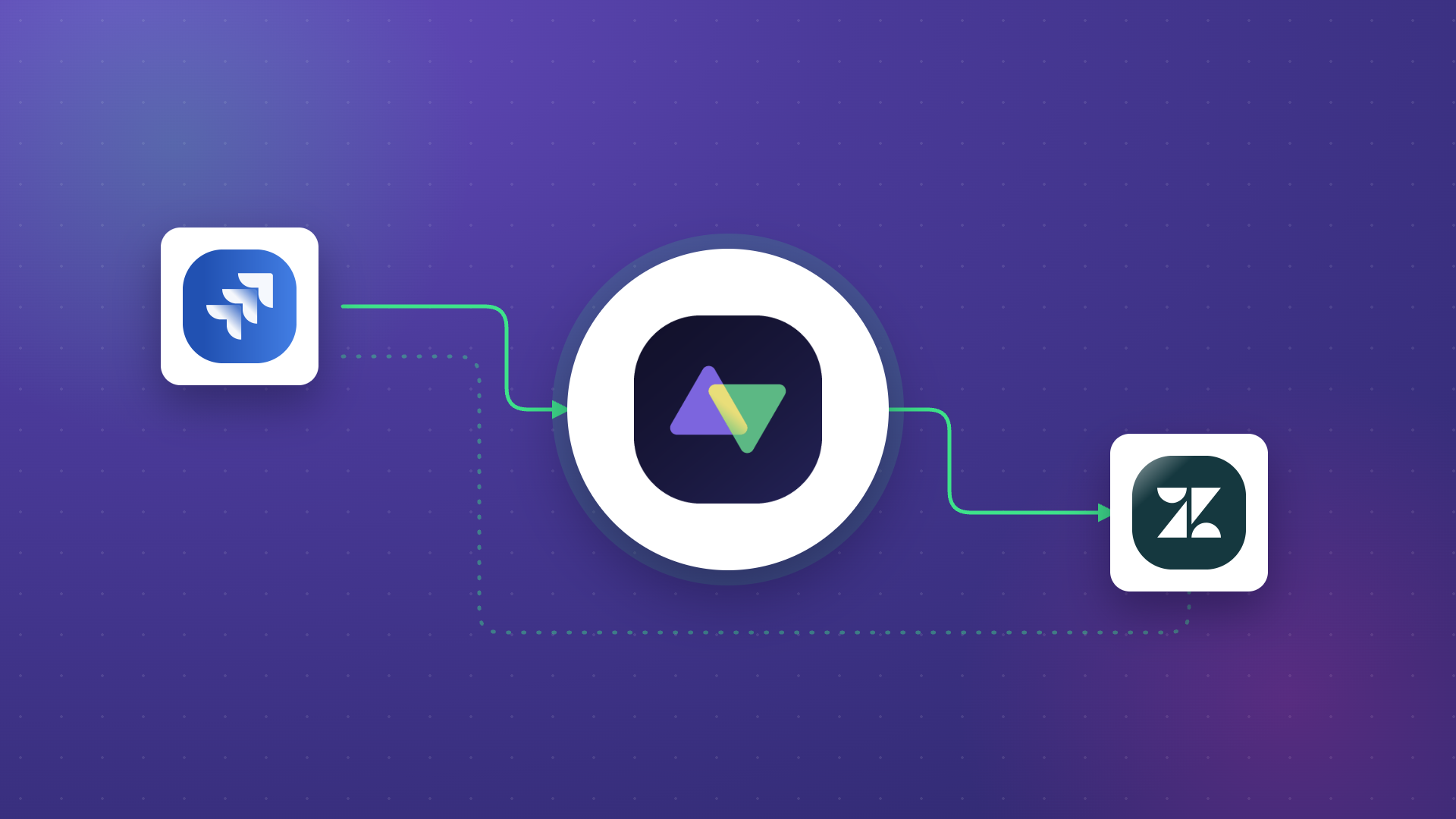
Software integration connects different applications so they can share data and work together. Simple in theory. In practice, it is one of the most underestimated technical undertakings an organization can take on.
Whether you build the integration yourself, rely on native connectors your tools offer, or go with a third-party solution, the challenges are real and recurring. Poor planning, rigid tools, or weak security can turn a straightforward sync into a project that drains time, money, and patience.
This blog breaks down the most common software integration challenges, explains why they happen, and walks through practical ways to solve them before they spiral.
Key Takeaways
- Security gaps in integration architecture expose sensitive data to breaches, making certified, access-controlled solutions non-negotiable for enterprise environments.
- Delayed or batch-based data syncing creates outdated records that slow incident response, frustrate customers, and misalign cross-functional teams.
- Integration tools that cannot scale with evolving business needs force costly workarounds, rework, and eventual platform migration.
- Opaque pricing models turn affordable-looking integration tools into budget sinkholes through hidden fees, usage caps, and mandatory add-ons.
- Data mapping and transformation failures cause sync errors, duplicate records, and broken workflows when field structures differ between connected systems.
- Vendor lock-in traps organizations in ecosystems that limit flexibility, inflate switching costs, and reduce negotiating leverage.
- Legacy systems lacking modern APIs require specialized middleware or custom connectors to participate in real-time integrations.
- Misaligned business processes between collaborating teams create integration chaos that no tool can fix without process agreement first.
- AI-assisted integration tools reduce configuration complexity, making advanced use cases accessible without deep scripting expertise.
- Ongoing monitoring and error handling are not optional extras but core requirements for keeping integrations reliable after deployment.

Software Integration Challenges (and How to Solve Them)
When we talk about software integration, companies typically go one of three routes: build it themselves, use native integration options their tools support, or choose a third-party platform. Each path comes with trade-offs, and each carries its own set of challenges.
What follows are the most common and impactful software integration challenges organizations face today, along with what it looks like when they go wrong and how to prevent that from happening.
1. Security: The Non-Negotiable Foundation
With great integration comes great security exposure. Always.
A weak integration architecture can open the door to data breaches, unauthorized access, and compliance violations that are difficult, sometimes impossible, to recover from. Integration security is not a checkbox. It is the foundation that determines whether your integration is an asset or a liability.
Why this challenge persists:
Many integration solutions require full field mapping between connected systems, meaning everything (work item types, fields, statuses, comments, attachments) gets exposed by default. There is no option to selectively limit what data gets shared. For your security team, that is a red flag.
On top of that, some tools restrict admin ownership to a single person. If that person misconfigures something, overlooks a broken sync, or leaves the organization, you have a single point of failure managing sensitive cross-system data flows.
How to solve it:
Prioritize solutions that give you granular control over what data gets sent and received. Look for HTTPS enforcement, encryption at rest and in transit, role-based access control (RBAC), and independently verifiable security certifications.
Solutions like Exalate give each side of the integration full control over its own data. You decide what goes out and how incoming data gets processed, independently of the other party. This is especially critical for cross-company integrations where sharing full system access between organizations is not an option.
Real-world scare: A company in the final stages of procurement discovered its chosen solution claimed all the right certifications but would not provide proof. No public documentation, no third-party audit results. They had almost committed to a tool with zero verifiable security credentials.
2. The Problem with Non-Real-Time Data Exchange
The entire point of integration is to keep systems in sync. Yet a surprising number of integration solutions treat real-time data exchange as a premium feature rather than a baseline expectation.
When syncing happens on a schedule (every 10 minutes, every hour), you are working with stale data. That gap might not matter for low-priority task updates. But for time-sensitive operations, it is a different story.
Case: A managed service provider (MSP) running Jira Service Management alongside a client’s ServiceNow instance handles escalated security incidents. The integration between the two systems syncs every 15 minutes.
Problem: A critical security incident gets logged. For the next 15 minutes, the receiving team has no visibility. Customer frustration builds. Response times suffer. The delay compounds as a back-and-forth updates queue instead of flowing instantly.
Solution: Real-time, event-driven syncing picks up changes the moment they happen. When a work item is created, updated, or transitioned in one system, the connected system reflects that change within seconds, not minutes. This keeps both teams aligned instantly, reduces response times, and prevents the kind of information gaps that erode trust during critical incidents.
Platforms like Exalate use event-driven triggers to initiate syncs immediately when changes occur. Whether you are connecting Jira to ServiceNow, Zendesk to Salesforce, or Azure DevOps to Freshservice, real-time sync should be the default, not a paid upgrade.
Real-world scare: “Some of the other integration solutions we looked at used a kind of schedule-based approach… so every 10 minutes or whatnot.” For organizations managing SLA-bound service delivery, those 10 minutes can mean the difference between meeting and breaching a commitment.
3. Data Mapping and Transformation Complexity
This is where many integrations quietly break down. Two systems rarely structure data the same way. Field names differ. Required fields in one system are optional in another. Statuses do not map one-to-one. A “High” priority in Jira does not automatically translate to “P2” in ServiceNow.
Why this is harder than it sounds:
When you connect platforms like Jira, Salesforce, Azure DevOps, or Zendesk, you are bridging different data models. Work item types, custom fields, multi-select options, user references, rich text formatting, and attachments all need to be translated accurately. If the mapping logic is too rigid, you get sync errors and broken workflows. If it is too loose, you get data quality issues: duplicates, missing values, and records that do not make sense in the receiving system.
Template-based integration tools are especially prone to this. They offer pre-configured field mappings that work for simple scenarios but fall apart when your use case involves custom fields, conditional logic, or multi-platform chains.
How to solve it:
Choose integration solutions that support flexible field mapping with the ability to apply transformation logic. This means being able to define how values convert between systems, set default fallbacks for missing fields, and handle edge cases like unmapped statuses or unsupported field types.
Exalate, for example, allows teams to write mapping rules using a scripting engine, giving you precise control over how data transforms during sync. For teams that prefer not to script, AI-assisted configuration through Aida helps generate mapping logic by interpreting plain-language descriptions of what you want to sync.
Real-world application: A product team using Jira needs to sync feature requests from Salesforce. The Salesforce “Opportunity” object has fields like “Expected Revenue” and “Close Date” that do not exist in Jira.
Rather than forcing a rigid one-to-one mapping, the integration uses transformation rules to populate a custom field in Jira with combined revenue and timeline context, giving the development team the information they need without cluttering the work item.
4. Scalability and Flexibility: When Growth Breaks Your Integration
An integration tool that works perfectly for five synced projects can completely fall apart when that number grows to fifty. This is one of the most common (and expensive) integration mistakes organizations make: choosing based on current needs without accounting for future growth.
Why this happens:
Businesses evolve. New tools get adopted. Teams reorganize. Processes change. The integration scope from six months ago rarely matches what is needed today. Tools that rely on rigid templates, fixed connector lists, or per-connection pricing models create walls that limit how far you can scale.
What starts as a small inconvenience (manually recreating configurations for each new project, working around missing features) becomes a full-blown operational problem when you are managing dozens of connections across multiple platforms.
How to solve it:
Evaluate integration tools based on what your organization will need 12 to 24 months from now, not just today. Consider how many platforms you might need to connect (Jira, ServiceNow, Salesforce, Zendesk, Azure DevOps, GitHub, Freshservice, Freshdesk, Asana, and potentially custom systems via REST API connectors). Look at how new connections are configured: can you replicate existing setups quickly, or does every new connection start from scratch?
Exalate supports a broad connector ecosystem across ITSM, DevOps, CRM, and project management categories, and offers the flexibility to handle advanced, non-standard sync scenarios through its scripting engine or through AI-assisted configuration with Aida.
Real-world scare: An organization selected what seemed like a dream tool: cheap, fast to onboard, easy to configure. A year later, the company grew, the integration scope expanded, and the tool could not keep up. Every new requirement meant workarounds, every workaround added fragility, and eventually, the team was stuck rebuilding on a different platform entirely.
5. Pricing and Hidden Cost Traps
Pricing is one of those challenges that does not feel urgent during evaluation but becomes painful after commitment.
Many integration tools attract buyers with low entry prices, then layer on costs: per-connection fees, usage-based charges, feature gating behind higher tiers, and mandatory add-ons for capabilities that should be standard. The result is that a solution that seemed cost-effective during the trial period turns into a financial burden once you are locked in and dependent on it.
What to watch for:
- Freemium models with low usage caps that trigger paywalls once the integration becomes embedded in your processes
- Per-connection or per-user pricing that scales unpredictably as your organization grows
- Core features (real-time sync, bidirectional data flow, advanced field mapping) are locked behind enterprise tiers
- Vague pricing pages that require a sales call to understand actual costs
How to solve it:
During evaluation, map your expected usage trajectory for the next 12 months and price it out across at least three tools. Ask vendors explicitly about overage charges, add-on costs, and what happens when you exceed plan limits.
Look for pricing models that are transparent and predictable. Exalate’s pricing page breaks down costs clearly by connector type, allowing teams to calculate expected spend without guesswork.
Real-world scare: A team adopted an integration app at $19/month. Within a year, the price climbed to $374/month for the same basic sync functionality. For a tool that handles a single feature, that price trajectory is unsustainable for any team managing a budget.

Calculate time and money savings from automated bidirectional sync.
6. Vendor Lock-in: The Trap You Do Not See Until You Are In It
Vendor lock-in is one of the most overlooked software integration challenges because it only becomes visible when you try to leave. Once your workflows, data mappings, and team processes depend on a specific integration platform, switching to an alternative becomes expensive, disruptive, and time-consuming.
How lock-in happens:
- Proprietary data formats or sync logic that cannot be exported or replicated elsewhere
- Deep dependency on platform-specific features that have no equivalent in competing tools
- Multi-year contracts with steep early termination penalties
- Lack of API access or webhook support that would allow you to migrate data flows to another system
Why it matters:
Locked-in organizations lose negotiating leverage on pricing renewals, cannot adopt better tools as they emerge, and often tolerate performance issues or missing features because the cost of migrating is perceived as too high.
How to avoid it:
Choose integration tools that use open standards where possible, offer scriptable configurations you can document and replicate, and do not penalize you for scaling down or migrating away. Evaluate how easy it is to export your configuration logic, whether the tool supports standard API formats, and whether your data remains accessible if you decide to switch.
Exalate’s scripting engine means your sync logic is visible, documented, and portable. You are not dependent on a proprietary black box that only works inside one ecosystem.
7. AI-Powered Integration: Catching Up or Falling Behind
AI is reshaping how integration tools work. Solutions that do not adapt risk becoming obsolete, and organizations using those tools risk falling behind competitors who move faster because their integrations are smarter.
AI-powered integration is not about hype. It is about reducing the friction that has traditionally made integrations slow to set up, hard to maintain, and inaccessible to non-technical teams.
What AI changes in practice:
- Configuration speed: Instead of manually defining field mappings, sync rules, and transformation logic, AI-assisted tools interpret natural-language descriptions and generate the configuration. What used to take hours of trial-and-error scripting can be done in minutes.
- Error reduction: AI-assisted configuration reduces the likelihood of common mapping mistakes by validating logic before deployment.
- Accessibility: Teams without scripting expertise can now set up integrations that previously required a developer. This democratizes integration ownership across IT, operations, and service delivery teams.
Exalate’s AI-assisted integration through Aida helps teams describe their sync requirements in plain language and generates the corresponding configuration. Aida also functions as a documentation assistant, providing in-context guidance for scripting and configuration tasks.
The tools you choose today should already be investing in AI capabilities. If a platform’s roadmap does not include AI-assisted features, consider how that will affect your team’s efficiency 12 months from now.
8. Legacy System Overheads: When Old Meets New
Integrating legacy systems with modern cloud platforms sounds straightforward until you actually try it. Legacy applications often lack modern APIs, have limited documentation, and run on infrastructure that was never designed to support real-time data exchange.
Why legacy integration is painful:
Legacy systems are deeply embedded in organizational processes. Teams depend on them daily, and the data they hold is often critical. But connecting a decades-old on-premise system to a cloud-native platform like Jira, ServiceNow, or Salesforce introduces challenges that do not exist when integrating two modern SaaS tools.
Common pain points include missing or incomplete API documentation, a lack of qualified technicians who understand both the legacy system and the modern platform, resistance to change from teams who have built their workflows around the legacy system’s limitations, and security or compliance gaps that arise when legacy systems cannot support modern encryption or authentication standards.
How to approach it:
Start by assessing what data needs to flow between the legacy system and the modern platform. Often, you do not need full bidirectional sync. A targeted one-way feed that pushes critical data from the legacy system into the modern tool can deliver most of the value at a fraction of the complexity.
For organizations that need deeper connectivity, tools like Exalate support custom REST API connectors that can bridge gaps where native connectors do not exist. This allows integration with non-standard systems, including legacy platforms, proprietary tools, and custom-built applications.
9. Accumulated Technical Debt: The Slow-Building Monster
Every shortcut in integration development creates technical debt. Every quick fix. Every “we’ll clean this up later” patch. Individually, they are harmless. Collectively, they turn a maintainable integration into a fragile mess.
How technical debt accumulates:
When teams build integrations in-house, the pressure to ship quickly often wins over the discipline to build properly. A hardcoded value here, a skipped validation there, an undocumented workaround to handle an edge case.
Over months, these shortcuts compound. The integration becomes slower, harder to debug, and increasingly brittle. Every new requirement means navigating a web of interlocking patches just to understand what the current logic does before you can extend it.
The real cost:
Technical debt does not announce itself. It shows up as longer development cycles for what should be simple changes, unexpected sync failures after minor updates, and an increasing reluctance from the team to touch the integration at all because “it works, and nobody wants to break it.”
How to manage it:
If you are building in-house, invest in documentation and code reviews from the start, even if it slows initial delivery. If you are using a third-party tool, choose one that makes sync logic transparent and maintainable.
Exalate’s scripting approach means your integration logic is readable, version-controllable, and modifiable without reverse-engineering a black box. When requirements change, you update the script rather than layering another patch on top of existing patches.
10. Misaligned Business Processes: The Human Challenge
This one is not a technology problem. It is a people and process problem that no integration tool can fix by itself.
Organizations often assume their internal processes are well-defined and consistent. But when two teams (or two companies) attempt to integrate their systems, hidden discrepancies surface that nobody anticipated.
Case: Two companies have been collaborating for seven years. On paper, their processes are solid and well-documented.
Problem: When they try to integrate their project management systems, a recurring conflict emerges around task reopening. One company has a specific, documented definition for when a task gets reopened. The other relies on informal verbal approvals and assumptions. Some team members reopen tasks multiple times for minor updates. Others leave tasks closed, assuming the other side understands the intent.
Impact: Without a unified process definition, the integration creates noise: duplicate work items, missed updates, confused status reporting, and escalating frustration on both sides. The integration technically works, but operationally, it is creating more problems than it solves.
Solution: Before configuring any integration between collaborating teams, align on process definitions. Define what each status means, when transitions happen, who approves changes, and what triggers a sync-worthy event. Integration should codify agreed-upon processes, not expose disagreements.
This is especially important for cross-company integrations where each side has its own tools, terminology, and workflow culture.
11. Monitoring and Error Handling: The Post-Deployment Blind Spot
Many teams treat integration as a “set it and forget it” project. They invest heavily in setup and configuration, celebrate when the first sync runs successfully, and then move on to other priorities. This is a mistake.
Integrations break. APIs change. Field structures get updated. Rate limits get hit. Authentication tokens expire. Without active monitoring and robust error handling, these issues pile up silently until someone notices that data has not synced for days.
What good monitoring looks like:
- Clear visibility into sync status for every active connection
- Automated alerts when sync failures or errors occur
- Error logs that provide enough detail to diagnose the root cause without requiring a deep investigation
- Retry mechanisms that handle transient failures (network timeouts, temporary API unavailability) automatically
Why this matters:
Consider an integration between Jira and ServiceNow that supports SLA-bound incident management. If the sync breaks and nobody notices for 48 hours, you are looking at missed SLAs, frustrated customers, and a backlog of unsynced work items that need manual reconciliation.
When evaluating integration tools, ask about their error handling capabilities. How does the platform surface failures? How are retries managed? Can you configure notification rules for specific error types?
Exalate provides a unified view of sync activity and error states, making it possible to identify and resolve problems before they cascade into operational issues.
12. Integration Testing: The Step Everyone Skips
Integration testing is consistently deprioritized, often skipped entirely, and almost always regretted later. The logic is understandable: the sync works in the test environment, the field mappings look correct, and the team is under pressure to go live. Why delay?
Why testing matters more than you think:
Test environments rarely mirror production complexity. They have fewer records, simpler configurations, and predictable data. When the integration hits production with thousands of work items, custom field variations, and edge cases that were never anticipated, failures emerge that testing would have caught.
Common issues that surface only in production include work items with missing required fields that cause sync failures, status transitions that do not map correctly for specific work item types, attachments or comments that exceed size limits on the receiving system, and race conditions where rapid updates create conflicting sync events.
How to approach it:
Build a test plan that mirrors production complexity as closely as possible. Include edge cases: work items with empty fields, bulk transitions, rapid sequential updates, and scenarios where both sides update the same record simultaneously. Run the integration in a staging environment with realistic data volumes before going live.
After go-live, keep monitoring actively for at least two weeks to catch issues that only surface under real usage patterns.
Don’t Let Software Integration Challenges Keep You Up at Night
Software integration challenges do not go away by choosing the cheapest tool or the one with the simplest onboarding. They require deliberate decisions about security, scalability, data handling, process alignment, and long-term maintainability.
The most effective approach is to evaluate integration solutions against the full spectrum of challenges covered here, not just the ones that feel urgent today. Security, real-time sync, flexible data mapping, transparent pricing, and active monitoring are not nice-to-haves. They are baseline requirements for any integration that needs to work reliably at scale.
Exalate connects platforms across ITSM, DevOps, CRM, and project management, including Jira, ServiceNow, Salesforce, Zendesk, Azure DevOps, GitHub, Freshservice, Freshdesk, Asana, and custom systems via REST API connectors.
With AI-assisted configuration through Aida, real-time event-driven syncing, and independent control over each side of the integration, it is built to handle the challenges that simpler tools cannot.
Discover how Exalate can solve your specific integration challenges without spooky surprises along the way.
Frequently Asked Questions
What are the most common software integration challenges?
The most common software integration challenges include security vulnerabilities from weak integration architecture, non-real-time data syncing that creates stale records, data mapping failures between systems with different field structures, scalability limitations as organizations grow, hidden pricing costs that exceed initial estimates, and vendor lock-in that makes switching tools prohibitively expensive.
Legacy system compatibility, accumulated technical debt from quick-fix approaches, and misaligned business processes between collaborating teams round out the list. Exalate addresses these by offering real-time event-driven syncing, flexible scripting for custom data mappings, and independent endpoint control for security.
How does Exalate handle cross-company integration security?
Exalate gives each side of an integration independent control over what data gets sent and how incoming data gets processed. This means Company A cannot dictate what Company B shares, and vice versa. Each party defines its own sync rules, filters, and field mappings. Exalate holds ISO 27001:2022 certification and publishes its security practices in the Trust Center. The platform enforces HTTPS, encryption at rest and in transit, and role-based access controls as standard.
What platforms does Exalate integrate with?
Exalate supports connectors for Jira, ServiceNow, Salesforce, Zendesk, Azure DevOps (Cloud and Server), GitHub, Freshservice, Freshdesk, Asana, and other platforms through custom REST API connectors. This covers ITSM, DevOps, CRM, and project management categories, making it suitable for organizations running multi-platform environments where different teams use different tools.
How does AI-assisted integration work in Exalate?
Exalate offers AI-assisted configuration through Aida, which interprets plain-language descriptions of sync requirements and generates the corresponding configuration logic.
Instead of manually scripting field mappings and transformation rules, teams can describe what they want to sync (for example, “sync high-priority work items from Jira to ServiceNow with status and assignee”), and Aida produces the configuration.
Aida also functions as a documentation assistant, providing contextual guidance when teams need help with scripting or understanding available configuration options.
What is the difference between real-time and batch-based integration?
Real-time integration uses event-driven triggers to sync data the moment a change occurs. When a work item is created or updated, the connected system reflects that change within seconds.
Batch-based integration runs on a schedule (every 5 minutes, every hour) and only picks up changes during each sync cycle. For time-sensitive operations like incident management or SLA-bound service delivery, real-time integration prevents the data gaps that batch-based approaches create. Exalate uses event-driven triggers as its default sync mechanism.
Can Exalate integrate with legacy systems that lack modern APIs?
Yes. Exalate supports custom REST API connectors that can bridge gaps where native connectors are not available. For legacy systems that expose even basic API endpoints or webhook capabilities, custom connectors can be configured to push or pull data into modern platforms like Jira, ServiceNow, or Salesforce. For systems with no API at all, intermediary approaches (such as database-level integration or file-based data exchange routed through a connected platform) may be required.
How do I avoid vendor lock-in when choosing an integration tool?
Look for integration platforms that use open standards, offer visible and exportable configuration logic, support standard API formats, and do not penalize you for scaling down or migrating. Avoid tools with proprietary data formats, black-box sync logic, or multi-year contracts with steep termination fees.
Exalate’s scripting engine keeps your sync logic transparent and documented, so your configuration is not trapped inside a proprietary system that only works within one vendor’s ecosystem.
What causes integration sync failures, and how do I handle them?
Common causes include expired authentication tokens, API rate limits, field structure changes on one side of the integration, network timeouts, and data validation failures (for example, a required field in the receiving system that the sending system does not populate).
Effective error handling requires automated retry mechanisms for transient failures, clear error logging with enough detail to diagnose root causes, and alerting that notifies the right people when a sync fails. Exalate provides a unified view of sync activity and error states so teams can identify and resolve issues before they affect operations.
Is it better to build integration in-house or use a third-party tool?
Building in-house gives you full control but carries significant costs: development time, ongoing maintenance, accumulated technical debt, and the need for developers who understand both connected systems. Third-party tools reduce development overhead and provide pre-built connectors, error handling, and monitoring out of the box.
The trade-off is flexibility. For standard use cases (syncing work items between Jira and ServiceNow, pushing CRM data from Salesforce to a support tool), third-party platforms like Exalate handle the complexity. For highly custom or niche requirements, a hybrid approach, using a flexible third-party platform with scripting capabilities, often provides the best balance.
How do I evaluate whether an integration tool is right for my organization?
Focus on five areas:
- security (certifications, encryption standards, access controls, published trust documentation),
- sync capabilities (real-time vs. batch, bidirectional vs. one-way, conflict resolution),
- data mapping flexibility (can it handle custom fields, conditional logic, and transformation rules?),
- scalability (pricing model, connector availability, ease of adding new connections), and
- ecosystem support (does it cover the platforms you use today and the ones you might adopt?).
Test with a realistic use case during evaluation, not just a basic demo scenario. Exalate offers discovery calls where teams can walk through their specific integration requirements before committing.
Recommended Reading: