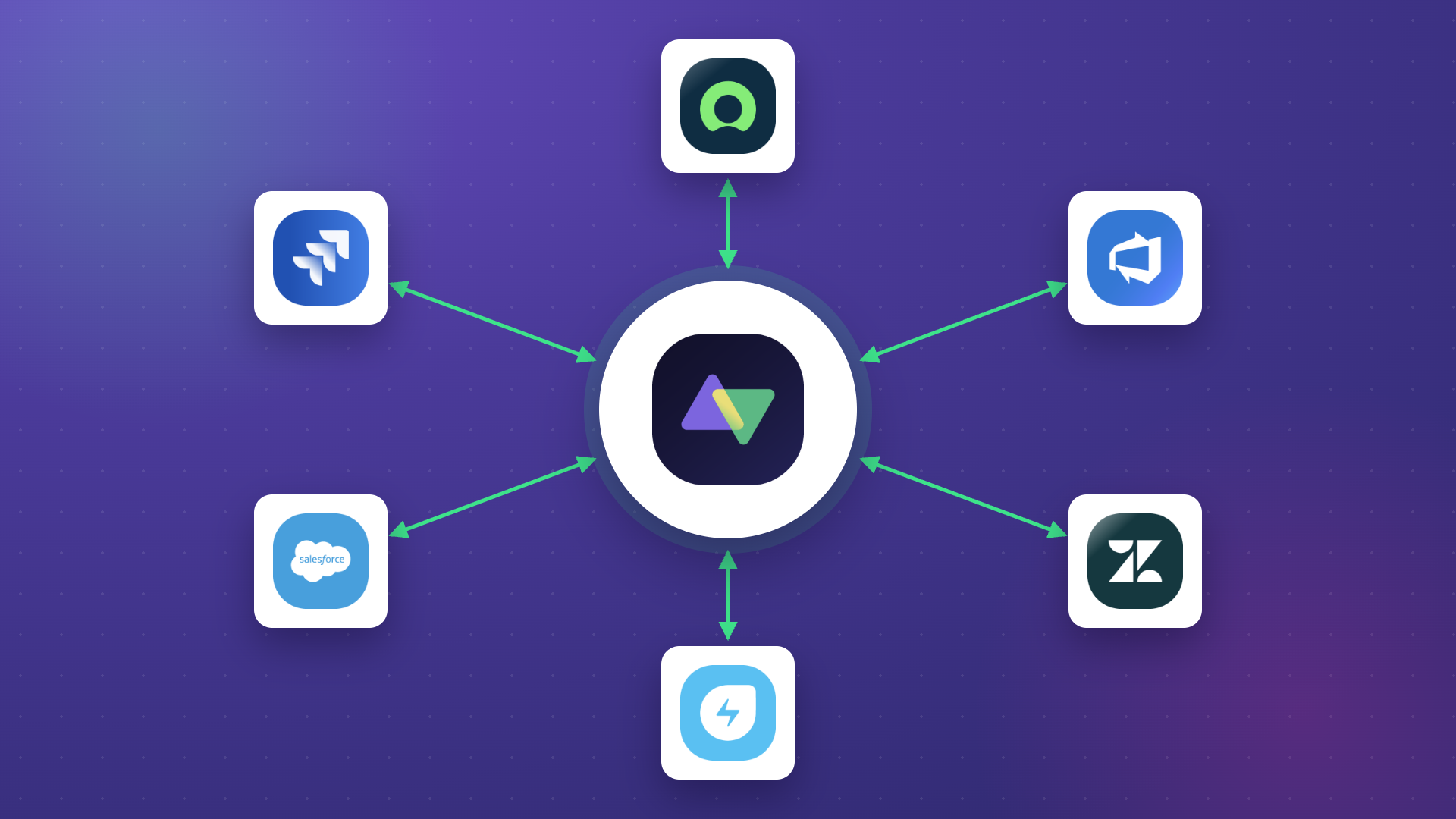
Companies use multiple work management systems to curate smooth workflows and obtain valuable insights.
Here is a common scenario: The sales team is using Salesforce, the QA team tracks bugs in Jira, the service team uses Zendesk, the operations team manages incidents in ServiceNow, and the development team uses GitHub.
You get the picture. However, the problem with different teams working on different systems is that they won’t be able to share data seamlessly without a two-way synchronization option.
Why? Because most of these ITSM tools are not interoperable, you need to establish a two-way integration to interact between their APIs and do all the fancy-schmancy transformations.
In this article, I’ll discuss how a two-way integration works, when you actually need one (versus a one-way sync), how to handle common challenges like data conflicts, and why businesses are moving toward bidirectional integration solutions.
Key Takeaways
- Two-way integration connects two systems so changes in either one automatically reflect in the other, keeping data consistent without manual effort.
- Unlike one-way integration, bidirectional sync gives both sides control over what data goes out and what comes in.
- Conflict resolution, data mapping, and real-time sync capabilities are what separate a reliable two-way integration from one that creates more problems than it solves.
- Practical use cases range from syncing support tickets with development work items to cross-company collaboration between MSPs and their clients.
- AI-assisted configuration has reduced the time and expertise needed to set up complex bidirectional integrations significantly.
- Choosing the right integration tool means evaluating connector coverage, customization depth, security posture, and how well the platform handles data transformation between systems with different structures.

What Is a Two-Way Integration?
Two-way integration (bidirectional integration) refers to the process of connecting two different systems so that they can share data between each other in both directions.
Two-way integrations allow you to track changes in one system and replicate them in the other system while maintaining data security and integrity. If a support agent updates a case in Zendesk, the linked work item in Jira reflects that change. If a developer changes the status of that work item, the Zendesk ticket updates too. Neither side has to check the other system manually.
If an integration synchronizes two systems without automatic triggers, it is a two-way synchronization. If it uses automated triggers without any need for manual intervention, it is a two-way automation.
Today, most integration solutions come with automated triggers by default to reduce the need for manually triggering information transfer.
What Are the Differences Between Two-Way and One-Way Integration?
One-way integration only supports information flow in one direction. Each end of the connection can do only one thing: receive or send information. For instance, you might push completed Salesforce deals into a reporting dashboard. The dashboard receives data, but it never sends anything back.
With two-way integration, data flows both ways simultaneously.
Both parties in a two-way sync, the local (source) and remote (destination) instances, can control what’s going out or coming into their systems. Each admin configures their own side independently, deciding exactly which fields to share, which to exclude, and how incoming data should be handled.
With one-way integration, only the admin of the source instance can send information. This gives them all the authority but also leaves the burden of configuration, debugging, and maintenance entirely on one side.
When Should You Use a One-Way Sync Instead?
Two-way integration isn’t always necessary. A one-way sync is enough when one system serves as the definitive source of truth and the receiving system only needs to reference that data without writing back.
For example, if your finance team pulls deal data from Salesforce into a reporting tool purely for analysis, there is no reason to push changes back to Salesforce. A one-way sync keeps things simple and avoids unnecessary complexity.
But when multiple teams need to update the same data from different systems, like support agents updating case details in ServiceNow while developers track progress in Jira, one-way falls short. You need bidirectional sync to keep everyone working from accurate, real-time information.
How Does a Two-Way Integration Work?
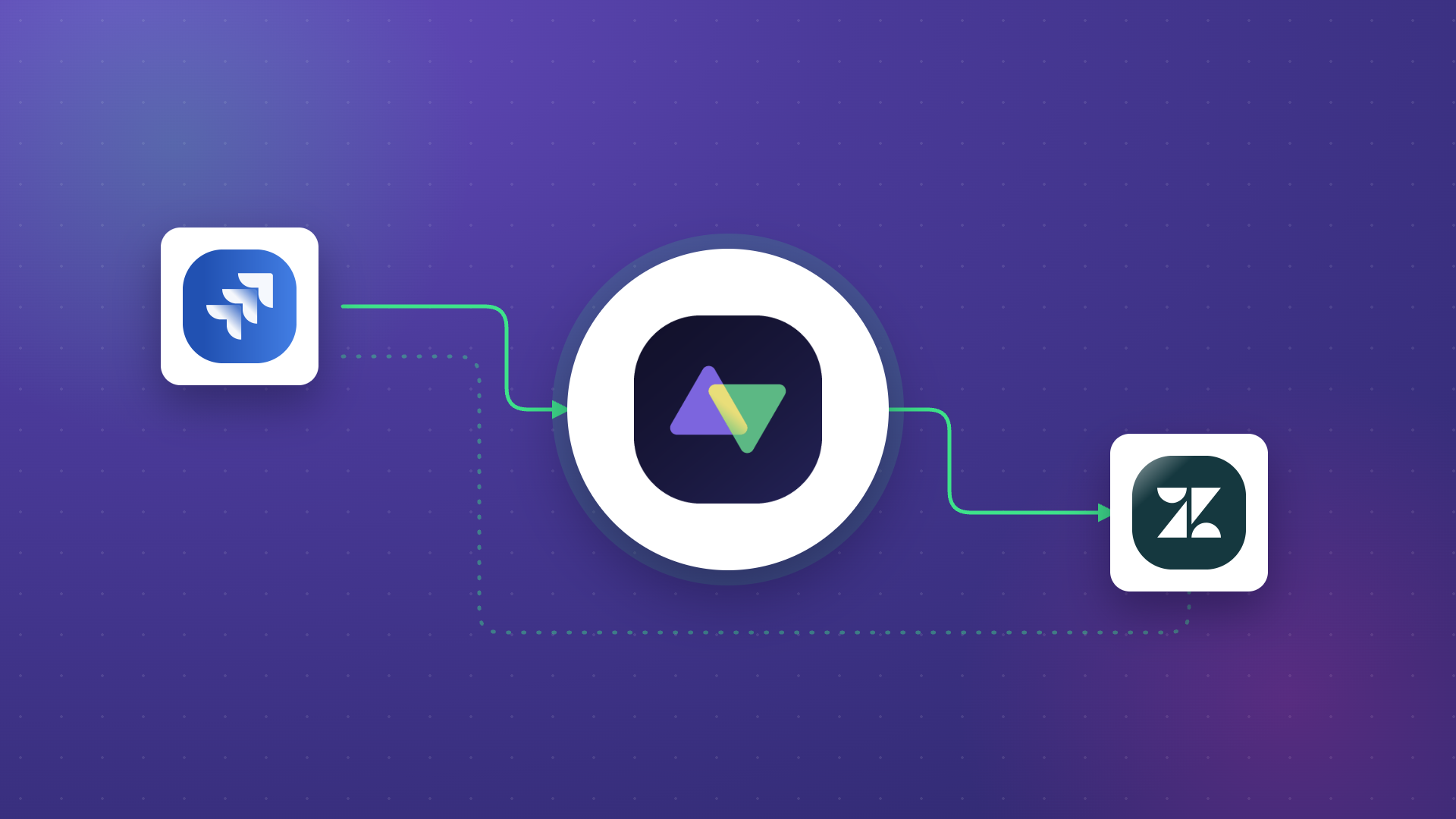
Let’s say a support staff member receives a ServiceNow incident reporting a bug. A two-way sync solution can move the incident to the QA team by converting it to a Bug or Task in Jira.
Here’s how the magic happens using a tool called Exalate.
First, the data from the field on the ServiceNow incident will be recorded as an object. Exalate will call the ServiceNow API to fetch the value in the field. Based on the user’s mapping, Exalate will now transform the ServiceNow value from HTML to Wiki, the native Jira format.
And voila, the value from ServiceNow will appear on the corresponding field in the Jira entity. No manual copying, no needless stress.
Still sounds too abstract? Here is a real use case:
You can extract the data from the “caller ID” on ServiceNow and present all information attached to that user in your preferred field on Jira. This will help you extract several layers of data from one single object.
The Role of Data Mapping and Transformation
What makes bidirectional integration tricky (and powerful) is that the systems on each end rarely speak the same language. A “Priority” field in ServiceNow might have values like P1, P2, and P3, while Jira uses “Highest,” “High,” and “Medium.” A “Case” in Salesforce maps to a “work item” in Jira, but the data structures are completely different.
This is where data mapping and transformation come in. The integration tool defines relationships between fields in each system and converts values from one format to another so they make sense on the receiving end.
For example, a Freshdesk ticket with a “Priority” of “Urgent” can be mapped to an Azure DevOps work item with a “Severity” of “1 – Critical.” The integration tool handles the translation automatically, so each team sees data in the format their platform expects.
Good mapping goes beyond simple field pairing. It includes handling data types (dates, strings, numbers), transforming rich text between markup formats, and accounting for fields that exist in one system but not the other.
With a flexible scripting engine like the one Exalate offers, you can write conditional logic that maps data differently based on context. Exalate also offers Aida, an AI-assisted scripting assistant that can generate these mapping scripts from natural language descriptions, making complex transformations accessible even to teams without deep scripting experience.
Handling Conflicts in Two-Way Sync
One of the biggest challenges in bidirectional integration is what happens when the same record gets updated in both systems before the sync runs. This is a conflict, and handling it poorly leads to data loss or overwrites.
Effective two-way sync tools use conflict resolution strategies to deal with this. Common approaches include:
- Last-write-wins: The most recent change takes precedence, regardless of which system it came from. This is simple but can overwrite important updates if timing is tight.
- System priority: One system’s changes always override the other’s. For example, you might decide that ServiceNow is the authority for incident priority levels.
- Field-level merging: Instead of choosing one system’s entire record over the other, the tool merges changes at the field level. If one system updated the description and the other updated the status, both changes apply.
The right approach depends on your workflow and how critical data accuracy is for your operations. When evaluating integration tools, check how they handle conflicts and whether you can customize the resolution rules.
Real-Time Sync vs. Scheduled Sync
Not all two-way integrations work the same way under the hood. The two main approaches are real-time sync and scheduled (batch) sync, and the choice matters depending on your use case.
Real-time sync uses event-driven triggers like webhooks. The moment a field changes in one system, the integration picks it up and pushes it to the connected system. This is critical for time-sensitive workflows like SLA management, incident response, and customer escalations, where teams need immediate visibility.
Scheduled sync runs at fixed intervals (every 5 minutes, hourly, daily). It is useful when immediate updates are not critical, or when API rate limits make real-time processing impractical for high-volume environments.
Most enterprise-grade integration tools, including Exalate, default to real-time synchronization. Changes typically reflect within seconds, not minutes. This matters when you’re syncing customer-facing support tickets or tracking urgent bugs across teams.
Exalate’s transactional sync engine queues all applicable changes automatically and handles retries during system upgrades or maintenance windows, so nothing gets lost in transit.
Why Do You Need Two-Way Integration?
Two-way integration tools open a world of benefits and possibilities for inter-team and cross-company collaborations. Here are the key reasons.
Streamline Your Workflow
With a third-party integration facilitating a two-way sync between independent platforms, companies can streamline their internal workflow. This involves eliminating redundant tasks, manual “copy-paste,” and other bottlenecks involved in data exchange.
POSaBIT’s sales and development teams operated in separate systems, creating friction when customer-reported bugs needed developer attention. Exalate helped POSaBIT optimize data extraction and communication, cutting the back-and-forth that previously delayed bug fixes.
Increase Productivity
Automated bidirectional triggers make it possible to sync data in real time. This increases the efficiency of collaborations and project management by reducing the time it takes to access and process data.
Nevaris needed to reduce the manual overhead of tracking work across multiple teams while avoiding any single point of failure. Nevaris used Exalate to maximize workflow efficiency by decreasing the time it takes to handle work items and avoiding a single point of failure.
Unify the User Experience
Bidirectional integration also helps optimize the user experience by unifying all available data about the products and customer needs into one platform.
Say the team is working on a user-reported bug. Sharing data between the devs and the customer support staff will help the customer get updates in near real-time. As a result, everyone involved in the process, including the customer, will get a clear view of the resolution’s progress.
This is especially valuable in multi-team environments where support uses Zendesk or Freshdesk, engineering works in Jira or GitHub, and project management lives in Asana or Azure DevOps. Without bidirectional sync, these teams operate in blind spots.
Save Costs
Instead of paying for a new CRM just to copy one batch of customer data, a two-way integration tool like Exalate can save you money by extracting the data and replicating it in your own system.
This is a massive benefit for companies working with managed services providers (MSPs) or clients. Your team can stay in touch without paying for additional software.
Netguru used Exalate’s two-way sync to eliminate licensing costs (per user) by only paying for one platform. This also helped them stay flexible and scalable through growth periods.

Calculate time and money savings from automated bidirectional sync.
Improve Collaboration and Eliminate Data Silos
Two-way synchronization tools enhance collaborations by providing a platform for both sides to share data while retaining control.
Since every involved party gets real-time updates, the collaboration functions smoothly without unnecessary conflict and endless back-and-forth. Sides sharing data bidirectionally will also help dismantle data silos to ensure both sides have a unified view of all information related to a project.
For instance, Gantner uses Exalate to fine-tune internal collaborations, while WirelessCar uses the same tool to connect with other companies.
Secure Data Transfers
Most of the information you share during synchronization contains sensitive company or customer data. A reliable two-way integration tool protects your data in transit and at rest.
A bidirectional solution used for sharing customer data must be GDPR-compliant. Depending on the information being shared, you might need a tool that meets additional compliance requirements.
Integration tools for two-way connections also require authentication tokens to access APIs. When combined with encryption protocols (TLS 1.2/1.3), JWT-based tokens, and role-based access controls, you get a secure system for protecting data regardless of where it sits in the pipeline.
Exalate, for example, holds ISO 27001:2022 certification and publishes its full security posture through the Exalate Trust Center. Each side of the connection gets granular control over incoming and outgoing data, so you can restrict what gets shared without disrupting the other side’s flow.
When evaluating any two-way integration tool, request access to their security documentation and certifications. If a vendor can’t provide this transparently, that is a red flag.
Gather More Insights
Two-way synchronization gives you the best visibility across multiple platforms. This means you can obtain data from multiple sources simultaneously for deep-level synthesis and analysis.
For example, you can gather information about product performance from a Jira work item and send it to Salesforce. This gives you the freedom to run your data through multiple Salesforce analytical tools instead of sticking to only Jira features.
Common Two-Way Integration Use Cases
Beyond the general benefits, here are specific scenarios where bidirectional integration solves real operational problems.
Support Escalation to Engineering
Case: Customer support agents in Freshdesk or Zendesk receive bug reports but have no way to share them with the engineering team in Jira or GitHub without switching tools or sending emails.
Solution: A two-way sync that automatically creates a Jira work item when a support ticket is tagged as a bug. As engineering updates the work item (status changes, comments, resolution notes), those updates sync back to the support ticket.
Real-World Application: Support agents can give customers live progress updates without chasing developers. Developers never have to leave their IDE or project board to communicate with support.
Cross-Company Collaboration Between MSPs and Clients
Case: A managed services provider (MSP) uses ServiceNow internally, but their client tracks projects in Azure DevOps. Both sides need visibility into incident resolution without sharing platform access.
Solution: Bidirectional sync between ServiceNow and Azure DevOps that maps incidents to work items, syncs status updates, and shares comments, all without either side needing login credentials to the other’s platform.
Real-World Application: Each company retains full control of its own data and configuration. The MSP can serve multiple clients using different platforms (Jira, Salesforce, Freshservice, Asana) through a single integration tool that adapts to each connection.
Sales-to-Development Feedback Loop
Case: The sales team logs feature requests in Salesforce, but the development team prioritizes work in Jira. Feature requests get lost between the two systems, and sales have no visibility into what’s been scheduled.
Solution: Two-way sync between Salesforce and Jira that creates Jira work items from Salesforce feature requests and syncs status, priority, and sprint assignment back to Salesforce.
Real-World Application: Sales reps can tell customers exactly when a feature is being worked on, what sprint it’s in, and when it’s expected to ship, all without leaving Salesforce.
Best Practices for Two-Way Integrations
Here are the best practices to guarantee that your two-way integration works as expected:
- Layer your authentication and access controls. Use API tokens, multi-factor authentication, and role-based access controls to protect both ends of the connection. A strong integration tool handles JWT-based authentication per request and encrypts all data in transit using TLS 1.2 or 1.3.
- Build error handling into your workflow from the start. Every integration will encounter sync failures at some point, whether from network issues, API rate limits, or misconfigured mappings. Use an integration tool that provides clear error reporting and, ideally, an AI-assisted troubleshooting feature like Exalate’s Aida that explains problems in plain language and suggests fixes.
- Test before you go live. Before applying sync configurations to production data, validate them against real records in a safe environment. Exalate’s Test Run feature lets you run sync rules against actual data without creating or modifying entities on the destination side.
- Start with critical fields, then expand. Don’t try to sync every field on day one. Begin with the fields that matter most (status, priority, assignee, comments) and expand mapping over time as you learn how the integration behaves in production.
- Ensure your integration tool meets your compliance requirements. Consult your legal and compliance officer to determine what regulations apply to the data you’re syncing. Look for ISO 27001 certification and GDPR compliance at a minimum, and verify the vendor’s security posture through their Trust Center or equivalent documentation.
- Monitor sync performance continuously. Track sync latency, failure rates, and queue depth to catch problems before they impact your teams. Tools like Statuspage can help you monitor uptimes, downtimes, and other critical performance metrics for the platforms involved.
- Choose a solution that covers your current platforms and can grow with you. The tool you pick should support the platforms your teams are already using while offering custom connectors for non-standard systems. Flexibility to adapt to new use cases without re-architecting the integration is just as important as initial connector coverage.
How to Choose the Right Two-Way Integration Tool
Not all bidirectional integration tools are built the same. When evaluating options, focus on these criteria to avoid picking a tool that creates more operational overhead than it removes.
- Connector depth, not just breadth. A tool might support 1,000 apps, but if the connector only syncs basic fields and can’t handle custom objects, conditional logic, or advanced data transformations, it won’t work for enterprise use cases. Verify that the connectors support the specific fields and workflows you need.
- Customization flexibility. Pre-built templates get you started fast, but real-world integrations always require custom logic. Whether it’s mapping Salesforce case statuses to Jira work item states, filtering which records sync based on priority, or transforming rich text between formats, your tool should allow this without workarounds.
- AI-assisted configuration. Modern integration tools use AI to reduce the setup and scripting burden. Exalate’s Aida generates Groovy scripts from natural language descriptions of your sync requirements. Describe what you want to sync, and it produces a working configuration based on your existing setup and the Exalate scripting API. You review and refine, rather than writing from scratch.
- Security posture. Enterprise integration involves sensitive data flowing between systems, often across company boundaries.
- Cross-company support. If your use case involves syncing data with external partners, MSPs, or clients, the tool must handle multi-instance connections where each party retains independent control. Not all integration tools support this, and those that don’t force you to share platform access or centralize configuration, which introduces security risks.
- Scalability and reliability. The tool should handle growing data volumes, additional connections, and new platforms without performance degradation. Loosely coupled systems that avoid a single point of failure are better suited for enterprise-scale deployments.
How Exalate Can Help You Set Up Two-Way Syncs
Exalate is a bidirectional integration solution that allows you to sync data between work management systems, CRMs, ERPs, or version control platforms.
Platforms that support Exalate include Jira, ServiceNow, Salesforce, Zendesk, Azure DevOps (Cloud and Server), GitHub, Freshdesk, Freshservice, Asana, and others. Custom connectors can be developed for additional systems not covered by the standard connector library.
Thanks to Exalate’s Groovy scripting engine, you can configure every connection to sync data from any desired field, provided it is accessible to the API. All you need is a basic grasp of Groovy to start doing wonders.
Exalate also offers Aida, an AI-assisted integration feature. Aida works in two ways: as a documentation assistant on the Exalate docs site that answers questions and helps you scope integration requirements, and as an in-product scripting assistant that generates sync scripts based on natural language prompts.
With Exalate, you can also connect with other companies or MSPs to share data in real time. Each side retains full control over its data and configuration independently, making it a valuable asset for saving costs and staying updated on project developments.
Want to find out more about Exalate? Go to the Exalate Academy. If you want some guidance, you can book a demo with our integration experts.
Frequently Asked Questions
What Is Bidirectional Data Integration?
Bidirectional data integration is the process of connecting two applications or systems so they can share data between themselves in both directions. An integration platform acts as an intermediary between both platforms, controlling incoming and outgoing data based on predefined mappings, transformation rules, and sync triggers.
What Is a Bidirectional API?
A bidirectional API is an API that allows data to flow back and forth between two systems. It lets both platforms communicate, translate, and replicate data and requests from each other.
What Is Bi-Directional Integration Testing?
Bi-directional integration testing involves validating the entities moving between interconnected systems to make sure they are correctly mapped and accurate. Beyond field mapping, it also evaluates performance, latency, and error handling to identify what might be blocking or interfering with the transfer. Tools like Exalate’s Test Run feature let you validate sync configurations against real data without affecting production environments.
Why Do I Need a Two-Way Sync?
Two-way syncs allow you to share data between two systems in real time without having to copy the data manually. This process can streamline workflows and improve the efficiency of processes. Bidirectional syncs also improve collaboration and communication, which enhances the user experience. Most importantly, it is valuable for consistent reporting and analysis across platforms.
What Platforms Does Exalate Support?
Exalate supports integrations with Jira Cloud, ServiceNow, Salesforce, Zendesk, Azure DevOps (Cloud and Server), GitHub, Freshdesk, Freshservice, and Asana. For platforms not covered by standard connectors, Exalate offers custom connectors that can be developed for specific ITSM systems, legacy tools, or other platforms via REST API.
Can I Set Up Exalate Without Scripting Knowledge?
Exalate offers AI-assisted configuration through Aida, which generates Groovy scripts from natural language descriptions. You describe your sync requirements in plain English, and Aida produces a working configuration. While some technical understanding helps with complex scenarios (conditional logic, advanced data transformations), Aida significantly reduces the barrier to entry for teams without deep scripting experience.
Is Exalate Secure Enough for Enterprise Use?
Exalate holds ISO 27001:2022 certification and is GDPR-compliant. It uses TLS 1.2/1.3 encryption for data in transit, JWT-based authentication for every sync request, and role-based access controls. Each side of the connection manages its own data independently, and the full security posture is published through the Exalate Trust Center.
Recommended Reading:
- How to Get the Most out of Your Workflow Integration
- Automated Integration: A Key to Scalable and Agile Business Operations
- Exploring the Build vs. Buy Integration Debate
- How Integration Service Providers Can Help Simplify Data Integration
- Jira Integrations: Integrate Jira and Other Systems Bidirectionally
- How to Synchronize Epics between 2 Jira Instances