exalate for Project Managers
Work Shows up in Backlog When it is Raised, Not When Someone Remembers to Mention It
Exalate mirrors and keeps tickets in sync. Status, comments, fields, and attachments are all updated automatically. No more need to ask.
4.3/5

ISO-27001-2022

4.7/5
the problem
Whether you’re a
Project Manager, Delivery Manager, Scrum Master, or Business Analyst,
you face challenges that sound painfully familiar:


You cannot buffer for work you cannot see coming.
Teams escalate what they cannot resolve themselves. But that escalation usually arrives as a direct message, a forwarded email, or someone walking over. And by the time it does, it’s already urgent, and unplanned work is unavoidable.
Manual escalation makes reporting unreliable.
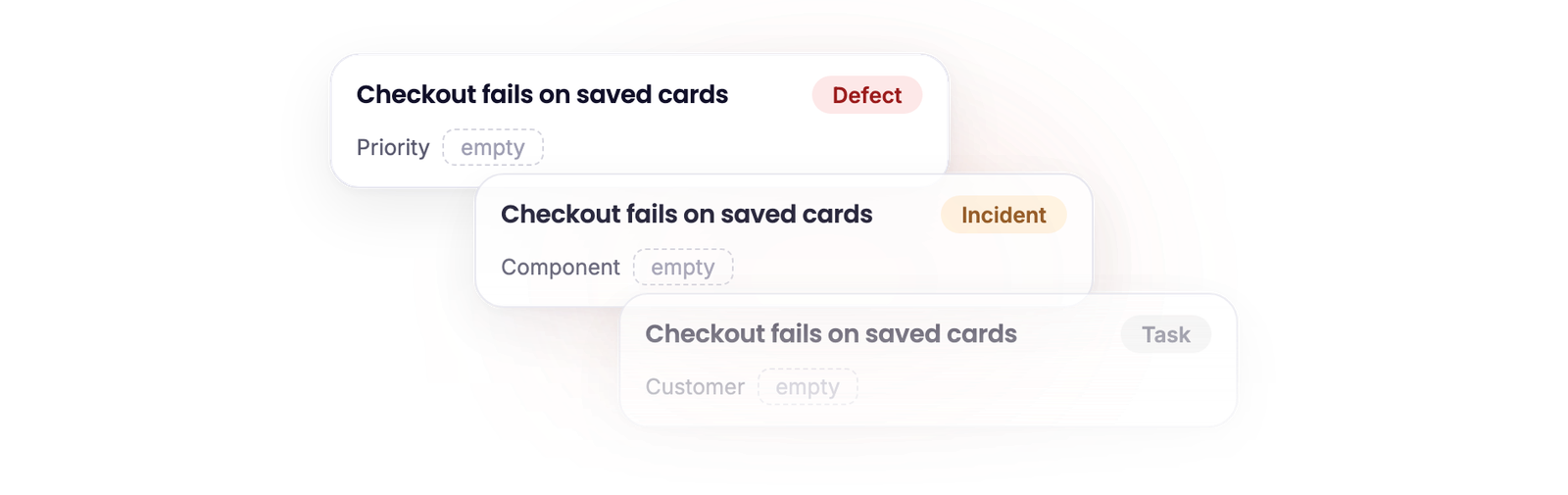
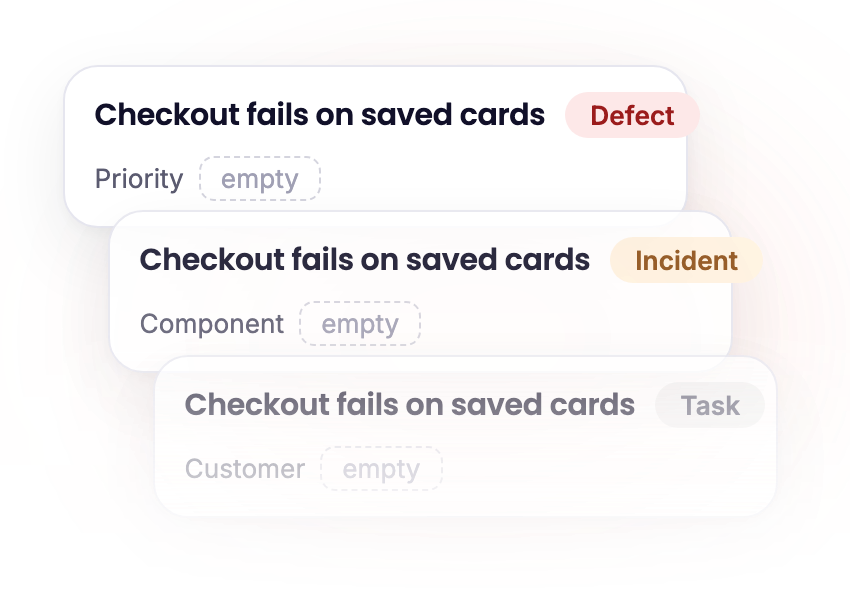
A tech request raised manually can become a defect, an incident, or whatever the person copying it chose that day. Ticket types drift, fields go missing, and the data is too inconsistent to report on. So if you are asked how much capacity goes to unplanned work, you have to guess.
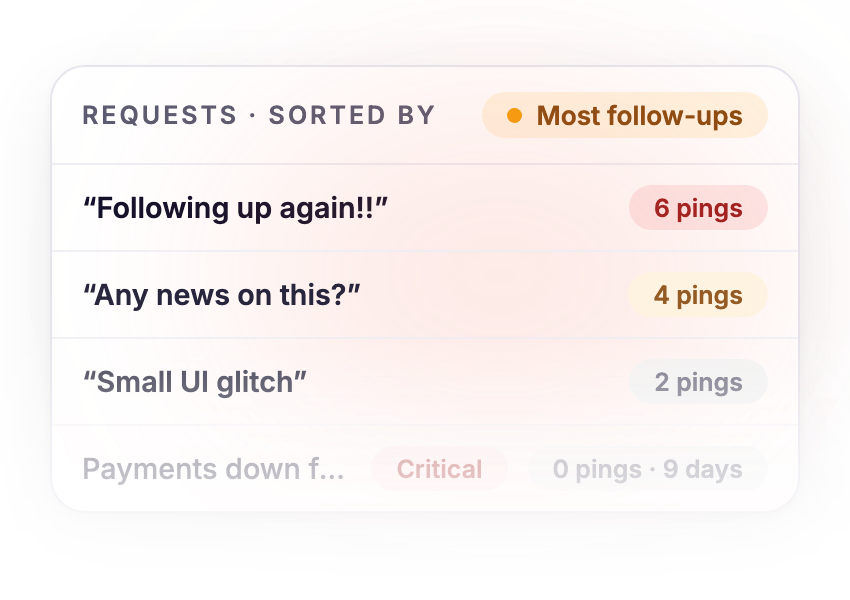
Priority ends up reflecting who followed up hardest, not what mattered most.
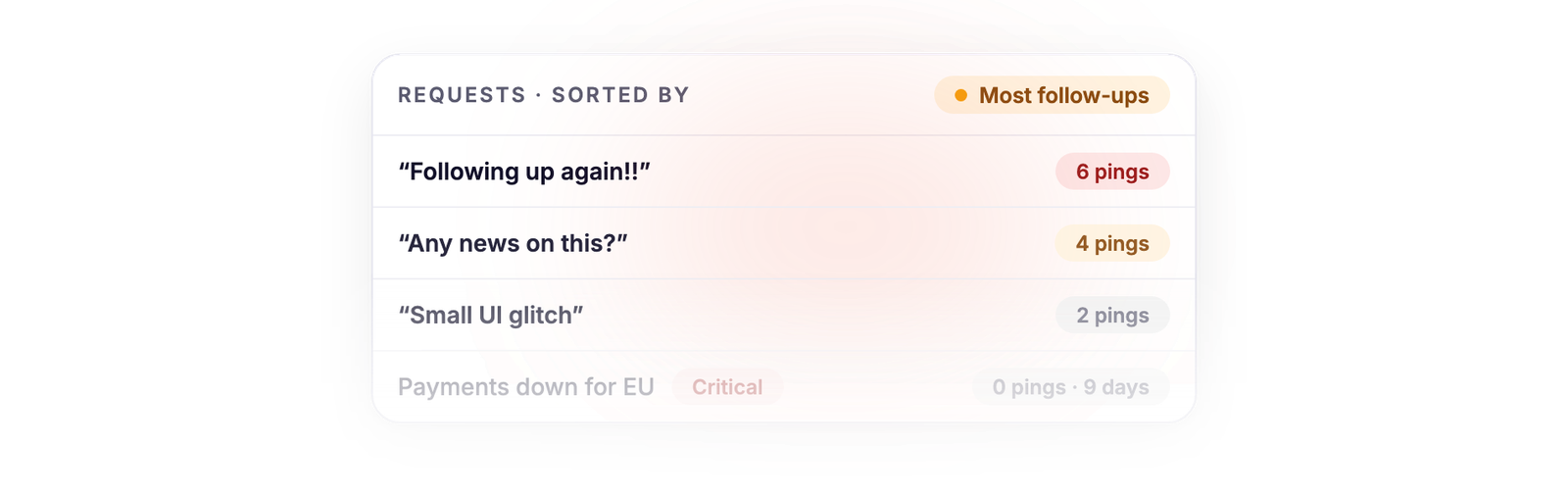
Without a single queue, answering questions like “How many requests came in this week?” or “Which ones are actually urgent?” becomes difficult. Some people are persistent; others raise something genuinely critical, wait quietly, and never make the list.
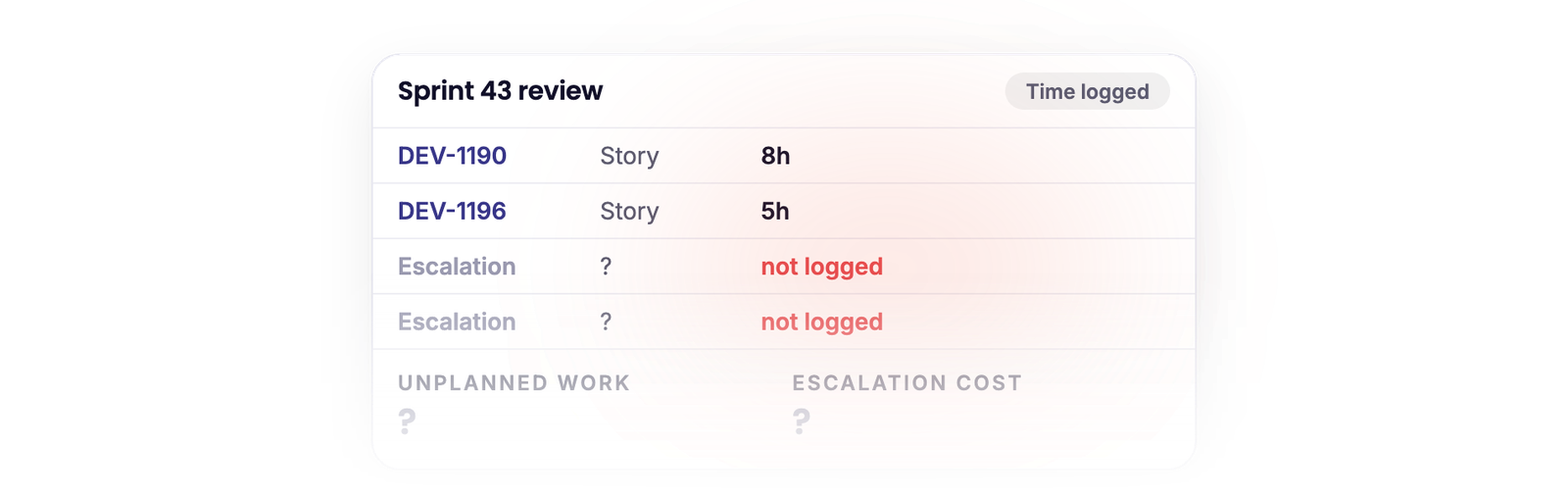
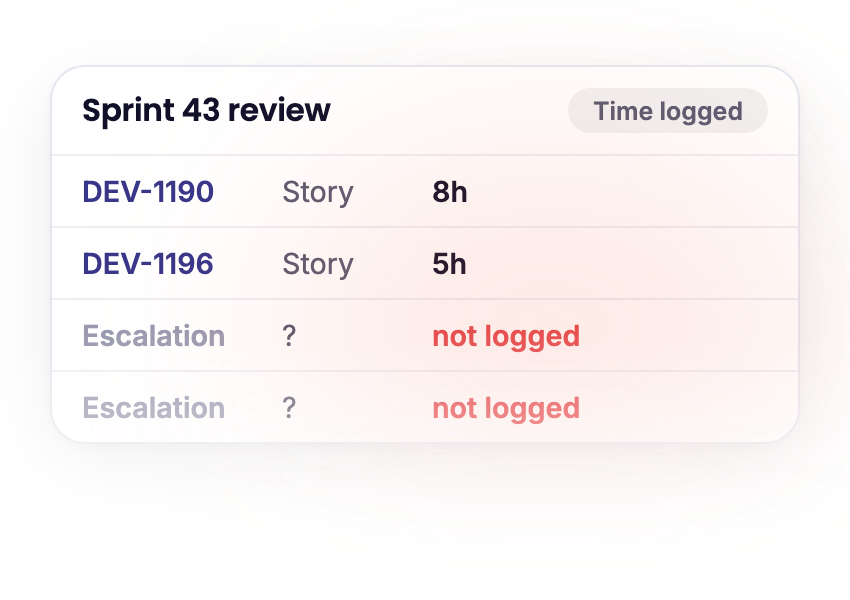
The real cost is absorbed, not recorded.
Some people fix escalations fast and move on without logging much. Others spend a day on the same problem. So when you review a sprint, the biggest drain on your team is the one thing you have no data on.
how it works
With Exalate, both sides keep their own tools, their own naming, and their own process. Nothing gets migrated and nobody switches systems.
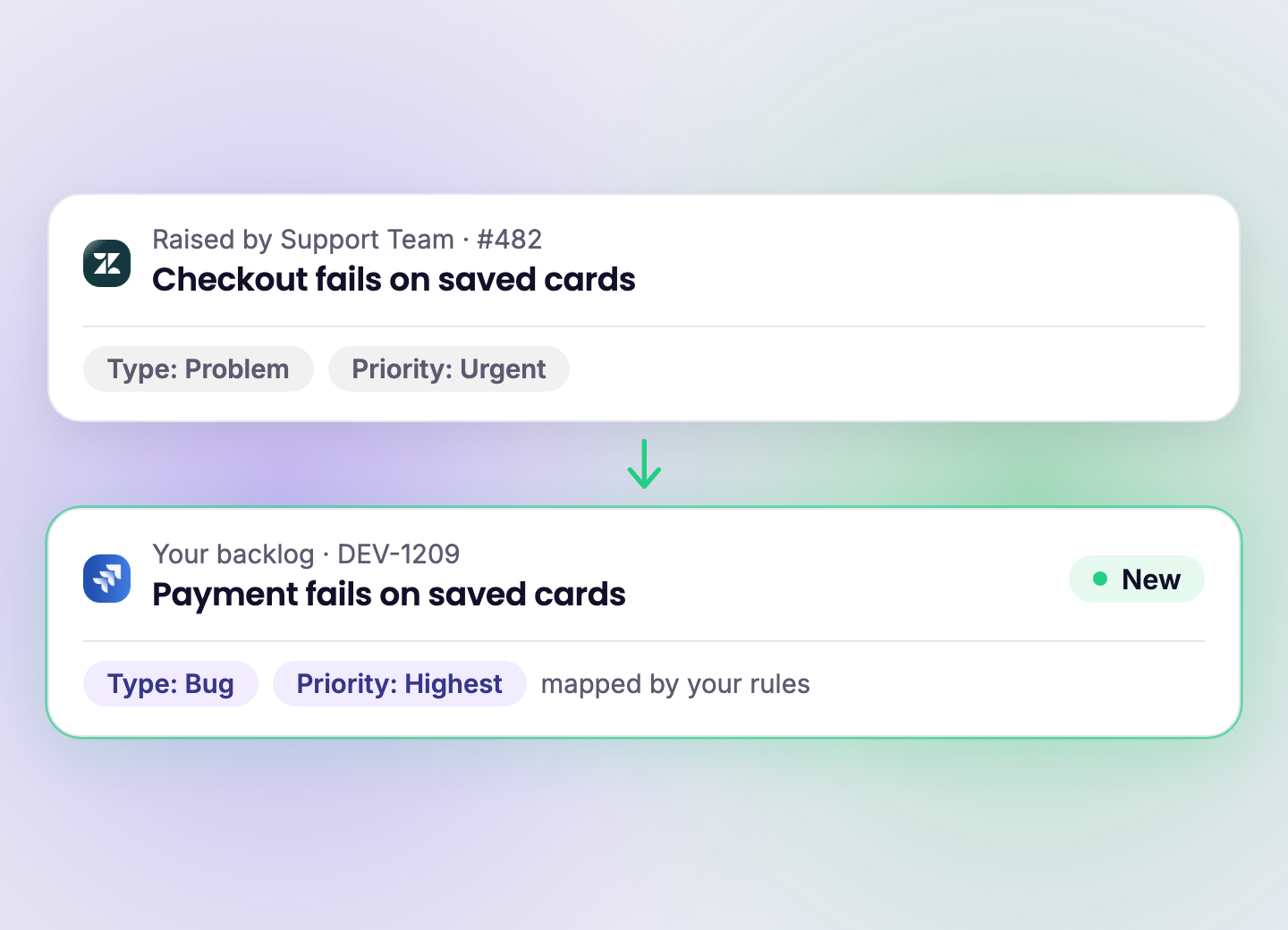
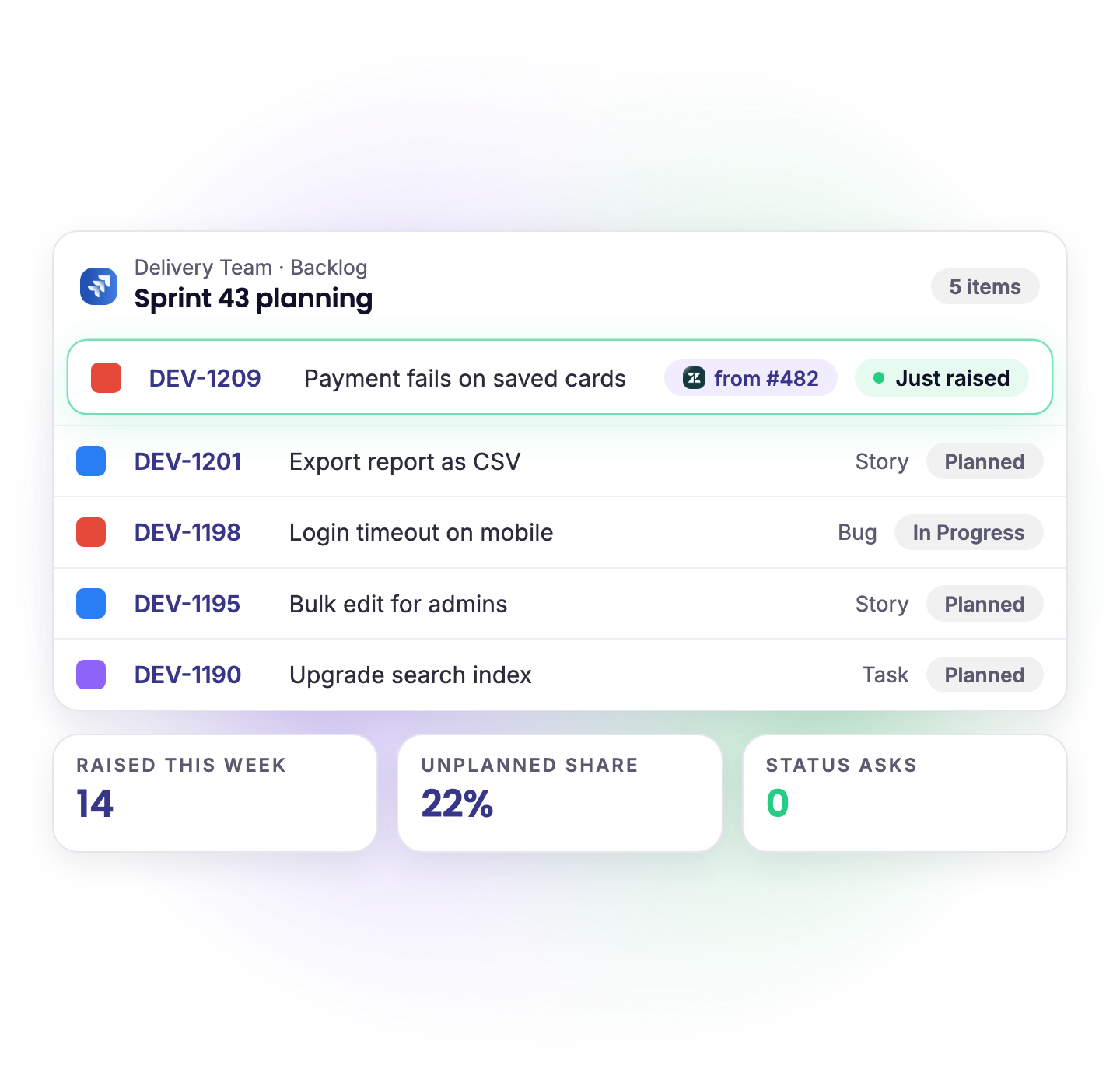
Team 1 raises a ticket in system A. It appears in your backlog as the ticket type you chose, not whatever the requester picked.
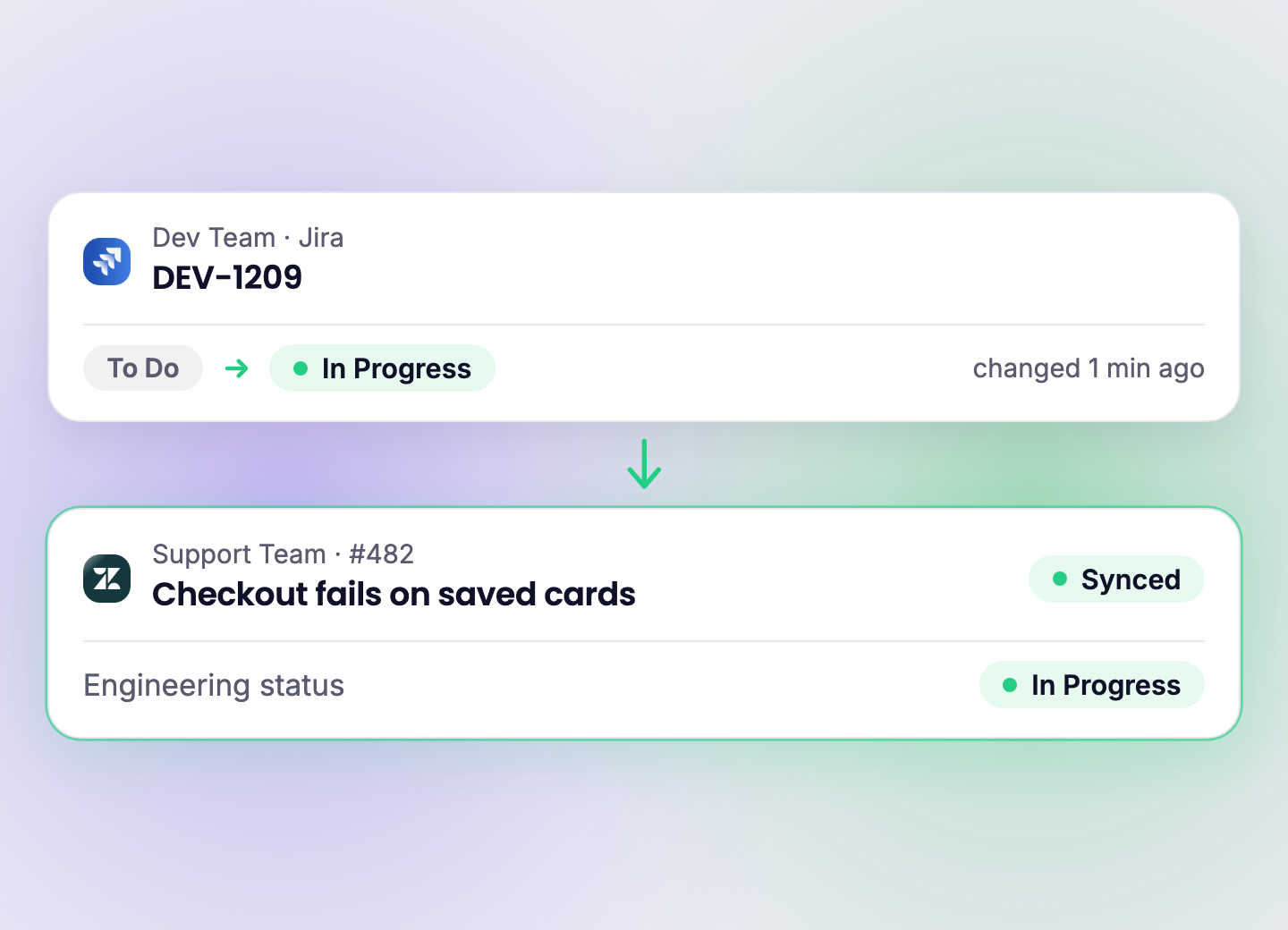
Team 2 works it in system B. Status changes flow back automatically.
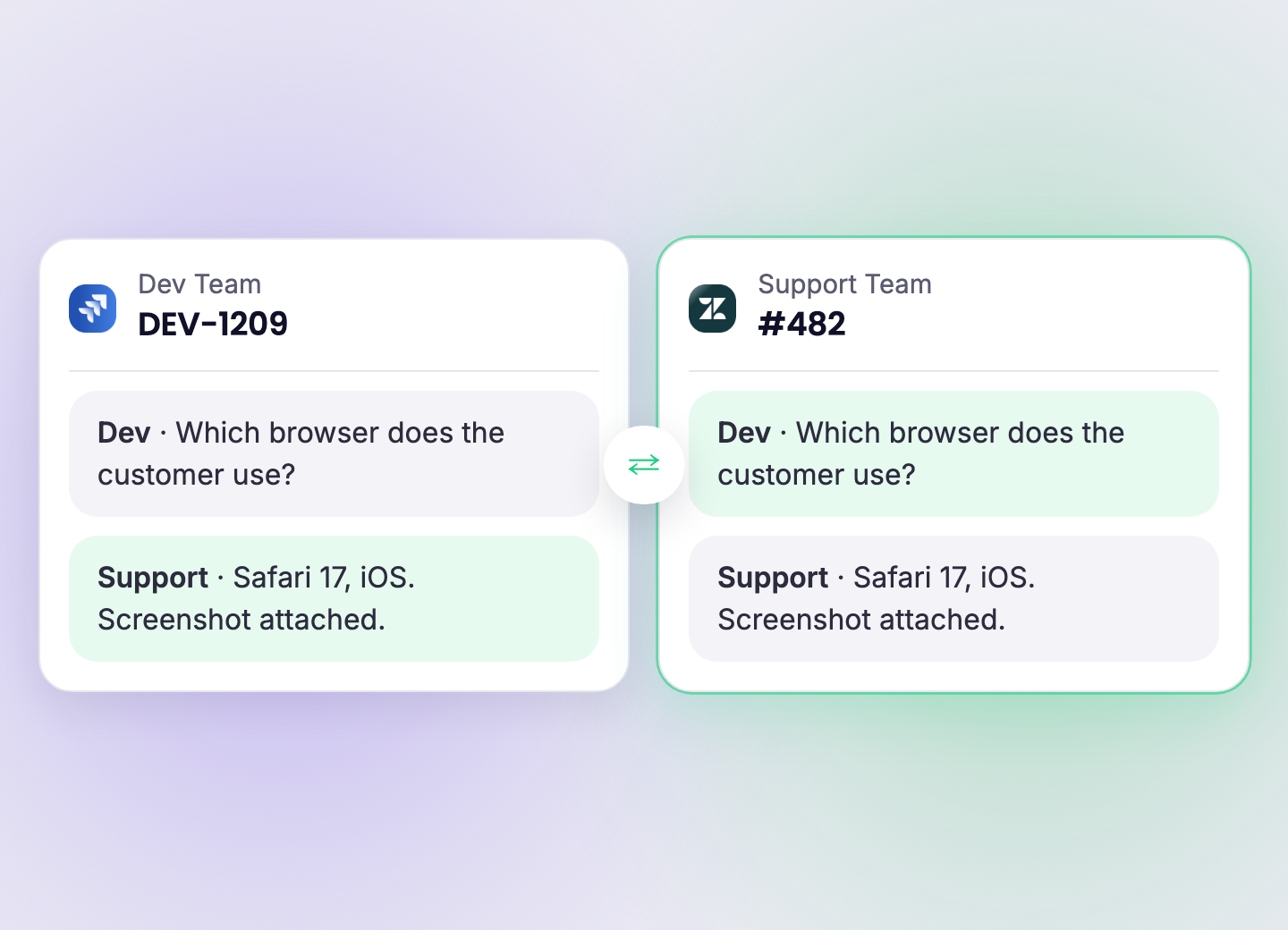
Comments sync both ways. So when more information is needed, the person who raised an issue can react fast, speeding up the resolution time.
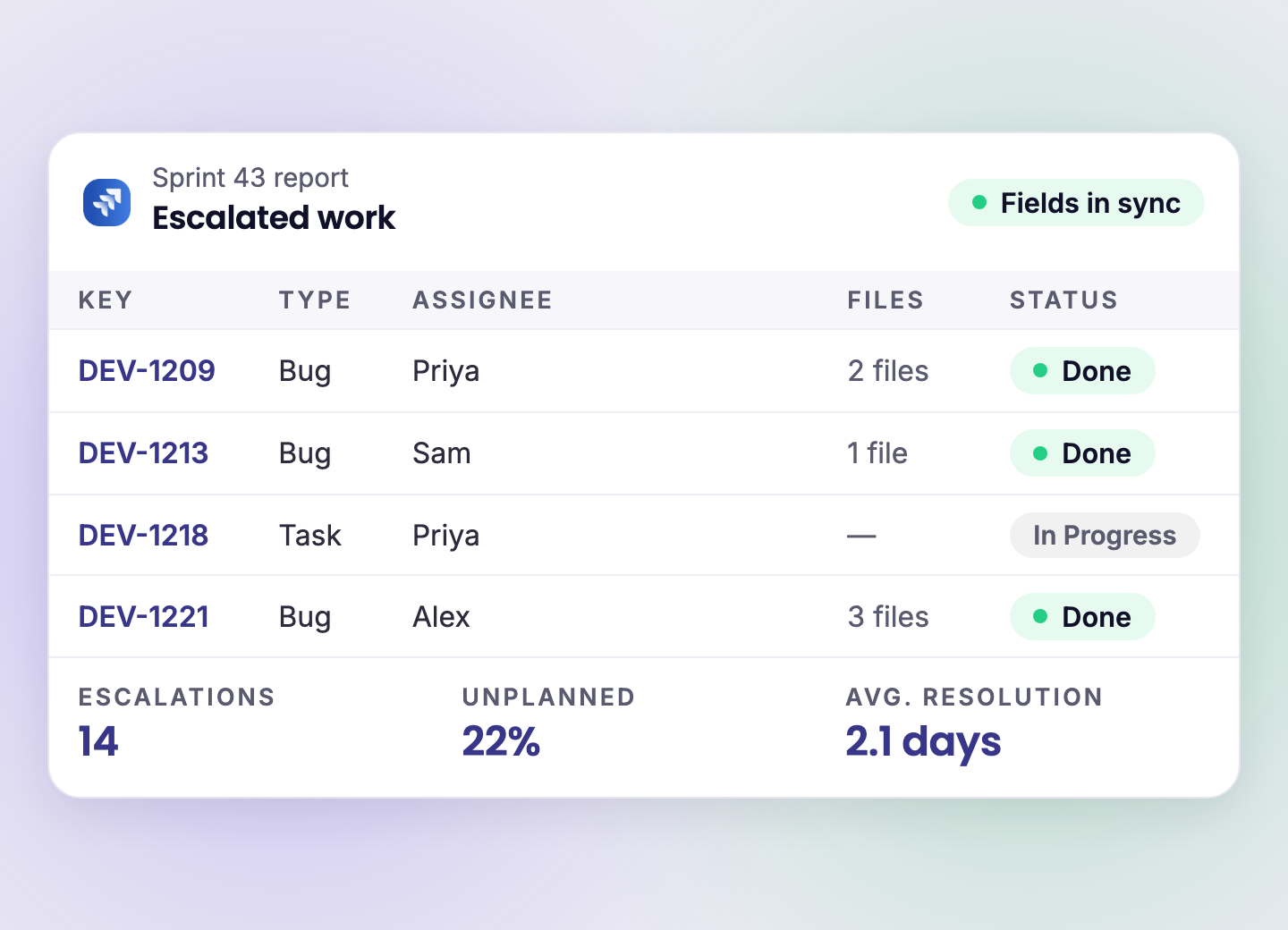
Fields, attachments and assignees stay aligned, so the report you pull at the end of the sprint reflects what actually happened.
Your process stays yours. It just stops relying on people remembering or copy-pasting.
Unplanned work you can plan for.
Works with internal or external projects. Each side runs its own rules.
pricing
A Bill You Can Predict
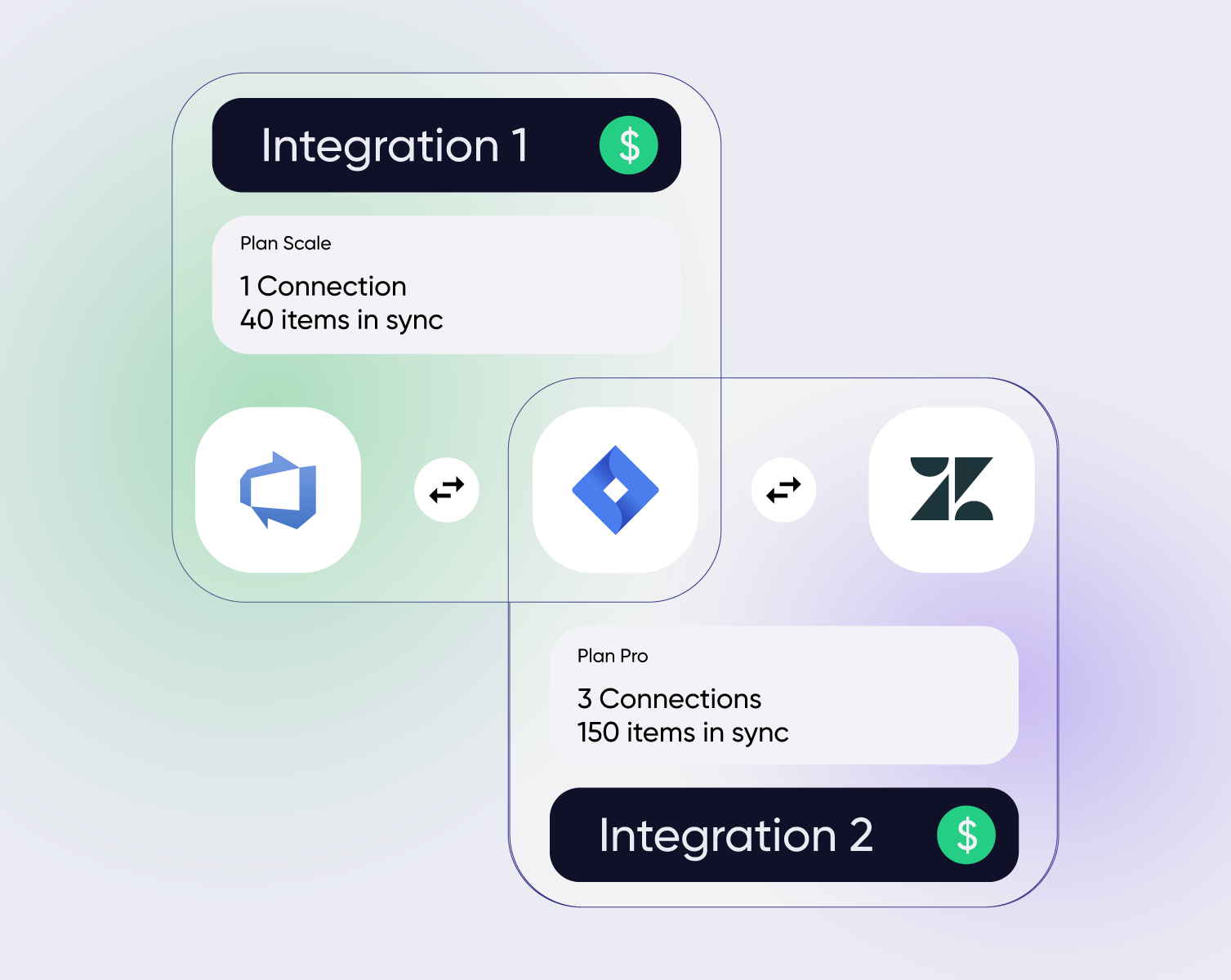
With Exalate, you pay for the outcome: work items actively in sync. Not for user seats, API calls, or total volume over time. That keeps your bill predictable and fair, and it scales with the value you’re getting, whether you’re syncing twenty work items or a hundred.
the outcome
What Delivery Leads tell us changes first after they implemented Exalate
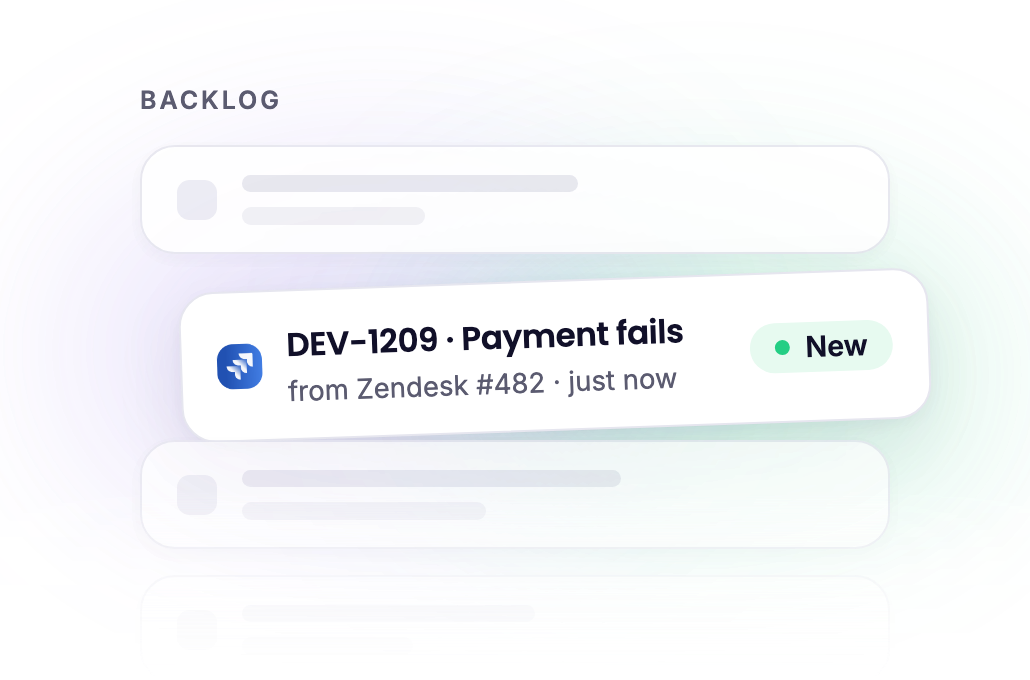
Escalations stop being surprises.
Work lands in the backlog when it is raised.

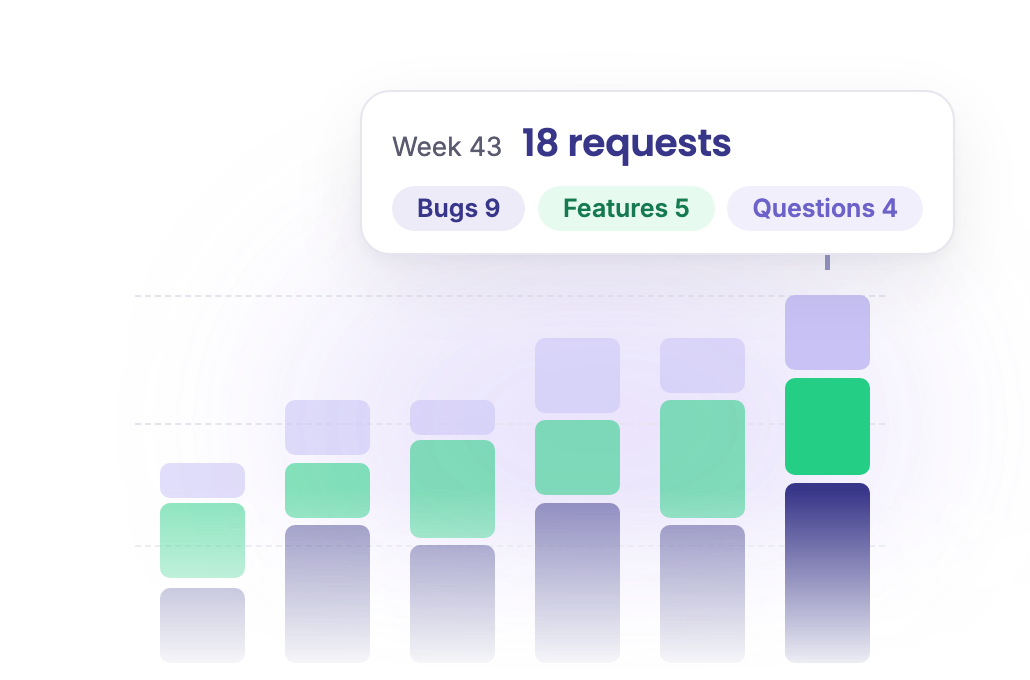
Request volume becomes countable.
By week, by type, by theme.
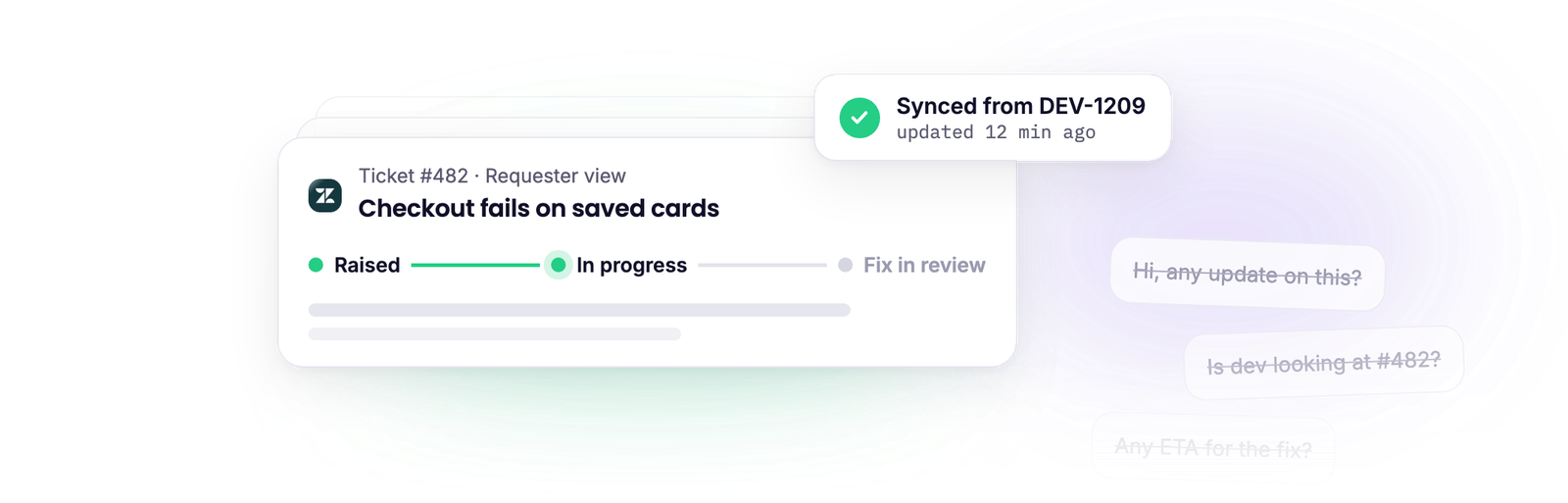

Status questions drop.
The requester can see the answer without asking a person.

Triage stops being a meeting.
customer story
Ticket routing went from 2+ hours to about 2 minutes, and the integration scaled to 19,000 tickets in under 18 months.
Infrastructure, shared services and engineering team | Jira Service Management + Jira Software
Challenges Solved
~2 minutes to route a ticket, down from 2+ hours
19,000 tickets synced in under 18 months
Service desk and engineering each stay in their own Jira
No manual handover between the two teams

Why Exalate is
Secure by Design
- Single-tenant architecture – no shared infrastructure
- Encryption in transit and at rest
- Automatic recovery from outages
- ISO 27001:2022 certified
- 24/7 threat monitoring with SentinelOne


support - dev escalation
One bug. Every linked ticket updated.
No chasing developers for status. No extra seats for devs in your support tool. You control which fields and comments get shared, so customer data stays protected.

FAQ
Answers to the most frequent questions.
Didn't find what you were looking for? Ask Aida
Native integrations are built for their own ecosystem and don’t flex much beyond that. Automation tools like Zapier are cheap and easy to set up, but they push data one way, triggered by an event: fine for simple tasks, not built for keeping two systems continuously in sync.
Exalate is built for the harder version of the problem: real-time, two-way synchronization between systems that have different data structures, workflows, and rules. The scripting engine underneath means you can shape the sync logic to match exactly how your teams work, instead of bending your process to fit a fixed template.
Jira, ServiceNow, Azure DevOps, Salesforce, GitHub, Zendesk, Freshdesk, Freshservice, Asana, TOPdesk, Ivanti, Xurrent, ServiceDesk Plus, ConnectWise, SolarWinds, and HaloITSM, all bidirectionally and in real time. You can also request a new connector if you don’t see your system listed here.
Yes. This isn’t an edge case; it’s core to how Exalate was built. It covers internal team-to-team syncing and cross-company scenarios alike: support handoffs to an MSP, vendor-client ticket sharing, agency collaboration. Each side only shares what it configures to share, and every customer’s environment stays fully separate from every other’s.
You don’t need to be a developer, but you (or someone on your team) need to be technical enough to work with your own systems: know what should map to what, be comfortable looking at a script and checking it matches your business logic, and be OK troubleshooting when something needs adjusting.
Exalate isn’t a no-code tool. It has AI tools that help. They’ll support someone who can review and trust what’s being built, but they’re not a replacement for that person.
If you’re not sure anyone on your team fits that profile, Exalate might not be the right fit for you to set up yourselves right now. That’s what Exalate’s managed services are for: our team handles the integration build, configuration, and maintenance, while you keep control over the business outcomes and approvals.
Yes. A support ticket becoming a dev bug, a request becoming a formal change record, a case escalating to a specialist team elsewhere. Exalate creates the linked item in the target system and keeps both sides in sync as the work progresses, without anyone copying details by hand.
No. If you only want a linked view or consolidated reporting rather than two systems staying in step, this is the wrong tool.
No. Incoming requests arrive as issues in the project and ticket type you specify. Your workflow, boards, and sprints stay as they are.
Each side can configure its own sync logic: the Jira admin chooses what enters and leaves Jira, and the team on the other system chooses theirs. Neither side needs access to the other’s instance.
This is worth planning for from day one rather than after the fact. The configuration is readable and version-controllable, so it can be documented and handed over like any other piece of infrastructure. Send your admin to the Admin & Developer page for the detail.
Yes. Connections are set up in pairs, and one system can hold several connections at once.
It gets raised early and dropped fast. Extra seats in a CRM or service desk cost real money every month for people who will open them twice a week. And every engineer you ask to work across two systems pays a context-switching tax on the work you actually hired them for. Syncing the ticket costs less than licensing duplicated users.
See Exalate in Action
Let us show you how Exalate can fit your unique business needs. No strings attached.
+2,500 clients worldwide