exalate for IT & Engineering Managers
Your Teams Already Have the Right Tools. They Just Don’t Share the Same Reality
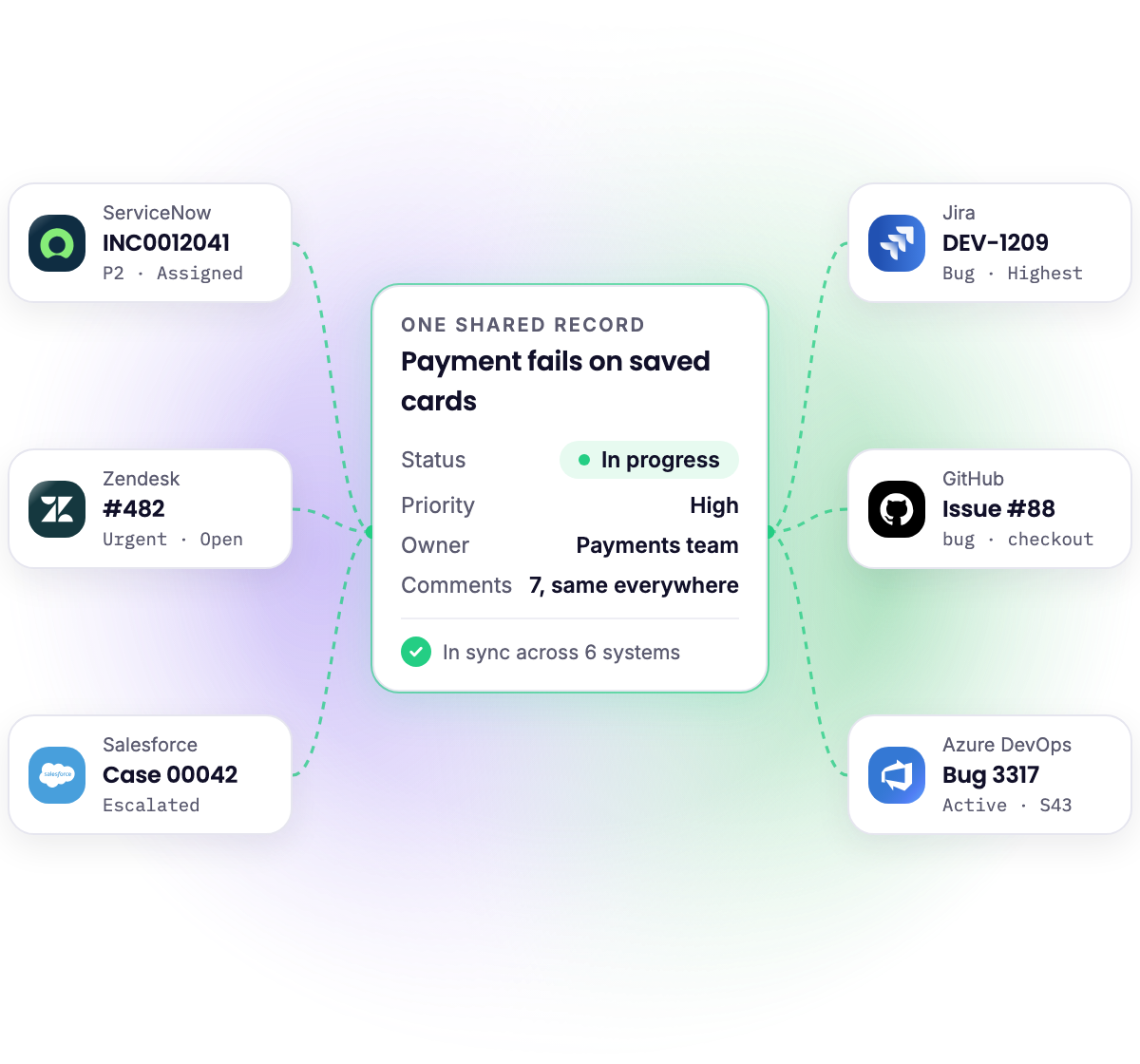
Exalate keeps work synchronized across Jira, ServiceNow, GitHub, Azure DevOps, Zendesk, Salesforce and other systems, so teams can keep their own processes while staying aligned.
4.3/5

ISO-27001-2022

4.7/5
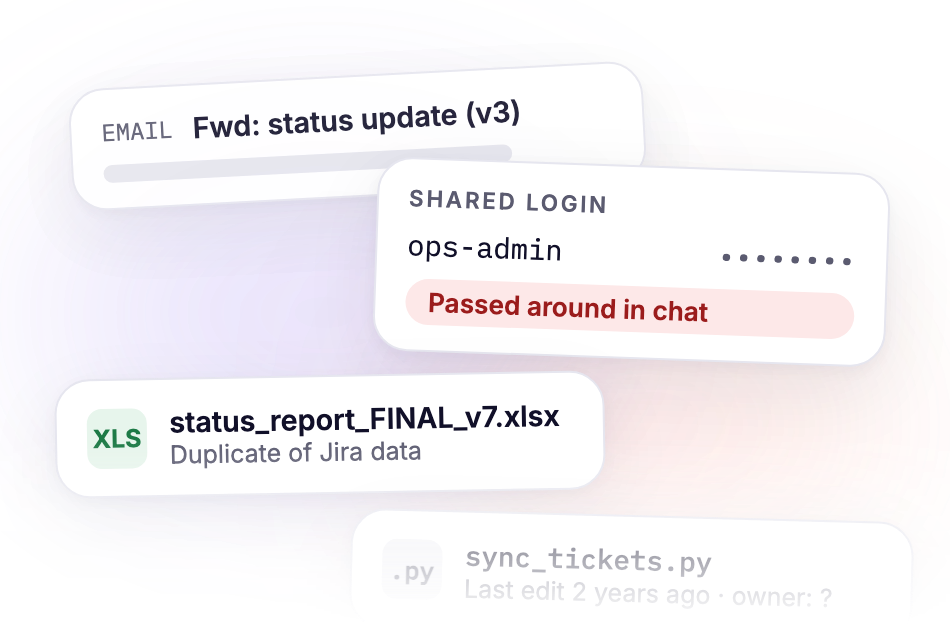
Every workaround creates operational debt
- Manual copying and updates via email
- Shared logins and passed-around credentials
- Duplicate reporting
- Custom integrations nobody owns
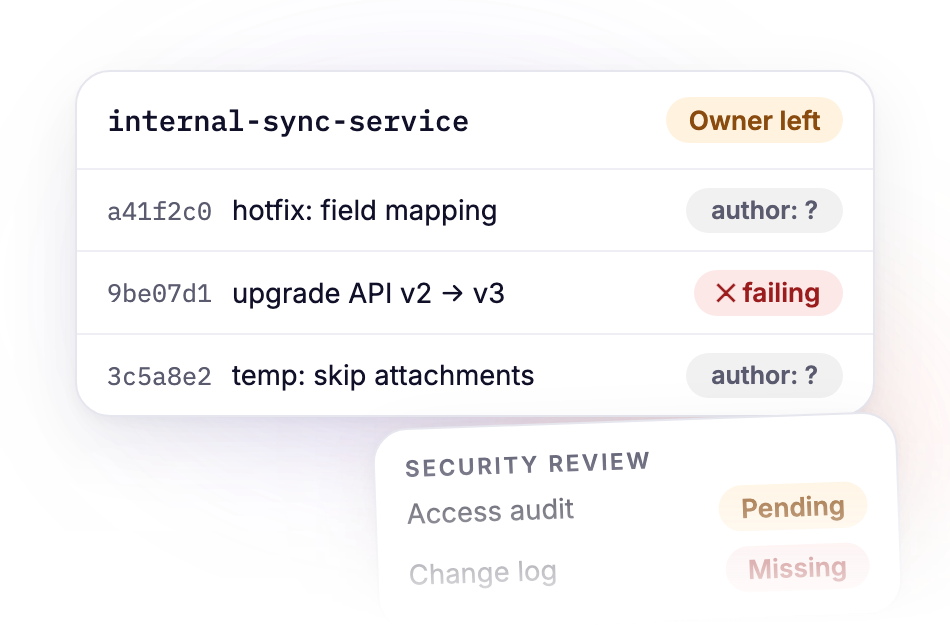
Building it internally creates ownership problems
- Maintenance and upgrades
- No record of who changed what
- Security reviews
- Knowledge transfer, and more
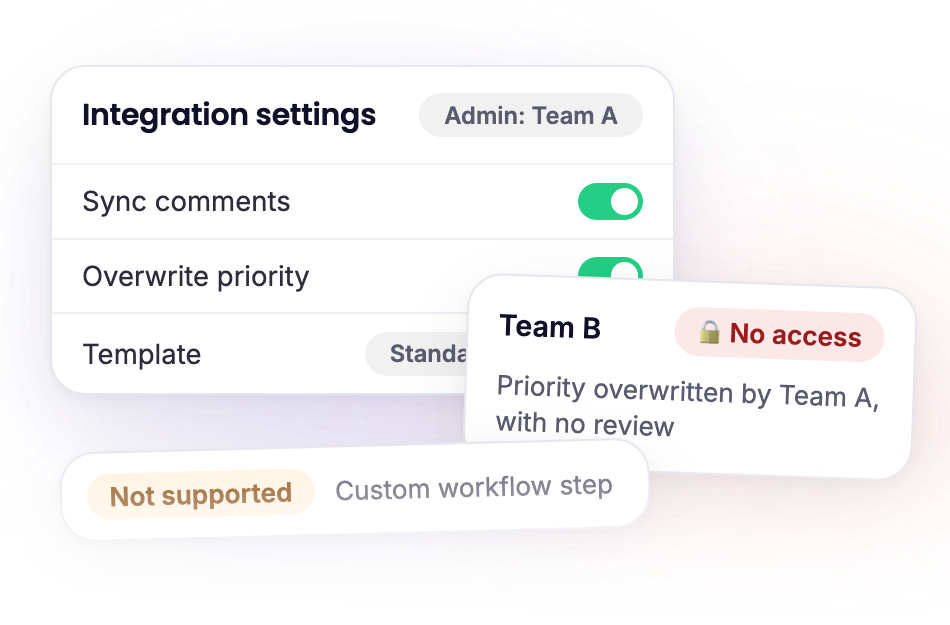
Integration tools connect systems, not the teams behind them
- One admin or team controls the integration for both sides
- Changes go live without the other side’s review
- Templates that can’t follow your workflow once it gets specific
Two systems, One record, and Each Side Decides What Crosses
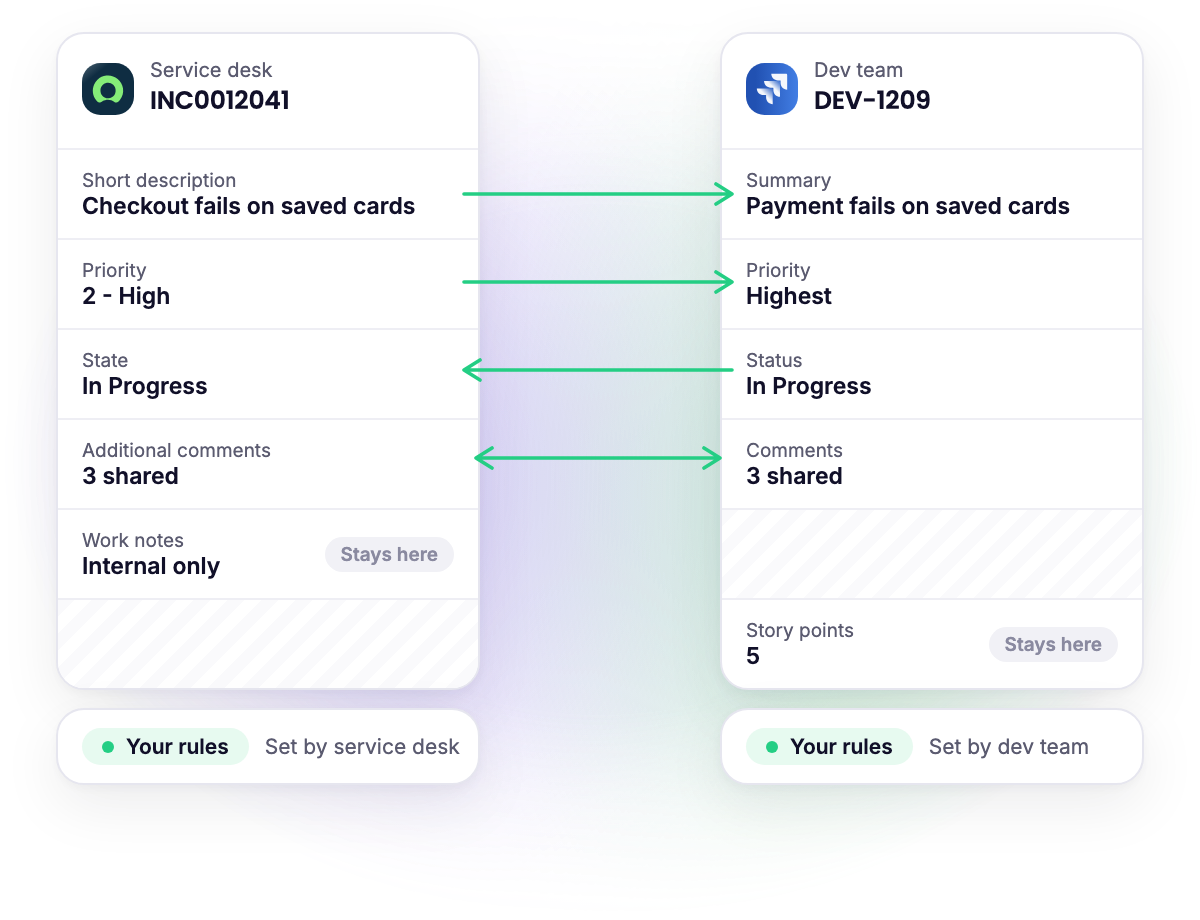
Two teams work in two systems. One raises the work, the other does it. Today that handoff is a person copying information from one place to another, or an email, or a meeting.
Exalate keeps the two records in sync instead. When one side changes, the other updates. Each side chooses what it sends and what it accepts: which items sync, which fields move with them, and in which direction.
Exalate Fits When
- Teams must keep their own systems
- Data ownership matters
- Standard connectors are too limiting
- The integration must survive organizational changes
- Workflows differ between teams or organizations
- Coss-company integration are needed

"After thorough evaluation, we realized other solutions couldn’t match Exalate’s precision and flexibility. The results speak for themselves: with over 20,000 synced entries and nearly 10,000 synced comments, Exalate has become vital to our cross-company collaboration."
Vodafone Germany
Challenges Solved
Vendors see only what is relevant to them
Each side controls its own outgoing and incoming sync
Consistent data across all connected Jira instances
No more manual copy-pasting between companies

What Your Security Review Will Find
- Single-tenant architecture – no shared infrastructure
- Encryption in transit and at rest
- Automatic recovery from outages
- ISO 27001:2022 certified
- 24/7 threat monitoring with SentinelOne

Pricing
What Goes in Your Budget
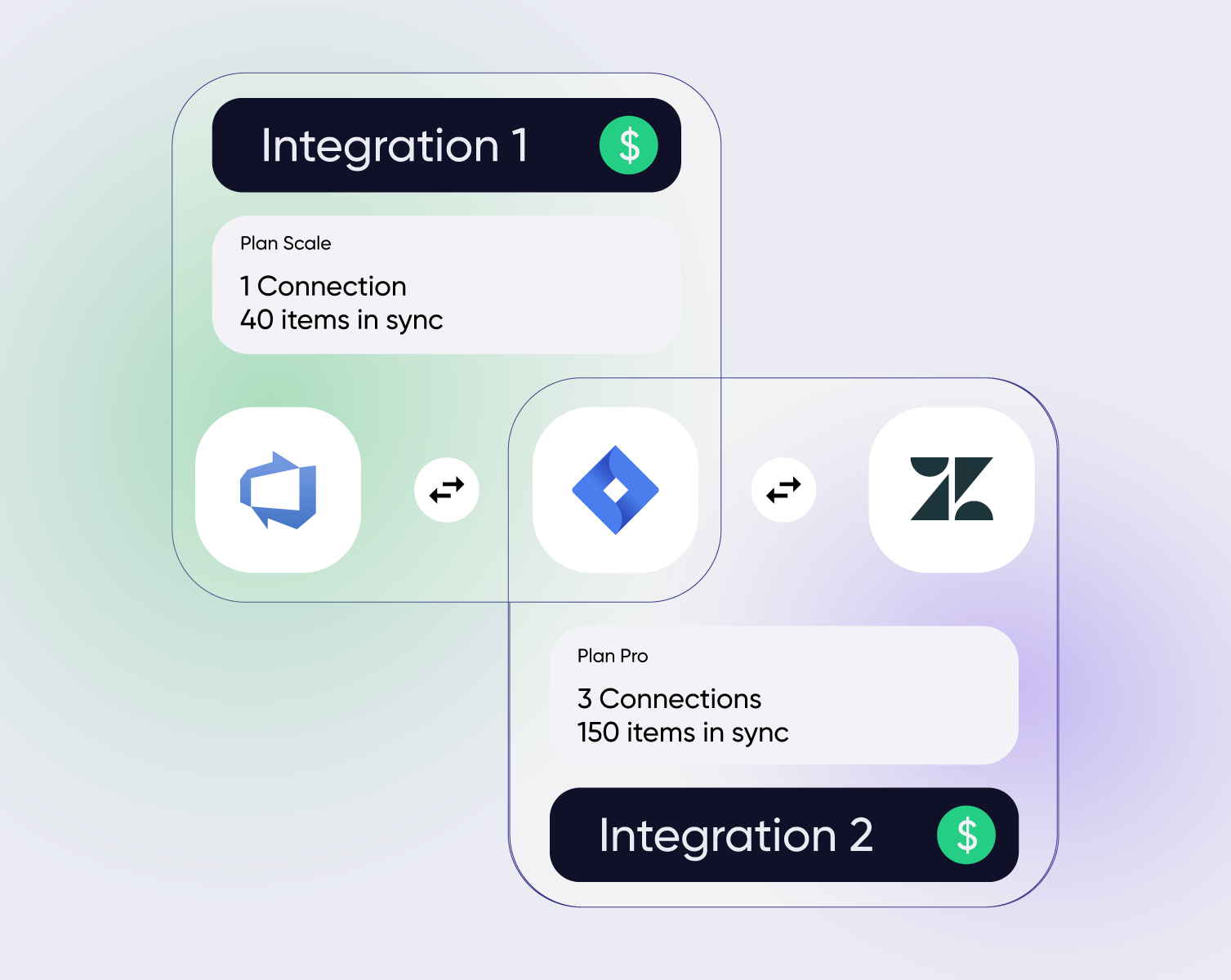
- the systems you connect
- how many items stay actively syncedAn item counts as active until you stop syncing it, including items that keep syncing after resolution. Your system admin can size this in about ten minutes; the calculator walks you through it.
- whether you need implementation support and a non-production environment
What’s included in your subscription
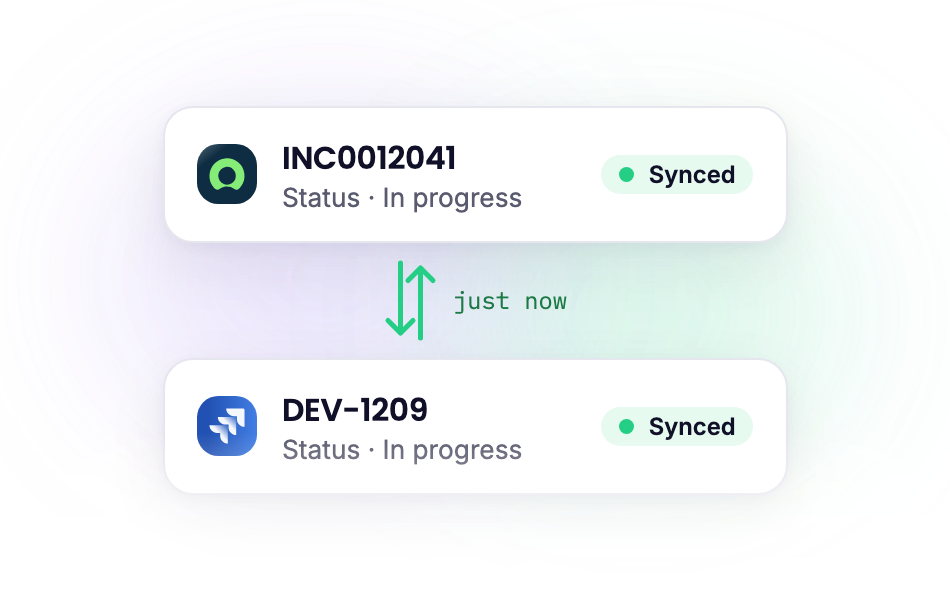
Real-time, two-way sync
Updates move both ways as they happen.


Setup with the other system’s admin
Invite them by email to connect their own system, so nobody shares credentials.


Testing, version history, AI assistance
Test your rules on real items before you publish, go back to any earlier version, and get help from Aida to write scripts and fix errors.

Approval flow and audit log
Both sides approve changes before they go live, and you can see who changed, approved, and published each rule. Available on Pro & Enterprise plans.
FAQ
Answers to the most frequent questions.
Didn't find what you were looking for? Ask Aida
Because the problem is often not simply connecting two systems, it is keeping two teams aligned while allowing them to continue working by their own workflows.
Native integrations and simple connectors can work well for straightforward use cases. Exalate is designed for situations where teams need to synchronize work across different systems, workflows, fields and processes without forcing everyone onto the same platform. The important question is therefore not “Can these systems connect?” but “Can they stay aligned without changing how our teams work?”
Sometimes that is the right answer. Often it isn’t practical. Different teams, business units, customers or partners may already depend on different systems for valid reasons (security requirements, existing processes, organizational ownership, acquisitions, customer requirements or regulatory constraints).
Exalate lets those teams keep their existing systems while synchronizing the work that needs to cross the boundary. This is particularly important where moving everyone into one system would be more disruptive than solving the integration problem.
If a native integration completely solves your requirements, there may be no reason to add Exalate. The need for Exalate generally appears when the requirements go beyond simple field-to-field synchronization, for example, when the two sides have different workflows, data models, business rules or ownership.
We offer a 30-day free trial so you can see how Exalate meets your specific requirements, beyond what a basic integration can demonstrate.
Yes, but its purpose is to connect the tools you already have, not replace them. Your Jira team can continue using Jira. Your ServiceNow team can continue using ServiceNow. Your Salesforce team can continue using Salesforce.
The purpose of Exalate is to remove the operational gap between those systems without requiring the organization to consolidate them.
That depends on what changes and how the integration is configured.
This is an important question because integrations often become problematic when APIs, fields, workflows or permissions change. Exalate gives your team control over the synchronization configuration rather than hiding the integration entirely behind an opaque connector. That means your administrators can understand and modify the rules when requirements change.
Your organization should treat the integration as part of its operational infrastructure, not as something that only one individual understands. Or you can let the Exalate team handle it through our Managed Services package.
Either way, the configuration should be documented, understood by the people responsible for it and managed as an asset.
Exalate is particularly relevant when you need to:
- Keep existing systems in place
- Synchronize work between different teams or organizations
- Preserve different workflows
- Maintain control on each side
- Handle requirements beyond basic field mapping
- Avoid owning a bespoke integration as an internal software project
For a simple use case, a native integration or simpler connector may be sufficient.
A proof of concept can be a useful way to validate the integration against your actual systems, data and security requirements.
Rather than evaluating the product only through a generic demo, test the requirements that matter to your organization: the data that needs to move, the workflows involved, permissions, synchronization behavior and operational ownership.
See Exalate in Action
Let us show you how Exalate can fit your unique business needs. No strings attached.
+2,500 clients worldwide