
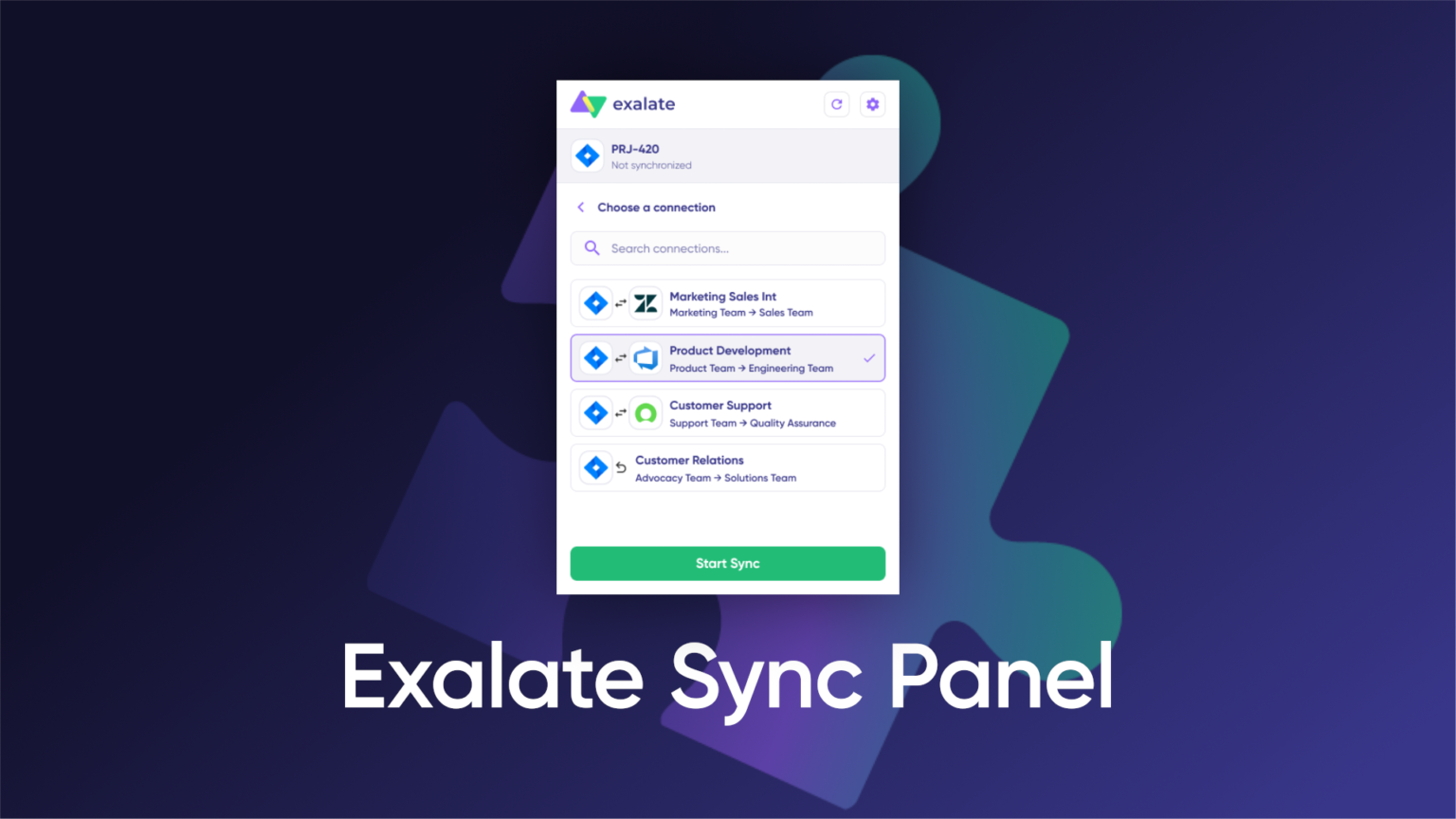
A first-in-category Chrome extension for checking sync status without leaving your workflow.
Exalate has released Sync Panel, a new Chrome extension and first-in-category browser companion for sync monitoring, one that brings visibility into the context where work happens.
Sync Panel turns one of the most common sync questions: “Did it go through?” into something users can answer in seconds.
At Exalate, we’re building an integration experience that sits closer to the environments teams already work in. Sync Panel is the next step in that direction: a Chrome browser companion that brings sync monitoring out of a separate console flow and into our users’ working context.
Integration monitoring usually lives somewhere else – in a separate tab, a separate login, a separate step. You’re in Jira, ServiceNow, or Azure DevOps, and to know if a sync went through, you open a new tab, log in, find the right connection, and check.
Sync Panel removes that loop.
It surfaces sync status directly in your browser. If something’s off, you see it immediately. If a sync is stuck, you can retry it or reach out to your admin to notify them about the issue.
“Exalate was designed to run quietly and reliably in the background, out of the way. And that’s why, for a long time, sync status was meant for admins. Now, we have decided to change that. Today, the people closest to the work need to know what’s syncing and what isn’t, without opening a separate app or, even worse, – asking about it in Slack. Sync Panel brings visibility to whoever needs it.”
— Mariia, PMM, Exalate
Convenience for Every User
For admins, Sync Panel helps reduce one of the most common interruptions: answering whether a sync went through.
For non-admin users, it also changes the escalation dynamic. Instead of raising issues blindly, they can see what’s happening first and come to their admin with better context.
What you can do with Sync Panel:
- Verify sync status instantly
See where an issue stands without leaving the page. - Act on the spot
Trigger manual syncs or unlink sync pairs directly from the extension. - Spot sync issues sooner
See errors earlier and understand when something needs attention.
A Companion to Your Workflow
Works with Jira, ServiceNow, Azure DevOps, Salesforce, Zendesk, and any other platform with an active Exalate connection.
Sync Panel is not a replacement for the Exalate console. Configuration and setup still happen there. But for day-to-day sync visibility, Exalate now sits closer to where the work already happens.
→ Install Sync Panel from the Chrome Web Store
→ Learn more about Exalate sync panel