
Cross-company integration
Your Ticket and Their Ticket Should Be the Same Ticket
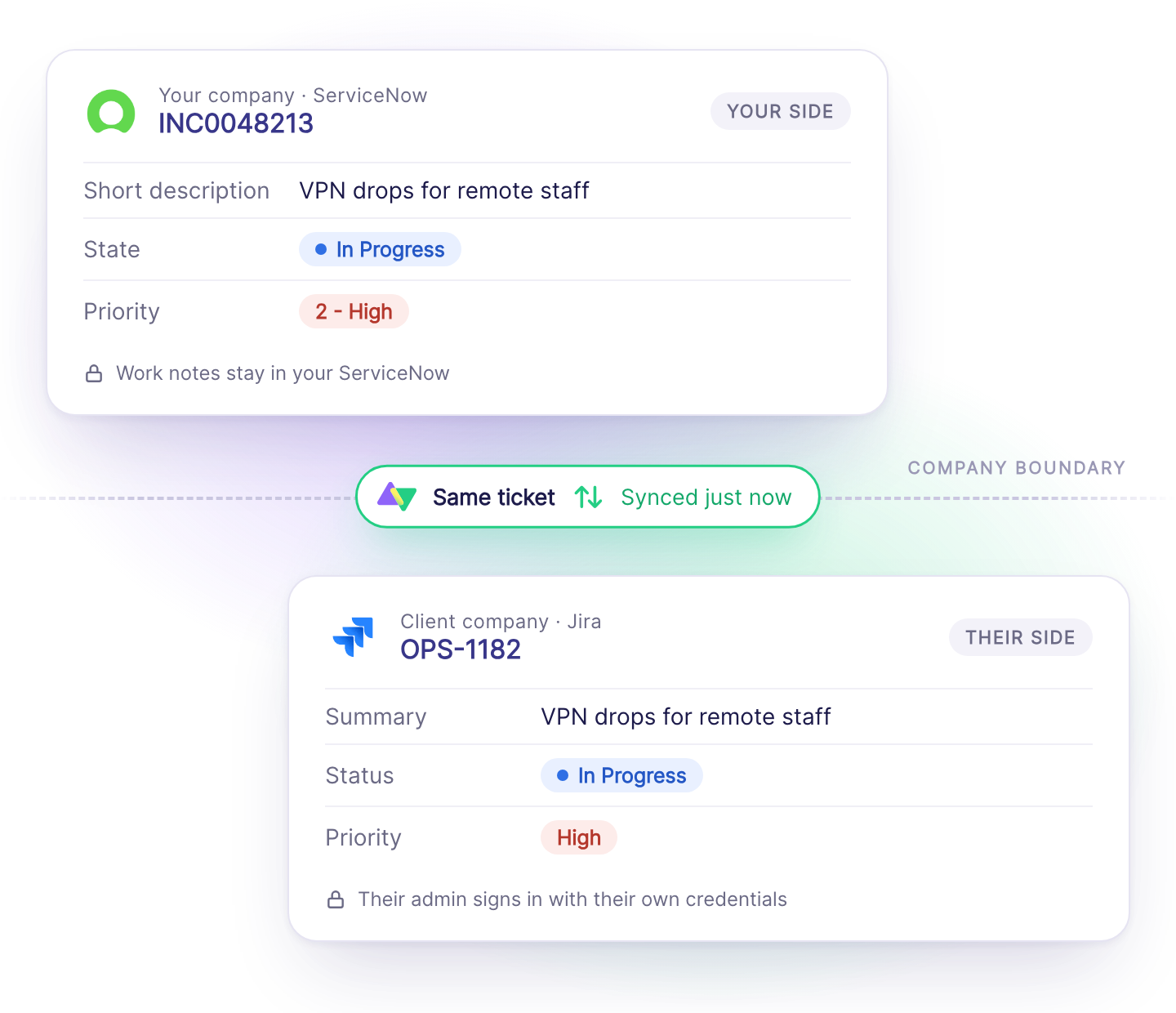
Exalate keeps work in sync between your system and another company's. Each side signs in to its own system, keeps its own credentials, and decides what to share.
4.3/5

ISO-27001-2022

4.7/5





the problem
What Happens When Work Crosses a Company Boundary
Somebody retypes it by hand
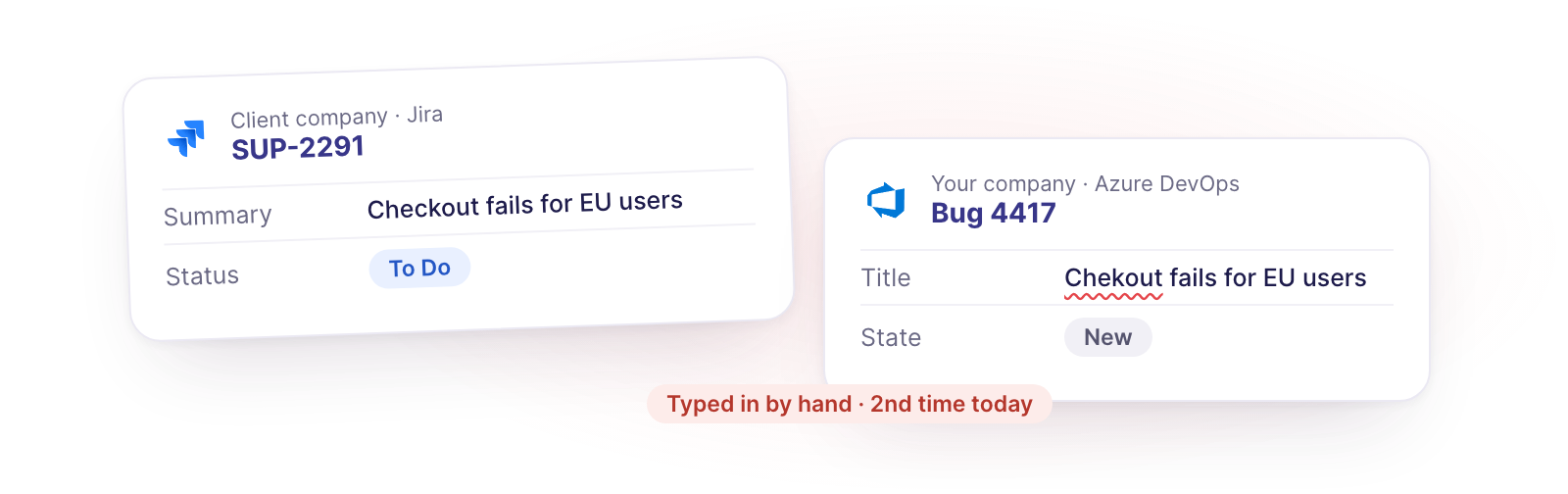
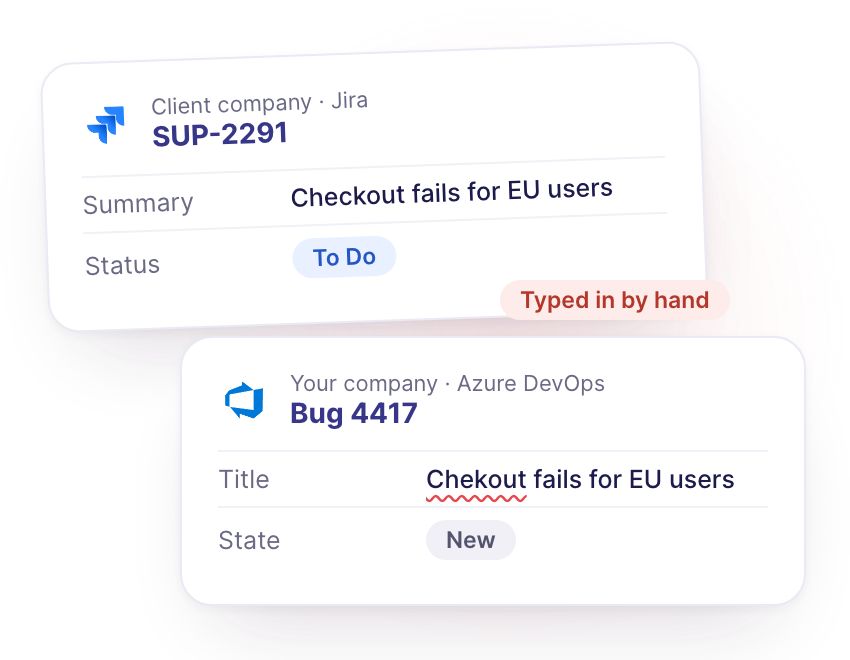
A ticket is raised in their system. Someone on your team reads it and types it into yours. Then types the answer back. Every update, twice.
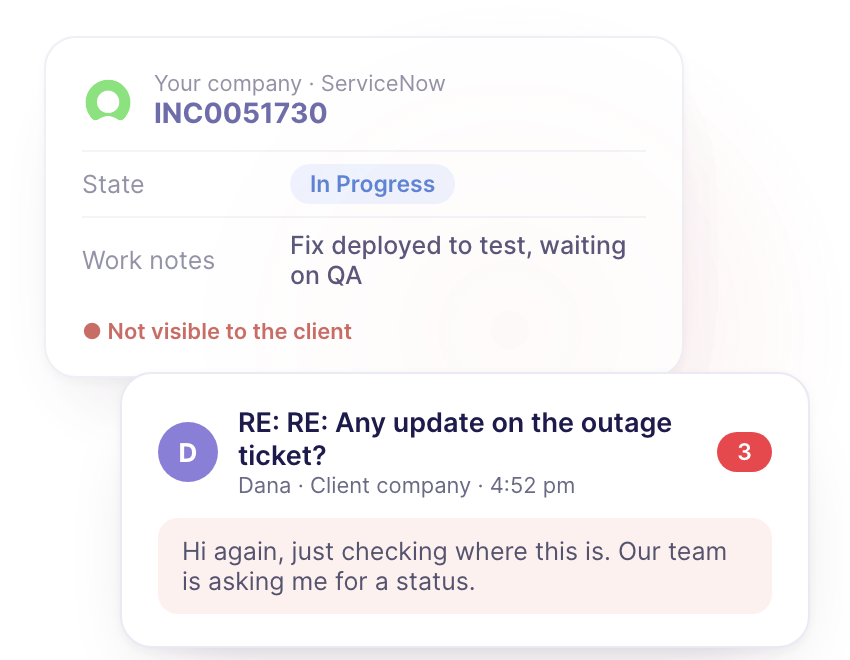
The other side cannot see what is happening
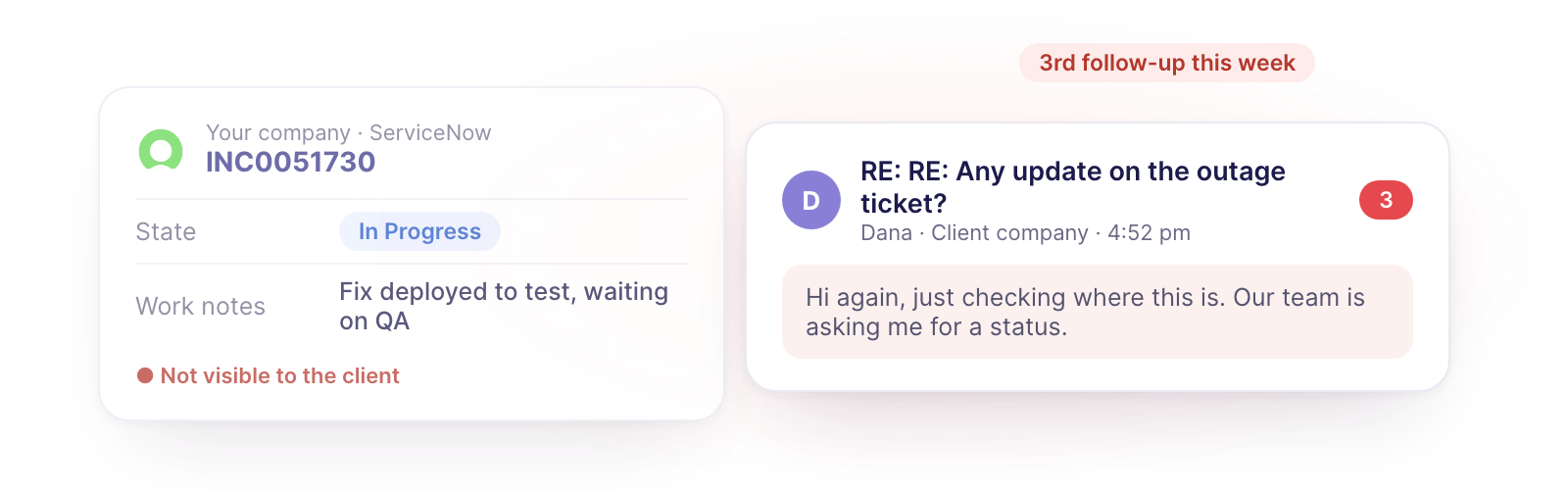
They have no view into your system, so they email you for a status. You stop working to answer. Then they email again.
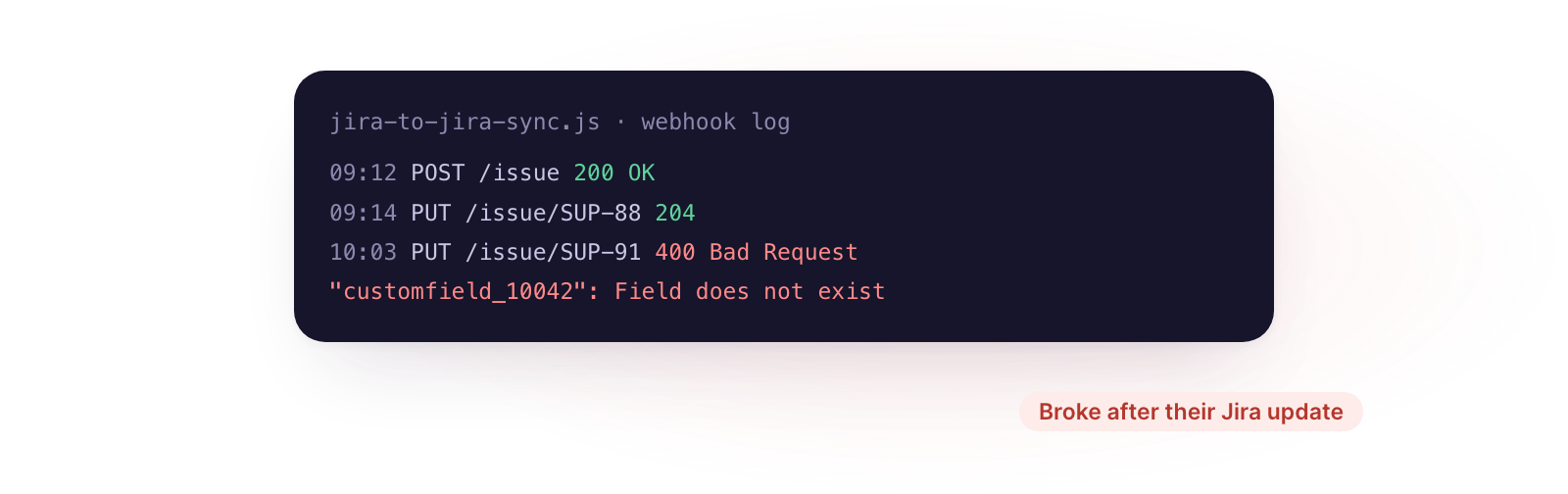
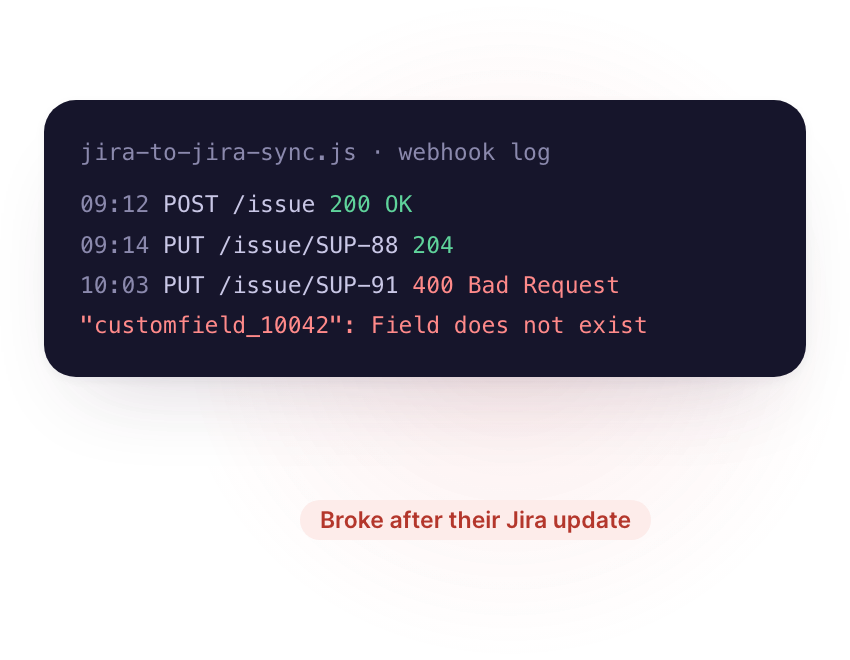
You built something, and now you maintain it
A script, a webhook, a function app. It worked. Then their API changed, or their workflow changed, and now it is your problem.
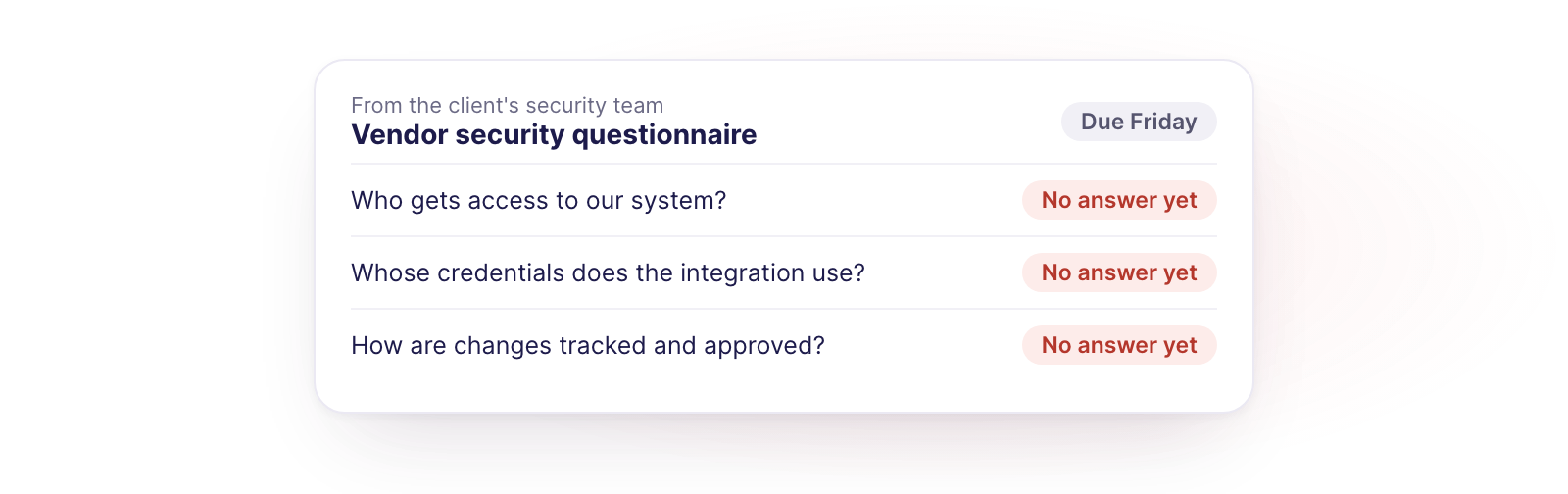
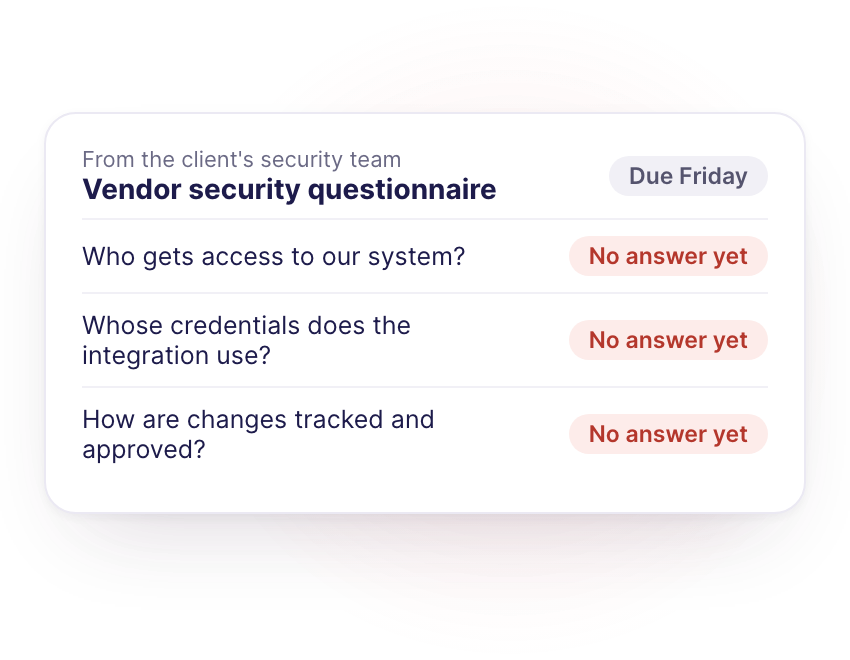
Then the security review starts
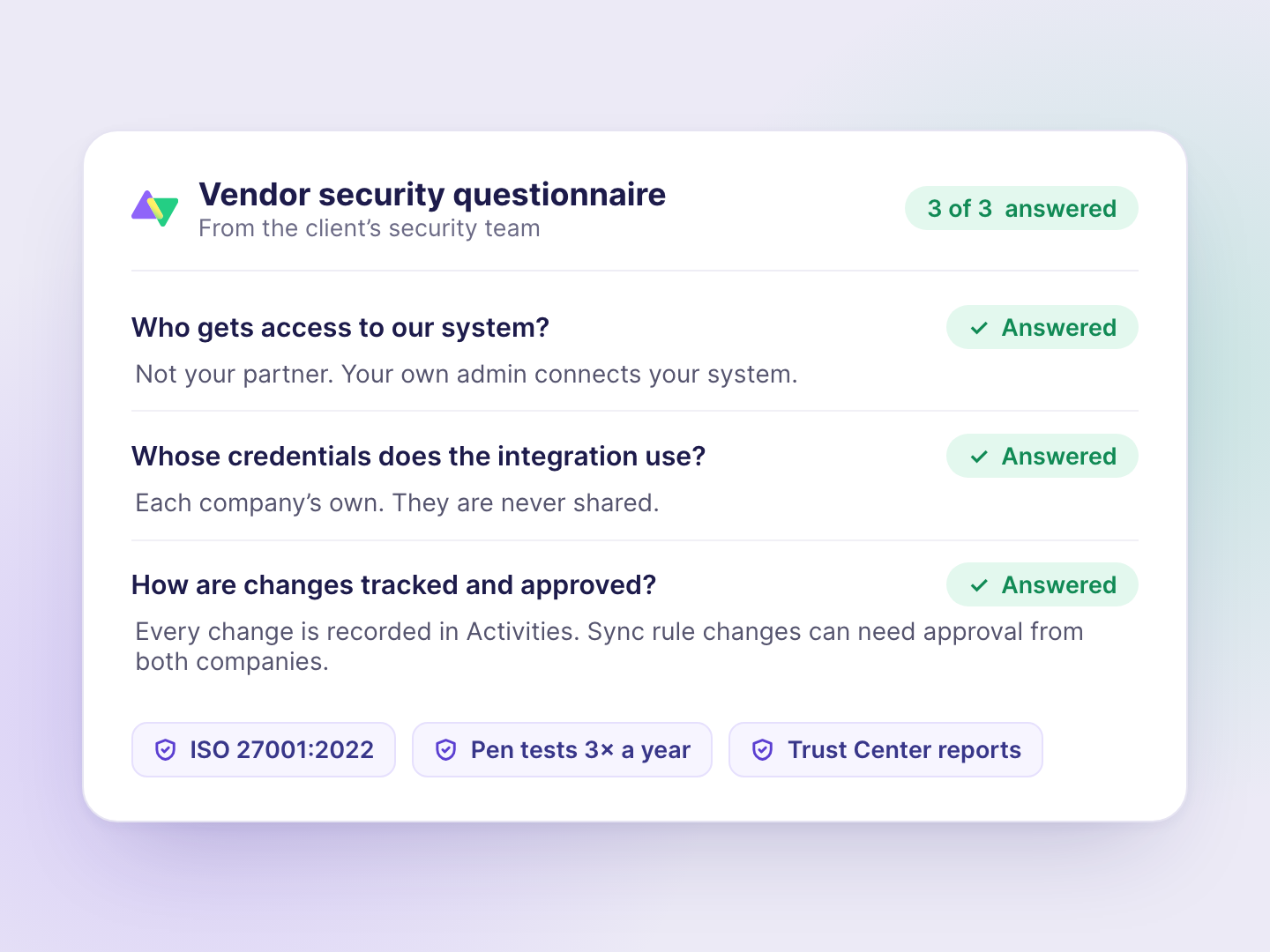
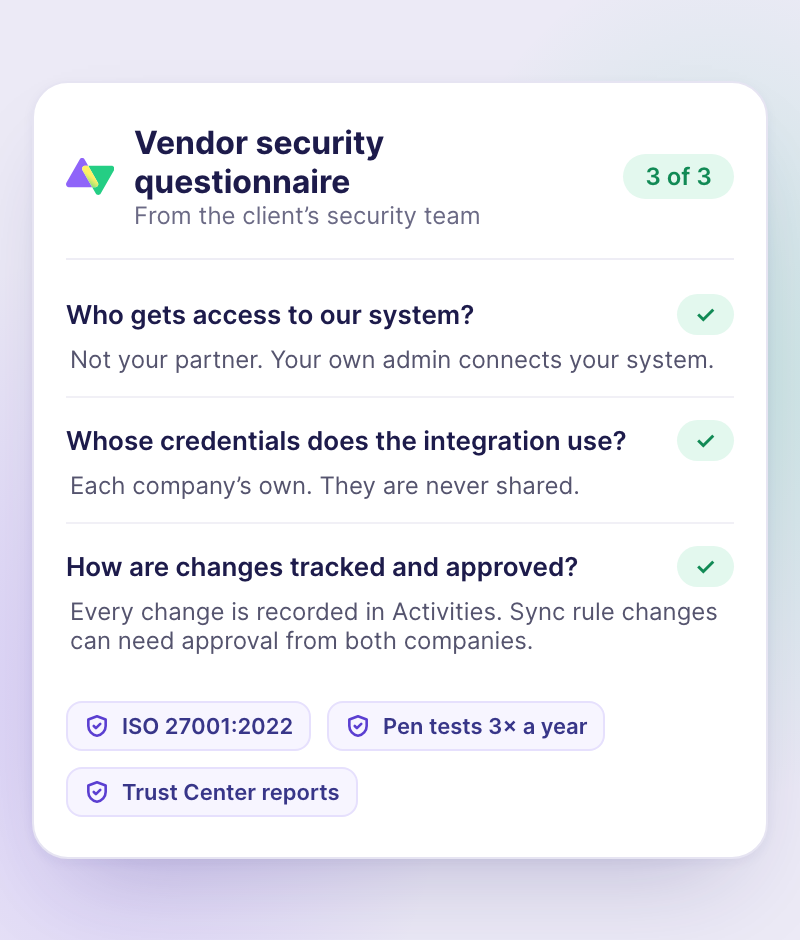
Their security team asks who gets access, whose passwords are used, and how changes are tracked.
How Exalate Works Across a Company Boundary
Each side connects its own system
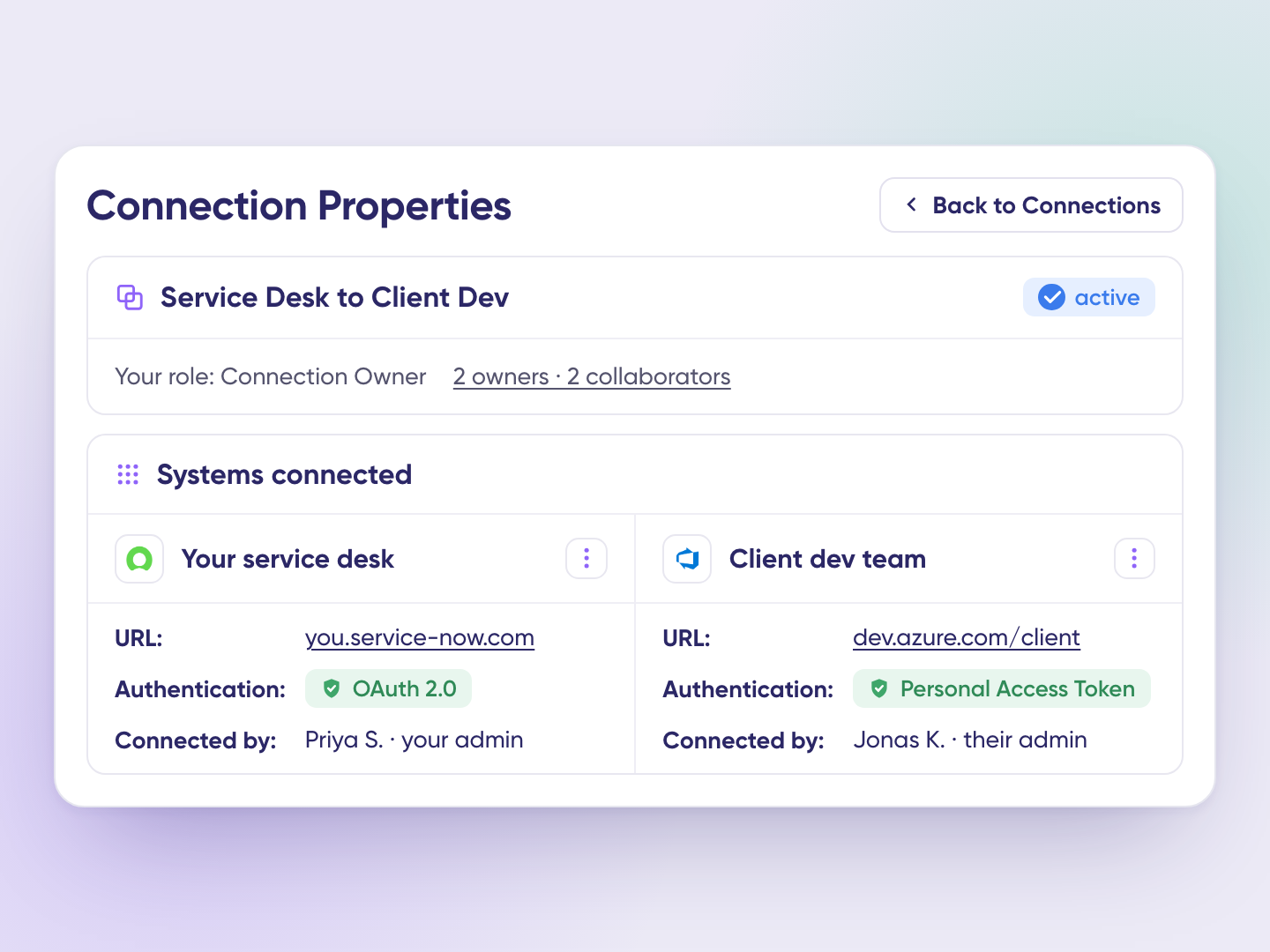
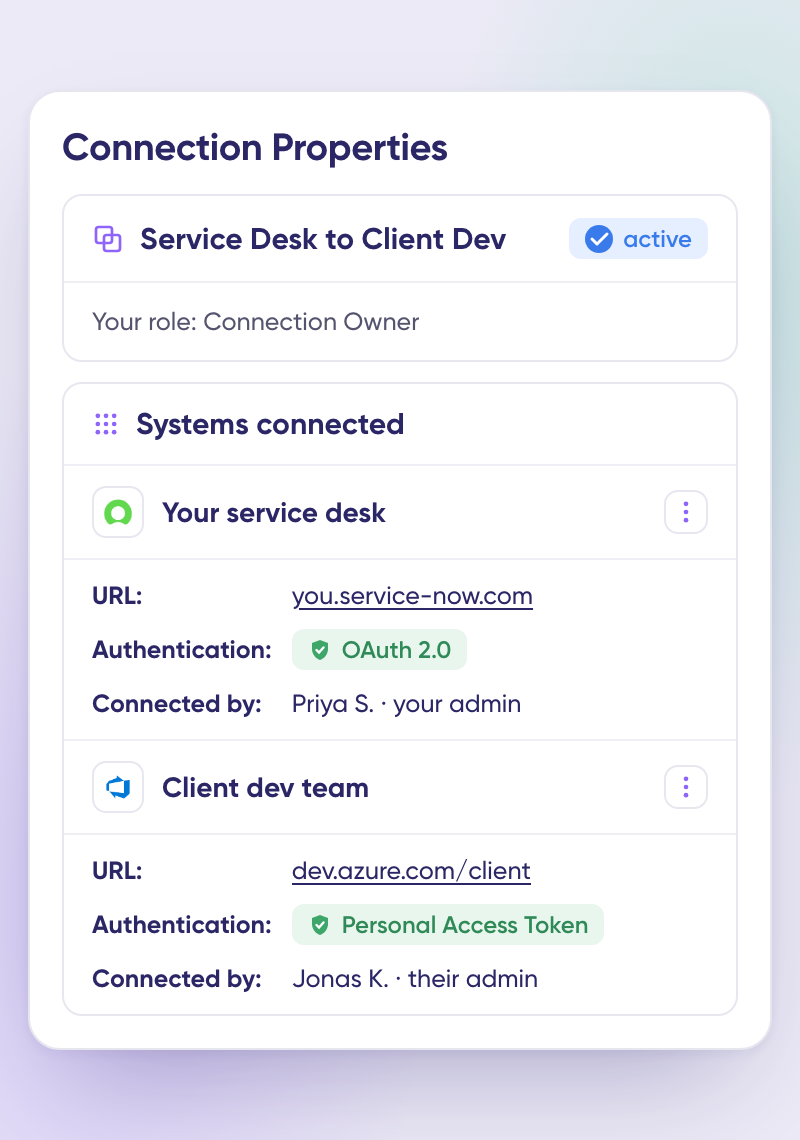
You invite the other company. Their admin signs in and connects their own system, on their own time. Nobody hands over passwords.
Build the sync rules together
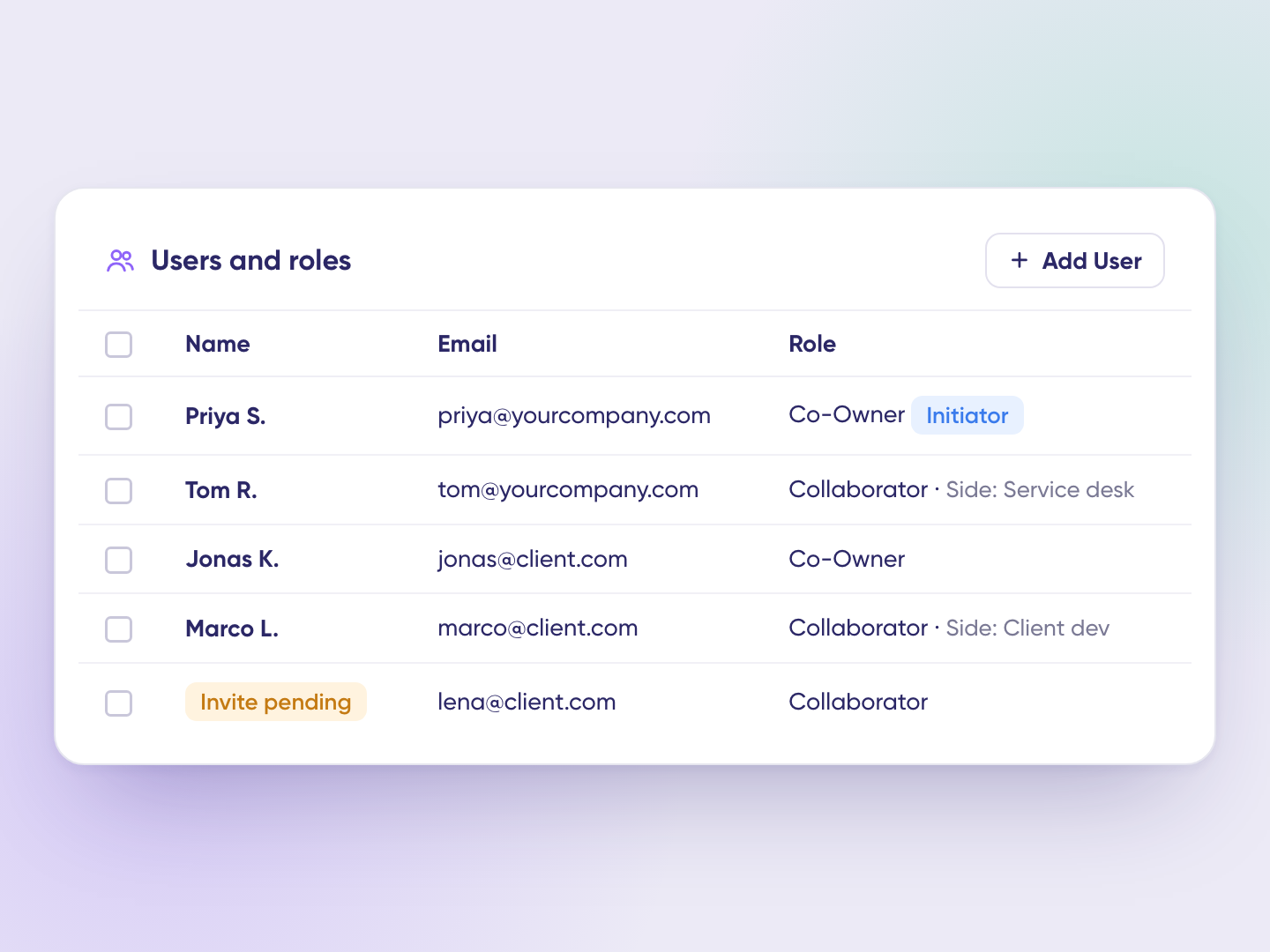
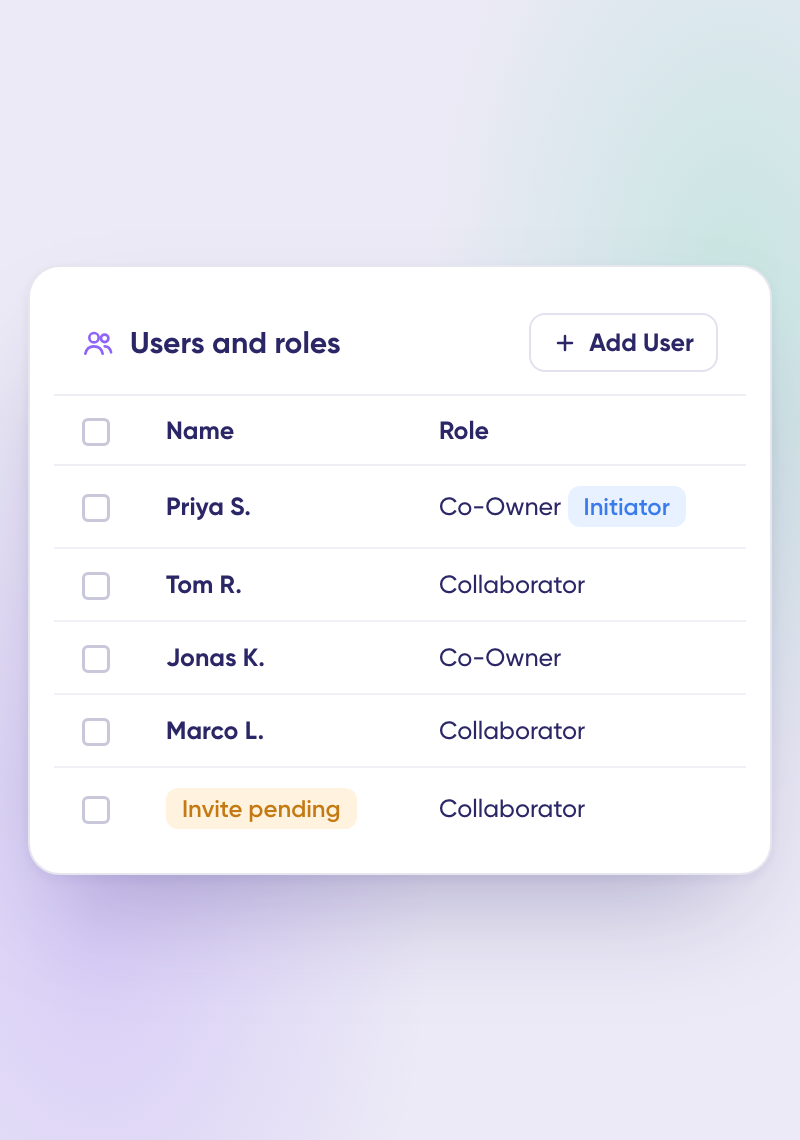
Add people from both companies to the connection as collaborators, so the person who knows their workflow works on the setup with you.
You choose what crosses the boundary
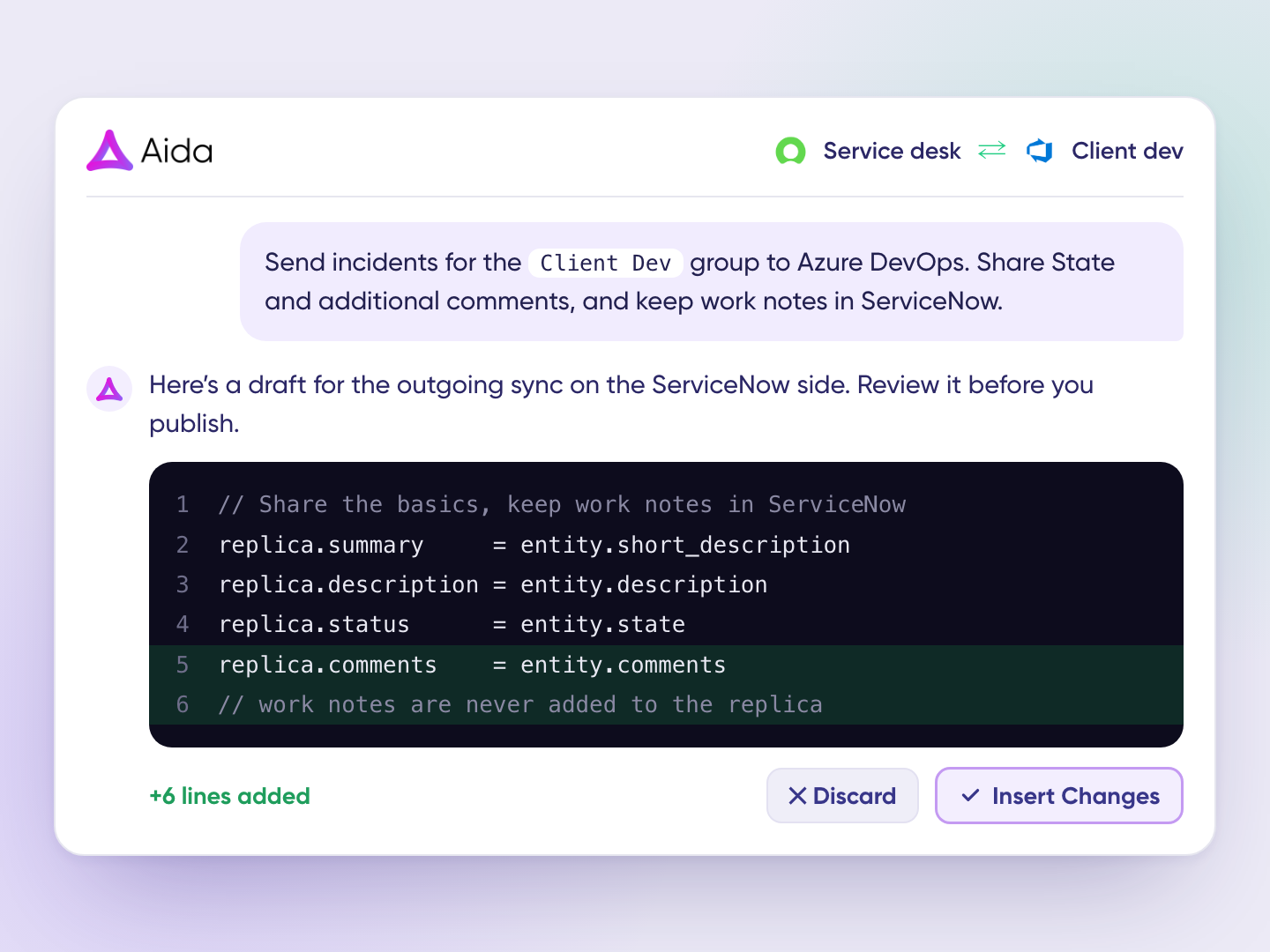
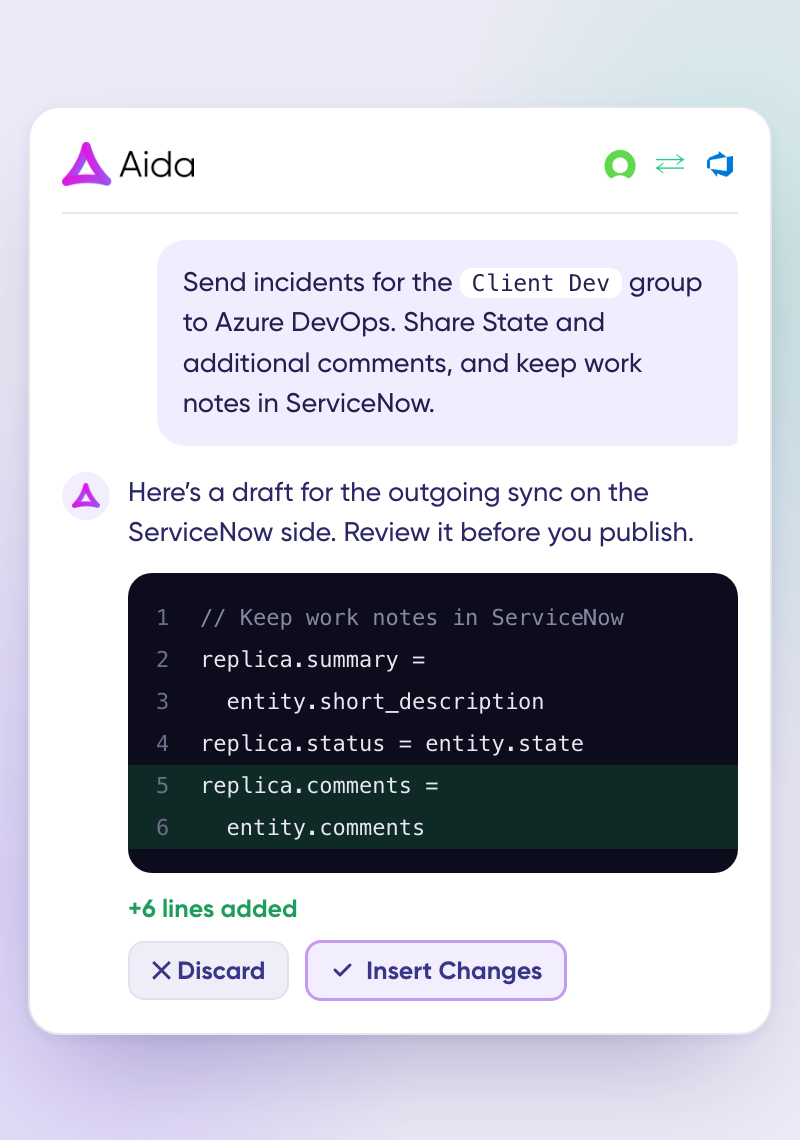
Sync rules for each connection decide which items, fields and comments go out and which come in.
Changes can need sign-off
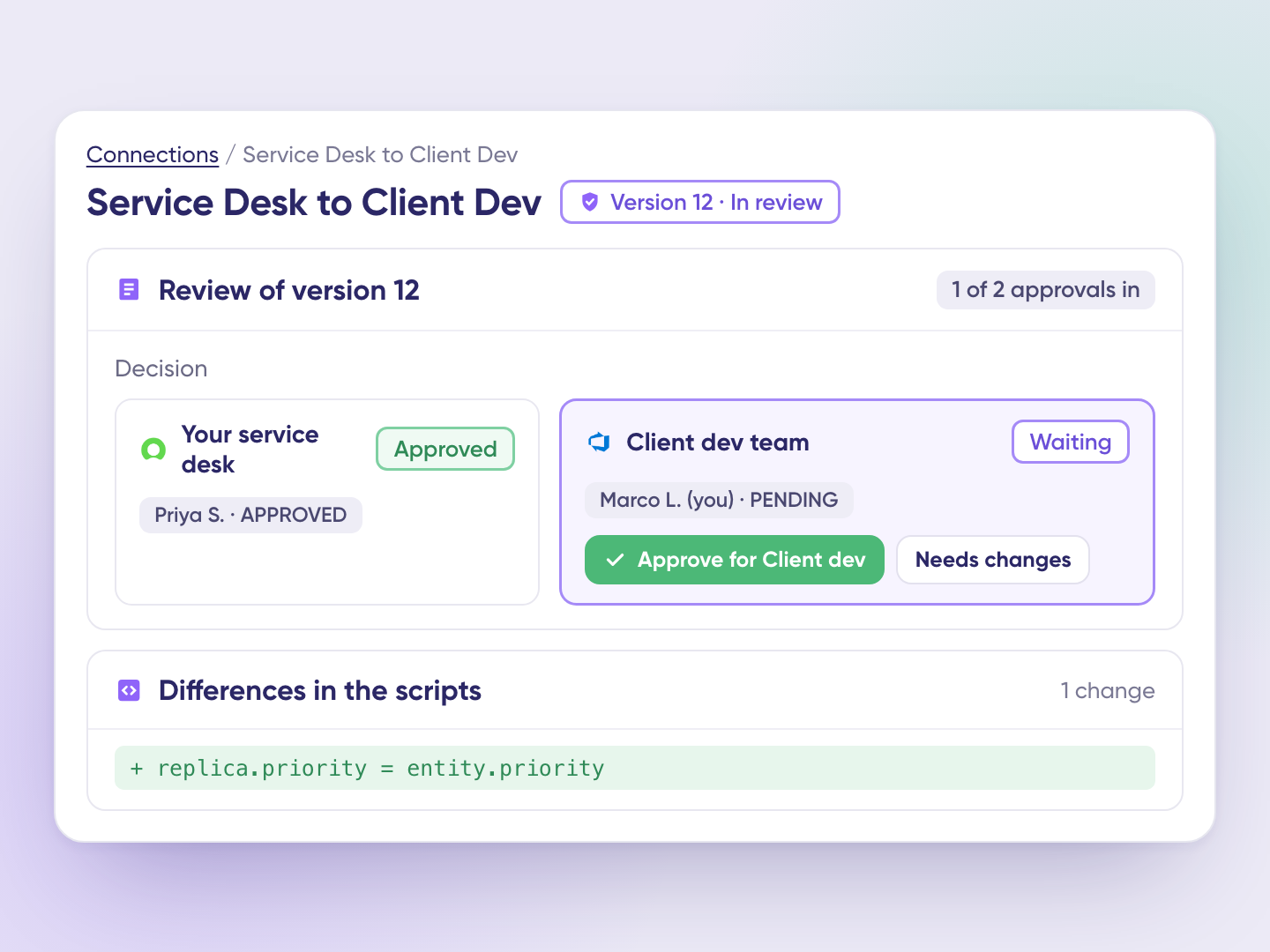
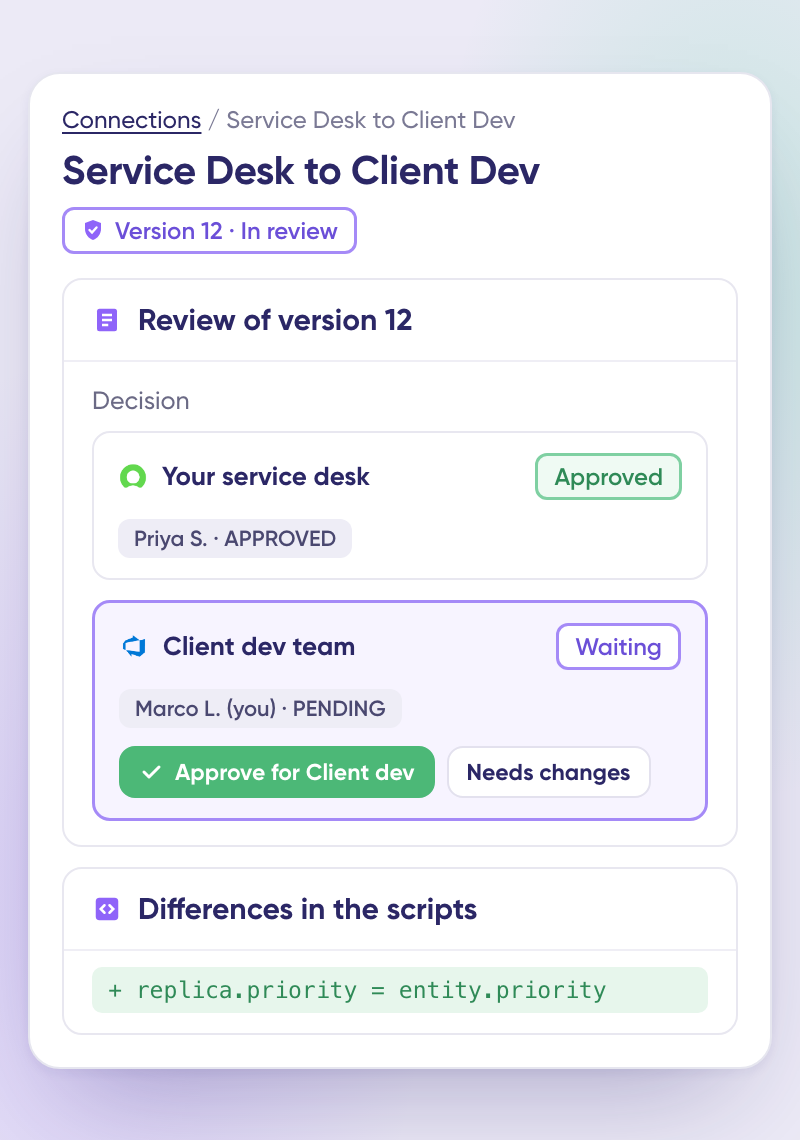
Turn on publish approval and pick approvers on each side. No sync rule change goes live until both sides approve it.
Every change is on record
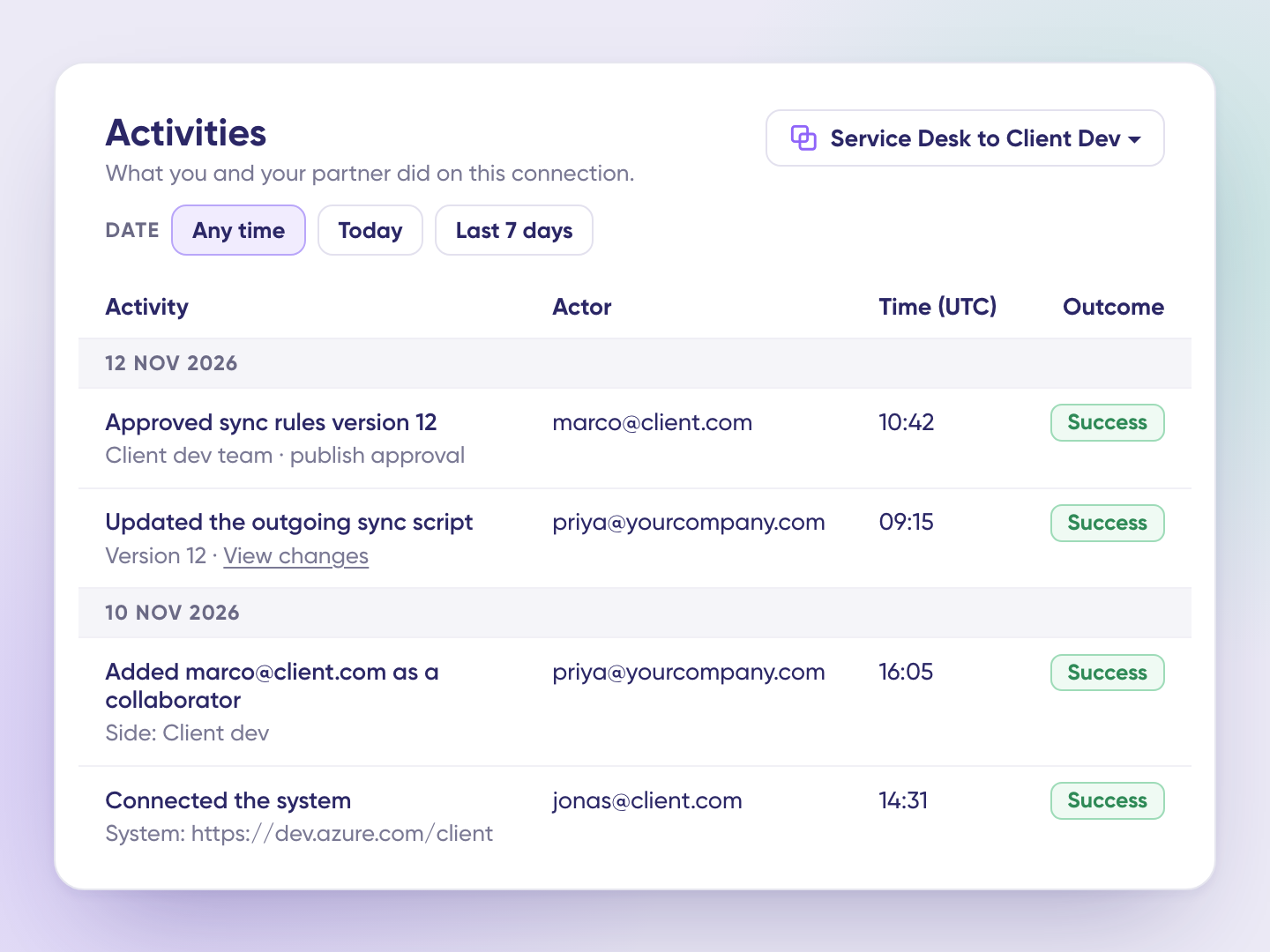
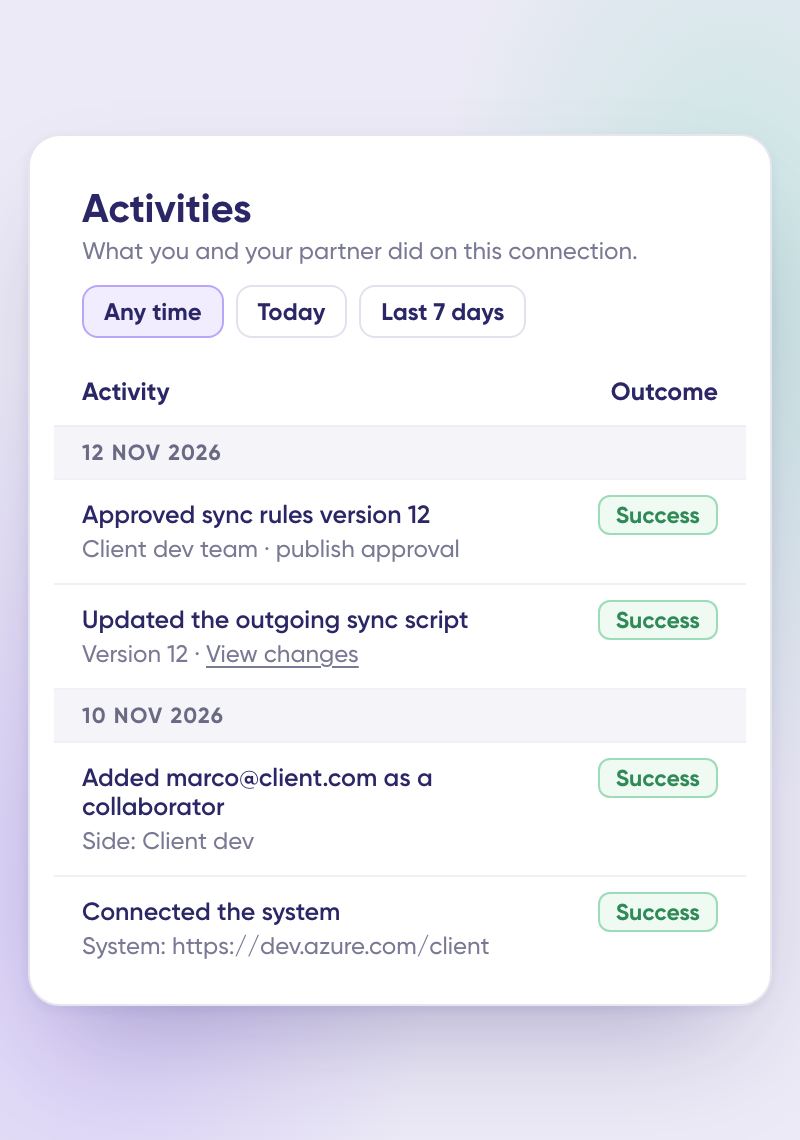
Activities shows who changed what, who invited whom, and who approved, including sync rules line by line.

"After thorough evaluation, we realized other solutions couldn’t match Exalate’s precision and flexibility. The results speak for themselves: with over 20,000 synced entries and nearly 10,000 synced comments, Exalate has become vital to our cross-company collaboration."
Vodafone Germany
Results
20,000+ entries synced
~10,000 comments synced
Vendors see only what Vodafone chooses to share
Trigger-based sync replaces manual copy-pasting
no install
Your Partner Does Not Have to Install Exalate
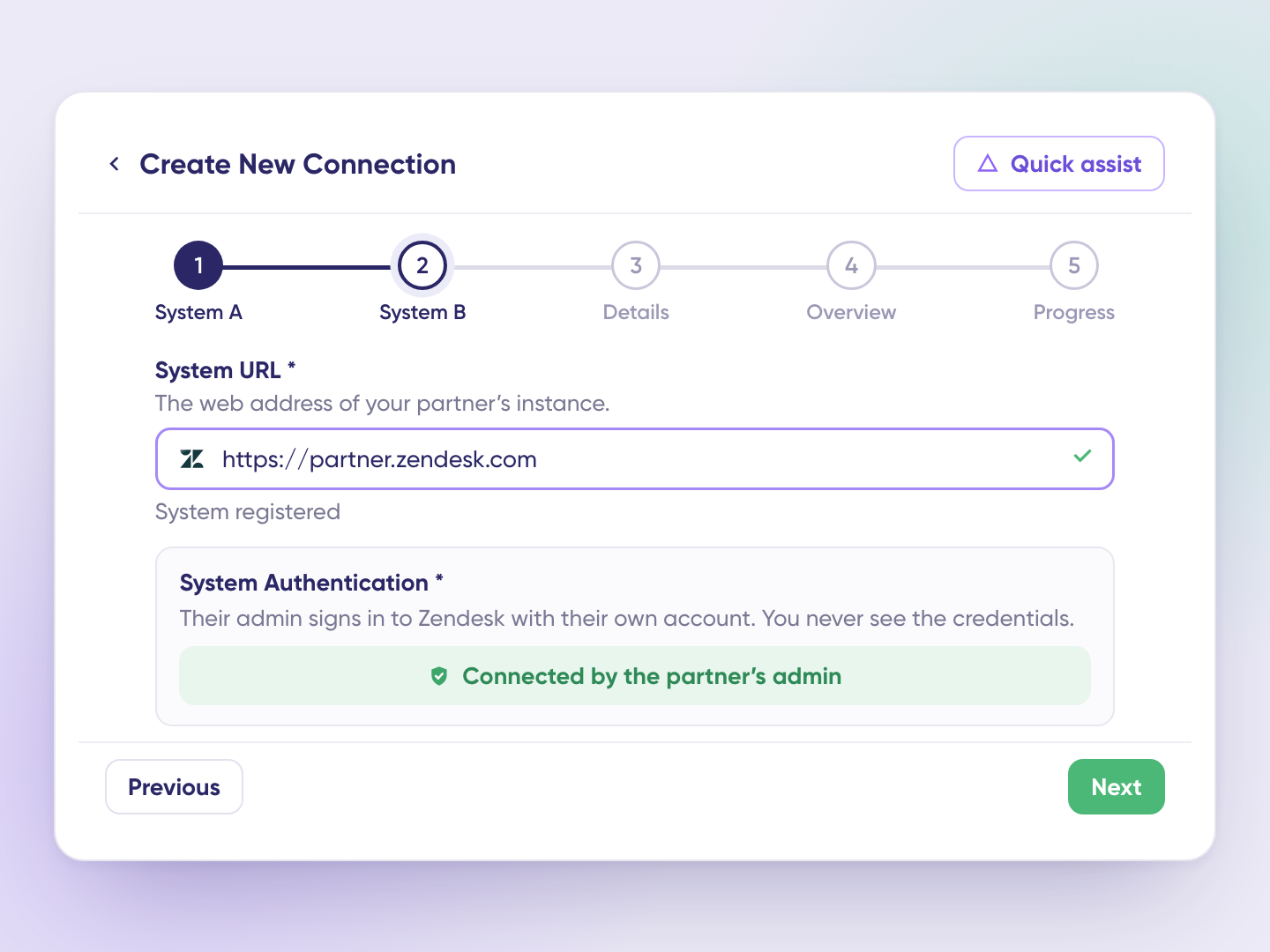
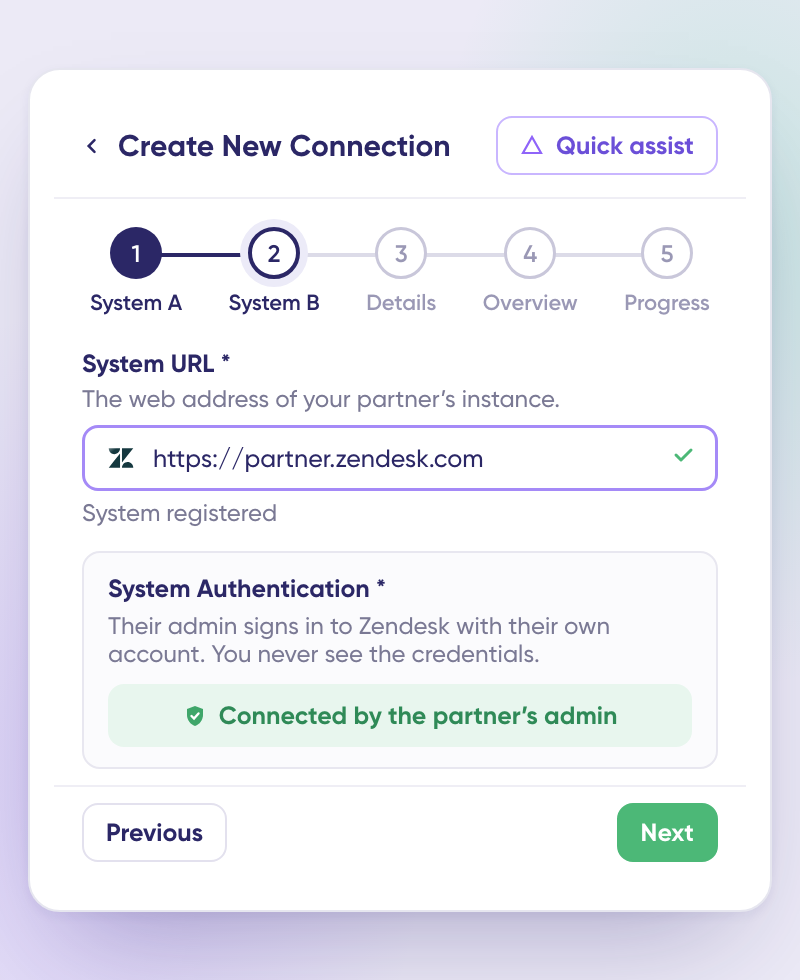
Connect to a partner’s Jira, ServiceNow, Zendesk, Freshservice, Azure DevOps and more, without them installing anything or giving you a login to their system.
You invite them. Their admin signs in and picks the project. Their credentials stay with them, and you never see them. They don’t need to add you as a user, open a VPN, or send their admin to a training session.
separate connections
Each Connection Is Its Own Thing
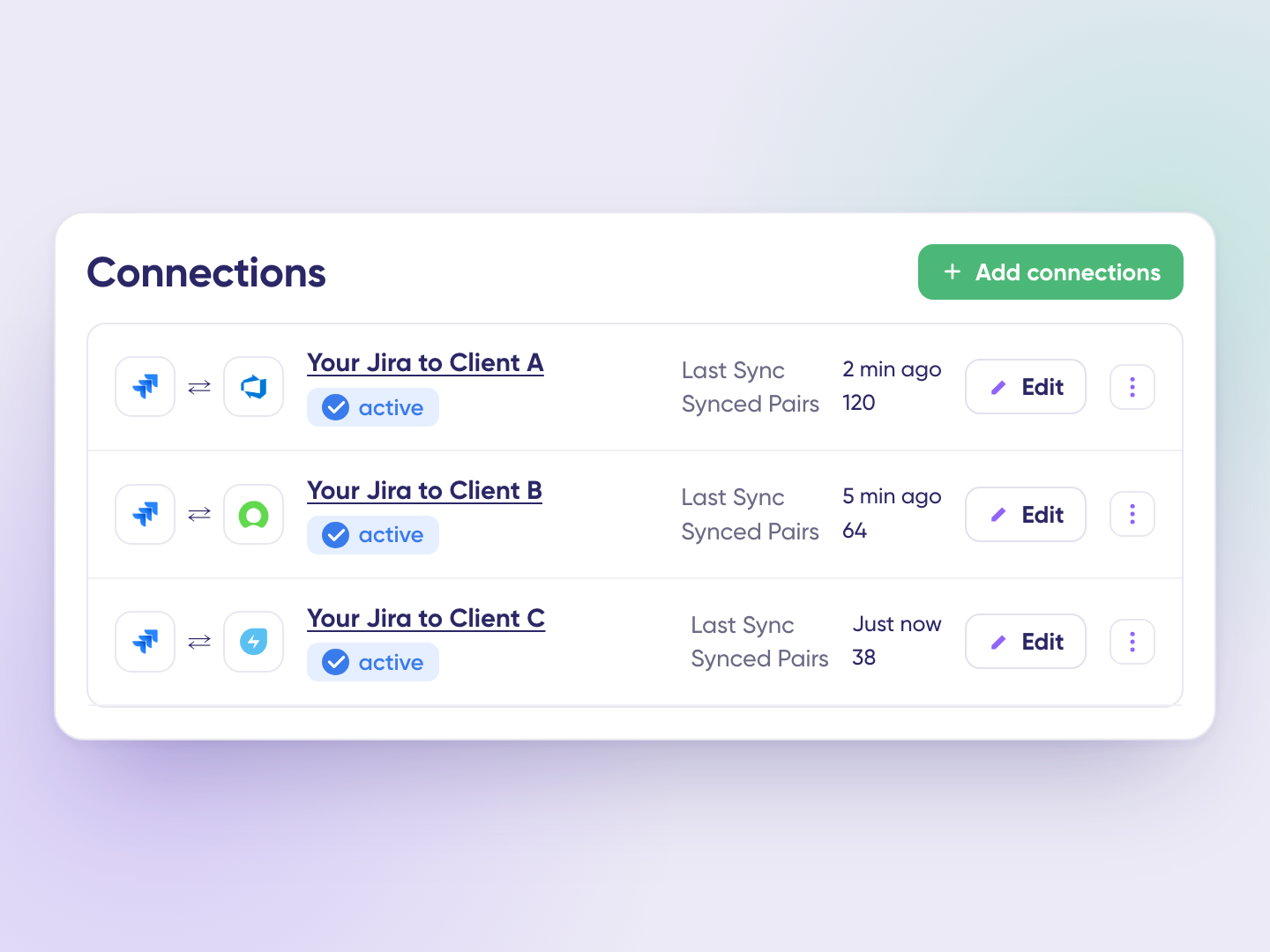
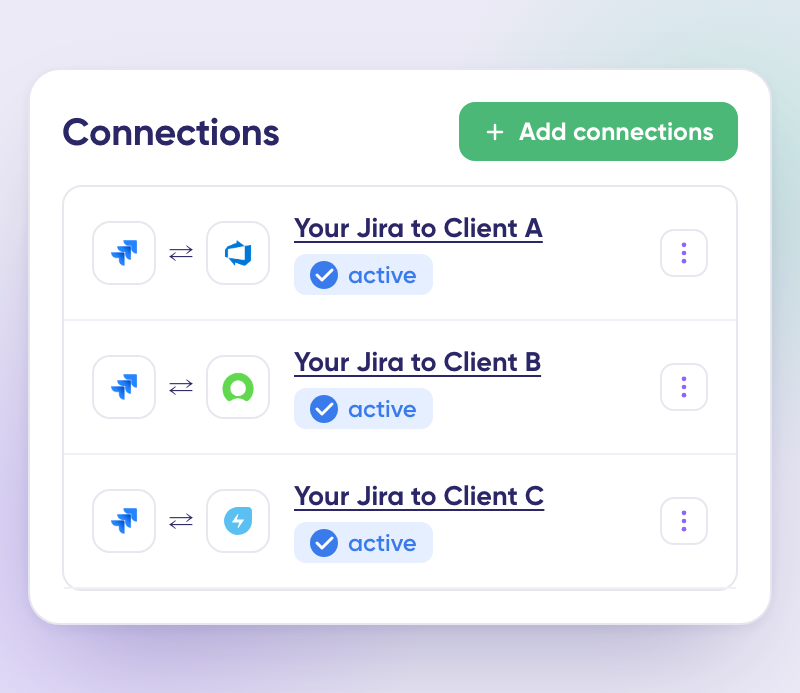
Every company you connect to gets its own connection, with its own sync rules and its own people. For each connection, you decide which items, fields and comments go out and which come in. Internal notes, or a field like your internal priority, stay in your system.
What you set up for client A does not apply to client B. Each connection only moves the data its own rules allow.
getting started
Your First Connection, Start to Finish
Most teams have their first connection working in a few days. Complex setups take two to three weeks, including testing.
Start from one standard setup for every client, and change only what a specific client needs.
- 1
Sign up
Create your account at exalate.app.
- 2
Create a connection and invite your partner
You set up the connection on your side and send the invitation.
- 3
Their admin connects their system
They sign in to their own system. You never need their credentials. Their integration lead can join as a collaborator.
- 4
Choose what syncs
Decide what goes out and what comes in, in each direction.
- 5
Optional: turn on publish approval
Pick approvers on both sides. From then on, no sync rule change goes live until both companies approve it.
- 6
Test, then publish
Do a test run on a real ticket. Then publish. Your sync is up and running.
security
Answers for Your Partner’s Security Team
ISO 27001:2022 certified. Independent penetration tests three times a year.
Every connection change is recorded in Activities, and sync rule changes can require approval from both companies.
who it’s for
What Organizations Use Exalate for Cross-Company Sync
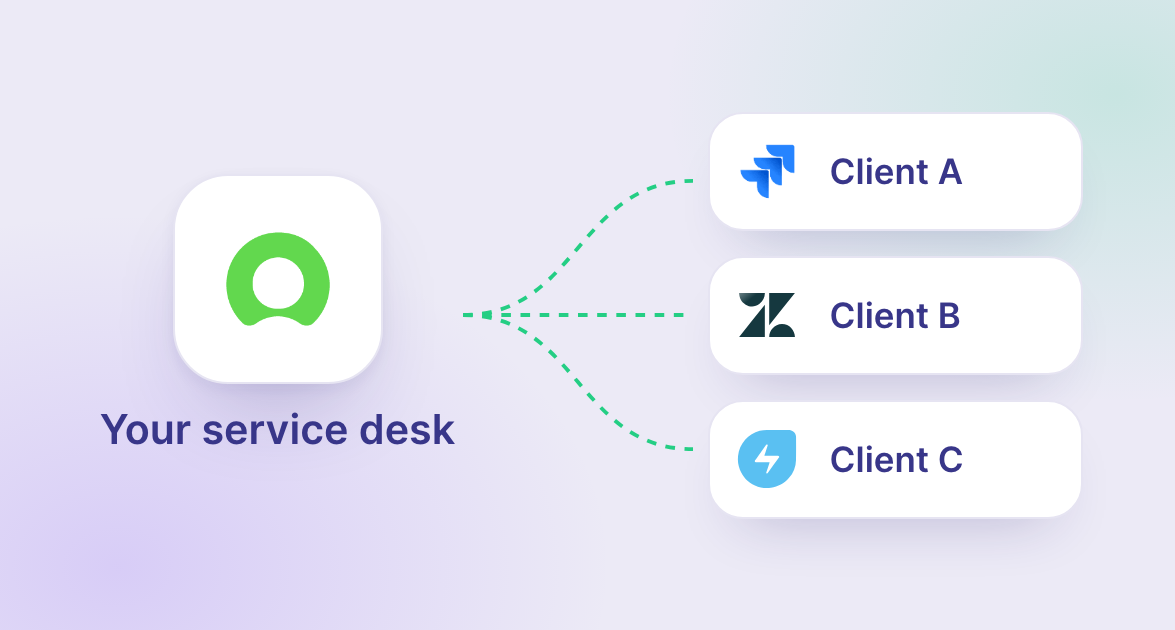
MSPs and MSSPs
Connecting their service desk to every client they support.
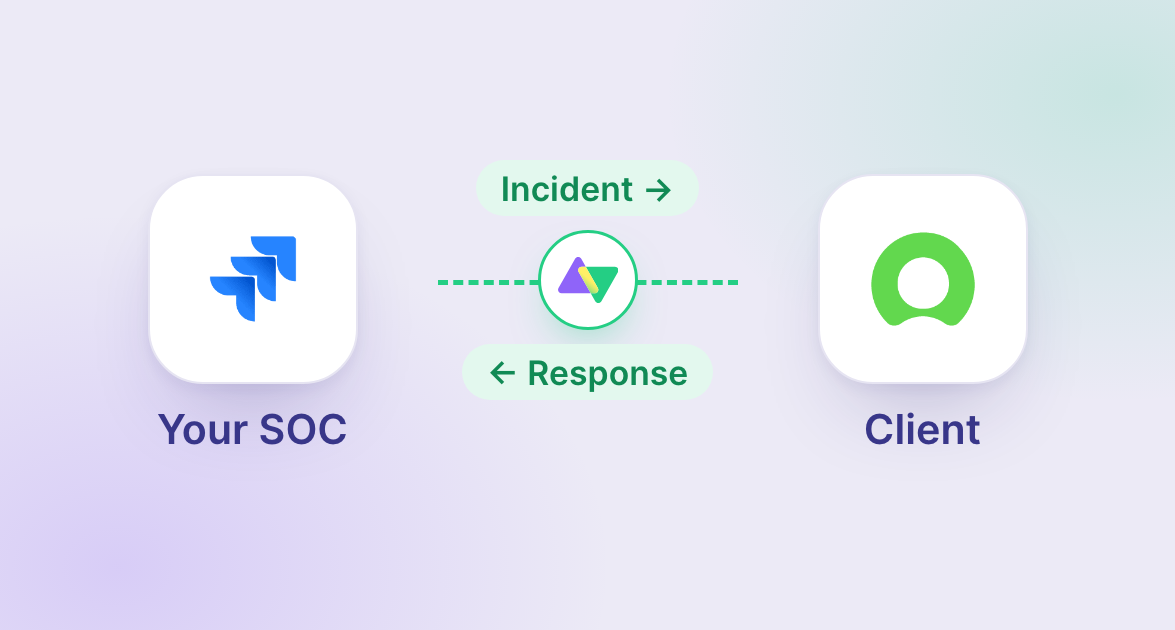
Security teams and SOCs
Pushing incidents into the client’s system and getting the response back.
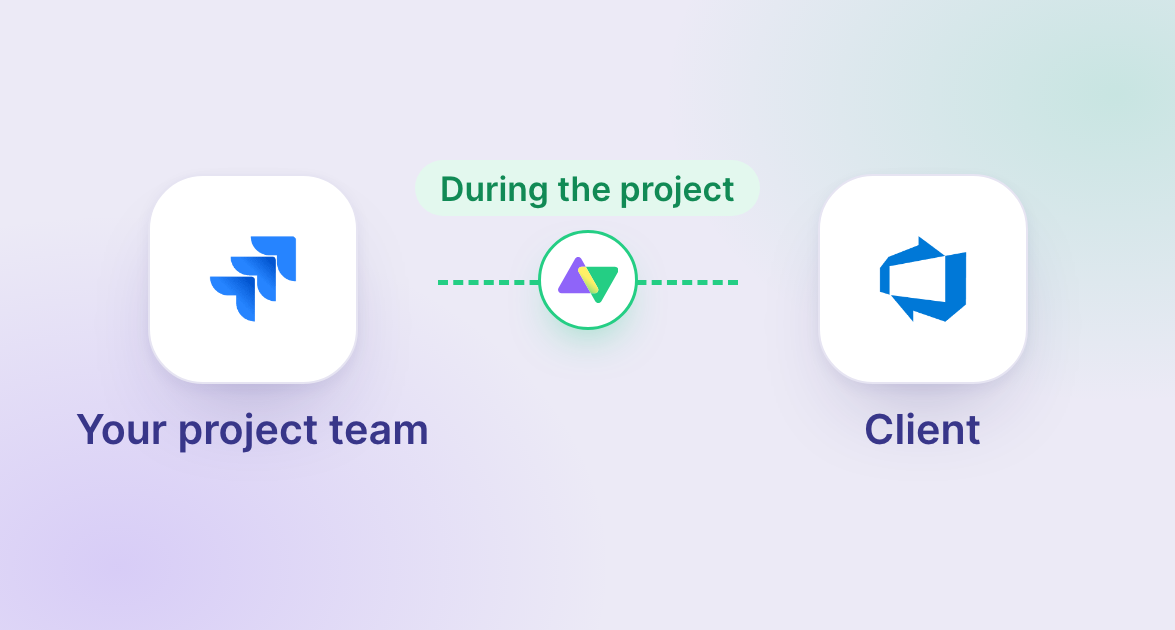
System integrators and consultancies
Working inside a client’s systems during a project.
Software vendors with a services or support team
Their delivery or support team works in each customer’s own Jira or ServiceNow during implementation and support.
Organizations after a merger
Running two systems that have to agree.
FAQ
Answers to the most frequent questions.
Didn't find what you were looking for? Ask Aida
No. They sign in to Exalate and connect their own system.
Not if you turn on publish approval. Every sync rule change then needs approval from both companies before it goes live, and every change is recorded in Activities.
Yes. Invite your own admin to connect the system. You keep working on the sync rules, and Exalate tracks the setup until every system is connected.
You decide. The company that sets up the connection can pay for it, so your customer doesn’t need their own Exalate plan. They only sign in to connect their system.
Many MSPs then pass the cost on as part of their service, either built into the monthly fee or as its own line in the quote.
No. Each customer gets its own connection, and a connection only moves the data its own rules allow.
Most teams have their first connection running in a few days. Complex setups take two to three weeks, including testing.
You update the sync rules for that one connection. Your other connections keep running, and the change is recorded in Activities.
Not to get started. Describe what you need in plain language and Aida writes the sync rules. When a client needs custom logic, you can edit the script.
Yes. The client’s work items sync into your Jira, your AI tools work on them there, and the results sync back. You choose which fields are shared.
How MSPs and MSSPs use Exalate

MSSP syncing 500+ tickets/month across customer environments. 60% more customers now request service desk integration. Faster average response and resolution time.

MSP for 21+ years. Uses Exalate for outsourced help desk and vendor integration across the Atlassian ecosystem.

"Exalate is a competitive advantage for us as an MSSP since it enables close, smooth collaboration with customers. We are not merely another partner, we are an extension of their team."
managed services
Don't want to manage the integrations yourself?
Exalate offers a fully managed service so you never have to touch the integration infrastructure. And if a customer runs on a system Exalate doesn’t support out of the box, custom connectors are available.