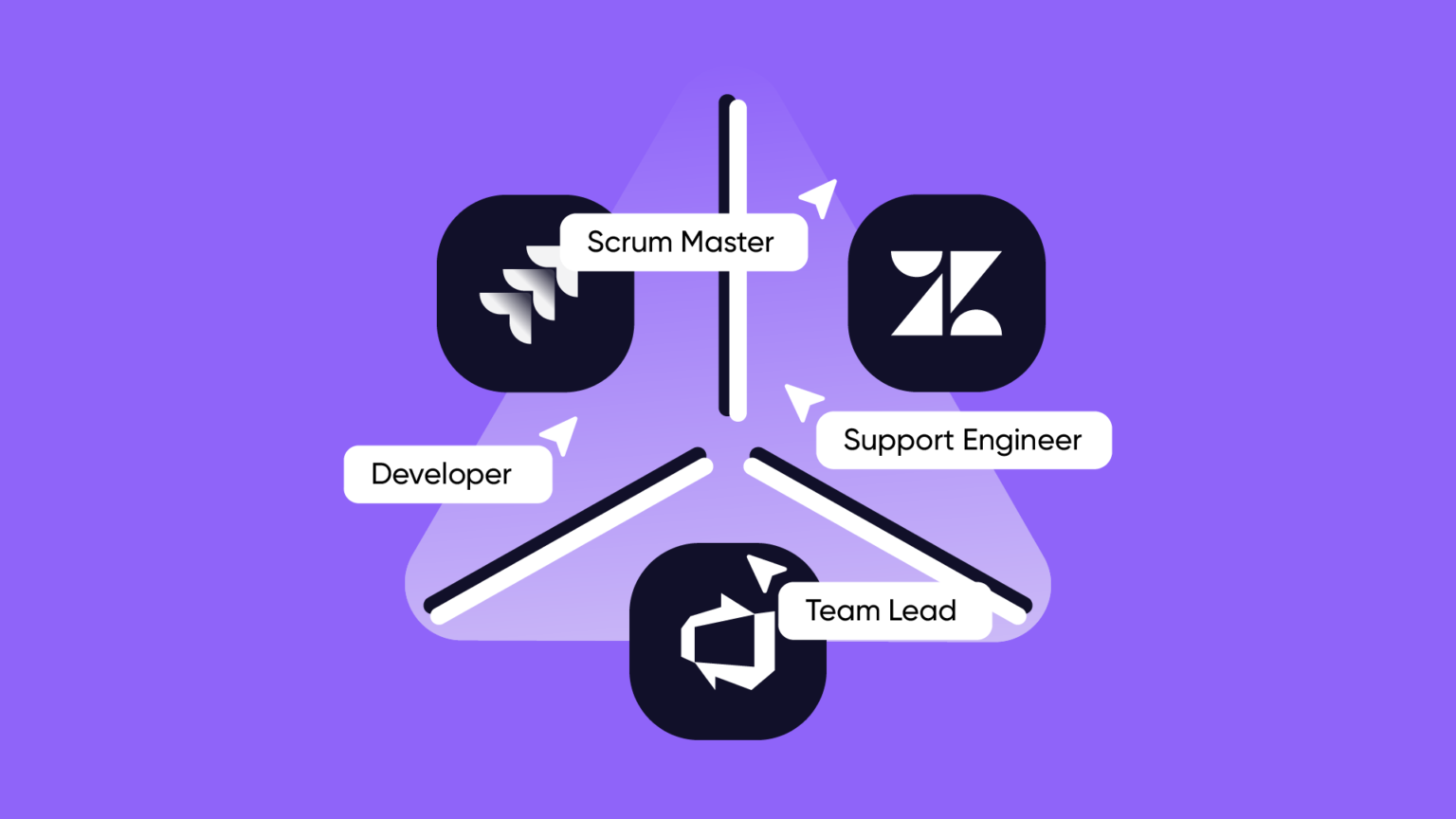
| TL;DR: Support engineers chase statuses. Developers lose context. Scrum masters relay updates between tools. This is the cost of disconnected systems, paid by the people doing the work. |
This article is the first in a three-part series on what it actually costs organizations to have their tools working in silos and what it looks like when that changes. The series will roll out over the coming months, one perspective at a time.
We wrote it this way deliberately. Because the problem of disconnected tools isn’t one problem, it’s three different problems, depending on where you’re sitting when it hits you. And each of those people deserves more than a passing mention in an article that wasn’t really written for them.
Here’s Who We’re Writing For, and When
Part 1 — The people living with the problem (you’re reading it)
The support engineers, developers, scrum masters, and team leads who feel the friction every day but rarely have the language to name it clearly. This is where the series starts, on the ground, with the people absorbing the cost of systems that weren’t designed to talk to each other.
Part 2 — The people deciding what to do about it (coming soon)
At some point, someone starts asking whether there’s a better way. That person is usually a solution architect, an IT manager, or an operations lead who has been hearing the same complaints long enough to take them seriously. The second article is for them: how to evaluate integration options honestly, what the feature lists don’t tell you, and the questions worth asking before you commit to anything.
Part 3 — The people who have to make it work (coming soon)
Decisions get made, tools get purchased, and then someone gets handed the project. The third article is for the platform admins, IT ops teams, and implementation leads who own the configuration after the room empties out: what a good setup actually looks like, what tends to quietly go wrong, and how to build something that holds up past the first sprint review.
And if you’re an MSP, managing these dynamics not for one organization but across a portfolio of clients, there’s a companion piece in this series written specifically for you. Everything above applies. The scale just changes the stakes considerably.
You’re Chasing Too Many Updates
The hidden cost of disconnected tools for support and development teams
There is a specific kind of work that never makes it onto anyone’s job description. It doesn’t show up in KPIs, it rarely comes up in performance reviews, and it almost never gets discussed in retrospectives, even though it quietly consumes a significant portion of most people’s working week.
It’s the time spent confirming that something happened, checking whether someone received an update, figuring out the current status of something that lives in a system you don’t normally work in, or sending a message to a colleague just to close a loop that, in theory, should already be closed.
Most people who do this kind of work are not doing it because they’re disorganized. They’re doing it because the systems around them weren’t designed to keep people informed automatically. Information sits in one tool. The people who need it work in another. And a surprising amount of human time and energy disappears in the gap between those two systems. It’s never dramatic failures, but the slow accumulation of small frictions that become the background noise of the working day. A death by a thousand check-ins, if you will.
This is not a new problem, but it has become a more expensive one.
As teams grow and become more distributed, as more organizations rely on external partners and vendors, and as the number of tools in the average tech stack continues to expand*, the number of places where information can get stuck (or fail to arrive at all) has grown with them. A support team working in Zendesk and a development team working in Jira are not just using different software. They are, in a very practical sense, operating in different versions of reality. The same issue looks different depending on which system you’re viewing it from, and unless something actively bridges that gap, the people on either side are left to bridge it themselves.
What we want to explore in this article is what that friction actually looks like for the people doing the work. Not the IT administrators or system architects who build and maintain integrations, but the developers, support engineers, project managers, and team leads who depend on information flowing correctly between tools to do their jobs well.
And then we want to talk about what it looks like when that friction is meaningfully reduced (not eliminated entirely, because no tool removes the need for human judgment) but brought down to a level where people can actually focus on the work they were hired to do.
- The average number of apps per organization reached 101 in 2025, with 48% of firms now managing both Microsoft and Google suites simultaneously.
Source: Okta 2025 Businesses at Work. - Global IT spending is projected to reach $6.31 trillion in 2026, with software and IT services (SaaS/external vendors) being the primary drivers of this expansion.
Source: Gartner IT Spending Forecast (April 2026 Update). - Organizations are increasingly prioritizing connectivity to enable distributed teams to “connect, share, and transact from anywhere.”
Source: IDC FutureScape: Worldwide Enterprise Connectivity 2025.
Support Engineers Who Spend More Time Chasing Statuses Than Resolving Issues
If you work in customer support, your job is fundamentally about resolution. A customer has a problem, and they raise a ticket for it. Your role is to understand it, communicate about it clearly, and ultimately make sure it gets solved. That’s the work. But for many support engineers, a substantial portion of the day is spent on something related to their work rather than the work itself. They have to track down the status of issues that have been escalated to development (and other) teams, trying to find out whether a bug has been picked up, whether it’s in progress, whether it’s been deprioritized, and whether there’s anything new they can tell the customer who has been waiting for three days and is starting to lose patience.
The frustrating part is that this information usually exists somewhere. The developer working on the issue knows the status. It’s probably reflected in Jira, or in whatever project management tool the engineering team uses. But the support engineer doesn’t have easy visibility into that system, or doesn’t have time to navigate it, or isn’t sure which project or board to look at, so they send a message instead. They ask a colleague. They follow up on last week’s email. Meanwhile, the customer is waiting, and the support engineer is doing everything except the thing they’re actually good at.
In some organizations, the support engineer’s responsibility doesn’t end at flagging the issue internally. They are also the ones expected to raise it directly in the development team’s project management tool, which means figuring out the right project, the correct issue type, the appropriate priority level, and which fields actually need to be filled in for the ticket to make sense to someone on the other side. That might sound like a small administrative task, but for someone who doesn’t do it every day, it’s a genuine source of friction. Should this be logged as a bug or a request? Does priority mean the same thing here as it does in the support system? Which fields are mandatory, and which ones will just confuse the developer if left empty? None of these questions is difficult in isolation, but together they add up to a mental load that sits on top of an already demanding job, and in a world where everyone is dealing with too much information and too many context switches, that kind of friction is worth taking seriously.
We have built Exalate to address exactly the kind of friction. At its core, Exalate is a bi-directional sync solution that works at the field level, meaning you can define precisely which information crosses between systems, in which direction, and under what conditions. It’s not a one-size-fits-all connection that floods both sides with everything. It’s a deliberate configuration that reflects the actual working relationship between two teams: what the support engineer needs to see, what the developer needs to know, and where the boundary between those two contexts should sit.
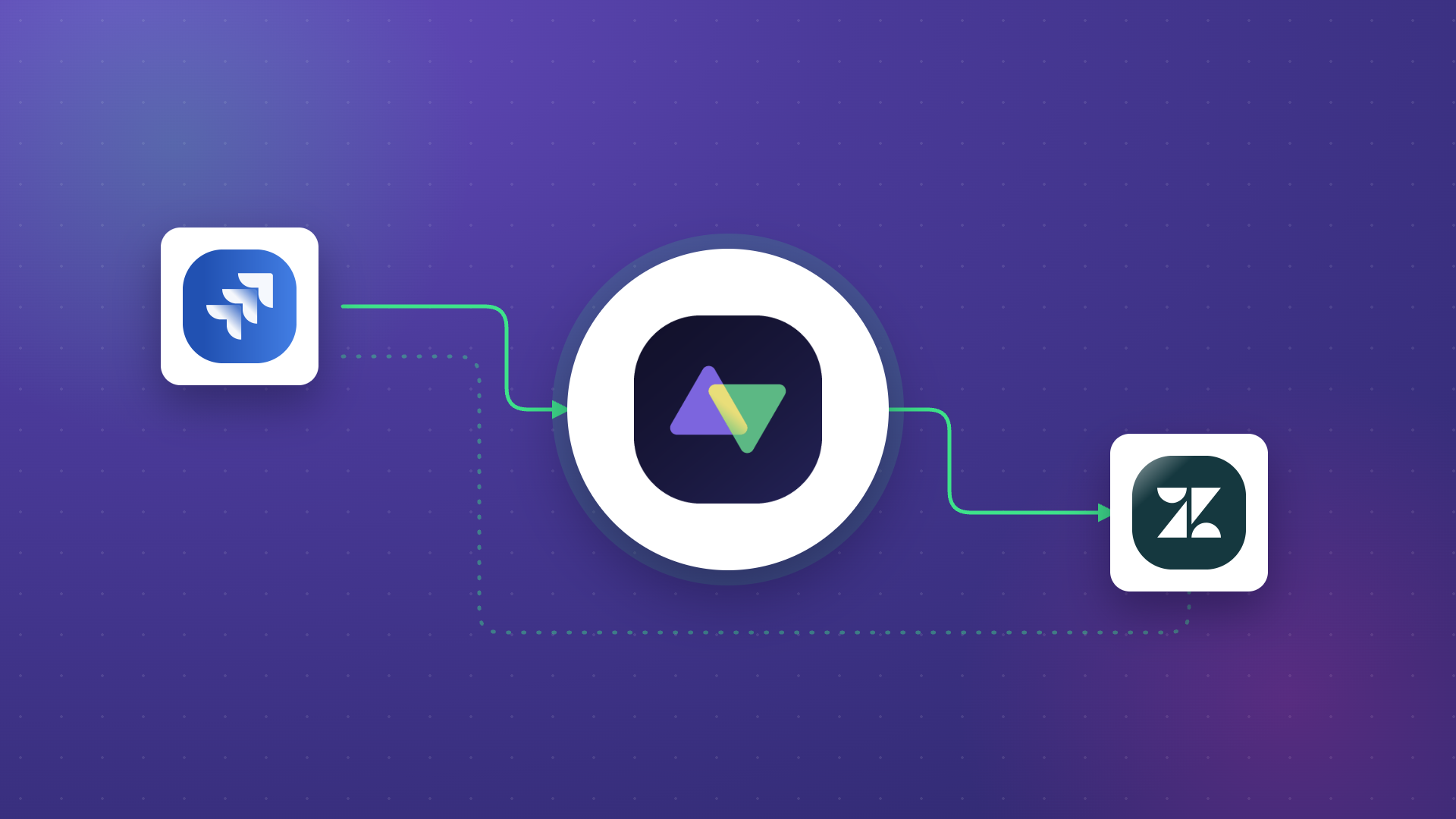
In practice, that means when the status of an issue changes in Jira, the corresponding ticket in Zendesk – or whichever support tool the team uses – updates automatically, or it appears as a comment, or populates another field – your choice – and that without anyone having to carry that information manually. When a comment is added on one side, it appears on the other. When a bug is resolved, the support engineer finds out because the sync told them, not because they sent a message asking. The goal is not to automate the judgment involved in resolving an issue (that still belongs to the people doing the work) but to remove the administrative layer that sits between two teams and quietly consumes time and attention that should be going elsewhere.
Developers Disrupted By Bugs That Got Lost Between Tools
Developers do their best work when they have clear context and uninterrupted focus (I am no Scrum Master, but I am married to a developer 😅, so you can trust me when I say this). Both of those things are harder to maintain when the information flowing into their workflow is incomplete, delayed, or arrives through informal channels rather than the tools they actually use.
A bug that was logged on the customer side, in a support system, with a particular set of symptoms and a specific customer context, often looks quite different by the time it reaches the development team. It may have been paraphrased, re-categorized, or stripped of the details that would have made it easier to understand and fix. In some cases, it doesn’t arrive at all; it gets lost somewhere in the handoff, surfaces later through a complaint, and by then it’s urgent in a way it didn’t need to be.
This is not usually anyone’s fault. When two teams work in different systems, and there is no reliable, automatic bridge between them, information degrades as it travels. The people doing the translating, often a project manager, a team lead, or a scrum master who happens to be in both conversations, are doing their best, but manual translation introduces delays, and delays introduce risk. A developer who finds out about a critical bug three days after it was first reported, because it took that long to make its way through the informal relay, is not being served well by the systems around them.
Scrum Masters and Middle Managers Trapped In The Relay
Scrum masters are, in theory, there to protect the team’s focus and create the conditions for good work to happen. In practice, a significant portion of their time can end up going toward something entirely different: acting as a human bridge between systems and teams that don’t communicate automatically.
This might look like checking in with the support team to understand the current state of escalated issues before a sprint planning session. It might look like maintaining a shared spreadsheet that attempts to map tickets from one system to another, updated manually whenever someone remembers to do it. It might look like being the person who sends the Slack message asking for an update, then relays that update to someone else, then follows up when the answer doesn’t come. None of this is value creation. All of it is information transportation, and it’s information that, in a well-integrated environment, would move on its own.
The broader point here is that middle managers and team leads often absorb the cost of poor integration more than anyone else, because they sit at the intersection of multiple teams and tools. They become the connective tissue by default, not by design, and the time they spend doing that is time they’re not spending on the things that actually require human judgment, experience, and creativity. That trade-off is worth naming clearly, because it rarely gets named at all.
The Follow-Up Message That Should Never Need to be Sent
Most people who work across teams have sent some version of this message: “Hey, just checking – did you see the update on that ticket?” It feels like a small thing. A quick message, thirty seconds, no big deal. But the fact that it needs to be sent at all is a signal worth paying attention to.
When someone sends that message, it usually means one of two things: either the update genuinely didn’t arrive on the other side, or it did arrive, but the recipient has no easy way to notice it among everything else coming into their system. Either way, the synchronization isn’t doing its full job. The information moved (or should have moved), but the person on the other end has no reliable confidence that it did. So the human steps in to fill the gap, because the alternative is to assume everything is fine and risk finding out later that it wasn’t.
This kind of low-level status anxiety is exhausting in a way that’s hard to articulate, because individually each check feels trivial. But collectively, across a team, across a week, it adds up to a meaningful amount of cognitive load that sits on top of the actual work. Reducing it isn’t just about efficiency. It’s about giving people the mental space to focus on what they’re actually there to do.
Not Knowing Whether the Sync is Even Running
When you have to rely on an automated system that you can’t easily observe, how can you be sure that the sync is still intact? The sync was set up, yes. It should be running. But how do you actually know? Not as the administrator who configured it, but as the support engineer, or the developer, or the team lead whose work depends on it working correctly right now?
This question matters more than it might seem. Even in teams that have invested in integration between their tools, there can be a persistent background anxiety about whether the sync is actually active, whether an error has silently broken something, and whether the information they’re acting on is current. And because most integration tools surface their status information to administrators rather than end users, the people who most need to know that things are working are often the least equipped to check.
One approach to this – and an example of what it looks like to design for the end user rather than just the administrator – is Exalate’s Sync Panel, a browser extension that lets anyone check the real-time status of a sync directly from their browser.
It’s a small addition, but the thinking behind it is important: the people who depend on synchronization shouldn’t have to guess whether it’s running, and they shouldn’t have to go to an administrator every time they want confirmation. When something does break (because sometimes things just do), they can flag it proactively rather than waiting for the downstream consequences to make the problem obvious. That’s better for end users, and it’s actually better for administrators too, who no longer need to be the first line of detection for every issue.
What Good Synchronization Actually Looks Like in Practice
The solution to the problems described above isn’t more meetings (which I am sure you love more than anything 😏), more check-ins, or better-organized Slack channels. It’s a sync setup that is precise enough to carry only the information that matters, reliable enough that people stop worrying about whether it’s working, and flexible enough to reflect the actual complexity of how teams collaborate.
That means that when a bug status changes in Jira, the corresponding ticket in Zendesk updates automatically, and only the fields that are relevant to the support team are updated, so they’re not flooded with development-specific context they don’t need. It means that when a comment is added on one side, it appears on the other, without anyone having to copy and paste it. It means that the developer working on the fix doesn’t need to know anything about the support tool’s project structure, and the support engineer doesn’t need to understand the development team’s sprint board, because the integration handles the translation between those two contexts.
Tools like Exalate are built around the principle that this kind of configuration should be precise and controllable so that the team running the integration should be able to define exactly what’s being shared between systems, in which direction, and under what conditions. This is not “fire and forget” integration. It’s a sync that stays alive, adapts when things change, and keeps running in the background so that the people depending on it can stop thinking about it and get back to their actual work.
And that, ultimately, is the point. The goal of good synchronization is not to impress anyone with its technical sophistication. It’s to make the working day of a support engineer, a developer, or a scrum master meaningfully less frustrating – to remove the check-in loops and the status-chasing and the follow-up messages, and give people the space to focus on the work that actually requires their judgment, their expertise, and their energy.
Beyond Support and Development
It’s worth saying clearly that the dynamics described in this article are not unique to support and engineering teams. The same pattern – two teams, two tools, a gap between them that someone ends up bridging manually – exists in many other parts of the organization.
Sales and support teams face it when a deal stalls because of an open support ticket the sales team can’t see, or when a customer’s frustration with an unresolved issue starts affecting their willingness to renew. Customer success teams face it when they’re trying to make the case for a renewal but can’t easily show a customer that their reported issues are being actively worked on. Marketing team faces it every time they need to raise a request or an improvement suggestion in a development team’s tool and have to figure out the right project, the right issue type, and the right level of detail for an audience whose internal ceremonies and structures they don’t fully know – and, frankly, shouldn’t need to.
In each of these situations, the problem is the same: the right information isn’t where it needs to be, at the time it needs to be there, for the person who needs it. And the cost of that gap is paid in exactly the kind of manual, low-value work that this article started by describing – the updates chased, the messages sent, the time spent doing everything except the thing you were hired to do.
The good news is that this is a solvable problem. Not perfectly, not overnight, and not without some upfront investment in getting the configuration right. But for teams that are serious about reducing friction and giving people back the time and focus they’ve been quietly losing, it is very much worth solving.
Frequently Asked Questions
What does it cost a team when Jira and Zendesk aren’t synced?
The cost isn’t a line item, which is why it stays hidden. It’s the hours support engineers spend chasing ticket statuses, the context developers lose when bugs arrive, paraphrased through Slack, and the time scrum masters spend acting as human relays between two systems. None of this shows up in a budget, but it adds up to a meaningful portion of the working week for everyone caught in the gap.
How does bidirectional sync between support and development tools work?
A bidirectional sync keeps two systems aligned by sending updates in both directions automatically. When a developer changes the status of a Jira issue, the linked Zendesk ticket updates on its own. When a support engineer adds a comment, it appears on the Jira side without anyone copying it over. The sync is configured at the field level, so each team only sees what’s relevant to their work.
Can a support engineer see Jira status updates without opening Jira?
Yes. With a properly configured sync, the Jira status appears directly inside the Zendesk ticket, either as a field value or as a comment. The support engineer doesn’t need Jira access, doesn’t need to know which project the issue lives in, and doesn’t need to message anyone to find out. The update arrives where they’re already working.
What’s the difference between a native Jira-Zendesk integration and a dedicated sync tool?
Native integrations usually offer a fixed set of fields and a limited direction of sync. They work for simple use cases, but they break down when teams need conditional logic, custom field mapping, or independent control over what each side sends and receives. A dedicated sync tool like Exalate lets each team define its own rules, so the support side and the development side can configure the integration without sharing admin access or compromising on what each team needs.