
flexible two-way sync
Freshdesk Freshdesk Integration
Connect two Freshdesk instances so separate support teams, departments, or companies can work together without switching tools. Share tickets in real time while everyone stays in their own workspace.
Align tickets across Freshdesk environments to cut down on back-and-forth and get issues resolved faster.
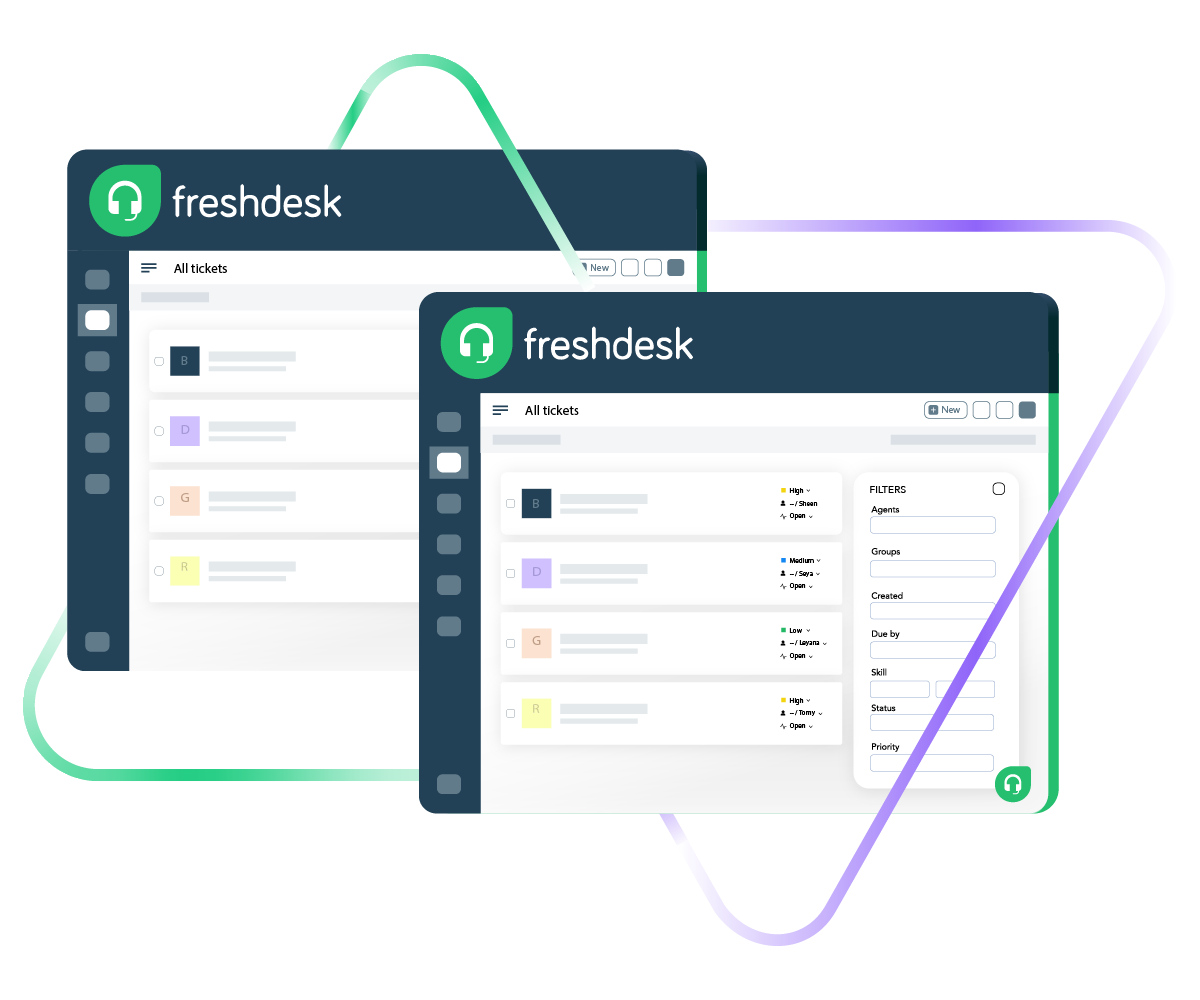
Sync summary, description, status, priority...
sync label, attachments, notes...
sync custom fields, custom keys....
Sync summary, description, labels...
Sync status, priority, attachments,
Sync phone, notes, custom fields, custom keys...









Freshdesk to Freshdesk Sync
Unified Support Operations Across Teams
Build a fully customizable, real-time Freshdesk to Freshdesk integration, whether you’re syncing with internal departments or outside partners. Make sure every team has what they need without leaving their own Freshdesk instance.
Automatically replicate Freshdesk tickets across instances so triage and resolution happen faster.
Choose one-way or two-way real-time syncing based on how your teams actually work.
Push ticket updates across support teams so nobody's working with outdated information.
Connect several tickets from one instance to a single ticket in the other.
Eliminate data silos and get one clear picture of tickets across both Freshdesk instances.
Let automation handle the syncing so your agents aren't wasting time on manual copy-paste.
Freshdesk to Freshdesk: Cross-Team Support Without the Headaches
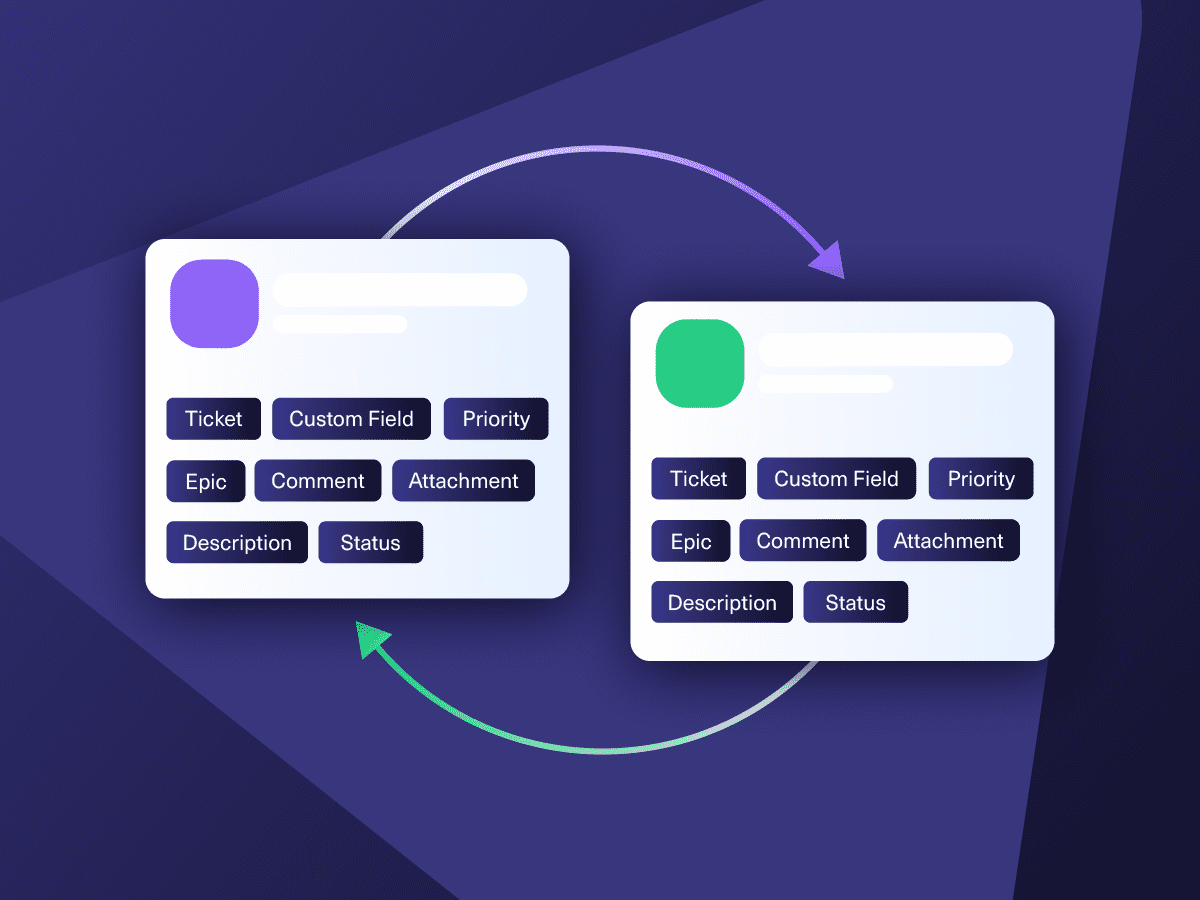
Decide what flows between your two Freshdesk instances and what stays put. Map default and custom ticket fields so both sides get exactly the context they need.

Freshdesk
Freshdesk
9 fields are supported:
- Custom fields
- Summary
- Status
- Description
- Type
- Priority
- Labels
- Comment
- Attachment
Check the full list of supported fields for Freshdesk.

We can now handle around 500 customer incidents per week, thanks to Exalate, which is a very good result regarding the number of products we’re dealing with. It synchronizes 45x faster than our previous solution.
Christof Cuyper
“
We can now handle around 500 customer incidents per week, thanks to Exalate, which is a very good result regarding the number of products we’re dealing with. It synchronizes 45x faster than our previous solution.
Christof Cuyper |
Get the Most Out of Your Integration
Sync in Real-Time
Two-way, real-time sync between platforms. Updates flow automatically. No manual exports, no delays.

Connect Any Number of Instances
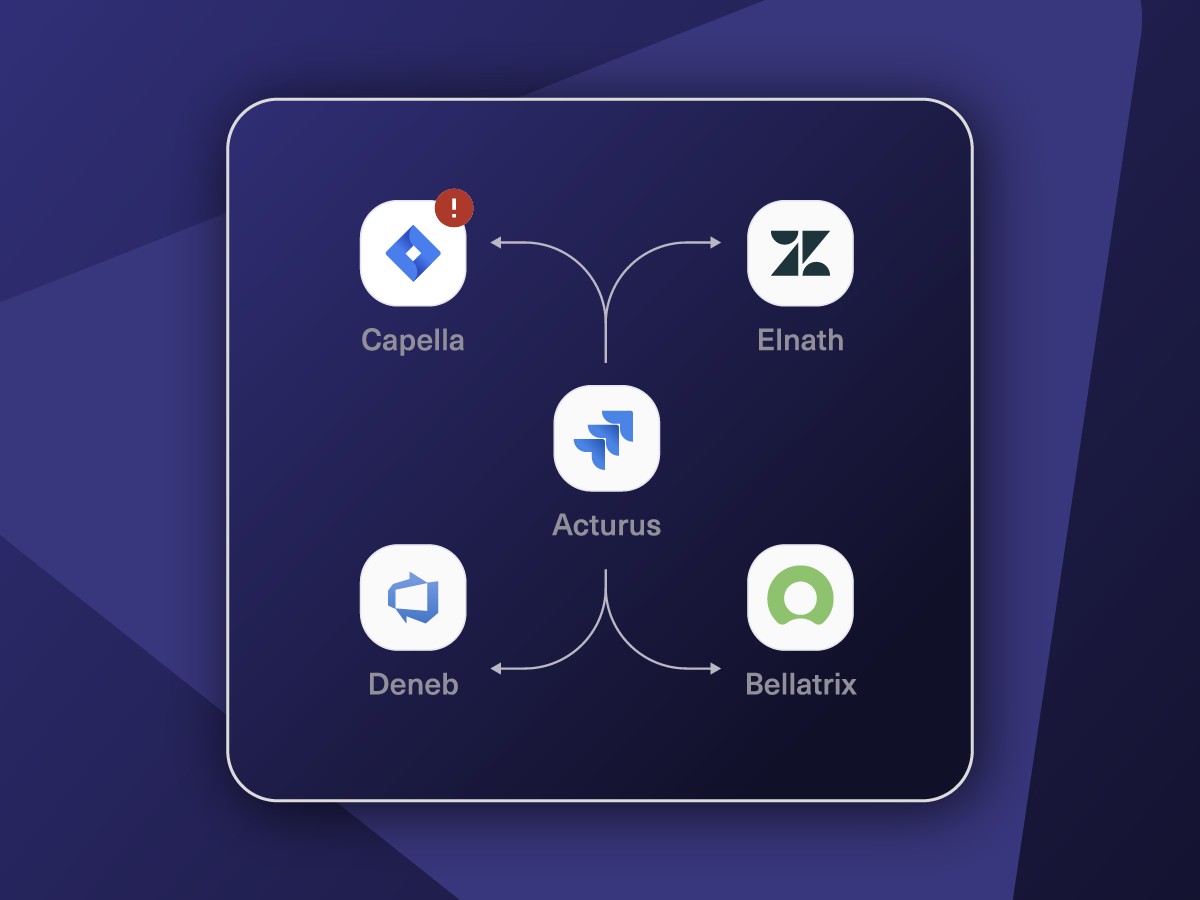
Connect multiple projects, instances, and platforms. Use different rules for each connection.

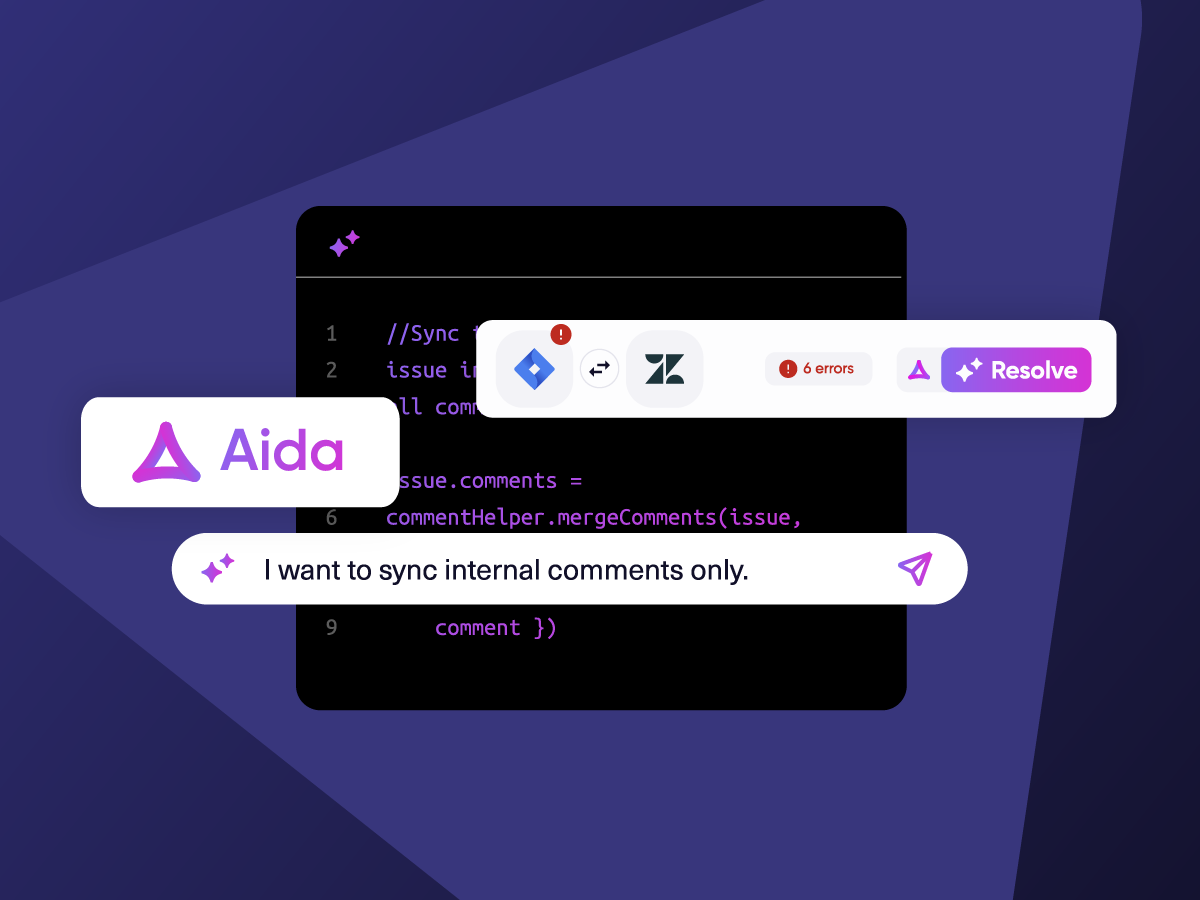
Know What Failed and Why
Get AI-powered recommendations for resolving the issue, including possible fixes and next steps.

AI Assisted SetUp
Describe your integration goal. Aida reviews your sync rules and connector type, then suggests script changes

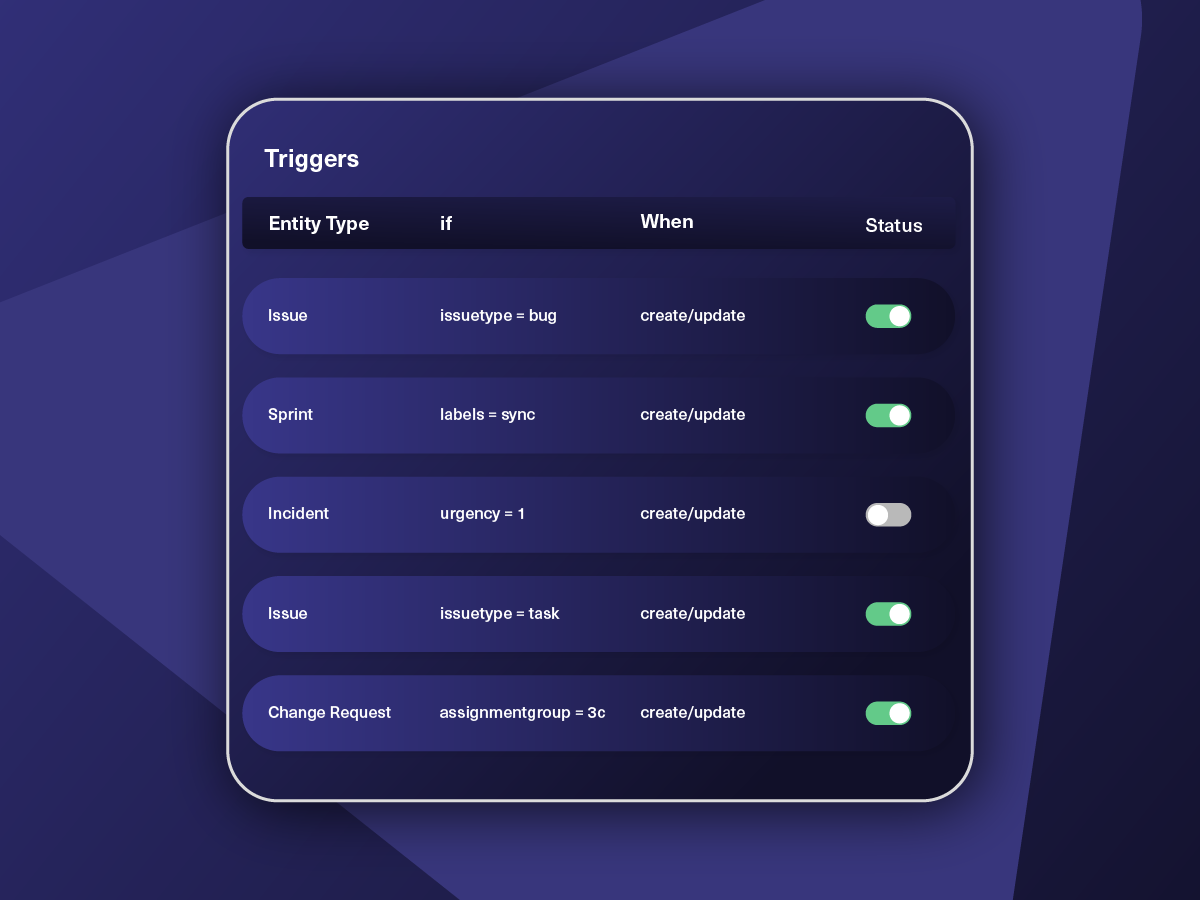
Only Sync What Matches
Set various conditions for automatic synchronization.


Sync Visibility, Right Where You Work
Check the real-time status of your active syncs, spot failures, and trigger a manual push. All from a browser extension, without opening the Exalate console.

How it Works
Connect
Easily connect multiple projects, instances, and platforms. With local, or external partners.
Customize
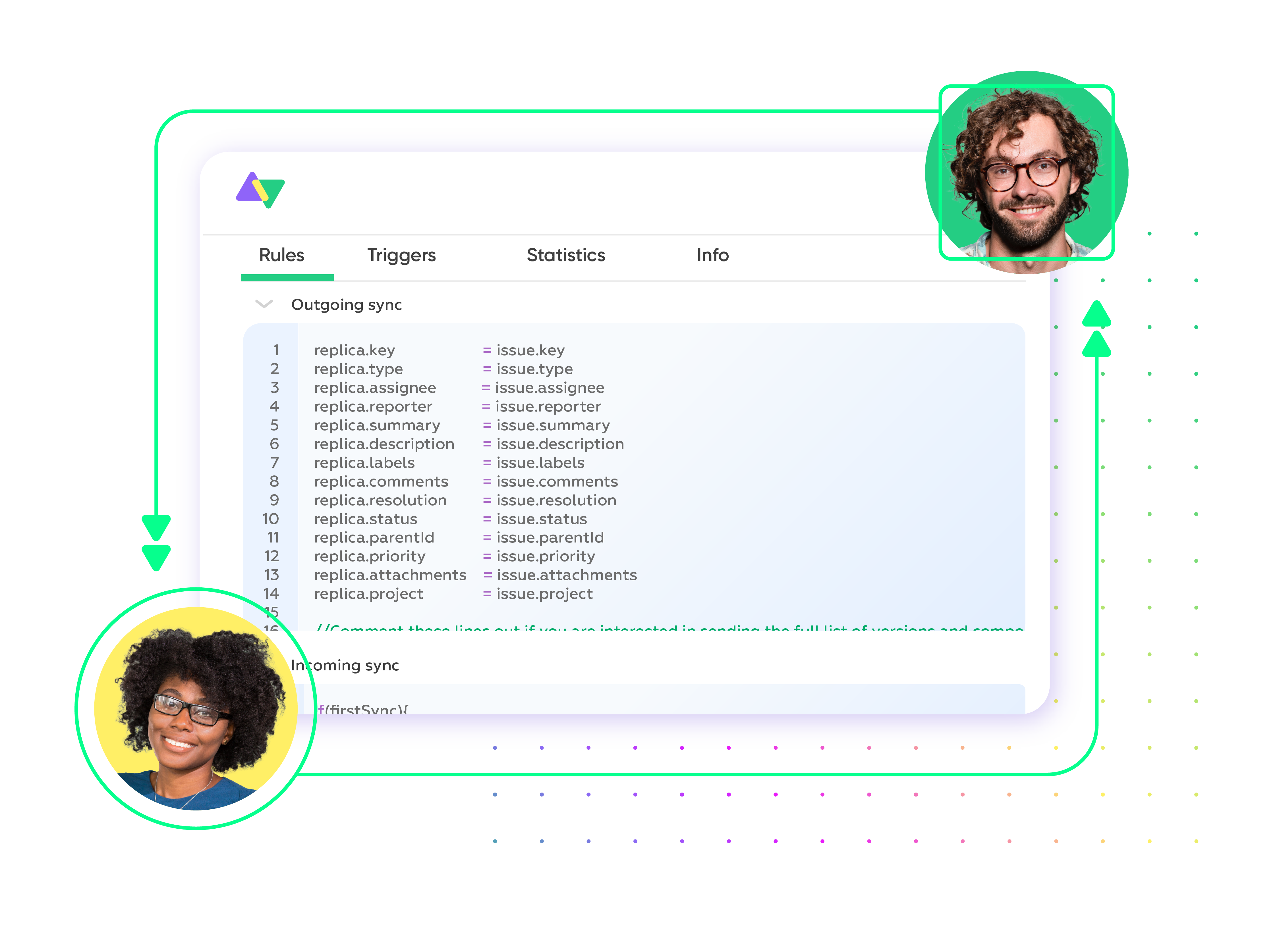
Set your sync rules to make sure the right data is shared.
Prompt Exalate’s AI to generate rules, or fine-tune with Groovy-based custom mappings and logic for complete control.
Automate
Set triggers to automate your sync based on specific conditions.
Synchronize
Now your connected instances will exchange information automatically. Happy syncing!
From Basic to Advanced Freshdesk to Freshdesk Integration Scenarios
Start simple with direct, standard field mappings. Lean on AI-powered scripting to handle advanced workflows when things get more complex.
Route Service Requests to the Right Team
Automatically send service requests that require another team's input to the correct Freshdesk instance. Over time, this surfaces recurring trends and systemic problems that might call for a broader fix.
See the Full Picture Across Instances
When a ticket in one Freshdesk environment ties back to a known problem in another, linking them gives both teams a shared understanding of how big the issue really is. Nothing slips between the cracks, even across departments or organizations.
Resolve Tickets Faster With Cross-Team Visibility
When a ticket comes into one Freshdesk instance, it can automatically generate a matching ticket in the other. Status changes sync both ways in real time, so teams can coordinate on priority without anyone being left guessing. The customer who submitted the ticket stays informed too. No one has to chase updates across systems.
Consolidate Related Tickets Into a Single View
Take multiple related tickets from one Freshdesk instance and map them to one ticket on the other side. This is a lifesaver after product releases or major changes when a central team needs to quickly gauge the scale of an issue without digging through dozens of individual tickets.
Consolidate Related Tickets Into a Single View
Take multiple related tickets from one Freshdesk instance and map them to one ticket on the other side. This is a lifesaver after product releases or major changes when a central team needs to quickly gauge the scale of an issue without digging through dozens of individual tickets.
Establish Multi-Tool Support Workflows
Use your Freshdesk to Freshdesk sync as one piece of a larger support ecosystem. For instance, escalate tickets from a partner's Freshdesk to yours, then bring in engineering through Jira when a deeper investigation is needed. Everyone involved stays up to speed.
Manage Cross-Client Tickets for MSPs
When multiple clients or partners log tickets through their own Freshdesk instances, those tickets can be funneled into the MSP's central Freshdesk for investigation. Incident management stays organized across organizations, and every party gets transparent updates until the issue is closed out.

Exalate is stable, flexible, customizable, and pretty easy to set up and use.
ALEXANDER SINNO
“
Exalate is stable, flexible, customizable, and pretty easy to set up and use.
ALEXANDER SINNO
Always at Your Service
Get timely assistance from the best support technicians in the business. Relax as we help you solve every sync-related issue and more.
FAQ
Answers to the most frequent questions.
Didn't find what you were looking for? Ask Aida
It lets support teams in different Freshdesk environments collaborate without context-switching. Ticket updates appear on both sides the moment they happen. No manual copying, no toggling between instances. Each team automatically gets full ticket context, which speeds up resolution and tightens coordination. It’s particularly valuable for companies with distributed support teams, MSPs managing multiple clients, or businesses working alongside external partners.
Create an Exalate account and connect both Freshdesk instances. Configure your sync rules. Either let Aida generate scripts from a plain language description of what you need, or write custom rules yourself. Then set up triggers to automate when tickets sync. After that, data flows between both instances automatically.
Exalate supports all default and custom fields available in Freshdesk. That means subject, description, status, priority, type, attachments, notes, tags, and conversations. If the Freshdesk REST API allows it, Exalate can sync it. Common ticket types include standard tickets and service requests. For specialized field mappings or custom entity configurations, Exalate’s team can handle that through their managed services.
It does. You can set up one-way, two-way, or multi-directional real-time sync between Freshdesk instances. One-way sends data in a single direction; two-way keeps both sides current automatically. Migration workflows are also available if you need to move historical tickets between instances. You control exactly which fields and tickets are included, and everything happens in real time.
Yes. Exalate lets you connect several tickets in one Freshdesk instance to a single ticket in another. This works well for MSPs or any situation where related tickets need to feed into one consolidated view. Each organization retains full control over their own sync rules, field mappings, and data privacy, so there’s no risk of information bleeding between clients or departments.
Exalate uses enterprise-grade security, including JWT access tokens, role-based access controls, HTTPS with TLS 1.2 and 1.3, and multi-factor authentication. Data is encrypted both in transit and at rest. Exalate is ISO 27001:2022 certified and maintains a single-tenant architecture, meaning your data never mixes with other organizations. For detailed security documentation and compliance certifications, visit our Trust Center.
Built-in Freshdesk options are fairly limited when it comes to connecting two separate instances. They typically don’t support true bidirectional sync where updates flow both ways automatically. You also can’t consolidate multiple tickets into one or apply the kind of conditional logic and custom field transformations that complex workflows demand. For MSP setups, multi-client environments, or anything requiring serious customization, a purpose-built tool like Exalate offers a lot more room to work with.
Exalate handles full custom field mapping across Freshdesk instances. That covers dropdown menus, text fields, checkboxes, date fields, and anything else the REST API supports. Aida can set up field transformations automatically, or you can write your own scripts for trickier mappings. That includes handling mismatched field types, data conversions, and conditional mappings tied to specific ticket properties.
Exalate uses outcome-based pricing, where you pay for active sync pairs (items currently being synced) rather than per transaction or user. Plans include Starter, Pro, and Enterprise tiers based on the number of active items in sync. Each integration (like Freshdesk to Freshservice) requires its own plan. You can estimate costs using our pricing calculator. Start with a 30-day free trial to test the integration before committing. For detailed pricing information, visit our pricing page.
Absolutely. Exalate is designed for MSP environments with multi-tenant requirements. You can connect multiple Freshdesk instances, one per client, while keeping each client’s data strictly isolated. Central teams get a unified view, but individual client data never crosses boundaries. It’s a natural fit for managed service providers who need coordinated ticket management across client organizations without sacrificing privacy or control over individual sync configurations.
Yes. Exalate gives you full control over conditional logic so you can be precise about what syncs and under what circumstances. For example, you might only sync tickets marked “Urgent” or “High” priority, or trigger a sync when a ticket’s status changes to “Escalated.” You define when syncs fire, how field mappings behave in different scenarios, and which workflows apply to which situations. This keeps the data flow relevant and cuts out the noise.