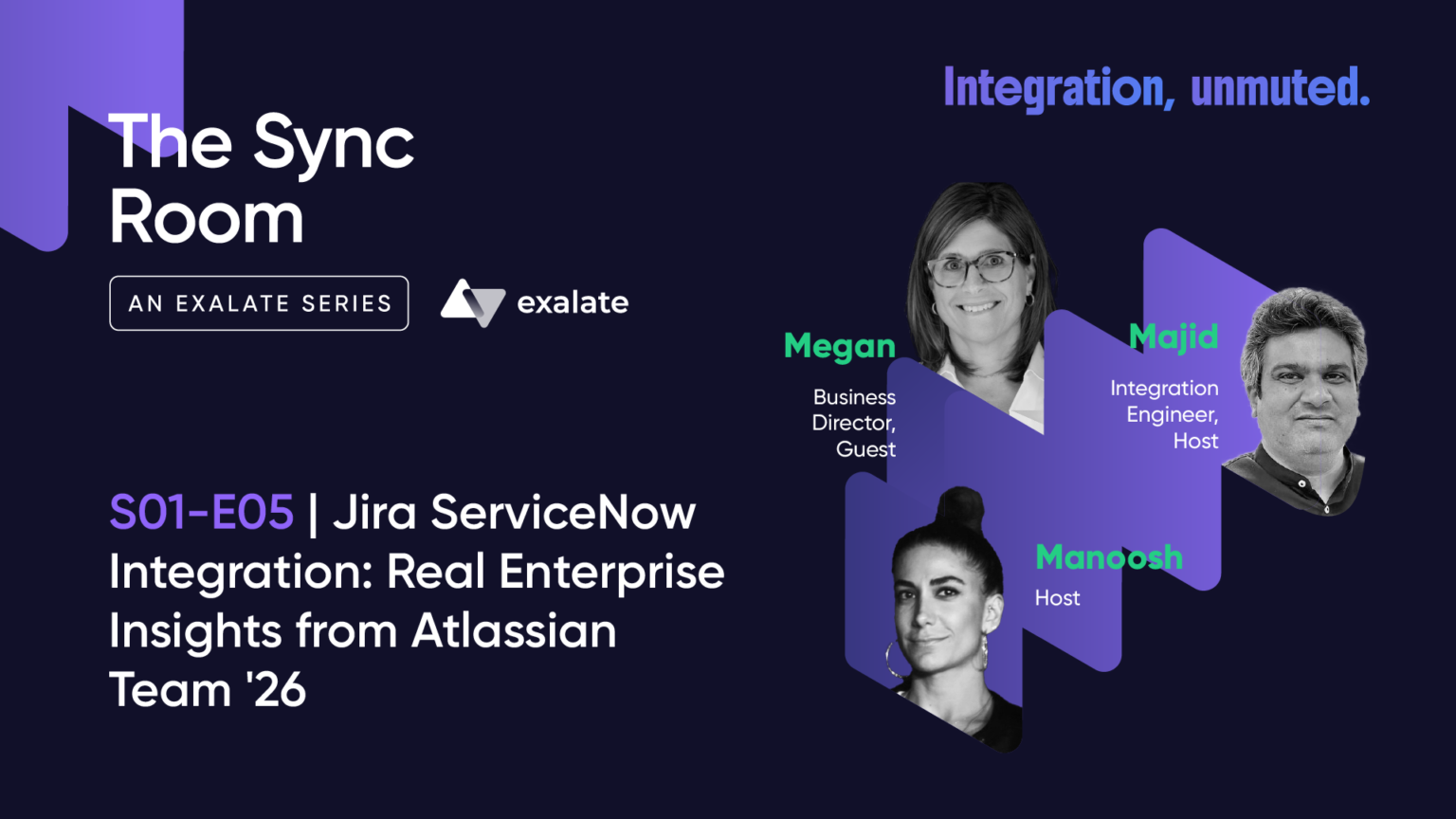
This recap is based on a live Sync Room webinar with real Q&A from the audience.
What’s the biggest blocker to enterprise AI adoption on Atlassian right now? It isn’t model quality. It’s disconnected data. That was the throughline of our latest Sync Room webinar, recorded after Atlassian Team ’26 in Anaheim, where my co-hosts Manoosh Majdzadeh and Megan Floyd and I unpacked what we heard on the expo floor about Jira and ServiceNow integration.
We’d done an entire previous episode on the support-to-dev escalation problem in general terms. This time we wanted to go narrower: specifically what enterprises running ServiceNow alongside Jira or Jira Service Management are actually struggling with, and why three days of conversations at a booth told us more than the keynote stage did.
What Did Atlassian Announce at Team ’26 That’s Relevant Here?
Atlassian leaned heavily into Rovo and the Teamwork Graph, positioning AI agents that can reach into an organization’s full institutional memory, every plan, document, and decision, and act on it. Mike Cannon-Brookes called this the company’s real moat.
The catch is straightforward: a graph is only as smart as the data it can reach. For most enterprises we spoke to at the booth, that institutional memory isn’t sitting in one place. A meaningful chunk lives in Jira. Another chunk lives in ServiceNow, entirely outside the Atlassian ecosystem. The AI moat only materializes once those two systems are actually talking to each other. Until then, Rovo is reasoning over half the picture.
Why Do Enterprises Need Jira and ServiceNow to Talk to Each Other?
We saw significant interest specifically in connecting service teams with development teams, and ServiceNow-to-Jira was the pairing that came up again and again. Four distinct patterns kept surfacing in booth conversations:
1. The ITSM-to-Dev Handoff
Anything that starts on the ITSM side and needs engineering to fix it- incidents, customer-reported bugs, service requests- opens a ticket in ServiceNow. But the people who can actually resolve it live in Jira. Someone has to bridge that gap manually: copying the ticket across, chasing updates in Slack, keeping both sides in sync by hand.
P1s make this painful fastest because the clock is running and customers are watching. Lower-severity tickets have the same gap; it just bleeds out more slowly. Either way, you end up with two tickets that were never really synced and a stale status on the ITSM side, and good luck reconstructing what actually happened once you go looking.
2. Change Management and CAB Approvals
ServiceNow typically owns the Change Advisory Board (CAB) process, while Jira tracks the actual development work. Without a sync, you have CAB approvals on one side and dev tasks on the other, entirely disconnected. There’s no audit trail showing they ever spoke, and compliance teams are not fans of that gap. We’ve written before about how this specific pattern gets configured between Jira and ServiceNow, if you want the field-level detail.
3. Layered Support: ServiceNow and JSM
A lot of enterprises run ServiceNow as the front line for customer-facing tickets and incidents, while internal IT and infrastructure teams work in Jira Service Management, sitting next to the Jira Software boards engineering already uses. The problem is that ServiceNow and JSM are two separate ITSM platforms with their own queues, SLAs, and accountability structures. When a ticket escalates from one to the other, it needs to happen in real time, carry the relevant context, hit the correct board and routing rule, and stay visible on both sides. That’s a lot of moving parts to get right manually.
4. Cross-Company Collaboration
This pattern surprised us the most. A company running ServiceNow needs to work with a client or vendor running Jira, and neither side wants to (or should have to) change their tooling. A contractor managing work in Jira, for example, might need to report progress to a client whose ITSM platform is ServiceNow. Integration is the only realistic path, and it has to handle field mapping, comment sync, and status updates in both directions without either team needing access to the other’s system.
How Are Enterprises Trying to Solve This Today?
We saw the full spectrum at the booth:
- Manual handling: emails, copy-paste, Slack DMs between two people
- Spreadsheets, reconciled daily, mainly to preserve some kind of audit trail
- Generic iPaaS platforms, which usually hit a wall because ITSM-specific concepts like CAB approvals or SLA clocks don’t map cleanly to a generic field-mapper
- Custom builds via systems integrators, which work until the SI leaves and maintenance falls back on an internal team that wasn’t part of the original build
Two conversations stuck with us because they sat at opposite ends of that spectrum. A team out of Detroit had built their own ServiceNow-to-Jira integration entirely in-house. On paper, a clean win: strong engineering team, deep knowledge of both systems, shipped and working. But after eight or nine months in production, the maintenance had grown to the point where it was consuming more value than it delivered. Every API change, every workflow update, every new field someone wanted mapped meant going back into the code. Engineering time that should have gone to product was getting absorbed just keeping the integration alive.
At the other extreme, a massive enterprise told Megan they’d skipped building anything entirely. They’re still handling ServiceNow-to-Jira handoffs manually, with a person on each side acting as human middleware. In 2026.
Neither approach is a niche edge case. This is a structural issue, built into how large enterprises adopt tools by department or under legacy mandates.
What Does a Working ServiceNow-Jira Bridge Actually Look Like?
During the session, I walked through a live demo of the Change Management pattern we recently implemented for a client. A Change Request gets created in ServiceNow and moves through its normal lifecycle: assessment, CAB approval, the usual governance steps. The moment it hits the Scheduled state, meaning CAB has signed off and it’s cleared for engineering, a Jira ticket appears automatically on the engineering board, fully populated with the context the team needs.
Three things matter most in that flow:
- Automated trigger — the handoff happens the instant the change is approved, no manual ticket creation
- Bidirectional status sync — when the Jira team updates a status, marks it in progress, adds a comment, that change flows back to ServiceNow in real time, so the CAB side has visibility without needing access to Jira
- Full audit trail — every change, including who made it and when, is logged on both sides. Auditors can trace the entire history of a change request across both systems
There’s no AI in the middle here and no black box. It’s a sync layer doing the unglamorous work of keeping two systems honest with each other, field by field, comment by comment, state by state. Which is exactly why it works.
Audience Q&A: What People Actually Asked
Can this sync work for tickets that already exist? Yes, via two separate functions. Bulk Exalate is for syncing a defined subset of tickets going forward, useful when you want a batch of, say, 100 tickets to start syncing now. Bulk Connect is for hooking up tickets that already exist independently on both sides, linking pre-existing records rather than creating new ones.
Does this support ServiceNow CMDB-to-Assets mapping? CMDB is just another table in ServiceNow, and we support reading from any table, including CMDB, as long as the proxy user has the correct permissions. The Assets side is trickier: Atlassian’s Assets API is a separate API from the core Jira API and requires its own authentication. It’s been done as a one-directional use case (reading from CMDB into Assets), but how far you can take it depends on the specific setup.
What’s the average time to get this running, excluding commercials? On the Jira side, setup is highly automated. On ServiceNow, you need a proxy account (a service account with the right permissions), and the rest is configuration. With AI-assisted scripting now part of the workflow, implementation timelines have come down meaningfully compared to a few years ago. Most engagements start with a structured evaluation period to validate the fit before any commercial conversation.
The Takeaway for Atlassian Teams Running ServiceNow Alongside Jira
The disconnect tends to show up in one of four ways: painful P1 ITSM-to-dev handoffs, CAB approvals disconnected from the development work they’re meant to govern, escalations between internal JSM teams and a broader ServiceNow platform, or cross-company collaboration with external vendors or clients.
You don’t need to force anyone onto a new tool, rely on human middleware, or drain engineering hours maintaining custom plumbing to solve any of these. Teams can stay in the platforms they already use, ServiceNow on one side, Jira or JSM on the other, and connect them with a sync layer built specifically for these ITSM concepts rather than a generic field-mapper.
If any of these four patterns sound familiar, or you’re dealing with something more exotic that didn’t fit neatly into them, I’d genuinely like to hear about it in the comments. For teams that want to see how this kind of integration is configured in Jira specifically, you can start the free trial for Exalate here. If you want to dig into your specific setup or talk through an edge case in more depth, I’m happy to continue that conversation directly. Just drop a note in the comments or reach out, and we can find time to walk through it together.