
flexible two-way sync
Asana Zendesk Integration
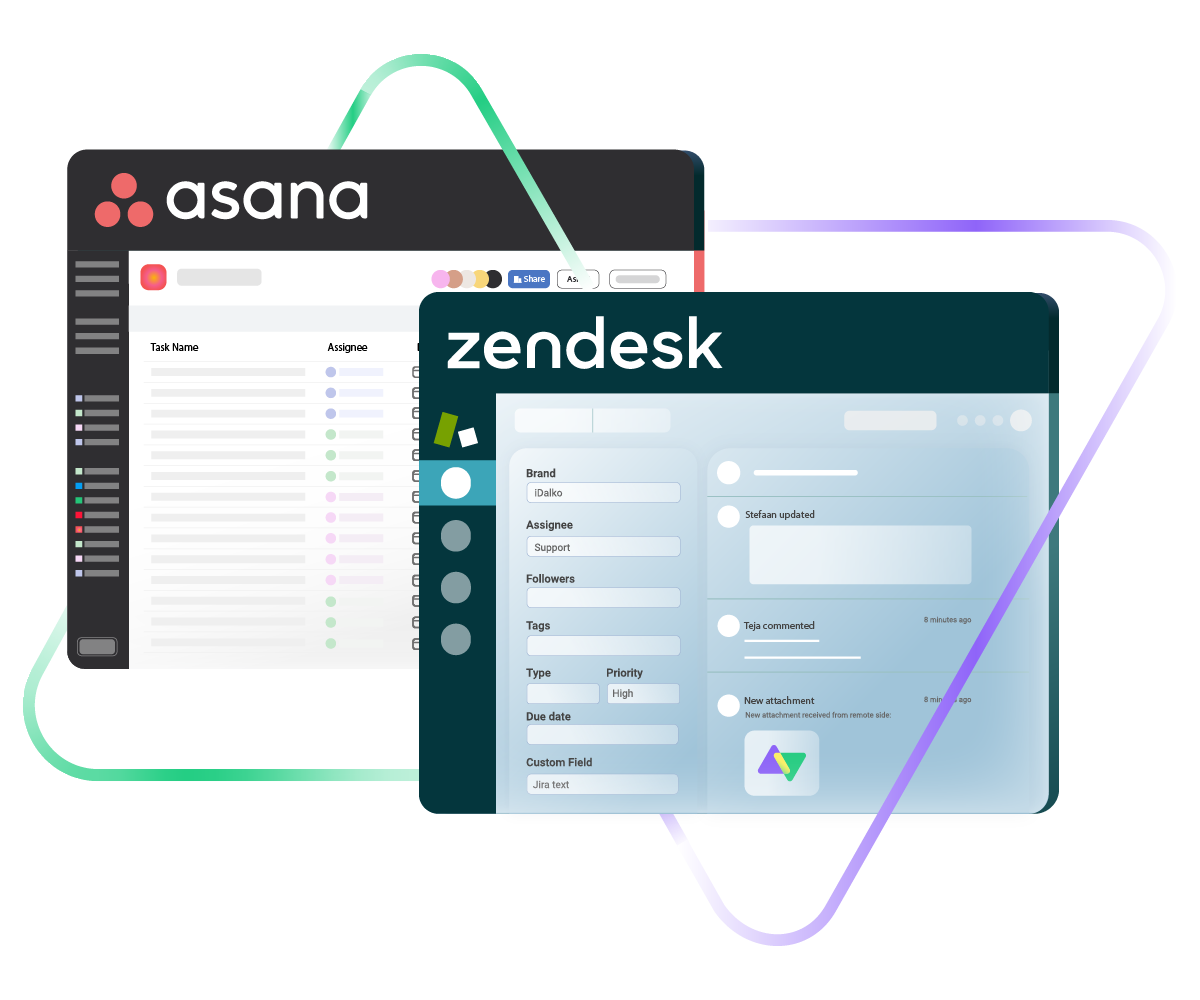
Connect Asana and Zendesk to close the loop between project management and customer support. Keep both platforms talking to each other in real time so your teams can collaborate without switching tools or copying data around.
Turn Zendesk tickets into actionable Asana tasks and push project updates back to support agents, all without the back-and-forth.
Sync id, subject, description, type...
sync assignee, submitter, requester...
sync attachments, custom fields...
sync tags, priority, due sate, status...
Sync summary, description, labels...
Sync status, priority, attachments,
Sync phone, notes, custom fields, custom keys...







Asana to Zendesk Sync
Keep Support and Project Teams on the Same Page
Let your support and project teams work from the tools they already know while staying fully connected. Build a customizable, real-time Asana to Zendesk integration that fits the way your teams actually operate.
Automatically turn Zendesk tickets into Asana tasks so engineering or product teams can act on customer issues right away.
Link multiple Zendesk tickets to a single Asana task when several customers report the same underlying problem.
Choose between one-way or two-way real-time syncs based on how your teams need information to flow.
Push status and field updates between Asana tasks and Zendesk tickets so nobody has to chase down progress manually.
Cut out repetitive copy-paste work by automating the entire sync process.
Eliminate information gaps between support and project management by keeping both platforms updated with the same data.
Asana to Zendesk: Collaboration That Doesn't Cut Corners
Control exactly which information travels between Asana and Zendesk and what stays put. Map default and custom fields on both sides so each team gets the context they need without the noise they don’t.

Asana
Enterprise supported
Tickets
All fields are supported, including:
- Custom fields
- Key
- Summary
- Description
- Asignee
- Reporter
- Status
- Attachment
- Label
- Due
- Comments
Tickets
All fields are supported, including:
- Custom Fields
- Key
- Summary
- Description
- Status
- Assignee

Zendesk
Tickets
+10 fields are supported, including:
- Custom fields
- Attachment
- Description
- Assignee
- Comment
- Priority
- State
- Request
- Problem
- Type

Exalate is stable, flexible, customizable, and pretty easy to set up and use.
ALEXANDER SINNO
“
Exalate is stable, flexible, customizable, and pretty easy to set up and use.
ALEXANDER SINNO
Get the Most Out of Your Integration
Sync in Real-Time
Two-way, real-time sync between platforms. Updates flow automatically. No manual exports, no delays.

Connect Any Number of Instances
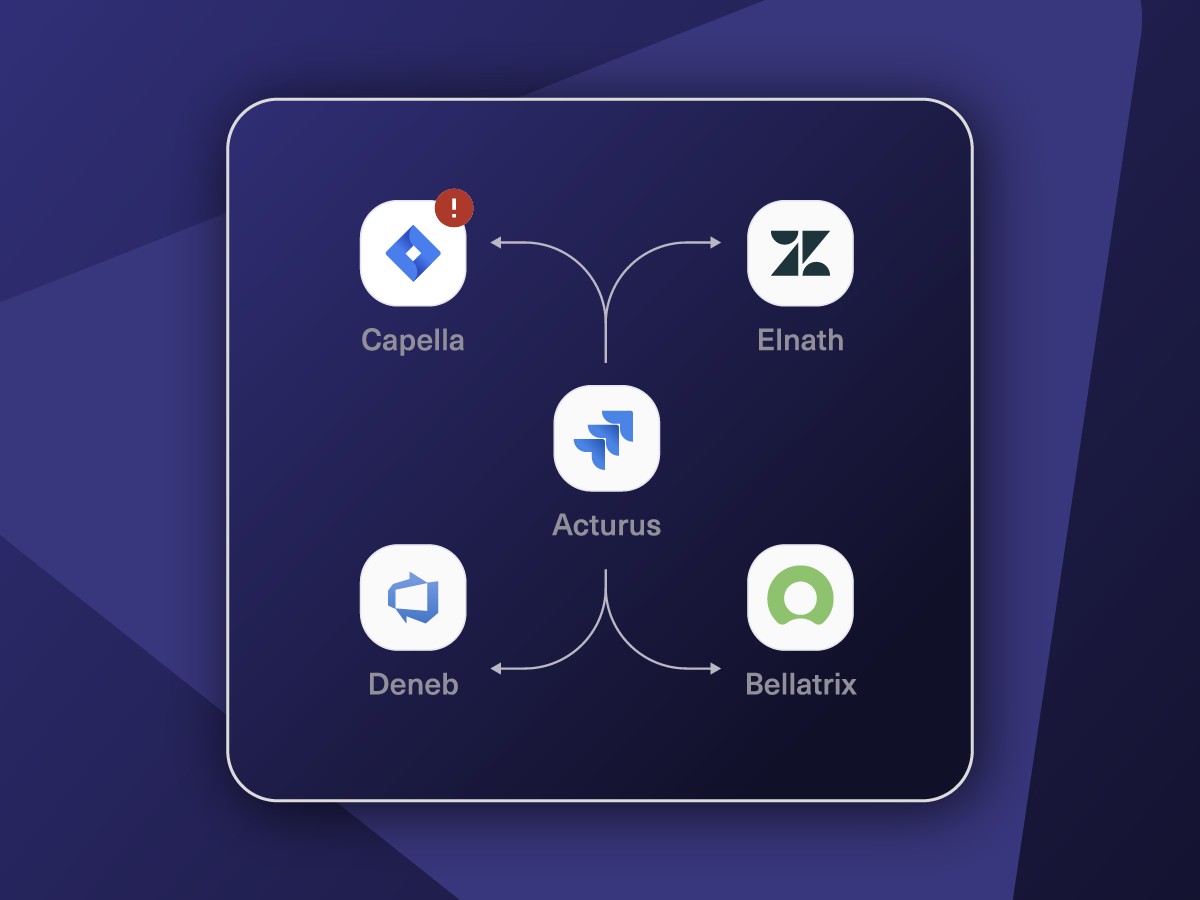
Connect multiple projects, instances, and platforms. Use different rules for each connection.

Know What Failed and Why
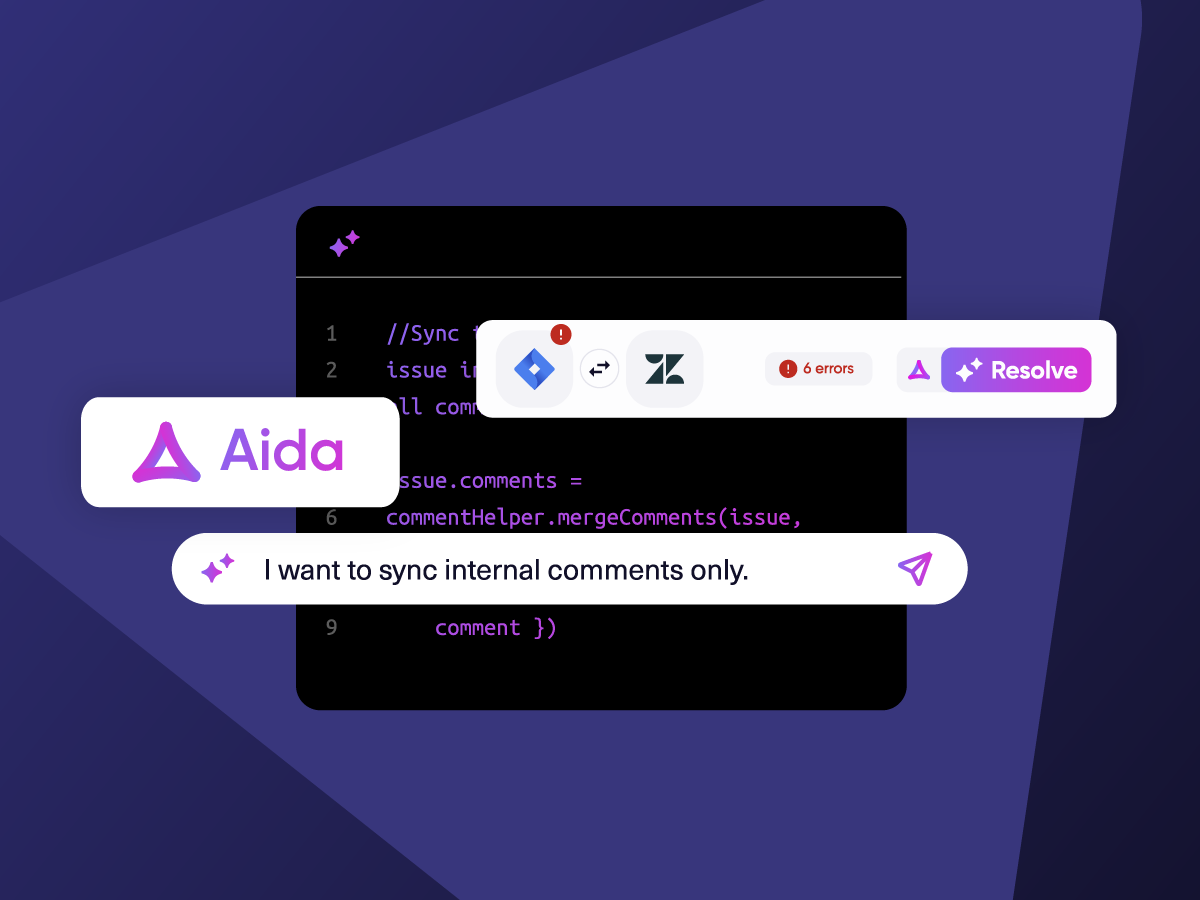
Get AI-powered recommendations for resolving the issue, including possible fixes and next steps.

AI Assisted SetUp
Describe your integration goal. Aida reviews your sync rules and connector type, then suggests script changes

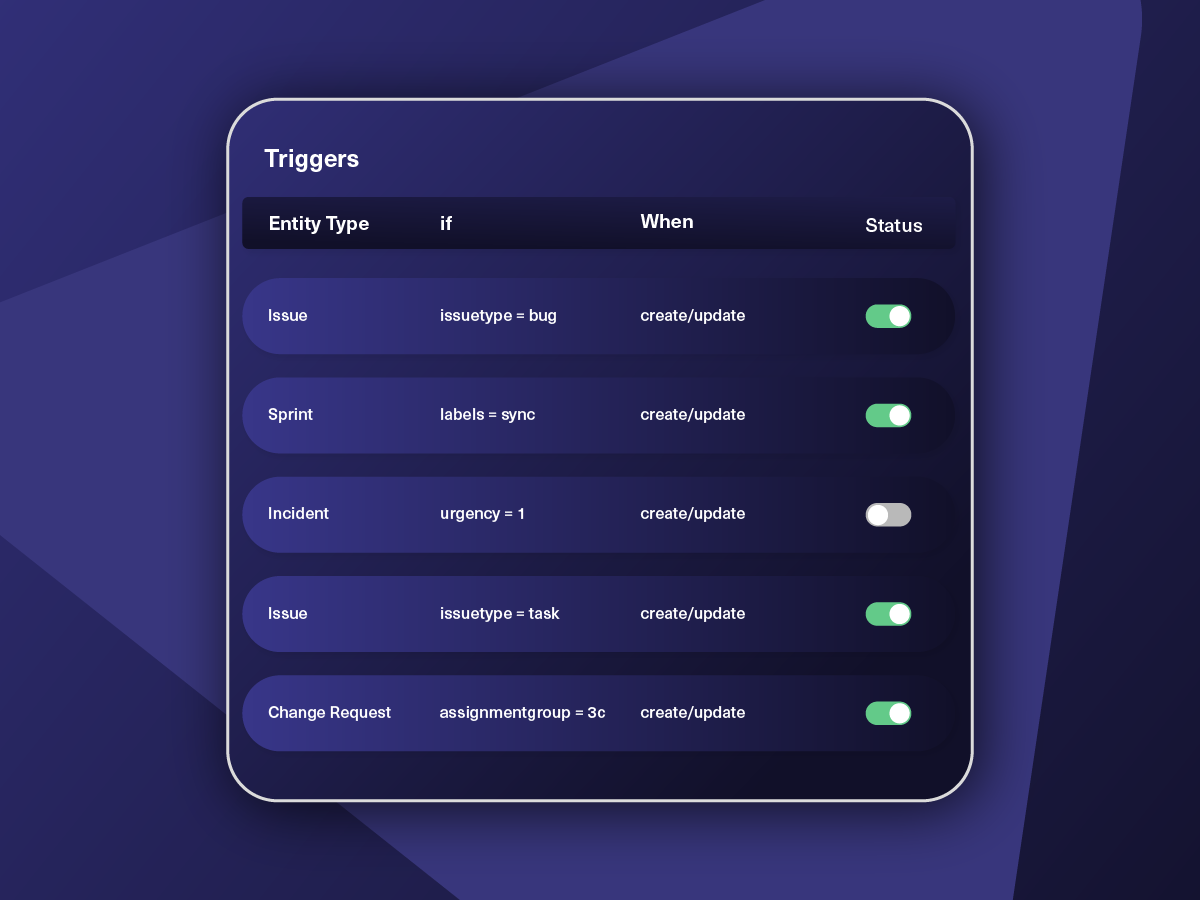
Only Sync What Matches
Set various conditions for automatic synchronization.


Sync Visibility, Right Where You Work
Check the real-time status of your active syncs, spot failures, and trigger a manual push. All from a browser extension, without opening the Exalate console.

How it Works
Connect
Easily connect multiple projects, instances, and platforms. With local, or external partners.
Customize
Set your sync rules to make sure the right data is shared.
Prompt Exalate’s AI to generate rules, or fine-tune with Groovy-based custom mappings and logic for complete control.
Automate
Set triggers to automate your sync based on specific conditions.
Synchronize
Now your connected instances will exchange information automatically. Happy syncing!
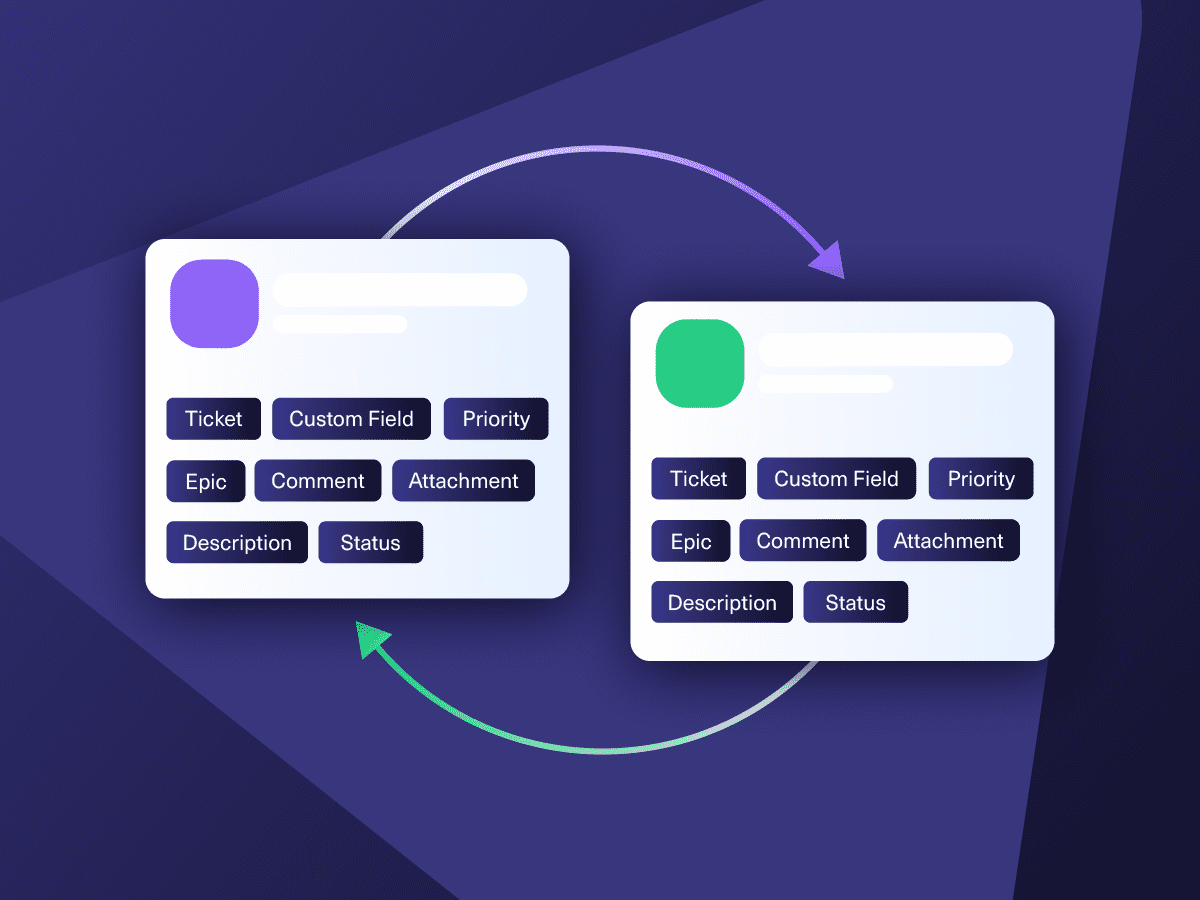
Straightforward to Advanced Asana to Zendesk Integration Use Cases
Start with basic field mappings and scale into more complex scenarios using AI-powered scripting as your workflows get more demanding.
Route Customer Issues From Zendesk to Asana for Resolution
When support agents identify a bug or feature gap in Zendesk, the ticket can automatically create a task in Asana for the right project team. All the key details (description, priority, attachments, and inline images) carry over, so the receiving team has everything they need from the jump. No context gets lost between support and engineering.
Keep Customers Updated as Tasks Progress in Asana
Once an Asana task linked to a Zendesk ticket gets updated (status change, new comment, resolution), those updates flow back to Zendesk automatically. Support agents see real-time progress without pinging the dev team, and customers get faster, more accurate responses about when their issue will be fixed.
Roll Up Multiple Zendesk Tickets Into a Single Asana Project
When several customers report the same bug or clients submit support tickets through Zendesk, those issues can be pushed to your internal Asana workspace for investigation and tracking. Each side keeps independent control over its own sync rules and data, so nothing leaks between external clients and internal teams.
Give Support Full Visibility Into Project Timelines
Link Zendesk tickets to existing Asana tasks so support agents can see where a fix or feature sits in the development pipeline. This way, agents give customers accurate timelines instead of vague "we're working on it" responses. Both teams see the full picture without leaving their own tool.
Sync Zendesk Requests That Need Cross-Team Action
Some support tickets require input from product, engineering, or ops teams working in Asana. Automatically route those tickets to the right Asana project so the appropriate team picks them up. Over time, this surfaces patterns in customer requests that can inform product decisions.
Build Multi-Tool Workflows Around Asana and Zendesk
Use the Asana-Zendesk sync as one piece of a larger workflow. For example, a Zendesk ticket creates an Asana task, which then triggers an Azure DevOps work item for the dev team. Status updates ripple across all connected tools, so every stakeholder stays informed without extra effort.

We can now handle around 500 customer incidents per week, thanks to Exalate, which is a very good result regarding the number of products we’re dealing with. It synchronizes 45x faster than our previous solution.
Christof Cuyper
“
We can now handle around 500 customer incidents per week, thanks to Exalate, which is a very good result regarding the number of products we’re dealing with. It synchronizes 45x faster than our previous solution.
Christof Cuyper |
priority support
When Something Breaks, You Have a Team, Not a Ticket Queue
Priority Support includes dedicated support with faster SLAs, direct escalation paths, and people who already know your environment before an issue ever surfaces.
A dedicated support engineer
24/7 support for critical issues
Direct contact via Slack/Teams
Faster response times
FAQ
Answers to the most frequent questions.
Didn't find what you were looking for? Ask Aida
It bridges the gap between customer-facing support and internal project execution. When tickets and tasks stay in sync, support agents don’t have to hunt down developers for status updates, and project teams don’t miss critical customer context. Resolution times drop because both sides have the information they need the moment it’s available. It’s particularly valuable for companies where support and product/engineering teams operate in separate tools but need tight coordination.
Sign up at exalate.app, then connect your Asana and Zendesk instances. Configure your sync rules using Aida (the AI assistant) to generate scripts based on what you need, or write them yourself. Add triggers to control when and how items sync. Once configured, data flows between both platforms automatically in real time.
Exalate supports all default and custom fields across both platforms. On the Zendesk side, that includes subject, description, status, priority, tags, attachments, comments, and organization info. On the Asana side, you get task name, description, assignee, due date, custom fields, attachments, and comments. Anything exposed through each platform’s API is syncable. If you need a specific mapping or custom configuration, Exalate’s engineers can handle it through their managed services.
Yes. You can set up one-way, two-way, or multi-directional real-time syncs between Asana and Zendesk. One-way pushes data in a single direction (say, Zendesk tickets to Asana tasks). Two-way keeps both platforms updated simultaneously. You can also run migration workflows to move historical data. The sync direction and scope are entirely up to you.
Yes. When multiple customers report the same issue, you can funnel all those Zendesk tickets into one Asana task. This is especially useful for tracking widespread bugs or popular feature requests without creating duplicate work. Each side retains full control over their sync rules, field mappings, and data privacy.
Authentication uses JWT-based access tokens, and role-based access controls govern who can configure and view sync rules. All data in transit is secured with HTTPS using TLS 1.2 and 1.3, and data at rest is encrypted as well. The platform holds ISO 27001certification. Full details are available at the Exalate Trust Center.
Native options are quite limited when it comes to deep, bidirectional syncing between Asana and Zendesk. They typically don’t support automatic two-way updates, can’t consolidate multiple tickets into one task, and lack conditional logic or custom field transformations for complex workflows. If you need advanced routing, multi-tool workflows, or granular control over what syncs and when, a dedicated integration tool like Exalate offers significantly more flexibility.
Yes. Exalate handles full custom field mapping between both platforms. That covers dropdowns, text fields, checkboxes, date fields, and anything available through each platform’s API. Aida can help set up field transformations automatically, or you can write custom scripts for more advanced mappings, including data type conversions and conditional logic based on ticket or task properties.
Exalate uses outcome-based pricing, so you pay for active sync pairs (items currently being synced) rather than per user or API call. There are Starter, Pro, and Enterprise tiers based on sync volume. Each integration connection requires its own plan. Start with a 30-day free trial to test things out before committing. Full details are on the pricing page.
Yes. Exalate supports multi-tenant setups, so you can connect multiple Asana workspaces and Zendesk instances while keeping data fully isolated between clients. Central teams get a unified view, but each client’s information stays completely separate. It works well for managed service providers or agencies that need to coordinate work across client organizations without mixing data or losing control over individual sync configurations.
Basic integrations can be configured in under an hour. Register at exalate.app, connect both systems, and use Aida to help write sync rules from plain-language descriptions. Complex integrations with custom field mappings, conditional logic, and multi-party connections may take longer to configure properly. For organizations that prefer expert assistance, Exalate offers managed services where integration engineers handle setup and ongoing optimization: https://exalate.com/managed-services/
Yes. Exalate supports advanced conditional logic for fine-grained control over what syncs and when. For example, you could sync only Zendesk tickets tagged “escalation” or trigger a sync only when an Asana task moves to a specific section. You define the conditions, field mapping behavior, and custom workflows for each scenario. This keeps data flow focused on what matters and cuts out unnecessary noise.