
flexible two-way sync
Freshservice Freshservice Integration
Sync two Freshservice instances to bridge the gap between separate IT teams, departments, or organizations. Enable real-time collaboration and seamless ticket exchange without anyone leaving their own workspace.
Map incidents and service requests across Freshservice environments for streamlined service delivery and faster resolution times.
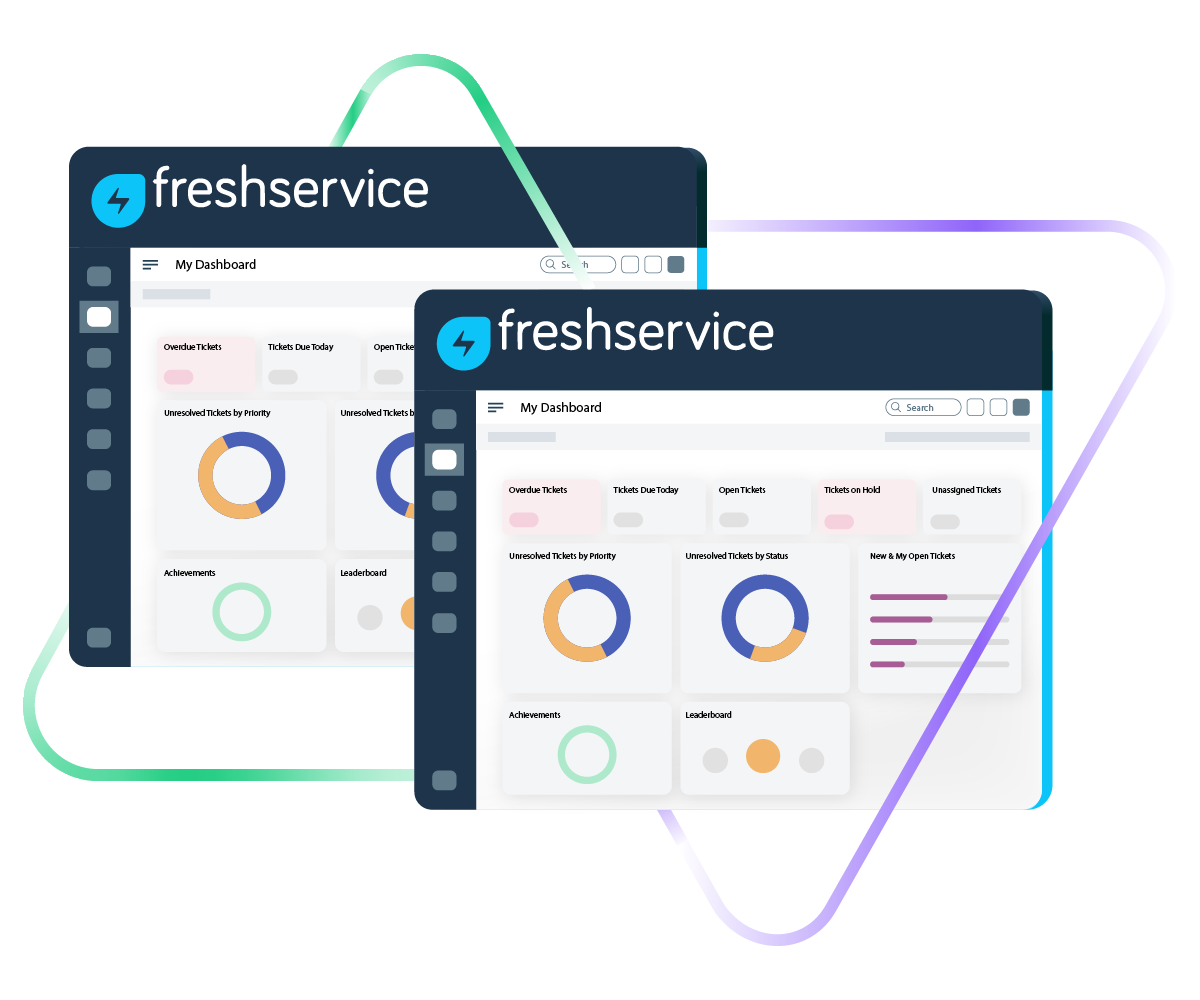
Sync summary, description, status, priority...
sync label, attachments, notes...
sync custom fields, custom keys....
Sync summary, description, labels...
Sync status, priority, attachments,
Sync phone, notes, custom fields, custom keys...









Freshservice to Freshservice Sync
Aligned IT Operations Across Teams
Give every team the information they need, right inside their own Freshservice instance. Set up a fully customizable, real-time Freshservice to Freshservice integration for syncs with internal departments, business units, or external partners.
Instantly mirror Freshservice incidents across instances for quicker triage and resolution.
Pick between real-time one-way or two-way syncs depending on what your workflow needs.
Sync incident and service request updates across IT teams so everyone stays in the loop.
Automate the sync process so your teams spend less time on manual data entry.
Break down data silos and get a unified view of incidents and service requests across both Freshservice instances.
Link multiple incidents from one instance to a single incident in another.
Freshservice to Freshservice: IT Collaboration Without Compromise
Decide exactly what gets shared between your two Freshservice instances and what stays private. Map both default and custom ticket fields so each side gets the right context.

Freshservice
Tickets
All fields are supported, including:
- Custom fields
- Custom keys
- Summary
- Description
- Status
- Attachment
- Label
- Priority
- Notes
Check the full list of supported fields for Freshservice

We can now handle around 500 customer incidents per week, thanks to Exalate, which is a very good result regarding the number of products we’re dealing with. It synchronizes 45x faster than our previous solution.
Christof Cuyper
“
We can now handle around 500 customer incidents per week, thanks to Exalate, which is a very good result regarding the number of products we’re dealing with. It synchronizes 45x faster than our previous solution.
Christof Cuyper |
Get the Most Out of Your Integration
Sync in Real-Time
Two-way, real-time sync between platforms. Updates flow automatically. No manual exports, no delays.

Connect Any Number of Instances
Connect multiple projects, instances, and platforms. Use different rules for each connection.

Know What Failed and Why
Get AI-powered recommendations for resolving the issue, including possible fixes and next steps.

AI Assisted SetUp
Describe your integration goal. Aida reviews your sync rules and connector type, then suggests script changes

Only Sync What Matches
Set various conditions for automatic synchronization.


Sync Visibility, Right Where You Work
Check the real-time status of your active syncs, spot failures, and trigger a manual push. All from a browser extension, without opening the Exalate console.

Simple to Advanced Freshservice to Freshservice Integration Use Cases
Start with straightforward field mappings. As your needs grow, scale up with AI-powered scripting for more complex scenarios.
Escalate Incidents Between Freshservice Instances
Automatically escalate incidents from one Freshservice instance to another. This creates a clear pipeline for sharing information between separate IT teams, say, a regional helpdesk and a centralized infrastructure team. All relevant data (description, title, priority, etc.) plus attachments and inline images come along for the ride, so the receiving team has full context from the start.
Speed Up Ticket Resolution Across Teams
When an incident lands in one Freshservice instance, it can automatically trigger a corresponding incident in the other. Status updates flow back and forth in real time, which means both teams can prioritize together and the person who raised the issue doesn't get left in the dark. No more chasing updates across systems.
Consolidate Multiple Related Incidents Into One
Map and escalate multiple related incidents from one Freshservice instance into a single incident on the other side. This is especially handy for post-release or post-deployment situations where your central IT team needs a clear picture of how widespread an issue is without hunting through individual tickets.
Get a Complete View of Incidents Across Instances
When an incident in one Freshservice environment is tied to a known issue in another, linking them gives both teams full visibility into the scope of the problem. This way, nothing falls through the cracks between departments or organizations.
Sync Service Requests Across IT Teams
Route service requests that need attention from another IT team to the right Freshservice instance automatically. Over time, this helps identify recurring patterns and systemic issues that might need a bigger fix.
Streamline ITSM Workflows Across Multiple Tools
Sync tickets between two Freshservice instances as part of a broader, multi-tool ITSM workflow. For example, escalate incidents from a partner's Freshservice to your own, and then loop in developers working in Jira when needed. Everyone stays informed throughout the process.
Enable MSP Cross-Client Incident Management
When different clients or partners report incidents through their own Freshservice environments, those tickets can be escalated to the MSP's central Freshservice instance for investigation. This keeps incident management coordinated across organizations while giving each party transparent updates throughout the resolution process.

Exalate is stable, flexible, customizable, and pretty easy to set up and use.
ALEXANDER SINNO
“
Exalate is stable, flexible, customizable, and pretty easy to set up and use.
ALEXANDER SINNO
Set up, Customize, Sync!
01
connect
Connect the tools you want to integrate. Just add the instance’s URL.
02
customize
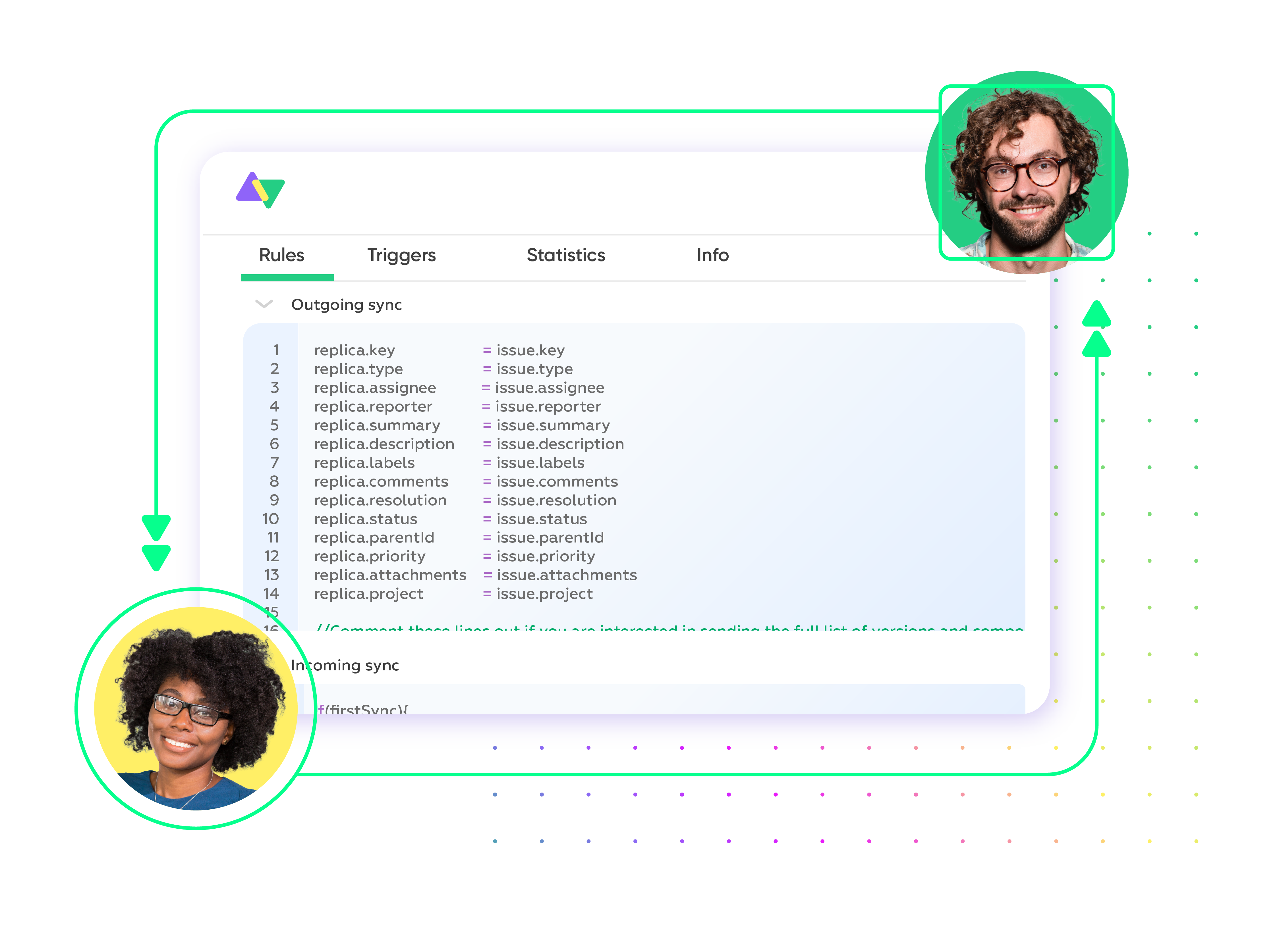
Configure your sync rules to make sure the right data is shared. Prompt the sync rules with Aida AI, or write your scripts from scratch.
03
automate
Set conditions with triggers, for an automatic synchronization.
04
synchronize
Now your instances are connected and will automatically exchange information instantly. Happy syncing!
See it in action
Always at Your Service
Get timely assistance from the best support technicians in the business. Relax as we help you solve every sync-related issue and more.
FAQ
Answers to the most frequent questions.
Didn't find what you were looking for? Ask Aida
Exalate handles all default and custom fields between Freshservice instances. That includes summary, description, status, priority, urgency, attachments, notes, labels, and comments. Anything accessible through the Freshservice REST API is fair game. Common ticket types that sync include incidents, service requests, and changes. If you need a specific field mapping or custom entity configured, Exalate’s engineers can set that up through their managed services.
It connects IT teams working in separate Freshservice environments so they can resolve issues faster. Real-time sync means both sides see ticket updates the moment they happen, no more copying data manually or toggling between instances. Each team gets full incident context automatically, which cuts down resolution times and improves coordination. It’s especially useful for organizations with distributed IT departments, MSPs, or companies collaborating with external partners.
Sign up at exalate.app, then connect both Freshservice instances. Set your sync rules using Aida (the AI assistant) to generate scripts based on what you need, or write custom rules yourself. Add triggers to automate when and how tickets sync. Once that’s done, data flows between both instances automatically and in real time.
Yes. Exalate supports one-way, two-way, and multi-directional real-time synchronization between Freshservice instances. You set the sync direction based on your workflow. One-way pushes data in a single direction; two-way keeps both instances updated automatically. You can also run migration workflows if you need to move historical data between instances. All of it happens in real time, and you have full control over which fields and tickets sync.
Yes. You can link multiple incidents from one Freshservice instance to a single incident in another. This is great for MSP setups or any scenario where several related tickets need to roll up into one consolidated view. Each organization keeps independent control over their sync rules, field mappings, and data privacy, so there’s no risk of data leaking between clients or departments.
Exalate uses enterprise-grade security, including JWT access tokens, role-based access controls, HTTPS with TLS 1.2 and 1.3, and multi-factor authentication. Data is encrypted both in transit and at rest. Exalate is ISO 27001:2022 certified and maintains a single-tenant architecture, meaning your data never mixes with other organizations. For detailed security documentation and compliance certifications, visit our Trust Center.
Native options within Freshservice are limited when it comes to syncing between two separate instances. They generally don’t support true bidirectional sync where changes automatically flow both ways, can’t consolidate multiple incidents into one, and lack the conditional logic or custom field transformations you’d need for complex workflows. If you’re running an MSP environment, managing multiple client instances, or need advanced customization, a dedicated tool like Exalate gives you significantly more flexibility.
Absolutely. Exalate supports full custom field mapping between Freshservice instances. That covers dropdown menus, text fields, checkboxes, date fields, and anything available through the REST API. Aida (the AI assistant) can help configure field transformations automatically, or you can write custom scripts for more complex mappings. This includes handling different field types, data transformations, and conditional mappings based on ticket properties.
Exalate uses outcome-based pricing, where you pay for active sync pairs (items currently being synced) rather than per transaction or user. Plans include Starter, Pro, and Enterprise tiers based on the number of active items in sync. Each integration (like Freshdesk to Freshservice) requires its own plan. You can estimate costs using our pricing calculator. Start with a 30-day free trial to test the integration before committing. For detailed pricing information, visit our pricing page.
Yes, Exalate is built for MSP environments and supports multi-tenant setups. You can connect multiple Freshservice instances, each representing a different client, while keeping data fully isolated between them. Central teams get unified visibility, but each client’s data stays completely separate. It’s a solid fit for managed service providers who need to sync IT service management across client organizations without compromising privacy or losing control over individual sync configurations.
Yes. Exalate supports advanced conditional logic so you can be selective about what syncs and when. For instance, you could set it to only sync incidents with “High” or “Urgent” priority, or trigger a sync only when the status changes to “Escalated.” You control when syncs start, how field mappings behave under different conditions, and which custom workflows apply to specific scenarios. This keeps data flow focused on what actually matters and avoids unnecessary noise.