
integration for Software & Product Development teams
Every Team Keeps Their Tools. Every Ticket Finds Its Home.
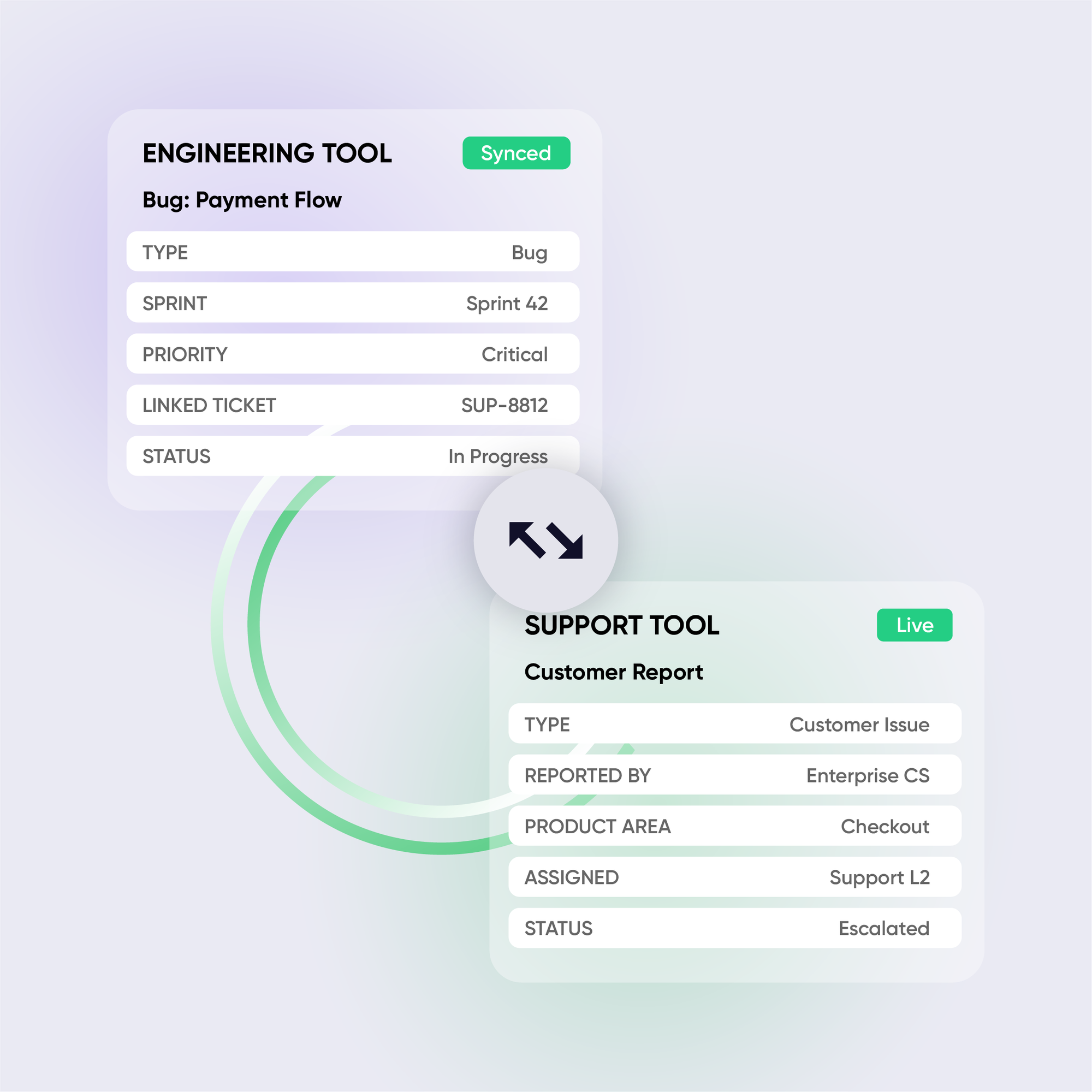
Exalate syncs tools in real time, bidirectionally. Engineering, QA, support, and product stay aligned without switching platforms or copying updates manually.
30% faster
cycle time on escalated issues
80+ hours/week
reclaimed from manual ticket updates
Ship projects faster
and with full customer context
Unified reporting
across all teams
The Reality of Multi-Tool Engineering
Your product lives in 5+ tools.
Your team’s context dies in the gaps between them.
When engineering, QA, support, and product management each use their preferred platform, integration becomes the invisible bottleneck.
Siloed Development Workflows
Engineering uses Azure DevOps. Product manages the backlog in Jira. QA tracks defects somewhere else. Nobody has the full picture without manually checking three dashboards.
Broken Escalation Loops
Support creates a ticket in JSM or Zendesk. It needs to reach the dev team in Jira or Azure DevOps with full context, attachments, and customer impact. Instead, someone copies and pastes. Details get lost. Priorities get wrong.
Cross-Company Blind Spots
You outsource QA, work with external vendors, or integrate with a partner team. Sharing work across company boundaries means VPNs, guest licenses, or endless email chains.
Sprint Visibility Gaps
Product managers can’t see real-time engineering progress. Developers are unaware of urgent customer issues. Standups become status updates instead of problem-solving sessions.
common use cases
How software teams use Exalate
Bug Escalation from Support to Engineering
Customer-reported bugs in Zendesk, JSM, or Freshdesk auto-create work items in Jira with full context: attachments, reproduction steps, and customer impact. Resolution updates flow back to support in real-time. Agents can update customers without pinging developers.
Cross-Team Sprint Synchronization
Product teams plan in Jira. Engineering executes in Azure DevOps. Status changes, comments, and priority updates sync bi-directionally. Product managers see real-time progress.
Cross-Company Development Collaboration
External vendors, outsourced dev teams, or acquired companies work in their own tools. Sync relevant items across company boundaries. Each side controls exactly what they share.
Customer Feature Request Pipeline
Feature requests from Salesforce auto-create items in the product backlog. As engineering prioritizes and ships, status updates flow back to the CRM, giving sales real-time visibility into the roadmap.
Multi-Instance Sync for Isolated Environment
Companies with separate Jira sites or projects for security, compliance, or post-acquisition reasons need to link and sync items across instances. Native Jira can’t do this across sites. Exalate bridges isolated Jira environments with full field mapping and independent control per side.
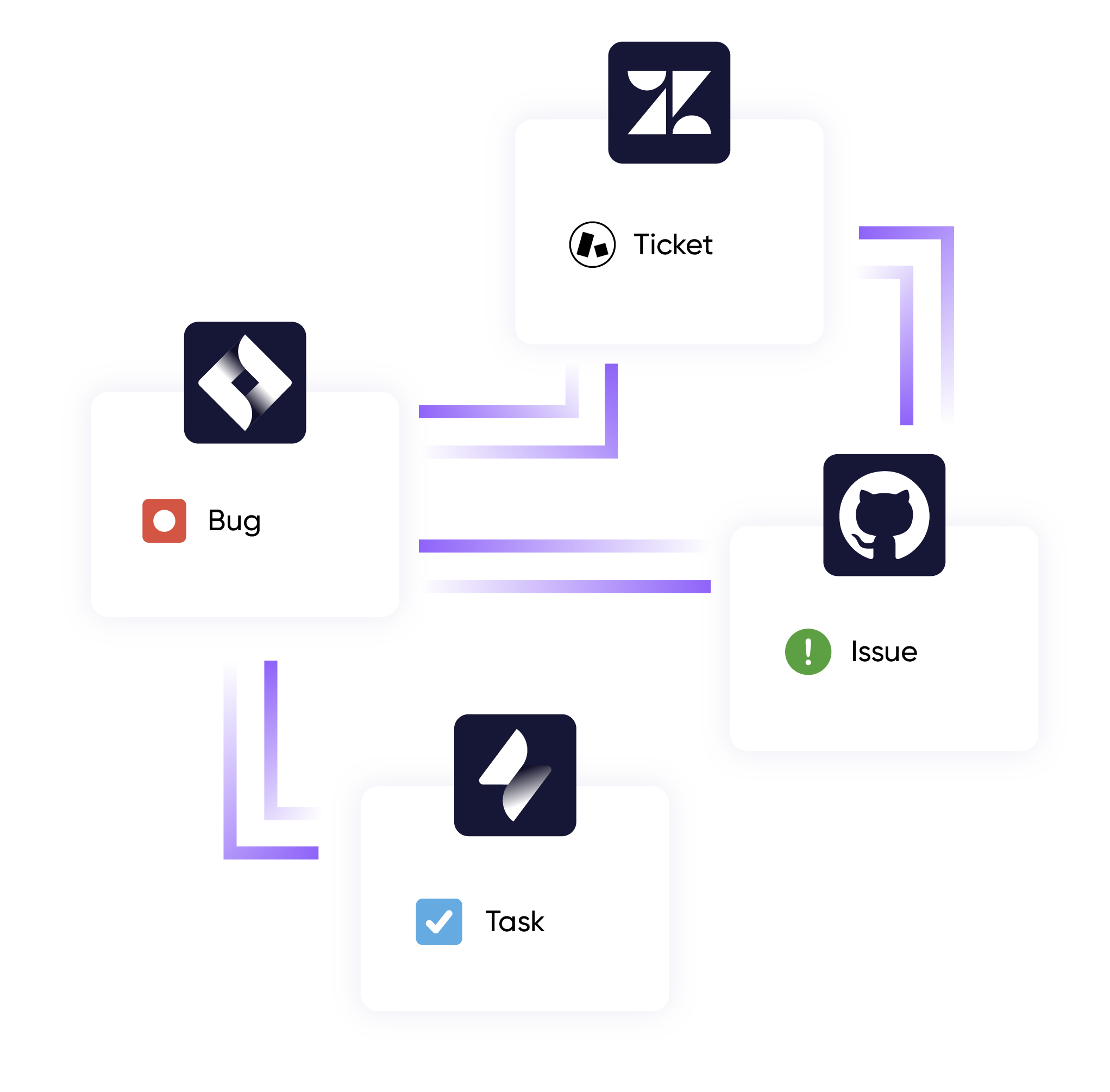
common integration pairs for software teams








"We needed to keep different teams synchronized across Jira instances and external partner tools. Exalate gave us the control and flexibility to do that without compromising security or autonomy."
Daniel Miks
Results
Traceability of the tickets and the workflow
Increased productivity resulting in customer satisfaction
Full control over what data crosses organizational boundaries
Turning a time-consuming process into efficiency

Why Exalate is
Secure by Design
- Single-tenant architecture – no shared infrastructure
- Encryption in transit and at rest
- Automatic recovery from outages
- ISO 27001:2022 certified
- 24/7 threat monitoring with SentinelOne

Get the Most Out of Your Integration
Sync in Real-Time
Two-way, real-time sync between platforms. Updates flow automatically. No manual exports, no delays.

Connect Any Number of Instances
Connect multiple projects, instances, and platforms. Use different rules for each connection.

Know What Failed and Why
Get AI-powered recommendations for resolving the issue, including possible fixes and next steps.

AI Assisted SetUp
Describe your integration goal. Aida reviews your sync rules and connector type, then suggests script changes

Only Sync What Matches
Set various conditions for automatic synchronization.


Sync Visibility, Right Where You Work
Check the real-time status of your active syncs, spot failures, and trigger a manual push. All from a browser extension, without opening the Exalate console.

the build vs buy decision
Making the Right Choice
DIY webhooks and API integrations seem cheap at first. But they don’t stay cheap:
- Race conditions causing data inconsistencies
- No bidirectional sync without significant engineering
- Breaks every time an API changes
- You become integration support, not client support
- Each new client = another custom build
Free tools work for basic one-way syncs. But when you need bidirectional sync, advanced field mapping, or to scale across multiple clients; they hit limits fast.
| Capability | Exalate | Native Connectors | iPaaS (Zapier) | DIY / Webhooks |
|---|---|---|---|---|
| True bidirectional sync | ✓Full Sync | Limited (mostly one-way) | Limited | Complex |
| Custom field mapping & transformations | ✓Advanced (script-based) | Basic | Template-based | Manual |
| Cross-company sync with data isolation | ✓Secure isolation | X | X | X |
| AI-assisted script configuration | ✓Aida AI | X | X | X |
| Handles complex conditional logic | ✓Native support | X | Limited | Your responsibility |
| Works across 10+ platforms | ✓Universal | 2-3 per connector | Broad but shallow | Case by case |
| Ongoing maintenance burden | Low (managed) | Low but limited | Medium | High |
See Exalate in Action
Let us show you how Exalate can fit your unique business needs.
trusted by clients worldwide






FAQ
Answers to the most frequent questions.
Didn't find what you were looking for? Ask Aida
When bugs and feature requests sync automatically between support tools (Zendesk, JSM) and engineering tools (Jira, Azure DevOps), developers get full customer context immediately, like reproduction steps, attachments, and urgency. No waiting for someone to copy-paste or explain in Slack. Resolution updates flow back automatically, eliminating the back-and-forth that adds days to every escalation. Teams using Exalate report up to 30% reduction in cycle time on escalated issues.
The official Atlassian connector provides one-way development visibility where you can see commits, branches, and deployments from Azure DevOps inside Jira work items. But it doesn’t sync work items bidirectionally, map custom fields, or handle complex conditional logic. Exalate provides true two-way sync: statuses, comments, attachments, custom fields, and any entity available via REST APIs with script-level control over what syncs and when.
Yes, this is where Exalate’s script-based engine stands out. The Groovy scripting engine can map and transform anything from custom issue types to complex approval workflows, cascading select fields, or calculated fields. And with Aida AI, you can describe what you need in plain language and get the sync script generated automatically.
Yes. Exalate supports star, chain, and mesh topologies, one central hub syncing to many endpoints, or many-to-many connections across projects and orgs. Template-based configuration means once you set up one connection, replicating it for additional projects takes minutes, not weeks.
Exalate uses outcome-based pricing where you pay based on active items in sync, not per-user or per-seat. This makes it predictable for teams scaling integrations across multiple projects and tools. Volume options are available for organizations with many active connections or integrations. Contact our team for a pricing model that matches your specific setup.
No. Exalate uses efficient webhook-based triggers and asynchronous processing. Updates typically sync in under 2 seconds. The platform doesn’t introduce noticeable latency to your Jira, Azure DevOps, or GitHub instances, even at high sync volumes.
Generic automation platforms handle one-directional triggers well: “when X happens, do Y.” But true bidirectional sync between development tools requires conflict resolution, complex field mapping, conditional logic, data transformation, and enterprise security. Exalate is purpose-built for these scenarios. It handles edge cases that break iPaaS tools: simultaneous updates on both sides, rich text formatting, nested custom fields, and cross-company data isolation.
It depends on your workflow complexity and the systems you want to sync, not team size. If you have a straightforward sync set up with tools like Jira, Zendesk, or GitHub, the starter plan can work for you. We offer pricing options that make sense for smaller teams with fewer active sync items.
The key is framing integration as a time and risk multiplier, not a tooling expense. Calculate the hours your team spends on manual updates weekly (typically 10–15+ hours for a mid-size team), multiply by the loaded hourly cost, and compare to Exalate’s annual price. Then add the cost of delayed customer escalations, SLA misses, and developer interruptions. We provide ROI worksheets and can join calls with leadership to help build the business case. Check our calculator