Exalate vs ScriptRunner
Which Integration Platform Is Right for Your Team?
Both tools provide two-way sync. ScriptRunner is only meant for Jira. Exalate supports a wider set of ITSM and work management platforms. Other differences are significant; we’ll cover them below.
Quick Comparison Table
| Feature | Exalate | ScriptRunner Connect |
|---|---|---|
| Platform Focus | Jira, ServiceNow, Salesforce, Azure DevOps, Zendesk, GitHub, Freshdesk, Freshservice, Asana, ManageEngine, TOPdesk, Ivanti, and more Broader ITSM coverage | Primarily Atlassian stack (Jira, Confluence, Bitbucket, Bamboo) plus 30+ connectors Atlassian-first |
| Primary Purpose | Bi-directional sync between ITSM, DevOps, and support tools with independent control on each side | Code-first integration and automation within the Atlassian ecosystem |
| Setup Approach | Register, connect, configure, sync guided console with AI assistance No dev required | Webhook listeners, JavaScript/TypeScript scripting, event-driven architecture Developer required |
| Cross-Company Sync | Core feature. Each party controls its own sync rules independently Purpose-built | Not purpose-built for cross-org scenarios. Central config exposes logic to both sides Not built for this |
| Error Handling | Deactivate without deleting, Test Run, timestamps, script versioning, Sync Panel Chrome extension Safe by default | Connections cannot be paused without full deletion Known limitation |
| AI Assistance | Aida: unlimited script generation, field mapping, in-context error diagnosis, and docs | AI assistant for error analysis; 100 credits/month (free), 1,000 credits/month (paid) Usage-capped |
| Custom Field Sync | Sync by field name or ID Flexible | Custom field ID required. Name not supported Extra lookup step |
| Deployment | Cloud, on-premise, and Docker Flexible | AWS public cloud only (private cloud on Enterprise) |
| Free Trial | 30-day free trial, all features included Self-serve | Free plan limited to 100 executions/month Execution-capped |
| Pricing Model | Outcome-based. Pay per active synced items Predictable | Flat fee per connector count; from $449/month for up to 4 connectors |
| Security Certifications | ISO 27001:2022, encryption in transit and at rest, SentinelOne endpoint protection | ISO 27001, SOC 2 Type 1, TISAX (automotive) More certs |
| Support | Free support and onboarding calls; Managed Services for hands-off implementation | Community forum; Mon to Fri 24h support on paid plans only |
| Best For | Teams syncing Jira with ServiceNow, Salesforce, Azure DevOps, or other systems, who need operational control, AI assistance, and predictable pricing | Developer teams embedded in the Atlassian ecosystem who want full code control and are comfortable with JavaScript/TypeScript throughout |
Customization

Exalate: Script-First with AI Assistance
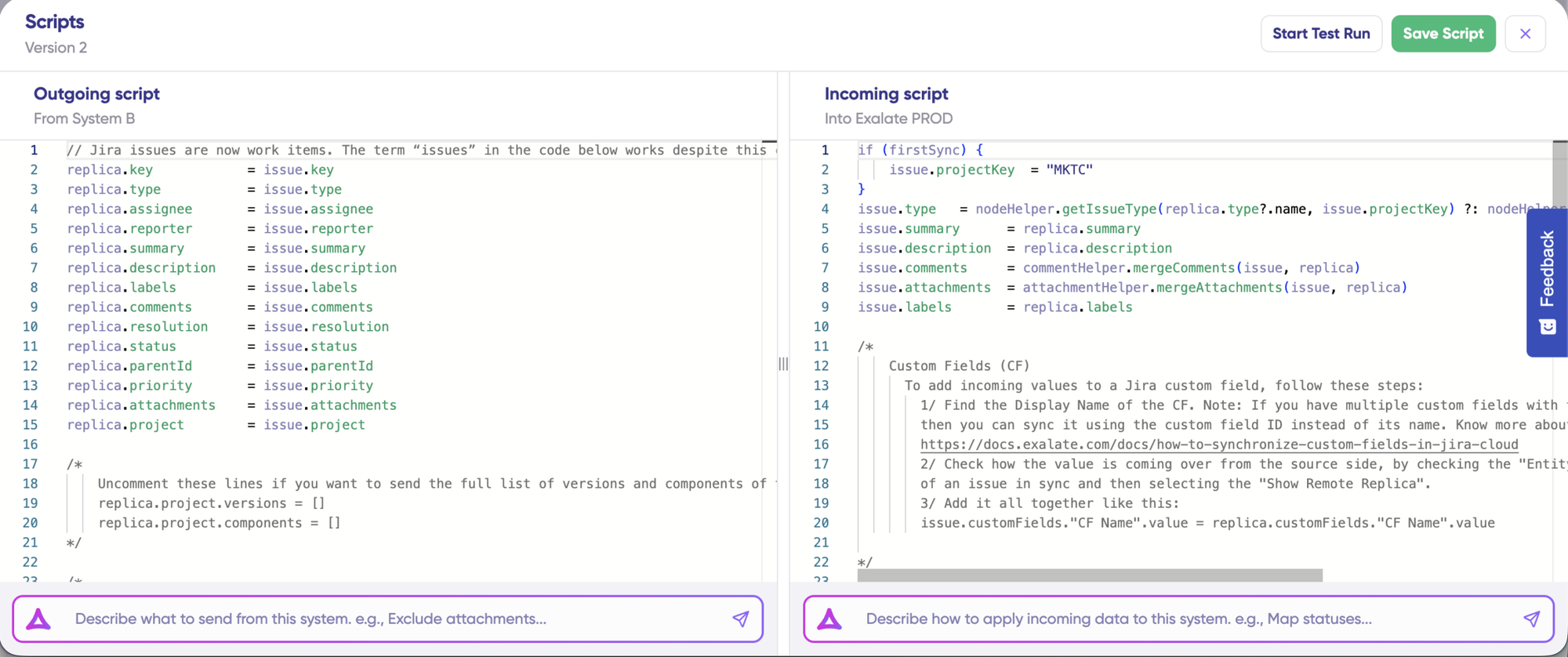
Exalate gives you unlimited customization through Groovy scripting.
- Conditional logic ("sync this field only if status = 'In Review'")
- Different transformation rules for each direction
- Advanced field mappings (title -> description + remote item link)
- Advanced conditional mapping and validation rules.
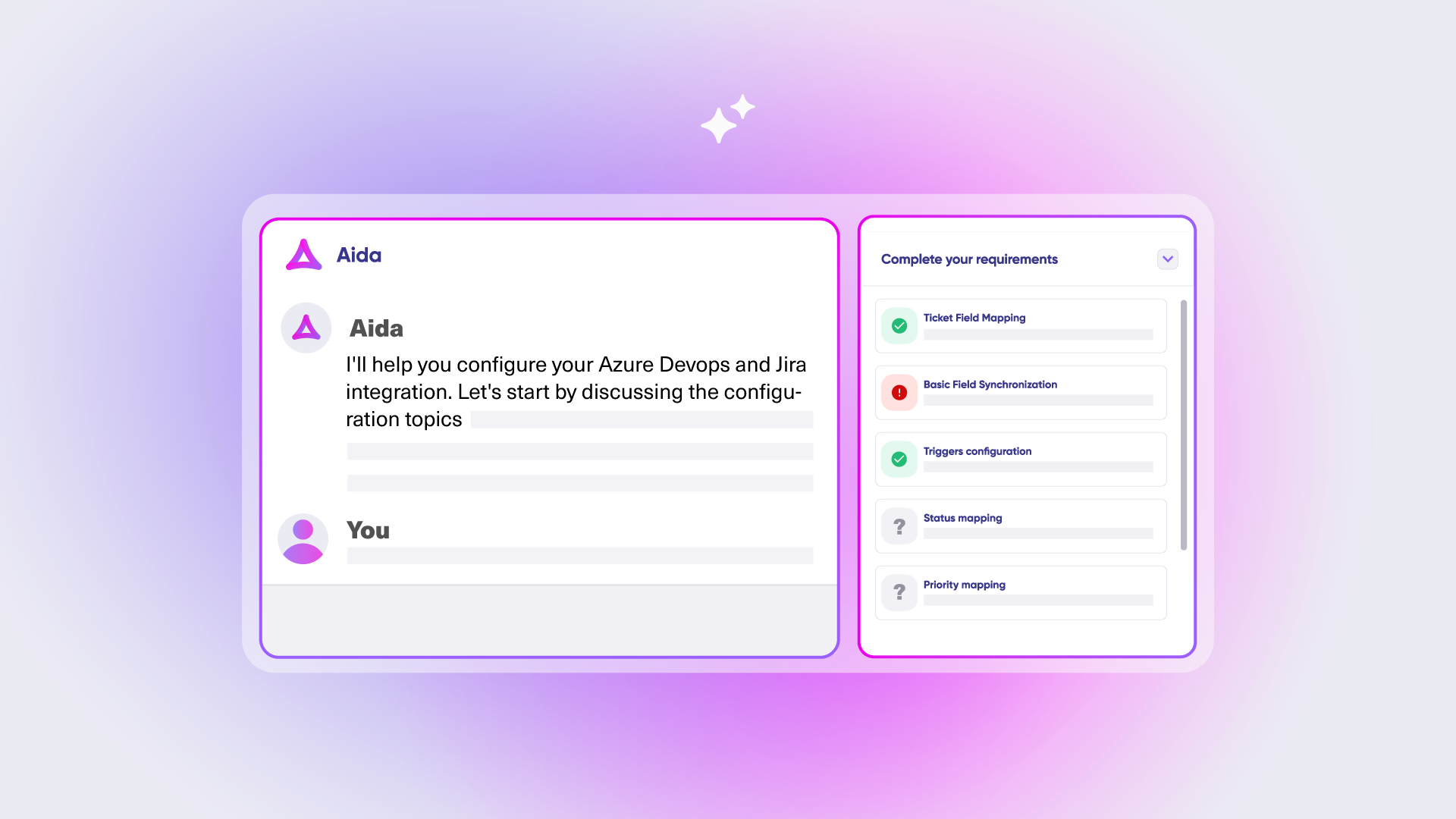
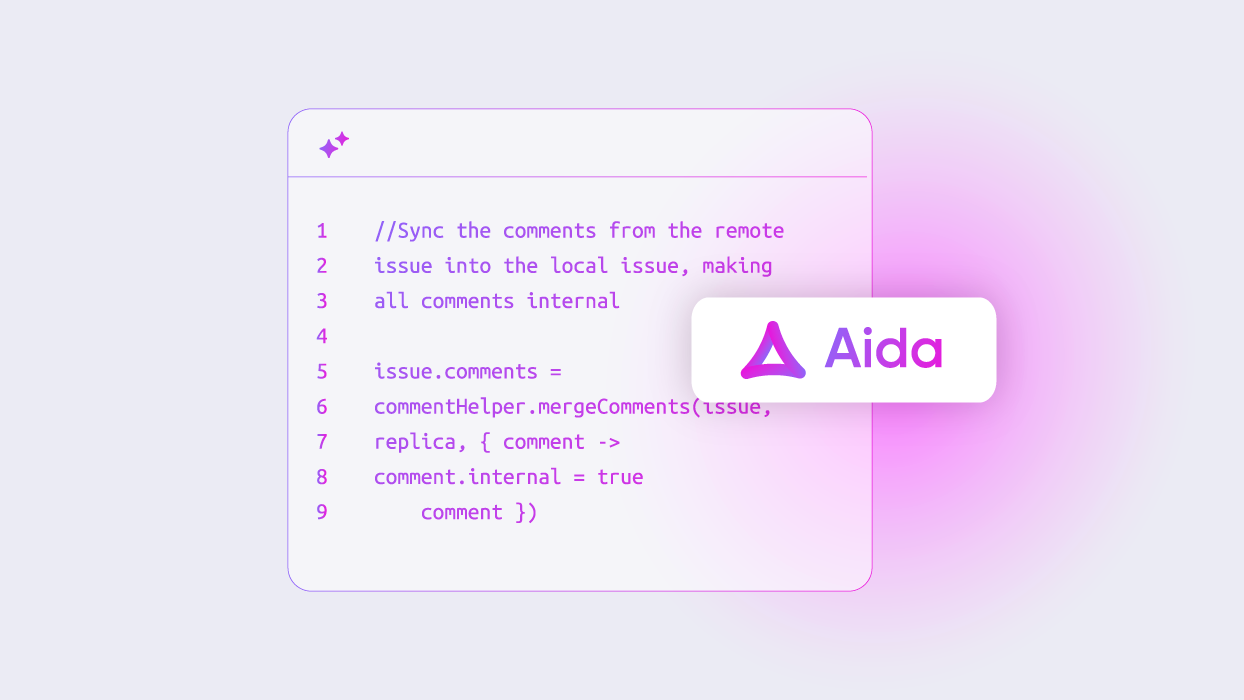
- Aida AI generates scripts from plain-language descriptions

ScriptRunner: Code-First with JavaScript/TypeScript
- Pre-built templates from the ScriptRunner Library
- Supports custom logic, loops, and variables through scripting
- External Coding via SFTP, work in your own IDE with local version control workflows
- Managed API library handles authentication automatically for pre-built connectors
Important limitation: Custom fields can only be synced using the field ID, not the field name. There is no script versioning mentioned. Configuration requires developer expertise throughout.
What You Can Actually Sync
Exalate: Unified Console, Trigger-Based Sync
Exalate manages all integrations from a single console with a consistent setup process
- JQL or platform-specific query languages for trigger logic
- Bulk Sync automatically syncs all entities matching a trigger query
- Scheduled triggers run at defined intervals
- Multiple triggers per connection handle different entity types independently
“The fact that Exalate is a very extensible and flexible product is quite an impressive feature for us. We can even build our own integration on top of it” — Alexander Sinno, NVISO
ScriptRunner Connect: Event-Driven, Webhook-Based Sync
- Multi-step automation flows with custom logic, loops, and variables
- Supports bulk item sync and custom field updates across projects
Setting up two-way syncs requires configuring listeners on both source and destination systems. The process demands development experience with APIs and event-driven architecture.
Operational Control & Error Handling
Exalate: Multi Admin Control, Built for Safe Operations
One web console. Each side controls its own sync rules independently. Ideal for multiple admins, MSPs, consulting firms, or software vendors working with external clients.
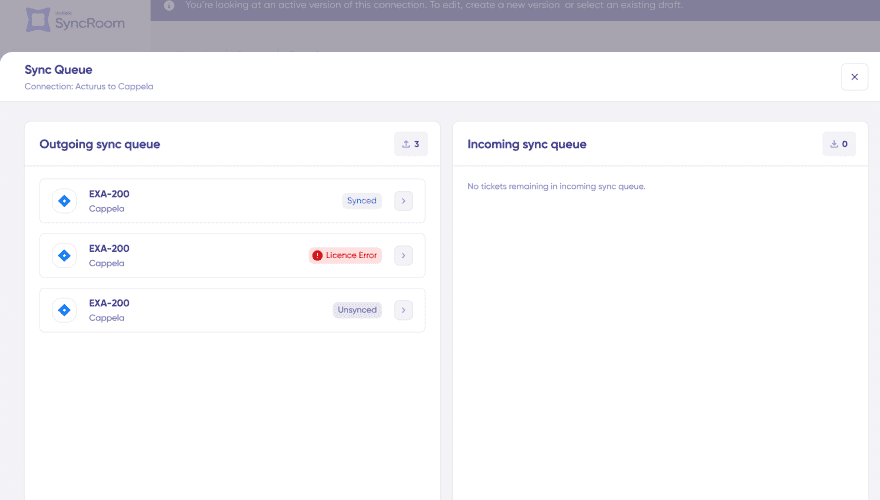
- Deactivate connections without deleting them. Stop, debug, restart safely
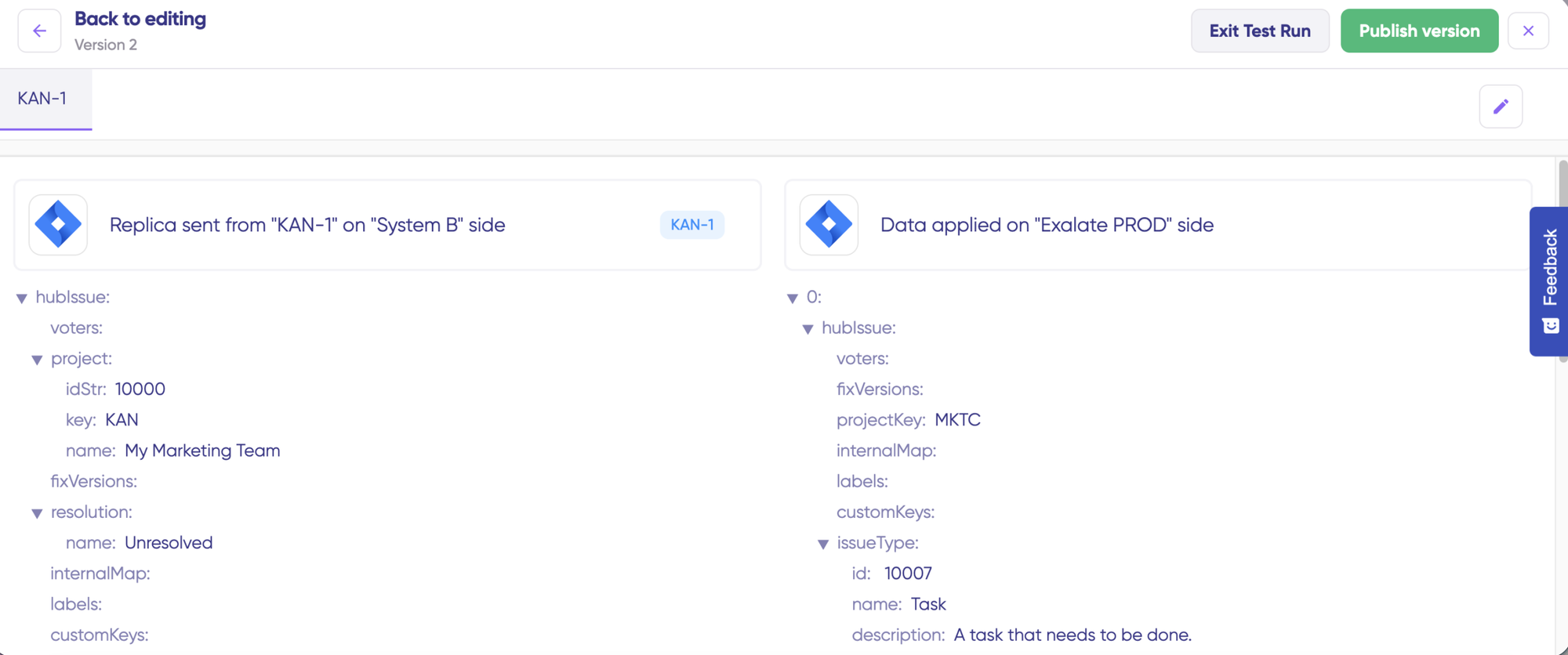
- Test Run validates sync scripts against real data before going live
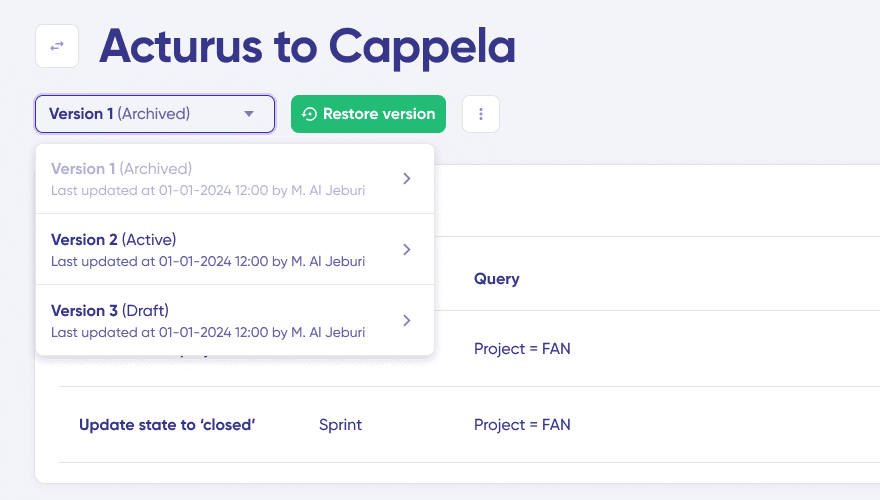
- Script versioning with rollback. Recover a working state without starting over
- Sync Panel Chrome extension: check status, trigger manual syncs, and spot errors right in your platform
ScriptRunner: Developer-Led Debugging
ScriptRunner Connect provides IDE-based debugging with error messages and timestamps. Supports switching between dev and production environments for dry run testing.
You cannot pause or deactivate a connection without deleting it. When something breaks mid-sync (a field mapping issue, a schema change), your options are to delete the connection and rebuild it, or leave it running while errors pile up.
For any team running business-critical sync, that is a meaningful operational constraint.
Security and Compliance
- ISO 27001 certified
- GDPR compliant
- Cloud Fortified by Atlassian
- Bug Bounty program participation
- Regular security assessments and penetration testing
- Encryption in transit (TLS 1.2+) and at rest (AES-256)
- Threat detection with SentinelOne monitoring
- Role-based access control
- Decoupled authentication: API keys, OAuth, and PAT support without exposing credentials
- Data residency options
- ISO 27001, SOC 2 Type 1, TISAX (automotive sector)
- AWS public cloud with EU or US data residency
- Private cloud hosting for enterprise customers
- 2-factor authentication; SSO available as a paid add-on
- Deployment: AWS public cloud only. Private cloud on Enterprise.
AI Capabilities
Exalate: Unlimited Aida AI Assistant
Aida is available at every stage of the integration lifecycle.
- No credit limits. Unlimited AI assistance on all plans
- Aida Script: generates Groovy scripts from plain-language descriptions
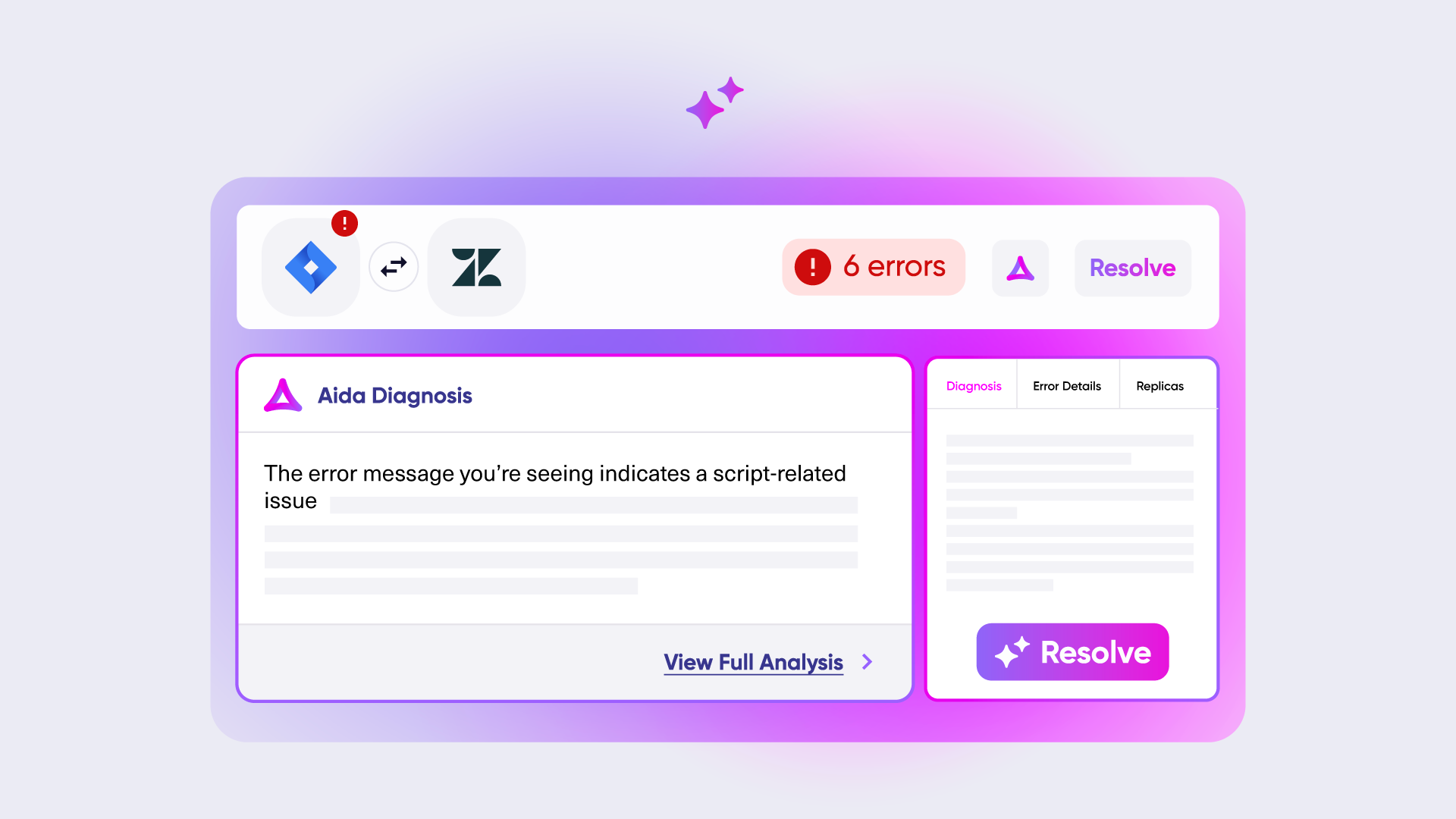
- Aida Troubleshooting: explains errors in plain English with context-aware resolution suggestions
- Aida Docs: available at our documentation site to help plan and scope integrations before you begin
ScriptRunner: AI Assistant with Usage Cap
- 100 credits/month on the free plan; 1,000 credits/month on paid plans
- AI assistant accessible from the web console when errors occur
- Analyzes issues and suggests fixes
- Supports bring-your-own-AI and agentic AI teams via External Coding
Pricing: How Much Will It Cost?
Exalate: Outcome-Based Pricing
Pay for active items currently in sync, per integration. Not based on number of item updates, users, or back-and-forth syncs.
- Predictable costs: No surprise bills from usage spikes
- Fair scaling: Costs grow with actual integration complexity, not headcount
- Value-aligned: You pay for sync relationships that are active and contributing to your workflow
“We managed to reduce Service Desk costs by around 95% using Exalate.” — Piotr Radtke, Netguru
ScriptRunner: Flat Fee per Connector
Pay a fixed monthly rate based on the number of connectors you use, regardless of actual sync volume.
- Every trigger, action, loop iteration, and error retry consumes task quota
- Reported pricing based on third-party market data: mid-market $30,000 to $80,000/year, enterprise $150,000 to $400,000+/year
- Surprise renewal costs are a documented complaint across G2, PeerSpot, and community forums
- Pricing must be requested via a demo call: no self-serve visibility
Task-based pricing is difficult to forecast at scale. Any change in workflow logic, an increase in data volume, and a new loop or retry path can materially change your bill.
Frequently Asked Questions
"What is the main difference between ScriptRunner Connect and Exalate?"
ScriptRunner Connect is a code-first integration platform using JavaScript/TypeScript that excels at Atlassian ecosystem integrations. Exalate is a bi-directional sync solution using Groovy scripting that specializes in cross-platform and cross-company integrations with a unified management console.
"Which tool is easier to set up?"
Exalate offers a simpler setup process: register at exalate.app, connect your systems, configure sync rules, and set triggers. ScriptRunner Connect requires more development expertise with webhooks and API configurations from the start.
"Can I try either tool for free?"
Yes. ScriptRunner Connect offers a free forever plan with limited script executions. Exalate provides a 30-day free trial with access to all features.
"What kind of support is available?"
Both tools offer community forums and documentation. Exalate includes free support with onboarding calls, and Enterprise customers receive solution assistance. ScriptRunner Connect offers 24-hour weekday support on paid plans.
"Can I manage multiple integrations from one place? "
Exalate provides a unified console to manage all integrations, connections, and sync rules from a single interface. ScriptRunner Connect uses workspace-based management for organizing integrations.
Making Your Decision
Choose Exalate
If you need to sync different ITSM tools, including cross-company, where each side can control its own rules. Best for MSPs, teams with data residency requirements, and anyone who needs to stop, test, and audit integrations safely without risking production data.
Choose ScriptRunner
If your integrations live primarily within the Atlassian ecosystem and your team has JavaScript/TypeScript developers who want full code control in their own IDE.
This comparison is based on publicly available information as of May 2026.Read the full comparison article here. Verify current details with each platform.
See Exalate in Action
Let us show you how Exalate can fit your unique business needs.
trusted by clients worldwide