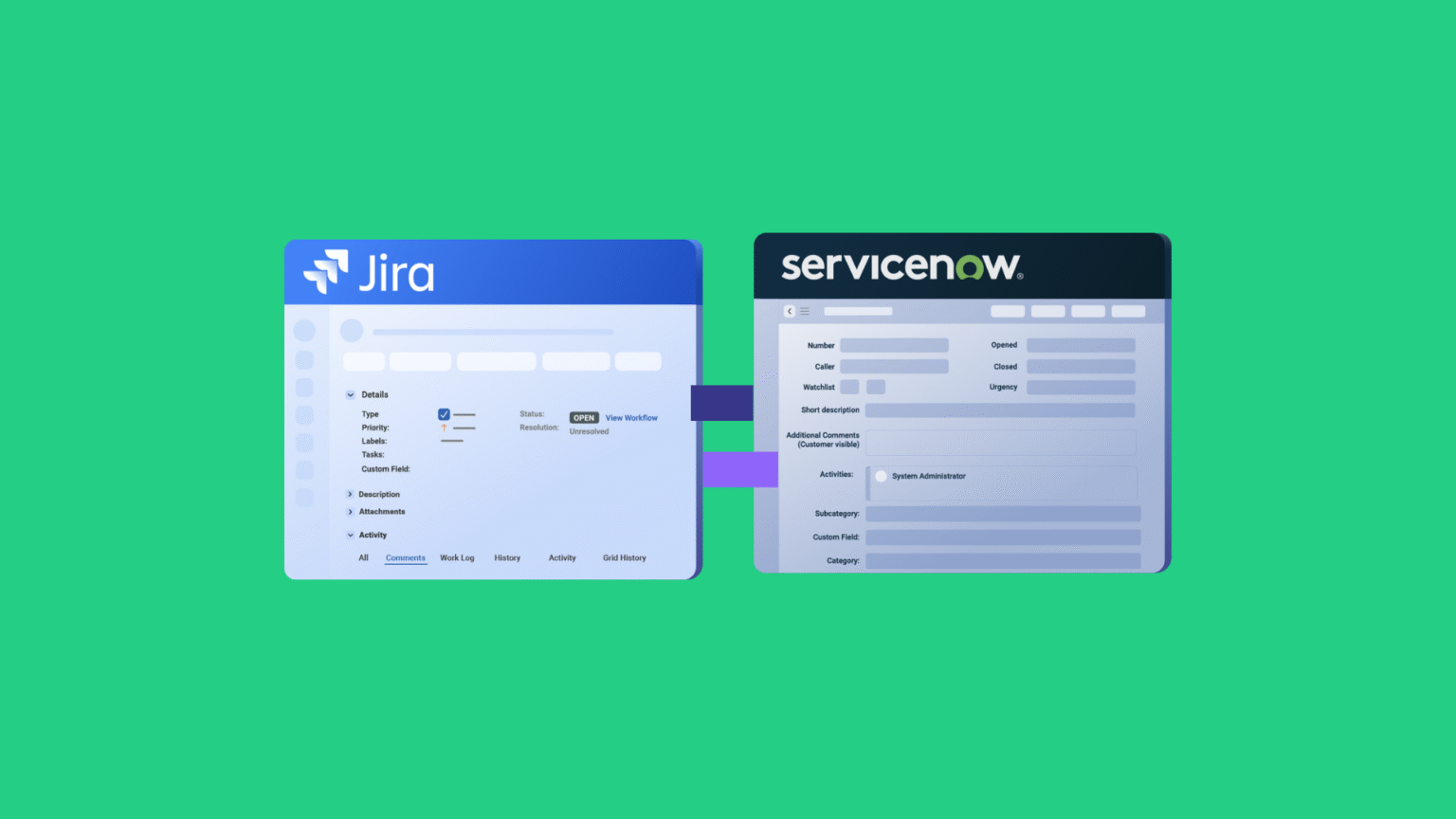
After implementing countless integrations between Jira (and Jira Service Management) and ServiceNow, our head of support and services has learned that service management workflows rarely fit into neat boxes.
Recently, he walked me through some practical use cases he’s been handling with customers, and they highlight just how diverse these integration needs really are.
What stands out is that both JSM and ServiceNow excel at service delivery, but they serve different purposes. Jira works well for internal teams and agile service operations, while ServiceNow dominates enterprise-wide ITSM with complex workflows and governance.
Without proper integration, teams end up duplicating work, losing communication context, and dealing with delayed incident response. And when you factor in organizations running additional platforms like Freshservice, Freshdesk, Azure DevOps, or Salesforce alongside Jira and ServiceNow, the coordination overhead multiplies.
Here are the real scenarios we’ve gathered based on conversations with service providers, multi-partner operations, and federated ITSM environments.
A quick note on Jira terminology: Atlassian now refers to “issues” as “work items” across Jira products. Throughout this article, we use the updated terminology. If you see “work items” where you’d expect “issues,” that’s why.
Key Takeaways
- Trigger-based automation eliminates the need to manually duplicate work items across Jira and ServiceNow, saving support teams hours of context-switching per week.
- Bidirectional sync keeps comments, attachments, and status changes aligned in real time so both teams always work with current information.
- Selective synchronization lets organizations control exactly which records sync and what data flows, based on record type, category, or severity.
- Cross-company integrations allow each organization to define its own sync rules independently, so partners collaborate without exposing internal workflows.
- AI-assisted configuration through Aida reduces scripting complexity, helping teams set up advanced sync rules faster without deep Groovy expertise.

What Data Can You Sync Between Jira and ServiceNow?
Before diving into specific use cases, it helps to understand what actually moves between these two platforms when they’re properly integrated.
A well-configured Jira-ServiceNow integration typically syncs work item fields (summary, description, priority, status), comments and internal notes, attachments and embedded files, custom fields mapped between both platforms, status transitions and workflow state changes, assignee and reporter information, labels, tags, and categorization data, and linked records (parent-child relationships, related work items).
The specific fields that sync depend on how you configure your connection. Some integrations only need a one-way push of status updates. Others require full bidirectional sync of every field change, comment, and attachment. The flexibility to control this per-connection matters, especially when different use cases within the same organization have different requirements.
When evaluating integration tools for this, look for solutions that handle rich text formatting correctly (not just plain text) and support custom field mapping without requiring you to flatten your data model.
Use Case 1: Critical Work Item Escalation for Contractual Compliance
Case: Many support organizations use Jira for day-to-day work item tracking, but face contractual requirements to log critical items in ServiceNow. Support agents (often 300+ users) track all work in Jira, but specific customers require incidents in ServiceNow for SLA tracking and compliance.
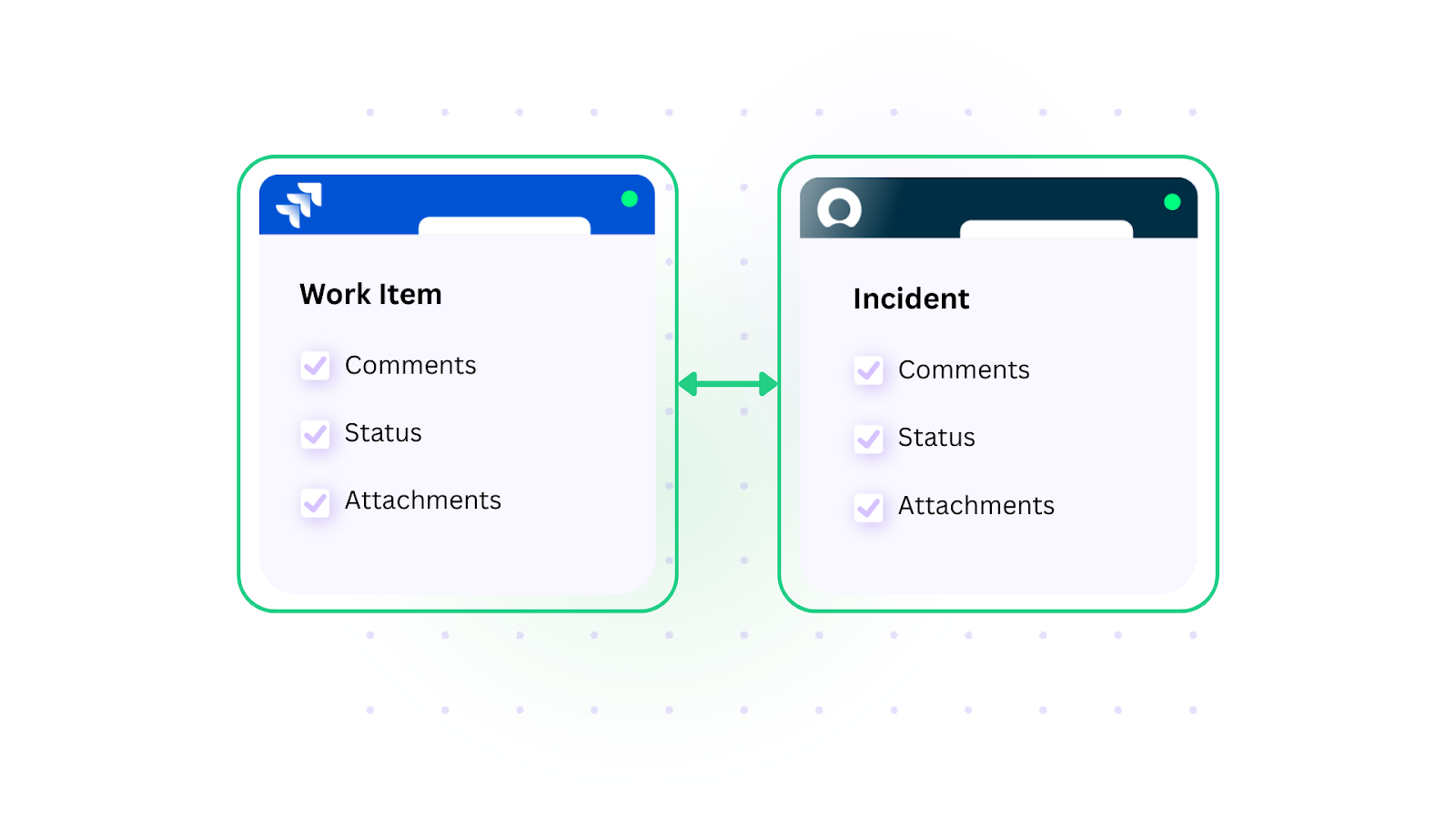
Solution: Implement trigger-based automation where Jira work items with specific labels (like “critical” or “customer-escalation”) automatically create corresponding ServiceNow incidents. Status updates, comments, and resolutions sync bidirectionally so agents can work primarily in Jira while maintaining ServiceNow records for compliance.
Real-world application: A managed services provider supporting enterprise clients contractually obligated to ServiceNow-based SLA reporting uses this pattern to avoid forcing 300+ agents to switch platforms. Critical work items in Jira are tagged and automatically mirrored to ServiceNow with full audit context. The ServiceNow records satisfy compliance requirements while agents stay productive in their primary tool. This approach also works for organizations connecting ServiceNow to Freshservice or Zendesk for similar contractual obligations across different client bases.
Use Case 2: Change and Release Coordination
Case: Development and operations teams track work in Jira Service Management (JSM). Enterprise Change Management processes run in ServiceNow for audit and compliance.
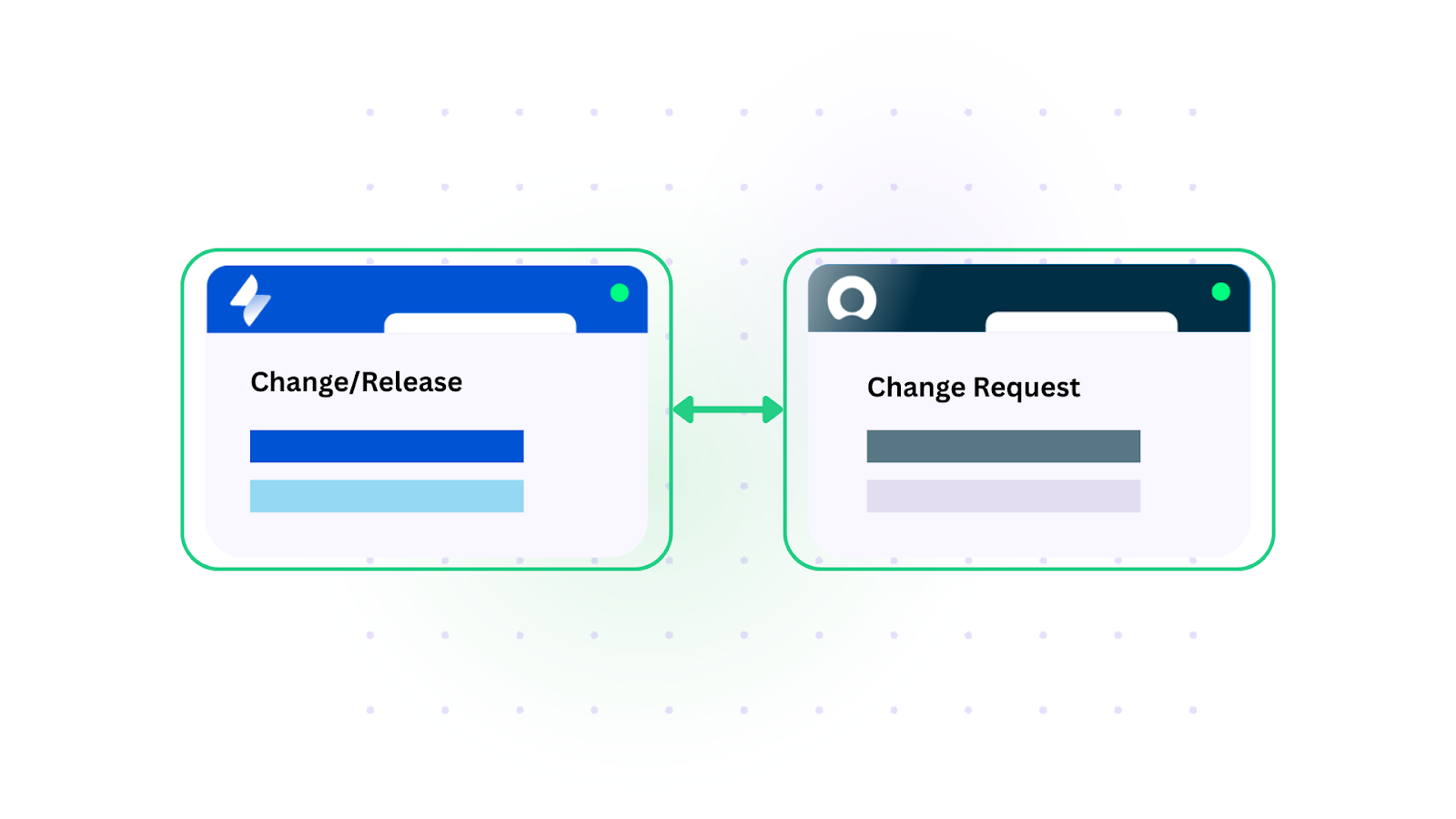
Solution: JSM changes or releases automatically generate ServiceNow Change Requests with relevant technical details. Approval workflows in ServiceNow reference JSM status. Once approved, changes sync back to JSM for implementation tracking.
Real-world application: A software company releasing bi-weekly updates previously spent 4-6 hours per release cycle manually creating and updating Change Requests in ServiceNow. With automated sync, every Jira release version triggers a ServiceNow Change Request containing the release scope, affected services, and risk assessment pulled from Jira custom fields. When the Change Advisory Board approves the request in ServiceNow, the approval status flows back to Jira so the development team proceeds without checking a second system.
Use Case 3: Two-Tier Support Structure with System Separation
Case: Organizations implementing first-line (L1) and second-line (L2) support often want different teams working in their preferred tools. L1 support receives and triages tickets in ServiceNow, while L2 technical teams and developers work exclusively in Jira.
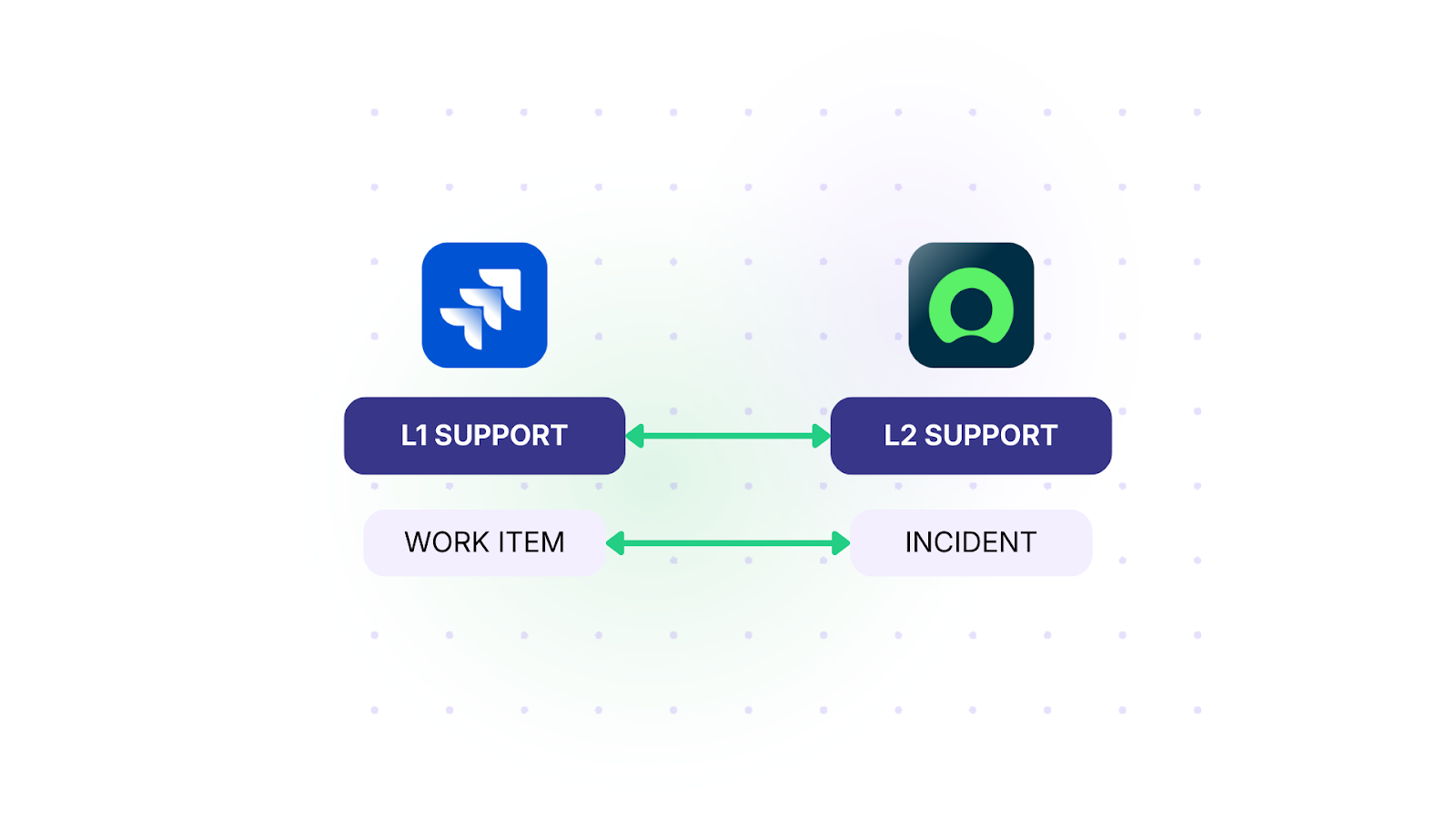
Solution: When L1 support escalates a ServiceNow incident or request to L2, it automatically creates a linked Jira work item in the appropriate project. All comments, attachments, and status changes sync bidirectionally. L1 agents stay in ServiceNow, developers stay in Jira, but everyone sees real-time updates.
Real-world application: A financial services company with a 50-person service desk in ServiceNow and a 120-person engineering team in Jira uses this setup to eliminate the “black hole” problem, where escalated tickets disappeared into the other system with no visibility. Now, when L1 escalates, the Jira work item is created with full incident context (customer details, reproduction steps, screenshots). Developers add technical comments in Jira, and those comments appear in the ServiceNow incident for L1 agents to relay to end users. Resolution time for escalated tickets dropped because both sides stopped waiting for manual status updates.

JSM and ServiceNow are both solid platforms, but getting them to play nice together has been a massive headache for my team. We finally figured it out with Exalate, so things work way smoother at the moment.
– HEAD OF IT
Use Case 4: Problem and Catalog Task Management
Case: ServiceNow tracks various record types, such as Incidents, Changes, Problems, and Catalog Tasks. JSM handles technical investigation and resolution.
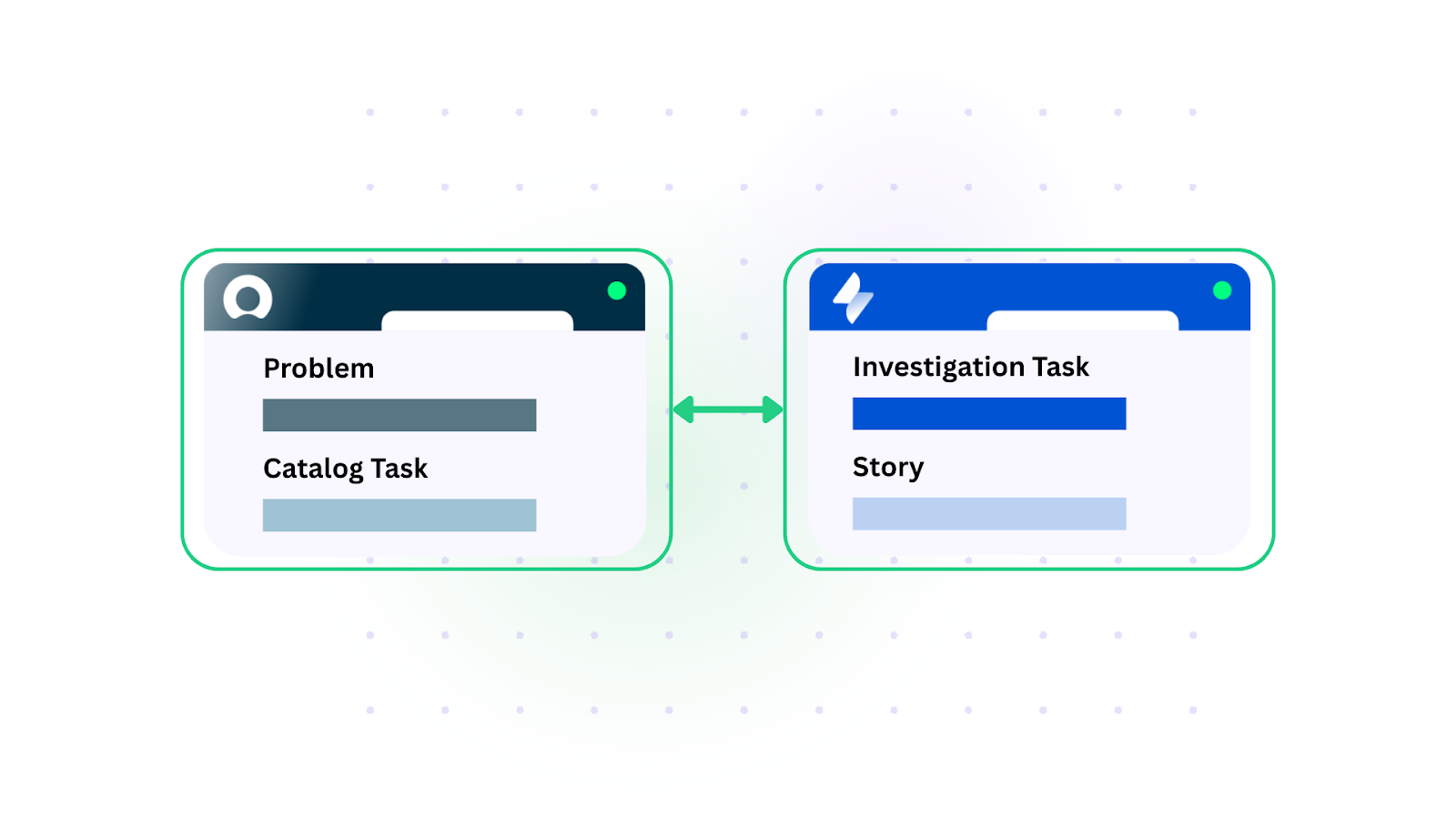
Solution: Configure selective sync based on ServiceNow record type and criteria. Problems automatically create JSM investigation tasks. Catalog tasks become JSM stories for development. Status categories in ServiceNow determine when JSM involvement triggers.
Real-world application: An enterprise IT organization manages 15+ ServiceNow record types but only needs JSM involved for three of them. Problems requiring root cause analysis create JSM investigation tasks assigned to the platform engineering team. Catalog tasks tagged “development-required” become Jira stories in the appropriate sprint backlog. Simple incidents stay entirely in ServiceNow. This selective approach prevents Jira from becoming cluttered with records that don’t need developer attention, while ensuring that the work that does need engineering input arrives with full context and appropriate priority.
Use Case 5: Change Management Workflow Integration
Case: Development teams tracking releases and deployments in Jira need those changes reflected in ServiceNow’s Change Management process for approval and governance.
Solution: When a Jira version/release is created or reaches a specific status, it automatically generates a ServiceNow Change Request with relevant details. The Change Request approval process in ServiceNow can leverage Jira status information. Once approved in ServiceNow, the change status syncs back to Jira so development teams can proceed.
Real-world application: A healthcare technology company operating under strict regulatory requirements uses ServiceNow for formal change governance across all production systems. Their development teams plan releases in Jira with story points, sprint assignments, and risk flags. When a Jira release reaches “Ready for CAB Review” status, a ServiceNow Change Request generates automatically with the release summary, list of included work items, test results (synced as attachments), and risk classification mapped from Jira custom fields. After CAB approval, the Jira release status updates to “Approved for Deployment,” giving the release manager a single source of truth without toggling between platforms.
Use Case 6: Service Catalog (or RITM) to Development Task Flow
Case: Business users submit requests through ServiceNow Service Catalog. IT evaluates these RITMs (Requested Items) and determines which ones need development work.
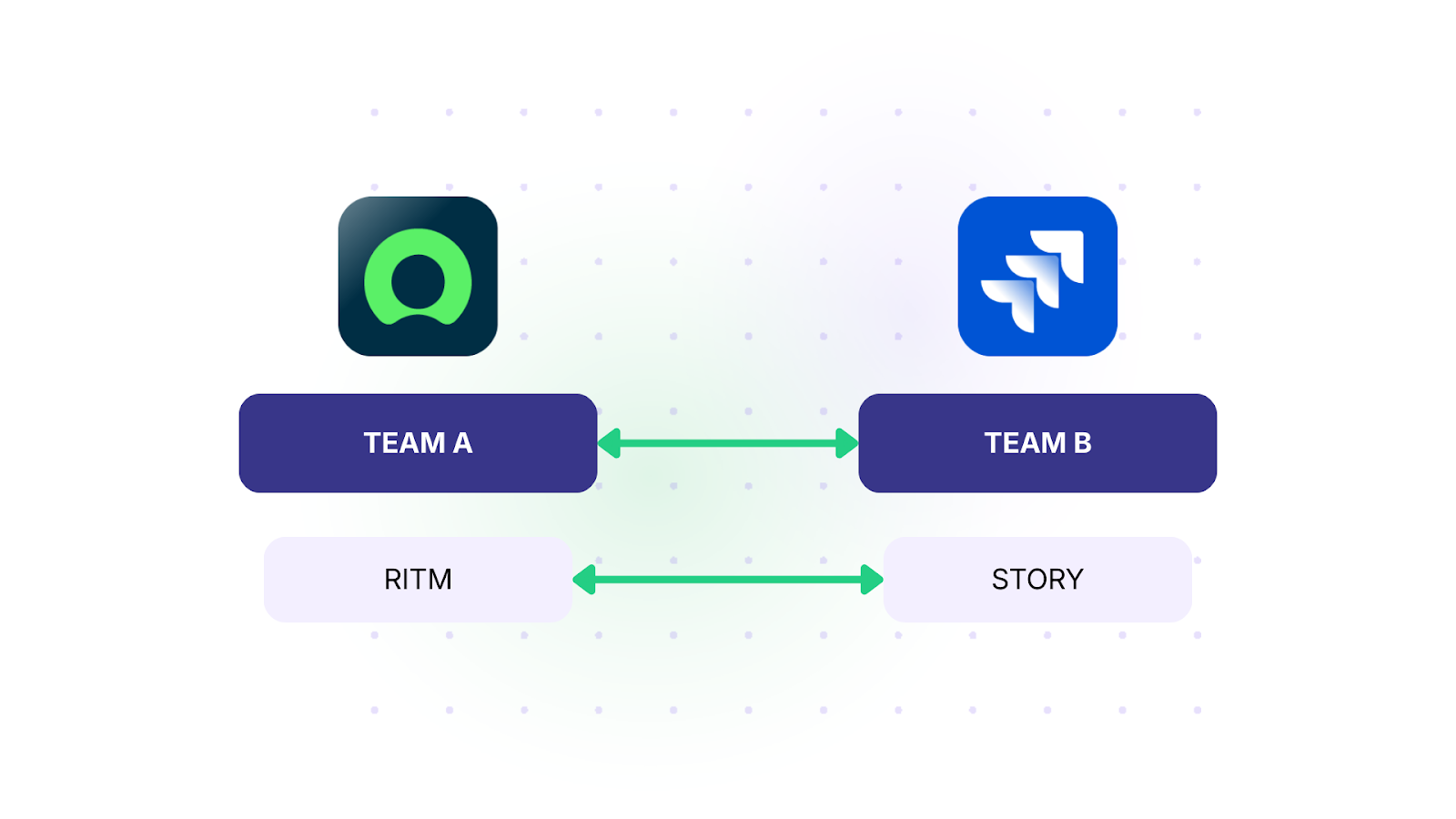
Solution: When a ServiceNow RITM, Service Task, or Catalog Task meets specific criteria (approval status or category), it automatically creates a Jira story in the appropriate project. Requirements, attachments, status updates, comments, and business context sync back to ServiceNow so requestors stay informed.
Real-world application: A retail company processes 200+ monthly catalog requests through ServiceNow, roughly 30% of which require custom development. Before integration, approved requests sat in a shared spreadsheet until a project manager manually created Jira stories, often losing attached mockups and requirements documents in the process. Now, approved RITMs automatically become Jira stories with all attachments and business justification intact. When developers update the story status or add questions as comments, the requesting business user sees those updates directly in their ServiceNow request without needing Jira access.
Use Case 7: Incident-to-Bug and Problem Management
Case: ServiceNow handles incident management and problem identification, while development teams use Jira for bug tracking and code changes.
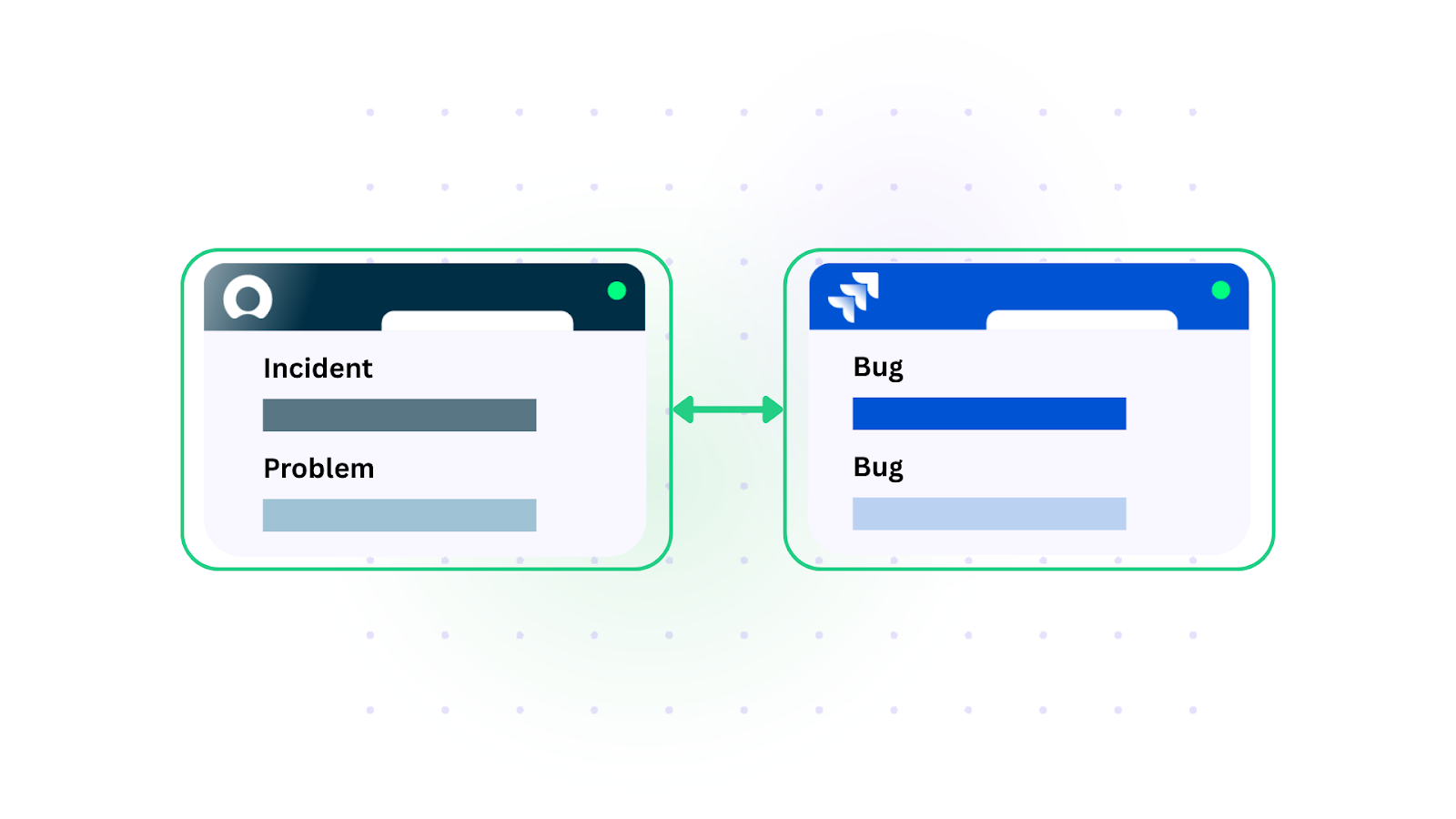
Solution: ServiceNow incidents or problems automatically create linked Jira bugs when they meet specific criteria (category, severity, assignment group). The bug inherits relevant incident details. When developers resolve the bug in Jira, the ServiceNow problem automatically updates, maintaining end-to-end traceability.
Real-world application: A SaaS platform provider tracks all customer-facing incidents in ServiceNow. When the problem management team identifies a recurring incident pattern and creates a Problem record, it automatically generates a Jira bug in the correct engineering team’s backlog. The bug carries the incident count, affected customer list, and root cause hypothesis from ServiceNow. As developers work through the fix, they add technical notes in Jira that sync back to the ServiceNow Problem for the operations team. When the fix ships, the Jira bug resolution triggers a ServiceNow Problem state change, which in turn resolves all linked incidents and notifies affected customers.
I’ve seen what happens when service teams try to maintain tickets in both Jira and ServiceNow manually. It’s a mess, lost context, delayed responses, frustrated agents. Since we integrated our sites, we’ve seen huge gains in workflow efficiency and incident resolution.
– PROJECT MANAGER
Use Case 8: Agile Development with ITSM Oversight
Case: Smaller agile development teams use Jira Software for backlog management, sprint planning, and task tracking. The broader organization uses ServiceNow for all IT service tracking, including requests and enhancements.
Solution: ServiceNow tracks all incoming requests and enhancement ideas. When items are approved for development, they sync to Jira as backlog items. Development teams work entirely in Jira with complete agile workflows. Sprint progress, story points, and completion status sync back to ServiceNow for organizational reporting.
Real-world application: A mid-sized insurance company runs ServiceNow enterprise-wide for all IT requests. Their 15-person development team uses Jira with two-week sprints. Business stakeholders submit enhancement requests through ServiceNow. Approved requests sync to Jira as stories, complete with priority, business value score, and acceptance criteria from the ServiceNow request. The product owner grooms and assigns these alongside internally-identified work. As stories move through sprint phases (To Do, In Progress, Code Review, Done), ServiceNow reflects each status change. Business stakeholders track progress in ServiceNow without needing Jira licenses or understanding agile terminology.
Use Case 9: CMDB and Business Application Sync
Case: ServiceNow CMDB contains authoritative records for business applications, services, and infrastructure, which developers need access to from their Jira.
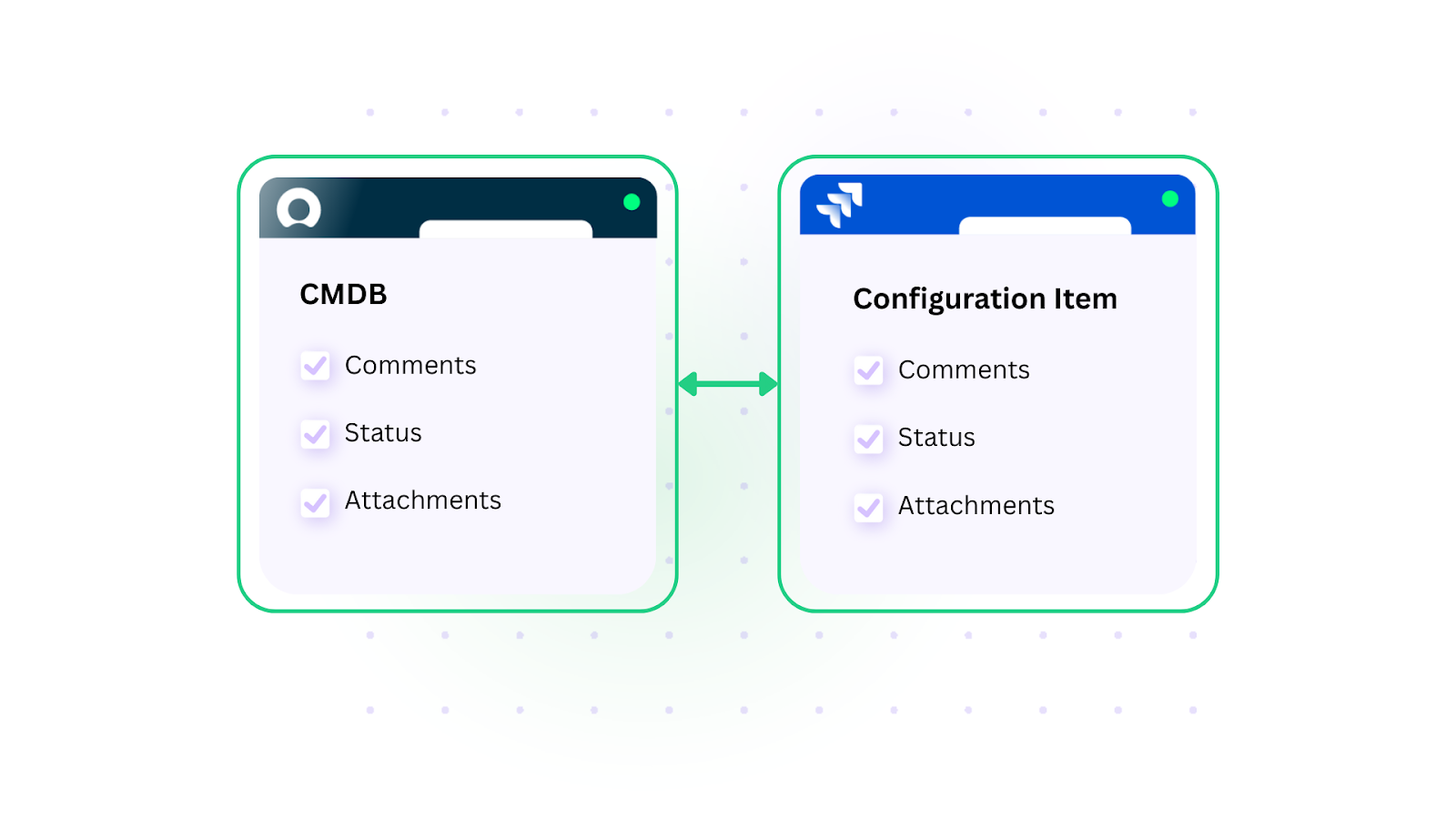
Solution: Push business application records from ServiceNow CMDB to Jira as configuration items or custom objects. Updates to CMDB records automatically sync to keep Jira current. Development teams can link work items to specific applications, services, or infrastructure components.
Real-world application: A global logistics company manages 800+ business applications in its ServiceNow CMDB. Development teams working in Jira need to associate every work item with the affected application for impact analysis and release planning. Before integration, developers referenced a stale spreadsheet export of CMDB data. Now, the CMDB application records sync to Jira as custom objects. When a developer creates a work item, they select the affected application from an always-current list pulled from the CMDB. When CMDB records update (ownership changes, dependency modifications, lifecycle status), those changes are reflected in Jira within minutes. This gives development teams an accurate infrastructure context without requiring direct ServiceNow access.
Use Case 10: External Partner and Vendor Collaboration
Case: One organization uses ServiceNow while their partner or vendor uses Jira (or vice versa). Both need visibility into shared work.
Solution: Selective bidirectional sync between internal ServiceNow and partner Jira instances. Only relevant work items sync based on project, customer, or category. Both organizations work in their preferred tool while maintaining shared visibility. Each side controls its own sync rules independently, so no organization has to conform to the other’s data model or workflow.
Real-world application: A telecommunications company outsources network infrastructure maintenance to a vendor that uses Jira. The telecom manages all service operations in ServiceNow. When a network fault is detected, a ServiceNow incident syncs to the vendor’s Jira project with only the relevant technical details (affected equipment, location, severity) while internal customer data and financial information stays behind. The vendor updates progress in Jira. Those updates sync back to ServiceNow. Neither organization accesses the other’s system directly, and each defines independently what fields they send and receive. This setup, built with data governance in mind, also supports ISO-compliant workflows through platforms like Exalate.
Use Case 11: Security Operations and Client-Facing Incident Management
Case: A cybersecurity company uses JSM to receive, analyze, and remediate security alerts and incidents for multiple clients. One client manages their security posture through ServiceNow.
Solution: Implement bidirectional sync between the provider’s JSM instance and the client’s ServiceNow. When a security alert is created in JSM, a corresponding incident appears in the client’s ServiceNow instance with comments and optional SLA sync. Alert severity, response actions, and remediation steps flow between both systems in real time.
Real-world application: A managed security services provider (MSSP) monitors 40+ client environments from a centralized JSM-based SOC. One enterprise client requires all security incidents visible in their ServiceNow instance for internal risk reporting. When the SOC creates a security alert in JSM, the client’s ServiceNow instance receives a corresponding incident within seconds, including threat classification, initial triage notes, and recommended containment actions. As the SOC investigates and updates the JSM ticket, every status change and analyst comment appears in ServiceNow. The client’s internal security team adds context (affected business processes, stakeholder notifications) in ServiceNow, and those notes sync back to the SOC’s JSM. For clients using other platforms like Freshservice or Zendesk, the same integration pattern applies, using the same Exalate infrastructure to maintain consistent alert sharing across different ITSM tools.
Use Case 12: Multi-Instance ITSM Operations
Case: Large enterprises sometimes run multiple ServiceNow instances (by region, business unit, or acquisition) alongside JSM for specific teams or functions.
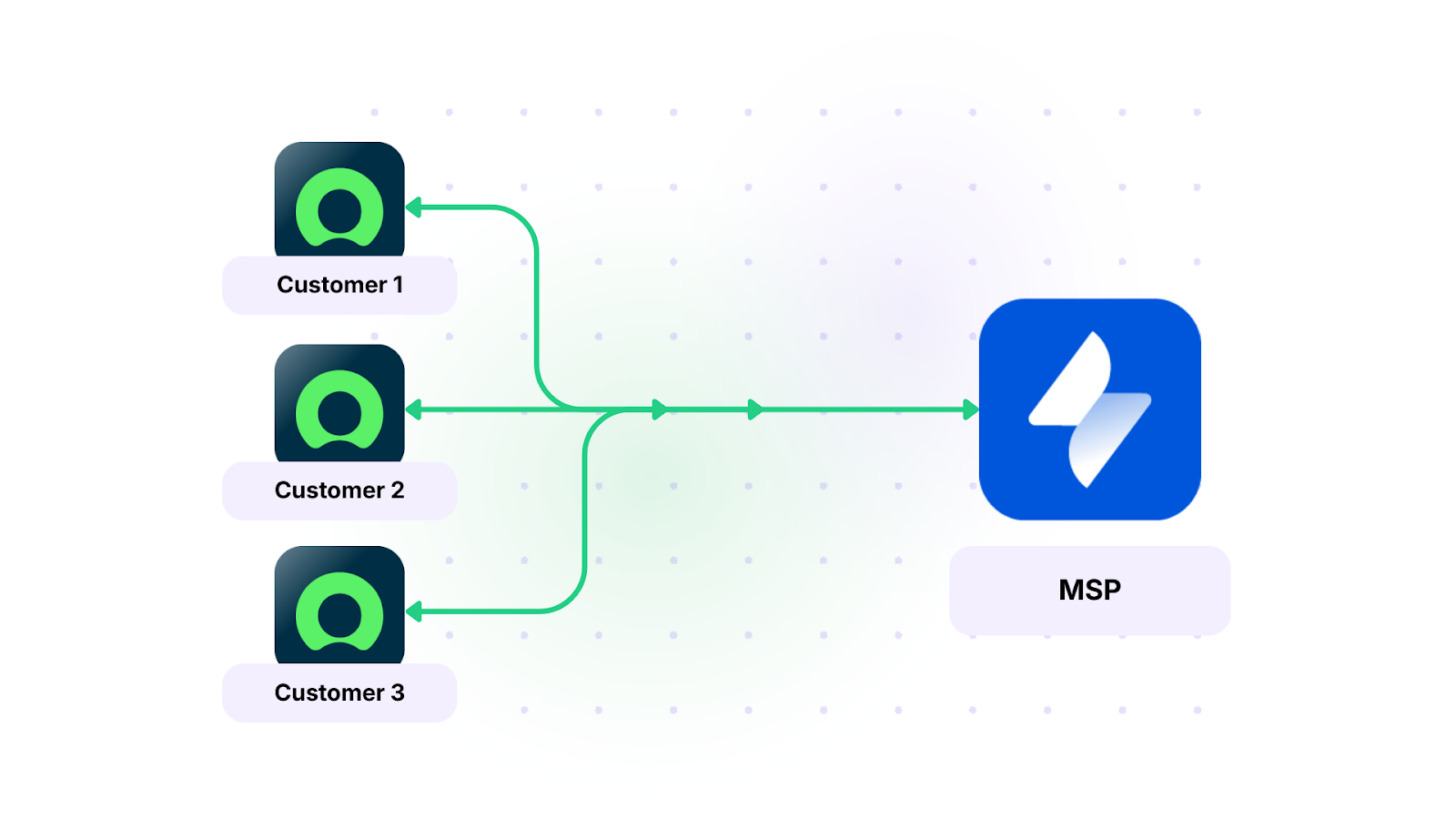
Solution: Connect multiple JSM projects to different ServiceNow instances or one JSM instance to multiple ServiceNow instances based on organizational structure. Route tickets automatically based on content, category, or affected service. Each connection operates independently with its own sync rules, so regional compliance requirements don’t conflict with each other.
Real-world application: A multinational manufacturing company runs three ServiceNow instances (Americas, EMEA, and APAC) due to data residency requirements, plus a global JSM instance for their product engineering team. When a production defect is reported in any regional ServiceNow instance, it routes to the appropriate JSM project based on product line. Engineering teams see all defects in Jira regardless of which region reported them. Fixes sync back to the originating ServiceNow instance with region-specific field mappings (EMEA uses different severity scales than Americas). Each connection is configured independently, so changes to the APAC integration don’t affect EMEA routing rules.
Use Case 13: MSP Multi-Client ITSM Coordination
Case: A managed service provider supports multiple enterprise clients, each running their own ITSM platform. Some clients use ServiceNow, others use Jira, and a few use Freshservice or Freshdesk. The MSP needs a single operational view of all client work without jumping between systems.
Solution: The MSP connects each client’s ITSM platform to their central JSM or ServiceNow instance through individual sync connections. Each connection is scoped to only share the data relevant to that client relationship, with field mappings tailored per client. The MSP defines what they receive (incident details, priority, SLA targets) while each client controls what they send.
Real-world application: An MSP supporting 12 enterprise clients previously maintained dedicated accounts in five different ITSM platforms, with engineers toggling between browser tabs and manually copying ticket updates. After implementing per-client integrations through Exalate, all client work items arrive in the MSP’s central JSM instance with standardized priority mappings, regardless of the originating platform. An engineer resolves a ServiceNow-originated incident in JSM, and the client’s ServiceNow instance updates. The same engineer handles a Freshservice-originated request in the next ticket, same workflow, same tool. Client-specific SLA timers stay accurate because status transitions sync in real time across all connected platforms.
Use Case 14: Post-Acquisition System Consolidation
Case: After an acquisition, the parent company runs ServiceNow while the acquired company operates on Jira. Full platform migration isn’t practical in the short term, but both teams need to collaborate on shared projects immediately.
Solution: Bridge the two platforms with bidirectional sync scoped to shared projects and work streams. Each organization retains its existing workflows, custom fields, and processes. Only the overlapping project data syncs, and each side maps incoming data to fit its own structures (ServiceNow Categories map to Jira Labels, ServiceNow Assignment Groups map to Jira Teams, etc.).
Real-world application: A private equity-backed healthcare company acquires a digital health startup. The parent company’s 500-person IT department runs ServiceNow with 8 years of customized workflows. The startup’s 60-person team relies on Jira with agile processes. Migrating either side would take 12-18 months. Instead, shared product integration work syncs between both platforms immediately. The parent company’s product managers create requirements in ServiceNow. Those requirements appear as Jira stories for the startup’s developers. Sprint updates flow back to ServiceNow for leadership reporting.
How Exalate Supports These Use Cases
Every use case above shares a common requirement: the integration tool needs to handle diverse record types, complex field mappings, and bidirectional sync without forcing either platform to compromise its workflows.
Exalate connects Jira and ServiceNow (along with Freshservice, Freshdesk, Azure DevOps, Zendesk, Salesforce, GitHub, Asana, and custom REST API-based systems) through independently controlled sync connections. Each side of a connection defines its own sync rules using Groovy-based scripts, meaning organization A can send and transform data differently than organization B receives and processes it.
This matters for cross-company scenarios (Use Cases 10, 11, 13, 14) where each organization needs to maintain control over their data model without depending on the other side’s configuration choices.
For teams that need advanced sync logic but lack deep scripting experience, Exalate’s Aida (an AI-powered scripting assistant) helps generate and troubleshoot Groovy sync scripts through conversational prompts. Instead of writing sync rules from scratch, you describe what you need, and Aida generates the script for review and refinement. This reduces configuration time significantly for complex field mappings, conditional sync triggers, and multi-step workflow integrations.
Exalate also handles the scenarios where the same organization runs multiple instances (Use Case 12) or connects to multiple partner systems (Use Case 13), since each connection operates as an independent entity with its own rules, triggers, and error handling.
For organizations evaluating integration tools for Jira-ServiceNow scenarios, here are the capabilities that matter across these use cases:
- support for multiple ServiceNow record types (Incidents, Changes, Problems, Catalog Tasks, CIs),
- bidirectional comment and attachment sync with rich text support,
- custom field mapping without data model flattening,
- workflow-aware status mapping that respects each platform’s state transitions,
- trigger-based sync initiation using each platform’s native query language,
- independent configuration per connection (critical for multi-instance and cross-company setups),
- and error handling with automatic retry queues that preserve data integrity during outages.
If you want to learn more about implementing ServiceNow-Jira integration for your specific use case, get in touch with our team to discuss your requirements.
Frequently Asked Questions
Can Exalate sync all ServiceNow record types with Jira, or only incidents?
Exalate supports synchronization of multiple ServiceNow record types, including Incidents, Problems, Change Requests, Catalog Tasks, Requested Items (RITMs), Service Tasks, and Configuration Items. Each record type can have its own field mapping and sync trigger, so you’re not limited to a one-size-fits-all configuration. For example, Problems can sync as Jira investigation tasks while Catalog Tasks sync as Jira stories in a different project.
How does bidirectional sync work without creating infinite update loops?
Exalate distinguishes between local changes (made by a user in the platform) and sync changes (made by the integration). Only local changes trigger outgoing sync events. So when a comment syncs from ServiceNow to Jira, Exalate recognizes it as a sync-originated update and doesn’t send it back to ServiceNow. This loop prevention is built into the platform and doesn’t require manual configuration.
Can each organization control its own sync rules in a cross-company integration?
Yes. In Exalate, each side of a connection manages its own outgoing and incoming sync scripts independently. Organization A decides what data to send and how to format it. Organization B decides how to receive and map that data into their own fields. Neither side needs to coordinate configuration changes with the other, which is essential for cross-company scenarios where teams have different security, compliance, and data governance requirements.
Does Exalate support connecting to platforms beyond Jira and ServiceNow?
Exalate supports connections between Jira, ServiceNow, Freshservice, Freshdesk, Zendesk, Azure DevOps (Cloud and Server), Salesforce, GitHub, Asana, and custom systems through REST API connectors. This means an organization running ServiceNow for ITSM, Jira for development, and Freshservice for a specific business unit can manage all three integrations through the same platform with consistent configuration patterns.
How does Aida help with setting up Jira-ServiceNow integrations?
Aida is Exalate’s AI-powered scripting assistant. It helps generate Groovy sync scripts through conversational prompts. You describe the sync behavior you need (for example, “sync high-priority incidents with their attachments and map ServiceNow Assignment Groups to Jira Teams”), and Aida generates the script for you to review and adjust. This is especially useful for complex conditional logic, custom field mapping, and multi-step workflows where writing Groovy from scratch would take significantly longer.
Can I set up different sync rules for different projects or record types within the same Jira-ServiceNow connection?
Yes. Exalate’s sync triggers use each platform’s native query language. In Jira, you use JQL to define which work items sync (e.g., only work items in a specific project with a specific label). In ServiceNow, you use conditions on record type, category, priority, assignment group, or any other field. Within the sync scripts, you can apply conditional logic to handle different record types differently within the same connection, or create separate connections for distinct use cases.
How does Exalate handle security for cross-company integrations?
Exalate uses encrypted communication (TLS) and JWT-based authentication between connected instances. Each connection is isolated, so a security event on one connection doesn’t affect others. For organizations with strict compliance requirements, Exalate is ISO 27001:2022 certified, and detailed security documentation is available through the Trust Center. The independent sync rule model also means each organization controls exactly what data leaves their instance, so no data is shared unless explicitly configured.
What’s the difference between one-way and two-way sync, and when should I use each?
One-way sync pushes data from a source platform to a destination without sending updates back. Use it when one team only needs to read data (like pushing CMDB records to Jira for reference). Two-way (bidirectional) sync keeps both platforms updated with each other’s changes. Use it when both teams actively work on synced records (like the L1/L2 support scenario where agents and developers both add comments and update status). Most Jira-ServiceNow use cases benefit from bidirectional sync because both sides contribute information during the ticket lifecycle.
Can Exalate handle high-volume environments with thousands of daily ticket updates?
Exalate processes sync events through queues designed for high-throughput environments. The platform handles concurrent updates across multiple connections without performance degradation. For organizations processing thousands of daily updates across multiple Jira projects and ServiceNow instances, the queue-based architecture ensures ordered, reliable delivery even during peak volumes. Sync frequency and queue processing can be adjusted based on your specific volume and latency requirements.
Reading Recommendations:
- How to Sync Change Requests Between Jira and ServiceNow
- How AI-Powered Jira ServiceNow Integration Can Transform Your Workflow
- Practical Jira ServiceNow Integration Use Cases
- Jira ServiceNow Integration: Connect Jira & ServiceNow
- How to Sync SLA Records and Maintain State Updates From ServiceNow Incident to Jira Issue