
Integration for MSPs & IT Ops
One Solution. Every Client. Zero Manual Work.
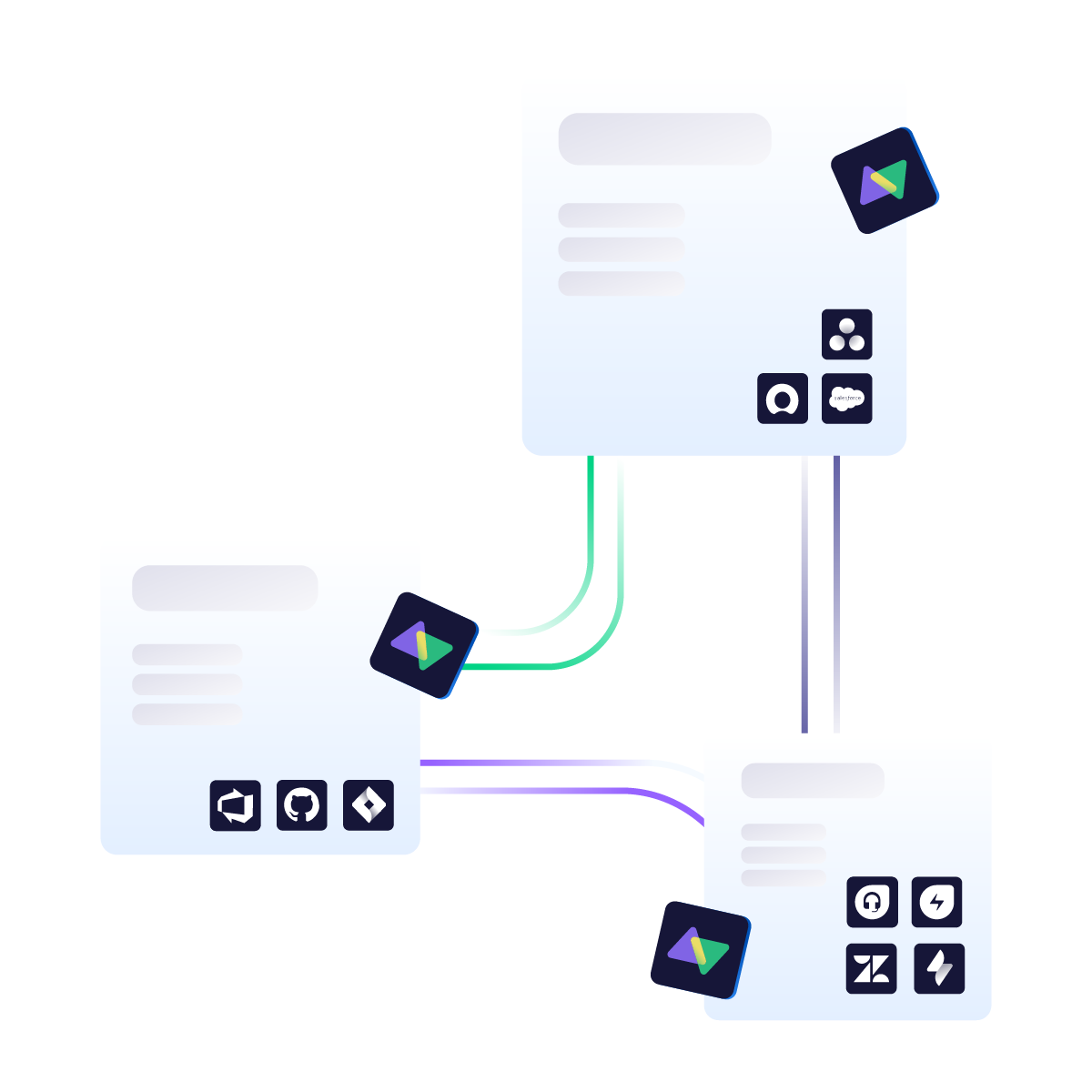
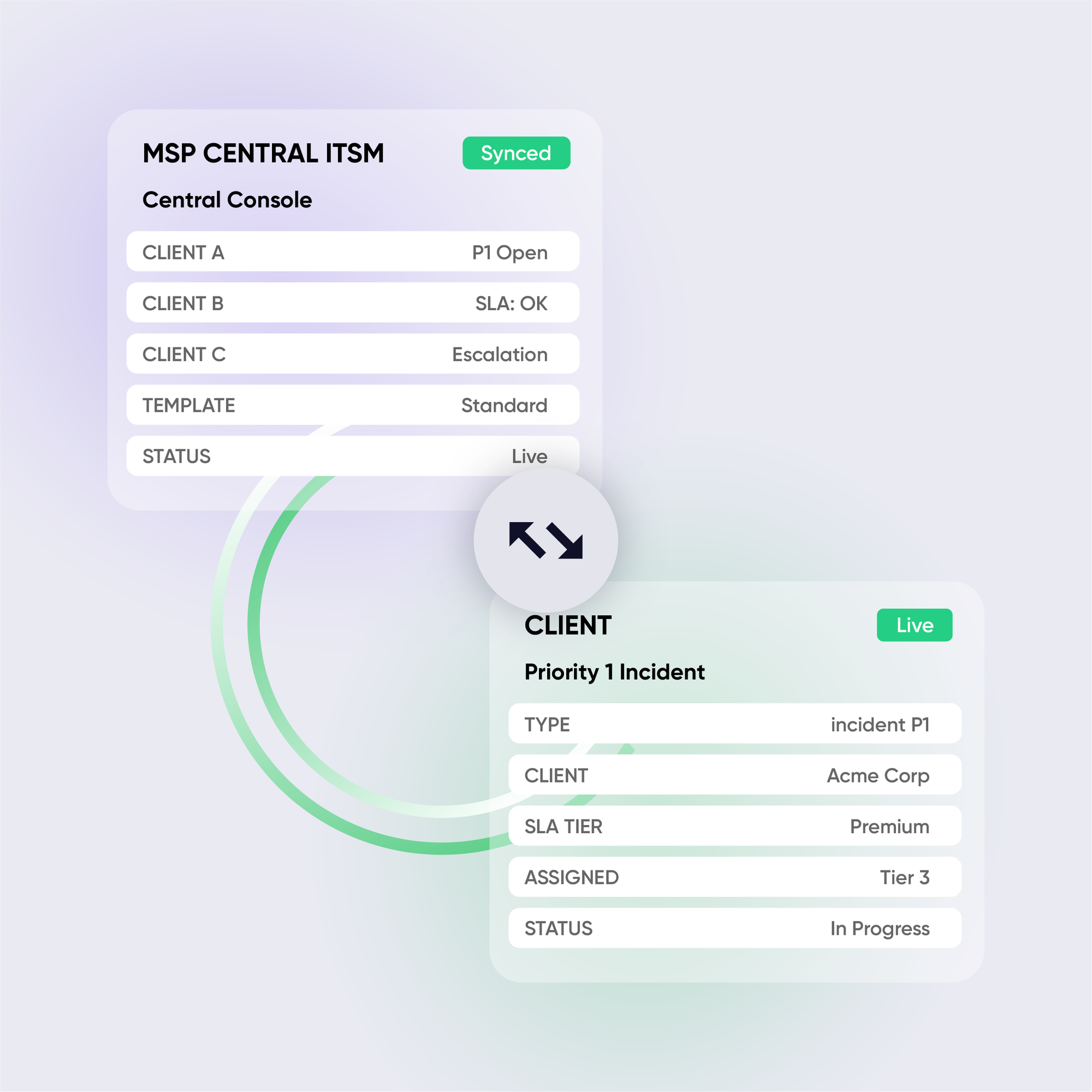
Exalate connects your internal ITSM to every client's platform with independent, bidirectional sync. Each connection has its own rules. Client data stays isolated. You get unified visibility.
14+ hours/week saved
on manual ticket duplication
Minutes to onboard
new clients with templates
Limitless connections
from a single ITSM instance
Unified reporting
across all clients
the msp reality
Your Team is Doing Work that Shouldn't Exist
Managing multiple clients, means managing multiple ITSM tools.
Each client has their own platform. Manual ticket duplication isn’t scalable. Here’s what you’re dealing with:
Manual Duplication
Analysts waste hours copying ticket details between systems. Context gets lost. Errors compound.
SLA Blindspots
No unified visibility means you can’t track resolution times across clients. SLA compliance becomes guesswork.
Security Concerns
Clients won’t grant direct system access. VPNs and additional licenses aren’t viable for every relationship.
Scaling Pains
Every new client means another custom integration project. Growth creates technical debt, not efficiency.
common use cases
How MSPs &
IT Services use Exalate
Multi-Client Ticket Management
Manage 50+ clients from a single instance. Tickets sync automatically with independent routing rules per client. Client A’s data never touches Client B’s environment.
MSSP Security Incident Sync
Security alerts reach client SOC teams instantly. Sync incident details, attachments, and response updates bidirectionally while filtering sensitive data based on compliance rules.
SLA-Compliant Collaboration
Automated syncing eliminates handoff delays. Track resolution times across all client tickets from a unified dashboard. Meet SLAs without the context-switching overhead.
Cross-Company Collaboration
System integrators and consultancies sync tickets with end-client systems during projects. Share work items, comments, and attachments without granting direct system access or buying extra licenses.






"Exalate is a competitive advantage for us as an MSSP since it enables close, smooth collaboration with customers. We are not merely another partner, we are an extension of their team."
Alexander Sinno
Challenges Solved
Communication gaps between NVISO and their clients
Security risk from single-point-of-contact access models
Ticket-based security incident management across systems
Removed friction from asking clients to adopt another ITSM tool

Why Exalate is
Secure by Design
- Single-tenant architecture – no shared infrastructure
- Encryption in transit and at rest
- Automatic recovery from outages
- ISO 27001:2022 certified
- 24/7 threat monitoring with SentinelOne

Get the Most Out of Your Integration
Sync in Real-Time
Two-way, real-time sync between platforms. Updates flow automatically. No manual exports, no delays.

Connect Any Number of Instances
Connect multiple projects, instances, and platforms. Use different rules for each connection.

Know What Failed and Why
Get AI-powered recommendations for resolving the issue, including possible fixes and next steps.

AI Assisted SetUp
Describe your integration goal. Aida reviews your sync rules and connector type, then suggests script changes

Only Sync What Matches
Set various conditions for automatic synchronization.


Sync Visibility, Right Where You Work
Check the real-time status of your active syncs, spot failures, and trigger a manual push. All from a browser extension, without opening the Exalate console.

the build vs buy decision
Making the Right Choice
DIY webhooks and API integrations seem cheap at first. But they don’t stay cheap:
- Race conditions causing data inconsistencies
- No bidirectional sync without significant engineering
- Breaks every time an API changes
- You become integration support, not client support
- Each new client = another custom build
Free tools work for basic one-way syncs. But when you need bidirectional sync, advanced field mapping, or to scale across multiple clients; they hit limits fast.
| Capability | Exalate | DIY / Webhooks |
|---|---|---|
| True bidirectional sync | ✓True bidirectional sync | Complex |
| Multi-client hub-and-spoke | ✓Multi-client hub-and-spoke | Manual |
| Independent control per side | ✓Independent control per side | XNone |
| Template-based onboarding | ✓Template-based client onboarding | XNone |
| AI-assisted configuration | ✓AI-assisted configuration | XNone |
| Migration support | ✓DC → Cloud support | Complex |
| Enterprise security | ✓ISO 27001 Certified | Your responsibility |
| Maintenance burden | Managed | High |
See Exalate in Action
Let us show you how Exalate can fit your unique business needs.
trusted by clients worldwide






FAQ
Answers to the most frequent questions.
Didn't find what you were looking for? Ask Aida
MSPs typically waste 14+ hours per week manually copying tickets between their ITSM and client systems. Exalate automates this with real-time bidirectional sync, eliminating manual duplication while maintaining data accuracy across all connected platforms. Your team works in one system; clients stay in theirs.
Hub-and-spoke integration means your central ITSM (like Jira Service Management or ServiceNow) connects to multiple client systems simultaneously. Each client connection operates independently with its own sync rules, so you can onboard new clients by replicating your template, not rebuilding integrations from scratch.
Free tools like Jira automation, ServiceNow eBonding, Azure DevOps Jira connector, work for basic one-way syncs but lack true bidirectional capabilities, advanced field mapping, and independent control for each party. They also don’t scale well for MSPs managing multiple clients with different ITSM tools. With Exalate, you can implement template-based onboarding, AI-assisted configuration, and enterprise security, critical for scaling client relationships.
Yes. Exalate supports continuous sync during migrations (Jira Data Center to Cloud, ServiceNow to Jira) with zero downtime. You can migrate historical data while maintaining real-time sync during the transition period, so teams keep working normally, and you cut over when ready, not when forced by data staleness.
The answer is not that straightforward because it depends on the use case. Most customers go live in 2–5 days if they have a simple use case, taking into account PoC and procurement cycles. Complex MSP networks average 2–3 weeks, including testing.
With Exalate, you can also replicate your standard integration setup for new clients easily. The AI-assisted configuration (Aida) generates sync rules from plain language descriptions, reducing technical complexity.
Exalate uses outcome-based pricing where you pay based on active items in sync, not arbitrary user counts. We offer volume and “multiple integration pairs” options for MSPs onboarding multiple clients. Contact our team to discuss pricing that scales with your client portfolio.
With Exalate, you can also replicate your standard integration setup for new clients easily. The AI-assisted configuration (Aida) generates sync rules from plain language descriptions, reducing technical complexity.
This is a common concern. Exalate does not require any kind of installation on the client side. It has a ramp-up flow that allows you to connect multiple systems through common authentication methods. The console also gives you a holistic view of your entire integration network, showing you the systems you have connected and how they are placed in your network.
We also provide documentation and support to help you present the value to clients. For clients hesitant about new tools, we can join calls to address security and technical concerns directly. You can always reach out to our team to learn more about managed services.
Yes. With on-prem or Docker deployment, each node stores and processes its own data; only the information you choose is transmitted and is encrypted in transit and at rest. Your ticketing data never leaves your environment unless you configure it to.
We also provide documentation and support to help you present the value to clients. For clients hesitant about new tools, we can join calls to address security and technical concerns directly. You can always reach out to our team to learn more about managed services.
For straightforward syncs, no. The default scripts work fine. For advanced ITIL workflows, the Groovy scripting mode gives full customization. And with an AI layer on top, you can generate the scripts automatically.
Generic automation tools can’t handle bi-directional ITSM sync, SLA tracking, complex field mappings, conditional logic, data transformations, and enterprise security. Exalate is purpose-built for advanced ITSM workflows, edge integration cases, or mapping any fields available via REST APIs, with business logic that caters to your requirements.