
Flexible two-way sync
Freshservice Integration
Share Freshservice data with other platforms in real-time. Automatically move tickets back and forth between Freshservice and Jira, Salesforce, Zendesk, and more.
Have your teams collaborate across different systems, departments, and companies in real-time.






Bye Bye to Context Switching
Connect your Freshservice instance to keep your internal teams and external partners aligned and informed.
Stay updated with real-time data while staying in your own lane.
Protect sensitive business data
Limit who has access to sensitive business data. Filter out the information you share with other teams.
Maintain consistent formatting
Keep data consistent across platforms. Ensure each side has access to the correct values when they share data.
Always stay in the loop
Never miss an important update or deadline. Stay informed about workflow progress and statuses.
Automate for success
Enhance processes with automatic data exchange for increased efficiency. Keep your eyes on the ball.







Sync Any Data with an Advanced Freshservice Integration
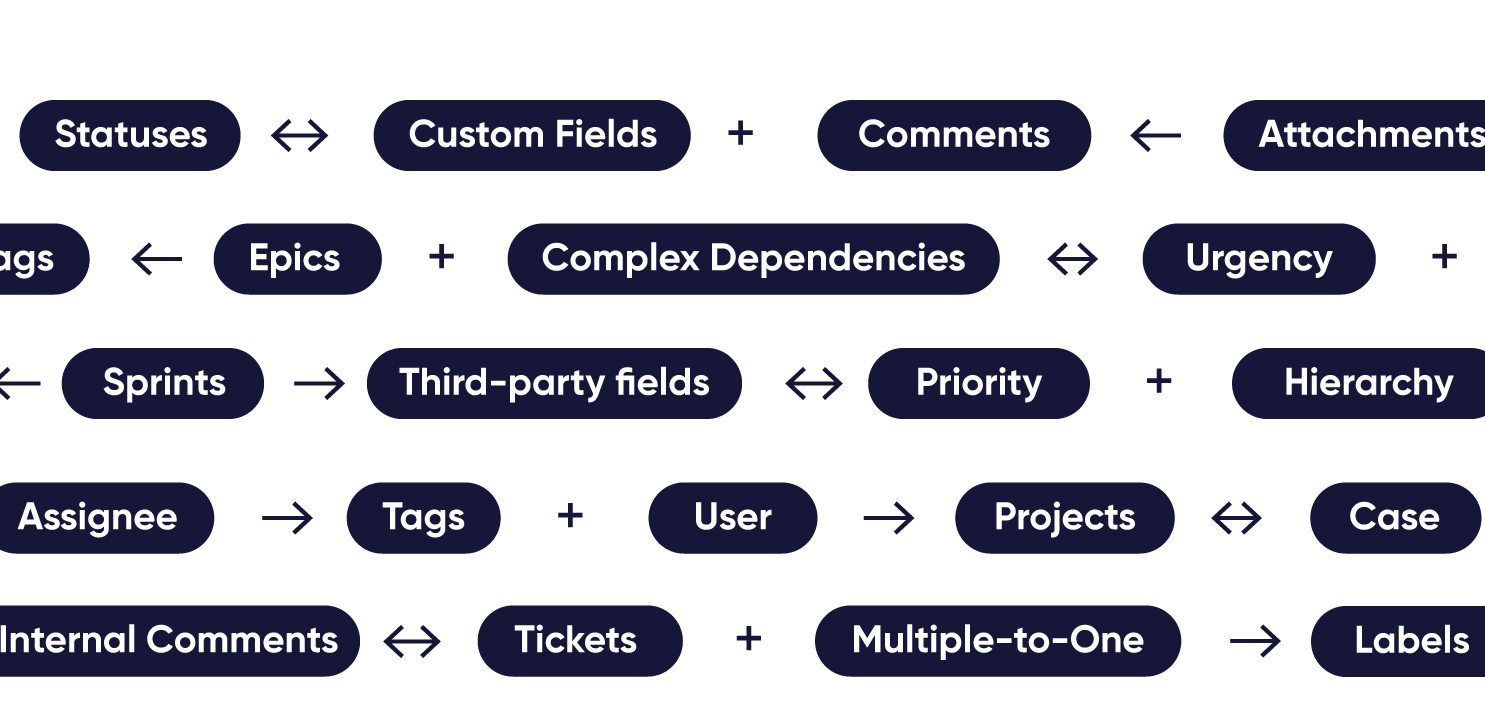
Sync standard and custom entities available through Freshservice REST API.
Tickets
- Custom fields
- Summary
- Description
- Status
- Label
- Attachments
- Notes
- Custom keys
- Priority

Get the Most Out of Your Integration
Sync in Real-Time
Two-way, real-time sync between platforms. Updates flow automatically. No manual exports, no delays.

Connect Any Number of Instances
Connect multiple projects, instances, and platforms. Use different rules for each connection.

Know What Failed and Why
Get AI-powered recommendations for resolving the issue, including possible fixes and next steps.

AI Assisted SetUp
Describe your integration goal. Aida reviews your sync rules and connector type, then suggests script changes

Only Sync What Matches
Set various conditions for automatic synchronization.


Sync Visibility, Right Where You Work
Check the real-time status of your active syncs, spot failures, and trigger a manual push. All from a browser extension, without opening the Exalate console.

Absolute Control Over Synced Data

- Give both sides granular control using native triggers and Groovy scripts.
- Use AI Assist to explore custom mappings.
- Establish event-specific triggers for automated synchronization.
Secure Freshservice ITSM Integration
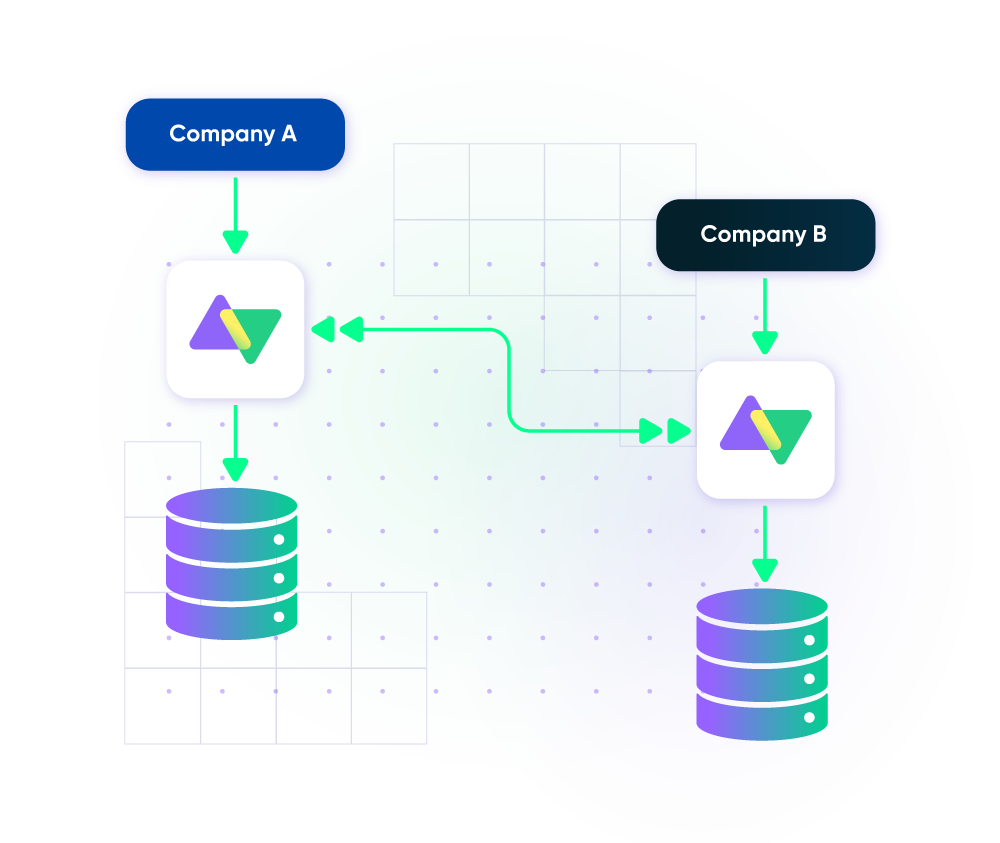
- Isolate your system under Exalate’s distributed and single-tenant cloud infrastructure.
- Scale consistently with limitless flexibility, thanks to loosely coupled systems.
- Keep your data safe with airtight security features backed by ISO 27001 certification.
Set up, Customize, Sync!
01
connect
Connect the tools you want to integrate. Just add the instance’s URL.
02
customize
Configure your sync rules to make sure the right data is shared. Prompt the sync rules with Aida AI, or write your scripts from scratch.
03
automate
Set conditions with triggers, for an automatic synchronization.
04
synchronize
Now your instances are connected and will automatically exchange information instantly. Happy syncing!
See it in action
FAQ
Answers to the most frequent questions.
Didn't find what you were looking for? Ask Aida
Exalate is a two-way integration platform that syncs Freshservice tickets with Jira, Salesforce, ServiceNow, Azure DevOps, Zendesk, and other tools in real time. Unlike basic integrations that only push data one way, Exalate maintains continuous bidirectional synchronization where changes in either system automatically update the other. Both technical teams writing Groovy scripts and non-technical users working with Aida (our AI assistant) can configure exactly which fields, comments, attachments, and custom data to share.
Basic integrations can run within hours using Exalate’s default script templates. For complex setups involving custom fields, conditional triggers, or multi-platform connections, plan for 1-2 weeks.
Aida can generate sync scripts from plain-language prompts, significantly reducing configuration time for non-technical users.
Exalate syncs all standard and custom Freshservice fields available through the REST API, including ticket summary, description, status, priority, labels, attachments, notes, custom fields, and custom keys. You control exactly what data flows in each direction and sync everything for full visibility, or filter sensitive fields to protect business data. Both incidents and service requests can be synchronized with their complete field mappings intact.
Yes, Exalate provides real-time synchronization. When a ticket is updated in Freshservice, changes sync to connected platforms within seconds, not minutes or hours. This includes status changes, priority updates, new comments, and attachment additions. The sync queue provides full visibility into processing status, and automatic restart ensures no data is lost during brief outages.
Start ramping up your Jira Freshservice Exalate integration here. Follow the instructions in the setup wizard and connect both instances. Map ticket fields to Jira issue fields, set triggers using JQL and Freshservice queries, and start syncing.
Yes, Exalate supports bidirectional Freshservice Azure DevOps integration. Sync Freshservice tickets (incidents and service requests) with Azure DevOps work items, including bugs, user stories, features, and epics. When deeper technical expertise is required, automatically route tickets to Azure DevOps while keeping support agents updated on progress. Map status fields, sync comments as work item discussions, and use WIQL triggers to control which items synchronize.
Yes, Exalate supports Freshservice Freshdesk integration within the Freshworks ecosystem. Connect customer support tickets from Freshdesk with IT service management in Freshservice. This enables seamless escalation workflows when customer issues require IT involvement; tickets can be automatically created and synced. Both teams maintain visibility into ticket status and resolution progress without switching between platforms or manually copying information.
Yes, Exalate enables robust Freshservice ServiceNow integration. Sync Freshservice tickets with ServiceNow incidents, problems, or change requests bidirectionally. This is particularly valuable for MSPs managing clients across different ITSM platforms or enterprises consolidating service desk data. Each organization maintains control over its sync rules, ensuring both sides can protect sensitive data while sharing relevant ticket information in real time.
Yes, Exalate can connect Freshservice to multiple platforms simultaneously, including Jira, ServiceNow, Zendesk, Salesforce, Azure DevOps, and GitHub. Each integration operates independently with its own sync rules and triggers. This is ideal for enterprises using different tools across departments or MSPs managing diverse client environments. The unified console provides visibility across all your Freshservice connections from a single interface.
Exalate uses a single-tenant architecture where every instance has its own isolated process space, file system, network, and database, which is completely separated from other customers. Data is encrypted in transit and at rest, with flexible authentication options including API keys, OAuth, and PAT. Exalate holds ISO 27001 certification and supports GDPR compliance.
Visit Exalate’s Trust Center for more details.
Exalate uses outcome-based pricing, meaning you pay for active items currently in sync, not per user or API call. Plans start at $100/month (Starter). Each Freshservice integration requires its own plan. A free 30-day trial includes access to all supported connectors and features.
View the pricing models or estimate your costs here.
Connect the tools you want to integrate. Just add the instance’s URL.