
Flexible two-way sync
Real-time Jira Integration
Sync Jira Work Items (Issues) and Sprints between multiple Jira instances or between Jira and other platforms like ServiceNow, Azure DevOps, Salesforce, Zendesk, GitHub, and more.
Have your teams collaborate across different systems, departments, and companies in real-time.
Opt for the AI configuratioin. Or, write your own scripts.
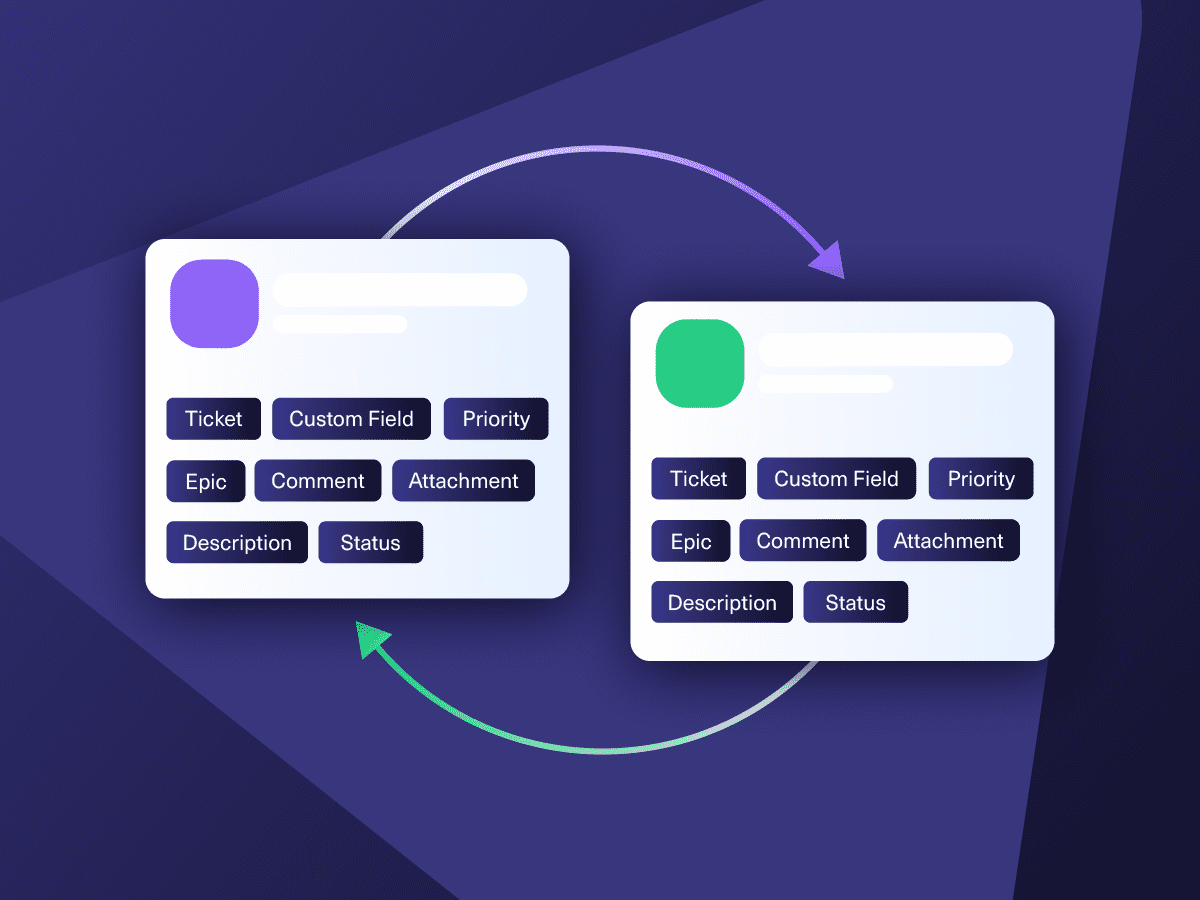
Sync anything. From attachments to custom fields
& 40+ default fields
Get unlimited users, triggers, and connections
Available for Cloud & On-premise
Switching Between Tools is Now a Thing of the Past
Have your teams collaborate across different systems, departments, and companies without thinking twice.
Don’t share credentials with other teams.
Choose what info to share with other teams and just sync it.
Don’t copy-paste data between emails, messages, and issues.
Integrate your Jira with your partner’s system and see everything in one place.
Don’t waste your time waiting on manual updates.
Automate your Jira sync and get real-time status updates.
Don’t switch between all the tools you use every day.
Stay in your favorite tool and sync the necessary data.
+10
Years of experience in integrations
+4,000
Active Installs on Jira only
4.3/5
Highest Rating on the Marketplace
Sync Anything between Jira and Other Tools
Sync any entity using a one or two-way mapping. Configure and map the entities precisely as needed.

Jira
Jira Software (Cloud and Data Center)
Jira Service Management
Work Items (Issues)
(Bugs, Tasks, Stories…)
+40 fields are supported, including:
- Custom fields
- Summary
- Status
- Description
- Key
- Comment
- Attachment
- Priority
- Third-party plugin fields (e.g Insights)
Sprints
All fields are supported, incuding:
- Name
- State
- Start date
- End date
- Complete goal
- Origin board ID
- Goal

Jira Service Management
Tickets
+40 fields are supported, including:
- Custom fields
- Summary
- Status
- Description
- Key
- Comment
- Attachment
- Priority
- Reporter
- Third-party plugin fields (e.g Insights)
popular integrations with jira







Get the Most Out of Your Integration
Sync in Real-Time
Two-way, real-time sync between platforms. Updates flow automatically. No manual exports, no delays.

Connect Any Number of Instances
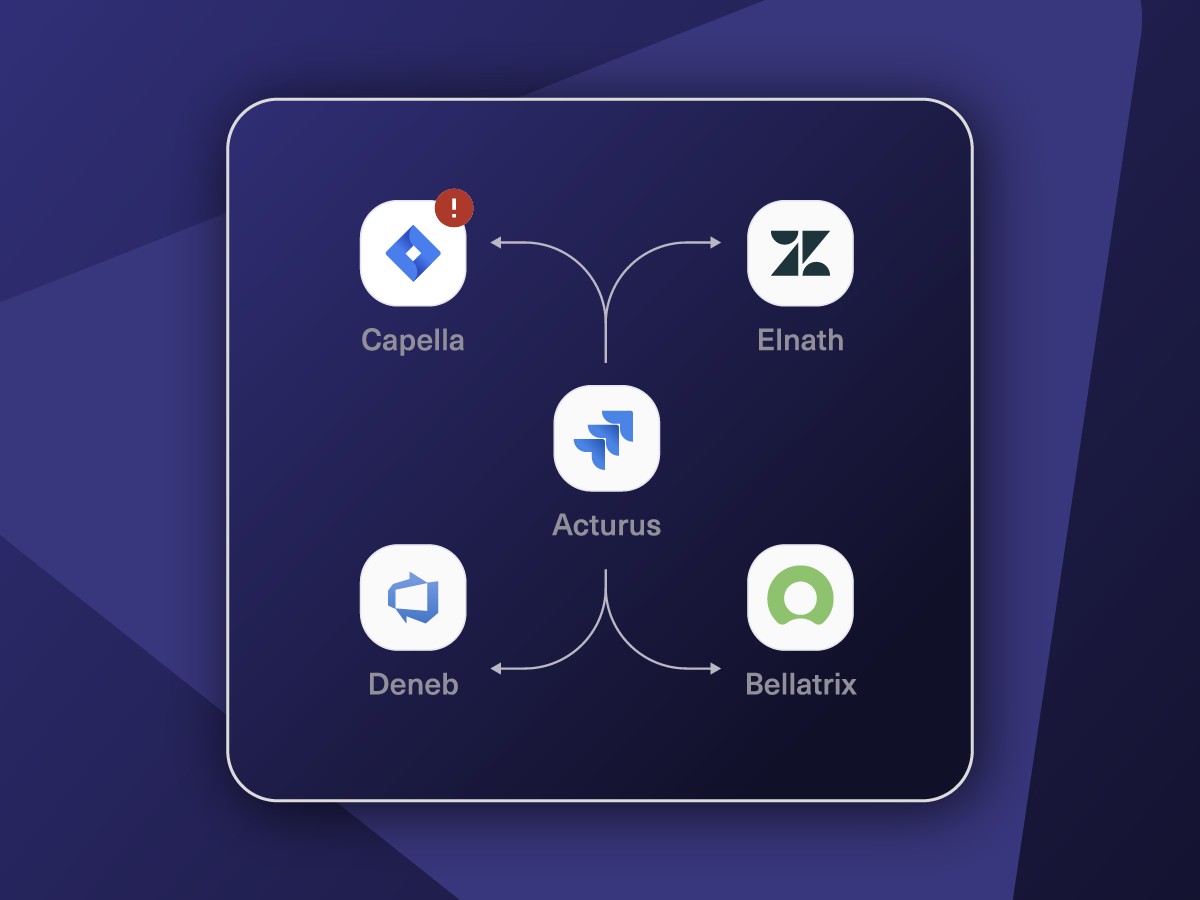
Connect multiple projects, instances, and platforms. Use different rules for each connection.

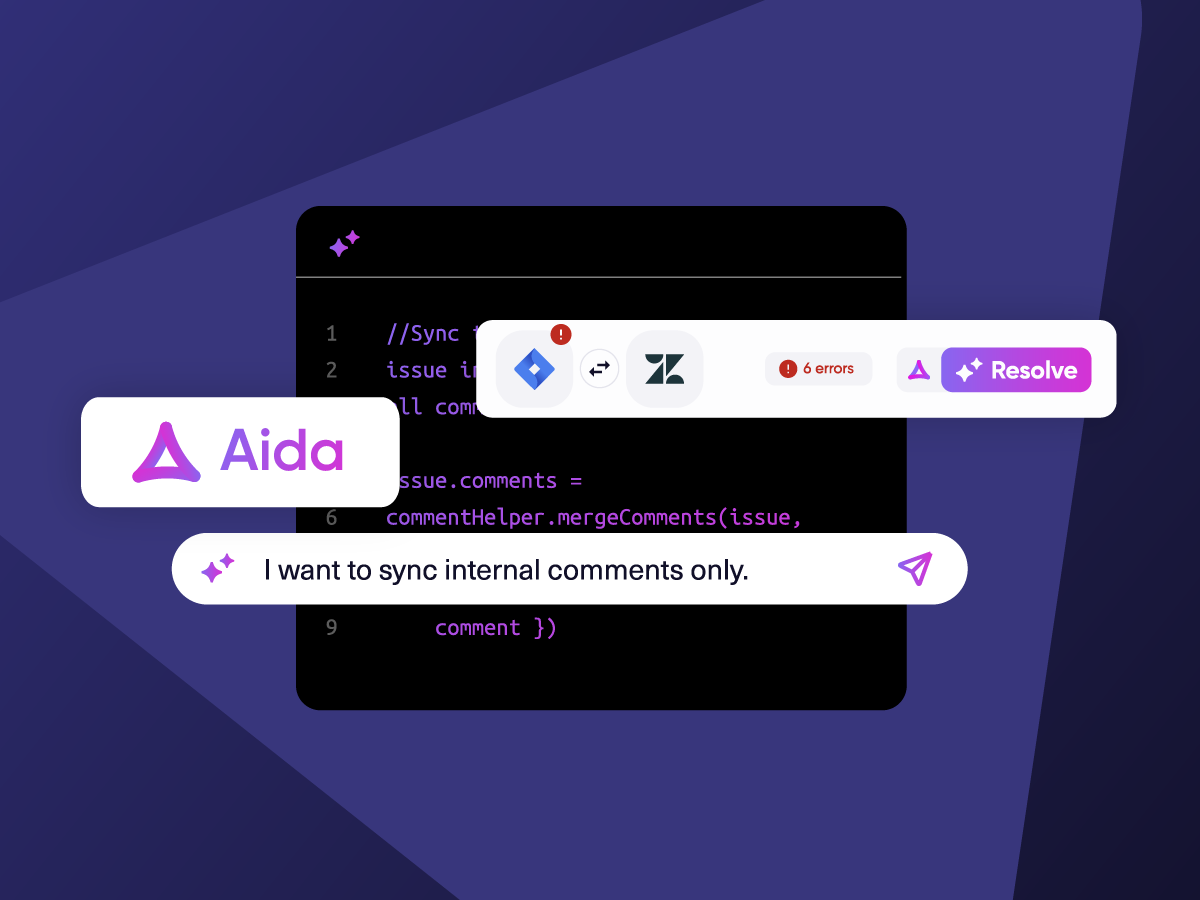
Know What Failed and Why
Get AI-powered recommendations for resolving the issue, including possible fixes and next steps.

AI Assisted SetUp
Describe your integration goal. Aida reviews your sync rules and connector type, then suggests script changes

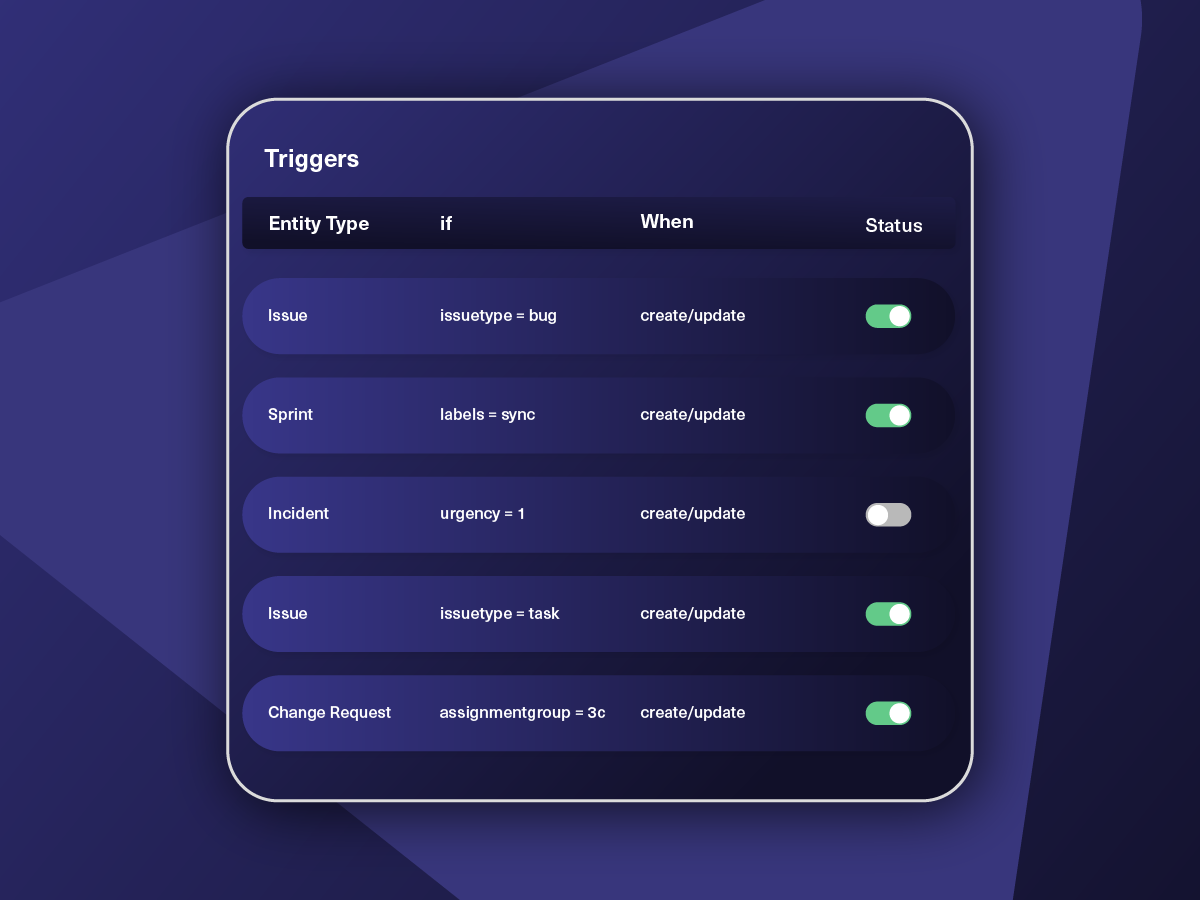
Only Sync What Matches
Set various conditions for automatic synchronization.


Sync Visibility, Right Where You Work
Check the real-time status of your active syncs, spot failures, and trigger a manual push. All from a browser extension, without opening the Exalate console.

WHAT JIRA ADMINS SAY
"Exalates stands out the most due the fact that it is fully customizable. No use case is unsolvable. With other solutions, you're restricted to what they have configured for you."
"We have teams that need to work together, but in different systems. So instead or changing the way they work or making manual changes, we just sync with Exalate. They now stay in the tool they want, following company standards"

jorden van bogaert
atlassian service delivery manager
jira integrations result



Why Exalate is
Secure by Design
- Single-tenant architecture – no shared infrastructure
- Encryption in transit and at rest
- Automatic recovery from outages
- ISO 27001:2022 certified
- 24/7 threat monitoring with SentinelOne



I was positively surprised by how Exalate satisfied our synchronization needs. We managed to reduce the monthly costs of growth's Service Desk by around 95%.

Without Exalate, we would have had to add each developer to Salesforce to be able to track that information, which would have been a huge cost on our side.

Exalate enabled us to accurately map and migrate data between ServiceNow and Jira. Preserving historical information, timestamps, and ticket records. We strongly recommend Exalate to any organization facing a complex migration.

When we first found Exalate, we thought, well, they’ve invented the integration wheel;. it makes no sense for us to reinvent it.
How it Works
Connect
Easily connect multiple projects, instances, and platforms. With local, or external partners.
Customize
Set your sync rules to make sure the right data is shared.
Prompt Exalate’s AI to generate rules, or fine-tune with Groovy-based custom mappings and logic for complete control.
Automate
Set triggers to automate your sync based on specific conditions.
Synchronize
Now your connected instances will exchange information automatically. Happy syncing!
FAQ
Answers to the most frequent questions.
Didn't find what you were looking for? Ask Aida
A Jira integration connects Jira with other platforms (ServiceNow, Azure DevOps, Salesforce, Zendesk, GitHub, Freshservice, Freshdesk, Asana, or another Jira instance) to automatically sync work items, sprints, comments, and attachments. Teams need integrations to eliminate manual data entry, reduce context switching between tools, and keep development, IT, and support teams aligned in real-time.
Exalate syncs any data available via REST API. Common fields include:
- Work items: Summary, description, status, priority, assignee, reporter, comments, attachments, labels, custom fields
- Sprints: Name, state, start date, end date, goal, origin board ID
- Advanced data: Work item links, parent-child relationships, time tracking, SLA information, third-party plugin fields (like Insight)
- Transformations: Map Jira priorities to ServiceNow urgency, convert markdown to HTML, apply conditional logic
Exalate uses outcome-based pricing. You pay for active sync pairs i.e work items currently synchronized, not user seats or connection counts.
Each integration (Jira ↔ ServiceNow, Jira ↔ Azure DevOps) is billed independently. You can create unlimited connections, users, and triggers within each integration. Cost per item decreases as sync volume increases.
Plans start at $100/month per integration for self-serve options. Enterprise plans offer custom item limits, priority support, and data residency options.
Exalate uses asynchronous transactional sync queues on both sides of the integration. Changes are tracked in order and applied sequentially once connectivity resumes. The integrated retry mechanism restarts synchronization from the exact point of interruption, so no manual intervention is required.
Yes. Jira uses different formatting than other platforms (markdown vs HTML). Exalate’s Groovy scripting engine includes Helper classes and methods to transform data automatically.
For example, nodeHelper methods convert between HTML (used by Azure DevOps) and markdown (used by Jira). You can also add conditional logic, concatenate fields, or apply custom transformations through sync scripts.
Aida (AI-assisted configuration) can generate these transformation scripts from plain language prompts, reducing the need for manual Groovy coding.
Yes. Exalate supports Jira Software and Jira Service Management. All standard and custom fields work the same way. You can sync JSM tickets with ServiceNow incidents, Zendesk tickets, Salesforce cases, or any other supported platform.
Exalate is ISO 27001 certified and GDPR compliant. Security features include:
- Role-based access control (RBAC) for permission management
- Encryption at rest and in transit (TLS 1.2/1.3)
- Decoupled authentication: Integration access is separated from ticketing system credentials
- Audit trails: Script versioning tracks all configuration changes with rollback capability
- Instant alerts for data changes and automatic recovery from outages
Yes. Exalate uses platform-native triggers for automatic synchronization:
- Jira: JQL (Jira Query Language) filters. Example:
project = SUPPORT AND priority in (High, Highest) AND labels = "escalate" - ServiceNow: Advanced search queries for incidents, change requests, or problems
- Salesforce: SOQL queries for cases, opportunities, or custom objects
Triggers activate sync automatically when conditions match. Edit triggers anytime without disrupting active synchronizations.
Yes. Exalate supports multi-instance hub-and-spoke architectures:
- Connect multiple departmental Jira instances to a central ServiceNow
- Link vendor-managed Jira instances to an MSP’s Azure DevOps
- Visualize all connections in a unified console with network-style mapping
Bulk operations let you update multiple connections simultaneously and apply consistent script templates across similar integrations.
Native connectors (Jira Spoke, basic Marketplace apps) work for simple, unidirectional sync but they are different from script-based solutions like Exalate.
| Feature | Native Connectors | Exalate |
|---|---|---|
| Bidirectional sync | Limited | Full |
| Custom field mapping | Basic | Unlimited via scripting |
| Cross-company integration | No | Yes |
| AI-assisted setup | No | Aida |
| Script versioning | No | Yes |
| Multi-instance support | Limited | Full network topology |
Exalate combines operational simplicity with scripting flexibility so you can configure anything without hitting platform limitations.
Setup time depends on complexity:
- Basic sync (standard fields, no transformations): 30-60 minutes
- Custom mappings (field transformations, conditional logic): 2-4 hours
- Complex multi-instance deployments: 1-2 weeks with integration engineering support
Aida accelerates configuration by generating Groovy scripts from natural language descriptions. Test Run lets you validate scripts before production deployment.
Yes. Exalate is designed for cross-company scenarios where partners, suppliers, or MSPs need to collaborate without sharing system credentials. It also works for intra-company use cases.
Each party maintains operational control over its sync side. Scripts on your end define what data leaves and enters your Jira; the other party has no direct access to your environment.
Common use cases: MSP client management, vendor escalations, partner development, and collaboration.
Yes. Exalate offers a 30-day free trial with full functionality, including its scripting engine.
Start your Exalate trial here.
How useful was this content?
Click on a star to rate it!
Average rating 4.6 / 5. Vote count: 32
No votes so far! Be the first to rate this post.
We are sorry that this post was not useful for you!
Let us improve this post!
Tell us how we can improve this post?