
Meet Aida
AI Assistance for Real Integration Work
Aida helps you plan integrations, write sync scripts, and understand errors — faster and with context.
It works directly with your Exalate configuration. It understands your setup and integration logic, so you spend less time figuring things out and more time getting integrations right.
Get extra guidance exactly when you need it.
How Aida Fits Into Your Work
Aida is Exalate’s AI-assisted layer that helps teams configure, understand, and troubleshoot integrations faster. She provides:
Context-aware script suggestions based on your setup
Clear explanations of sync behavior and errors
Guided help when defining integration requirements
Aida helps you work faster — she doesn’t do the work for you.
Aida does not automate integrations end-to-end or replace technical expertise. She does not make autonomous changes, override permissions, or abstract away Exalate’s scripting model.
Support at every stage of your integration work
Aida is available throughout the Exalate workflow, from early exploration to implementation and ongoing maintenance.
in documentation
Learn & Explore
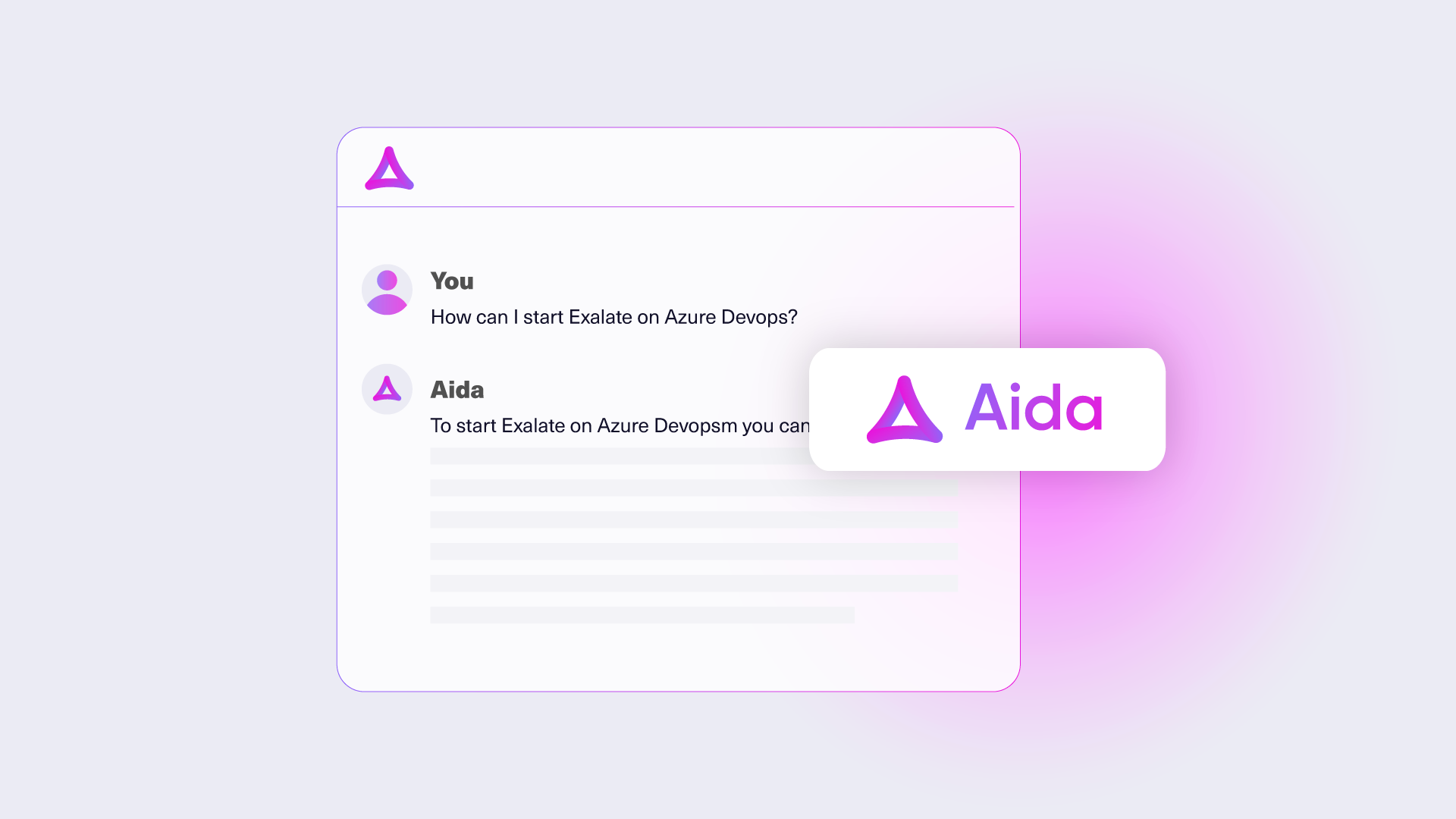
Ask Exalate questions, explore supported patterns, and generate example script snippets directly from official documentation.
This version of Aida provides general guidance only, without access to your live configuration.
in documentation
Define Requirements
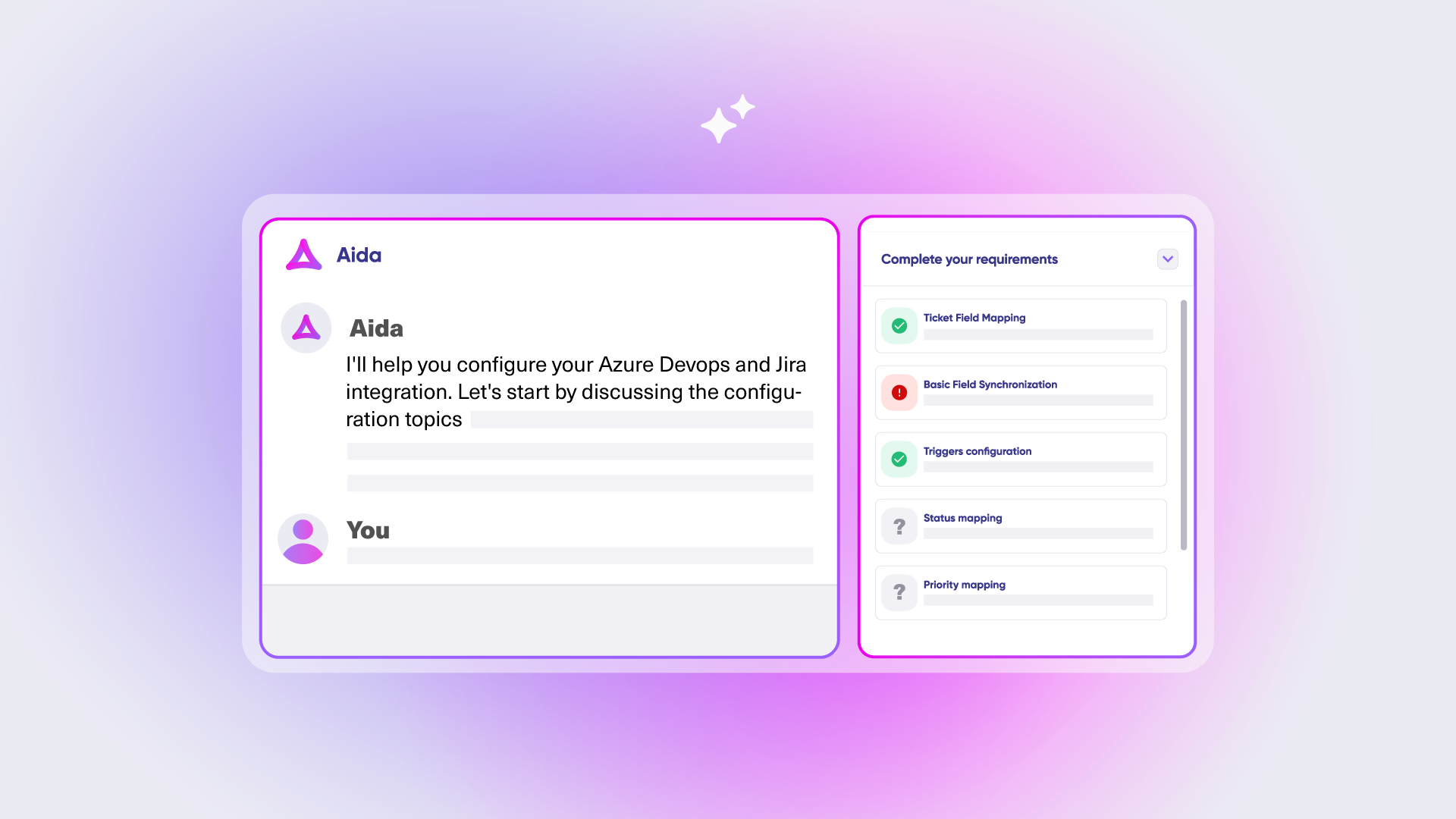
Turn integration ideas into clear, implementation-ready requirements before writing scripts.
Aida Plan guides you through:
- What should sync
- How data should behave
- When synchronization should trigger
Requirements are validated to be Exalate-compatible and conflict-free.
in product
Implement & Refine
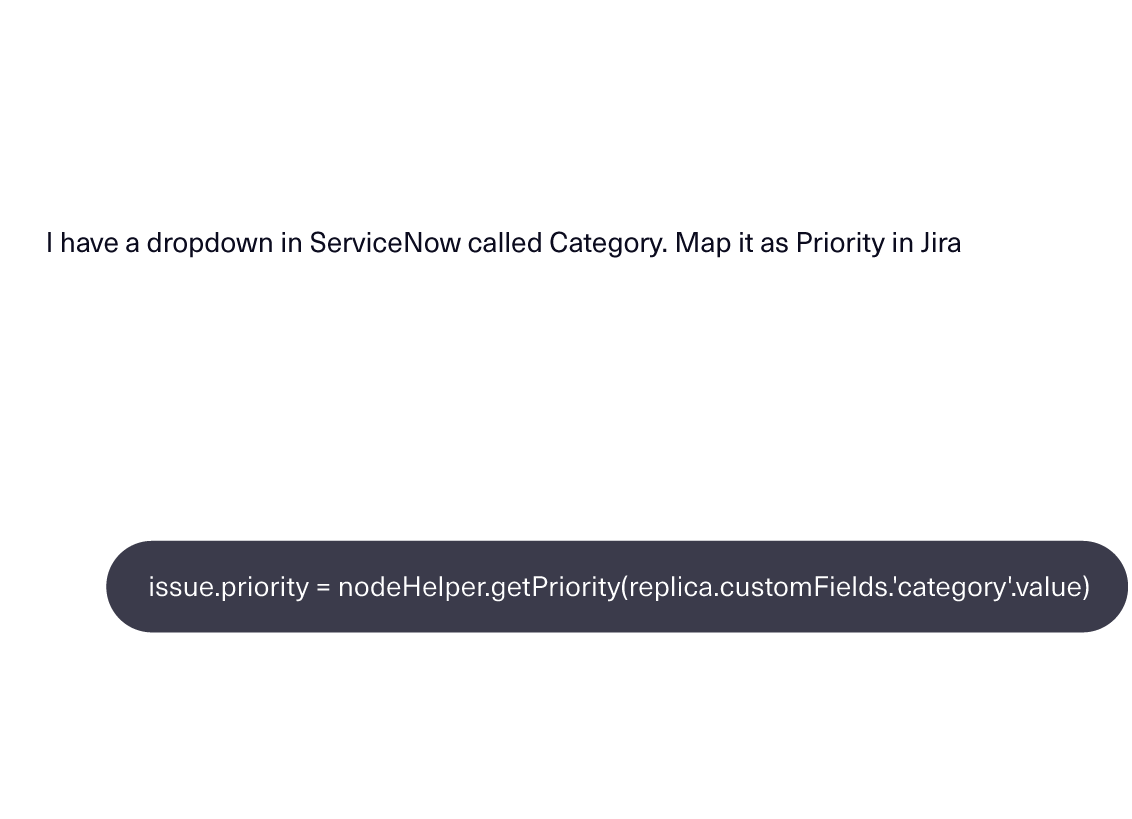
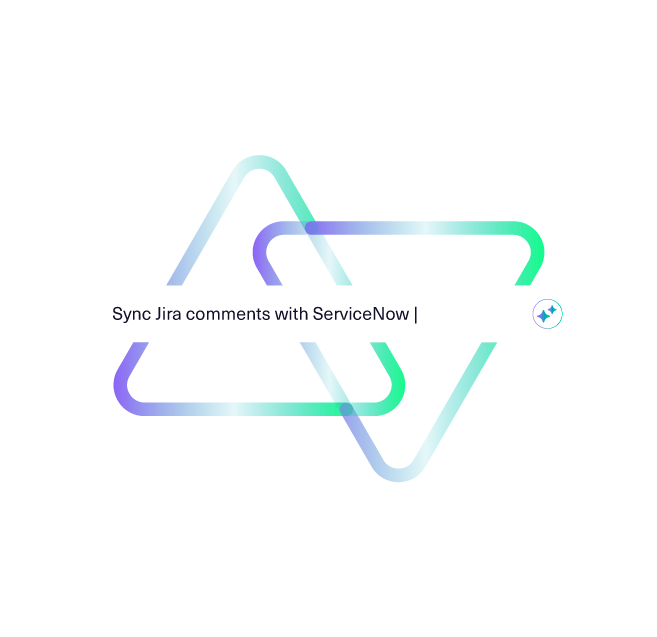
Write and refine sync logic with context.
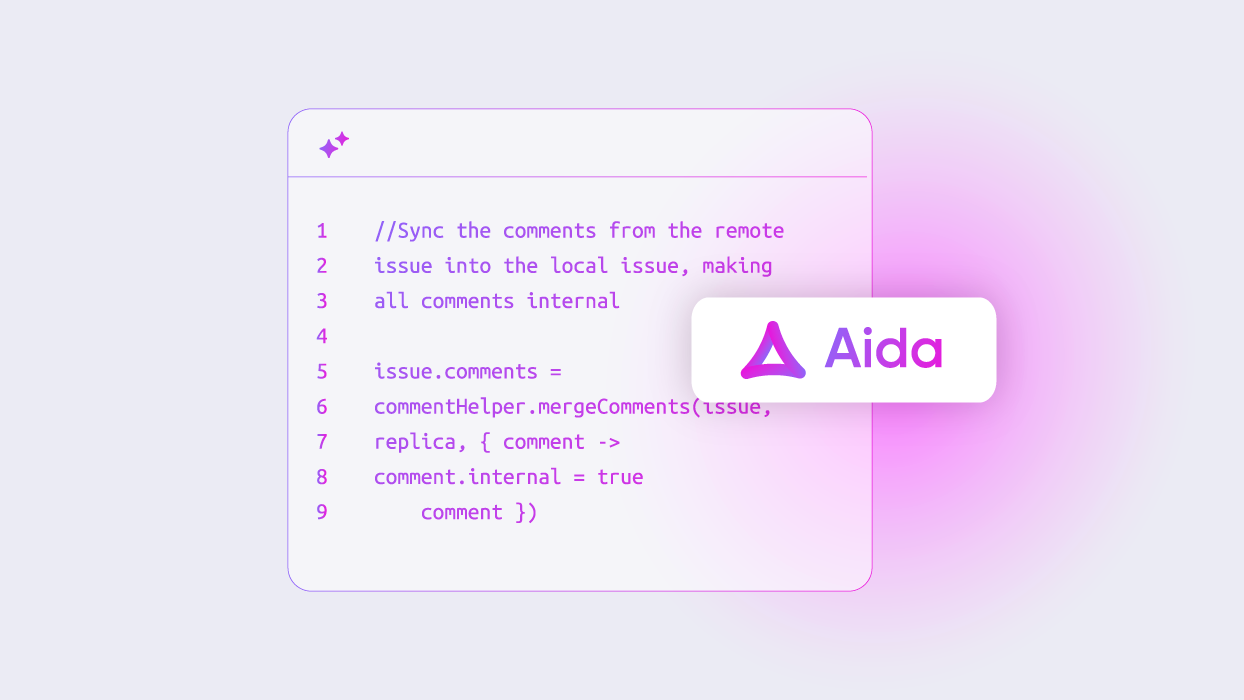
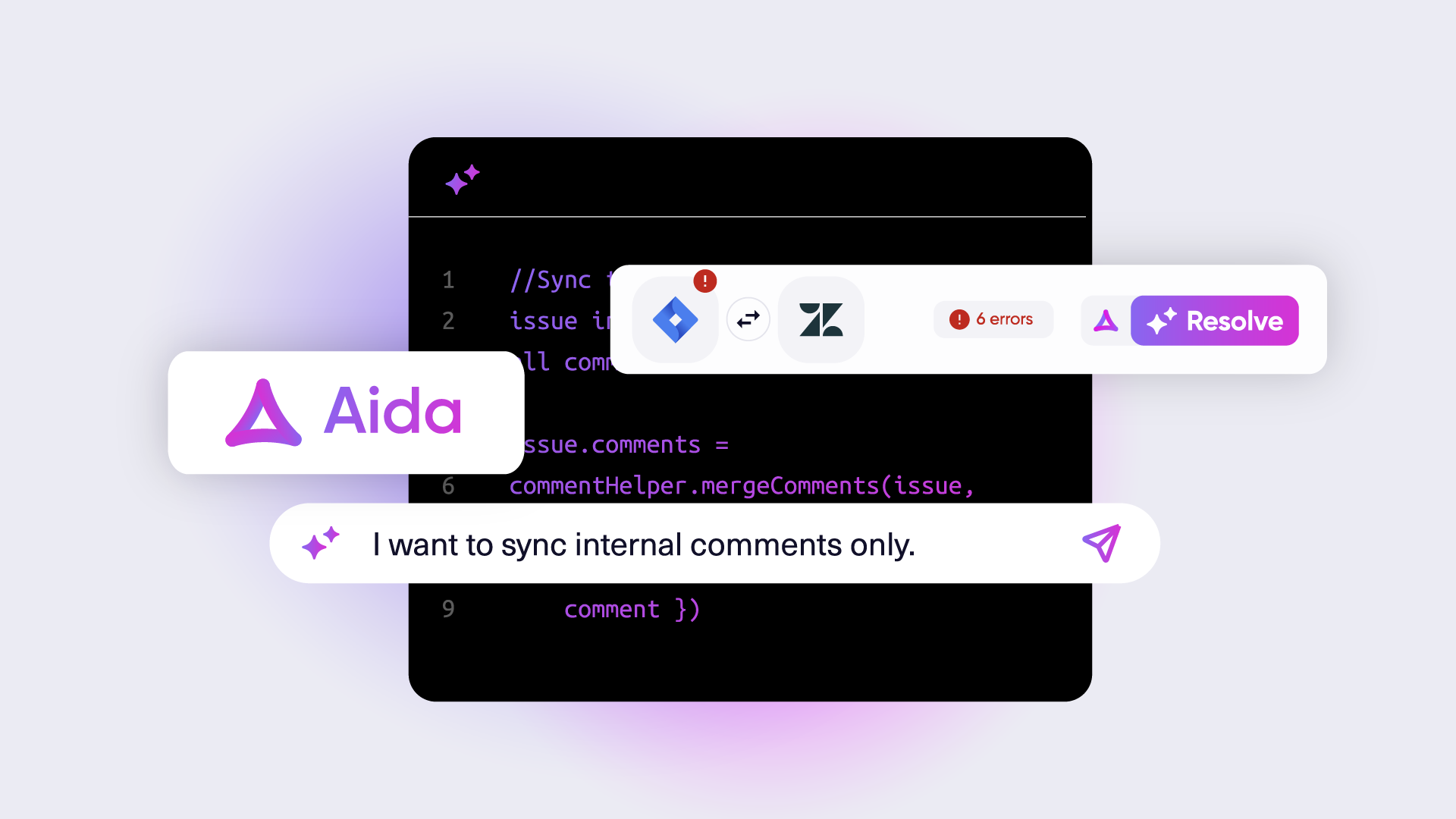
Aida analyzes your existing sync rules, connector type, and prompt, then suggests concrete changes directly in the script.
- Every suggestion is reviewable
- Changes apply only if you accept them
- Manual editing remains fully available
Who Aida Is For
For teams who don’t settle for “good enough” integrations
Aida is built for
- Technical and semi-technical teams
- Integration owners, solution engineers, and IT teams
- Organizations managing cross-company or multi-system workflows
Aida helps if your integration involves:
- Custom business rules
- Security or compliance constraints
- Long-term maintainability
Build integrations you trust — with AI on your side
From planning to scripting to troubleshooting, Aida helps you move faster while keeping the autonomy and control you need.
FAQ
Answers to the most frequent questions.
Didn't find what you were looking for? Ask Aida
Aida generates scripts by analyzing your prompt alongside your existing sync rules and connector configuration. She understands the context of your specific setup and produces scripts that align with your requirements. You always retain full control – review and modify the generated script before applying it. The interaction is stateless: Aida doesn’t store your configuration information or update her models with your data.
Yes. Aida-generated scripts work just like manually written scripts – there’s nothing technically different about them. That said, AI can make mistakes. We recommend reviewing scripts before applying them and testing on non-production issues first. With the new TestRun feature in New Exalate, you can validate scripts safely before they affect live data.
Your data is protected through encryption in transit and at rest. In accordance with ISO27001, access to Aida and related logs is restricted to authorized personnel only. We maintain detailed audit logs of all interactions for transparency and accountability. Aida doesn’t store your configuration data or use it to train models.
Scripts generated by Aida are accessible only to users with the appropriate permissions to access the Exalate console. In the new Exalate experience, script versioning also tracks who made changes and when.
Absolutely. Aida is designed to assist you, not replace you. She generates scripts based on your input, but you have the final say. You can accept, modify, or discard any suggestion before applying it. After accepting a suggestion, you can still edit manually – Aida’s suggestions are a starting point, not a locked-in solution.
Aida lives in two places:
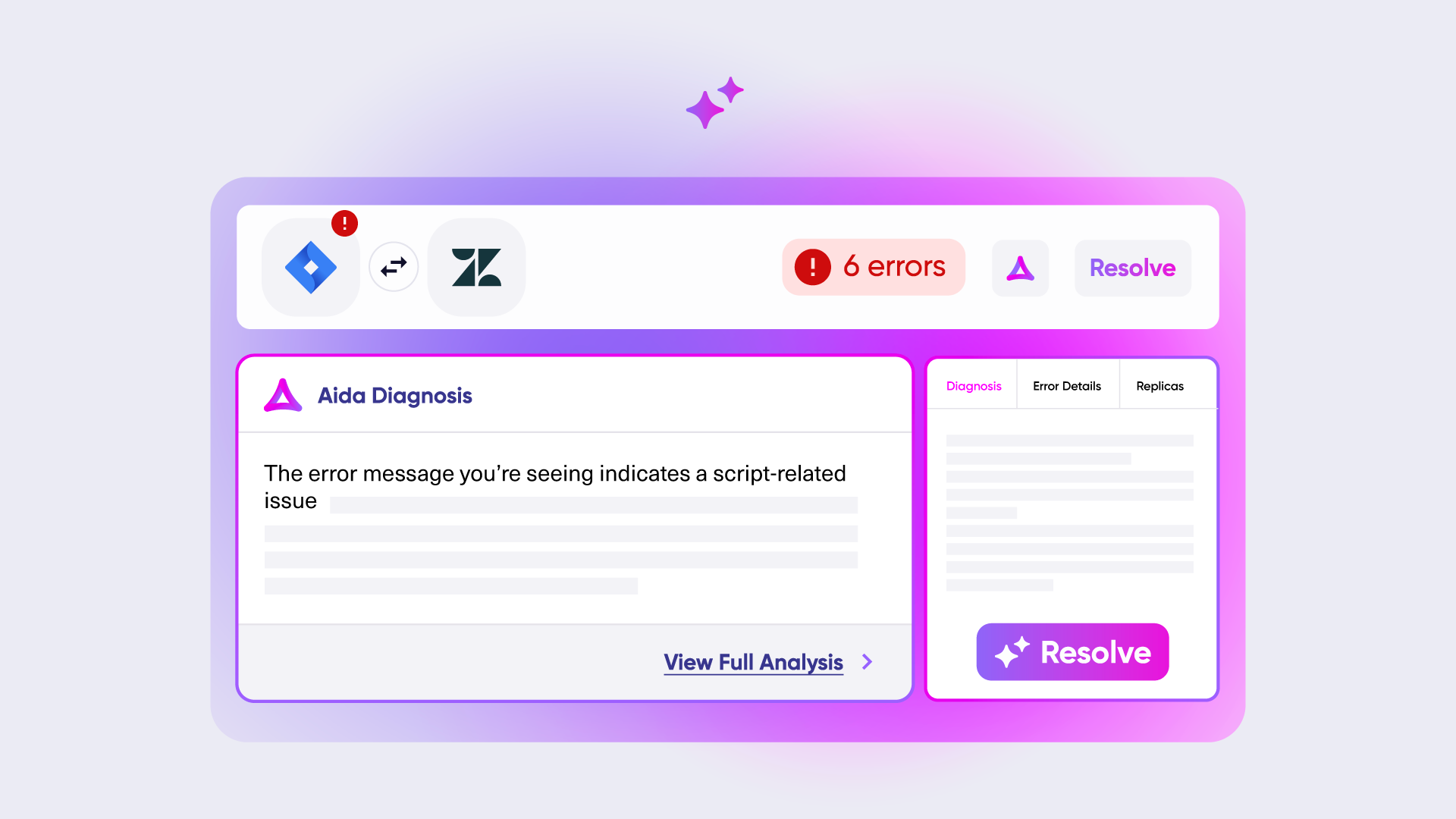
In the product: Aida helps you write and edit sync scripts with full context of your existing configuration. She also helps troubleshoot sync errors by explaining problems in plain language and suggesting solutions.
On the Exalate documentation website: Aida answers questions about Exalate, generates script snippets for specific use cases, and helps you plan integrations through guided conversations. This is free and accessible to everyone.
The key difference: In-product Aida knows your specific setup. Docs Aida provides general guidance without that context.
When sync errors occur, Aida provides an overview of the problem in plain language – no need to decode cryptic error messages. She analyzes the error context and suggests specific solutions you can implement. This cuts troubleshooting time significantly and reduces dependency on external support.
No. Aida speeds up work for technical users – she doesn’t replace technical knowledge. You still need to understand what your integration should do and review the scripts Aida generates. Think of her as an expert looking over your shoulder: she helps you work faster and catches things you might miss, but the decisions are yours.