
Salesforce Azure DevOps Integration
Sync data between the sales team and the development team in real time. Map Salesforce objects to Azure DevOps work items bidirectionally.
Automate the flow of information. Sync custom fields, comments, attachments, statuses, and much more. Keep everyone aligned with a Salesforce Azure DevOps integration.
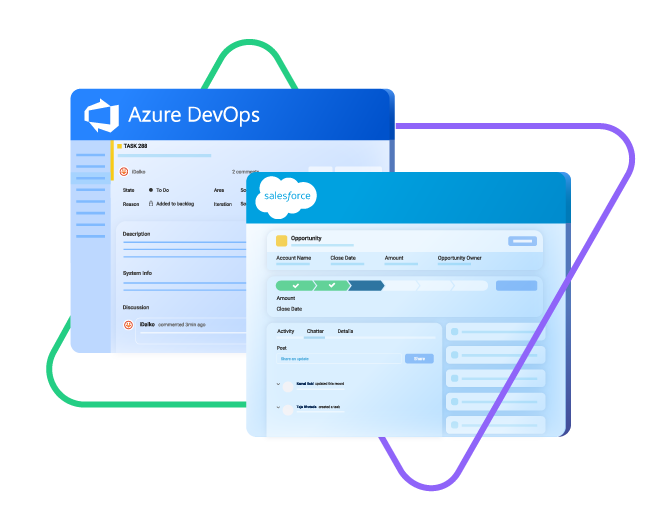
Sync type, title, creator...
sync status, description, priority...
sync attachments, custom fields...
sync comments...
Sync opportunity, case, task, account, product...
sync owner, status, number, priority...
sync contact details, internal comments...










Azure DevOps Salesforce Integration for Smooth Collaborations
A well-crafted Azure DevOps to Salesforce integration can handle any use case or transaction volume with consummate ease.
Get access to progress updates and accurate reports in real time.
Keep a close eye on all customer interactions and moods.
Turn Salesforce cases into Azure DevOps work items and vice versa.
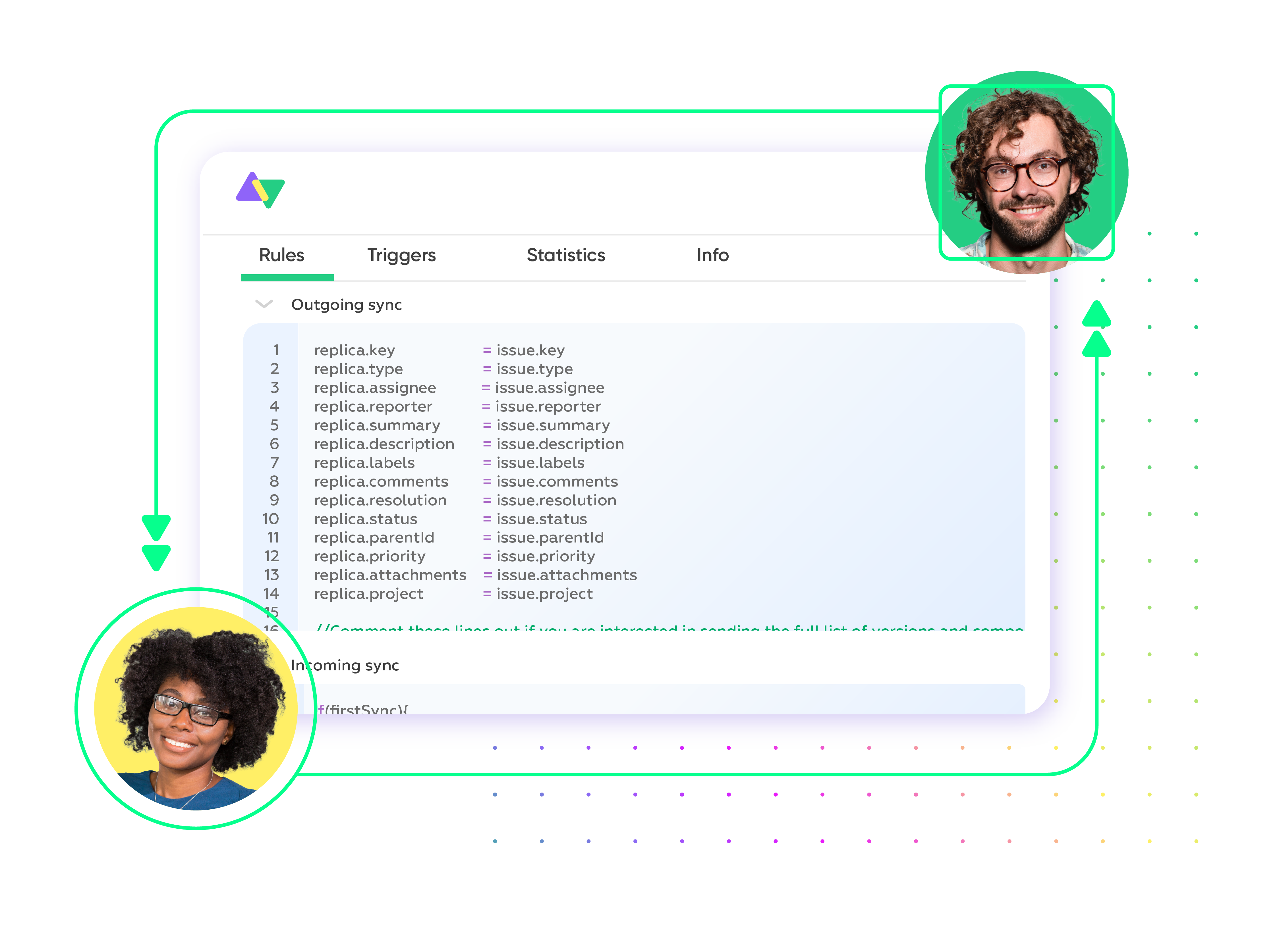
Automate your syncs with fully customizable Groovy scripts and triggers.
Improve response times and resolution timelines.
Streamline collaborations between sales and engineering teams.
Sync a Variety of Entities Between Salesforce and Azure DevOps
Configure your own Azure DevOps to Salesforce integration to fit your specific use case and business requirements. Sync any field or entity using two-way or one-way mappings.

Azure DevOps
Work Items
+20 fields are supported, including:
- Custom fields
- Attachment
- Comment
- Title
- Description
- Tags
- Priority
- State
- Created by

Salesforce
Case
All fields are supported, including:
- Custom fields
- Account Name
- Asset
- Business Hours
- Case Owner
- Contact Email
- Escalated
- Priority
- Product
- SLA Violantion
- Type
Problems
All fields are supported, including:
- Close Date
- Contract
- Delivery/Installation Status
- Description
- Lead Source
- Order Number
- Opportunity Score
- Price Book
- Probability
- Tracking Number
Change Requests
All fields are supported, incuding:
- Account Owner
- Annual Revenue
- Billing Address
- Customer Priority
- Parent Account
- SIC Code
- Tradestyle
- Upsell
- Year Started
Sync any Salesforce entity
Exalate for Salesforce allows syncing all the available objects and their fields within the Script connection. This page only shows the most popular and widely used objects and their fields.
Check the full list of supported fields for Salesforce and Azure DevOps
Get the Most Out of Your Integration
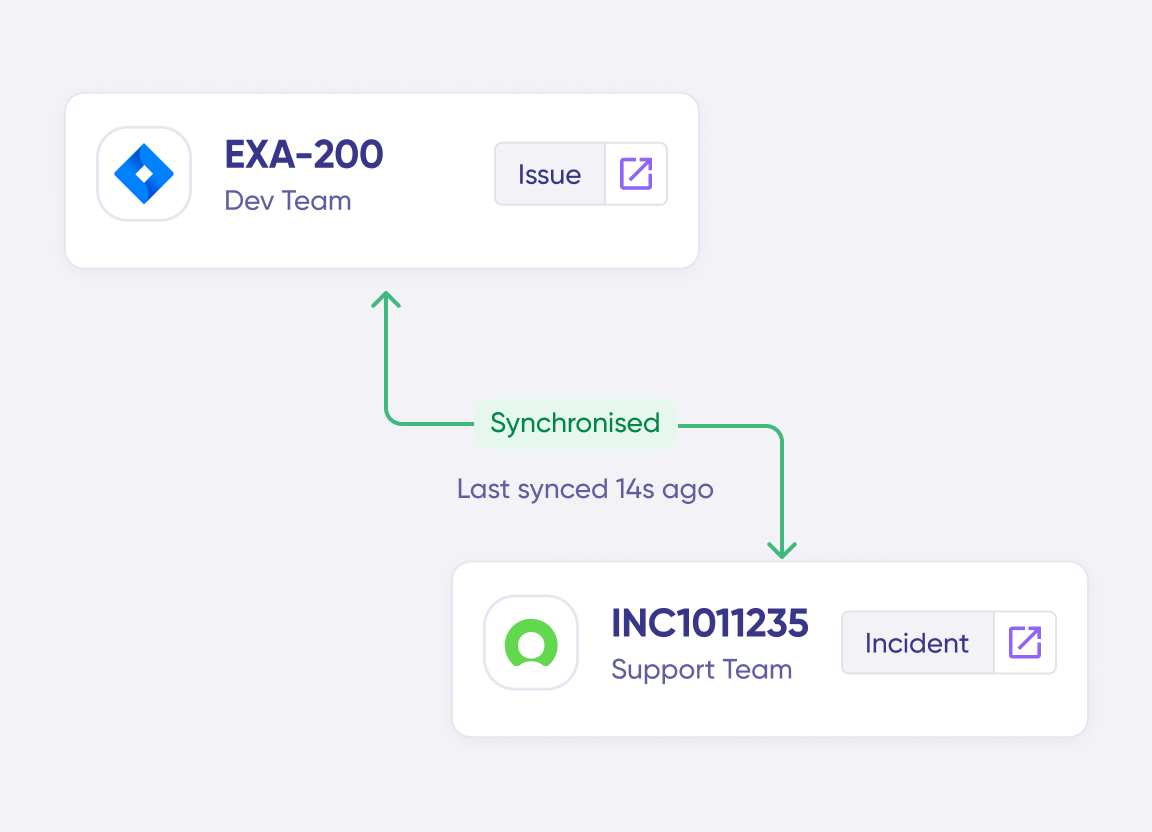
Connect multiple projects, instances, and platforms. Use different rules for each connection.

Get AI-powered recommendations for resolving the issue, including possible fixes and next steps.



“
Exalate is stable, flexible, customizable, and pretty easy to set up and use.
ALEXANDER SINNO

Set up, Customize, Sync!
01
connect
Connect the tools you want to integrate. Just add the instance’s URL.
02
customize
Configure your sync rules to make sure the right data is shared. Prompt the sync rules with Aida AI, or write your scripts from scratch.
03
automate
Set conditions with triggers, for an automatic synchronization.
04
synchronize
Now your instances are connected and will automatically exchange information instantly. Happy syncing!
See it in action
Always at Your Service
Get timely assistance from the best support technicians in the business. Relax as we help you solve every sync-related issue and more.
FAQ
Answers to the most frequent questions.
Didn't find what you were looking for? Ask Aida
Salesforce and Azure DevOps integration with Exalate allows you to sync all the custom fields, comments, attachments, descriptions, and every other Azure DevOps and Salesforce entity. You can also sync all fields from Salesforce objects such as accounts, cases, opportunities, products, and tasks. You can also sync any default or custom field within an Azure DevOps work item.
You can integrate Azure DevOps and Salesforce to bring the development and delivery processes together and foster collaboration and visibility across both platforms. Overall, it improves efficiency and quality in delivering Salesforce solutions.
Yes, you can use Exalate to connect multiple Salesforce and Azure DevOps instances. This will help you become part of the growing Azure DevOps Salesforce integration network. Exalate also supports other ITSM tools like Zendesk, ServiceNow, and Jira Service Management. Check out our integrations for more information.
To import Azure DevOps work items into Salesforce, you need a third-party solution like Exalate. First, you need to install Exalate on both systems and establish a connection between them. Then, you must write scripts to map the connections. This will determine the fields in sync as well as the direction of information flow (one-way or two-way). Then, set a trigger. Once the conditions are fulfilled, the information in the ticket will be moved to the Salesforce object automatically.
Exalate protects the data flowing through your Azure DevOps integration with Salesforce using JWT access tokens, role-based access controls, HTTP (HTTPs), TLS 1.2 and 1.3, and multi-factor authentication. It is also ISO 27001 certified. You can find out more about it from the security whitepaper.
Exalate provides several Azure DevOps Salesforce integration resources, including a built-in error recovery mechanism that allows you to fix problems and resume synchronization from the moment it fails. You can use the troubleshooter to examine the error stack trace to determine if the error occurred at the entity, connection, or application levels.