
flexible two-way sync
Freshservice Azure DevOps Integration
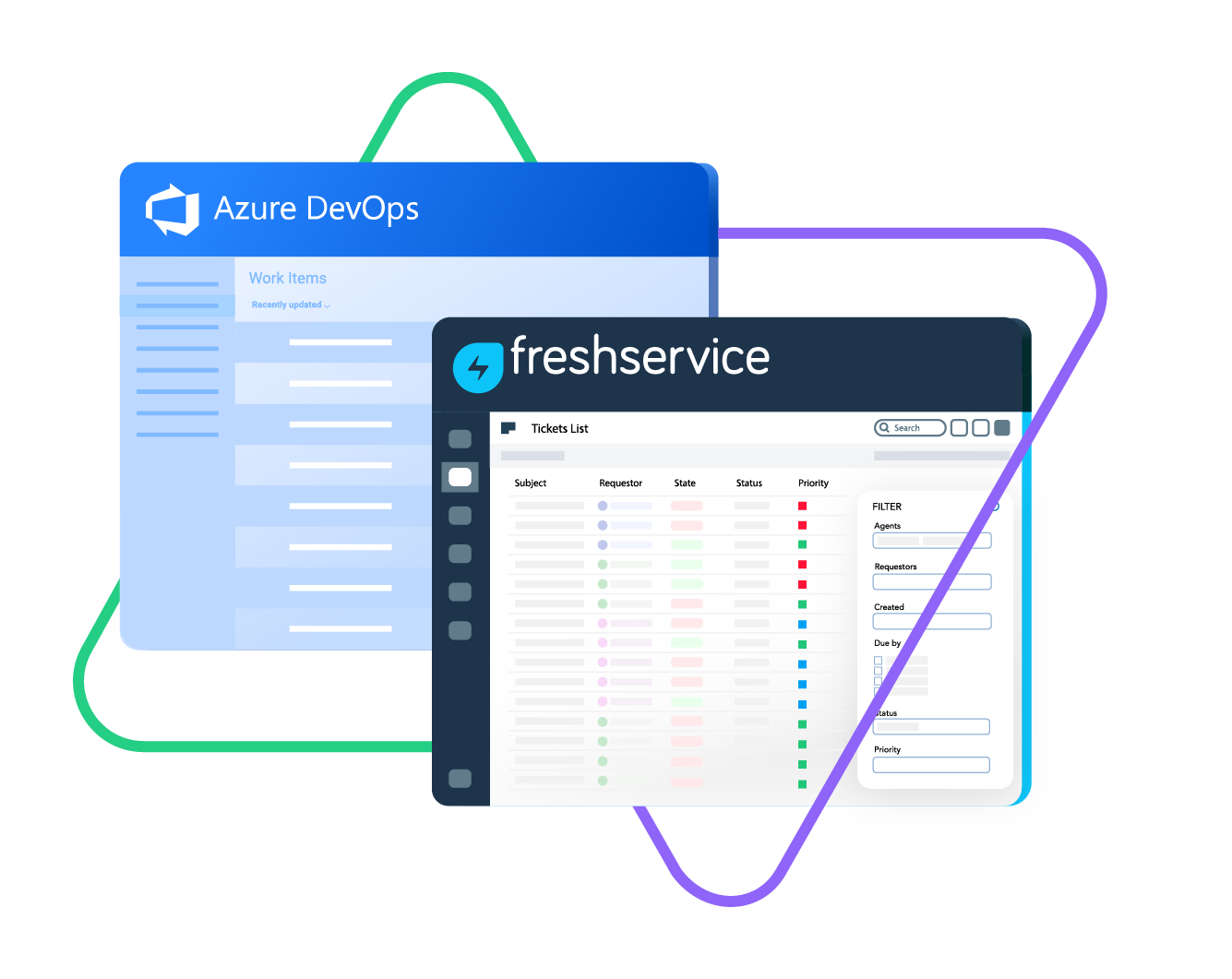
Sync Freshservice tickets and Azure DevOps work items in one or both directions. Keep IT and support in perfect sync without switching tools.
Enable seamless data exchange between Freshservice and Azure DevOps. Share data from both standard and custom fields in incidents, service requests, bugs, and features.
Sync type, title, creator...
sync status, description, priority...
sync attachments, custom fields...
sync comments...
Sync summary, description, labels...
Sync status, priority, attachments,
Sync phone, notes, custom fields, custom keys...







Freshservice Azure DevOps Sync
Your Single Source of Truth
Keep your ITSM and engineering teams aligned with a decentralized, customizable Freshservice to Azure DevOps integration.
Empower every team to work with the tools they trust and the data they need—no context switching required. Seamlessly bridge your systems to maintain efficiency and collaboration across platforms.
Connect Azure DevOps and Freshservice to unify support and development efforts.
Sync incidents and work items automatically to reduce manual work.
Track progress across teams with one-way or two-way updates.
Link multiple Freshservice tickets to a single Azure DevOps work item for better visibility.
Improve reporting and keep everyone on the same page.
Prevent SLA breaches by tracking development progress against response times.
Sync Anything
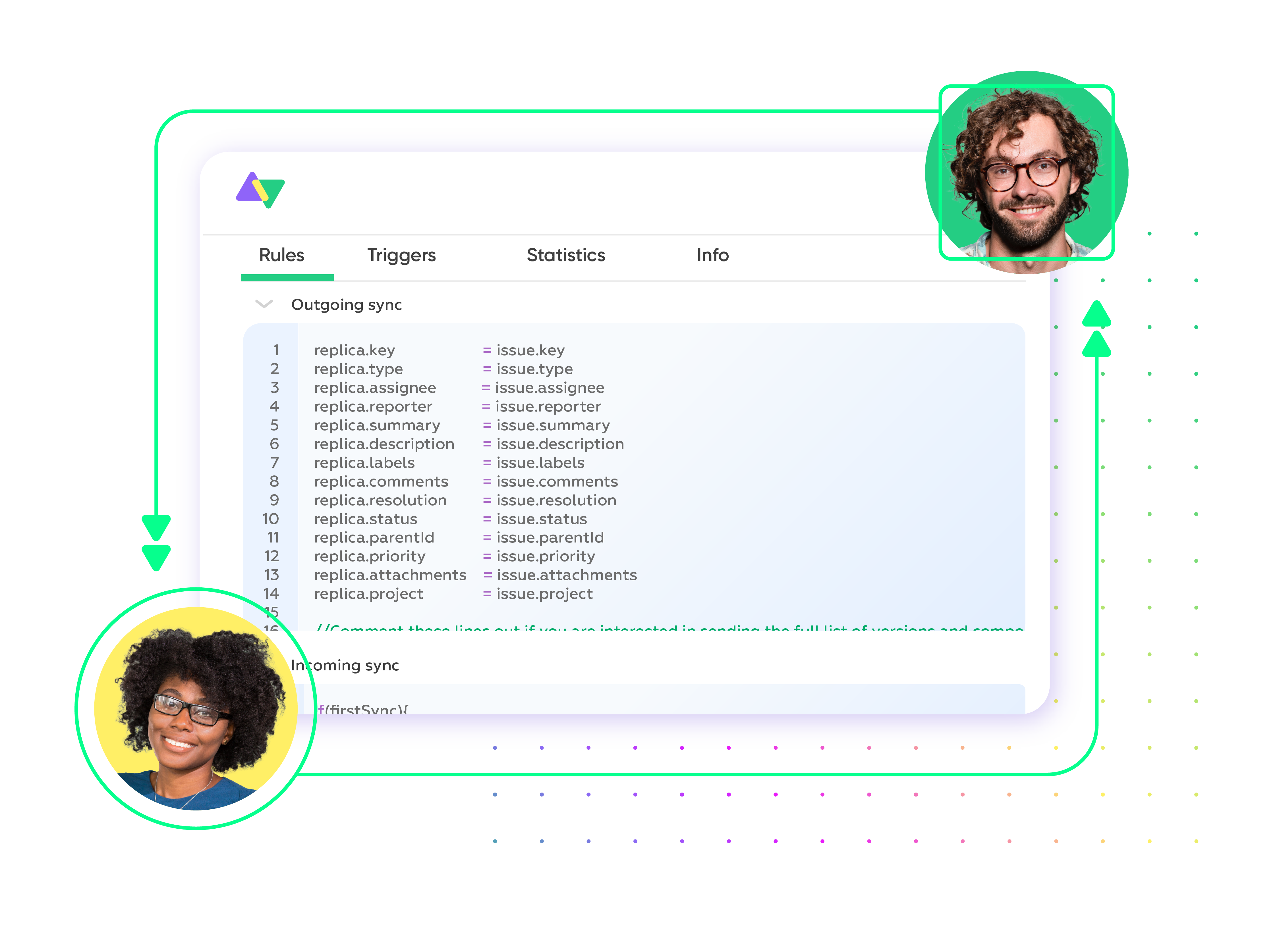
Map and sync default or custom fields between Freshservice and Azure DevOps with complete control over your side of the connection. Customize what data flows between platforms while keeping sensitive information secure.

Freshservice
Tickets
All fields are supported, including:
- Custom fields
- Custom keys
- Summary
- Description
- Status
- Attachment
- Label
- Priority
- Notes

Azure DevOps
Work Items
+20 fields are supported, including:
- Custom fields
- Attachment
- Comment
- Title
- Description
- Tags
- Priority
- State
- Created by
Check the full list of supported fields for Freshservice and Azure DevOps

We can now handle around 500 customer incidents per week, thanks to Exalate, which is a very good result regarding the number of products we’re dealing with. It synchronizes 45x faster than our previous solution.
Christof Cuyper
“
We can now handle around 500 customer incidents per week, thanks to Exalate, which is a very good result regarding the number of products we’re dealing with. It synchronizes 45x faster than our previous solution.
Christof Cuyper |
Get the Most Out of Your Integration
Sync in Real-Time
Two-way, real-time sync between platforms. Updates flow automatically. No manual exports, no delays.

Connect Any Number of Instances
Connect multiple projects, instances, and platforms. Use different rules for each connection.

Know What Failed and Why
Get AI-powered recommendations for resolving the issue, including possible fixes and next steps.

AI Assisted SetUp
Describe your integration goal. Aida reviews your sync rules and connector type, then suggests script changes

Only Sync What Matches
Set various conditions for automatic synchronization.


Sync Visibility, Right Where You Work
Check the real-time status of your active syncs, spot failures, and trigger a manual push. All from a browser extension, without opening the Exalate console.

Simple to Advanced Freshservice Azure DevOps Integration Use Cases
Work with simple integration templates. Or, completely customize your sync.
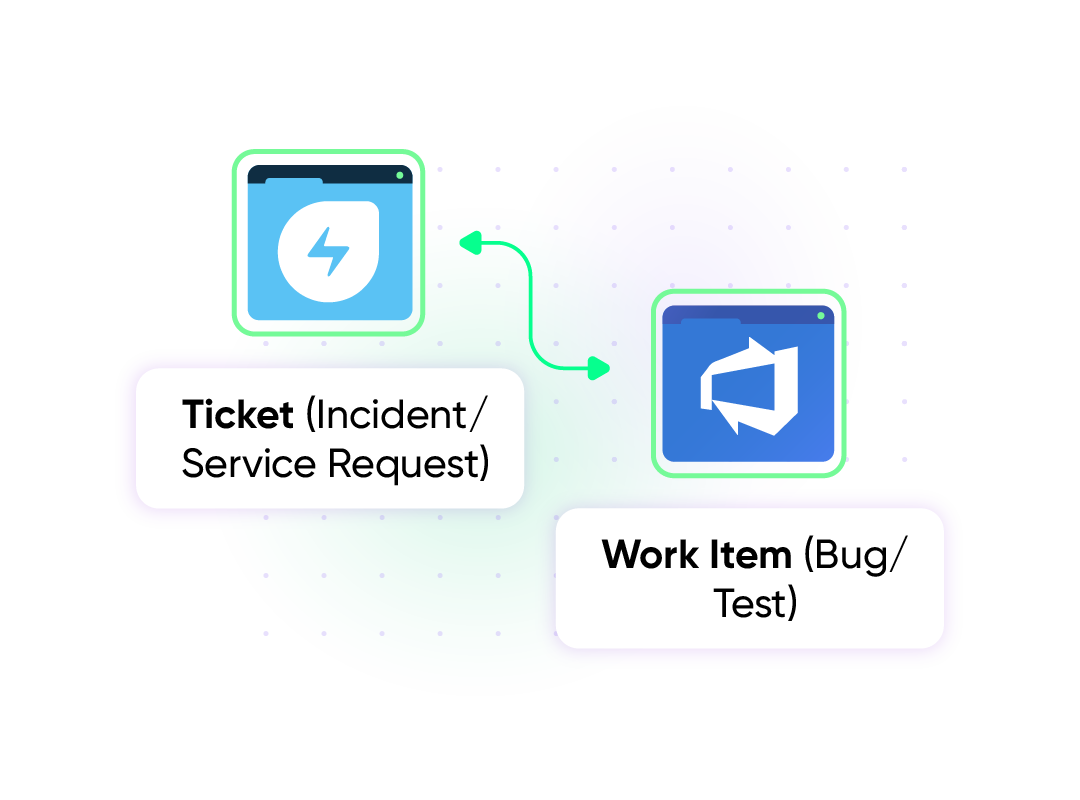
Escalate Freshservice Ticket as an Azure DevOps Work Item
Automatically route tickets (incidents and service requests) from Freshservice into Azure DevOps as work items (bugs, epics, or stories, etc.) whenever deeper technical expertise is required. Developers gain full context instantly, while support agents stay updated on progress in real time. Both teams work in sync, ensuring faster resolutions and smoother collaboration across platforms.
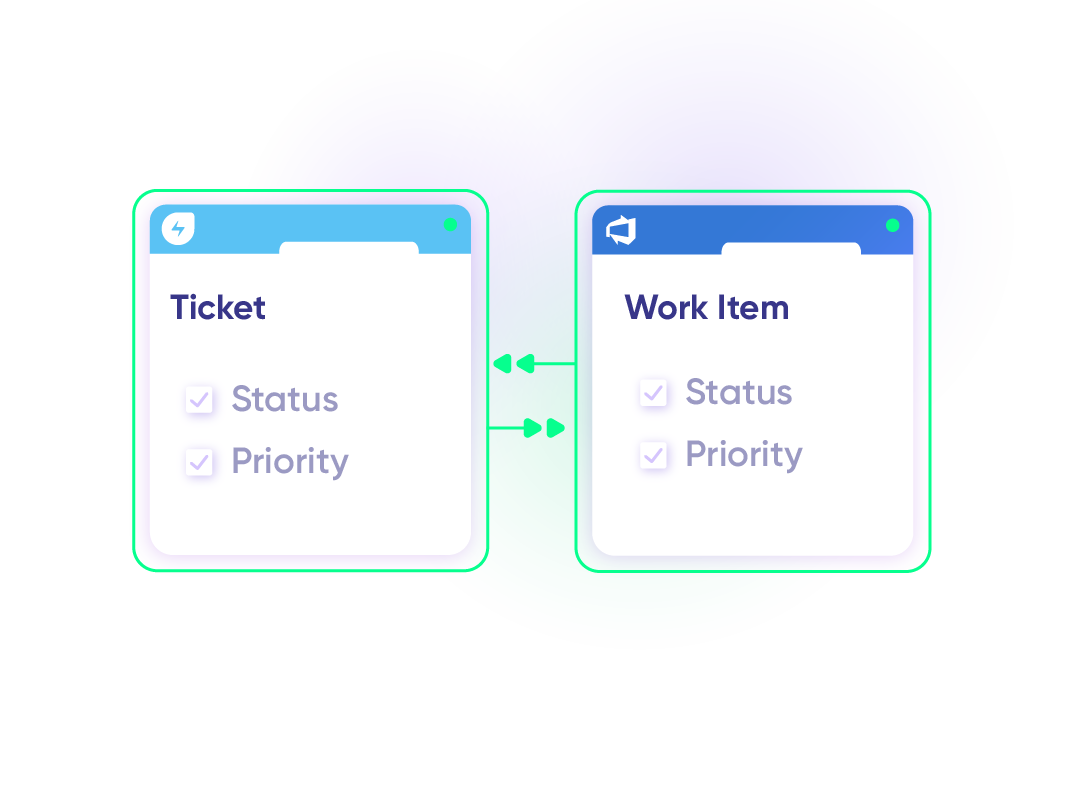
Automate Service Workflows For Faster Resolution
When a Freshservice ticket changes status or priority, the linked Azure DevOps work item updates to the matching status or priority. This keeps support and IT service management in sync, reduces back and forth, and ensures every team sees the latest progress and updates from their own system.
Manage Incidents and Coordinate Releases
Recurring incidents logged in Freshservice can be replicated as Azure DevOps work items for developers and QA staff to address the root cause. Fixes in Azure DevOps automatically feed back into Freshservice to close the loop. When tickets in Freshservice are linked to features or bug fixes in Azure DevOps, stakeholders can track when issues are resolved and deployed, ensuring alignment during releases.
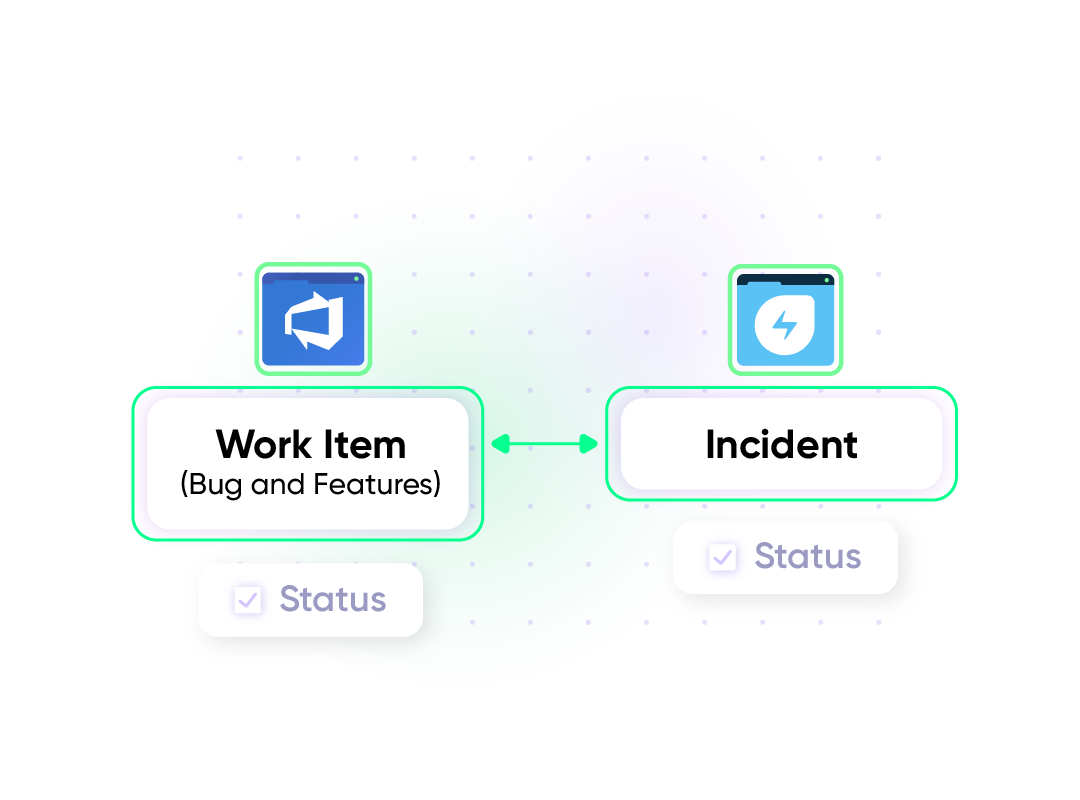
Sync Agile Boards For Faster Sprint Workflows
Critical Freshservice incidents automatically create work items on Azure DevOps agile boards when escalated to development teams. As work items move through board columns, status updates sync back to Freshservice in real-time. When developers complete items and move them to "done," the corresponding Freshservice incident automatically closes, ensuring seamless visibility between service desk operations and agile sprint workflows.
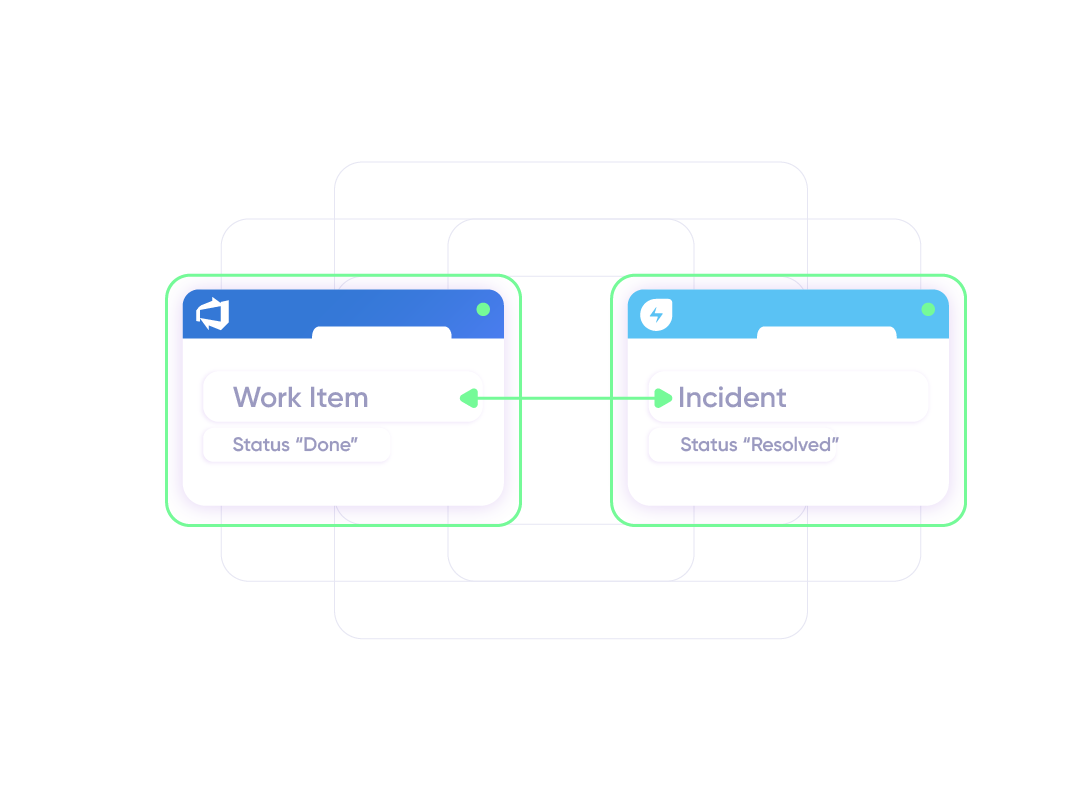
Manage Service Requests
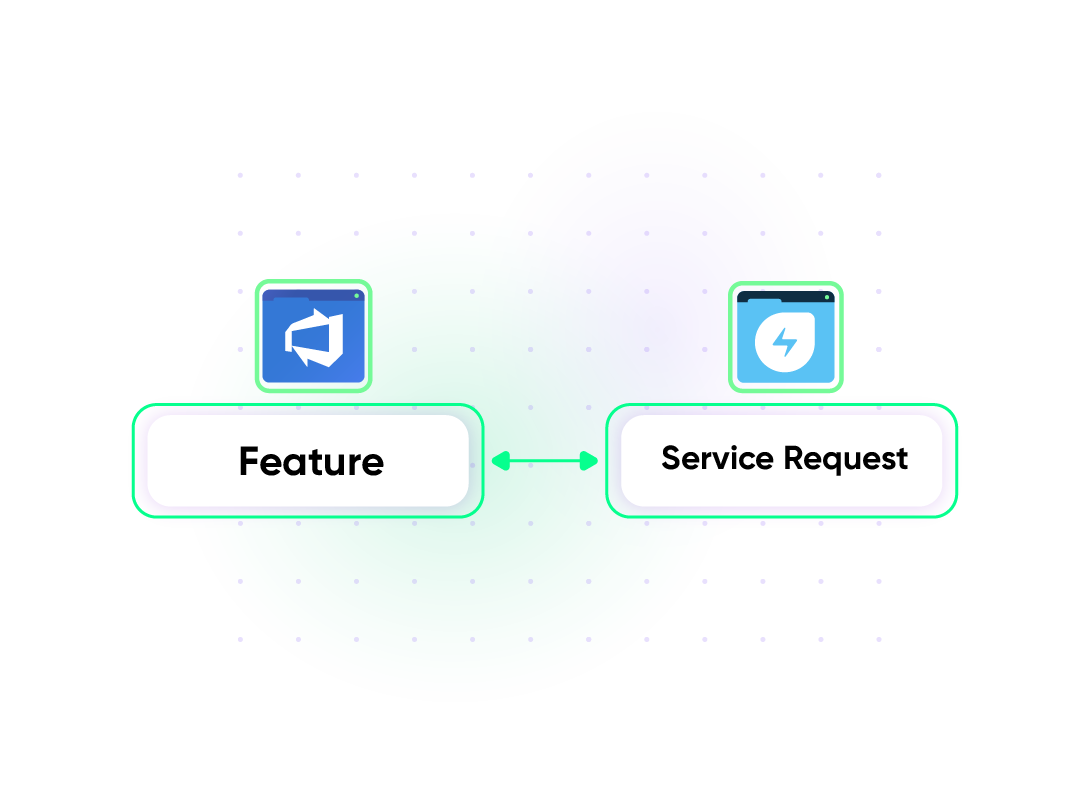
Sync service requests between both platforms to streamline ITIL-compliant change management processes. Requests initiated in Freshservice, such as deploying new features, will be tied to work items (features) in Azure DevOps. Syncing both platforms provides developers and service managers with visibility into approvals, risks, and implementation progress.
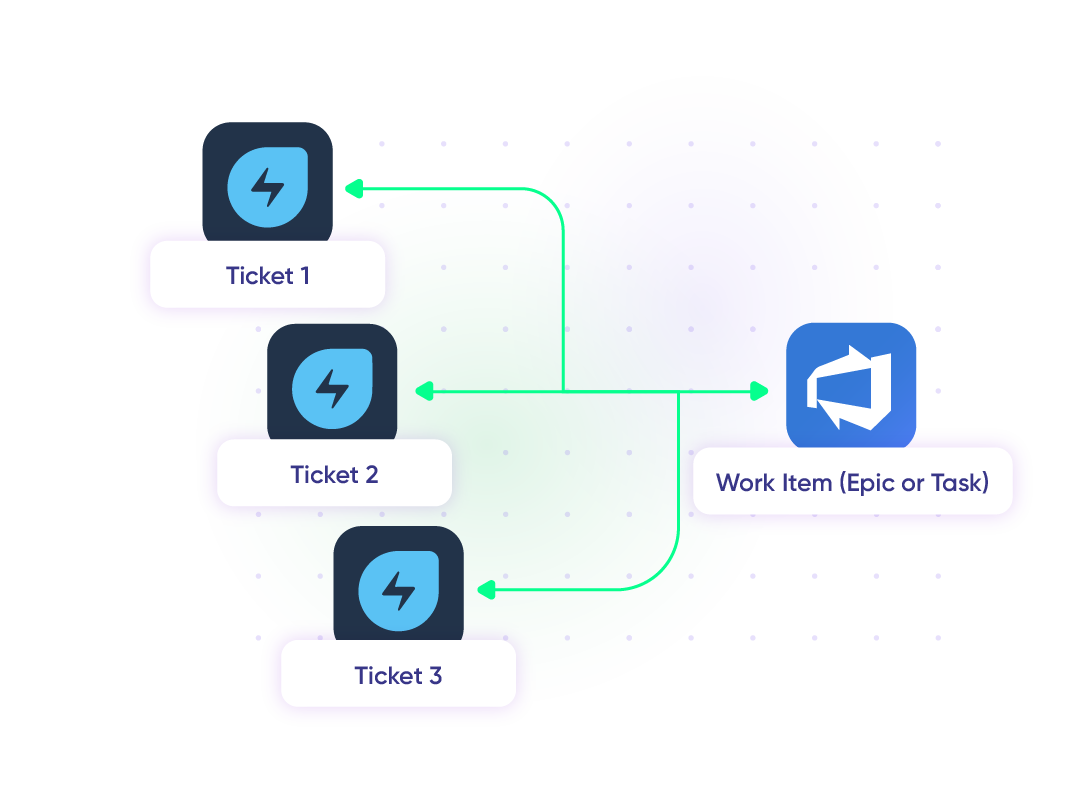
Map Multiple Freshservice Tickets to a Single Azure DevOps Work Item
Bring scattered incidents together by linking multiple Freshservice tickets to one Azure DevOps task, bug, or epic. This unified view helps development teams tackle the root issue while giving ITSM teams and clients consistent updates without shuffling between systems.
Configure ITSM Integration Between Teams
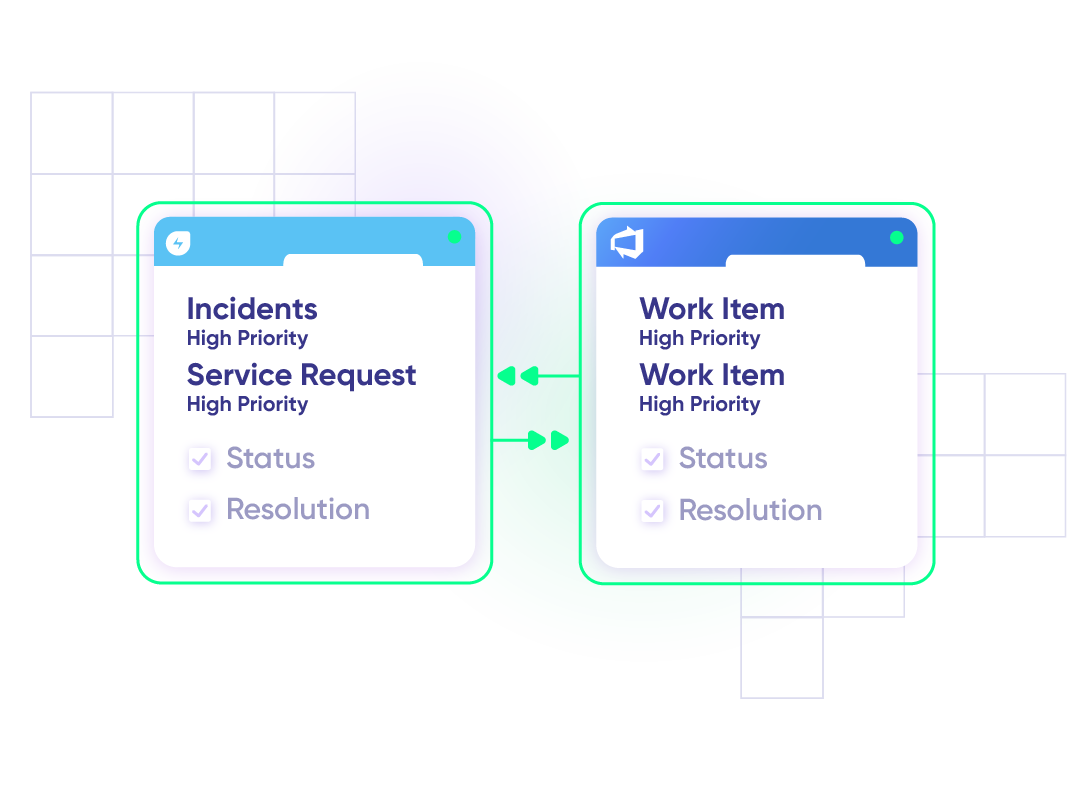
Set up an integration between Freshservice and Azure DevOps to keep IT service management and development in sync. High-priority incidents and service requests flow automatically between platforms, giving both teams instant access to critical information. Get status and resolution updates in real time to keep everyone aligned and informed.
Connect MSPs with Clients
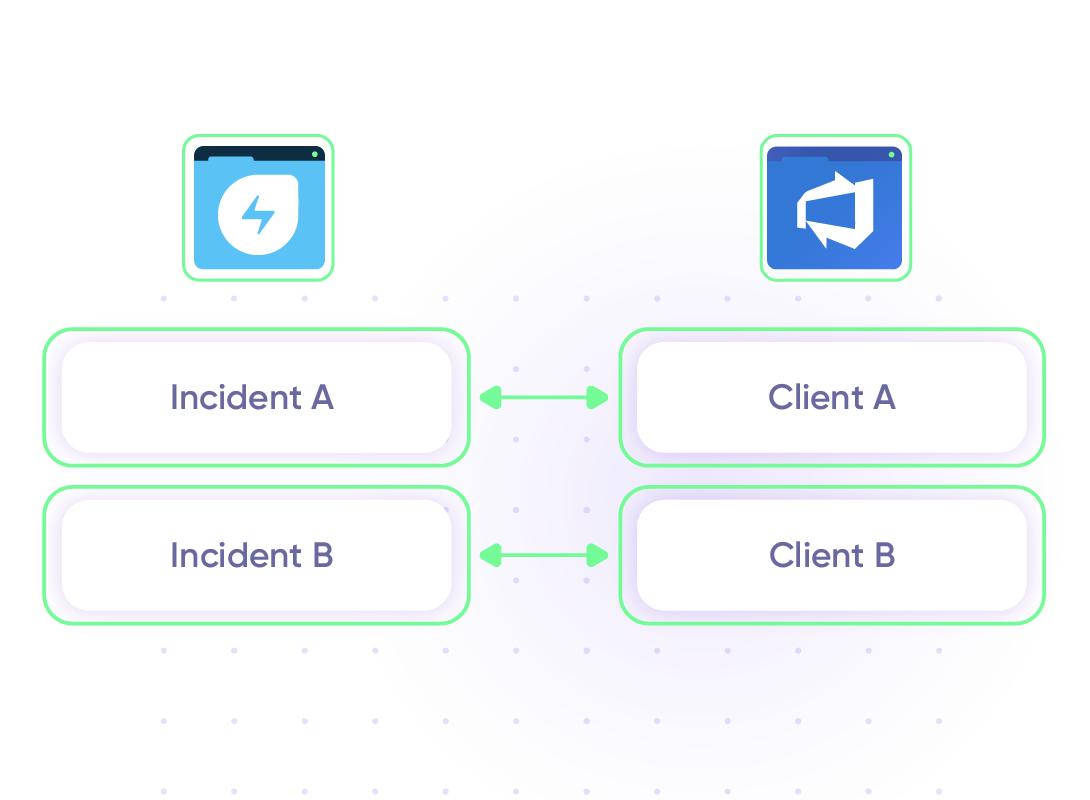
An MSP manages custom software solutions for multiple clients through Freshservice, with separate Azure DevOps projects for each client's development work. High-priority incidents from Client A go to the dedicated Azure DevOps project, while Client B incidents route to their respective project. This ensures proper client separation, accurate billing tracking, and maintains confidentiality on the MSP’s Freshservice portal.

Exalate is stable, flexible, customizable, and pretty easy to set up and use.
ALEXANDER SINNO
“
Exalate is stable, flexible, customizable, and pretty easy to set up and use.
ALEXANDER SINNO
Set up, Customize, Sync!
01
connect
Connect the tools you want to integrate. Just add the instance’s URL.
02
customize
Configure your sync rules to make sure the right data is shared. Prompt the sync rules with Aida AI, or write your scripts from scratch.
03
automate
Set conditions with triggers, for an automatic synchronization.
04
synchronize
Now your instances are connected and will automatically exchange information instantly. Happy syncing!
See it in action
Always at Your Service
Get timely assistance from the best support technicians in the business. Relax as we help you solve every sync-related issue and more.
FAQ
Answers to the most frequent questions.
Didn't find what you were looking for? Ask Aida
Exalate syncs all standard and custom fields between Freshservice tickets and Azure DevOps work items. For Freshservice, this includes summary, description, status, priority, urgency, attachments, notes, custom fields, and custom keys. For Azure DevOps, you can sync bugs, user stories, epics, tasks, features, and any field available through REST APIs. If your required fields or entities are not listed, contact our team to discuss your specific use case.
Yes, Exalate supports parent/child and related link relationships between Freshservice tickets and Azure DevOps work items. You can maintain hierarchical structures, such as linking a parent Freshservice incident to multiple child Azure DevOps tasks. Related links between tickets and work items preserve complex relationship mappings across both platforms, which is essential for managing large projects with interconnected dependencies.
Integrating Freshservice with Azure DevOps connects IT support and development teams so incidents, service requests, and changes sync automatically with work items. This eliminates manual data entry, reduces context switching, and accelerates resolution times. Support agents can track development progress without leaving Freshservice, while developers get full ticket context in Azure DevOps.
To integrate Freshservice with Azure DevOps using Exalate, start by registering your account at exalate.app. Then connect both systems and configure your sync rules to control which data flows between platforms. Set up triggers to automate when tickets and work items sync based on specific conditions. Use Aida, the AI assistant, to generate sync scripts from simple prompts, speeding up configuration. Map Freshservice ticket fields to Azure DevOps entities like tasks, bugs, or epics to keep both platforms aligned.
Yes, Exalate supports both one-way and two-way sync in real time. You can configure data to flow in one direction only, such as creating Azure DevOps work items from Freshservice incidents, or enable bidirectional sync where updates in either system reflect instantly on the other side. This flexibility lets you match the integration to your specific workflow requirements.
Yes, Freshservice integration with Azure DevOps is fully supported with Exalate. You can sync default and custom fields between both platforms while maintaining complete control over what data is shared or kept private. Admins on each side manage their own sync rules independently, ensuring the integration meets your security and workflow requirements. Start with a 30-day free trial to test the integration with your setup.
Yes, Exalate supports Freshservice to Freshdesk integration for organizations managing both platforms under the Freshworks umbrella. Unlike native integrations, Exalate provides advanced customization options for complex sync scenarios. You can also connect Freshservice with Jira, Salesforce, GitHub, ServiceNow, Zendesk, and other platforms using the same unified console.
Yes, Exalate can link multiple Freshservice tickets to a single Azure DevOps epic, bug, or user story. This is ideal for MSP environments or teams managing multiple clients where several related incidents need to be tracked under one development work item. Each team maintains control over its mappings, conditions, and data privacy from its own environment.
Yes, you can connect multiple Azure DevOps organizations or projects to a single Freshservice account. Set up separate connections for each Azure DevOps project, allowing you to route different ticket types to specific development teams. The unified console provides visibility across all your connections, making it easy to manage multi-project integrations from one place.
Exalate protects the data flowing through your Freshservice integration with enterprise-grade security, which features a distributed architecture and a single-tenant setup. Other security features include JWT access tokens, role-based access controls, HTTP (HTTPS), TLS 1.2 and 1.3, and multi-factor authentication. It is also ISO27001:2022 certified. You can find out more about it in the Trust Center.
Exalate uses outcome-based pricing where you pay for active items in sync, not per user or transaction volume. Each integration between two platforms requires its own plan. Plans include Starter, Scale, Pro, and Enterprise tiers with different feature sets and sync capacities. Use the pricing calculator to estimate costs for your use case, or visit the pricing page for detailed plan comparisons.
Native Freshservice apps and marketplace connectors typically offer basic linking and notification features with limited customization. Exalate provides full scripting control with Groovy, bidirectional real-time sync, custom field mapping, and automated triggers using platform-native query languages like WIQL. Each side maintains independent control over sync rules, which is essential for cross-company integrations where both parties need autonomy over their data.
Yes, Exalate supports automated ticket creation in both directions. When a work item is created or updated in Azure DevOps meeting your trigger conditions, Exalate can automatically create a corresponding Freshservice ticket with mapped fields. You can use WIQL queries in Azure DevOps to define exactly which work items trigger the sync, such as bugs with high priority or features assigned to specific teams.
Yes, Exalate can sync Azure DevOps area paths and iteration cycles with Freshservice custom fields. This requires configuration through the scripting console where you can map these complex data types to appropriate Freshservice fields. Aida can help generate the necessary scripts based on your specific mapping requirements.
Basic integrations can be configured in under an hour using Aida to generate sync scripts from simple prompts. More complex integrations with custom field mappings, multi-directional syncs, or specific business logic may take a few hours to configure and test. For enterprise deployments or advanced use cases, managed services are available where experienced engineers handle the complete setup for you.
Yes, Exalate can sync Freshservice change requests with Azure DevOps work items. When developers merge code or complete features in Azure DevOps, linked change requests in Freshservice can update automatically. This helps IT teams maintain ITIL-compliant change management processes while keeping development and operations workflows connected in real time.
Zapier and Workato are iPaaS platforms designed for general automation across many apps. Exalate specializes in deep, bidirectional sync between work management and ITSM tools. Unlike iPaaS solutions that rely on triggers and simple field mapping, Exalate provides full scripting control, real-time sync, and autonomous configuration for each side of the integration. This makes Exalate better suited for complex, ongoing sync scenarios where both teams need independent control.