
flexible two-way sync
Freshservice ServiceNow Integration
Streamline service delivery by connecting Freshservice and ServiceNow in real time. Reduce the time needed to get updates and break down silos.
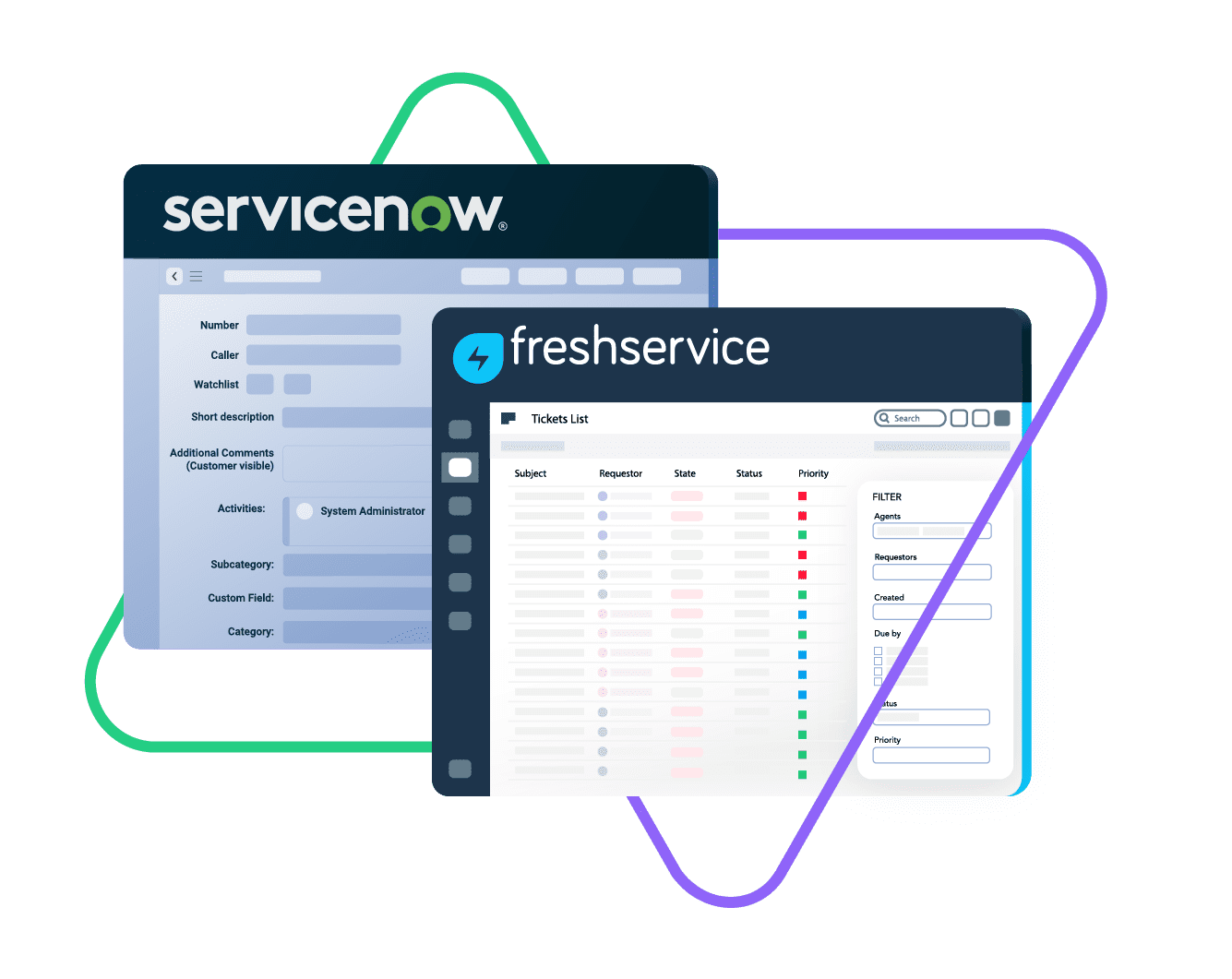
Sync Freshservice tickets (incidents and service requests) with ServiceNow entities like incidents, change requests, problems, and more.
Sync urgency, state,
sys id, caller, category...
sync summary, description,
comments...
sync attachments, comments, custom fields...
Sync summary, description, labels...
Sync status, priority, attachments,
Sync phone, notes, custom fields, custom keys...







Freshservice ServiceNow Sync: Your Single Source of Truth
Stay Updated Without Context Switching
Keep your ITSM and customer support aligned with a decentralized, customizable Freshservice to ServiceNow integration.
Empower every team to work with the tools they trust and the data they need—no context switching required. Seamlessly bridge your systems to maintain efficiency and collaboration across platforms.
Break down information silos and improve reporting accuracy.
Track ticket progress and updates across all levels of support.
Convert ServiceNow incidents to Freshservice tickets instantly.
Automate syncs to eliminate handovers and boost efficiency.
Work with real-time one-way or two-way syncs between both systems.
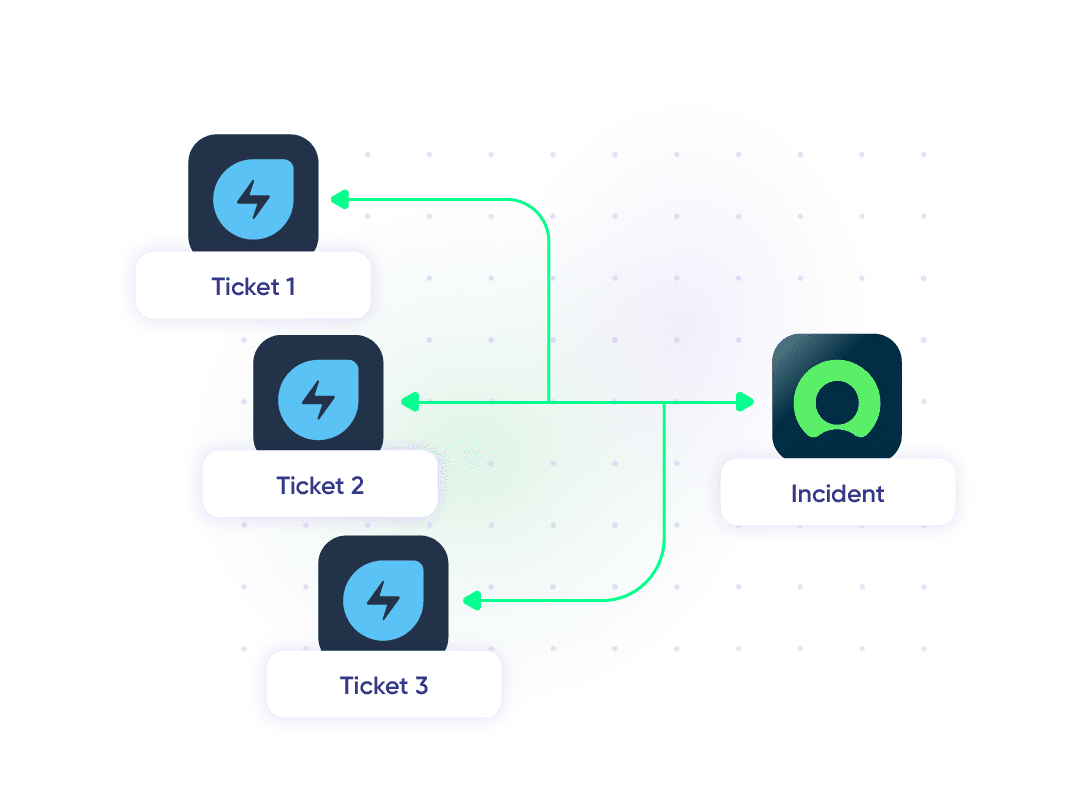
Broaden your context by syncing multiple Freshservice tickets to a single ServiceNow incident.
ServiceNow to Freshservice: Service Delivery With Confidence
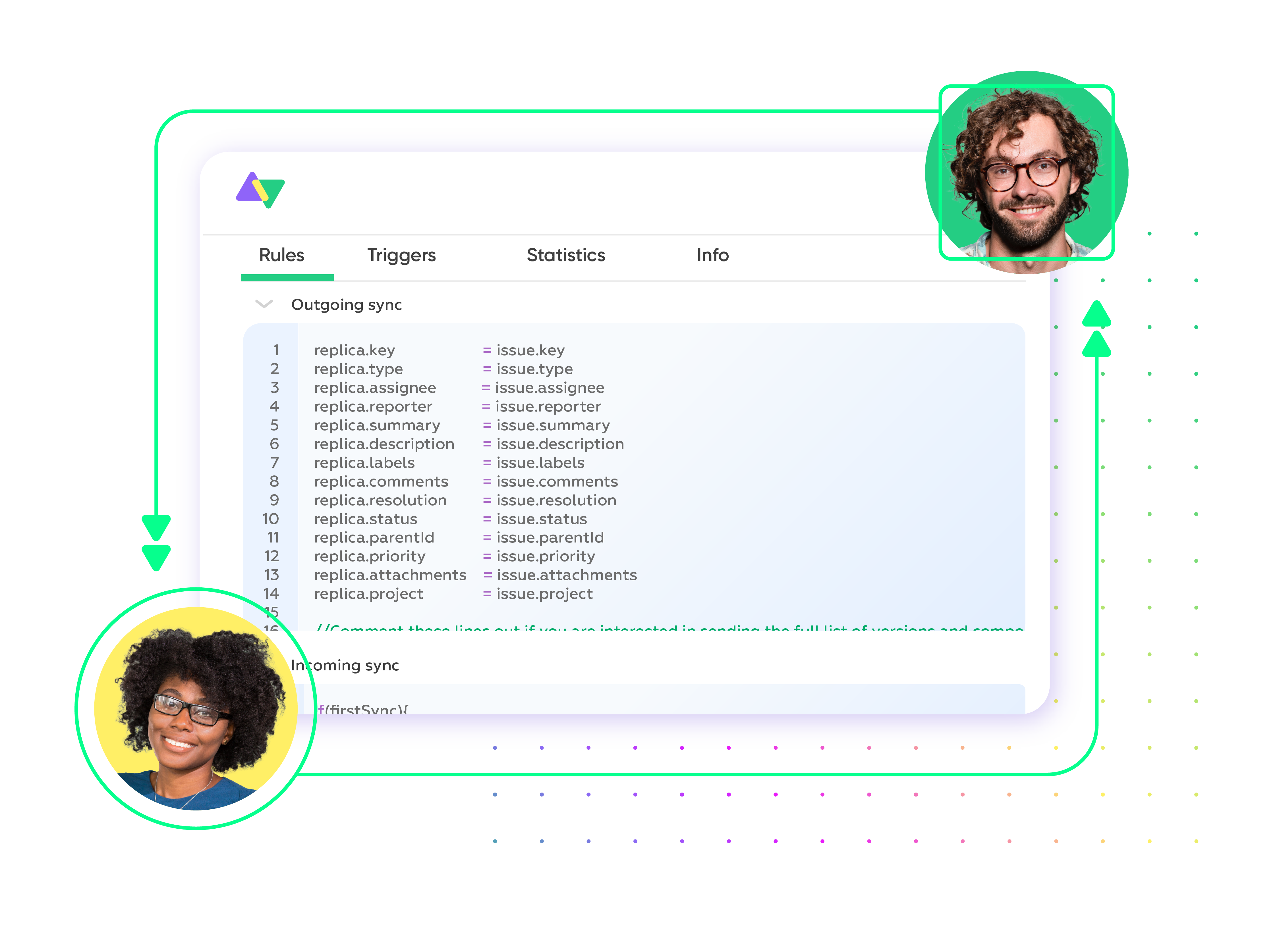
Script and map default or custom fields between Freshservice and ServiceNow. Retain flexibility, customizability, and complete control over what gets synced between both platforms. Safeguard sensitive customer data and prioritize compliance.

Freshservice
Tickets
All fields are supported, including:
- Custom fields
- Custom keys
- Summary
- Description
- Status
- Attachment
- Label
- Priority
- Notes

ServiceNow
Incidents
All fields are supported, including:
- Custom fields
- Short description
- Description
- Assigned to
- Assignment group
- Priority
- Urgency
- State
- Work notes
Problems
All fields are supported, including:
- Problem statement
- Description
- Assigned to
- Priority
- Urgency
- Impact
- State
Change Requests
All fields are supported, incuding:
- Short description
- Description
- Assigned to
- State
- Type
- Impact
- Risk
- Requested by
Sync any Servicenow Entity
Sync all ServiceNow entities available via REST APIs.
Simply look for the field names in ServiceNow tables, choose what you want to sync, and add it to your script.
Check the full list of supported fields for Freshservice and Servicenow
Get the Most Out of Your Integration
Sync in Real-Time
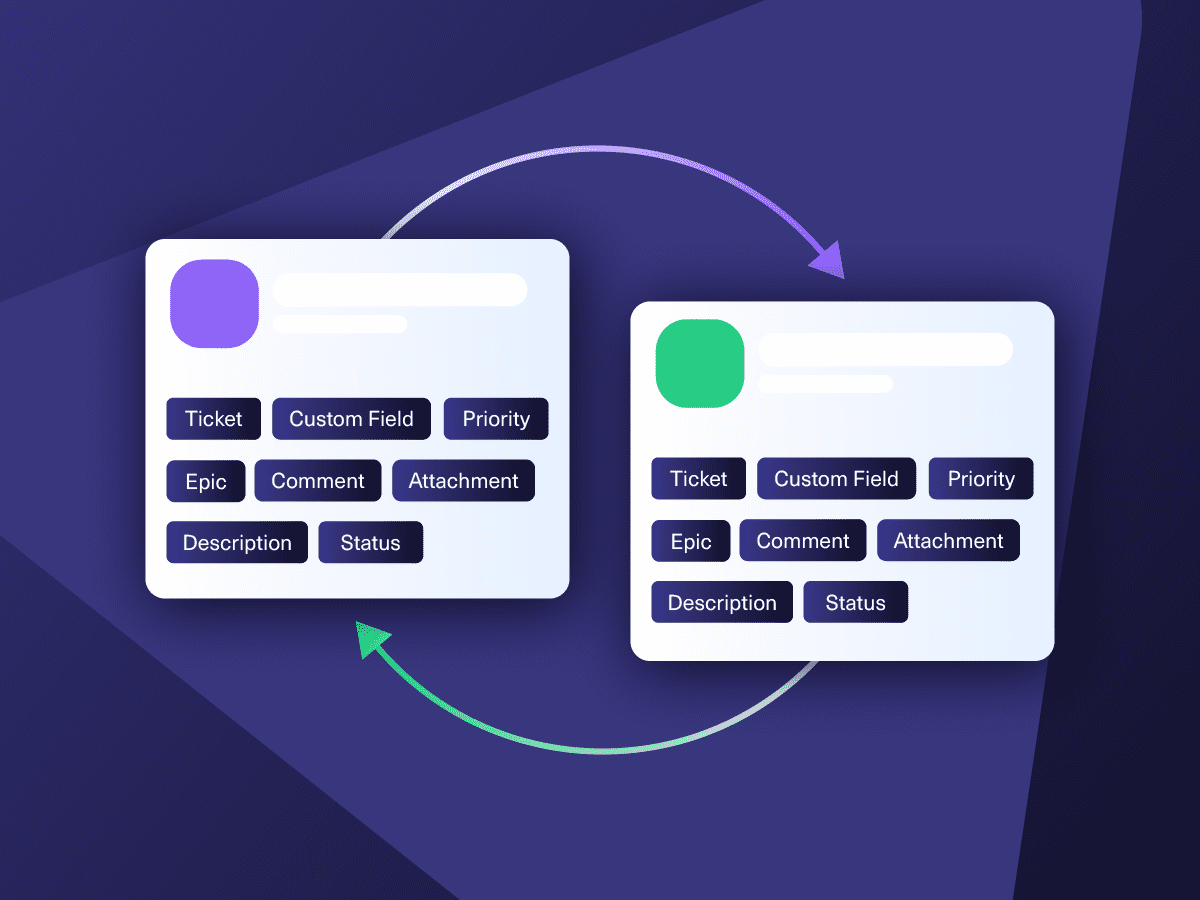
Two-way, real-time sync between platforms. Updates flow automatically. No manual exports, no delays.

Connect Any Number of Instances
Connect multiple projects, instances, and platforms. Use different rules for each connection.

Know What Failed and Why
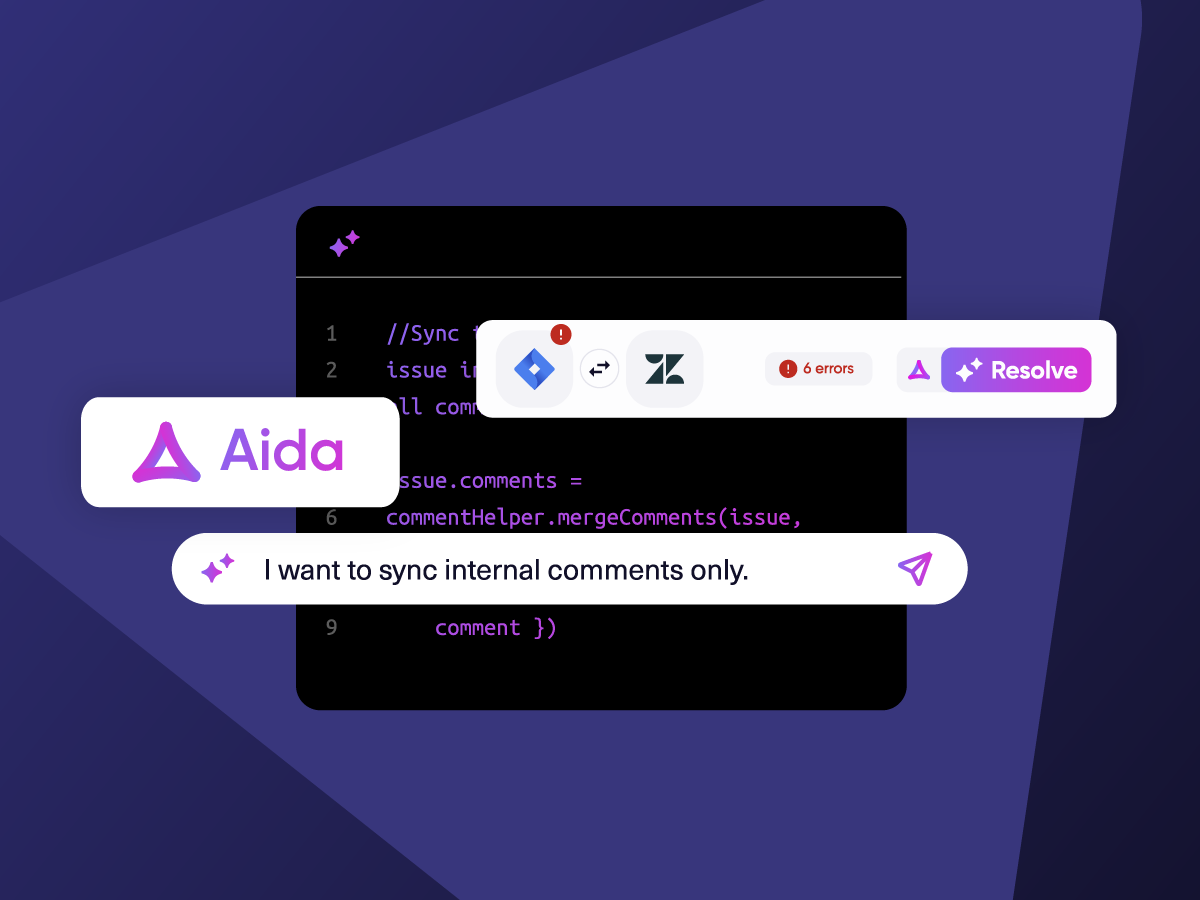
Get AI-powered recommendations for resolving the issue, including possible fixes and next steps.

AI Assisted SetUp
Describe your integration goal. Aida reviews your sync rules and connector type, then suggests script changes

Only Sync What Matches
Set various conditions for automatic synchronization.


Sync Visibility, Right Where You Work
Check the real-time status of your active syncs, spot failures, and trigger a manual push. All from a browser extension, without opening the Exalate console.


Exalate is stable, flexible, customizable, and pretty easy to set up and use.
ALEXANDER SINNO
“
Exalate is stable, flexible, customizable, and pretty easy to set up and use.
ALEXANDER SINNO
How it Works
Connect
Easily connect multiple projects, instances, and platforms. With local, or external partners.
Customize
Set your sync rules to make sure the right data is shared.
Prompt Exalate’s AI to generate rules, or fine-tune with Groovy-based custom mappings and logic for complete control.
Automate
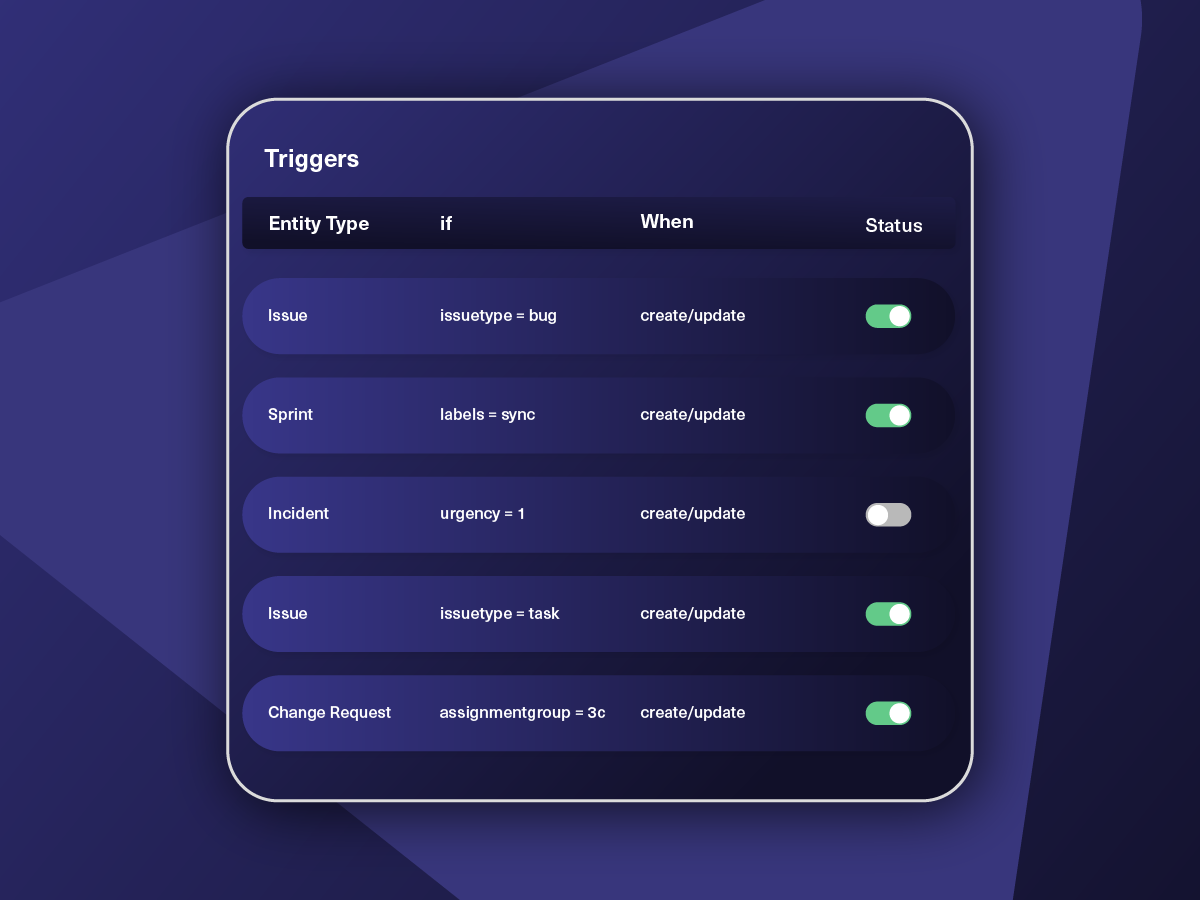
Set triggers to automate your sync based on specific conditions.
Synchronize
Now your connected instances will exchange information automatically. Happy syncing!


We can now handle around 500 customer incidents per week, thanks to Exalate, which is a very good result regarding the number of products we’re dealing with. It synchronizes 45x faster than our previous solution.
Christof Cuyper
“
We can now handle around 500 customer incidents per week, thanks to Exalate, which is a very good result regarding the number of products we’re dealing with. It synchronizes 45x faster than our previous solution.
Christof Cuyper |
Simple to Advanced Freshservice ServiceNow Integration Use Cases
Work with simple integration templates. Or, completely customize your sync.
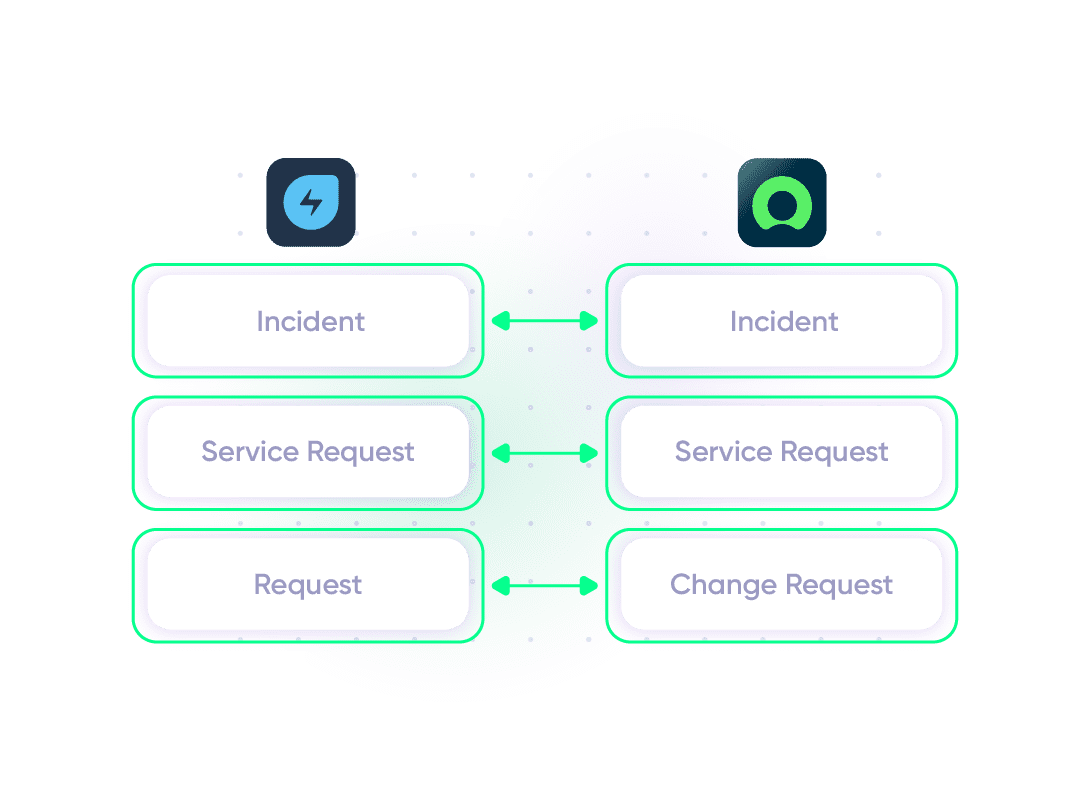
Escalate Freshservice Ticket as a ServiceNow Incident
Automatically escalate incidents and requests from Freshservice to ServiceNow for IT specialists when more complex issues arise. Keep teams on both platforms updated so support and IT can collaborate in real time.
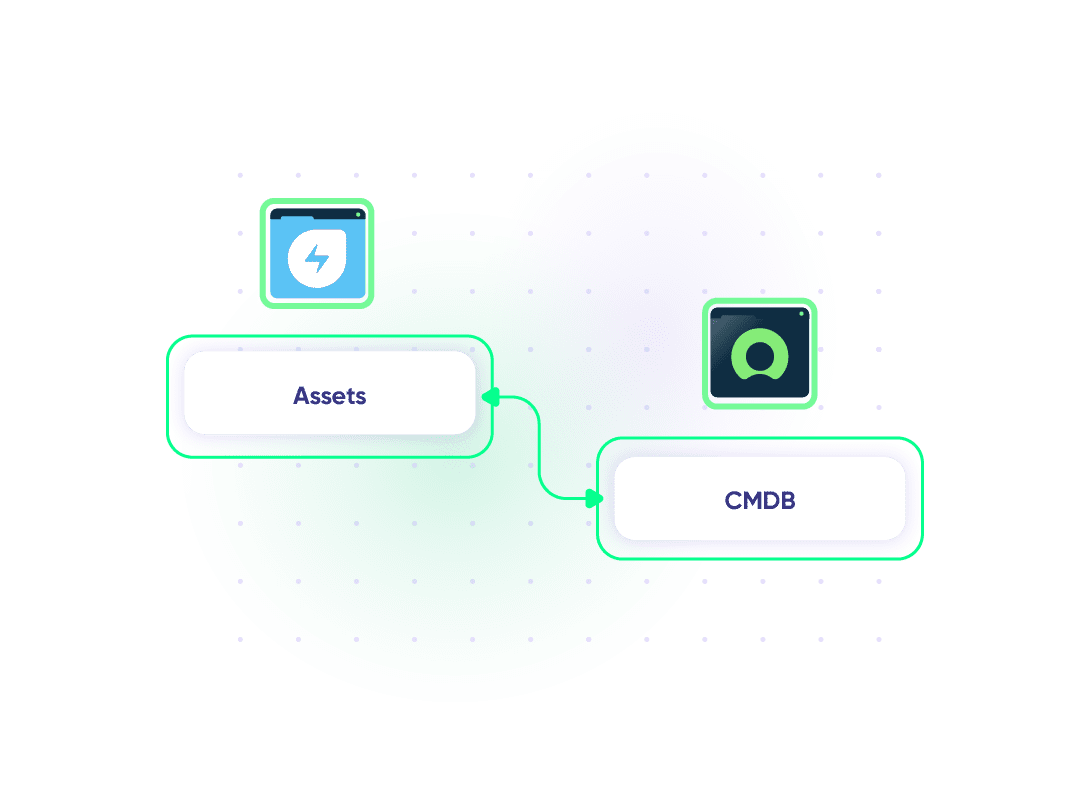
Manage and Configure Assets between Freshservice and ServiceNow
Share asset details from ServiceNow’s Configuration Management Database (CMDB) with Freshservice agents. Give the service team more context about the user’s environment to help them diagnose issues faster and more accurately.
Sync Ticket Status with Entity State
When the status of a Freshservice ticket changes, it will reflect in the corresponding ServiceNow state. This ensures smooth coordination between support workflows and IT service management by syncing updates and keeping teams in the loop.
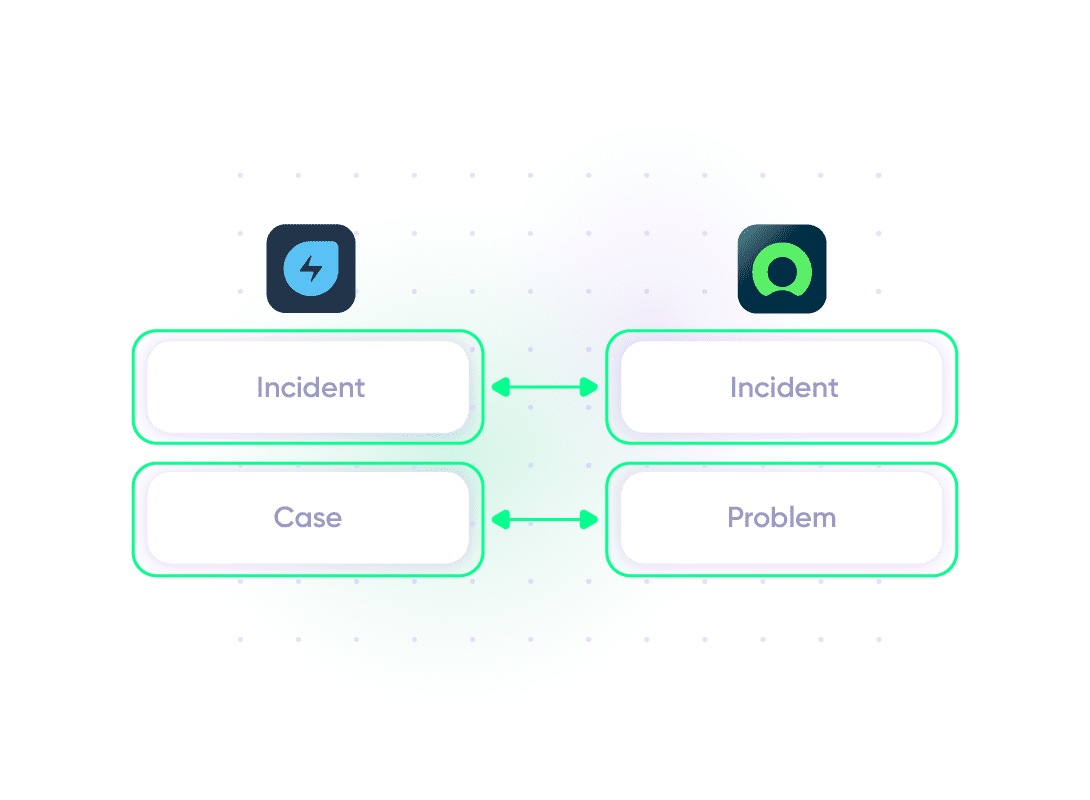
Manage Incidents and Problems
Automatically categorize incidents in Freshservice based on ServiceNow data for consistent classification and reporting. Link Freshservice tickets with ServiceNow asset management. Sync problem records between Freshservice and ServiceNow to help IT teams identify and resolve recurring issues.
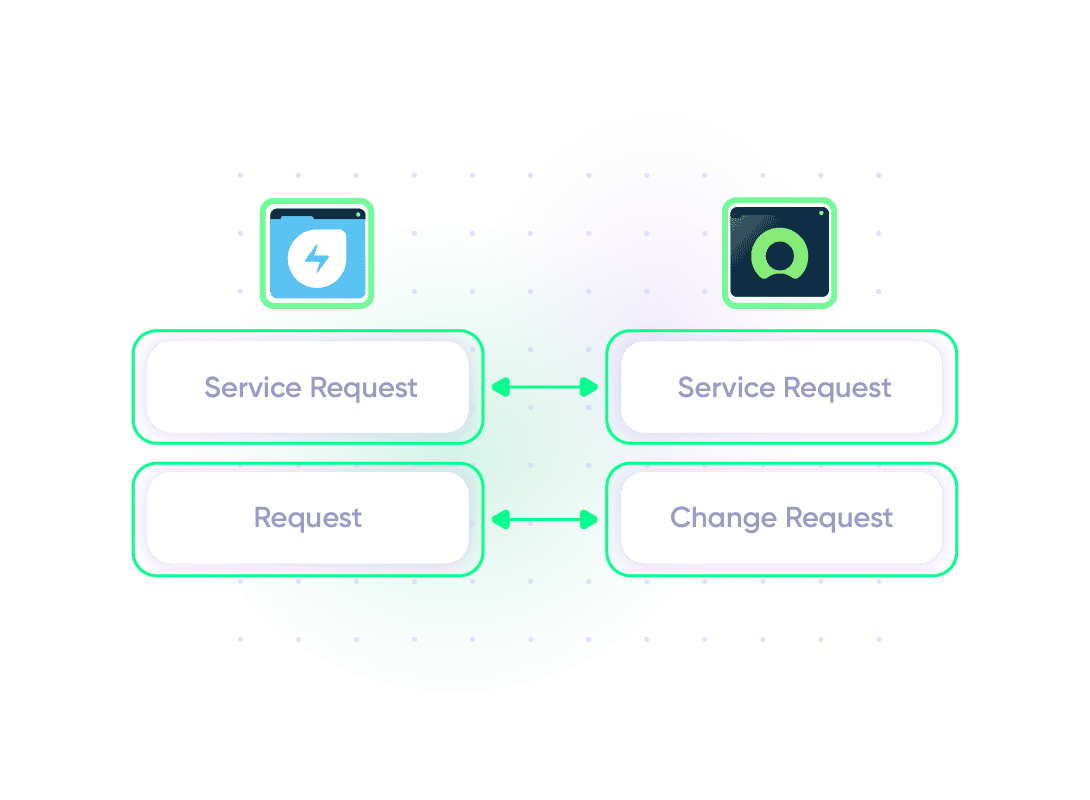
Manage Service Requests and Changes
Speed up the escalation pipeline by instantly forwarding service requests created by customers in Freshservice to support staff using ServiceNow. Sync change requests between both platforms to streamline ITIL-compliant change management processes.
Map Multiple Related Freshservice Tickets to a Single ServiceNow Incident
Unify incident management across teams by mapping multiple Freshservice tickets to a single ServiceNow incident. Provide additional context for the ITSM team working with the MSP or clients. Get timely updates about the bug or incident on your end.
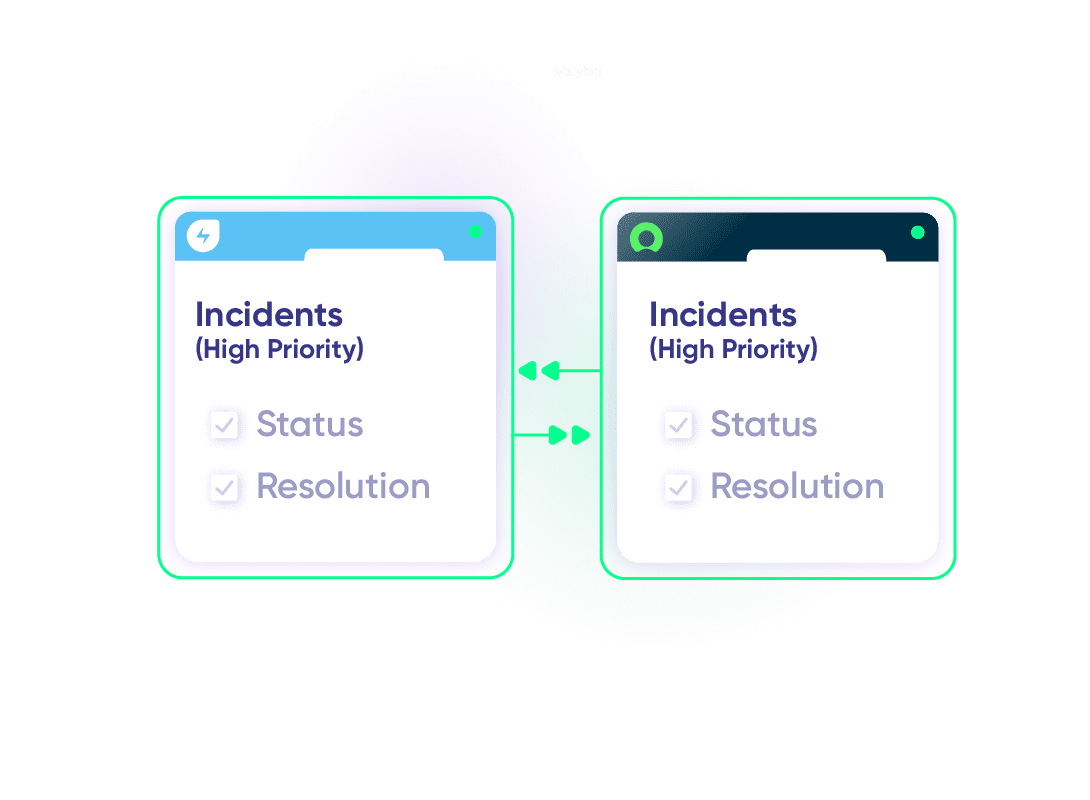
Configure ITSM Integration Between Teams
Set up an integration between Freshservice and ServiceNow to streamline IT service management workflows. Sync high-priority incidents and service requests automatically, ensuring both teams have access to critical information about issues. Update statuses and resolutions in real-time between teams working on the same project.
“
The team was very hands-on and very responsive. If we encountered an issue, they were able to resolve it quite fast.
Maarteen Cautreels


The team was very hands-on and very responsive. If we encountered an issue, they were able to resolve it quite fast.
Priority Support
Get the best assistance from technical support managers and engineers. Go at your own pace or lay back while we do most of the work for you.
FAQ
Answers to the most frequent questions.
Didn't find what you were looking for? Ask Aida
Exalate is a flexible integration platform that connects Freshservice and ServiceNow for real-time, bidirectional data synchronization. It lets you sync tickets, incidents, change requests, and custom fields between both platforms while each team maintains control over what data they share. Unlike template-based tools, Exalate uses a script-based engine that handles complex workflows, conditional logic, and custom field transformations. Start a 30-day free trial to test the integration in your environment.
Exalate syncs all standard and custom fields between Freshservice and ServiceNow. For Freshservice tickets (incidents and service requests), you can sync summary, description, status, priority, inline images, urgency, attachments, notes, custom fields, and custom keys. For ServiceNow, you can sync incidents, problems, change requests, and catalog tasks, including any field available via REST APIs. Custom field mapping lets you transform data formats, for example, converting Freshservice priority values to ServiceNow urgency levels. Contact our team to discuss specific field requirements for your use case.
Setting up a Freshservice ServiceNow integration takes four steps. First, register your account at exalate.app. Second, connect the two systems by creating a connection from either platform. Third, configure your sync rules using the script editor or let Aida, the AI assistant, generate scripts based on your plain-language prompts. Fourth, set up triggers that define which tickets sync automatically, such as “sync all high-priority incidents” or “sync tickets from a specific department.” Once configured, updates flow between both platforms in real time without manual intervention.
Yes, Exalate supports one-way, two-way, and selective synchronization between Freshservice and ServiceNow. Configure two-way sync to keep both platforms updated in real time, or use one-way sync to push data in a single direction. You can also set different sync rules per field, for example, syncing status updates bidirectionally while only pushing attachments from Freshservice to ServiceNow. This flexibility lets support teams and IT teams each control what information they receive without overwhelming either platform.
Yes, Exalate connects multiple ServiceNow instances to a single Freshservice instance, or vice versa. Each ServiceNow instance runs its own Exalate installation, giving teams independent control over sync rules, field mappings, and data sharing. This setup works well for MSPs managing different client environments or enterprises with ServiceNow instances across business units. Each party decides what data to share while maintaining privacy boundaries, so client A’s data never appears in client B’s system.
Exalate protects your Freshservice ServiceNow integration with enterprise-grade security. Data transfers use HTTPS with TLS 1.2 and 1.3 encryption. Authentication relies on JWT access tokens, role-based access controls, and multi-factor authentication. Exalate’s single-tenant architecture isolates your data from other customers. The platform holds ISO 27001:2022 certification and undergoes regular security audits. Review detailed security documentation in the Trust Center.
Exalate uses outcome-based pricing, meaning you pay for active items currently in sync rather than per user or per transaction. Self-serve plans start at $85/month per integration. Enterprise plans with custom item limits and priority support are available through sales. Use the pricing calculator to estimate costs for your specific scenario, or see full pricing details.
Yes, Exalate provides real-time synchronization between Freshservice and ServiceNow. When a ticket updates in Freshservice, the corresponding ServiceNow incident reflects the change within seconds. The sync queue shows all pending and completed synchronization messages, so you can monitor data flow and troubleshoot any delays. Real-time sync ensures support and IT teams always work with current information without manual refresh or scheduled batch updates.
Freshservice offers a native ServiceNow connector through its Connector Apps marketplace. It provides pre-built recipes for common workflows like ticket creation and status updates. Exalate differs by offering fully customizable scripting for complex scenarios that templates cannot handle, such as conditional field mapping, data transformations, and multi-platform connections. Exalate also supports cross-company integrations where each party controls its own sync rules independently. Choose the native connector for simple, predefined workflows. Choose Exalate when you need custom logic, advanced filtering, or connections to multiple external systems.
Exalate triggers define which Freshservice tickets sync to ServiceNow based on conditions you specify. Common trigger examples include: sync all tickets with priority value 1 (urgent), sync tickets assigned to a specific group, sync tickets with status “escalated,” or sync tickets containing a specific tag. You can combine multiple conditions using AND/OR logic. Triggers use each platform’s native query language, so Freshservice triggers use Freshservice filter syntax while ServiceNow triggers use ServiceNow query syntax. Once a ticket matches your trigger conditions, synchronization starts automatically.
Yes, Exalate supports many-to-one mapping where multiple Freshservice tickets link to a single ServiceNow incident. This helps IT teams identify patterns when similar issues flood the support queue. You configure this through sync scripts that check for existing related incidents before creating new ones. The consolidated view gives ITSM teams better context for root cause analysis while individual tickets remain trackable in Freshservice for customer communication.