Salesforce Zendesk Integration
Keep the sales team in sync with the customer support staff through timely, accurate updates and ticket synchronization.
Map Salesforce objects to any Zendesk entity. Use AI-powered scripting and automated triggers to sync all the necessary default and custom fields.
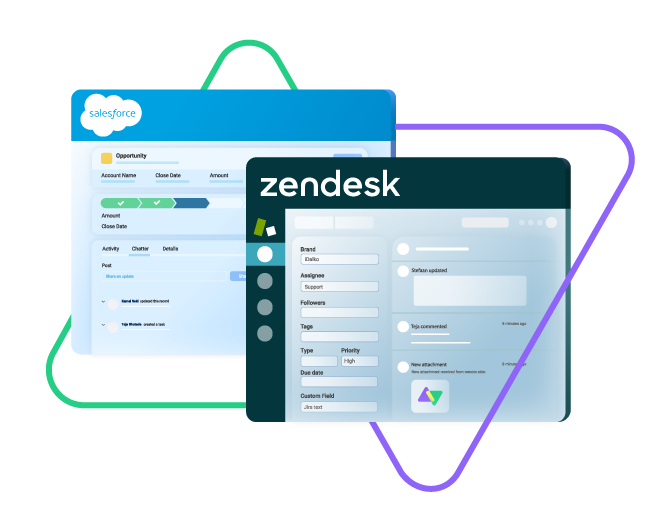
Sync opportunity, case, task, account, product...
sync owner, status, number, priority...
sync contact details, internal comments...
Sync id, subject, description, type..
sync assignee, submitter, requester...
sync tags, type, priority, status, due date...
sync custom fields, comments, attachments...







Explore Different Sync Scenarios Between Salesforce and Zendesk
Sync any field or entity using two-way or one-way mappings. Tailor the Salesforce to Zendesk integration to your exact use case. You make the rules.

Zendesk
Tickets
+10 fields are supported, including:
- Custom fields
- Attachment
- Description
- Assignee
- Comment
- Priority
- State
- Request
- Problem
- Type

Salesforce
Case
All fields are supported, including:
- Custom fields
- Account Name
- Asset
- Business Hours
- Case Owner
- Contact Email
- Escalated
- Priority
- Product
- SLA Violantion
- Type
Problems
All fields are supported, including:
- Close Date
- Contract
- Delivery/Installation Status
- Description
- Lead Source
- Order Number
- Opportunity Score
- Price Book
- Probability
- Tracking Number
Change Requests
All fields are supported, incuding:
- Account Owner
- Annual Revenue
- Billing Address
- Customer Priority
- Parent Account
- SIC Code
- Tradestyle
- Upsell
- Year Started
Sync any Salesforce entity
Exalate for Salesforce allows syncing all the available objects and their fields within the Script connection. This page only shows the most popular and widely used objects and their fields.
Check the full list of supported fields for Salesforce and Zendesk
How it Works
Connect
Easily connect multiple projects, instances, and platforms. With local, or external partners.
Customize
Set your sync rules to make sure the right data is shared.
Prompt Exalate’s AI to generate rules, or fine-tune with Groovy-based custom mappings and logic for complete control.
Automate
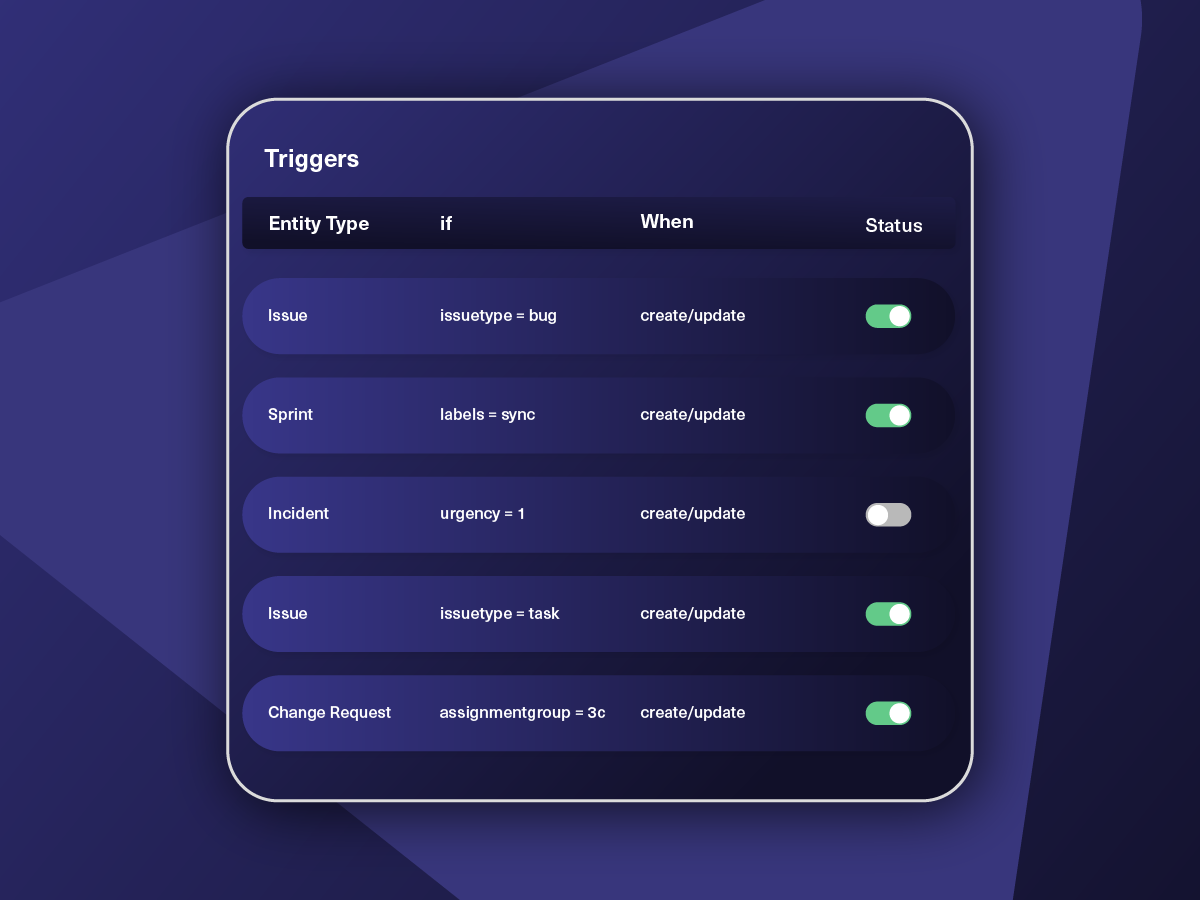
Set triggers to automate your sync based on specific conditions.
Synchronize
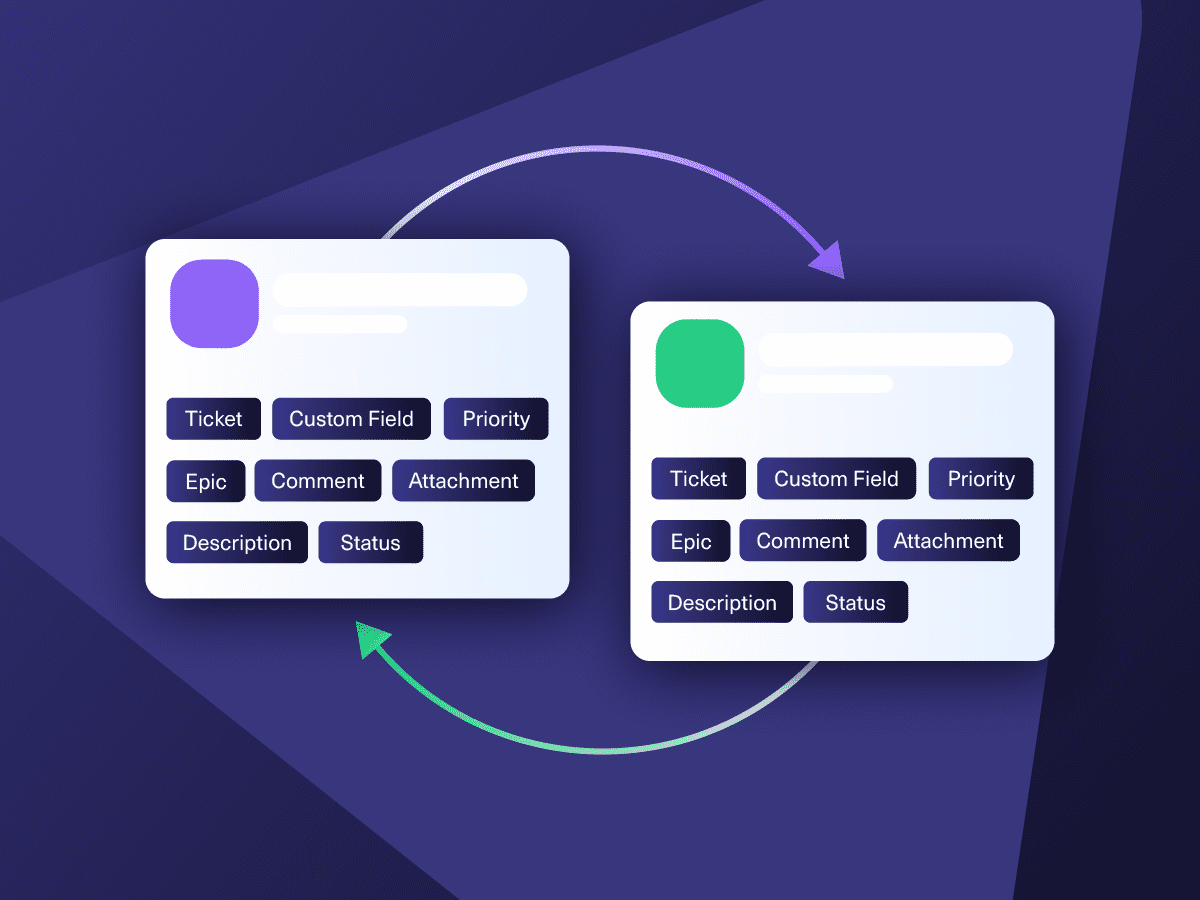
Now your connected instances will exchange information automatically. Happy syncing!
“
Exalate is stable, flexible, customizable, and pretty easy to set up and use.
ALEXANDER SINNO

Get the Most Out of Your Integration
Sync in Real-Time
Two-way, real-time sync between platforms. Updates flow automatically. No manual exports, no delays.

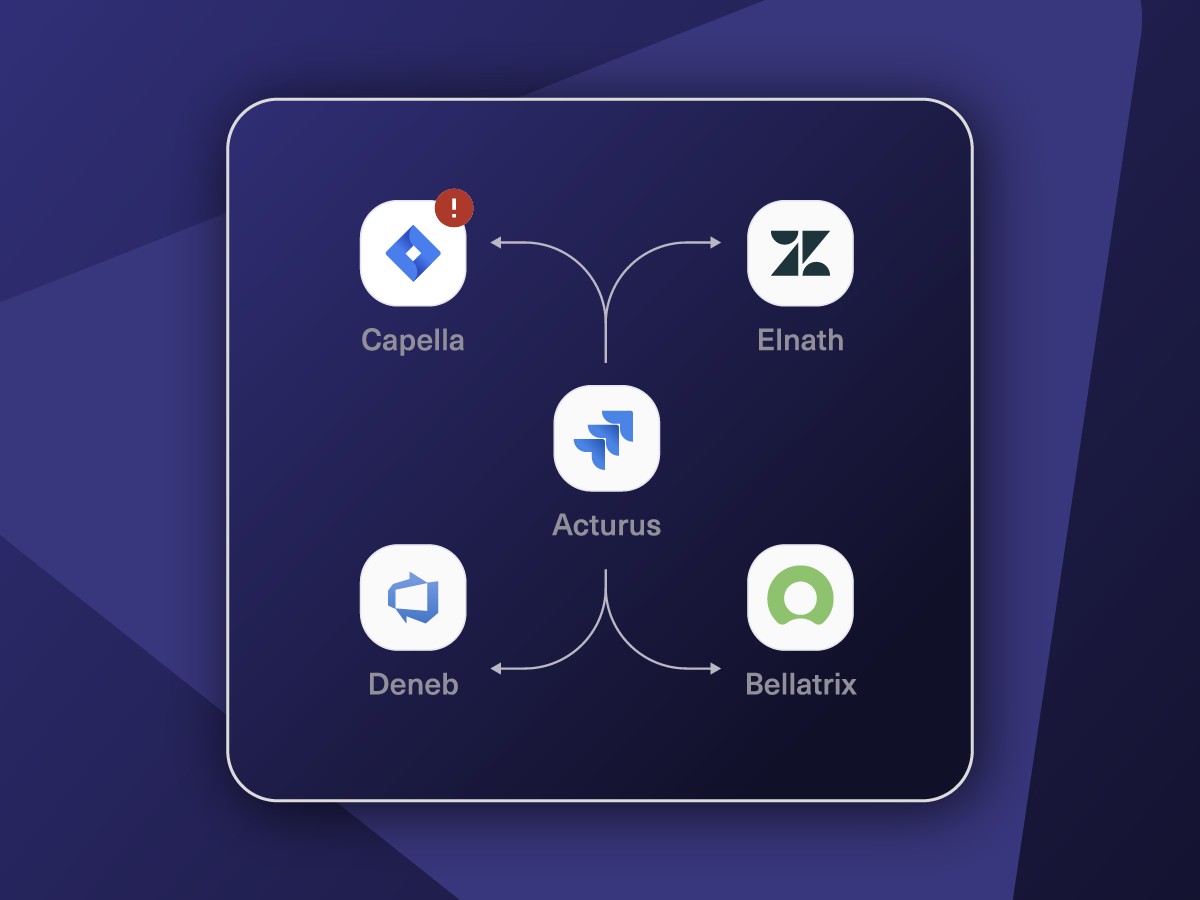
Connect Any Number of Instances
Connect multiple projects, instances, and platforms. Use different rules for each connection.

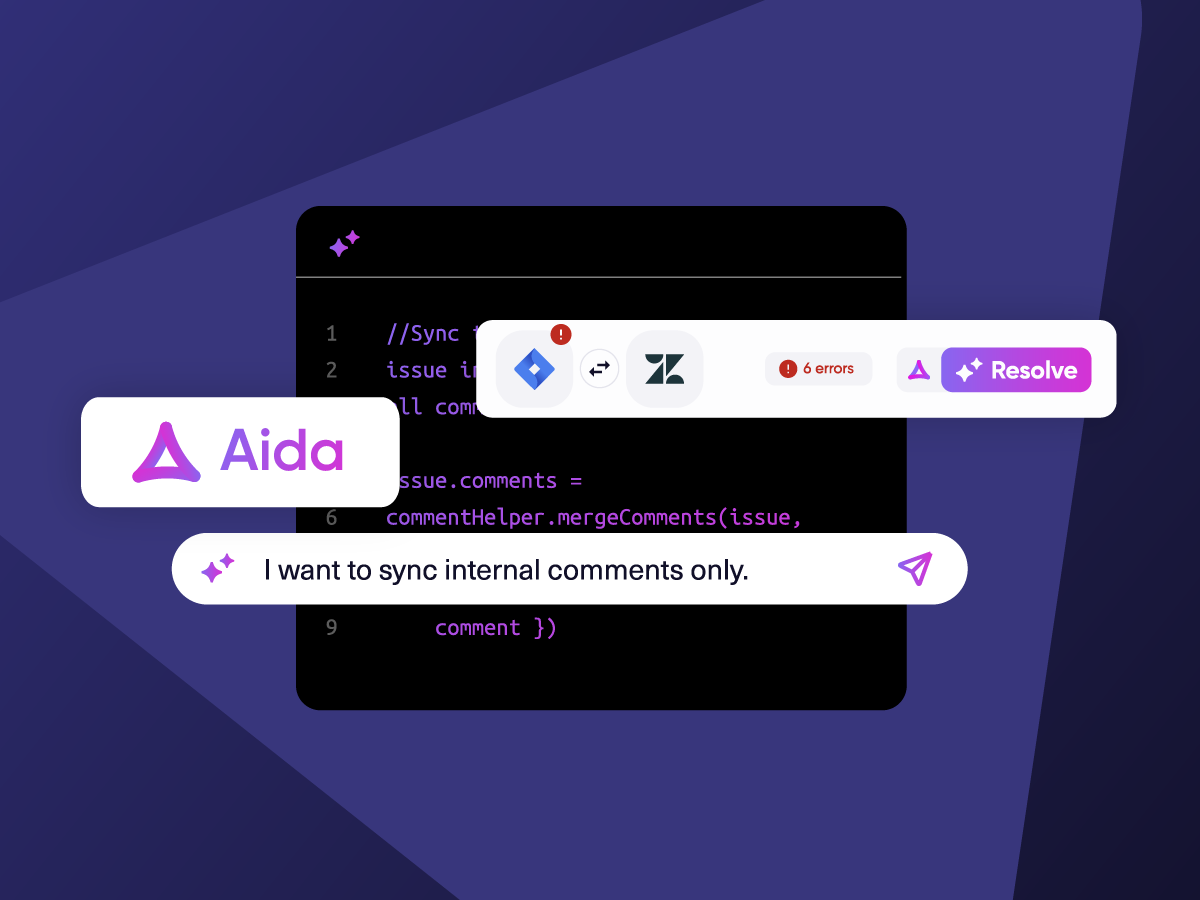
Know What Failed and Why
Get AI-powered recommendations for resolving the issue, including possible fixes and next steps.

AI Assisted SetUp
Describe your integration goal. Aida reviews your sync rules and connector type, then suggests script changes

Only Sync What Matches
Set various conditions for automatic synchronization.


Sync Visibility, Right Where You Work
Check the real-time status of your active syncs, spot failures, and trigger a manual push. All from a browser extension, without opening the Exalate console.

“
I was surprised by how Exalate satisfied our synchronization needs. We managed to reduce the monthly costs of Growth’s Service Desk by around 95%.
Piotr Radtke

ai assisted script
Your Integration, Your Rules
Full Control, Boosted by Aida AI
Exalate comes with default sync rules, that can be adapted to your specific needs.
Build your unique integration rules with just a few lines of Groovy Script – or a few prompts.
- Deepen, change, adjust sync rules easily
- Control outgoing and incoming data on each side
- Simply mirror or customize mappings
- Track changes with version history
- Move confidently with draft mode
“
We can do almost anything we want with the sync thanks to its groovy script.
I can say I haven’t seen any other apps as flexible as Exalate.
Daniel Miks

From Simple to Advanced, Unlimited Use Cases
Start your Salesforce integration with Zendesk with standard use cases. Step things up with scripted, advanced use cases.
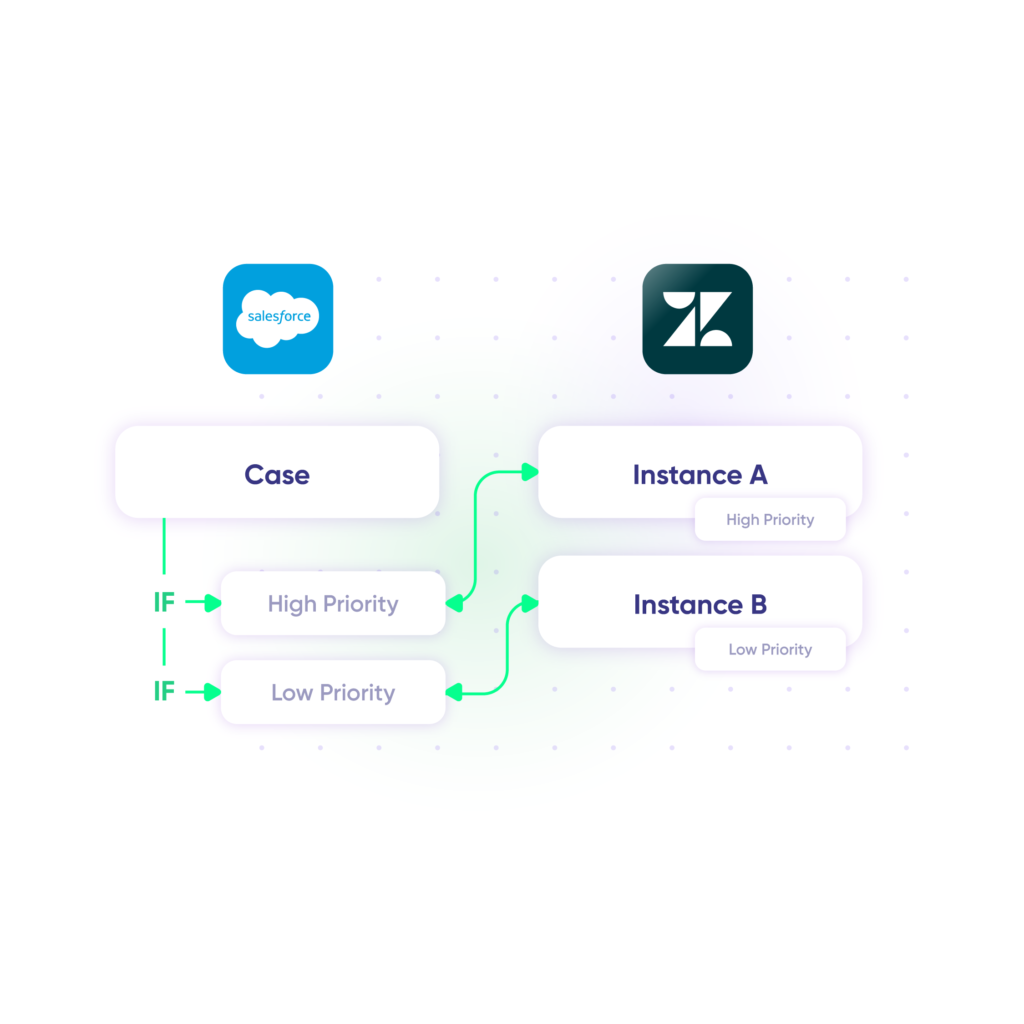
Sync Priority between Zendesk and Salesforce
Assign the same level of priority to tickets as the corresponding Salesforce objects (cases, etc.).
In practice:

...Or simply write a few lines of code
. . .
def priorityMapping = [
“1 – Urgent”: “High”,
“2 – High”: “High”,
“3 – Normal”: “Medium”,
“4 – Low”: “Low”, ]
. . .
issue.priority = nodeHelper.getPriority(priorityName)
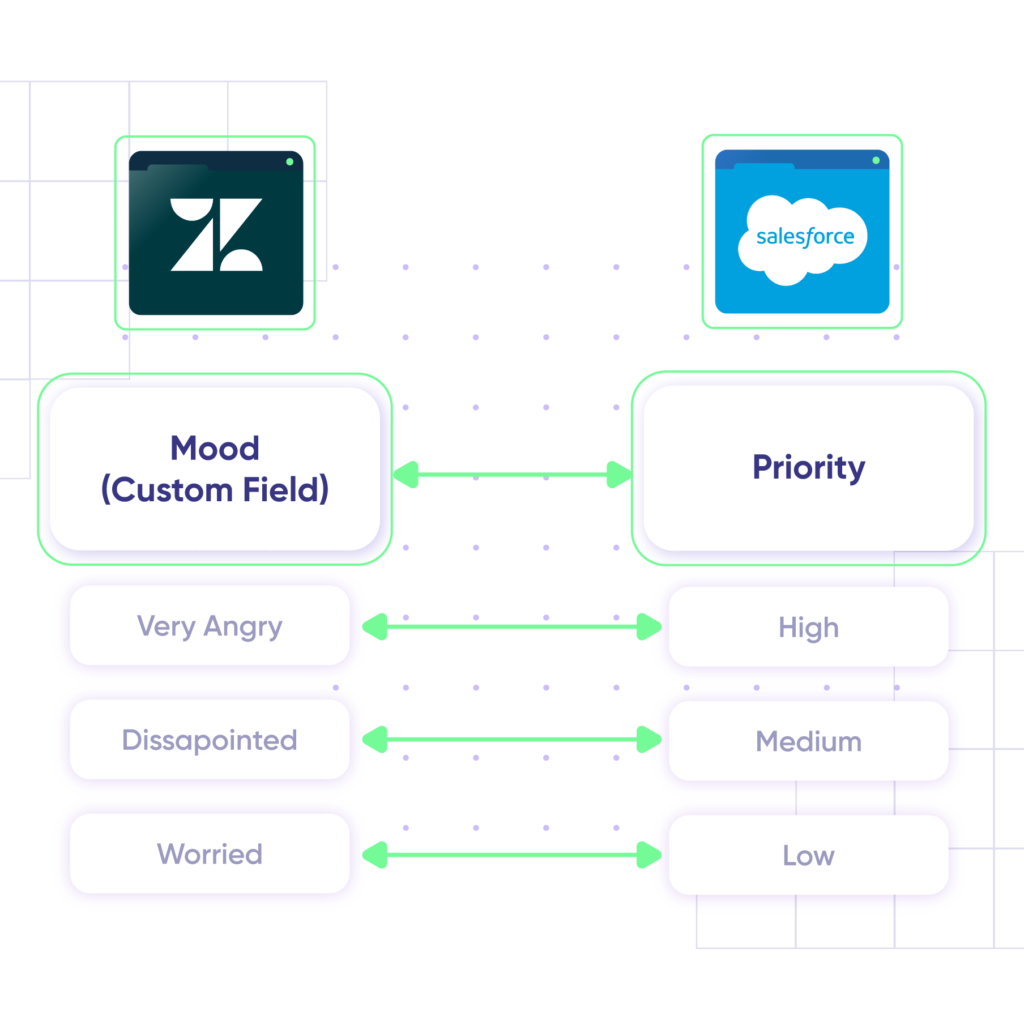
Convey Customer Mood
Use a custom field “Mood” in Zendesk to update the level of urgency in Salesforce.
In practice:
...Or simply write a few lines of code
if (replica.customMood) {
switch (replica.customMood) {
case “Low”:
entity.Priority = “Worried”
break
case “Medium”:
entity.Priority = “Disappointed”
break
case “High”:
entity.Priority = “Very Angry”
break
}
}
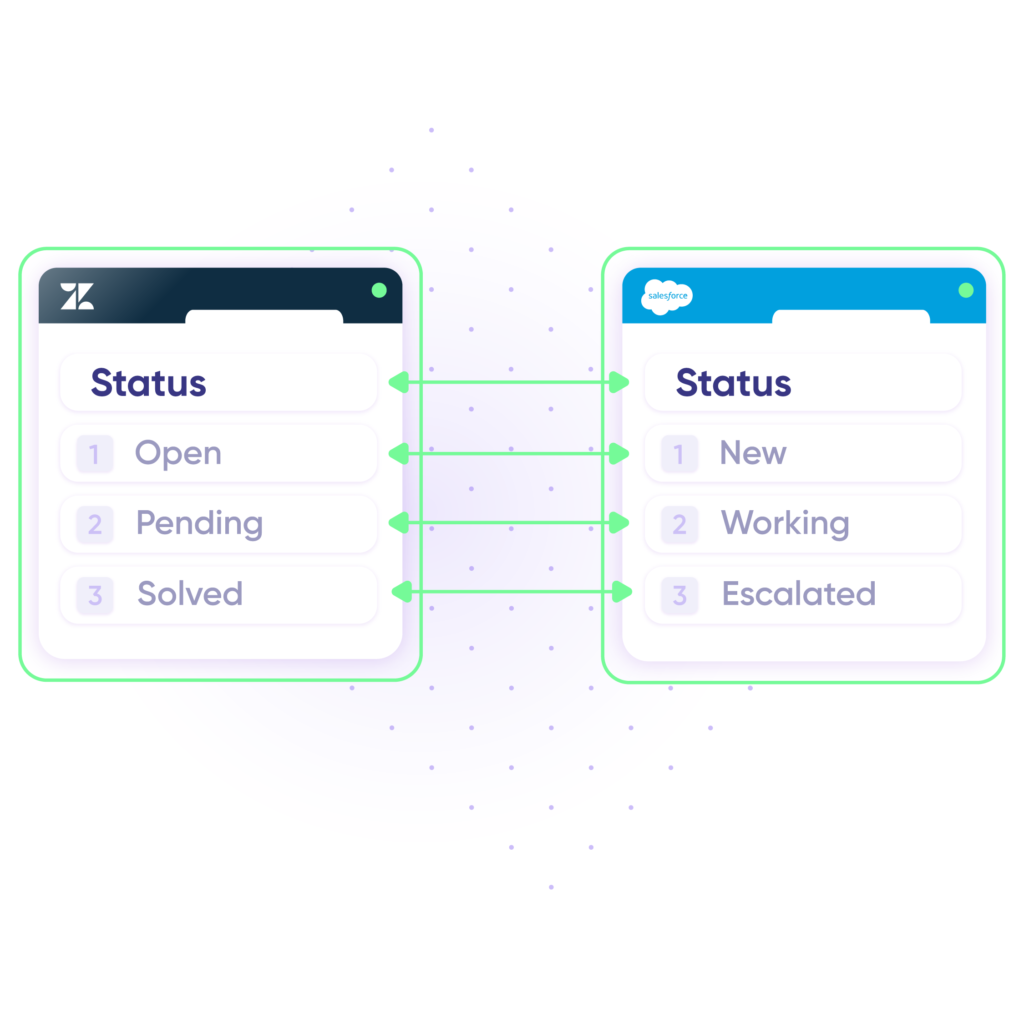
Provide Status Updates
Changes in progress on either side will update the ticket or case accordingly to give users real-time status updates.
In practice:
...Or simply write a few lines of code
def statusMap = [
“open” : “New”,
“pending”: “Working”,
“Solved” : “Escalated”
]
def remoteStatusName = replica.status.name
statusName = statusMap[remoteStatusName]entity.Status = statusName
}
Pricing Built for Scale, Not Surprises
Exalate offers a 30-day Free Trial
Pro
Organizations needing enterprise systems
starts atThis is the entry price for the lowest-cost integration. Your price depends on which systems you connect, items in sync, environments, SLA/support, and add-ons. To get a tailored quote, contact sales.
$
550
/mo
Billed annually
Enterprise
Large-scale deployments with custom requirements
Let's talk
Get in touch for your custom pricing














& more
See the New Exalate in Action
Let us show you how Exalate can fit your unique business needs.
+2,500 clients worldwide


Zendesk Salesforce Integration Guide
Integrating Zendesk and Salesforce will give teams the freedom and autonomy to keep working in their own environment while facilitating collaboration across these systems. The right integration process should also optimize their workflows, but keep their data and projects secure.
In this guide, we’ll discuss the step-by-step process of this integration.
Exalate Security Whitepaper
Exalate is an advanced synchronization engine with various deployment models and information exchange paths. It allows you to synchronize information between multiple tools in a secure and controllable way.
To understand more, download the Exalate Security & Architecture Whitepaper
The Definitive Guide to Cross-Company Company Integration for IT Professionals
A Cross-Company Integration should allow data to be shared between multiple platforms without putting each side’s autonomy or security at risk. In this guide we will cover the complete 8-step process to setting up a secure integration cross-company.
FAQ
Answers to the most frequent questions.
Didn't find what you were looking for? Ask Aida
Exalate syncs any Salesforce object and Zendesk entity, including tickets, cases, accounts, opportunities, contacts, products, and tasks. You can sync default and custom fields, attachments, comments, and descriptions in real time. The Groovy-based scripting engine lets you map complex field relationships, while Aida helps you create sync rules using plain language. Both one-way and two-way sync directions are supported.
Yes, Exalate supports multi-instance integrations between Salesforce and Zendesk. You can sync multiple Salesforce orgs with multiple Zendesk accounts simultaneously from a unified console. Each connection maintains independent sync rules and triggers. This makes Exalate ideal for enterprises and MSPs managing complex, distributed environments. Exalate also connects with Jira, ServiceNow, Azure DevOps, GitHub, and other platforms.
Register an account on exalate.app, then create a connection between Salesforce and Zendesk. Configure sync rules to map ticket fields to Salesforce case fields and set triggers using SOQL or Zendesk search syntax. Once a trigger condition is met, tickets automatically sync as Salesforce cases. Use Bulk Sync to migrate existing tickets or sync individual items on demand. Start a free 30-day trial to test the integration.
Exalate protects your data with JWT access tokens, HTTPS, TLS 1.2/1.3 encryption, role-based access controls, and multi-factor authentication. The platform is ISO 27001:2022 certified and GDPR compliant. Each side of the integration controls its own sync rules independently, so no admin credentials are shared. Visit our Trust Center for full security documentation.
Exalate includes automatic error recovery that resumes synchronization from the exact point of failure. When systems reconnect after downtime, queued changes apply in their original order without data loss. The unified console shows real-time sync status, error logs, and troubleshooting details for both sides of your integration. Aida can also analyze errors and suggest fixes in plain language.
Exalate uses outcome-based pricing, charging for active items in sync rather than user seats or API calls. Plans start at $100/month per integration for self-serve options. Enterprise plans offer custom capacity and priority support. Use the pricing calculator to estimate costs, or view detailed pricing and licensing information. A 30-day free trial includes full functionality.
Zendesk’s native integration only syncs one way (Zendesk to Salesforce) and supports limited field mappings. Exalate offers full two-way sync with custom field mapping, Groovy scripting for complex logic, and cross-company collaboration with independent control on each side. Native integration also requires specific Salesforce editions, while Exalate works across all editions with API access.
Yes, Exalate syncs any Salesforce object with Zendesk entities. You can map opportunities to tickets, sync opportunity stages as ticket statuses, and share related account data. Use triggers to automatically create tickets when opportunities reach certain stages, or sync comments between sales and support teams in real time. Custom field mapping ensures your specific workflow requirements are met.
Yes, Exalate excels at cross-company integrations where each organization maintains independent control. Each side manages its own sync rules without sharing admin credentials or exposing internal data. This makes Exalate ideal for MSPs, vendor relationships, and partner ecosystems where both parties need autonomy over what they share and receive.
Basic integrations can run within an hour using pre-configured templates. For complex use cases with custom field mappings, complex workflow orchestrations, and advanced triggers, allow a few days. Aida accelerates setup by generating Groovy scripts from plain-language descriptions. Need help? Explore our managed services.
On the Salesforce side, use SOQL queries to trigger syncs based on any object field, status change, or record creation. On the Zendesk side, use Zendesk search syntax to trigger based on ticket properties, tags, or custom fields. You can combine multiple conditions and sync different data based on trigger criteria. Bulk operations let you sync existing records that match trigger conditions.