
two-way integration
Sync Jira and Your Favorite Tools
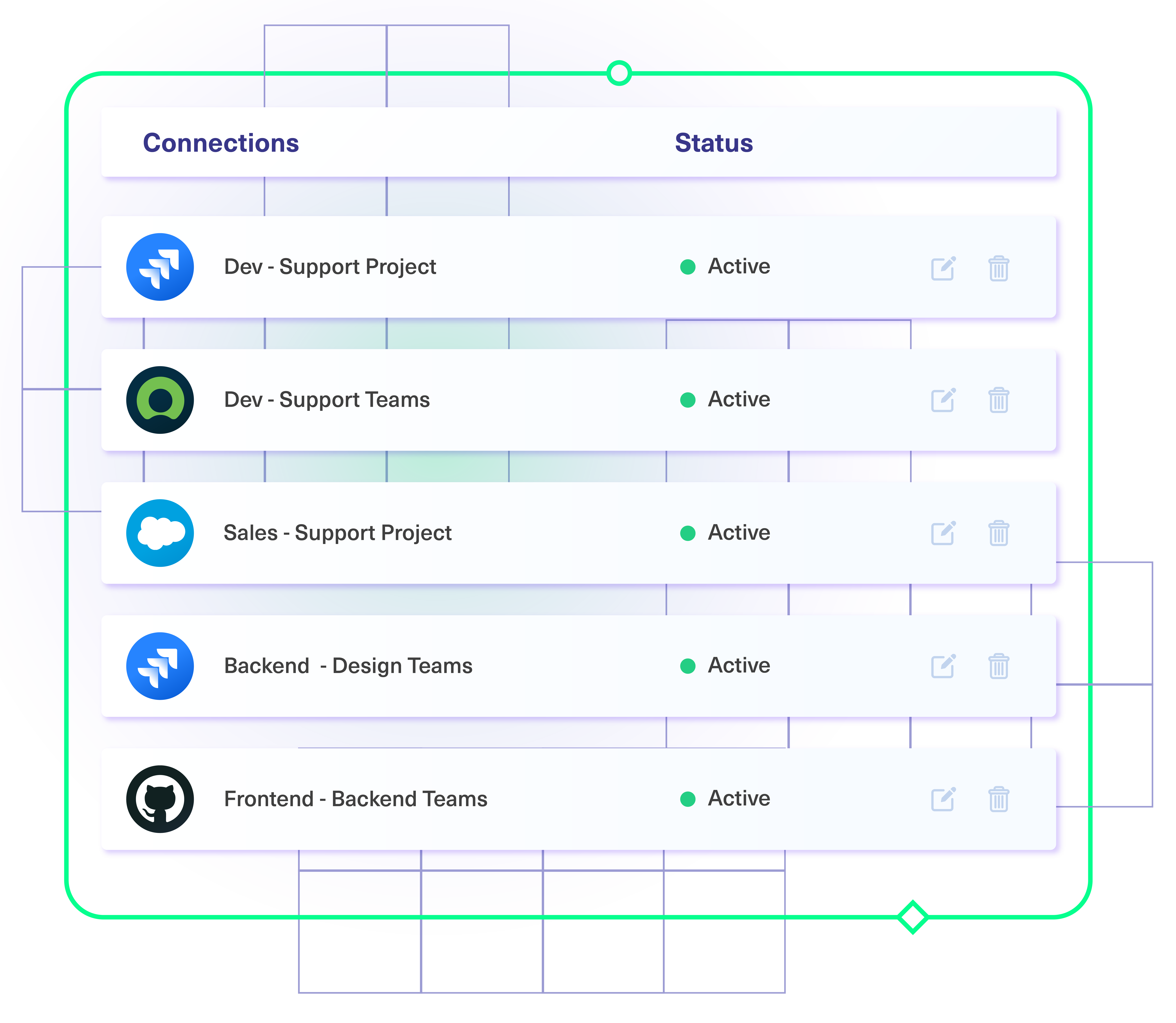
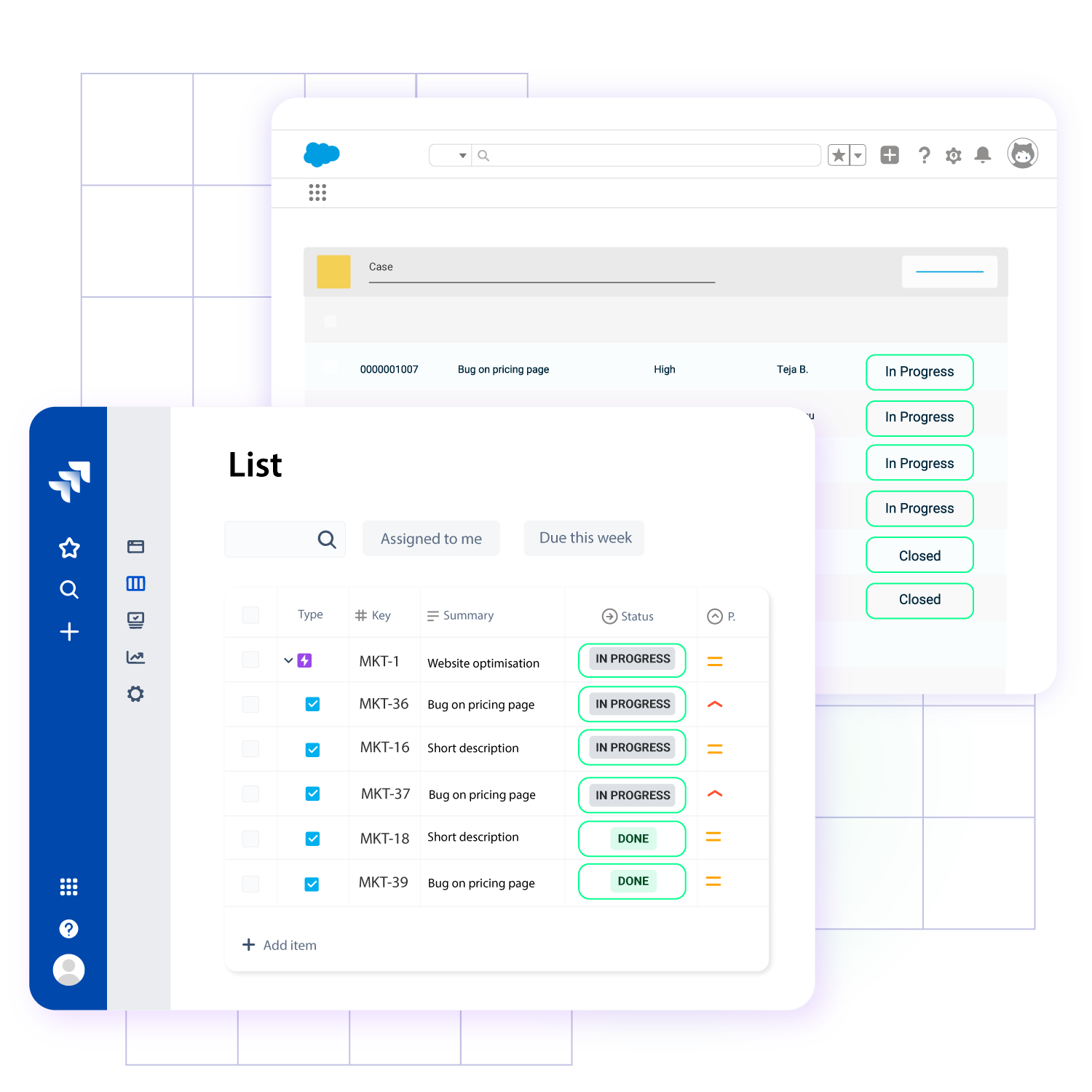
Set up a deep two-way sync between multiple Jira instances, Servicenow, GitHub, Salesforce, Zendesk, Azure DevOps and more.
Unlock collaborative teamwork across systems, departments and company borders.
- Free forever with the basic mode
- 30-day free trial for premium features







A Truly Flexible Synchronization Solution
Real-time Jira Sync
- Get real-time status updates on critical issues.
- Reduce manual data entry errors with automatic sync.
- Sync information uni or bi-directionally.
- Provide accurate and consistent information for the right stakeholders.
- Restart the sync automatically after down times.
Triggers for Automated Jira Integration
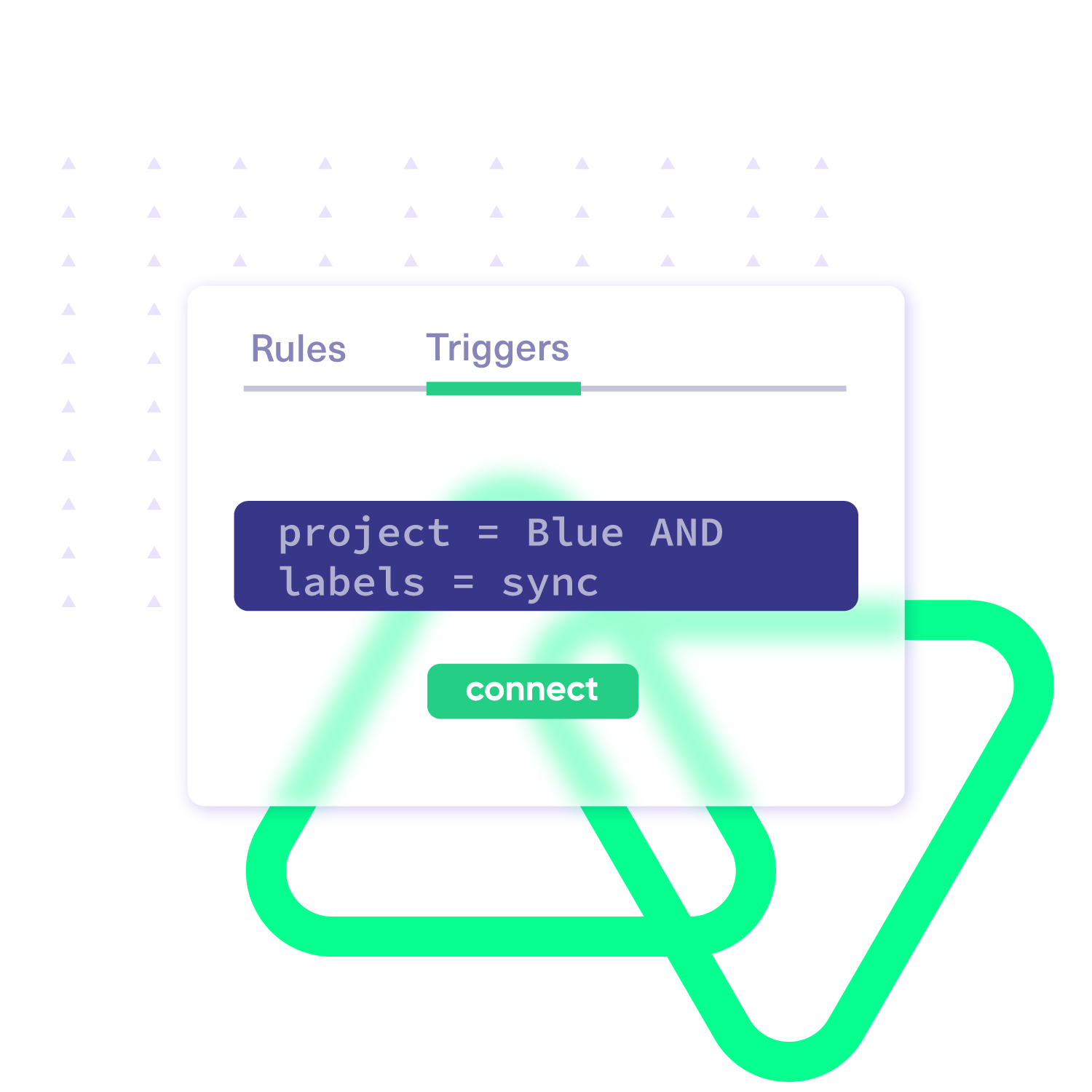
- Use native query language triggers for automatic information flow.
- Use fine-grained JQL triggers for syncing issues and sprints.
- Edit triggers anytime without disrupting the sync
- Have advanced independent control using triggers present on both sides.
Bulk Operations
- Sync multiple issues based on the conditions you set.
- Connect existing issues with remote entities.
- Have advanced control over bulk syncing.
- Choose to sync existing comments, attachments, or worklogs.
Custom Data Mapping Rules
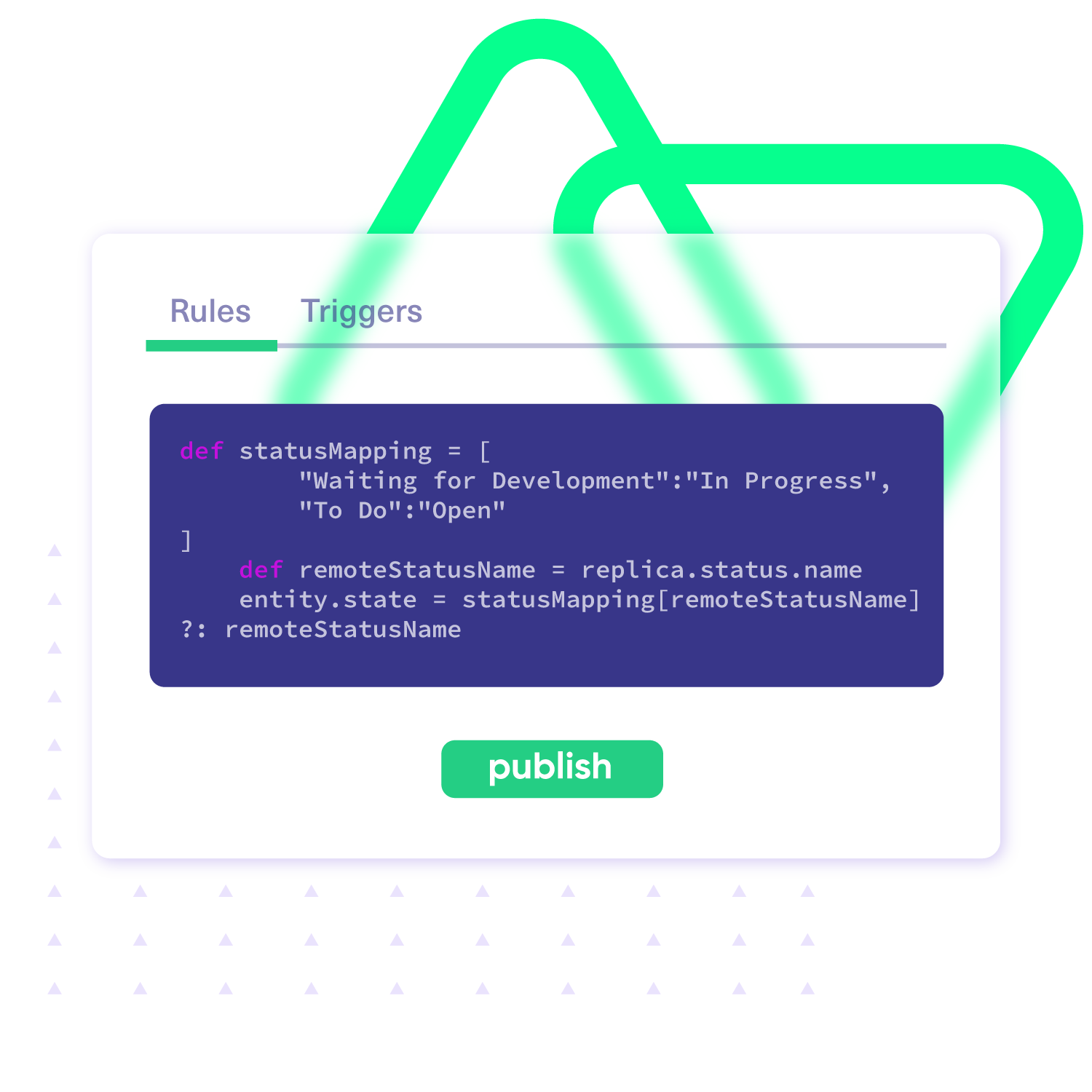
- Create custom mappings with just a few lines of code (with Groovy scripts).
- Map statuses, issue types, and priorities the way you want.
- Handle formatting differences between Jira and other platforms.
- Control the sync between multiple Jira projects and instances.
- Fine-tune the data mapping independently for both outgoing and incoming information.
“






Set up, Customize, Sync!
01
install
Install the Exalate app on each tool you want to sync, so every admin has complete autonomy over their integration.
02
connect
Connect the instances you want to integrate. Pick between a two-way or one-way sync.
03
customize
Set your sync rules to make sure the right data is shared.
Prompt Exalate’s AI to generate rules, or fine-tune with scripts.
04
automate
05
synchronize
Now your instances are connected and will automatically exchange information instantly. Happy syncing!
Sync Anything between Jira and Other Tools
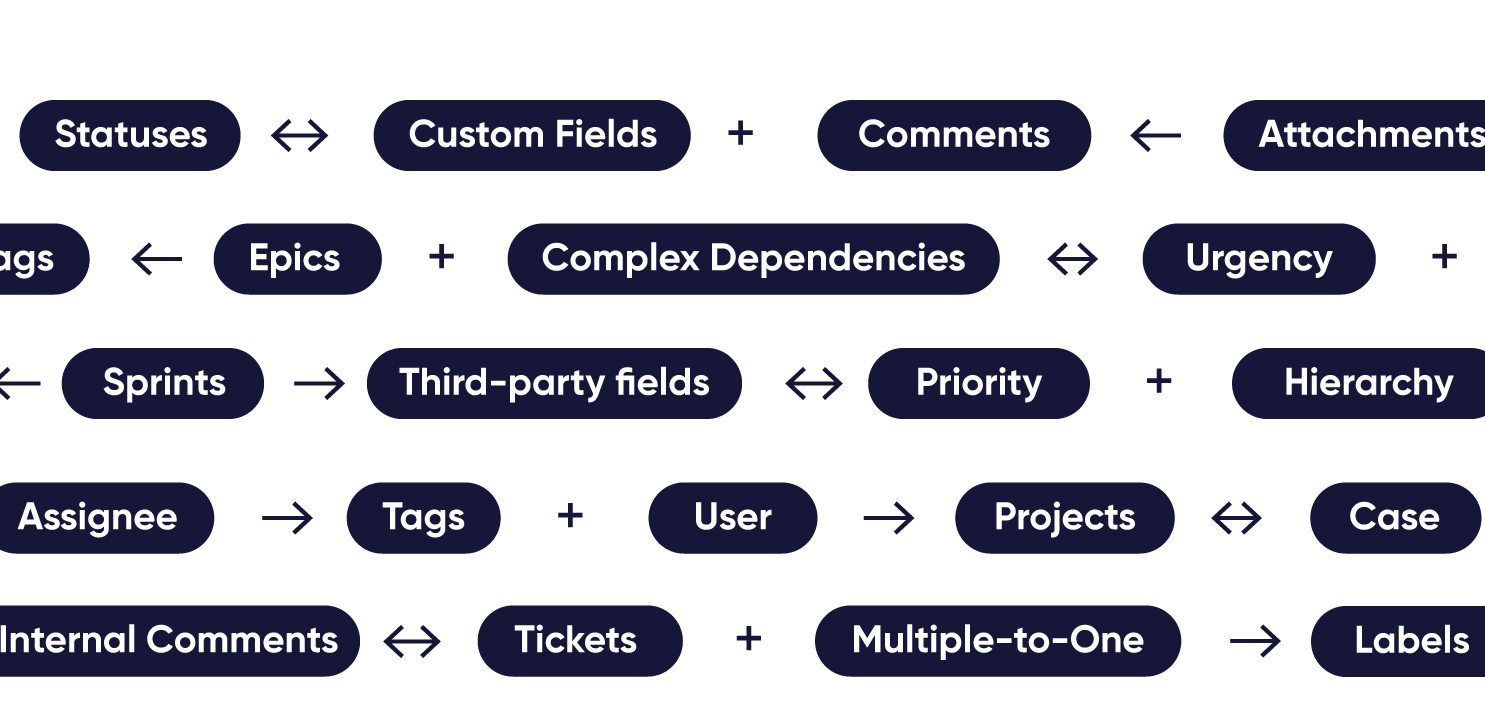
You can sync any data available via API. The most common fields are listed below.
Issues
+40 fields are supported, incuding:
- Custom fields
- Summary
- Status
- Description
- Key
- Comment
- Attachment
- Priority
- Third-party plugin fields (e.g Insights)
Sprints
All fields are supported, including:
- Name
- State
- Start date
- End date
- Complete goal
- Origin board ID
- Goal

Accessible to Both Business and Technical Users
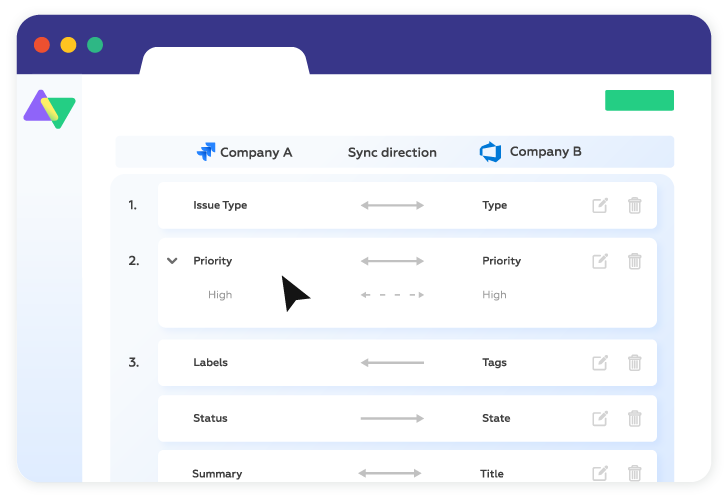
Visual Mode
Seamless integration, no coding knowledge required.
- Drag-n-drop interface for faster, no-code set up
- Customize your synchronization rules from one side of the connection
- Ideal for integrations from basic to intermediate complexity
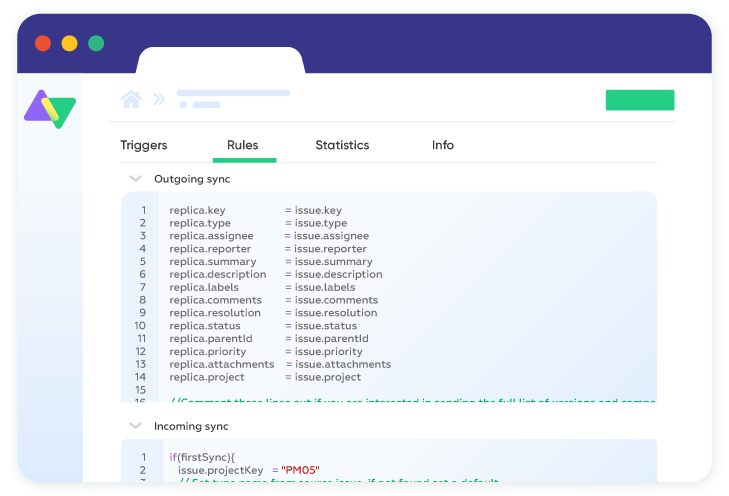
Script Mode
Limitless flexibility in configuring your integration.
- Use the groovy-based scripting engine for full flexibility
- Configure each side of the connection separately for maximum autonomy
- Prompt your requirements into AI Assist, and receive tailored scripts to get your integration up and running
Script Less. Integrate More.
Exalate’s Script Mode just got better.
Minimize the time spent searching for relevant scripts or writing them from scratch. AI takes care of the complexity so you can focus on what matters most!

Start now, for free
You can download Exalate for Jira on the Atlassian Marketplace for Cloud, Server or Datacenter.
Get started for free with just a few clicks.

Cloud, Server and Datacenter
Sync almost any field from Issues and Sprints

Exalate is Built with Security at its Core
Exalate is an advanced synchronization engine with various deployment models and information exchange paths. It enables you to synchronize information between multiple tools in a secure and controlled manner.
Security vulnerability scanning has been implemented at every stage of our solution's development, deployment, and operation.

See How Exalate Works
Download our Step-by-step tutorials and see how Exalate works in detail.


Exalate is flexible enough to cover almost all integration use cases through its Groovy-based scripting engine. You can start with basic sync scenarios out-of-the-box or implement advanced use cases using scripts. With Aida AI, you can prompt your requirements and let AI write the sync rules or customize them yourself. Sync any default or custom properties, set custom mappings, add advanced logic, and manage everything from a unified console.
Check out some use cases implemented with Exalate.
Exalate integrates Jira (Cloud and DC), ServiceNow, Salesforce, Azure DevOps (Cloud and Server), Zendesk, GitHub, Freshservice, Freshdesk, Asana, and more. Start your free trial here.
You can connect platforms: one to one, one to many, many to one, and many to many, or combine these models.
Need a custom connector? Request one or outsource your entire integration to us.
No. Installation on both sides was required for Exalate Classic, which is no longer the case. Now Exalate works as a standalone web application, with no installation needed. The new interface holds a single place to manage your integrations, while the backend infrastructure (single tenancy, etc.) stays the same. Each side keeps control of what data to send and receive via incoming and outgoing sync scripts.
At Exalate, your data privacy and security are our top priority. We follow best-in-class security practices:
ISO 27001:2022 Certified & GDPR compliant
Role-based access control with flexible authentication (API keys, OAuth, PAT)
Full operational control, which allows you to decide what gets shared and what doesn’t
Encryption of data both in transit (TLS 1.3/1.2) and at rest
- JWT-based tokens authenticate every data transfer request
Security monitoring and threat detection with SentinelOne
To learn more about the complete security posture, visit the Trust Center.
Yes. There are two ways to do this:
Bulk Sync – Syncs all the existing data that fulfills the trigger condition(s).
Relink – Connects existing entities residing in different systems. You need to upload a .csv file that contains the mappings.
Learn more about these functions in the Exalate Documentation.
Exalate has been powering enterprise integrations since 2014. Performance tests continually ensure no noticeable load on your applications. Our customers process millions of syncs monthly without impact. Plus, with Exalate, you also have the following guardrails:
Test Run functionality to test scripts before production
Script versioning for safer deployments
Unified console for managing complex, multi-node setups
For high-volume scenarios, our Enterprise plan includes Cloud Booster to handle even larger synchronization loads.