
ServiceNow eBonding
Create a bi-directional integration between multiple ServiceNow instances. Or, synchronize it with other ITSM tools such as Jira, Azure DevOps, Salesforce, Zendesk, GitHub, and more.
Exchange data in real-time and enhance your organizational efficiency, without leaving your favorite platform.








Switching Between Tools is Now a Thing of the Past
Connect multiple ITSM systems across different departments or companies. Maintain context with every sync.
Don’t share credentials with other teams.
Choose what data to share with other teams and just sync it
Don’t copy-paste details between systems
Integrate your ServiceNow with your partner’s system and see everything in one place
Don't miss real-time status updates
Automate your ServiceNow sync and never miss a deadline
Don't spend on licensing costs
Stay in your favorite tool and sync the necessary data.
“
We can now handle around 500 customer incidents per week, thanks to Exalate, which is a very good result regarding the number of products we’re dealing with. It synchronizes 45x faster than our previous solution.
Christof Cuyper |

Sync Any ServiceNow Entity With Other Platforms
Sync all ServiceNow entities available via REST APIs.
Simply look for the field names in ServiceNow tables, choose what you want to sync, and add it to your script.
Common fields to sync
Incidents
All fields are supported, including:
- Short description
- Description
- Assigned to
- Assignment group
- Priority
- Urgency
- State
- Custom fields
- Work notes
Problems
All fields are supported, including:
- Problem statement
- Description
- Assigned to
- Priority
- Urgency
- Impact
- State
Change Requests
All fields are supported, including:
- Short description
- Description
- Assigned to
- State
- Type
- Impact
- Risk
- Requested by

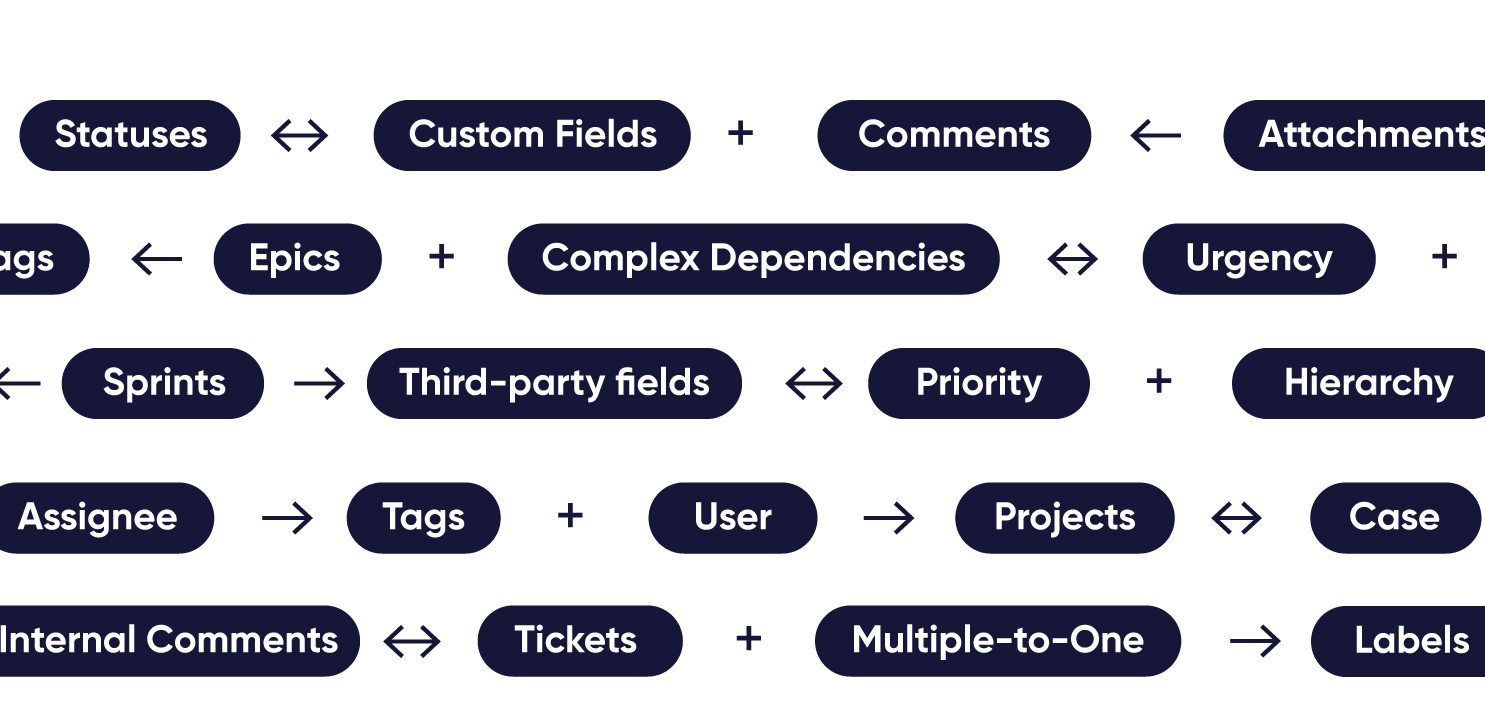





Granular Control Over Synced Data
- Have granular control on both integrating sides
- Use simple code to handle complex data mappings and dependencies
- Sync any data available via REST APIs
- Add custom logic, advanced mappings and robust triggers for a full-proof sync
Completely Secure ServiceNow Integration
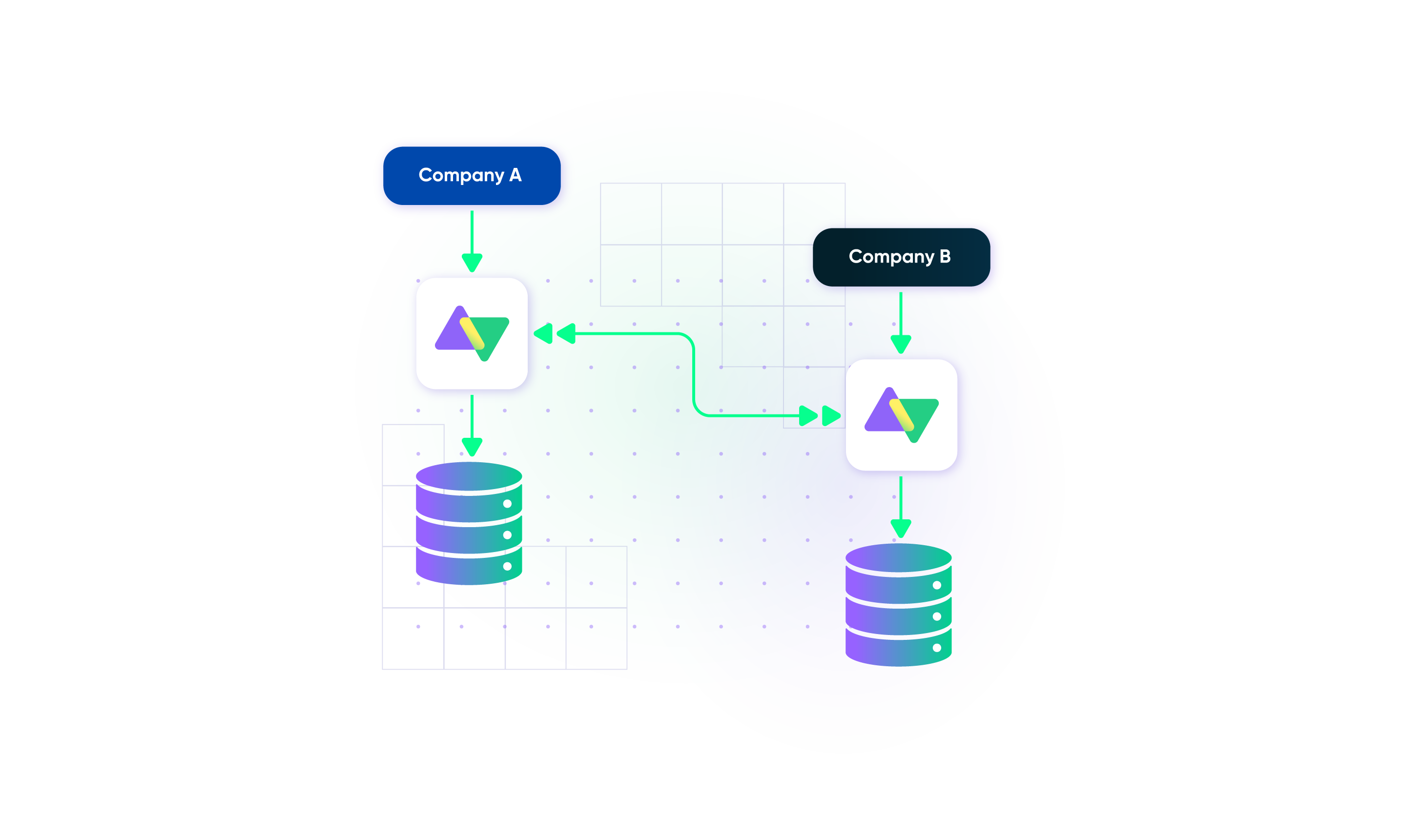
- Exalate's single-tenant cloud infrastructure and distributed architecture keeps your data safe.
- Your systems are loosely-coupled so you can easily scale your ServiceNow eBonding.
- Stay protected with airtight security features and infrastructure backed by ISO 27001 certification.
integration as a service
Outsource your eBonding Project to the Expert
We know integration can be a lot of work.
Have an integration expert taking care of every aspect of your integration, from concept to full-scale operations.
- Custom development of connectors
- Managed integrations
- 24/7 support for critical issues
- Ready to scale
- Dedicated delivery manager
- Outsourced Internal IT Service Desk

How it Works
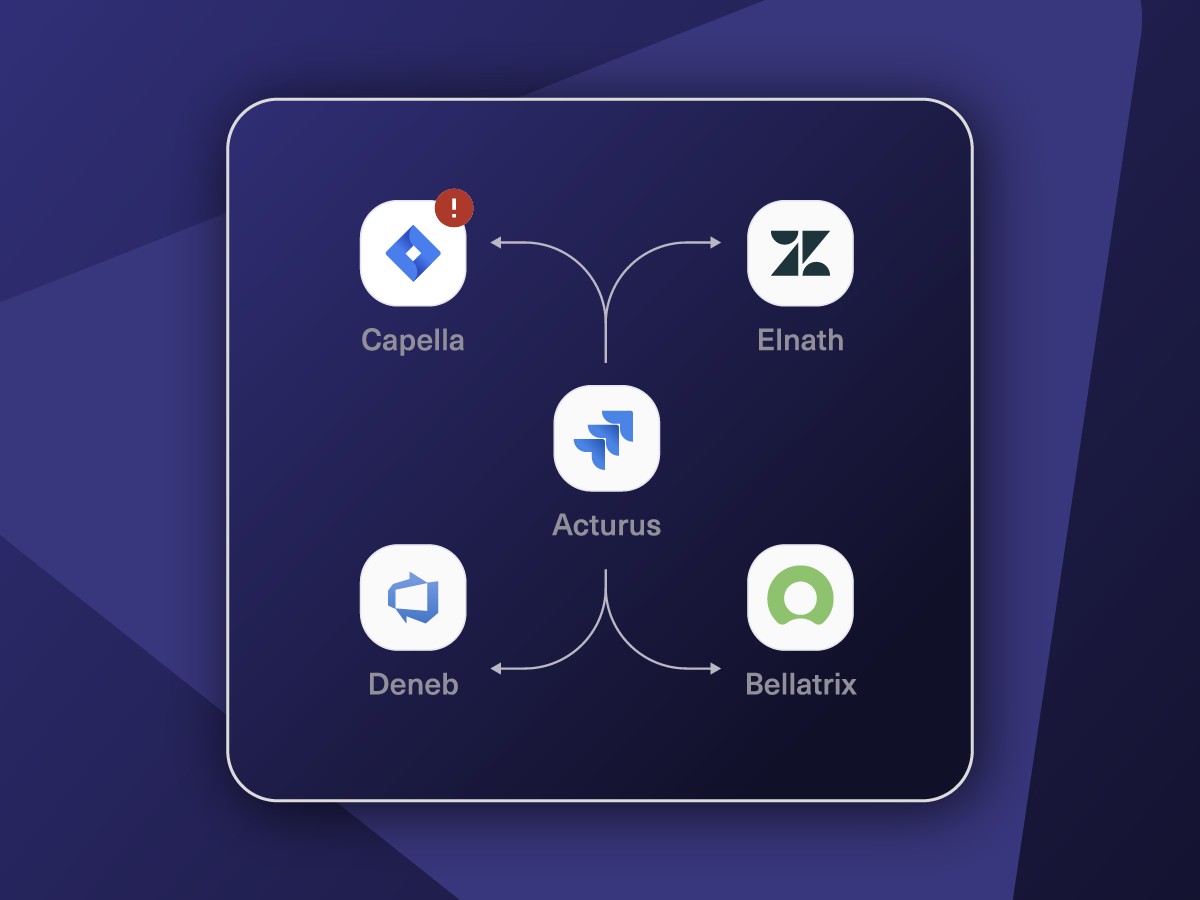
Connect
Easily connect multiple projects, instances, and platforms. With local, or external partners.
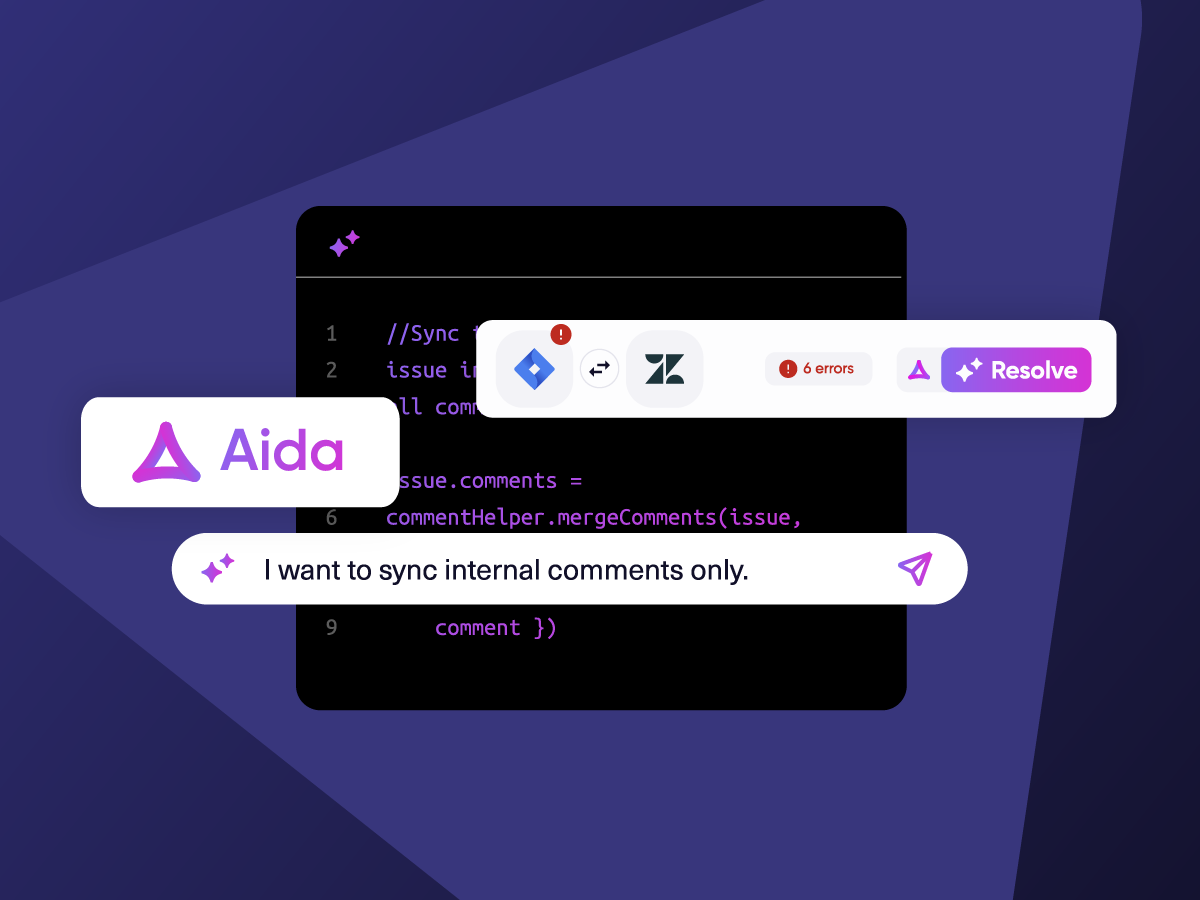
Customize
Set your sync rules to make sure the right data is shared.
Prompt Exalate’s AI to generate rules, or fine-tune with Groovy-based custom mappings and logic for complete control.
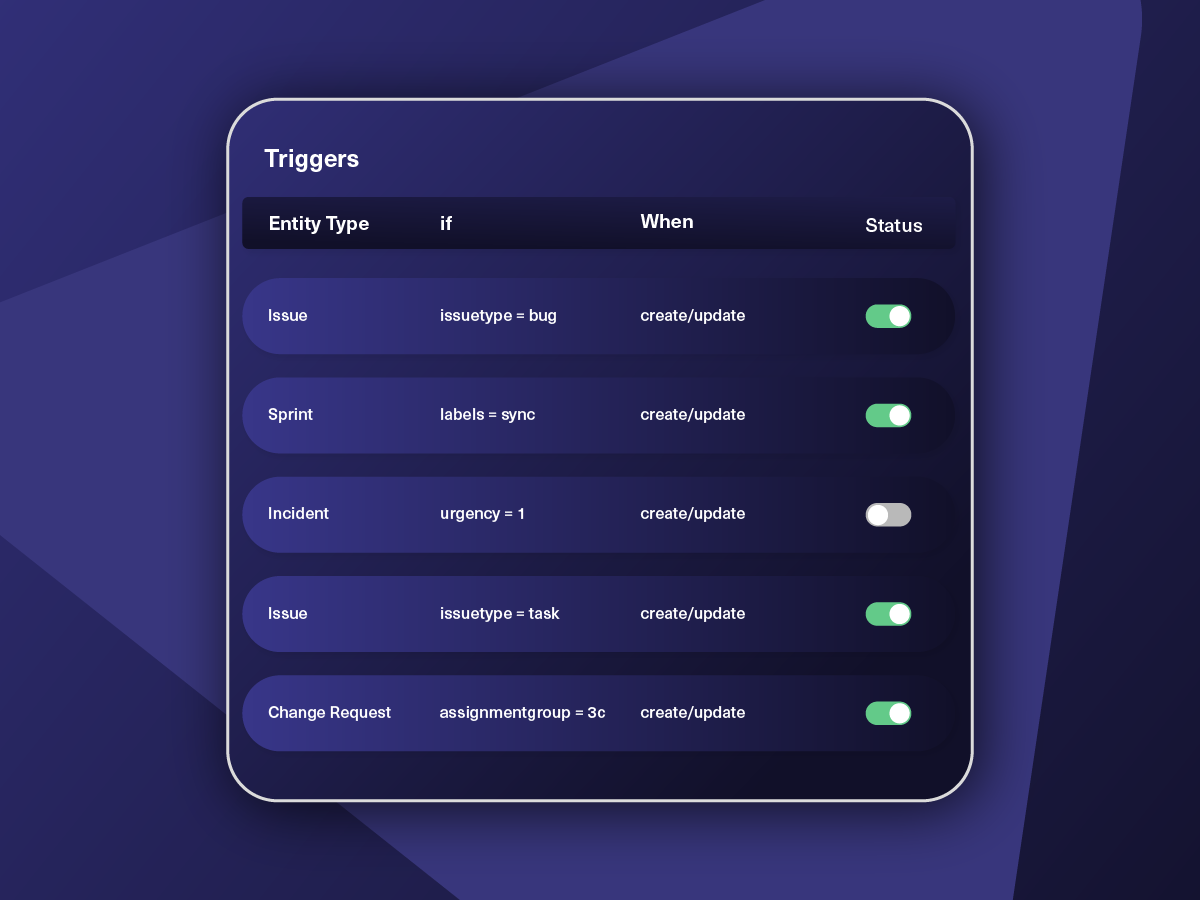
Automate
Set triggers to automate your sync based on specific conditions.
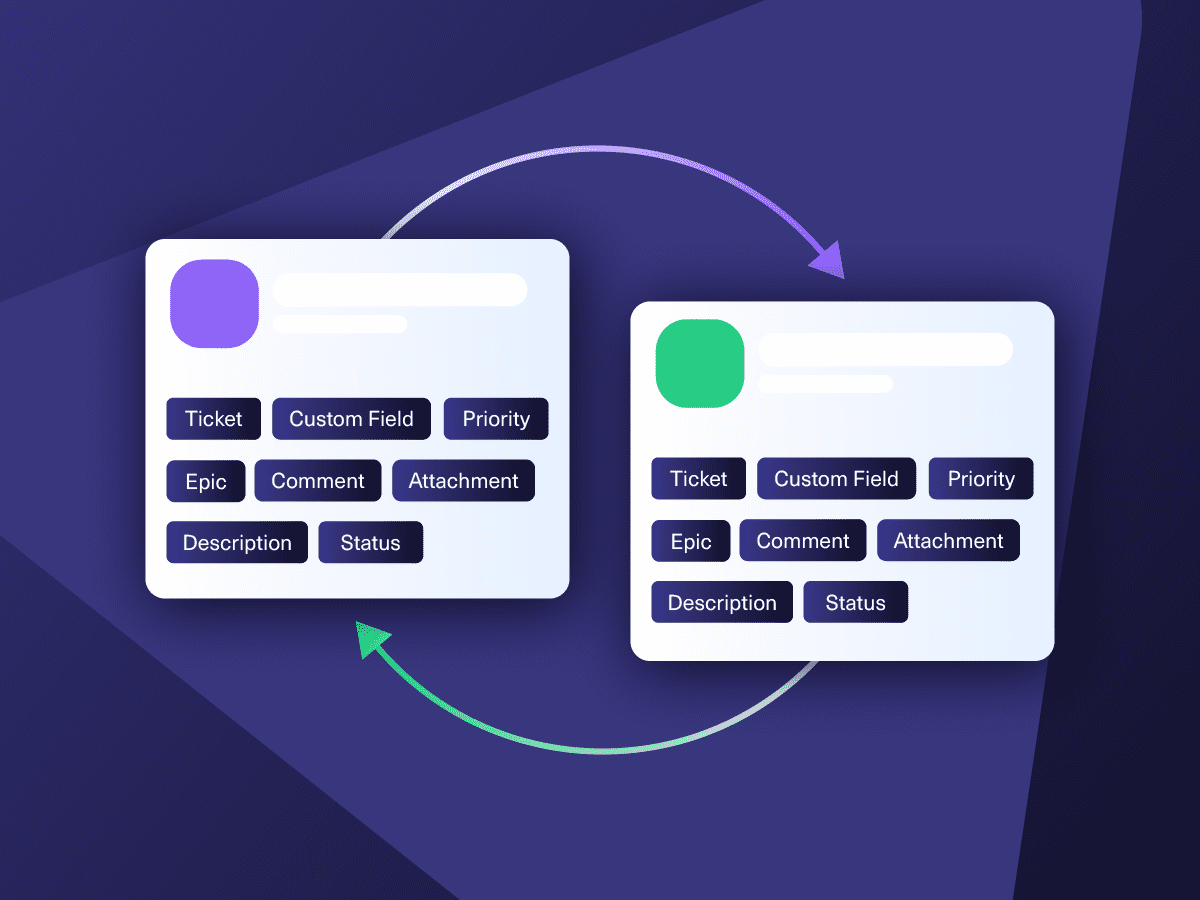
Synchronize
Now your connected instances will exchange information automatically. Happy syncing!
Pricing Built for Scale, Not Surprises
Exalate offers a 30-day Free Trial
Pro
Organizations needing enterprise systems
starts atThis is the entry price for the lowest-cost integration. Your price depends on which systems you connect, items in sync, environments, SLA/support, and add-ons. To get a tailored quote, contact sales.
$
550
/mo
Billed annually
Enterprise
Large-scale deployments with custom requirements
Let's talk
Get in touch for your custom pricing














& more
See the New Exalate in Action
Let us show you how Exalate can fit your unique business needs.
trusted by clients worldwide

FAQs
Answers to the most frequently asked questions
Exalate syncs all default and custom fields available via REST APIs, including incidents, problems, change requests, service requests (RITM), CMDB assets, user records, catalog items, SLA information, work notes, attachments, and custom fields. If you need to sync specific fields or entities not listed here, contact our team to discuss your use case and explore all possibilities.
eBonding connects one ServiceNow instance with another, commonly used for incidents, changes, and problems. This integration typically requires scripting and debugging through Scripted REST APIs, Table APIs, and Import Set APIs. Exalate simplifies eBonding by providing AI-assisted configuration, eliminating complex manual coding while maintaining full customization control.
Integration Hub offers prebuilt Spokes with limited standard integration actions and customization options. As a point-to-point solution, performance degrades when multiple integrations run simultaneously since each competes for ServiceNow resources. Additionally, complex workflows often require chaining multiple spokes together, increasing maintenance complexity. Learn more about pricing and licensing.
Yes, Exalate provides granular control over data synchronization. You can select specific fields to sync, set conditional triggers based on priority or category, keep certain information private (like work notes), filter records using ServiceNow’s advanced search syntax, and customize mapping rules using Groovy scripts for precise data transformation between instances.
Register your account at exalate.app, then connect both ServiceNow instances by adding each instance’s URL. Configure sync rules using Aida (AI assistant) to generate scripts from natural language prompts or write custom scripts. Set up triggers to control automated synchronization. Your instances will now exchange information automatically in real time.
Yes, you can configure one-way or two-way synchronization based on your requirements, giving you complete flexibility in how data flows between ServiceNow instances. Exalate also supports one-to-many and many-to-one configurations, perfect for MSP setups with multiple clients or partners. Each side maintains independent control over mappings, conditions, and data privacy.
Exalate includes built-in error handling with automatic retry mechanisms and transactional queues that maintain sync order. The system provides detailed logging for troubleshooting and automatically resumes synchronization from the point of interruption without manual intervention. Aida helps explain errors in plain language and provides context-aware suggestions for resolution.
Exalate protects your ServiceNow integration using JWT access tokens, role-based access controls, HTTPS, TLS 1.2 and 1.3, and multi-factor authentication. It is ISO 27001:2022 certified with a single-tenant architecture ensuring complete data separation. Each instance maintains its own process space, file system, network, and database. Learn more at our Trust Center.
Exalate provides the same script-based control as custom development but with minimal maintenance burden and built-in upgrade paths. You get unified management, Test Run functionality for safe testing, script versioning for traceable changes, and AI-assisted configuration. This significantly reduces the total cost of ownership compared to maintaining custom integrations while preserving complete flexibility.
Yes, Exalate supports multi-node configurations where one ServiceNow instance connects to multiple other instances. Each connection maintains independent sync rules, triggers, and field mappings. This is ideal for MSPs managing multiple customer instances, organizations with regional offices, or enterprise mergers requiring data consolidation from several sources.
Exalate uses directional sync rules where each side processes incoming and outgoing data independently. You define conflict resolution logic in your scripts, such as “latest update wins,” field-level priorities, or custom business rules. The unified console provides side-by-side views of both instances, making it easy to identify and resolve conflicts quickly.
Yes, Exalate works with ServiceNow domain-separated instances. You can configure sync rules to respect domain boundaries, map data between specific domains, and maintain domain-based access controls. The flexible authentication models (API keys, OAuth, PAT) ensure proper security separation between domains while enabling necessary data flow.
Configure Exalate sync rules to automatically replicate change requests, including change type, reason, priority, assignment group, and approval workflows. Set triggers to control which changes sync based on status, risk level, or other criteria to maintain production stability. You can have granular control over what and how the data syncs.
Exalate provides fully customizable script-based integration with AI assistance, supporting any ServiceNow entity via REST APIs. Unlike Integration Hub’s limited Spokes with predefined actions, Exalate offers complete flexibility without performance degradation. You get unified management across all connections, advanced error handling, and script versioning. Start with a 30-day free trial.
Yes, Exalate syncs CMDB assets, configuration items, and relationships between ServiceNow instances in real time. You can maintain consistent CMDB data across development, test, and production environments, sync CI relationships and dependencies, and ensure configuration management databases stay aligned across regional instances for unified asset visibility.
Exalate uses outcome-based pricing, where you pay for active sync pairs (items currently being synchronized) rather than transaction volume or historical data. Each ServiceNow-to-ServiceNow connection requires its own plan based on the number of active items in sync. Use our pricing calculator to estimate costs based on your specific needs or view the full pricing details.