
Flexible two-way sync
Jira Service Management Integration
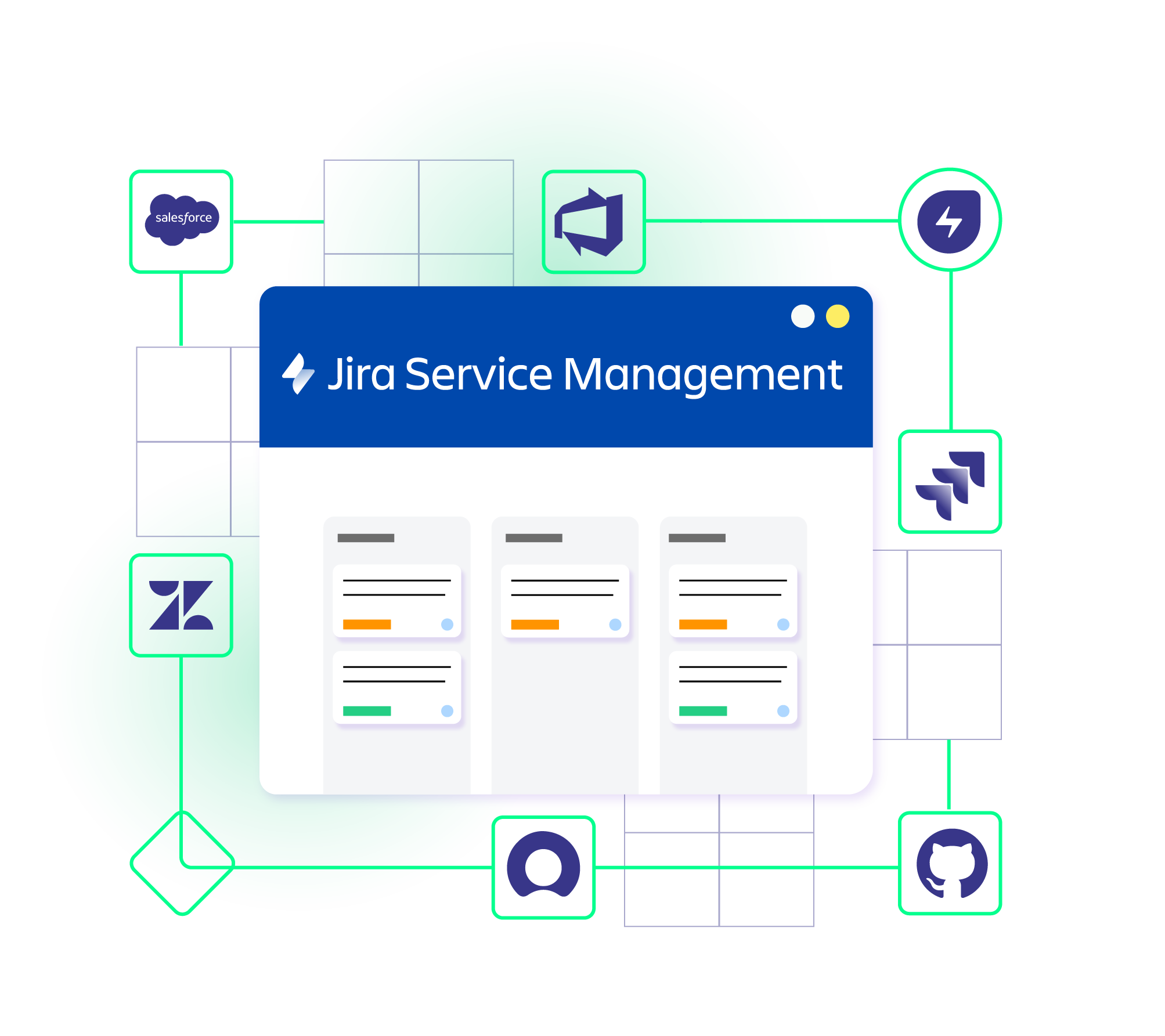
Connect Jira Service Management with Jira software (Cloud/ Datacenter), Salesforce, Freshdesk, ServiceNow, Azure DevOps, Zendesk, GitHub, and many more.
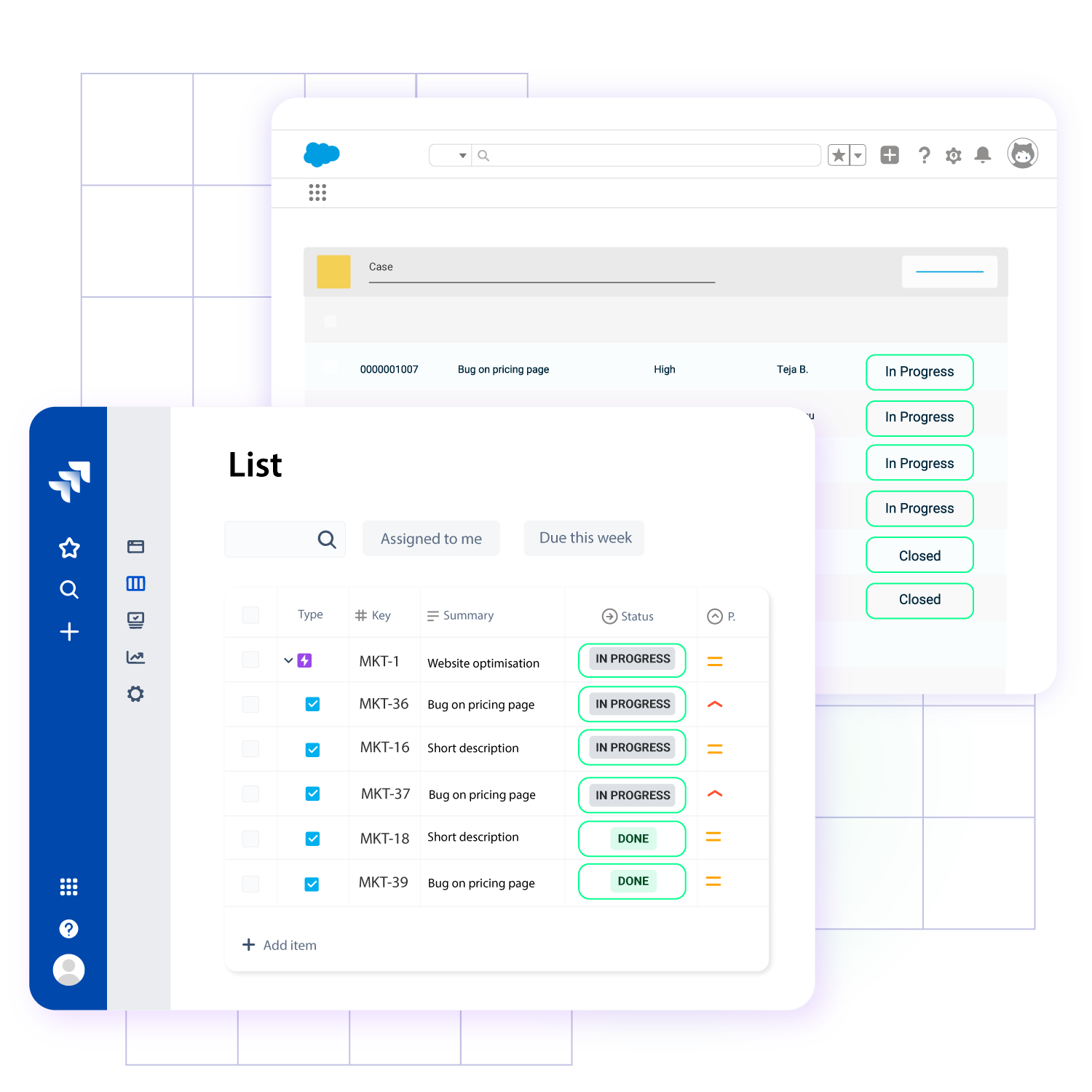
Sync customer requests, incidents, bugs, problems, knowledge bases, and more to obtain updates in real time.
3.5/4

4.7/5








Get Updates Without Leaving Your Environment
Avoid context switching between platforms to access vital data.
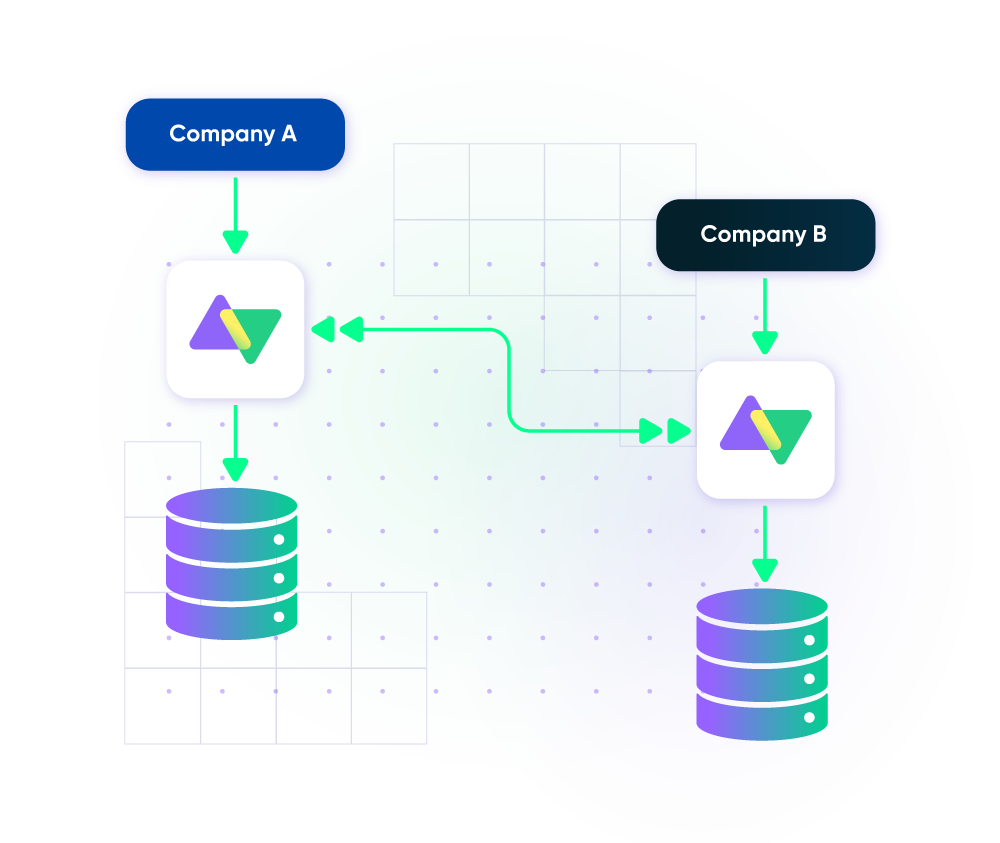
Connect and collaborate seamlessly with other teams, MSPs, and organizations.
Keep every team’s instance private
Protect sensitive ticket data. Provide access only to users with the necessary permissions and authorization.
Connect multiple platforms
Establish a network of connected systems and organizations. Sync incidents between Jira Service Management and other help desk apps.
Speed up resolution time
Save everyone’s time by avoiding context switching between platforms. Facilitate incident, problem, or request management.
Stop manual data transfer
Get rid of human error by using event-based triggers. Automate data exchange between tickets and other external entities.
Expand Your Jira Service Management Integration by Connecting Other Systems
Real-Time Jira Service Management Sync
- Instant status and progress updates
- One-way or two-way entity sync
- Faster access to vital ticket data
- Automatic sync restarts after downtimes
Automated Jira Service Management Integration
- Advanced automation for trigger-based data exchange
- Automated syncs with granular controls
- Fully customizable triggers for both sides
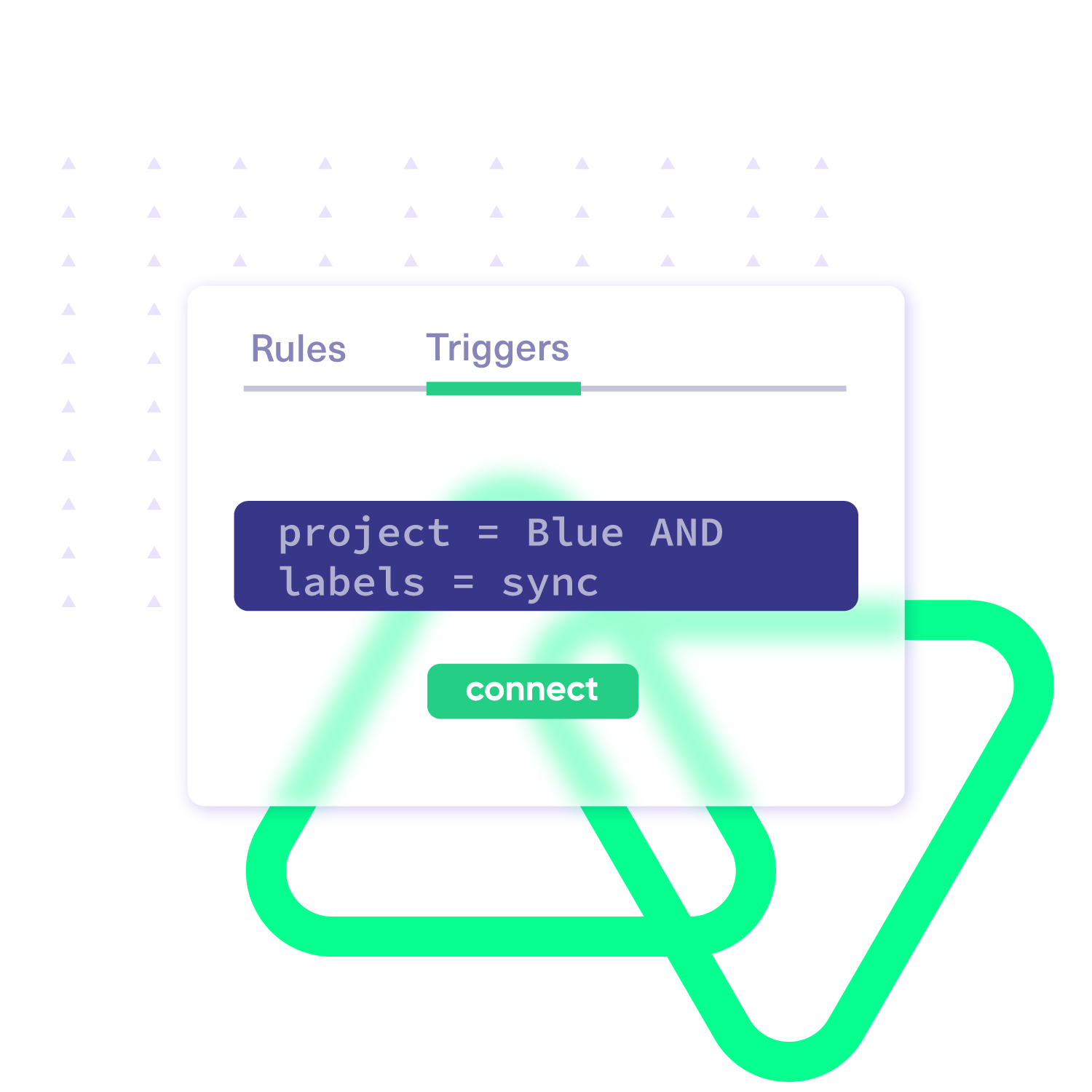
- Native JQL-based trigger logic to automate data exchange
Bulk Operations
- Historical data sync.
- Advanced control over bulk syncing.
- Multi-field sync based on scripting
- Enhanced productivity through batch syncing
Customizable Sync Rules
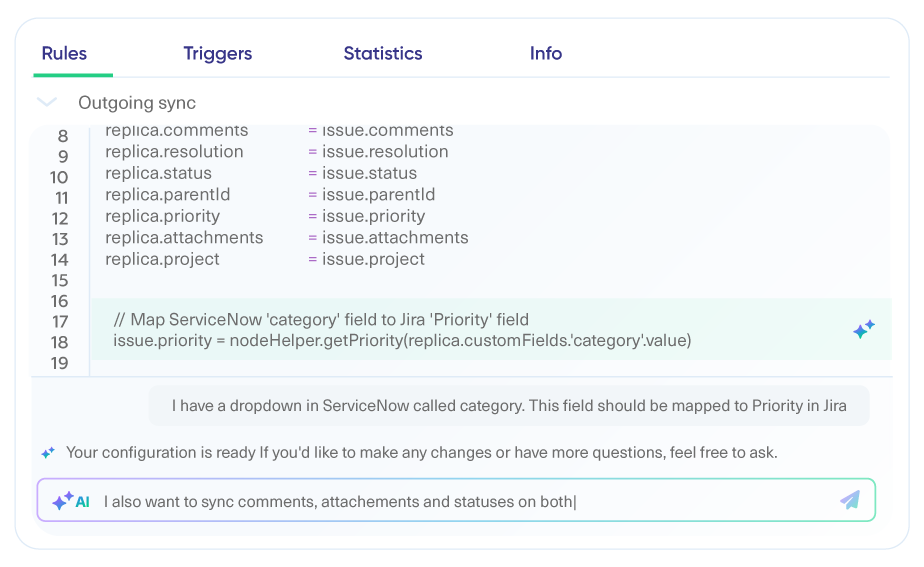
- AI-powered mapping and scripting with Groovy scripts
- Advanced mappings for custom fields, statuses, priorities, etc.
- Contextual data transformation between Jira and other platforms
- Independent data mapping of outgoing and incoming information
Sync Anything
Sync standard and custom entities available through the Jira Service Management REST API.
Tickets
- Custom fields
- Summary
- Status
- Description
- Label
- Priority
- Attachments
- Comments
- Notes
- Issue Type
- Reporter
- Organization

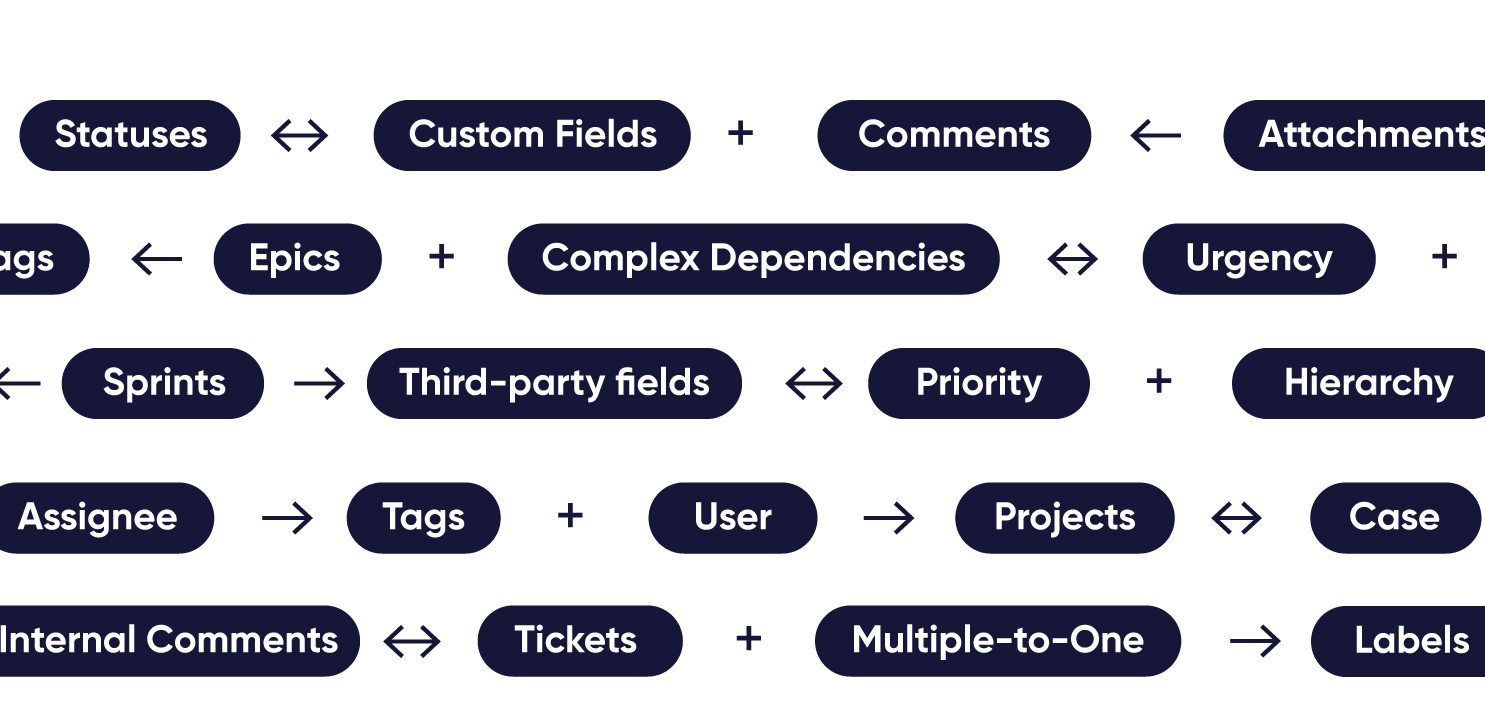
Connect Jira with Tools Your team uses every day



















Granular Control Over Synced Data
- Give both sides granular control using native triggers and Groovy scripts.
- Manage complex sync scenarios with multiple dependencies.
- Set custom data mappings and robust triggers for end-to-end JSM integration.
Secure Jira Service Management Integration
- Your ticket data is safe within our single-tenant cloud infrastructure and distributed network framework.
- Scale your JSM integration with other CRMs and help desks at will, thanks to loosely coupled systems.
- Rest assured about data privacy, with our security backed by an ISO 27001 certification.

Set up, Customize, Sync!
01
connect
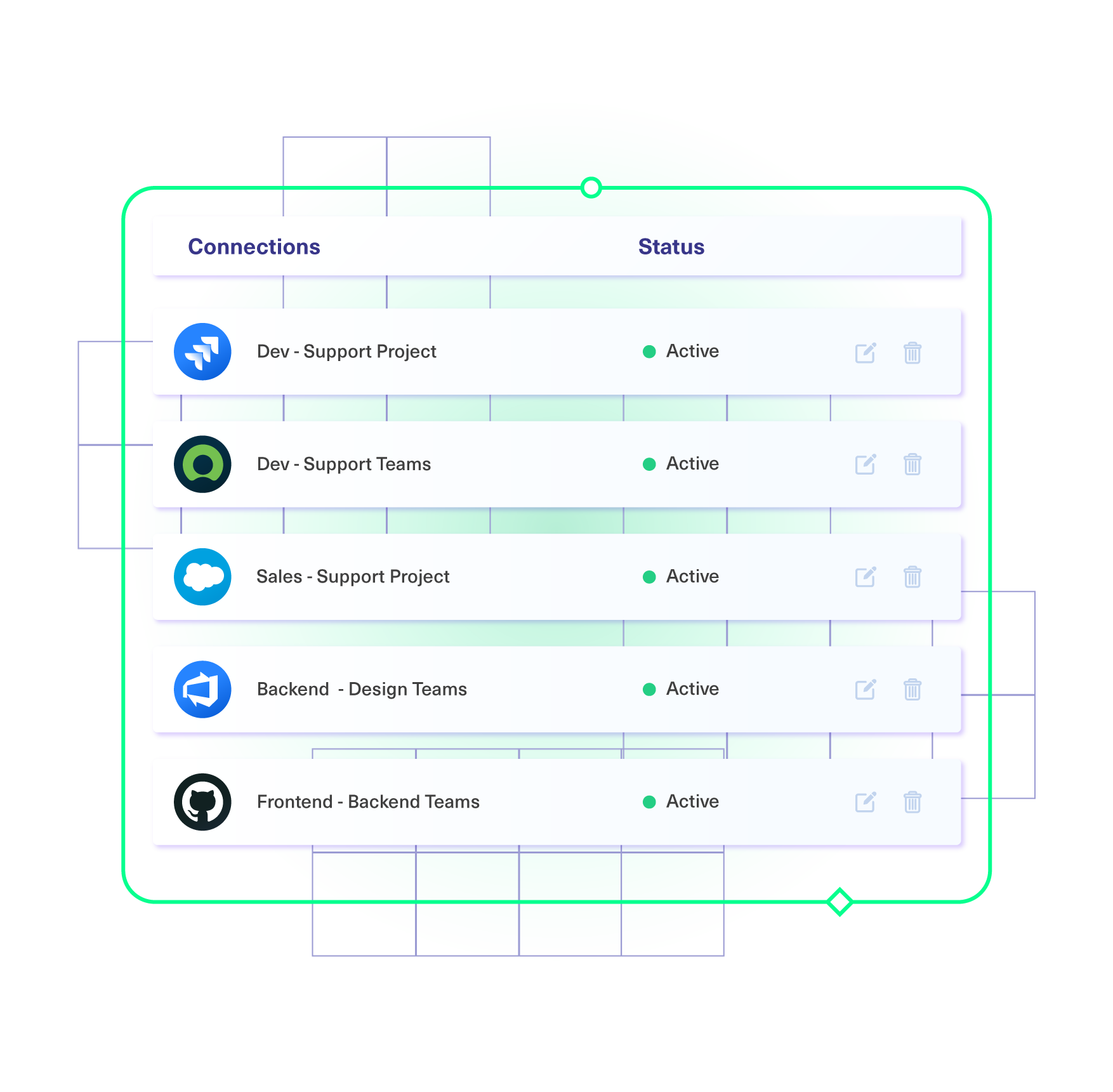
Connect the tools you want to integrate. Just add the instance’s URL.
02
customize
Configure your sync rules to make sure the right data is shared. Prompt the sync rules with Aida AI, or write your scripts from scratch.
03
automate
Set conditions with triggers, for an automatic synchronization.
04
synchronize
Now your instances are connected and will automatically exchange information instantly. Happy syncing!
See it in action
FAQs
Answers to the most frequently asked questions
In Jira Service Management, you can sync standard and custom fields in Bugs, Problems, Customer Requests, Incidents, and more. In addition to these fields, Exalate’s advanced AI-powered scripting engine enables you to sync any field available via REST APIs using the httpClient method, such as the organization field and affected versions.
Exalate protects the data flowing through your Jira Service Management using security features such as JWT access tokens, role-based access controls, HTTP (HTTPs), TLS 1.2 and 1.3, and multi-factor authentication. It is also ISO27001:2022 certified. You can find out more information in our Trust Center or by reading our security whitepaper.
Exalate for Jira Service Management is priced based on multiple factors. We recommend contacting our team for a quote. You can book a short call or message us on the chat on this page. You can start the free trial for Exalate via the Atlassian marketplace.
Yes, you can install and deploy Exalate for Jira Service Management on Docker. You can even connect Exalate with an instance behind a firewall called private connections.
Yes, Exalate supports single tenancy, which minimizes the risk of information exposure at the infrastructure level. When your Jira integration consultant deploys an Exalate Cloud node, it functions within a ‘Kubernetes pod’ meticulously configured to safeguard against data leakage.
Yes, you can use Exalate to connect various ITSM systems, including Zendesk, Freshdesk, ServiceNow, and ServiceDesk Plus. Exalate also supports CRM and ERP integration with Jira Service Management and other popular tools, such as Azure DevOps and GitHub. You can also set up a connected network with your external partners through the MSP program Exalate offers.