
Two-way Jira to Jira integration
Exalate is the most complete & flexible synchronization solution for Jira. It supports both local sync and synchronization across multiple Jira instances.
Break down team silos and move data around however you like. Automatically and in real-time.
Sync work (issue) data from Jira Cloud, Server and Datacenter.
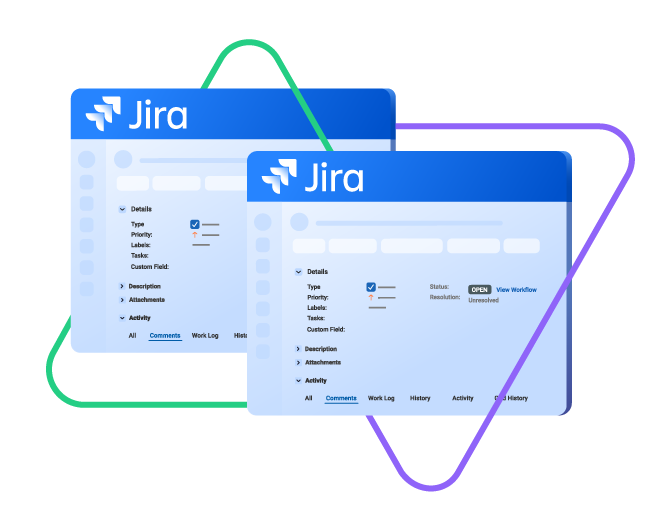
sync issue types, labels, priority, status...
sync any custom fields, attachments...
sync comments, worklogs, history...
sync issue types, labels, priority, status...
sync any custom fields, attachments...
sync comments, worklogs, history...
4.4/5

4.7/5







Real-time, Secure Data Flow
Keep your development, support, or operations teams aligned with instant status updates. With the right Jira sync, you will have secure collaborations across multiple systems, no matter where your teams are located.
Empower teams to work more efficiently and focus on what they do the best.
Ensure accurate information flows securely between multiple Jira instances.
Make informed decisions with access to consolidated data.
+10
Years of experience in integrations
+4,000
Active Installs on Jira only
3.4/4
Highest Rating on the Marketplace
Sync anything in Jira
Sync any entity using a one or two-way mapping. Configure and map the entities precisely as needed.

Jira Software
(Cloud and Data Center)
Work Items
+40 fields are supported, including:
- Custom fields
- Summary
- Status
- Description
- Key
- Comment
- Attachment
- Priority
- Reporter
- Third-party plugin fields (e.g Insights)
Sprints
All fields are supported, incuding:
- Name
- State
- Start date
- End date
- Complete goal
- Origin board ID
- Goal

Jira Service Management
Tickets
+40 fields are supported, including:
- Custom fields
- Summary
- Status
- Description
- Key
- Comment
- Attachment
- Priority
- Reporter
- Third-party plugin fields (e.g Insights)
“
I was surprised by how Exalate satisfied our synchronization needs. We managed to reduce the monthly costs of Growth’s Service Desk by around 95%.
Piotr Radtke

How it Works
Connect
Easily connect multiple projects, instances, and platforms. With local, or external partners.
Customize
Set your sync rules to make sure the right data is shared.
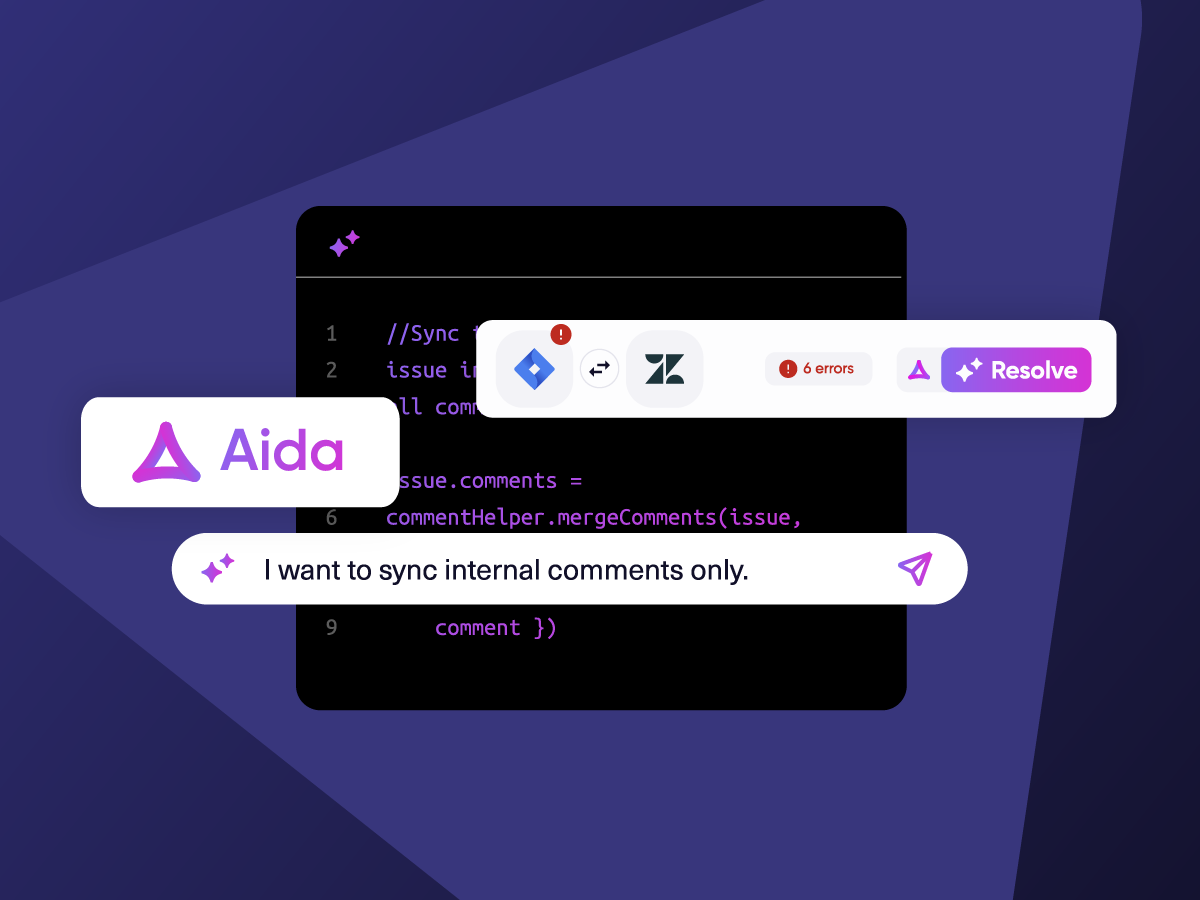
Prompt Exalate’s AI to generate rules, or fine-tune with Groovy-based custom mappings and logic for complete control.
Automate
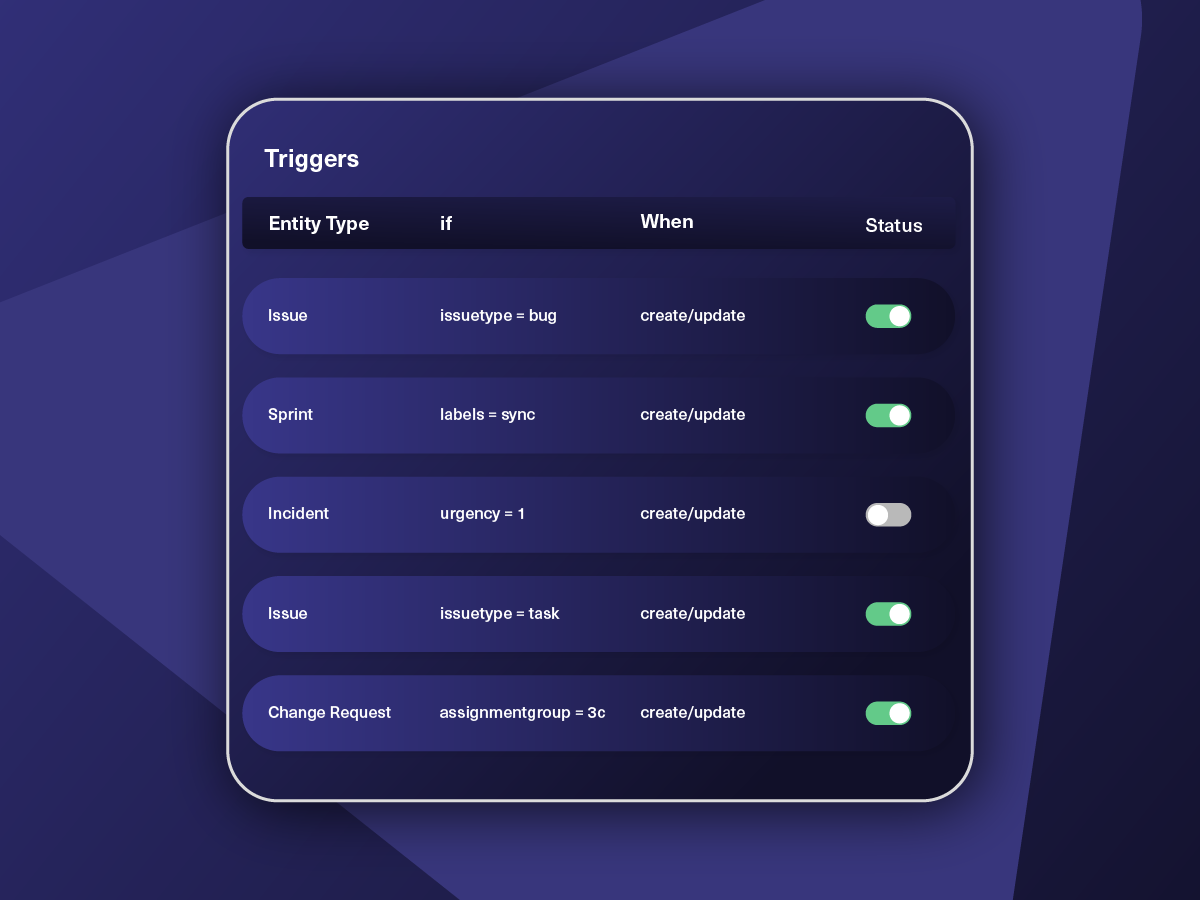
Set triggers to automate your sync based on specific conditions.
Synchronize
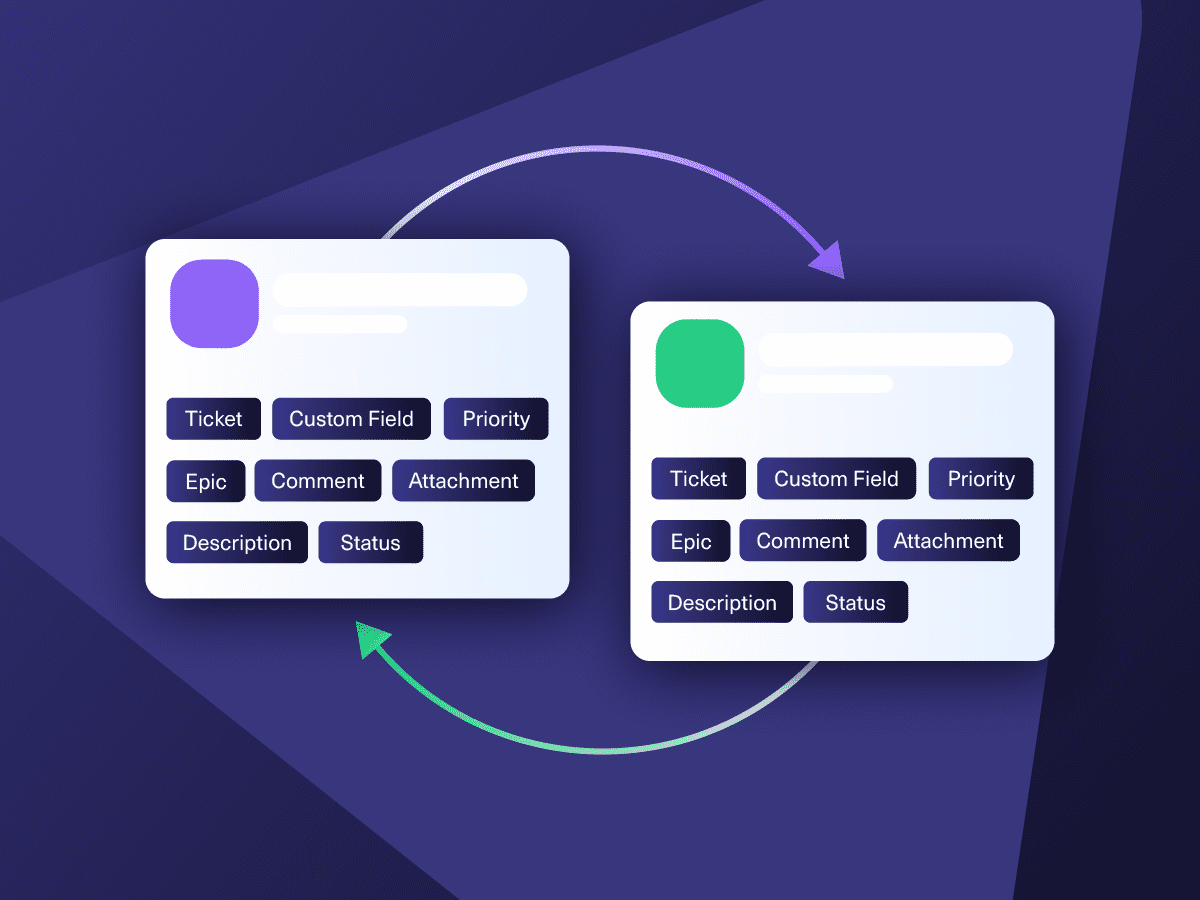
Now your connected instances will exchange information automatically. Happy syncing!
“






“
Exalate is stable, flexible, customizable, and pretty easy to set up and use.
ALEXANDER SINNO

Get the Most Out of Your Integration
Sync in Real-Time
Two-way, real-time sync between platforms. Updates flow automatically. No manual exports, no delays.

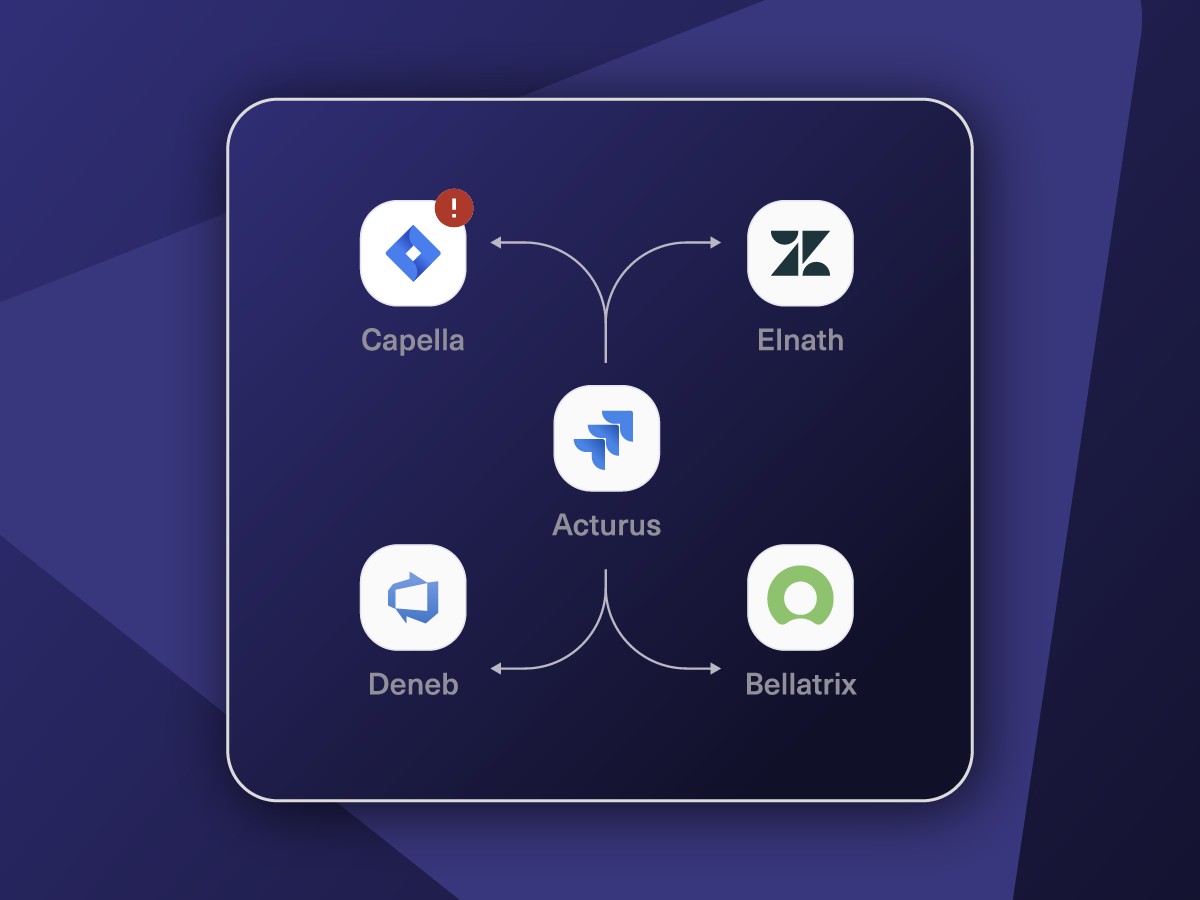
Connect Any Number of Instances
Connect multiple projects, instances, and platforms. Use different rules for each connection.

Know What Failed and Why
Get AI-powered recommendations for resolving the issue, including possible fixes and next steps.

AI Assisted SetUp
Describe your integration goal. Aida reviews your sync rules and connector type, then suggests script changes

Only Sync What Matches
Set various conditions for automatic synchronization.


Sync Visibility, Right Where You Work
Check the real-time status of your active syncs, spot failures, and trigger a manual push. All from a browser extension, without opening the Exalate console.

ai assisted script
Your Integration, Your Rules
Full Control, Boosted by Aida AI
Exalate comes with default sync rules, that can be adapted to your specific needs.
Build your unique integration rules with just a few lines of Groovy Script – or a few prompts.
- Deepen, change, adjust sync rules easily
- Control outgoing and incoming data on each side
- Simply mirror or customize mappings
- Track changes with version history
- Move confidently with draft mode
“
We can do almost anything we want with the sync thanks to its groovy script.
I can say I haven’t seen any other apps as flexible as Exalate.
Daniel Miks


Why Exalate is
Secure by Design
- Single-tenant architecture – no shared infrastructure
- Encryption in transit and at rest
- Automatic recovery from outages
- ISO 27001:2022 certified
- 24/7 threat monitoring with SentinelOne


Pricing Built for Scale, Not Surprises
Exalate offers a 30-day Free Trial
Starter
Small teams with straightforward synchronization needs
Scale
Growing teams with moderate synchronization volume
Pro
Organizations needing enterprise systems
pricing per integration starts atThis is the entry price for the lowest-cost integration. Your price depends on which systems you connect, items in sync, environments, SLA/support, and add-ons. To get a tailored quote, contact sales.
$
550
/mo
Billed annually
Enterprise
Large-scale deployments with custom requirements
Let's talk
Get in touch for your custom pricing














& more
See the New Exalate in Action
Let us show you how Exalate can fit your unique business needs.
+2,500 clients worldwide


FAQ
Exalate is a bidirectional integration solution that connects multiple Jira instances for real-time data synchronization. It lets teams sync issues, sprints, custom fields, and comments between Jira Software and Jira Service Management. Unlike template-based tools, Exalate uses Groovy scripting for unlimited customization, so you can sync exactly what you need, how you need it.
You can sync any Jira field: standard or custom. This includes work types, summaries, descriptions, statuses, priorities, assignees, comments, attachments, labels, sprints, epics, and subtasks. You can also sync third-party plugin data like Tempo Worklogs and Insight fields. Advanced options include syncing user mentions in comments, filtering public vs. private comments, and mapping different field values between instances. Explore the full list of supported fields.
Exalate syncs changes in real time, typically within seconds of an update. When someone modifies a work item in one Jira instance, the change appears in the connected instance almost instantly. The exact speed depends on your network, data volume, and API rate limits, but most users experience near-instantaneous updates with no manual intervention required.
Yes, Exalate is designed for intra- and cross-company scenarios. Each organization maintains independent control over what data it sends and receives, so there’s no need to share admin credentials or grant access to your Jira instance. Exalate uses single-tenant architecture (your data is isolated from other customers), JWT-based authentication, and end-to-end encryption. Advanced endpoint detection and response (EDR) helps identify suspicious activity.
Learn more about Exalate’s security posture at its Trust Center.
Yes, Exalate supports both one-way and two-way synchronization. For one-way sync, you configure outgoing rules on the source instance without setting incoming rules on the destination, or vice versa. This is useful when one team needs visibility into another’s work without editing rights, like marketing tracking development features, or QA reporting bugs to developers.
Exalate uses outcome-based pricing where you pay based on active items currently in sync, not user counts or total historical volume. Paid plans (Scale, Pro, Enterprise) increase capacity and add features like bulk operations, priority support, and sandbox environments. Each integration between two unique systems requires its own plan. View pricing details or estimate the cost of the plan here.
Yes, Exalate supports multi-node networks where multiple Jira instances sync with each other. You can create hub-and-spoke configurations (one central instance connected to several others) or mesh networks where instances connect as needed. This is common for enterprises with department-specific instances or MSPs managing multiple client environments.
Yes, Exalate integrates all Jira products: Jira Software, Jira Service Management (JSM), and Jira Work Management. You can sync JSM tickets to Jira Software issues, converting customer support requests into development tasks automatically. Common scenarios include routing service desk escalations to engineering teams or syncing incident details for post-mortem analysis.
Exalate offers Standard and Priority Support options. Standard Support covers troubleshooting, community help and upgrades via documentation and ticket-based assistance. Priority Support adds a dedicated engineer, faster response times, and help with complex configurations. For managed service providers, Exalate’s MSP program provides end-to-end integration management.
Yes, Exalate supports bidirectional sprint and epic synchronization. Sprint details (name, goal, start/end dates, state) sync between instances, keeping agile teams aligned across separate Jira environments. Epics sync with their child issues, maintaining your hierarchy. You can configure which boards’ sprints to sync using Groovy scripts for precise control.
Jira Automation works well for simple, one-directional actions but has limitations for complex bidirectional sync. Exalate handles continuous two-way synchronization with field mapping, conflict resolution, and custom logic that Automation can’t match.
Exalate enables controlled ticket sharing between your internal Jira and a partner’s Jira without exposing sensitive project data. You define which issues sync (using JQL triggers), which fields to share, and how statuses map between systems. Each organization maintains their own workflows and permissions suc that changes you make don’t affect your partner’s configuration, and they never need credentials to your instance.
Yes, Exalate supports bulk operations for syncing historical data. Bulk Connect lets you sync multiple existing issues at once based on JQL criteria. Bulk Exalate applies the same trigger rules to many issues simultaneously. This is useful when setting up a new integration and need to backfill existing issues rather than starting with only new items.
Exalate provides a unified console where you can view and manage all your connections and nodes from one interface. You see a network visualization of how your instances are interconnected, monitor sync queues in real time, and access script rules for both sides of each connection on a single screen. This eliminates switching between multiple Jira admin consoles.
Start registering your account on the Exalate app. Connect your Jira instaces using OAuth. Create a new connection and set triggers. Most basic connections using default sync scripts take under 30 minutes to configure.