
Two-way Jira Zendesk Integration
Simplify your work process with a Jira Zendesk integration. Keep your development and support teams in sync by reducing manual data exchange and information silos.
Get automatic and real-time status updates, improve issue resolution time, and help your data flow anyway and anywhere you want.
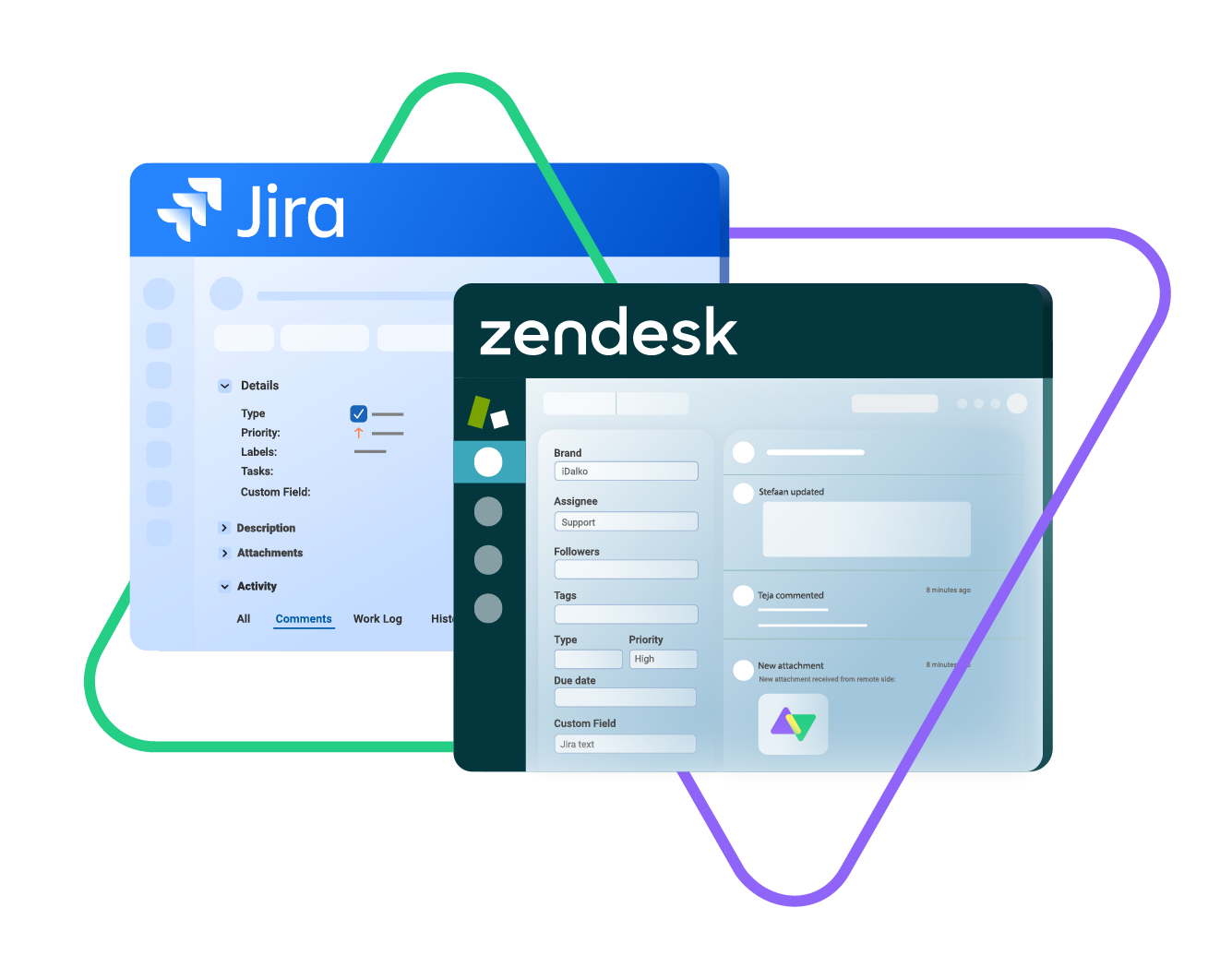
sync issue types, labels, priority, status...
sync any custom fields, attachments...
sync comments, worklogs, history...
Sync id, subject, description, type..
sync assignee, submitter, requester...
sync tags, type, priority, status, due date...
sync custom fields, comments, attachments...
3.5/4
Highest Rated Integration App on the Atlassian Marketplace







Sync Anything Between Jira and Zendesk, Your Way
Sync any entity using a one-way or a two-way mapping, tailoring the fields exactly as you need. You get to decide what gets synced and what doesn’t.

Jira
Jira Software (Cloud and Data Center)
Jira Service Management
Work Items (Issues)
(Bugs, Tasks, Stories…)
+40 fields are supported, including:
- Custom fields
- Summary
- Status
- Description
- Key
- Comment
- Attachment
- Priority
- Third-party plugin fields (e.g Insights)
Sprints
All fields are supported, incuding:
- Name
- State
- Start date
- End date
- Complete goal
- Origin board ID
- Goal

Zendesk
Tickets
+10 fields are supported, including:
- Custom fields
- Attachment
- Description
- Assignee
- Comment
- Priority
- State
- Request
- Problem
- Type
“
Exalate is stable, flexible, customizable, and pretty easy to set up and use.
ALEXANDER SINNO

How it Works
Connect
Easily connect multiple projects, instances, and platforms. With local, or external partners.
Customize
Set your sync rules to make sure the right data is shared.
Prompt Exalate’s AI to generate rules, or fine-tune with Groovy-based custom mappings and logic for complete control.
Automate
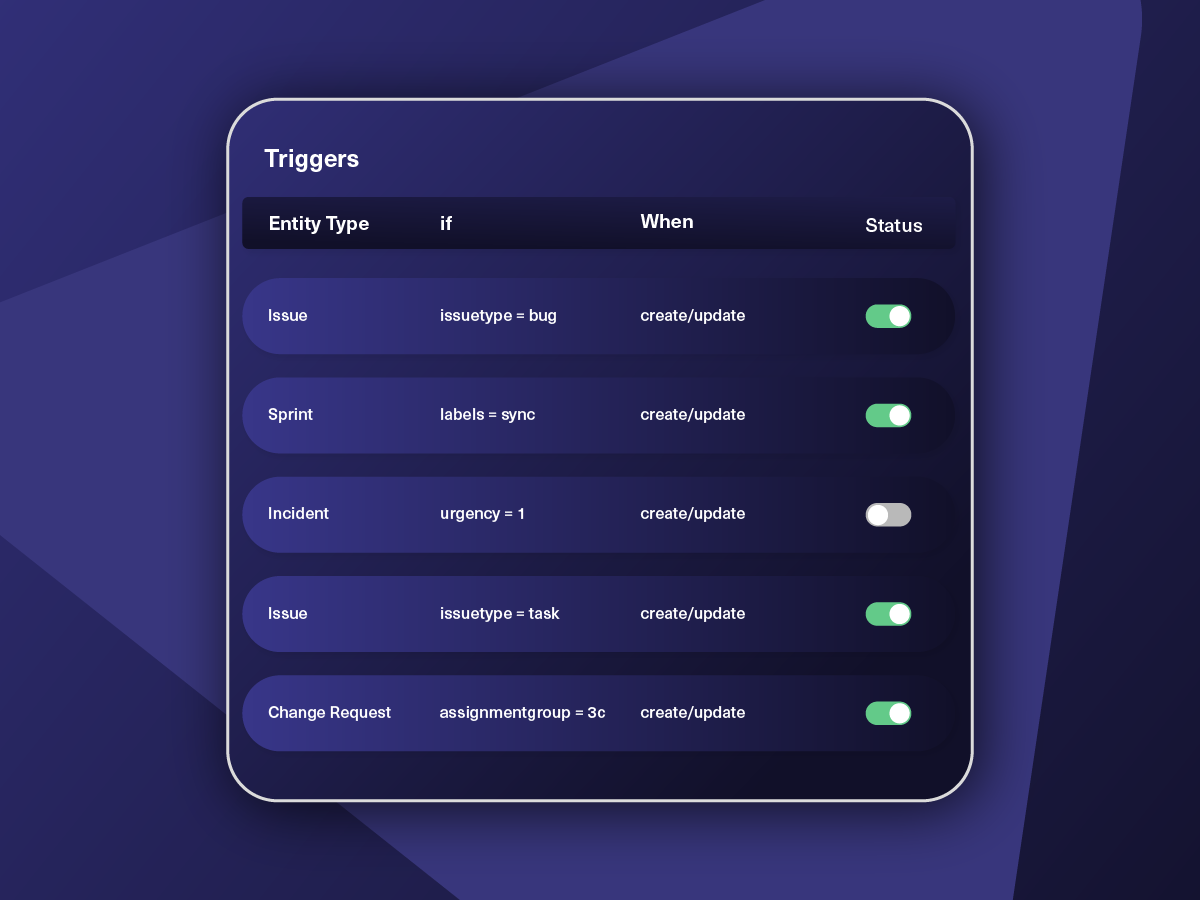
Set triggers to automate your sync based on specific conditions.
Synchronize
Now your connected instances will exchange information automatically. Happy syncing!
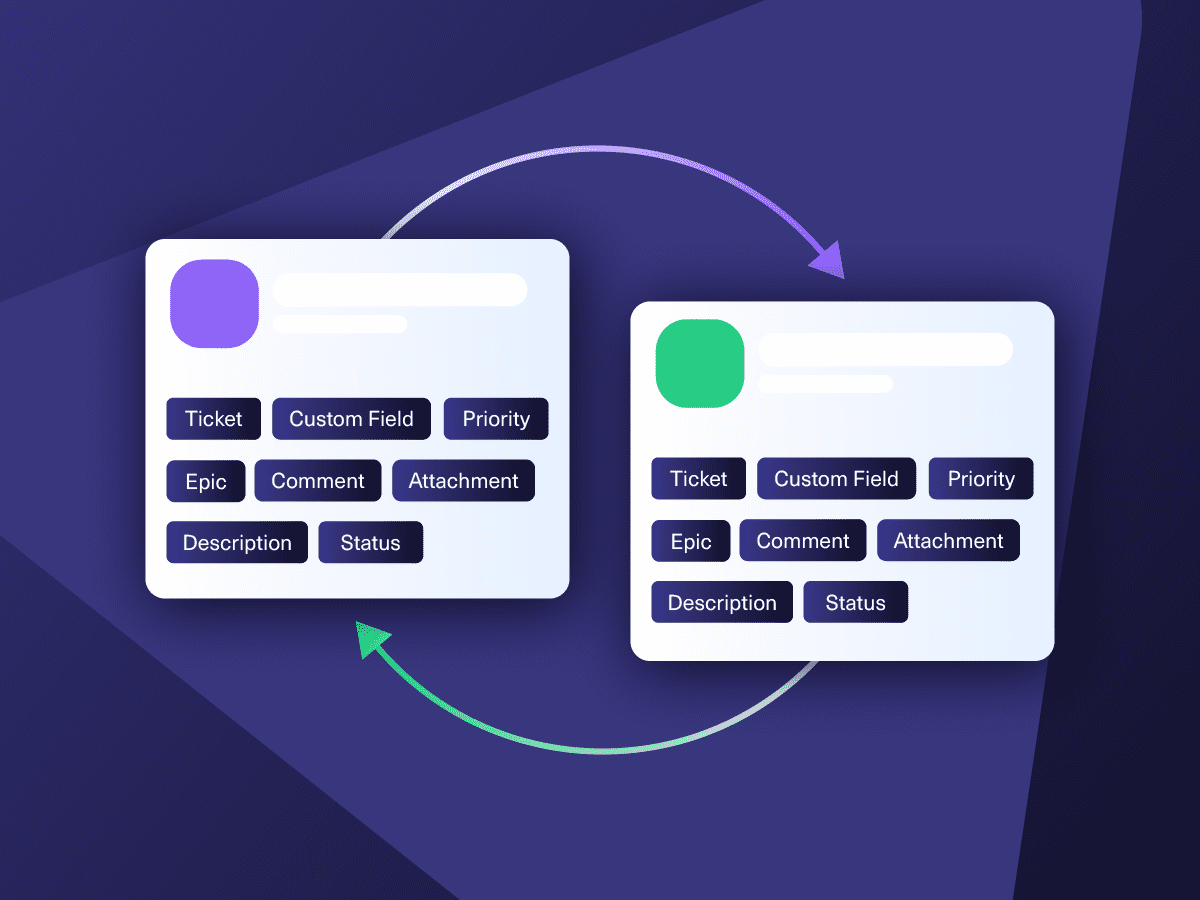
Get the Most Out of Your Integration
Sync in Real-Time
Two-way, real-time sync between platforms. Updates flow automatically. No manual exports, no delays.

Connect Any Number of Instances
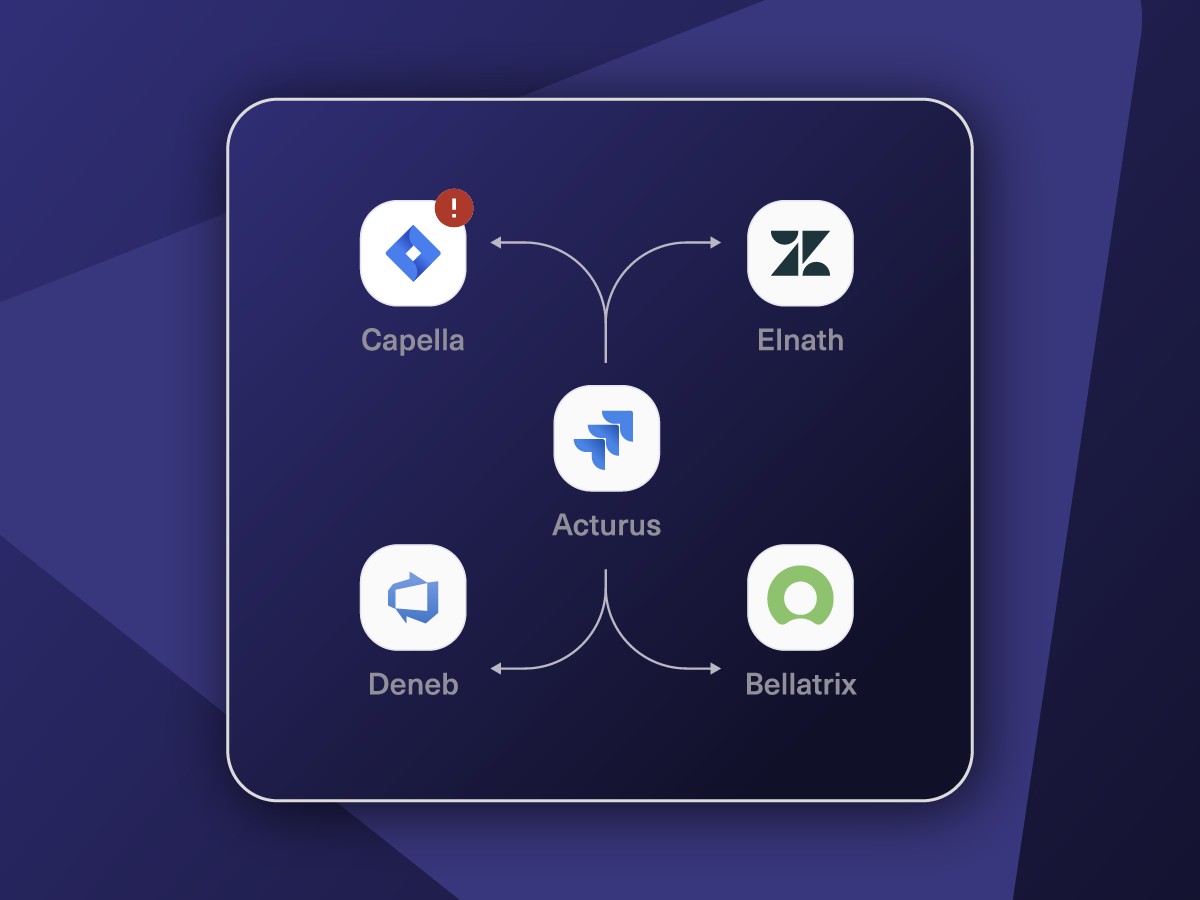
Connect multiple projects, instances, and platforms. Use different rules for each connection.

Know What Failed and Why
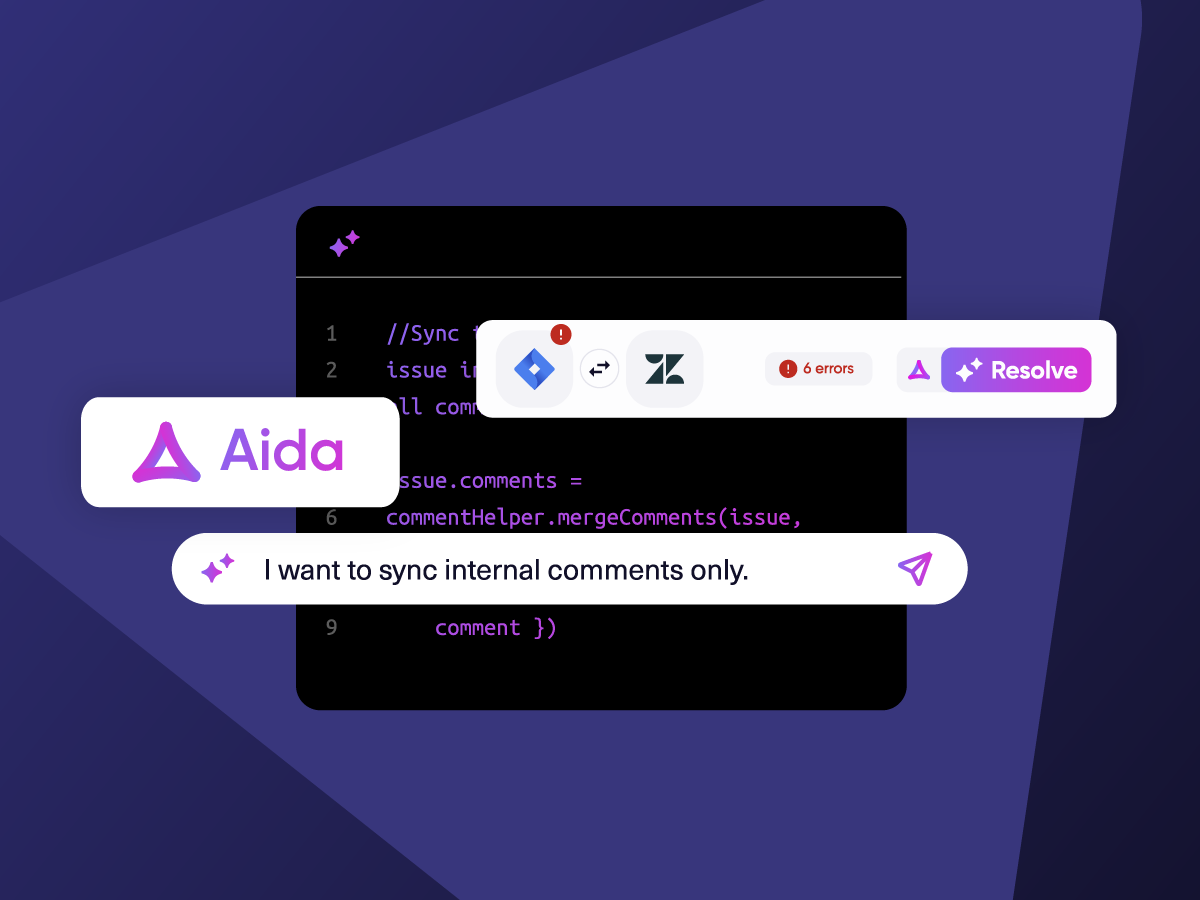
Get AI-powered recommendations for resolving the issue, including possible fixes and next steps.

AI Assisted SetUp
Describe your integration goal. Aida reviews your sync rules and connector type, then suggests script changes

Only Sync What Matches
Set various conditions for automatic synchronization.


Sync Visibility, Right Where You Work
Check the real-time status of your active syncs, spot failures, and trigger a manual push. All from a browser extension, without opening the Exalate console.

ai assisted script
Your Integration, Your Rules
Full Control, Boosted by Aida AI
Exalate comes with default sync rules, that can be adapted to your specific needs.
Build your unique integration rules with just a few lines of Groovy Script – or a few prompts.
- Deepen, change, adjust sync rules easily
- Control outgoing and incoming data on each side
- Simply mirror or customize mappings
- Track changes with version history
- Move confidently with draft mode
“
We can do almost anything we want with the sync thanks to its groovy script.
I can say I haven’t seen any other apps as flexible as Exalate.
Daniel Miks


Why Exalate is
Secure by Design
- Single-tenant architecture – no shared infrastructure
- Encryption in transit and at rest
- Automatic recovery from outages
- ISO 27001:2022 certified
- 24/7 threat monitoring with SentinelOne

“
We can now handle around 500 customer incidents per week, thanks to Exalate, which is a very good result regarding the number of products we’re dealing with. It synchronizes 45x faster than our previous solution.
Christof Cuyper |

Pricing Built for Scale, Not Surprises
Exalate offers a 30-day Free Trial
Starter
Small teams with straightforward synchronization needs
Scale
Growing teams with moderate synchronization volume
Pro
Organizations needing enterprise systems
pricing per integration starts atThis is the entry price for the lowest-cost integration. Your price depends on which systems you connect, items in sync, environments, SLA/support, and add-ons. To get a tailored quote, contact sales.
$
550
/mo
Billed annually
Enterprise
Large-scale deployments with custom requirements
Let's talk
Get in touch for your custom pricing














& more
See the New Exalate in Action
Let us show you how Exalate can fit your unique business needs.
trusted by clients worldwide


FAQ
Answers to the most frequent questions.
Didn't find what you were looking for? Ask Aida
Exalate syncs Zendesk tickets with Jira work items bidirectionally, including statuses, priorities, custom fields, attachments, comments, assignees, due dates, and time logs. The script-based engine can sync any field available through REST APIs, including third-party plugin data like Elements Connect and Insights. You control exactly what gets shared and can filter private comments from public ones.
Exalate uses outcome-based pricing where you pay for active items currently in sync, not per user or API call. Start with a free 30-day trial to test all features. The Starter plan begins at $100/month per integration.
Learn more about Exalate pricing or estimate your costs here.
Yes, Exalate uses single-tenant architecture where each deployment runs in an isolated Kubernetes pod, preventing data exposure between customers. Data is encrypted at rest and in transit.
Learn more about Exalate’s security posture in the Trust Center.
Exalate automatically converts rich text formatting between platforms using built-in Transformers. Jira’s Wiki/HTML formatting converts to Zendesk’s Markdown and vice versa, preserving text styling, links, and structure. This happens automatically; no manual configuration is needed for standard formatting conversions.
Yes, Exalate supports multi-instance setups, including multiple Jira instances syncing with one Zendesk, or one Jira syncing with multiple Zendesk accounts. Each connection can have different sync rules and triggers. Exalate also integrates with Azure DevOps, ServiceNow, Salesforce, GitHub, and 15+ other platforms.
Zendesk’s native integration links tickets to Jira work items but has limitations: it offers limited field mapping, and can’t sync multiple tickets to one issue. Exalate provides full bidirectional sync with custom field mapping and enables advanced scenarios like consolidating multiple tickets into a single Jira issue for bug tracking.
Yes, Exalate can consolidate multiple Zendesk tickets reporting the same problem into one Jira work item. When customers report similar bugs, support can sync all related tickets to a single issue, keeping developers focused while support tracks individual customer communications. Status updates flow back to all linked tickets automatically.
Yes, Exalate gives you granular control over comment synchronization. Sync only public comments, only internal notes, or both. You can also impersonate the original comment author in Jira, add automatic notifications when issues close, and keep private customer conversations separate from engineering discussions.
Basic integrations can be configured in a few hours. Complex enterprise setups with custom scripts typically take a few days, and Aida (AI assistant) can help generate and troubleshoot sync rules to speed up configuration.
Yes, Exalate provides real-time bidirectional sync. When a ticket updates in Zendesk, the linked Jira work item reflects changes within seconds. The unified console shows sync queue status and full work history so you can monitor synchronization progress and quickly identify any issues.