
Two-way Azure DevOps ServiceNow Integration
Map Azure DevOps work items and ServiceNow, automatically and in real-time. Let your teams collaborate on different systems and share data seamlessly.
Integrate ServiceNow and Azure DevOps and share data between standard and custom fields.
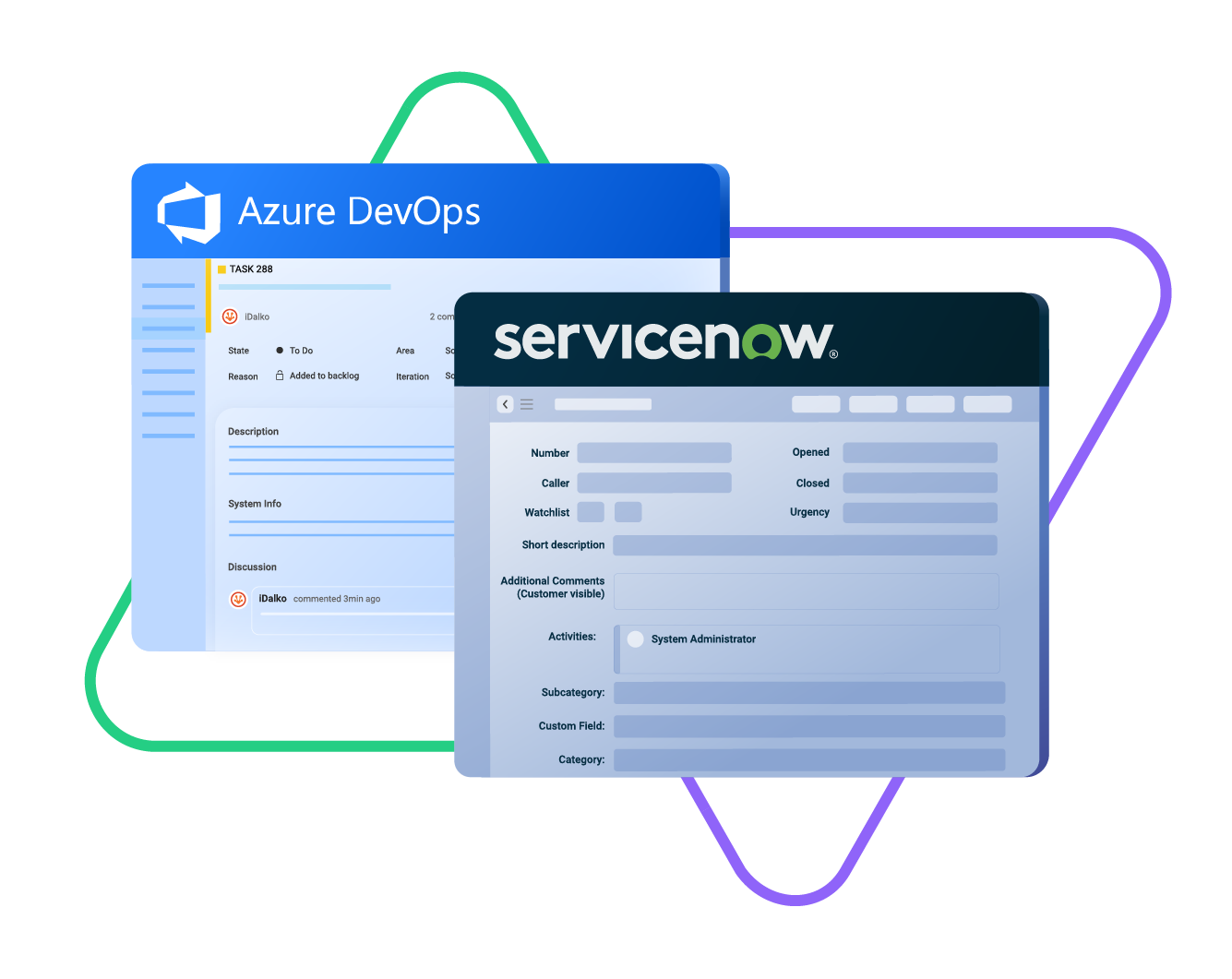
Sync type, title, creator...
sync status, description, priority...
sync attachments, custom fields...
sync comments...
Sync Urgency, state, sys id, caller, category...
Sync summary, description, comments...
Sync attachments, custom fields...







Sync Any Entity Between Azure DevOps and ServiceNow
Use uni-directional or bi-directional mapping to configure fields to meet your requirements.
You get to choose what's synced and what isn't. It's your sync, your rules.

Azure DevOps
Work Items
+20 fields are supported, including:
- Custom fields
- Attachment
- Comment
- Title
- Description
- Tags
- Priority
- State
- Created by

ServiceNow
Incidents
All fields are supported, including:
- Custom fields
- Short description
- Description
- Assigned to
- Assignment group
- Priority
- Urgency
- State
- Work notes
Problems
All fields are supported, including:
- Problem statement
- Description
- Assigned to
- Priority
- Urgency
- Impact
- State
Change Requests
All fields are supported, incuding:
- Short description
- Description
- Assigned to
- State
- Type
- Impact
- Risk
- Requested by
Sync any Servicenow Entity
Sync all ServiceNow entities available via REST APIs.
Simply look for the field names in ServiceNow tables, choose what you want to sync, and add it to your script.
Check the full list of supported fields for Azure DevOps and ServiceNow
“
I was surprised by how Exalate satisfied our synchronization needs. We managed to reduce the monthly costs of Growth’s Service Desk by around 95%.
Piotr Radtke

How it Works
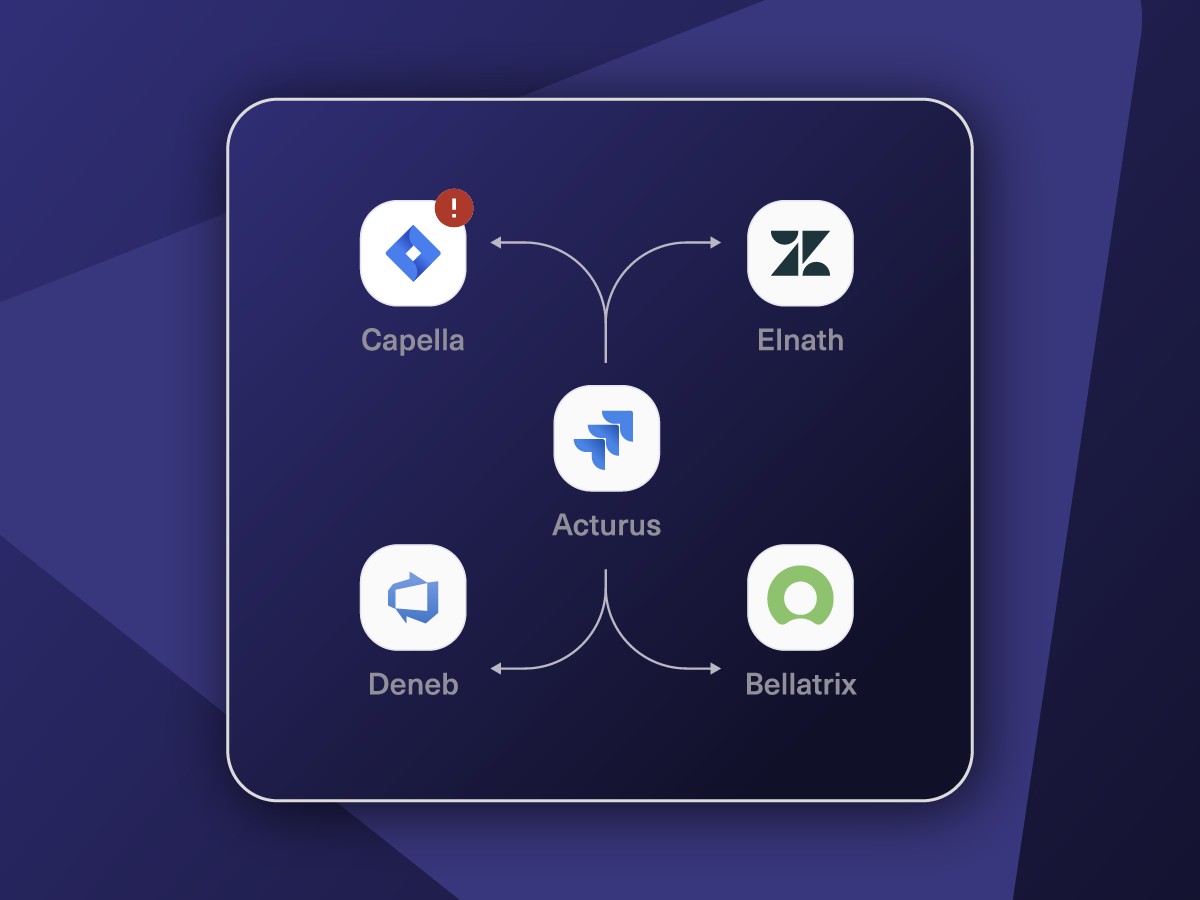
Connect
Easily connect multiple projects, instances, and platforms. With local, or external partners.
Customize
Set your sync rules to make sure the right data is shared.
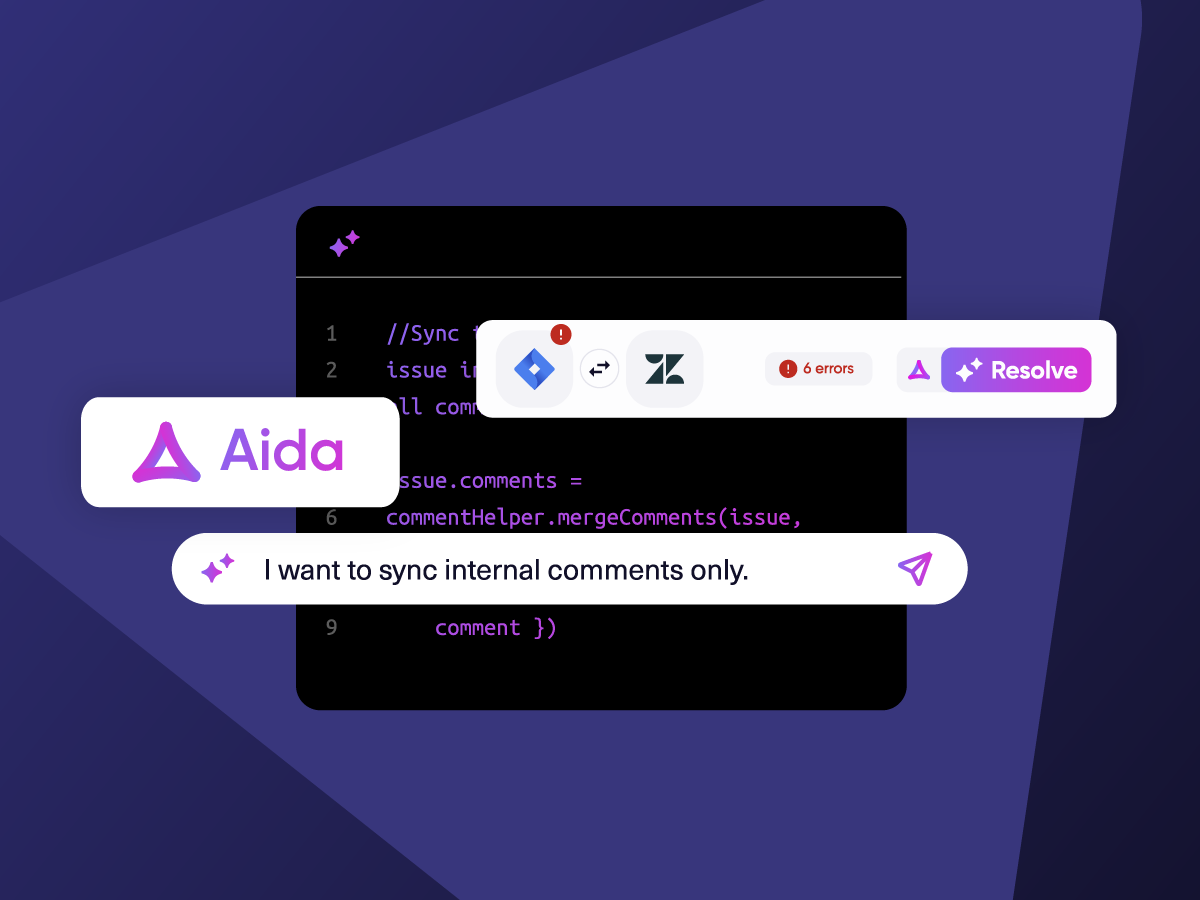
Prompt Exalate’s AI to generate rules, or fine-tune with Groovy-based custom mappings and logic for complete control.
Automate
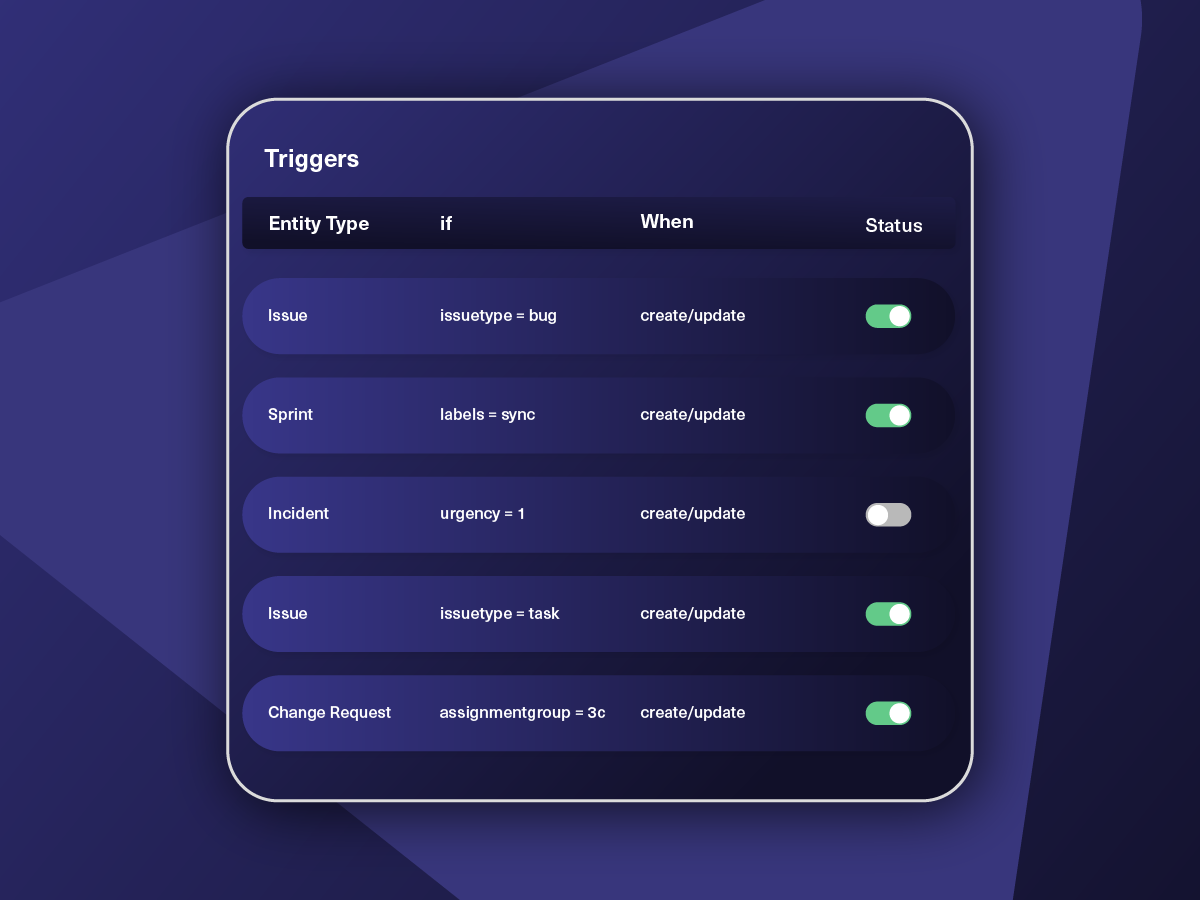
Set triggers to automate your sync based on specific conditions.
Synchronize
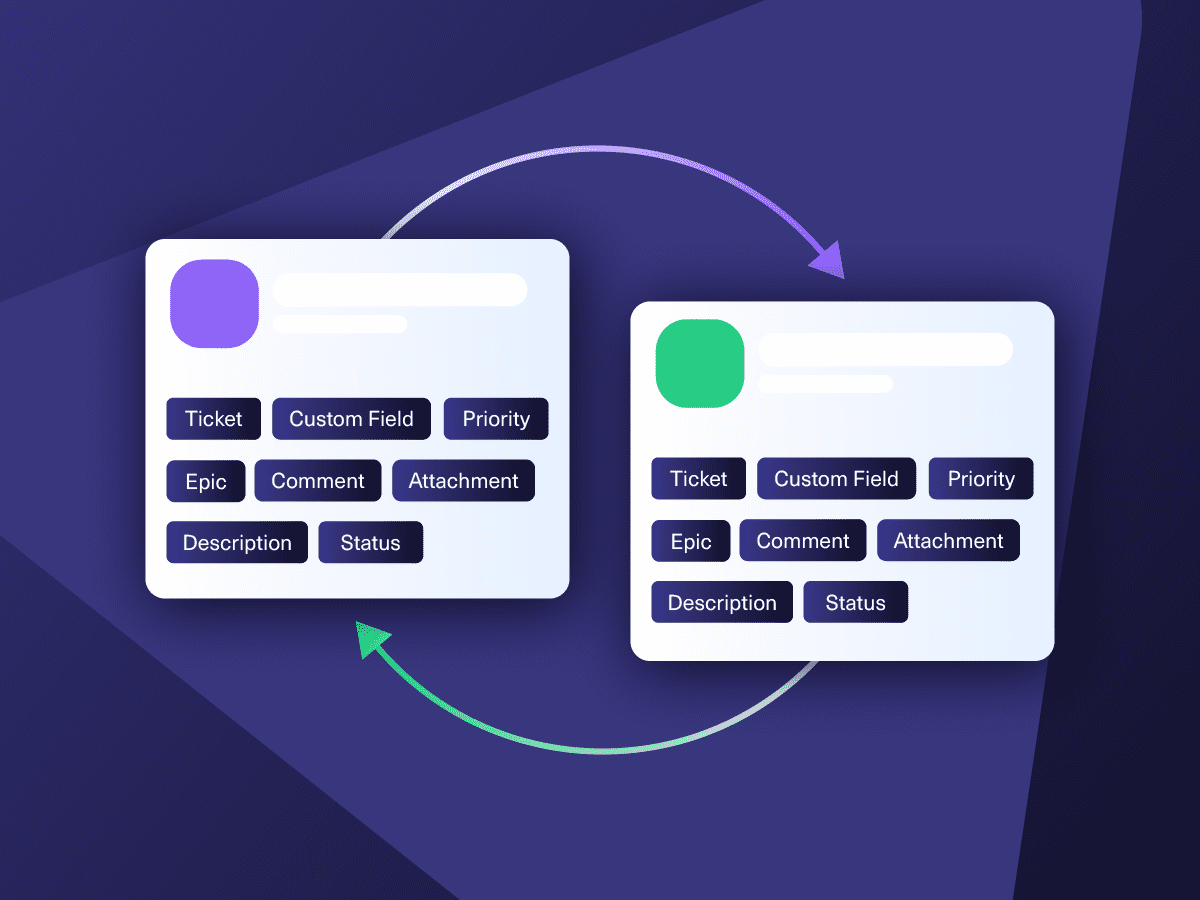
Now your connected instances will exchange information automatically. Happy syncing!
“
Exalate is stable, flexible, customizable, and pretty easy to set up and use.
ALEXANDER SINNO

Get the Most Out of Your Integration
Sync in Real-Time
Two-way, real-time sync between platforms. Updates flow automatically. No manual exports, no delays.

Connect Any Number of Instances
Connect multiple projects, instances, and platforms. Use different rules for each connection.

Know What Failed and Why
Get AI-powered recommendations for resolving the issue, including possible fixes and next steps.

AI Assisted SetUp
Describe your integration goal. Aida reviews your sync rules and connector type, then suggests script changes

Only Sync What Matches
Set various conditions for automatic synchronization.


Sync Visibility, Right Where You Work
Check the real-time status of your active syncs, spot failures, and trigger a manual push. All from a browser extension, without opening the Exalate console.

ai assisted script
Your Integration, Your Rules
Full Control, Boosted by Aida AI
Exalate comes with default sync rules, that can be adapted to your specific needs.
Build your unique integration rules with just a few lines of Groovy Script – or a few prompts.
- Deepen, change, adjust sync rules easily
- Control outgoing and incoming data on each side
- Simply mirror or customize mappings
- Track changes with version history
- Move confidently with draft mode
“
We can do almost anything we want with the sync thanks to its groovy script.
I can say I haven’t seen any other apps as flexible as Exalate.
Daniel Miks


Why Exalate is
Secure by Design
- Single-tenant architecture – no shared infrastructure
- Encryption in transit and at rest
- Automatic recovery from outages
- ISO 27001:2022 certified
- 24/7 threat monitoring with SentinelOne


Start Simple, Scale As You Go
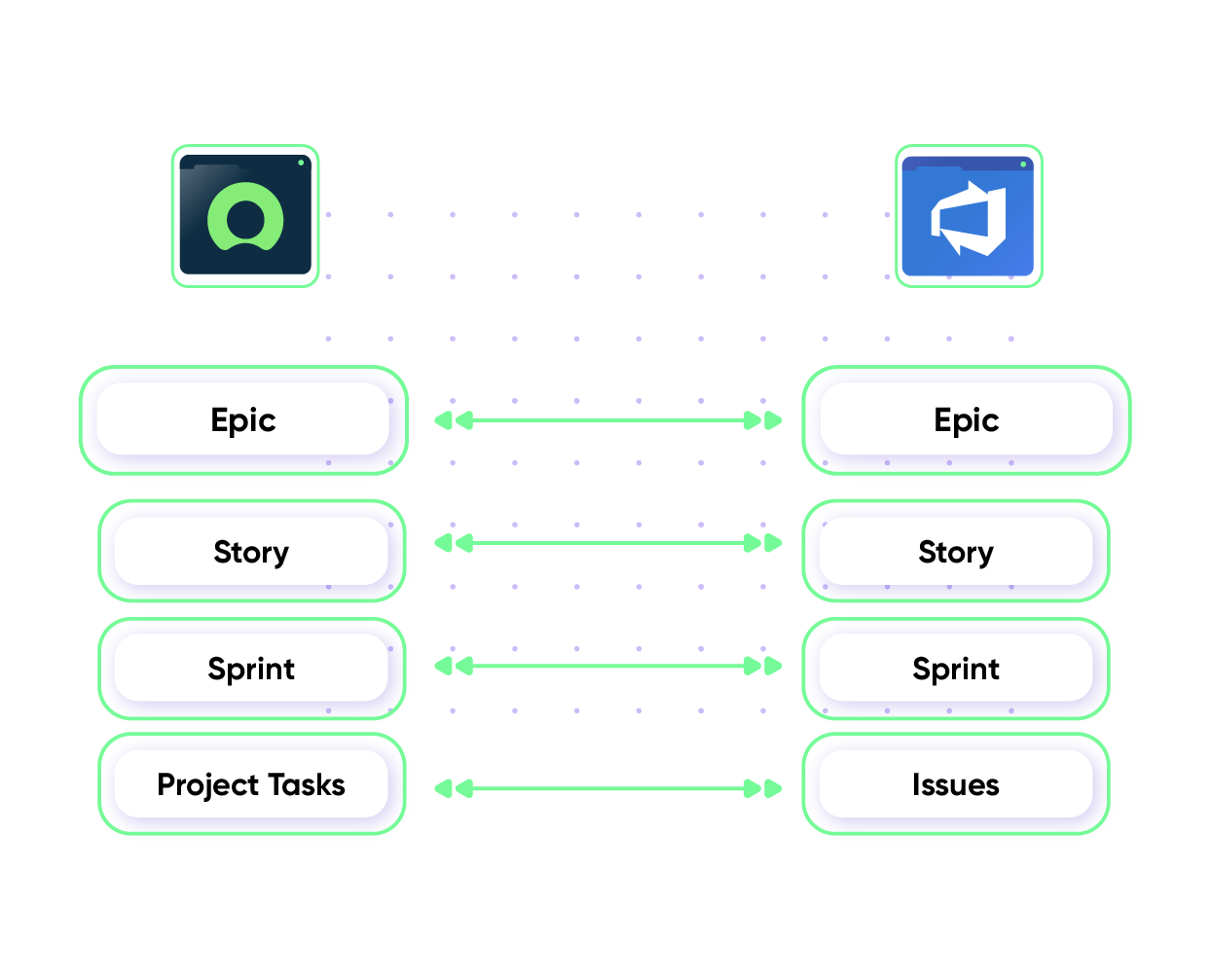
Work with standard ServiceNow Azure DevOps integration to connect simple fields and entities.
Sync Priority between ServiceNow and Azure DevOp
Maintain the same level of urgency across systems and teams. Give your ServiceNow entity the same level of priority as the Azure DevOps work item.
In practice:

...Or simply write a few lines of code
def priorityMapping = [
“1 – Critical”: “High”,
“2 – High”: “High”,
“3 – Moderate”: “Medium”,
“4 – Low”: “Low”,
“5 – Planning”: “Lowest” ]
. . .
issue.priority = nodeHelper.getPriority(priorityName)
Sync Custom Fields and Statuses
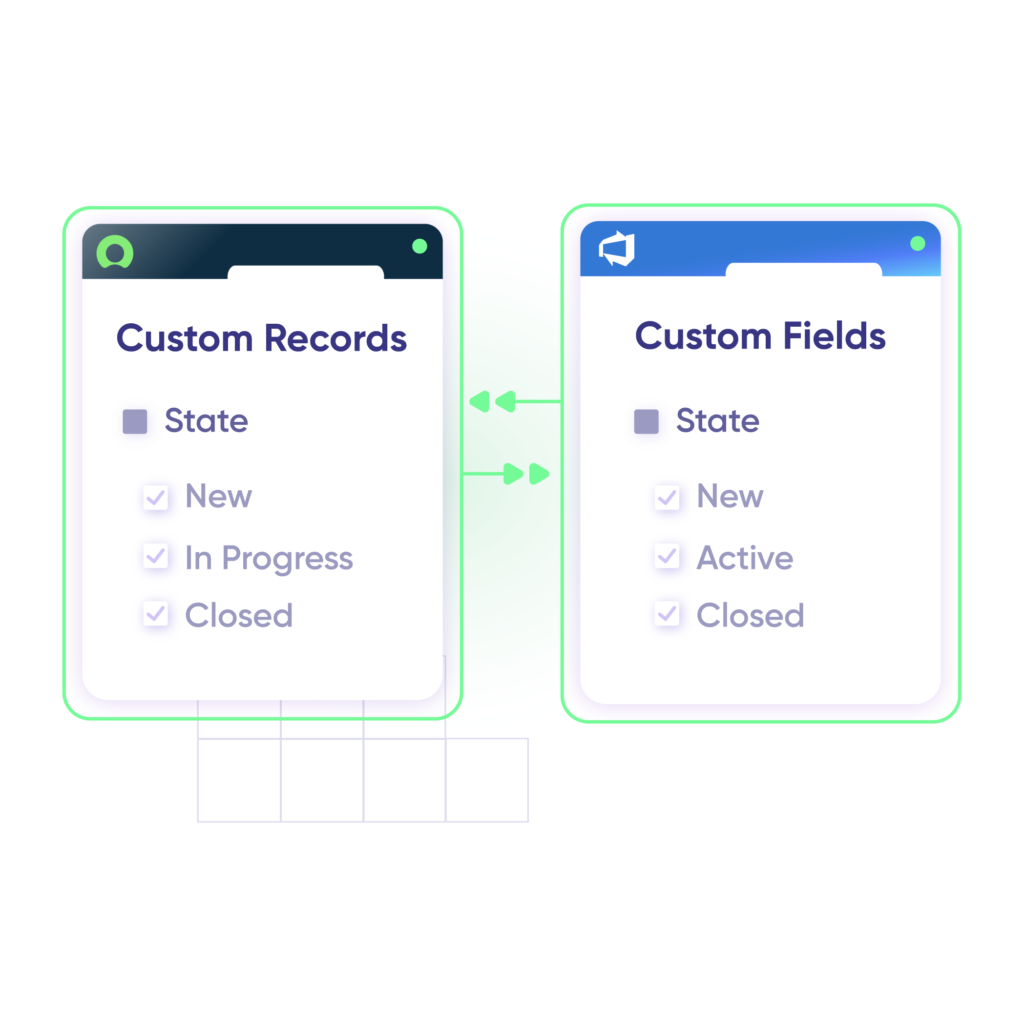
Fetch data from ServiceNow custom fields and have them appear in custom fields in Azure DevOps. Track the statuses of important entities and work items for up-to-date progress monitoring.
In practice:
...Or simply write a few lines of code
issue.customFields.”CF Name”.value = replica.customFields.”CF Name”.value
def statusMap = [
“New” : “Open”,
“Done” : “Resolved”
]def remoteStatusName = replica.status.name
issue.setStatus(statusMap[remoteStatusName] ?: remoteStatusName)
Pricing Built for Scale, Not Surprises
Exalate offers a 30-day Free Trial
Pro
Organizations needing enterprise systems
starts atThis is the entry price for the lowest-cost integration. Your price depends on which systems you connect, items in sync, environments, SLA/support, and add-ons. To get a tailored quote, contact sales.
$
550
/mo
Billed annually
Enterprise
Large-scale deployments with custom requirements
Let's talk
Get in touch for your custom pricing














& more
See the New Exalate in Action
Let us show you how Exalate can fit your unique business needs.
+2,500 clients worldwide


FAQ
Answers to the most frequently asked questions
Exalate is an integration platform that synchronizes Azure DevOps work items with ServiceNow records in real time. It supports bidirectional sync of incidents, change requests, problems, and custom entities between both platforms. Unlike template-based tools, Exalate uses a script-based engine with AI assistance from Aida to handle any custom workflow. Start your 30-day free trial to test the integration.
You can sync virtually any field available in both systems, including custom fields, comments, attachments, descriptions, statuses, priorities, and work notes. For Azure DevOps, this includes work items (bugs, tasks, user stories, epics), area paths, iteration paths, and read-only fields like ChangedDate. For ServiceNow, commonly synced entities include incidents, RITMs, change requests, problems, and catalog tasks. Aida, the built-in AI assistant, helps you configure complex field mappings without writing code from scratch.
Basic integrations can be configured in under 30 minutes using the ramp-up Exalate flow. For advanced scenarios requiring custom field mappings or conditional triggers, Aida guides you through the scripting process with AI-generated suggestions. Most teams have their first sync running within a day. For more complex cross-company setups, you might require a few days. If you need hands-off implementation, Exalate’s Managed Services team can handle the entire setup for you.
Yes, Exalate supports real-time bidirectional synchronization. When a ServiceNow incident is updated, the linked Azure DevOps work item updates automatically and vice versa. You control the sync direction per field, so you can make some fields sync one-way (like read-only reference data) while others sync bidirectionally (like status and comments). This flexibility eliminates data conflicts while keeping both teams current.
Exalate uses outcome-based pricing, so you pay for active items in sync, not per user or per transaction. Plans start with self-serve options for simpler use cases and scale to enterprise plans for advanced requirements. Each integration (e.g., Azure DevOps ↔ ServiceNow) requires its own plan. Use the pricing calculator to estimate costs for your scenario, or visit the pricing page for detailed plan comparisons.
Exalate uses single-tenant architecture, meaning your data never shares infrastructure with other customers. Security measures include JWT access tokens, TLS 1.2/1.3 encryption, role-based access controls, and multi-factor authentication. Exalate is ISO 27001 certified and uses endpoint detection and response (EDR) for threat monitoring. Review the complete security documentation at the Exalate Trust Center.
Yes, Exalate integrates Azure DevOps with ServiceNow Change Management to sync change type, reason, priority, assignment group, implementation plans, and more. This enables development teams to stay aligned with IT change processes without leaving Azure DevOps. You can also connect ServiceNow’s Agile Development module with Azure DevOps Boards for sprint-level synchronization.
Yes, Exalate supports multi-node setups where you connect multiple Azure DevOps organizations or projects with multiple ServiceNow instances. The unified console provides a visual network representation of all your connections, making it easy to manage complex environments. This is particularly useful for enterprises with regional instances or MSPs managing multiple client environments. Exalate also integrates with Jira, Zendesk, Salesforce, and GitHub.
Yes, Exalate is designed for cross-company integrations. Each side maintains independent control over its sync rules, so you decide what data to send and receive without sharing admin credentials with your partner. This architecture is ideal for MSPs, vendors, and outsourcing relationships where both parties need to collaborate on tickets but must maintain data governance. Neither side needs to expose its internal system configuration.
The native Microsoft Azure DevOps Integration for Agile Development plugin provides basic sync but requires ServiceNow licensing fees and offers limited customization. Exalate offers more flexible field mappings, custom triggers based on any query condition, cross-company sync capabilities, and doesn’t require changes to your ServiceNow instance. Template-based tools may be simpler initially, but can’t handle complex workflows; Exalate scales from basic to advanced scenarios without switching tools.
The most common use case is escalating ServiceNow incidents to Azure DevOps for development fixes, then syncing resolution status back to ServiceNow automatically. Other scenarios include syncing change requests to align IT operations with deployments, connecting ServiceNow’s service catalog with Azure DevOps backlogs for feature requests, and maintaining audit trails across ITSM and DevOps workflows. Exalate handles all of these with customizable triggers and field mappings.