
Freshdesk Servicenow Integration
Sync tickets, automate updates, and streamline collaboration between Freshdesk and ServiceNow, with full control and unmatched flexibility.
Eliminate manual data entry, reduce errors, and customize your integration to fit your exact workflows.
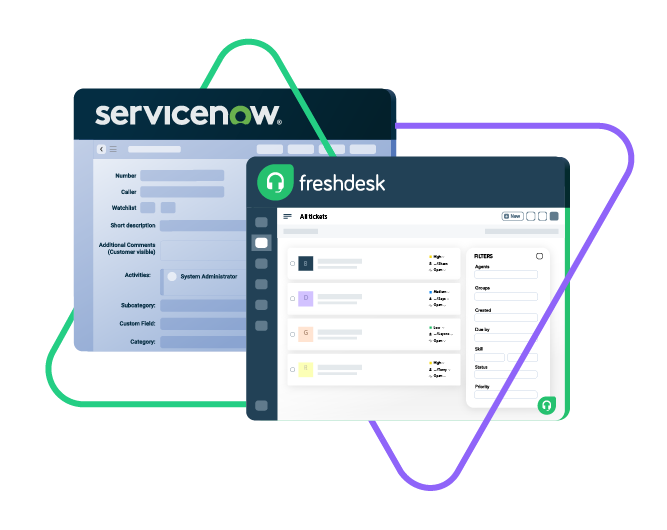
Sync opportunity, case, task, account...
sync product, owner, status, number, priotity...
sync contact details, internal comments...
Sync summary, description, labels...
Sync status, priority, attachments,
Sync phone, notes, custom fields, custom keys...










Stay Updated Without Context Switching
Have every team working on their own environment.
With the tools that they know and the information they need.
Automate syncs to eliminate handovers and improve efficiency.
Convert ServiceNow entities to Freshdesk tickets instantly.
Work with one-way or two-way Freshdesk to ServiceNow sync.
Break down information silos and improve reporting accuracy.
Keep an eye on ticket progress and updates across all levels of support.
Broaden your context by syncing multiple Freshdesk tickets to a single ServiceNow entity.
ServiceNow to Freshdesk: Sync With Confidence
Sync every default or custom field within Freshdesk with full flexibility.
Maintain complete autonomy and control over what is synced between both platforms.
Prioritize compliance and keep sensitive data private.

ServiceNow
Incidents
All fields are supported, including:
- Custom fields
- Short description
- Description
- Assigned to
- Assignment group
- Priority
- Urgency
- State
- Work notes
Problems
All fields are supported, including:
- Problem statement
- Description
- Assigned to
- Priority
- Urgency
- Impact
- State
Change Requests
All fields are supported, incuding:
- Short description
- Description
- Assigned to
- State
- Type
- Impact
- Risk
- Requested by
Sync any Servicenow Entity
Sync all ServiceNow entities available via REST APIs.
Simply look for the field names in ServiceNow tables, choose what you want to sync, and add it to your script.

Freshdesk
Freshdesk
9 fields are supported:
- Custom fields
- Summary
- Status
- Description
- Type
- Priority
- Labels
- Comment
- Attachment
Check the full list of supported fields for Freshdesk and Servicenow
“
We can now handle around 500 customer incidents per week, thanks to Exalate, which is a very good result regarding the number of products we’re dealing with. It synchronizes 45x faster than our previous solution.
Christof Cuyper |

How it Works
Connect
Easily connect multiple projects, instances, and platforms. With local, or external partners.
Customize
Set your sync rules to make sure the right data is shared.
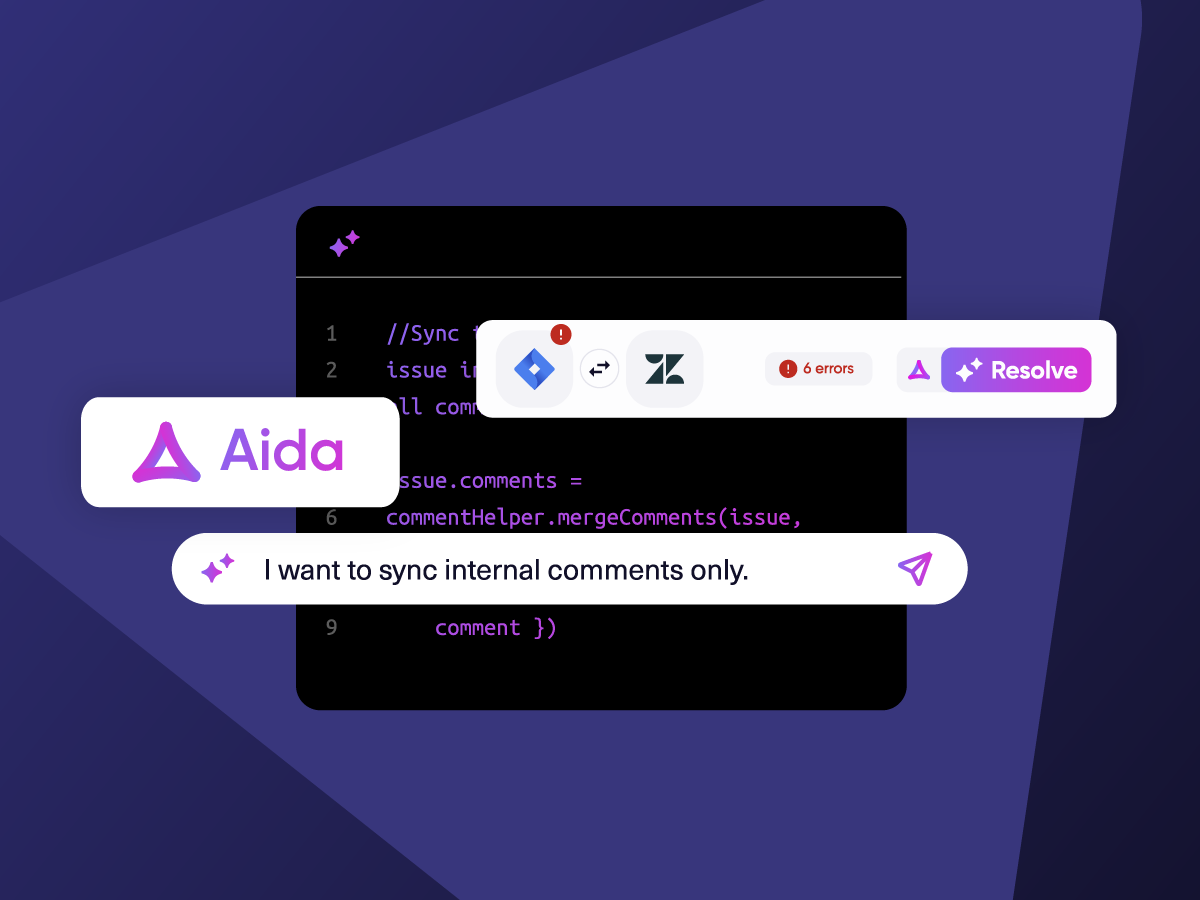
Prompt Exalate’s AI to generate rules, or fine-tune with Groovy-based custom mappings and logic for complete control.
Automate
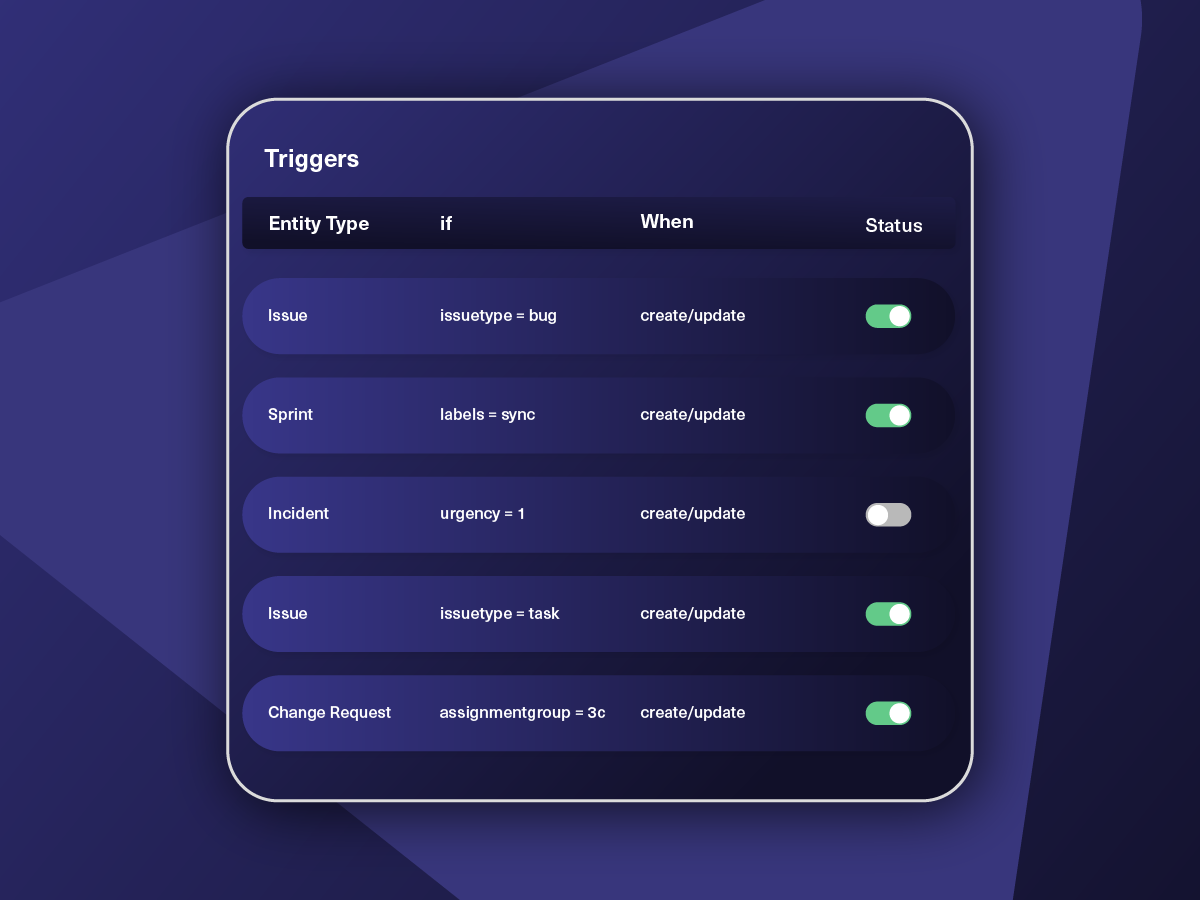
Set triggers to automate your sync based on specific conditions.
Synchronize
Now your connected instances will exchange information automatically. Happy syncing!

Get the Most Out of Your Integration
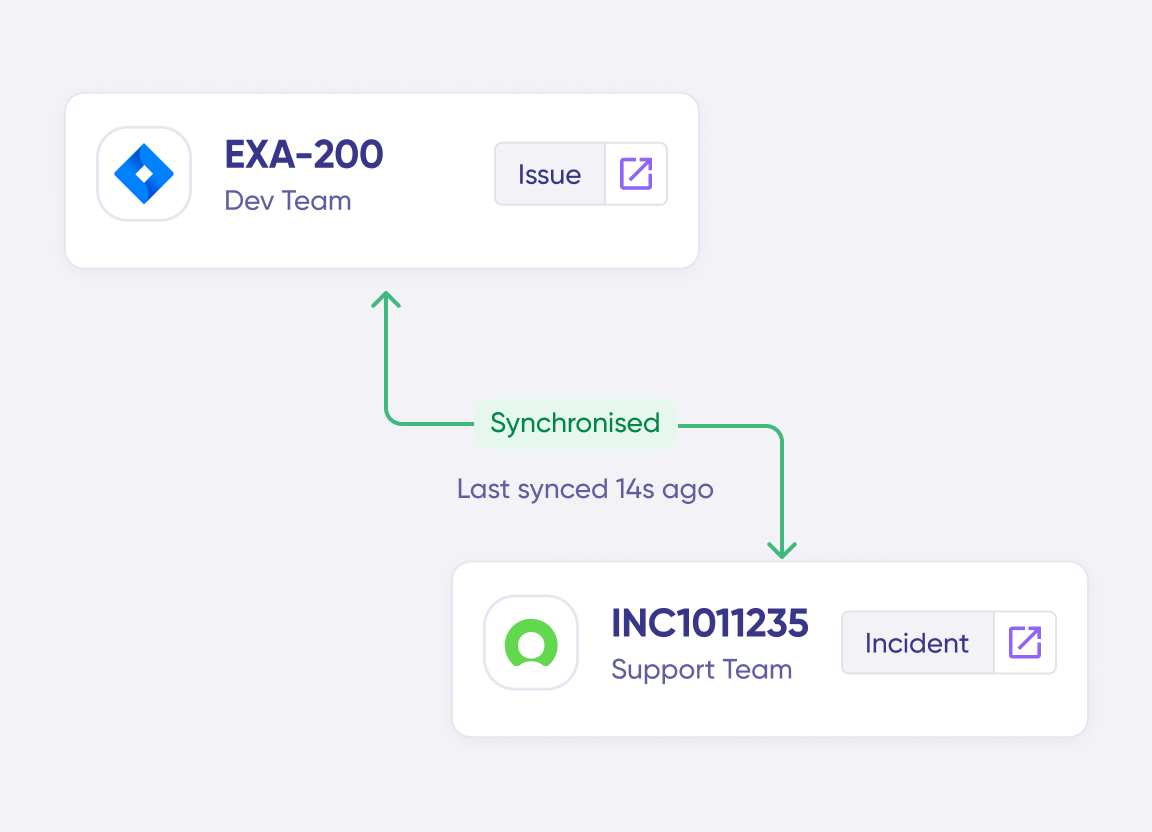
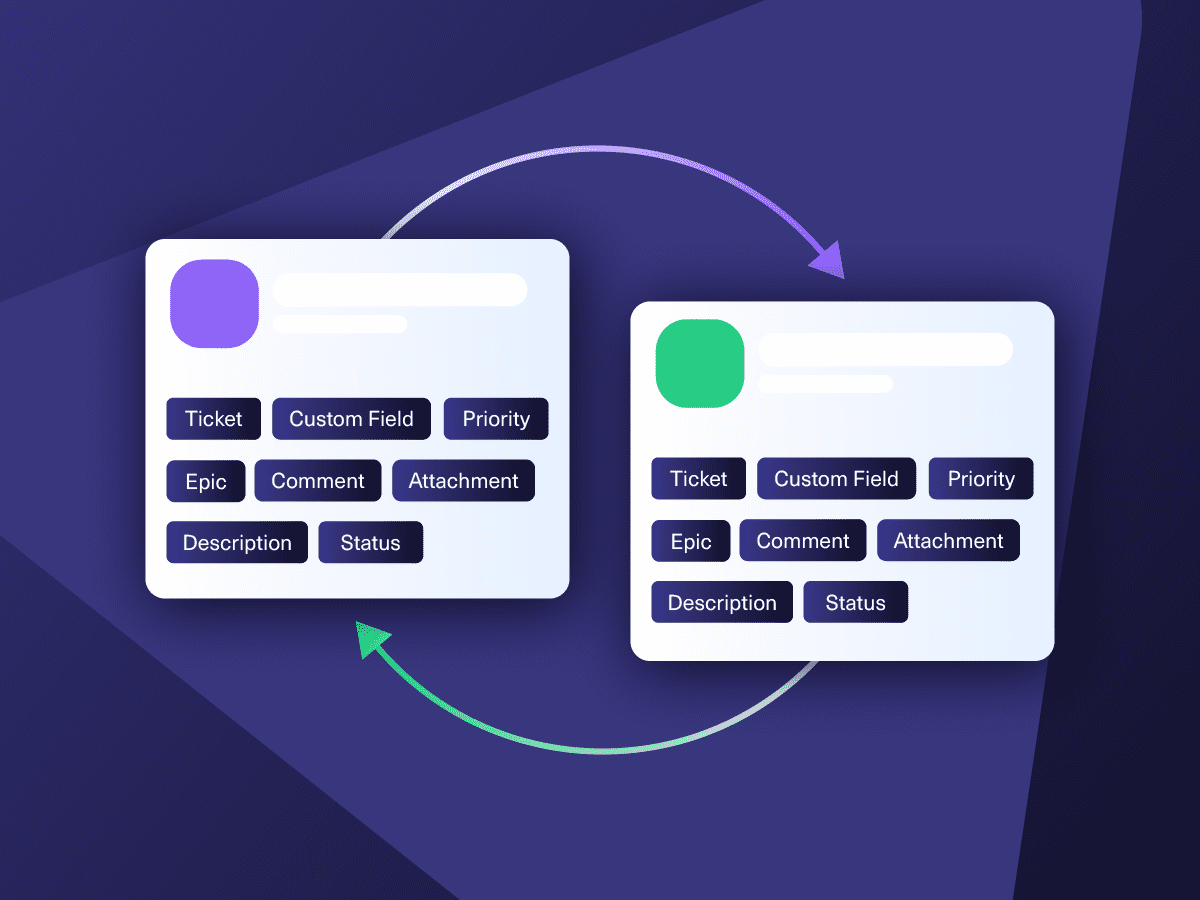
Connect multiple projects, instances, and platforms. Use different rules for each connection.

Get AI-powered recommendations for resolving the issue, including possible fixes and next steps.



ai assisted script
Your Integration, Your Rules
Full Control, Boosted by Aida AI
Exalate comes with default sync rules, that can be adapted to your specific needs.
Build your unique integration rules with just a few lines of Groovy Script – or a few prompts.
- Deepen, change, adjust sync rules easily
- Control outgoing and incoming data on each side
- Simply mirror or customize mappings
- Track changes with version history
- Move confidently with draft mode
“
We can do almost anything we want with the sync thanks to its groovy script.
I can say I haven’t seen any other apps as flexible as Exalate.
Daniel Miks

Simple to Advanced Integration Use Cases
Start your ServiceNow Freshdesk integration journey with simple, predefined templates. Scale effortlessly as your use case grows.
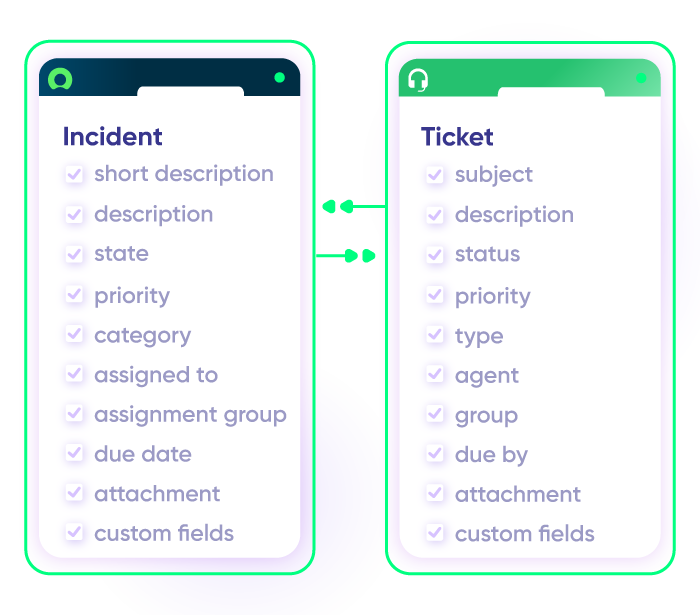
Sync Any Data, Your Way
Sync new or existing Freshdesk tickets with ServiceNow entities with full independent control. Set up one-way or two-way syncs for statuses, priorities, attachments, labels, notes, and more.
Escalate Freshdesk Ticket as a ServiceNow Incident
Automatically escalate complex customer issues from Freshdesk to ServiceNow when IT intervention is needed. Keep both platforms updated so support agents and IT teams can collaborate in real time.
Sync Ticket Status with Entity State
Orchestrate the sync between support workflows and IT service management. When the status of the Freshdesk ticket is updated, it should be reflected as the corresponding ServiceNow state to give the team context about progress updates.
Manage and Configure Assets between Freshdesk and ServiceNow
Provide Freshdesk agents with access to ServiceNow’s Configuration Management Database (CMDB) to view asset details. Help agents troubleshoot more effectively with context about the user’s environment.
Enhance Visibility and Reporting with Real-time Data Sync
Track key metrics like resolution times and service performance across platforms. Use ServiceNow’s reporting to analyze Freshdesk data for better decision-making and continuous service improvement.
Manage Service Requests
When a customer requests access to software or hardware in Freshdesk, trigger a service request in ServiceNow. Sync status updates and resolutions across both platforms to ensure visibility.
Map Multiple Related Freshdesk Tickets to a Single ServiceNow Incident
Map multiple related Freshdesk tickets to a single ServiceNow incident to provide additional context for the ITSM team. Get timely updates about the bug or incident.
Pricing Built for Scale, Not Surprises
Exalate offers a 30-day Free Trial
Pro
Organizations needing enterprise systems
starts atThis is the entry price for the lowest-cost integration. Your price depends on which systems you connect, items in sync, environments, SLA/support, and add-ons. To get a tailored quote, contact sales.
$
550
/mo
Billed annually
Enterprise
Large-scale deployments with custom requirements
Let's talk
Get in touch for your custom pricing














& more
See the New Exalate in Action
Let us show you how Exalate can fit your unique business needs.
+2,500 clients worldwide

FAQ
Answers to the most frequent questions.
Didn't find what you were looking for? Ask Aida
Exalate provides real-time, bidirectional integration between Freshdesk and ServiceNow with full control over what data is synced. Unlike basic automation tools that offer one-way triggers, Exalate syncs ticket fields, incidents, statuses, priorities, comments, attachments, and custom fields in both directions automatically. You can use the Groovy-based scripting engine for advanced customization. The AI assistant Aida helps generate sync scripts from plain language prompts, making complex integrations accessible to both technical and non-technical users.
You can sync all Freshdesk ticket fields, including summary, description, status, priority, labels, attachments, comments, notes, custom fields, and custom keys. For ServiceNow, Exalate supports incidents, problems, change requests, catalog tasks, and any other entity available via REST APIs, including all default and custom fields. The sync maintains formatting for rich text, inline images, and preserves relationships between related tickets. If you need to sync a field not listed, contact support. Most requirements can be accommodated through scripting.
Exalate uses outcome-based pricing, so you pay based on active items in sync, not per user or arbitrary connection tiers. Each integration (e.g., Freshdesk ↔ ServiceNow) requires its own plan, but you can create unlimited connections within that integration. Use the pricing calculator to estimate costs for your specific needs, or view full pricing details.
Yes, Exalate synchronizes data in real-time between Freshdesk and ServiceNow. When a ticket is created or updated in either platform, changes appear on the other side within seconds. The sync engine uses transactional queues to track events in order, ensuring data integrity even during temporary connectivity issues or system downtime. This eliminates the delays common with scheduled or polling-based integrations.
Yes, Exalate supports full bidirectional (two-way) synchronization between Freshdesk and ServiceNow. When you update a ticket in Freshdesk, the corresponding ServiceNow incident updates automatically and vice versa. You can also configure one-way sync if needed. Each side maintains independent control over what data is sent and received, so both teams can customize their sync rules without affecting the other.
Common use cases include: (1) Ticket escalation – automatically escalate complex Freshdesk tickets to ServiceNow as incidents when IT intervention is needed; (2) MSP operations – manage multiple client Freshdesk instances from a central ServiceNow system; (3) CMDB access – provide Freshdesk agents with ServiceNow asset data for better troubleshooting; (4) Status synchronization – keep ticket states aligned so both support and IT teams see real-time progress; (5) Cross-team reporting – consolidate data from both platforms for unified metrics and analytics.
Yes, Exalate allows you to map multiple related Freshdesk tickets to a single ServiceNow incident. This is useful when several customers report the same issue, and you can consolidate them into one incident to avoid duplication while maintaining individual ticket tracking for customer communication. Updates to the ServiceNow incident sync back to all linked Freshdesk tickets, keeping everyone informed of resolution progress.
Exalate protects your integration with enterprise-grade security: JWT access tokens for authentication, role-based access controls, HTTPS with TLS 1.2/1.3 encryption, and multi-factor authentication. The single-tenant architecture ensures your data is completely isolated; each instance has its own process space, file system, network, and database. Exalate is ISO 27001 certified. Review complete security documentation at the Trust Center.
Basic integrations take about 10-15 minutes to set up. Connect both platforms using Exalate’s ramp-up flow and choose your sync settings. For advanced configurations with custom field mappings, intricate workflow orchestrations, or complex escalation logic, allow 1-2 days, though Aida, the AI assistant, can generate scripts from plain language prompts to speed up the process. If you need help, managed services provide dedicated engineers for implementation.
Exalate and Zapier serve different needs. Zapier handles simple trigger-action workflows (e.g., “new Freshdesk ticket creates ServiceNow record”) but lacks true bidirectional sync i.e updates don’t flow back. Exalate provides continuous two-way synchronization with full field mapping, status alignment, and comment sync. For organizations needing ongoing data alignment between platforms rather than one-time automations, Exalate delivers the real-time bidirectional sync that workflow automation tools cannot provide.
Exalate’s unified console lets you manage all your connections and integrations from a single interface. View network visualization showing how your instances are interconnected, monitor sync queues in real-time, and access side-by-side views of script rules for both platforms. This eliminates context-switching between systems and simplifies administration for complex multi-node setups where you might have multiple Freshdesk instances syncing with ServiceNow.