
Two-way Jira ServiceNow Integration
Frustrated by manual updates, duplicate work, and lack of visibility across Jira and ServiceNow?
Set up a bidirectional sync and get real-time updates across systems.
From simple syncs to complex workflows, Exalate has you covered.
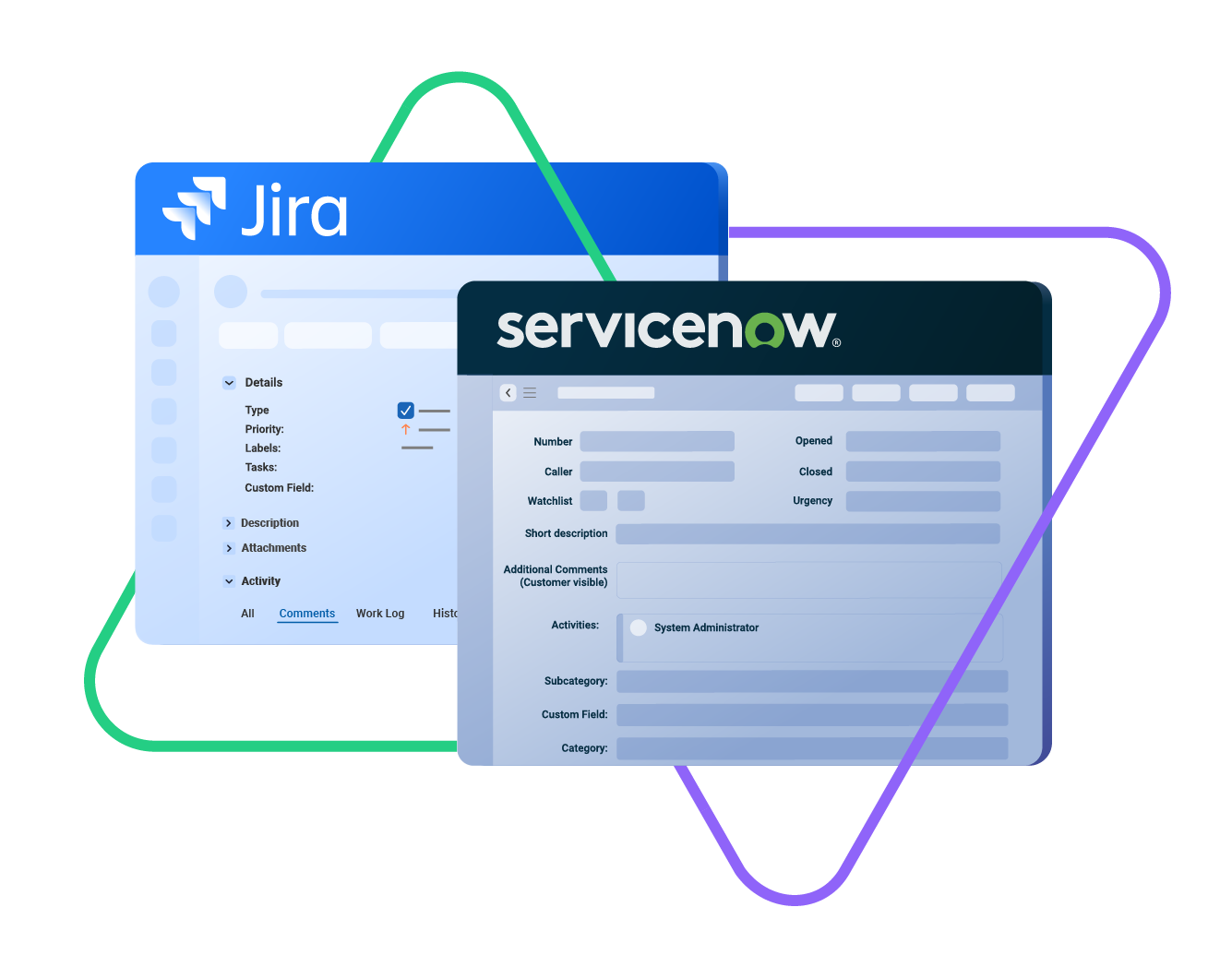
Sync urgency, state,
sys id, caller, category...
sync summery, description,
comments...
sync attachments
and any custom fields
custom fields
labels, priority, status...
worklogs, change history...
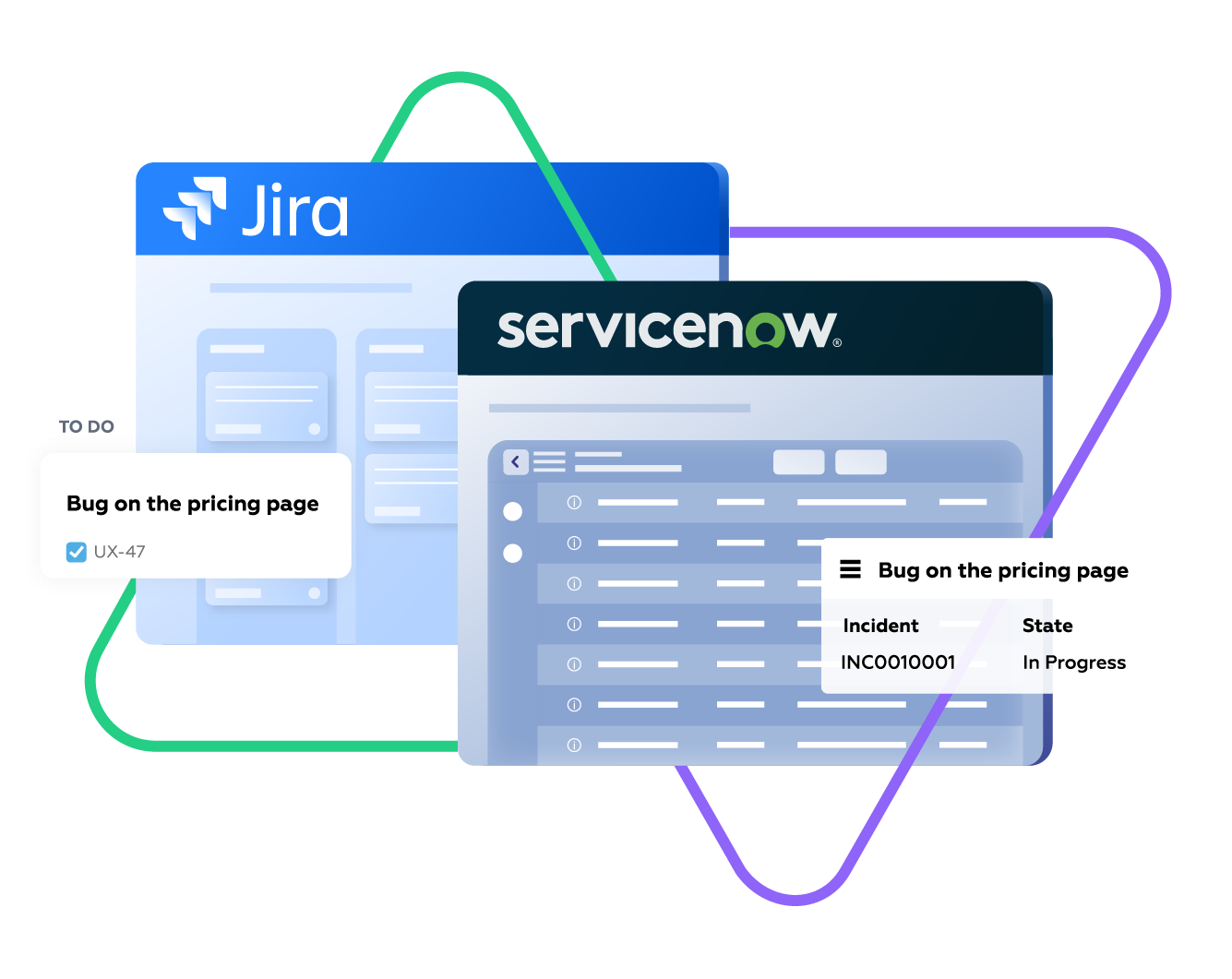







Sync Exactly What Your Teams Need
Sync any entity using a one or two-way mapping. Configure and map the entities precisely as you require them.

ServiceNow
Incidents
All fields are supported, including:
- Custom fields
- Short description
- Description
- Assigned to
- Assignment group
- Priority
- Urgency
- State
- Work notes
Problems
All fields are supported, including:
- Problem statement
- Description
- Assigned to
- Priority
- Urgency
- Impact
- State
Change Requests
All fields are supported, incuding:
- Short description
- Description
- Assigned to
- State
- Type
- Impact
- Risk
- Requested by
Sync any Servicenow Entity
Sync all ServiceNow entities available via REST APIs.
Simply look for the field names in ServiceNow tables, choose what you want to sync, and add it to your script.

Jira
Jira Software (Cloud and Data Center)
Jira Service Management
Work Items (Issues)
(Bugs, Tasks, Stories…)
+40 fields are supported, including:
- Custom fields
- Summary
- Status
- Description
- Key
- Comment
- Attachment
- Priority
- Third-party plugin fields (e.g Insights)
Sprints
All fields are supported, incuding:
- Name
- State
- Start date
- End date
- Complete goal
- Origin board ID
- Goal
“
I was surprised by how Exalate satisfied our synchronization needs. We managed to reduce the monthly costs of Growth’s Service Desk by around 95%.
Piotr Radtke

How it Works
Connect
Easily connect multiple projects, instances, and platforms. With local, or external partners.
Customize
Set your sync rules to make sure the right data is shared.
Prompt Exalate’s AI to generate rules, or fine-tune with Groovy-based custom mappings and logic for complete control.
Automate
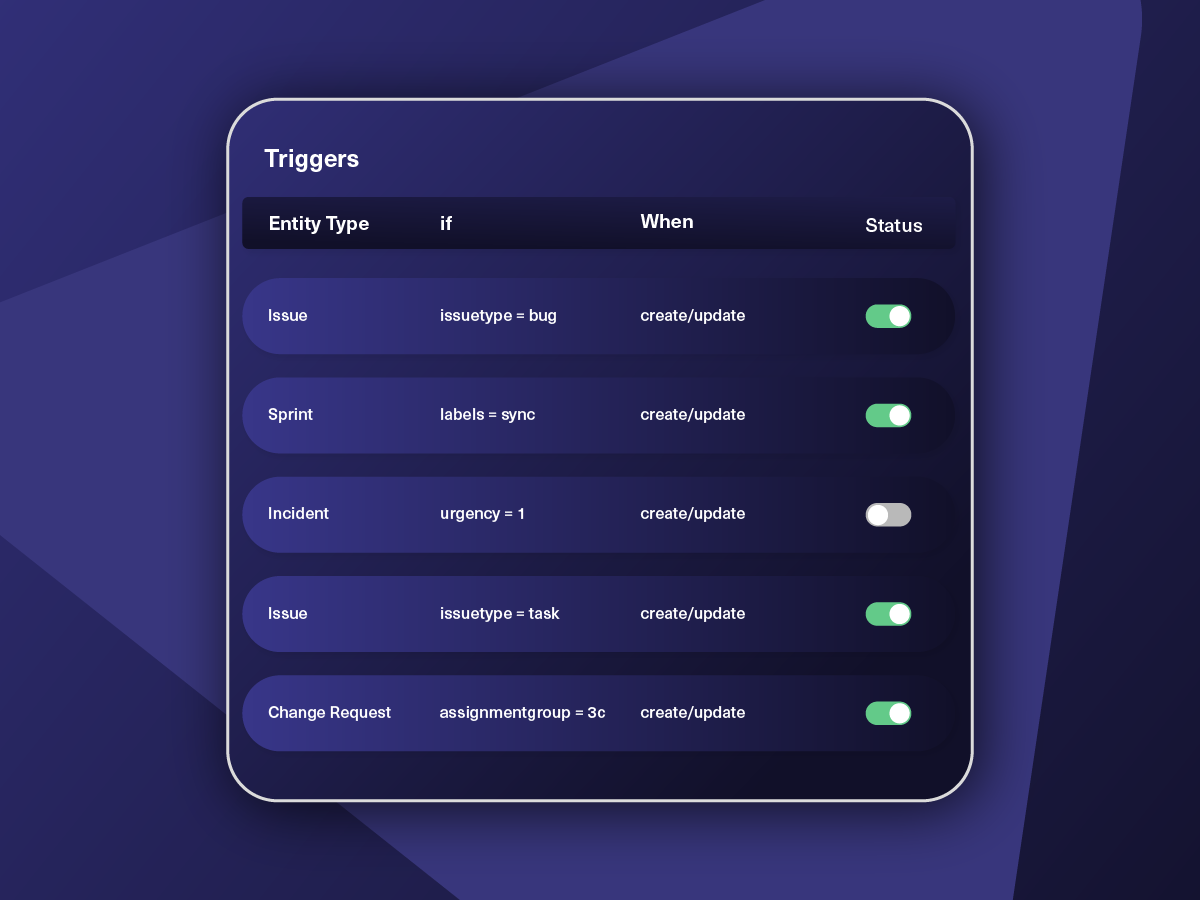
Set triggers to automate your sync based on specific conditions.
Synchronize
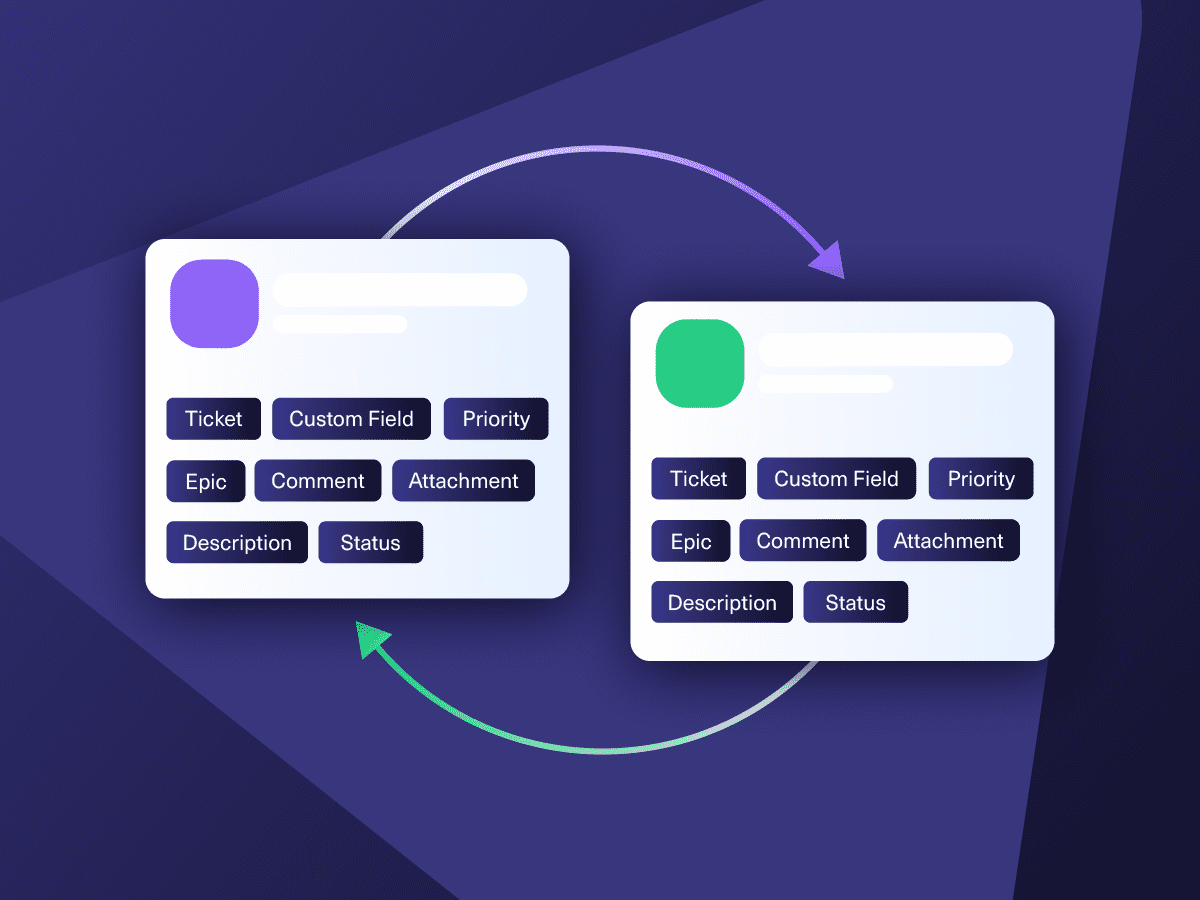
Now your connected instances will exchange information automatically. Happy syncing!
“
Exalate is stable, flexible, customizable, and pretty easy to set up and use.
ALEXANDER SINNO

Get the Most Out of Your Integration
Sync in Real-Time
Two-way, real-time sync between platforms. Updates flow automatically. No manual exports, no delays.

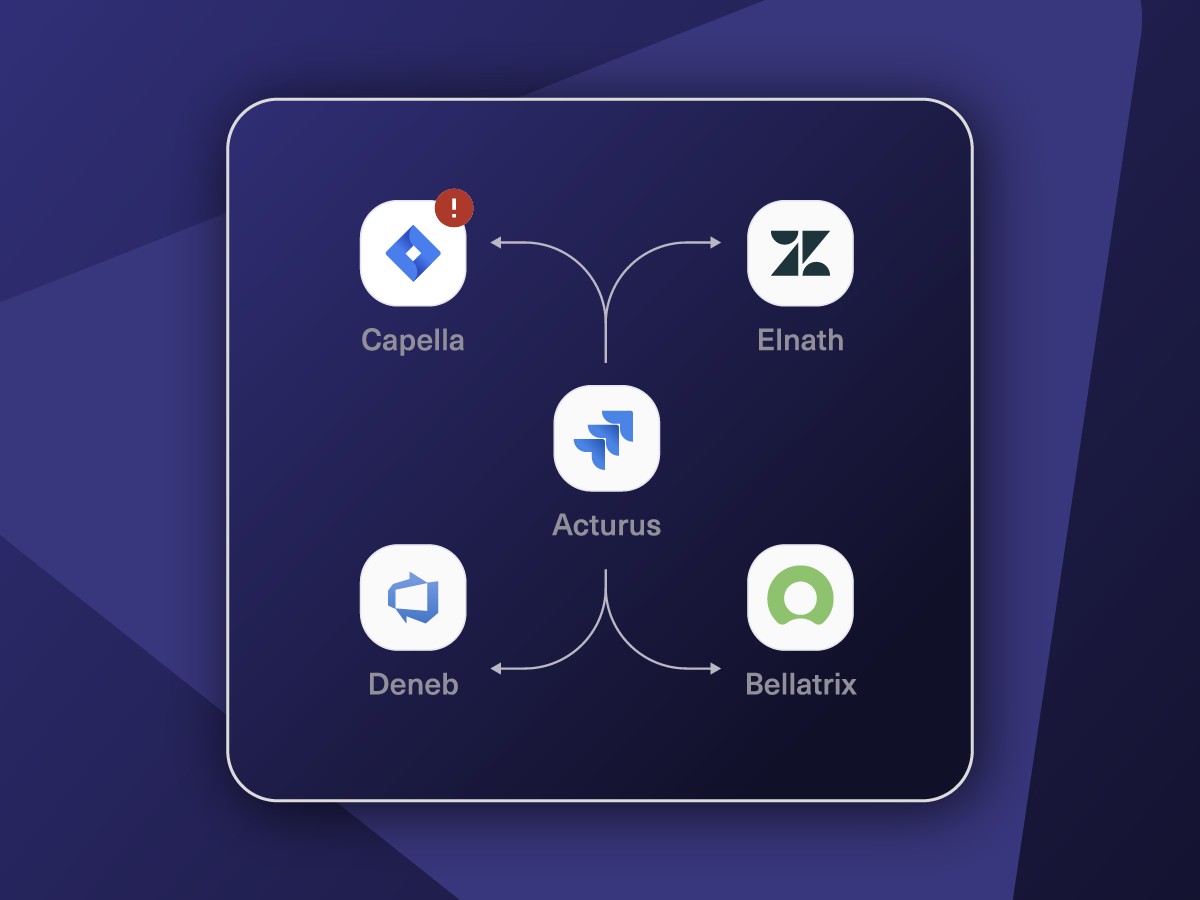
Connect Any Number of Instances
Connect multiple projects, instances, and platforms. Use different rules for each connection.

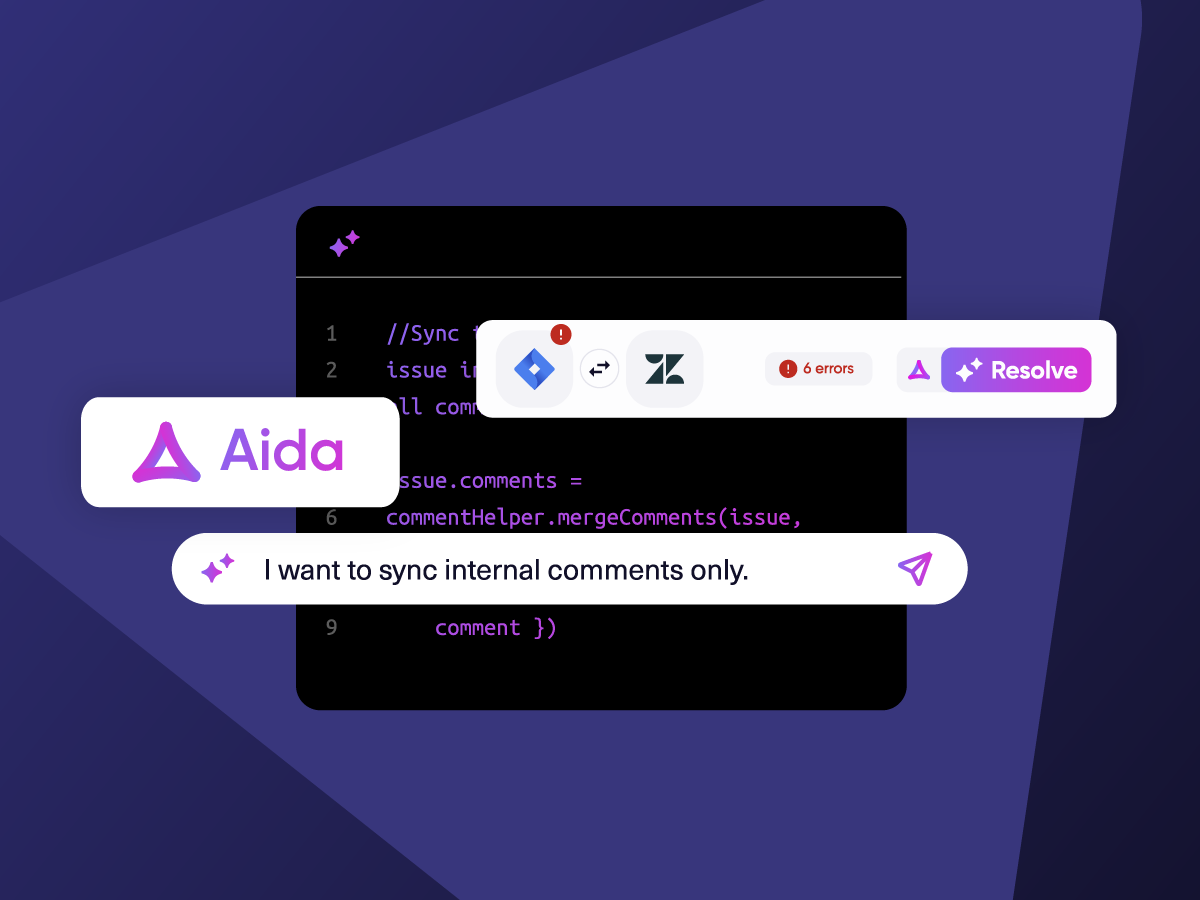
Know What Failed and Why
Get AI-powered recommendations for resolving the issue, including possible fixes and next steps.

AI Assisted SetUp
Describe your integration goal. Aida reviews your sync rules and connector type, then suggests script changes

Only Sync What Matches
Set various conditions for automatic synchronization.


Sync Visibility, Right Where You Work
Check the real-time status of your active syncs, spot failures, and trigger a manual push. All from a browser extension, without opening the Exalate console.

“
The moment the ticket enters the help desk in ServiceNow, Exalate routes it to my team working in Jira. My team then provides feedback, which is immediately reflected in ServiceNow.
Ms. Teo |

ai assisted script
Your Integration, Your Rules
Full Control, Boosted by Aida AI
Exalate comes with default sync rules, that can be adapted to your specific needs.
Build your unique integration rules with just a few lines of Groovy Script – or a few prompts.
- Deepen, change, adjust sync rules easily
- Control outgoing and incoming data on each side
- Simply mirror or customize mappings
- Track changes with version history
- Move confidently with draft mode
“
We can do almost anything we want with the sync thanks to its groovy script.
I can say I haven’t seen any other apps as flexible as Exalate.
Daniel Miks


Why Exalate is
Secure by Design
- Single-tenant architecture – no shared infrastructure
- Encryption in transit and at rest
- Automatic recovery from outages
- ISO 27001:2022 certified
- 24/7 threat monitoring with SentinelOne


Simple or Advanced, We Got you Covered
Work with simple integration templates. Or, completely customize your sync.
Default Sync
Bi-directionally sync new and existing comments, descriptions, attachments, statuses, priorities, urgencies, work logs, and much more between Jira and ServiceNow. Use triggers to exert granular control over how the sync works.

Sync ServiceNow Change Request with Jira Issues
Keep customers informed about product changes in real time. Create change tasks for dedicated teams.
In practice:

...Or simply write a few lines of code
if(entityType == “changeRequest”) {
replica.summary = changeRequest.short_description replica.description = changeRequest.description replica.comments = changeRequest.comments replica.attachments = changeRequest.attachments
///other fields supported by the Change request entity

Sync Priority between ServiceNow and Jira
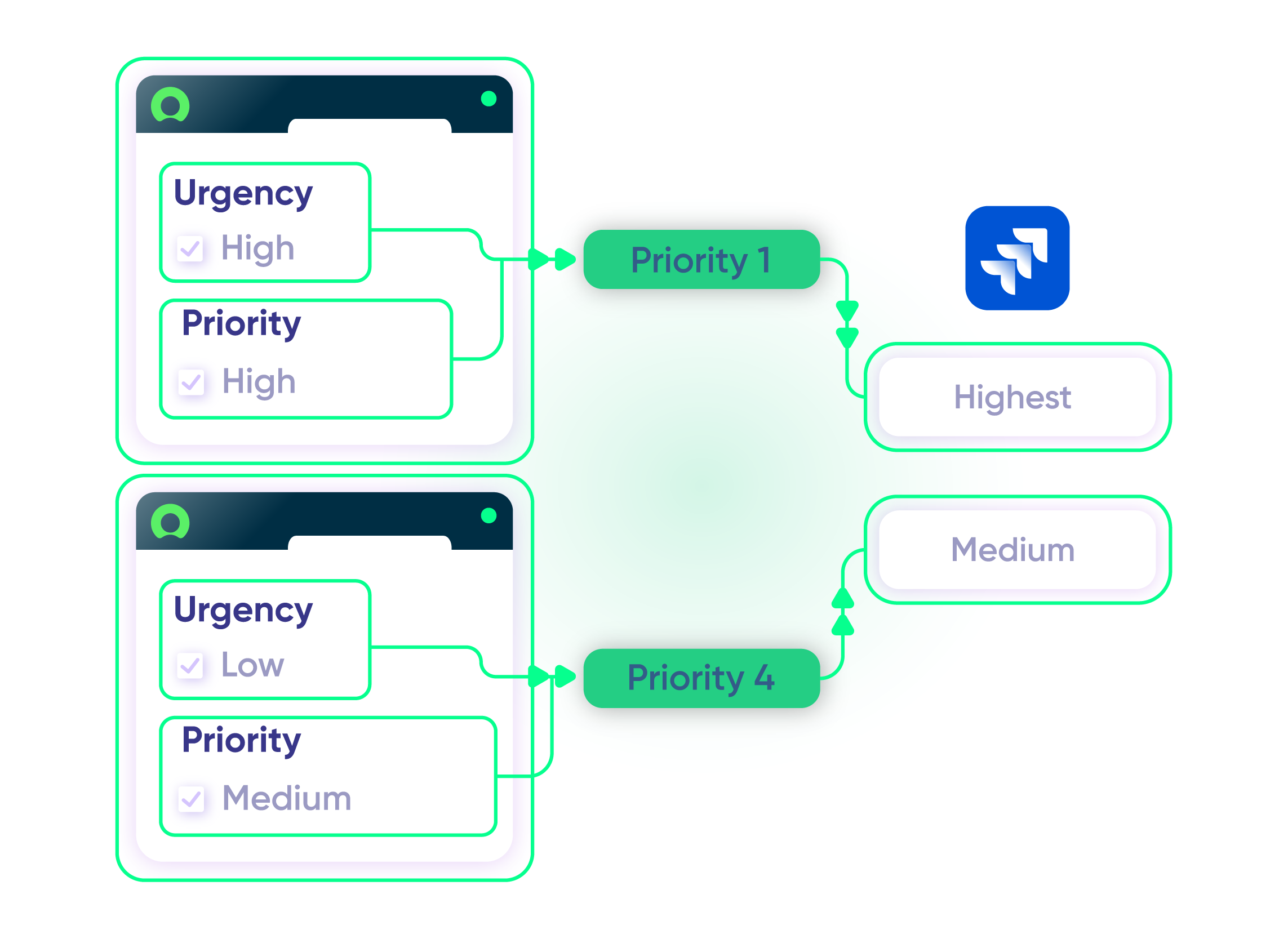
Maintain uniformity across all platforms. Give your ServiceNow entity the same level of priority or urgency as the Jira Issue.
In practice:
...Or simply write a few lines of code
. . .
def priorityMapping = [
“1 – Critical”: “High”,
“2 – High”: “High”,
“3 – Moderate”: “Medium”,
“4 – Low”: “Low”,
“5 – Planning”: “Lowest” ]
issue.priority = nodeHelper.getPriority(priorityName)
Store Correlation Details for Remote Entity
Use correlation fields to establish a relationship between local and remote systems. Store unique entity IDs, URLs, or other remote records in Jira and ServiceNow.
In practice:
...Or simply write a few lines of code
// retrieve the twin url from the incoming message
import groovy.json.JsonSlurper
def issueUrl = new JsonSlurper().parseText(syncRequest.replica.payload).get(“issueUrl”)
// setting the fields correlation_id and u_issue_key
entity.correlation_id = replica.key
entity.correlation_display = issueUrl

Sync Time-related Information
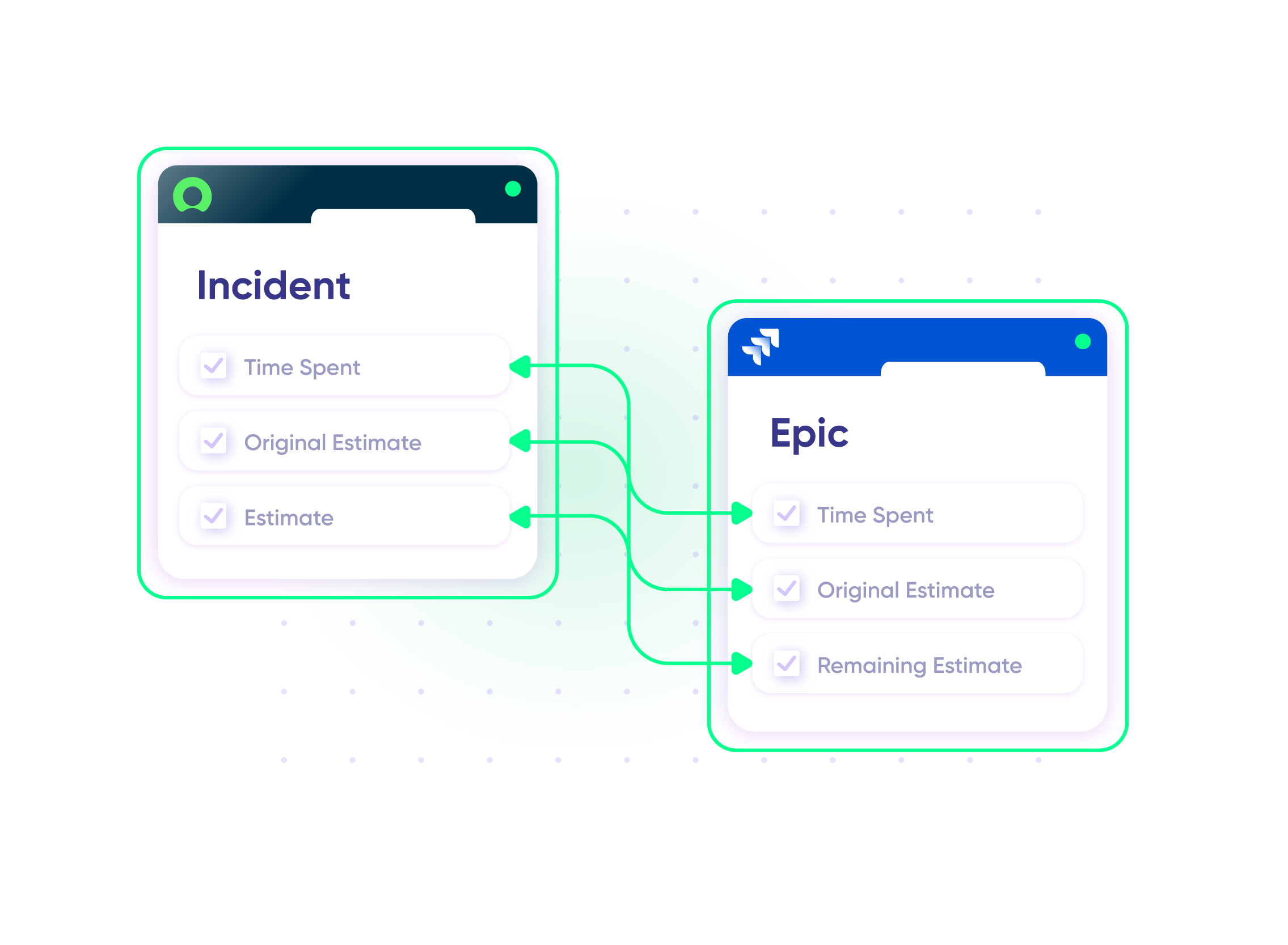
Convert incidents to epics that should be broken down into stories for easier time tracking. Keep an eye on time spent and resolution timelines.
In practice:
...Or simply write a few lines of code
def ced = new CollectEpicData(issue.key)
replica.customKeys.totalTimeSpent = ced.storyTotalTimeSpent
replica.customKeys.totalOriginalEstimate = ced.storyTotalOriginalEstimate
replica.customKeys.totalEstimate = ced.storyTotalRemainingEstimate
Sync Jira Service Management to ServiceNow
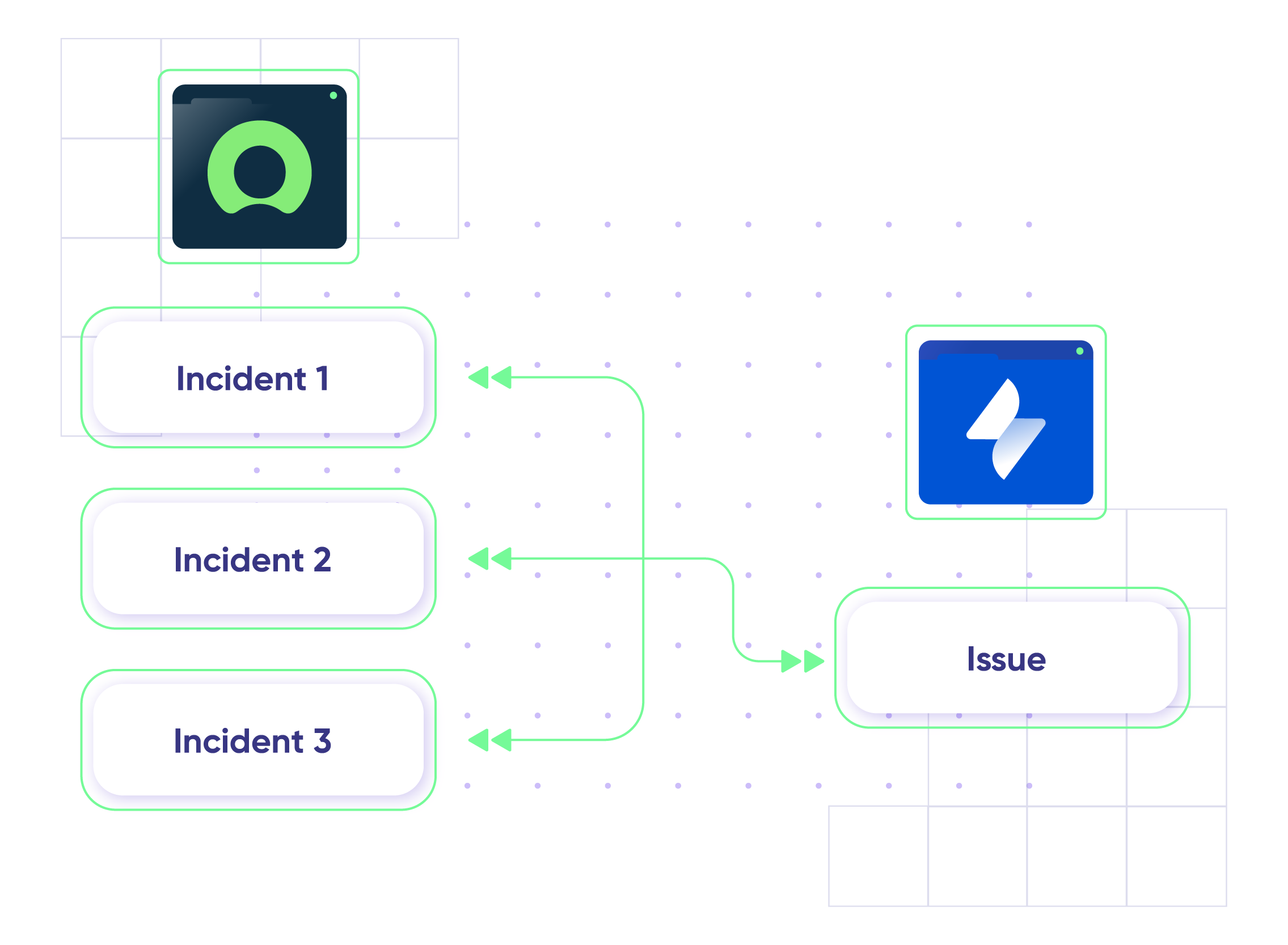
Connect multiple ServiceNow instances to a single Jira Service Management instance or vice versa.
In practice:
No need to code, simply add a trigger.
“
We can now handle around 500 customer incidents per week, thanks to Exalate, which is a very good result regarding the number of products we’re dealing with. It synchronizes 45x faster than our previous solution.
Christof Cuyper

Pricing Built for Scale, Not Surprises
Exalate offers a 30-day Free Trial
Pro
Organizations needing enterprise systems
starts atThis is the entry price for the lowest-cost integration. Your price depends on which systems you connect, items in sync, environments, SLA/support, and add-ons. To get a tailored quote, contact sales.
$
550
/mo
Billed annually
Enterprise
Large-scale deployments with custom requirements
Let's talk
Get in touch for your custom pricing














& more
See the New Exalate in Action
Let us show you how Exalate can fit your unique business needs.
+2,500 clients worldwide


FAQ
Answers to the most frequently asked questions
You can sync custom fields, issues, comments, attachments, descriptions, attachments, and every other ServiceNow entity. To explore further sync possibilities, use the advanced scripting mode.
You can check our full pricing table. Keep in mind that you pay per integration between two systems, and every integration will have its own plan and price. You will also need to estimate how many items you’ll have in sync to choose the right plan, which is not always straightforward. That’s why we created the Plan Calculator. It won’t give you 100% accuracy, but it will give you a solid idea of what Exalate would cost based on your workflow.
We offer Standard and Premier Support to our customers depending on their needs and the running service-level agreement. As part of our Premier Support, we’ll assign a dedicated support agent to assist with your problem. You’ll also get up-to-date progress reports about critical production issues.
Exalate has a built-in error recovery mechanism that allows you to fix problems and resume synchronization from the moment it fails. You can use the troubleshooter to examine the error stack trace to determine if the error occurred at the entity, connection, or application levels.
You can also choose to install Exalate on Jira via docker.
Access to these addons is via REST API requests, webhooks, iframes, etc depending on whether it’s Jira Cloud or on-premise.
Yes, Exalate supports single-tenancy, which minimizes the risk of information leakage at the infrastructure level. When a node is deployed on the Exalate Cloud, it runs inside a ‘Kubernetes pod’ configured to prevent information leaks.
Yes, you can use Exalate to connect multiple Jira and ServiceNow instances. Exlaate also supports other ITSM tools like Azure DevOps, Zendesk, Salesforce, and GitHub.