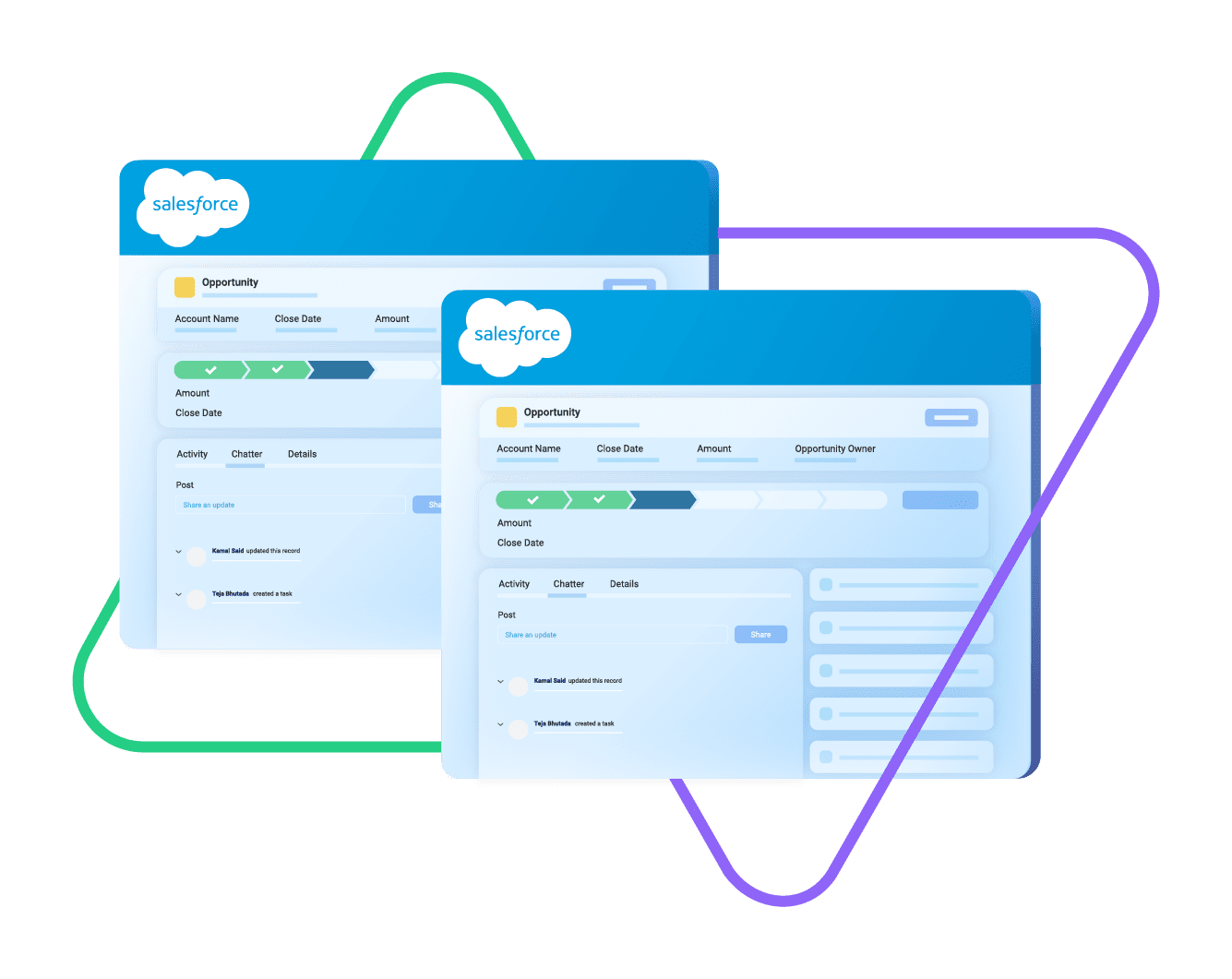
Two-way Sync Between Multiple Salesforce Instances
Exalate is the most complete & flexible synchronization solution for Salesforce. Supports both local syncs as well as synchronization across multiple Salesforce instances.
Psst, our customer support is legendary, we’re trusted by some of the biggest companies in the world.
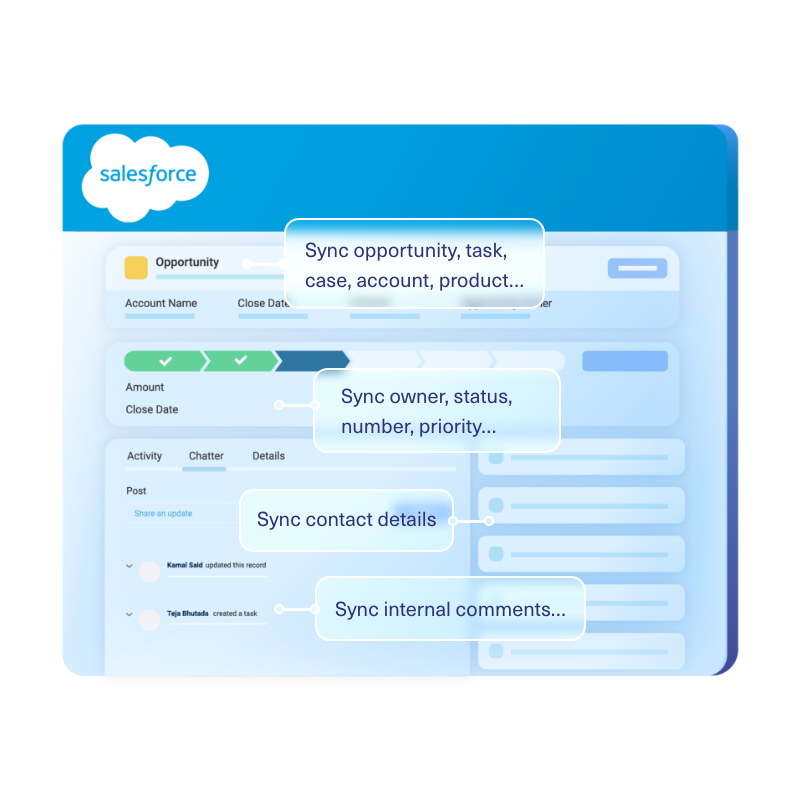
sync opportunity, case, taks, account, product...
sync owner, status, number, priority...
sync contact details, internal comments...
sync opportunity, case, taks, account, product...
sync owner, status, number, priority...
sync contact details, internal comments...







Sync Any Data Between Multiple Salesforce Instances
Map standard and custom Salesforce objects any way you want.

Salesforce
Case
All fields are supported, including:
- Custom fields
- Account Name
- Asset
- Business Hours
- Case Owner
- Contact Email
- Escalated
- Priority
- Product
- SLA Violantion
- Type
Problems
All fields are supported, including:
- Close Date
- Contract
- Delivery/Installation Status
- Description
- Lead Source
- Order Number
- Opportunity Score
- Price Book
- Probability
- Tracking Number
Change Requests
All fields are supported, incuding:
- Account Owner
- Annual Revenue
- Billing Address
- Customer Priority
- Parent Account
- SIC Code
- Tradestyle
- Upsell
- Year Started
Sync any Salesforce entity
Exalate for Salesforce allows syncing all the available objects and their fields within the Script connection. This page only shows the most popular and widely used objects and their fields.
Check the full list of supported fields for Salesforce and for Jira
How it Works
Connect
Easily connect multiple projects, instances, and platforms. With local, or external partners.
Customize
Set your sync rules to make sure the right data is shared.
Prompt Exalate’s AI to generate rules, or fine-tune with Groovy-based custom mappings and logic for complete control.
Automate
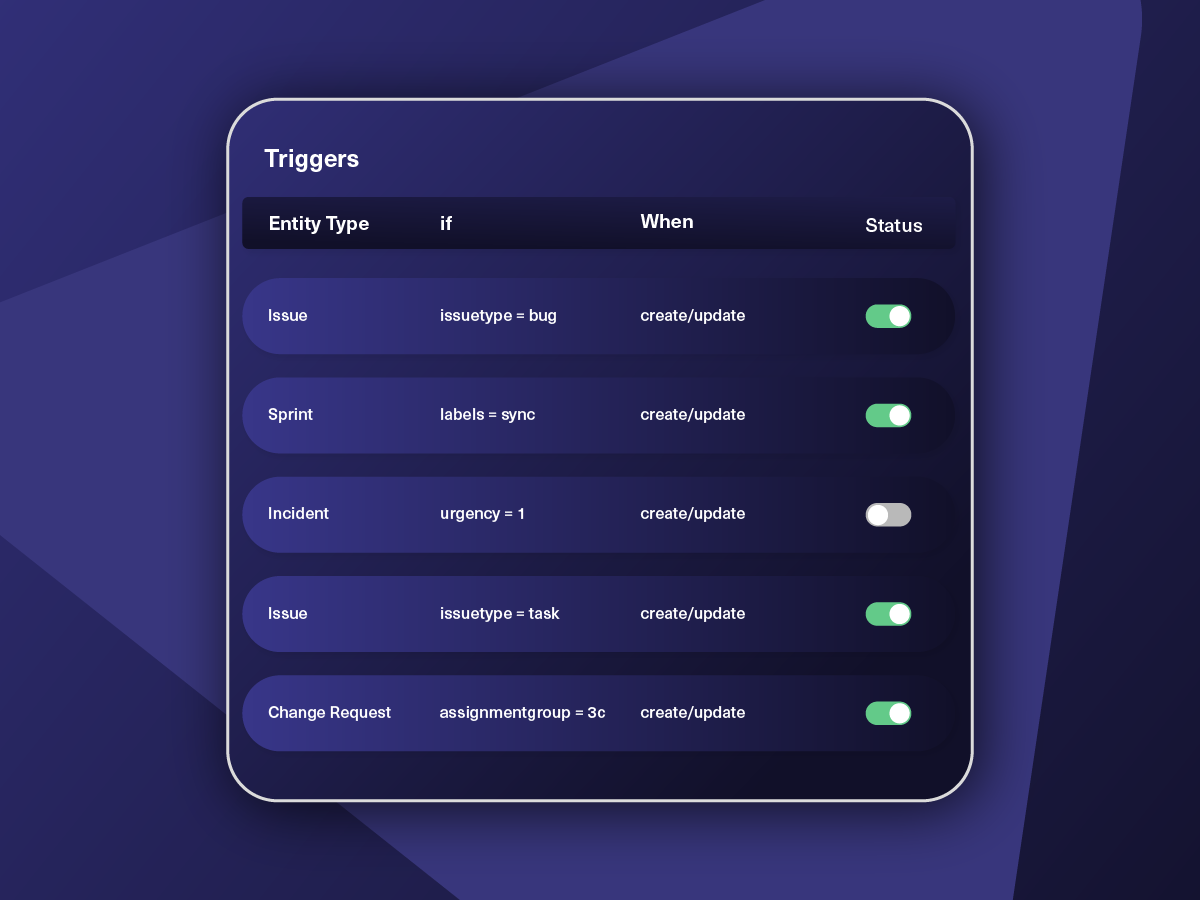
Set triggers to automate your sync based on specific conditions.
Synchronize
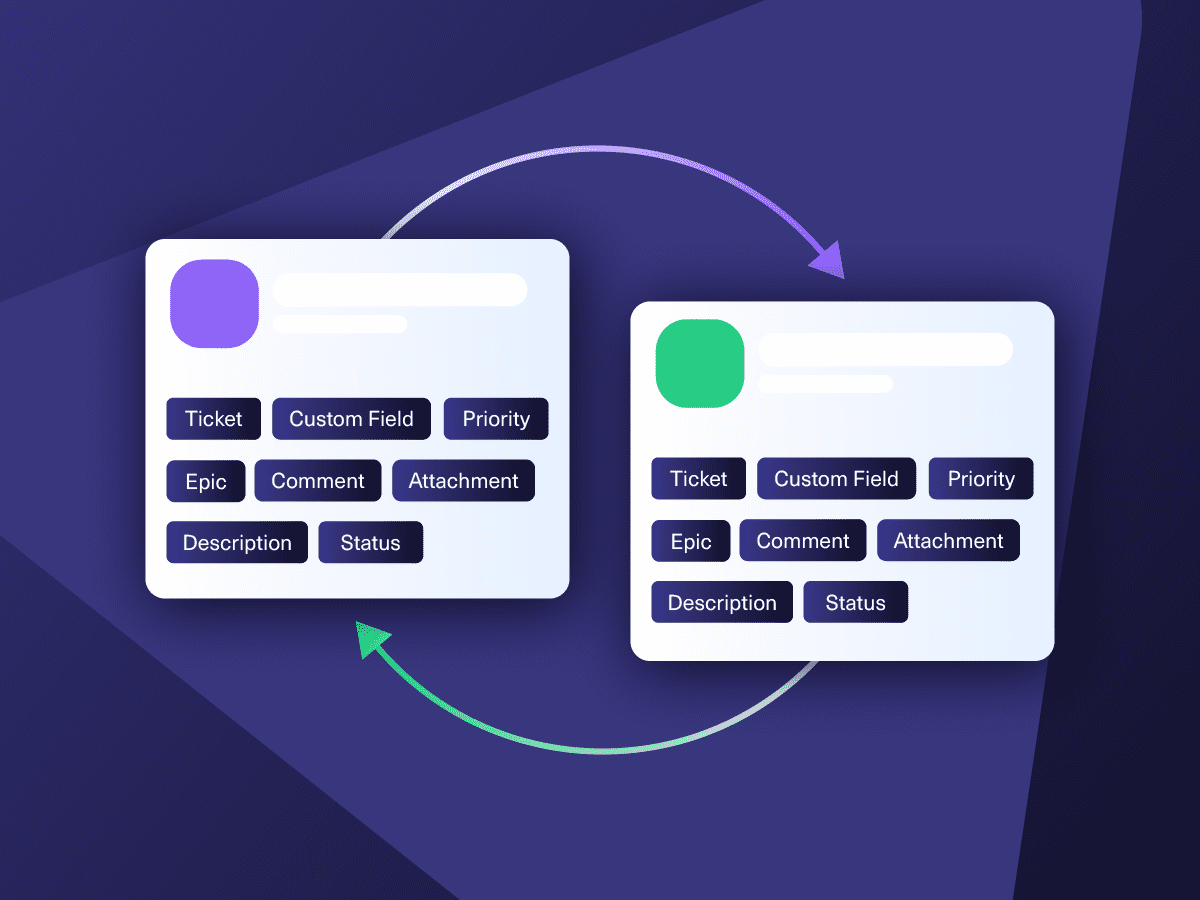
Now your connected instances will exchange information automatically. Happy syncing!
Get the Most Out of Your Integration
Sync in Real-Time
Two-way, real-time sync between platforms. Updates flow automatically. No manual exports, no delays.

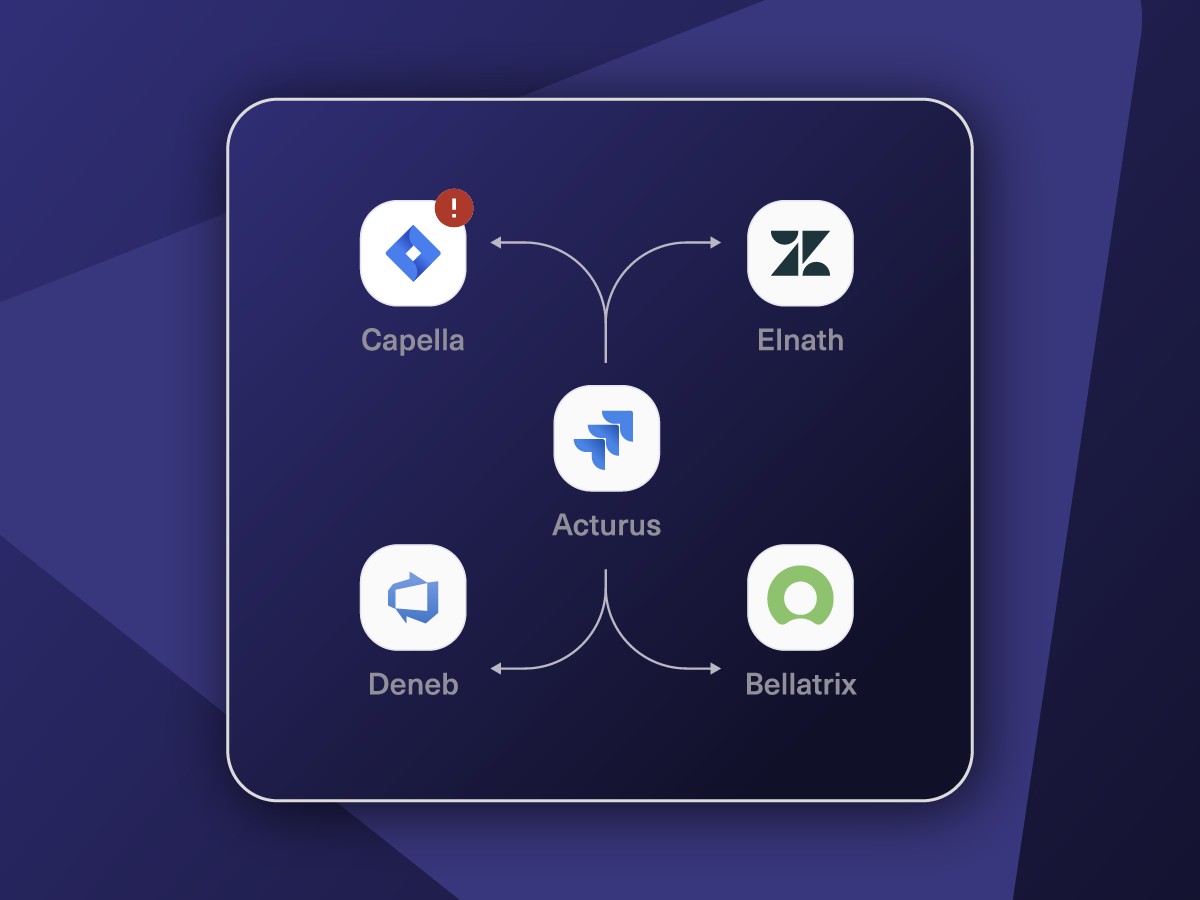
Connect Any Number of Instances
Connect multiple projects, instances, and platforms. Use different rules for each connection.

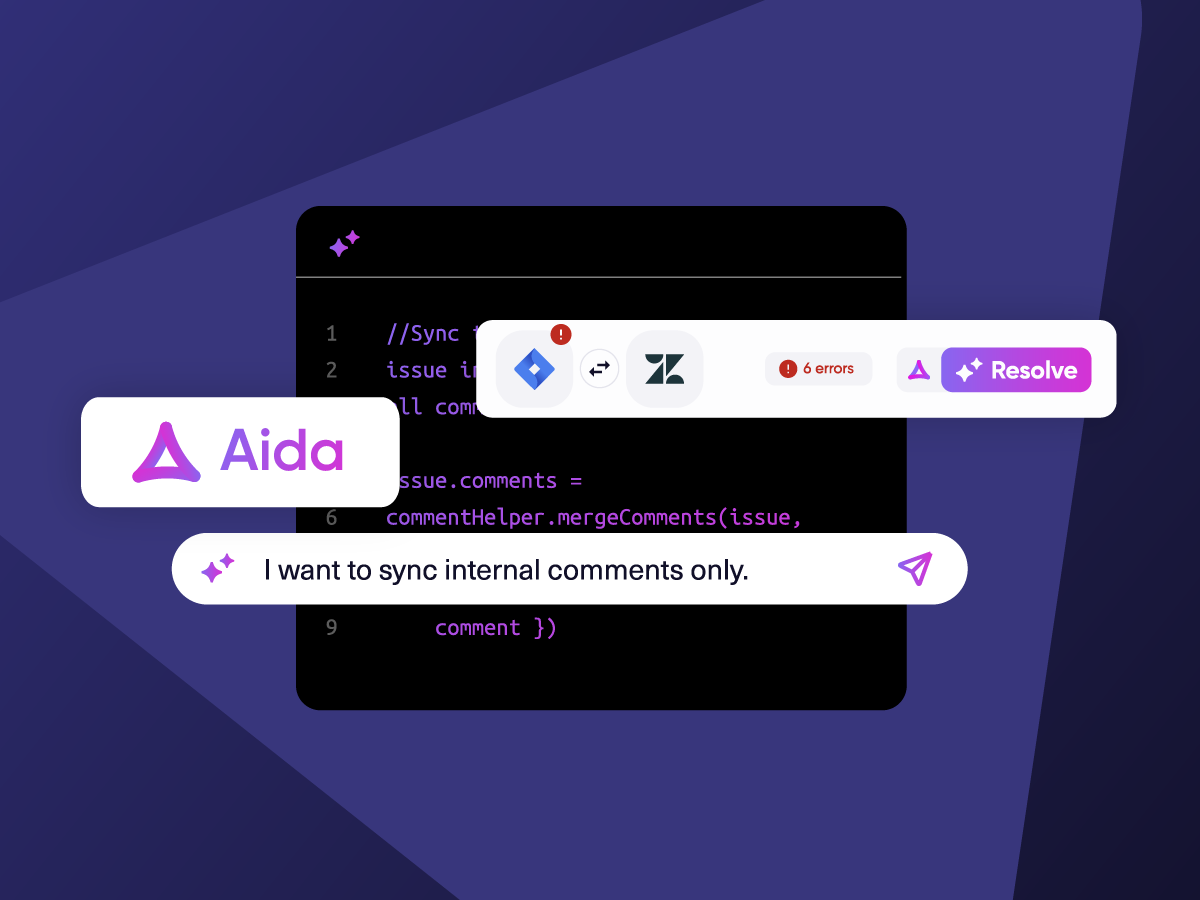
Know What Failed and Why
Get AI-powered recommendations for resolving the issue, including possible fixes and next steps.

AI Assisted SetUp
Describe your integration goal. Aida reviews your sync rules and connector type, then suggests script changes

Only Sync What Matches
Set various conditions for automatic synchronization.


Sync Visibility, Right Where You Work
Check the real-time status of your active syncs, spot failures, and trigger a manual push. All from a browser extension, without opening the Exalate console.

ai assisted script
Your Integration, Your Rules
Full Control, Boosted by Aida AI
Exalate comes with default sync rules, that can be adapted to your specific needs.
Build your unique integration rules with just a few lines of Groovy Script – or a few prompts.
- Deepen, change, adjust sync rules easily
- Control outgoing and incoming data on each side
- Simply mirror or customize mappings
- Track changes with version history
- Move confidently with draft mode
“
We can do almost anything we want with the sync thanks to its groovy script.
I can say I haven’t seen any other apps as flexible as Exalate.
Daniel Miks

Pricing Built for Scale, Not Surprises
Exalate offers a 30-day Free Trial
Pro
Organizations needing enterprise systems
starts atThis is the entry price for the lowest-cost integration. Your price depends on which systems you connect, items in sync, environments, SLA/support, and add-ons. To get a tailored quote, contact sales.
$
550
/mo
Billed annually
Enterprise
Large-scale deployments with custom requirements
Let's talk
Get in touch for your custom pricing














& more
See the New Exalate in Action
Let us show you how Exalate can fit your unique business needs.
+2,500 clients worldwide


A truly Flexible Synchronization Solution