
flexible two-way sync
Jira GitHub Issue Integration
Use a reliable Jira GitHub integration to connect teams internally and across companies. Seamlessly sync issues and work itens between the two platforms. Give each side full transparency and control over their shared data.
Break down silos by bidirectionally integrating Jira and GitHub.
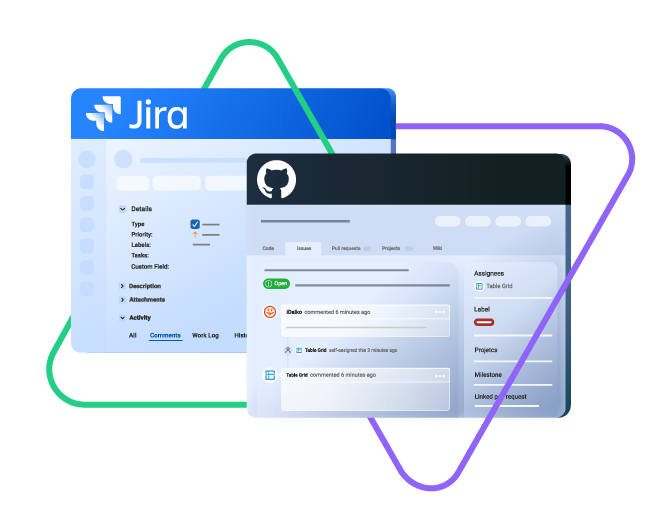
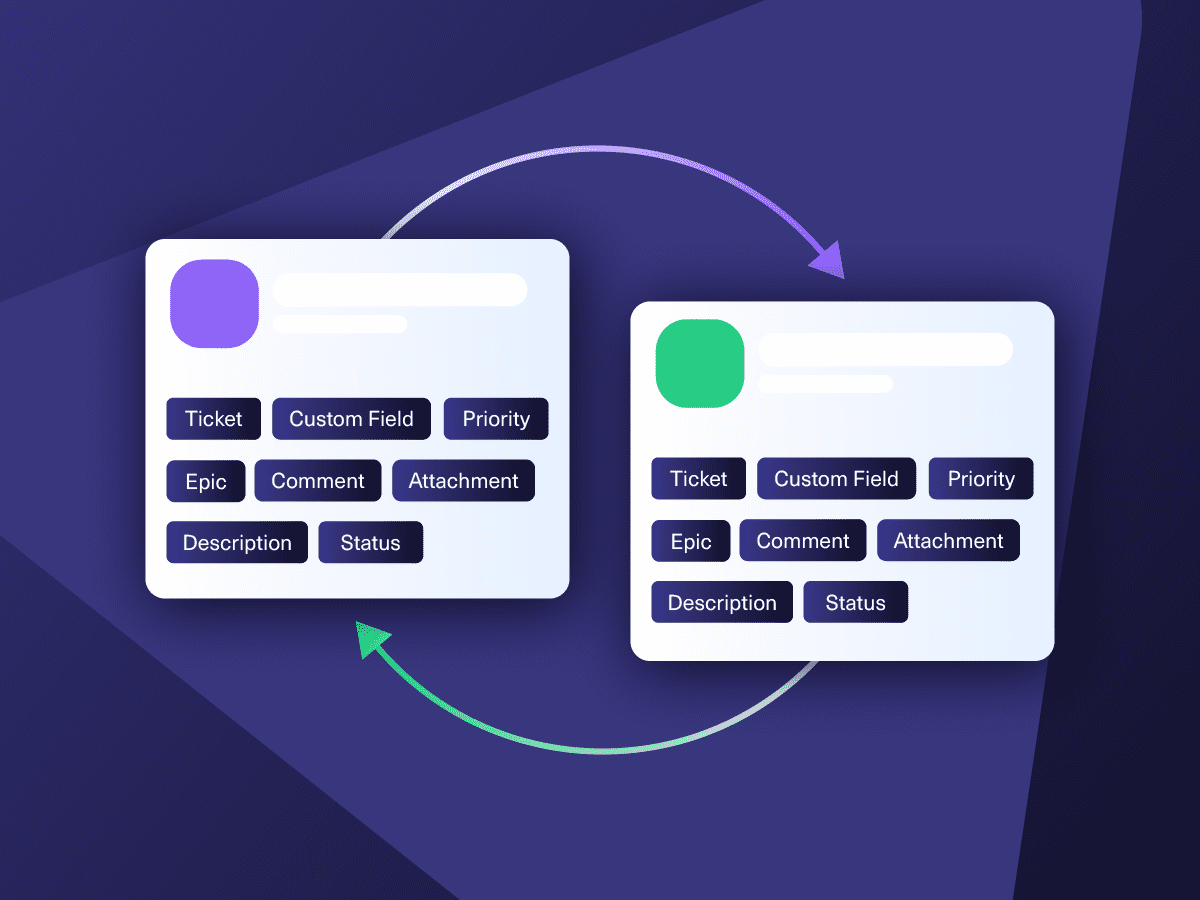
sync issue types, labels, priority, status...
sync any custom fields, attachments...
sync comments, worklogs, history...
Sync title, issue body, comment...
sync users, assignees...
Sync milestones, close, created date...
Start for free









Seamless Integration For Increased Productivity
Increase the efficiency and productivity of cross-team and cross-company collaborations. Use triggers and custom sync rules to automate integrations between Jira and GitHub.
Unidirectional and bidirectional syncs from either Jira or GitHub
Seamless workflows for devs working with GitHub and support agents using Jira.
Smooth error handling and automatic restarts
Custom triggers for better sync control
Unlimited sync capacity for Jira works (issues), sprints, etc.
Tailor the integration to your unique business processes.
Sync Entities Between GitHub and Jira
Decide what gets synced and what doesn’t. Your sync, your rules. Configure fields precisely using one or two-way mappings.

Github
Issues
+14 fields are supported, including:
- Custom fields
- User (reporter)
- Description
- Comment
- Labels
- Status
- Milestones
- Assignees
- Repository full name
- Pull Requests

Jira
Jira Software (Cloud and Data Center)
Jira Service Management
Work Items (Issues)
(Bugs, Tasks, Stories…)
+40 fields are supported, including:
- Custom fields
- Summary
- Status
- Description
- Key
- Comment
- Attachment
- Priority
- Third-party plugin fields (e.g Insights)
Sprints
All fields are supported, incuding:
- Name
- State
- Start date
- End date
- Complete goal
- Origin board ID
- Goal
Start for free
Get the Most out of Your Integration
Improve Team Collaboration
Start all cross-team and cross-company connections from either GitHub or Jira, whichever option you prefer. Improve the productivity of collaborations by automating workflows.
Automate Flows
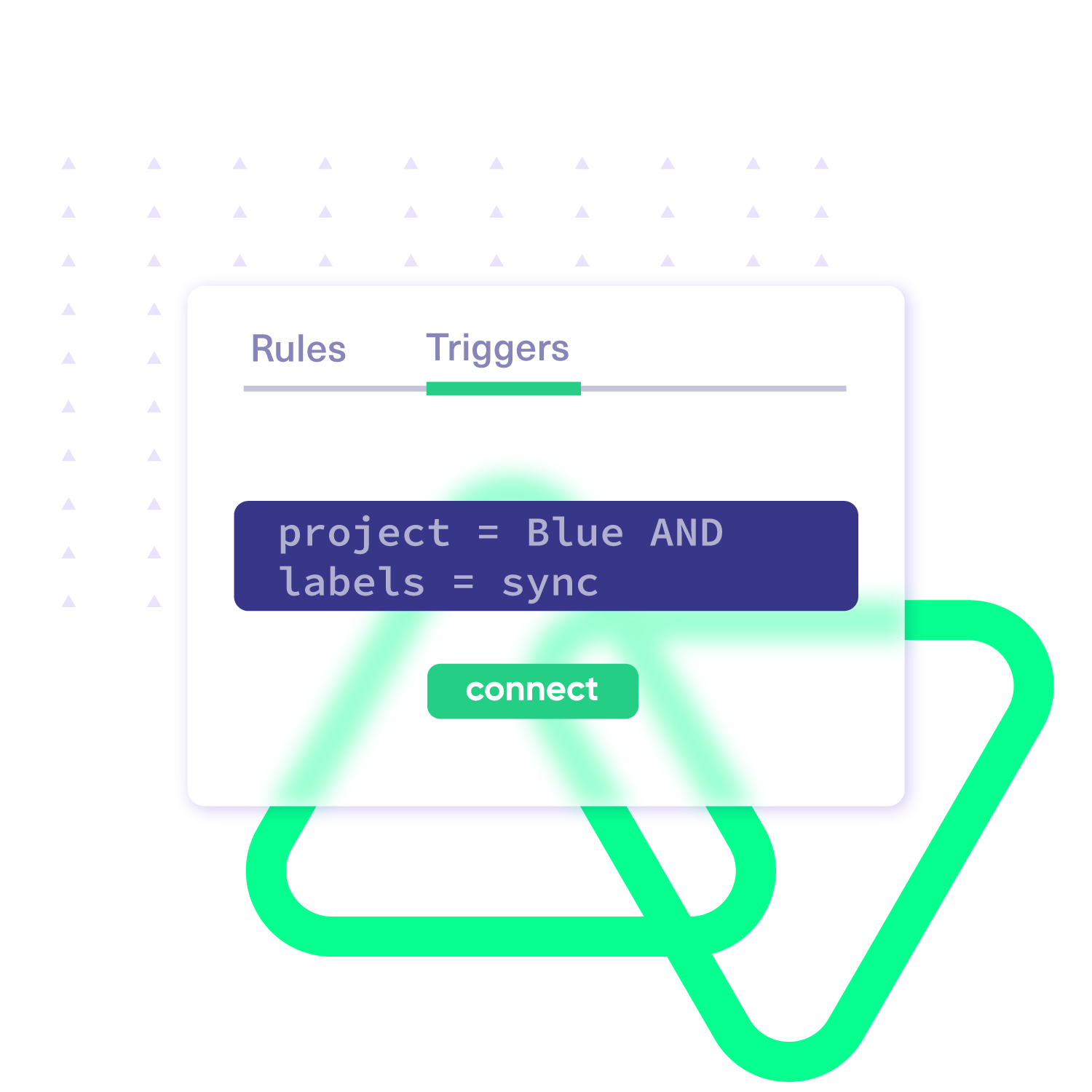
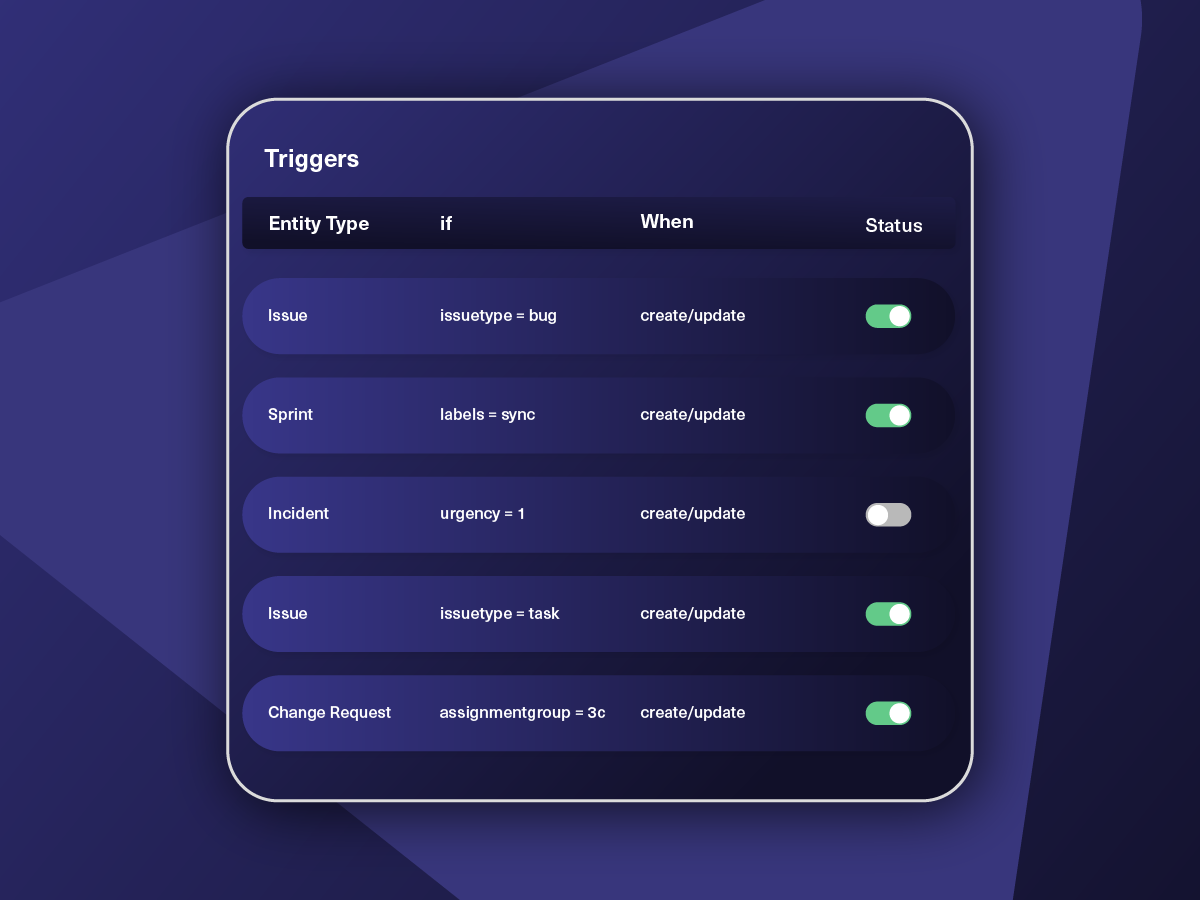
Improve the speed and accuracy of syncs by using custom automated triggers. Set up your triggers with platform-native query language to establish granular control over every sync.
Sync Operations in Bulk
Streamline your workflow using the custom Bulk Exalate and Bulk Connect features. Save time by connecting multiple existing entities with similar trigger configurations.
Fully Customizable Sync
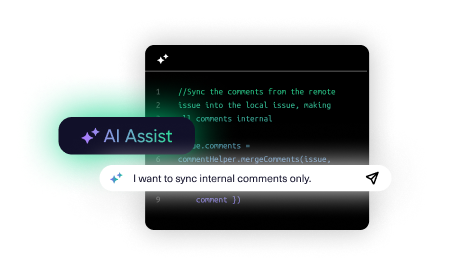
Customize and map your integration the way you want. Prompt Exalate’s AI to generate rules, or fine-tune with Groovy-based custom mappings and logic for complete control.
script mode
Your Integration, Your Rules
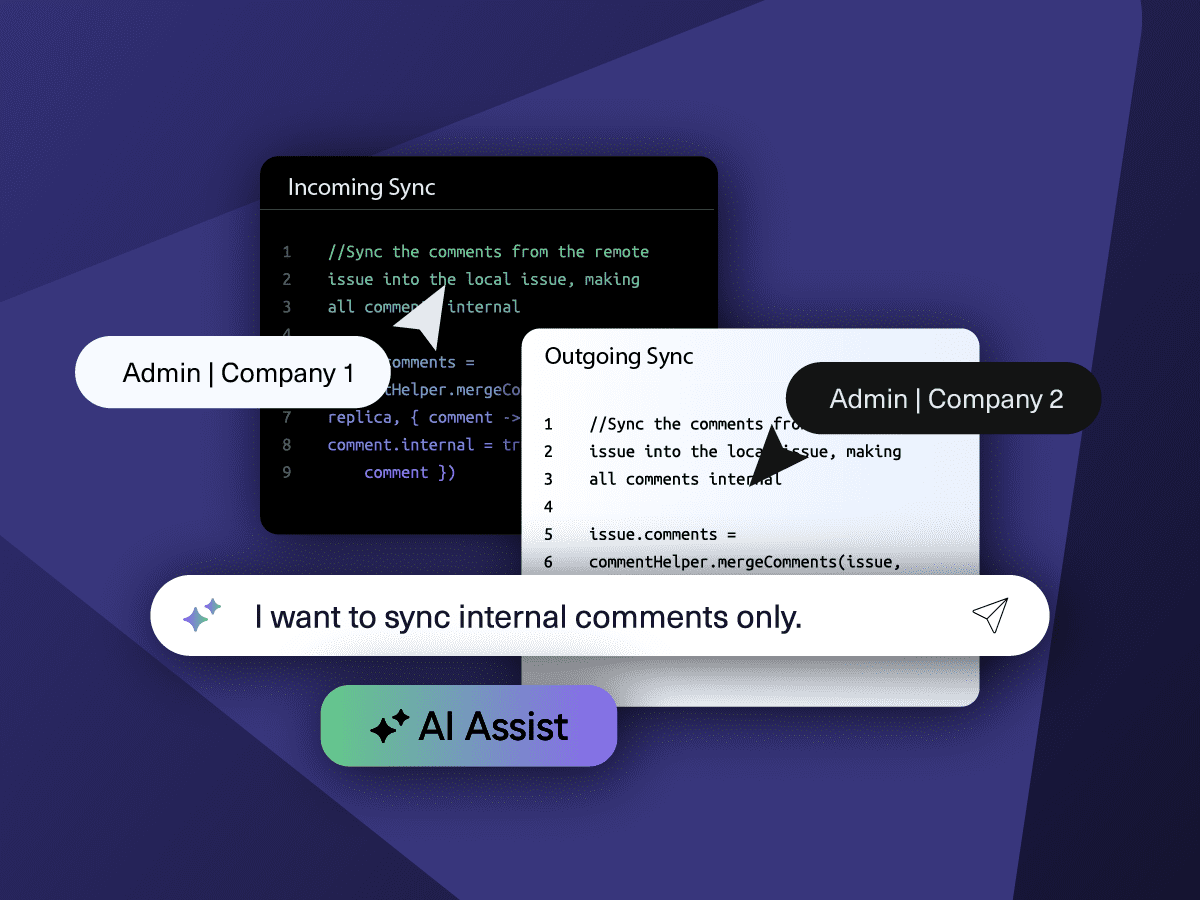
Full Control, Boosted by AI Assist
Exalate comes with default sync rules, that can be adapted to your specific needs.
Build your unique integration rules with just a few lines of Groovy Script – or a few prompts.
- Deepen, change, adjust sync rules easily
- Control outgoing and incoming data on each side
- Simply mirror or customize mappings
- Deepen, change, adjust sync rules easily
- Control outgoing and incoming data on each side
- Simply mirror or customize mappings
“
We can do almost anything we want with the sync thanks to its groovy script.
I can say I haven’t seen any other apps as flexible as Exalate.
Daniel Miks

“
We can now handle around 500 customer incidents per week, thanks to Exalate, which is a very good result regarding the number of products we’re dealing with. It synchronizes 45x faster than our previous solution.
Christof Cuyper |


Secure by Design
- Data isolation via single tenancy
- Encryption at rest and in transit
- Instant alerts for all data changes
- Automatic recovery from outages
- Secure sync with systems behind firewalls
- Granular filters to limit data exposure


How it Works
Install
Install the Exalate app on each tool you want to sync.
Connect
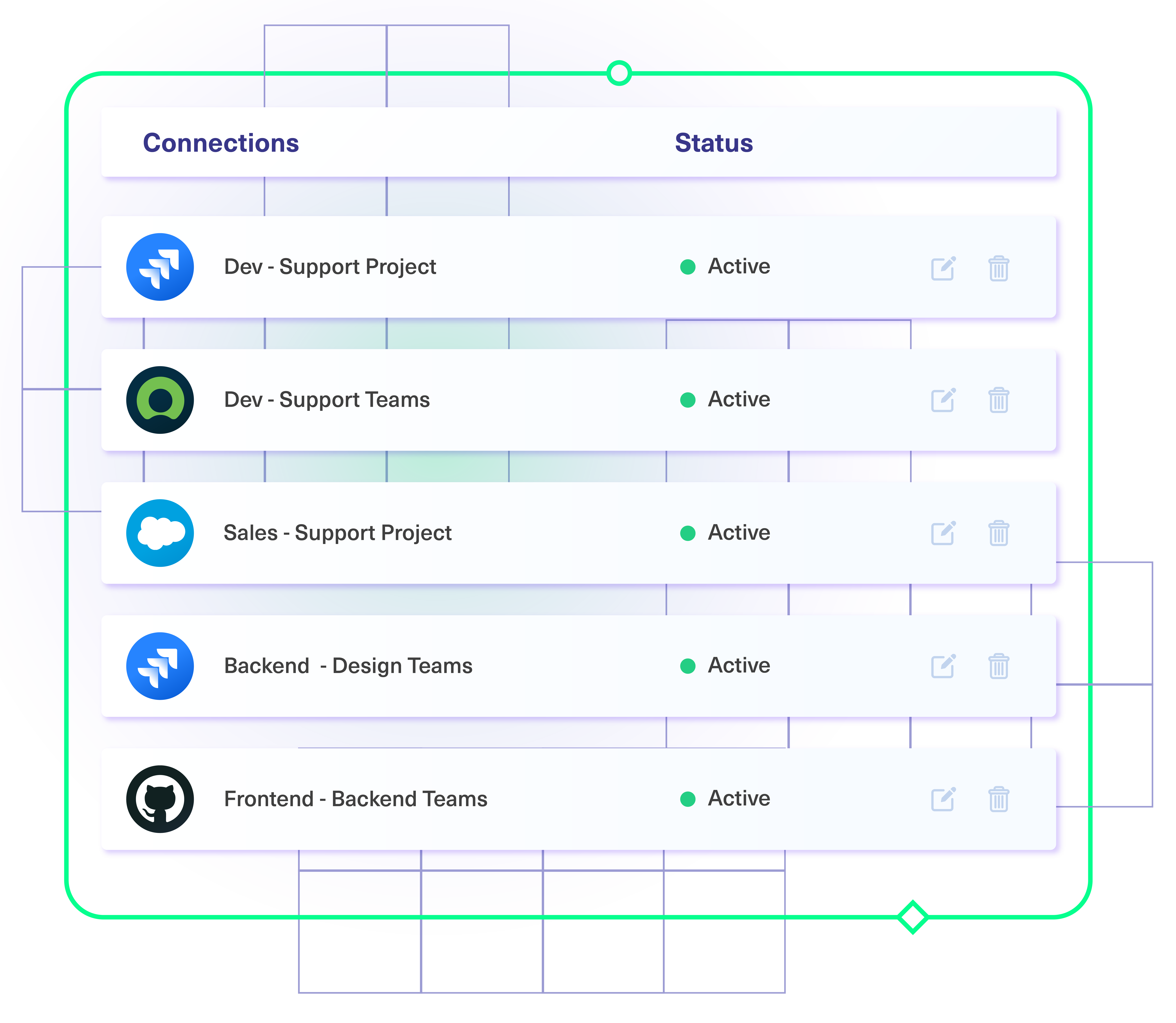
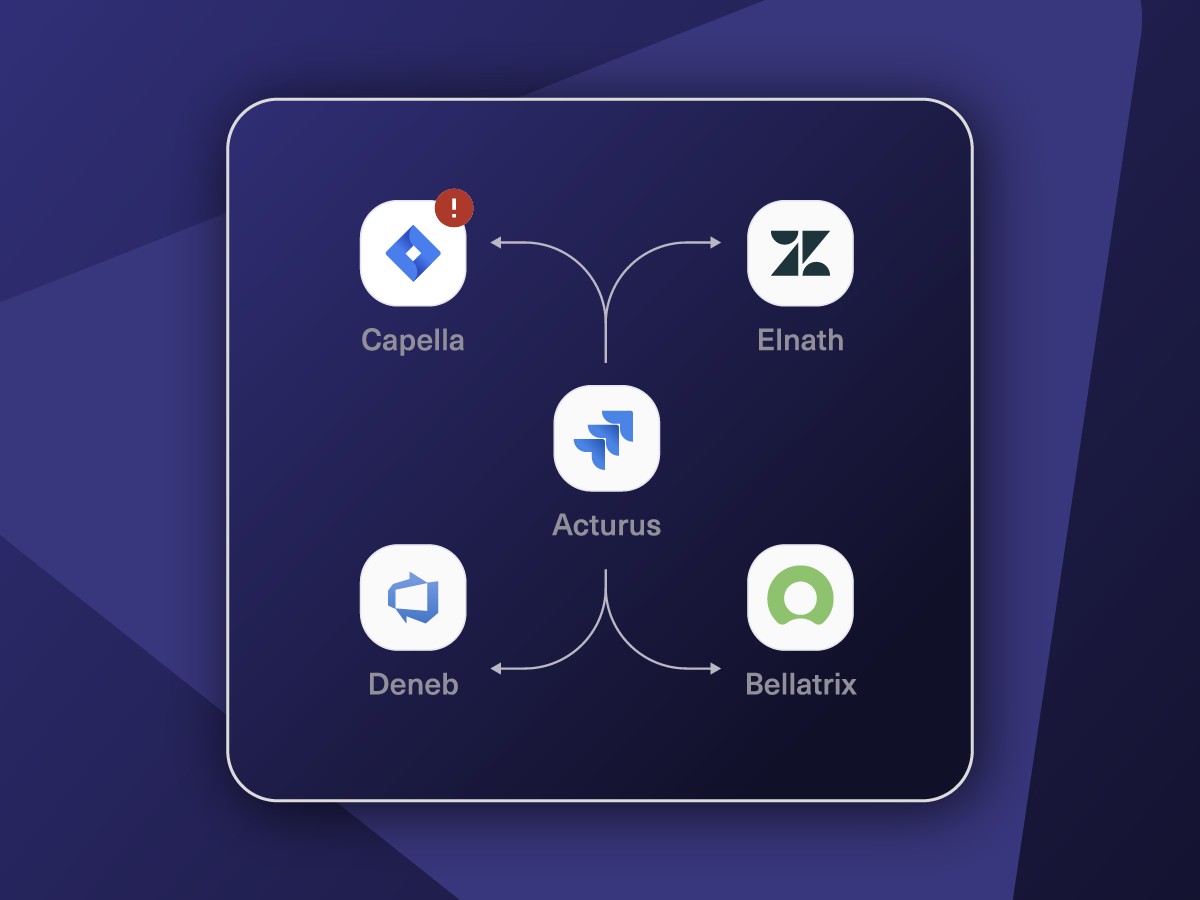
Connect multiple projects, instances, and platforms.
Customize
Set your sync rules to make sure the right data is shared.
Prompt Exalate’s AI to generate rules, or fine-tune with Groovy-based custom mappings and logic for complete control.
Automate
Set triggers to automate your sync based on specific conditions.
Synchronize
Now your connected instances will exchange information automatically. Happy syncing!

“
For us, the autonomous two-way synchronization plus the ability to map freely between the trackers stand out as the most prominent features in Exalate. The fact that you can write Groovy scripts makes it possible to do whatever you want between the environments and I think those are great features.
Gerwin Klein |

Start for Free
Exalate offers a 30-day Free Trial
Install it on both tools to begin:


+2,500 clients worldwide

FAQ
Answers to the most frequent questions.
Didn't find what you were looking for? Ask Aida
You can sync assignees, comments, issue labels, milestones, statuses, and Elements Connect fields on GitHub. On Jira, you can sync summaries, descriptions, comments, attachments, assignees, reporters, labels, priority, due dates, work logs, custom fields (check box, cascading select, group picker), components, organizations, issue links, agile boards, versions, etc.
Jira sends data as a Wiki, while GitHub uses Markdown. To handle the formatting differences, Exalate uses converters (called Transformers) to change the incoming or outgoing data to the corresponding format on either side of the sync. Transformers can convert HTML to Wiki, Markdown to Wiki, or Wiki to HTML.
Any team or company with a dev team and a customer support team can use Exalate to automate development and service workflows between GitHub and Jira Service Management, respectively. In general, organizations that want to share data between GitHub and Jira can use Exalate to automate this connection.
There is no way to replicate the Jira issue hierarchy in your GitHub repository by default. However, you can use Exalate’s custom mappings to establish a similar Epic-Child relationship within your GitHub issue.
Exalate’s no-code Basic Mode is free to install and use for simple synchronization tasks. To get the advanced Script Mode, you need to buy the Premium Plan after a 30-day trial.
We offer Standard and Premier Support to our customers depending on their needs and the running service-level agreement. As part of our Premier Support, we’ll assign a dedicated support agent to assist with your problem. You’ll also get up-to-date progress reports about critical production issues.
Exalate has a built-in error recovery mechanism that allows you to fix problems and resume synchronization from the moment it fails. You can use the troubleshooter to examine the error stack trace to determine if the error occurred at the entity, connection, or application levels.
Yes, Exalate has a single-tenant architecture, which isolates your infrastructure and minimizes the risk of information leakage. When you deploy a node on the Exalate Cloud, it runs inside a ‘Kubernetes pod’ configured to prevent information leaks. You can also add a firewall as extra protection.
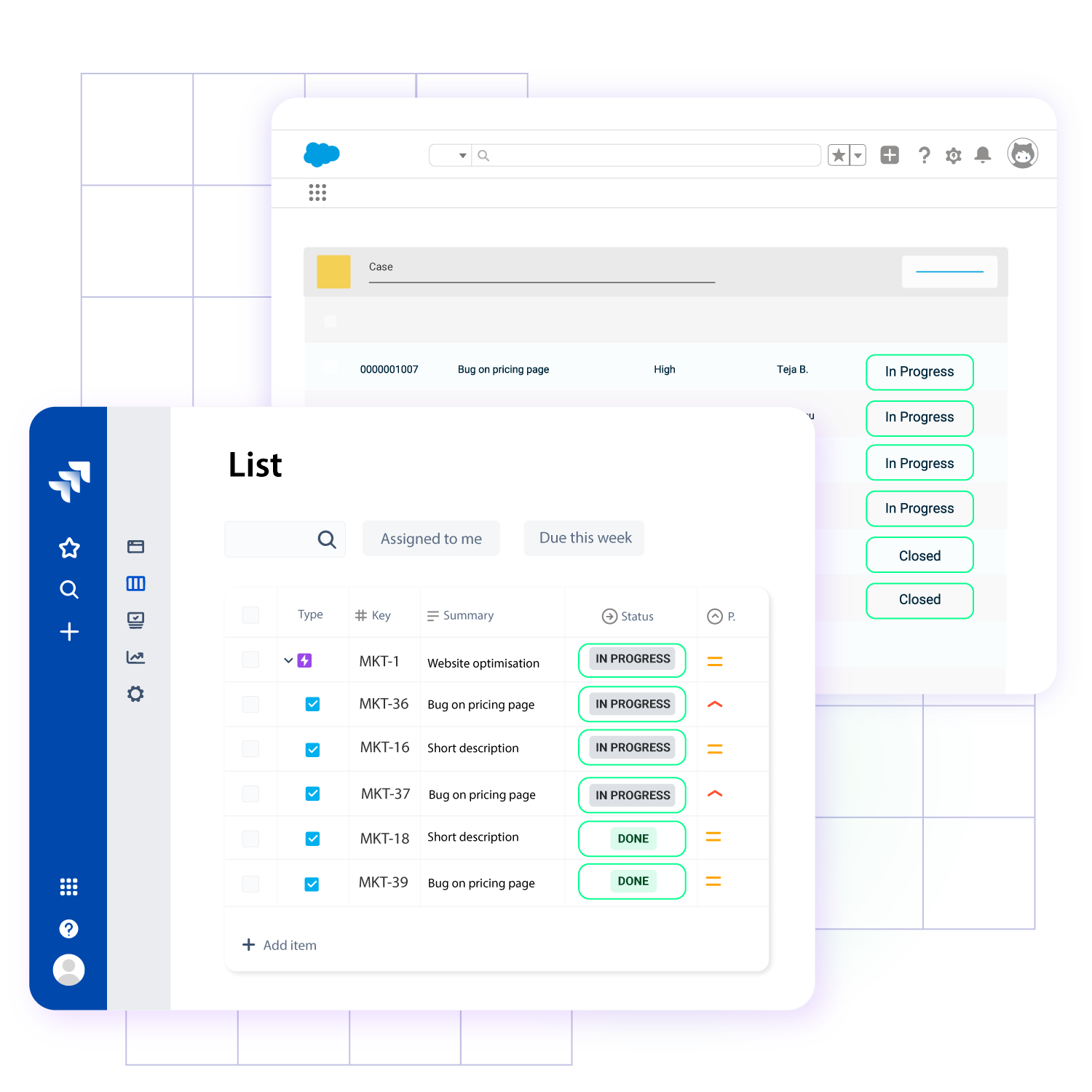
Yes, you can use Exalate to connect multiple Jira and GitHub instances. This integration solution helps to streamline collaboration between developers, salespersons, marketers, and support agents. Exalate also supports other ITSM tools like ServiceNow, Zendesk, Salesforce, and Azure DevOps.