
Two-way Freshdesk Jira Integration
Keep customer support agents in sync with dev teams, by connecting Jira issues with Freshdesk tickets. Eliminate delays and get real-time updates across both platforms.
- Automatically sync ticket and issue updates
- Cut resolution time and manual overhead
- Streamline workflows and improve collaboration
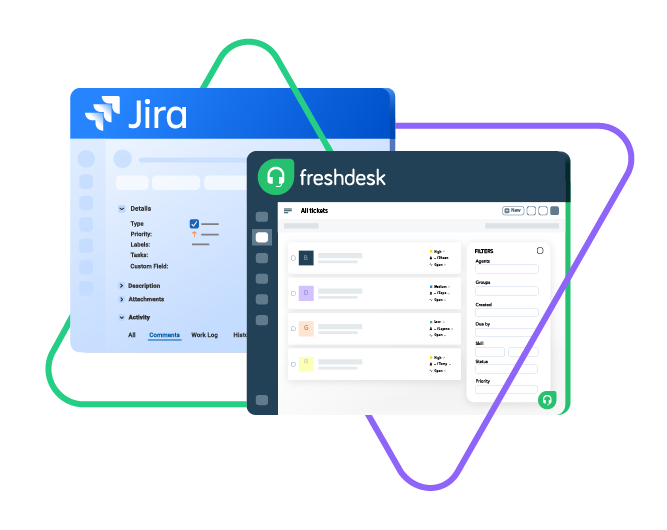
Sync type, title, creator...
sync status, description, priority...
sync attachments, custom fields...
sync comments...
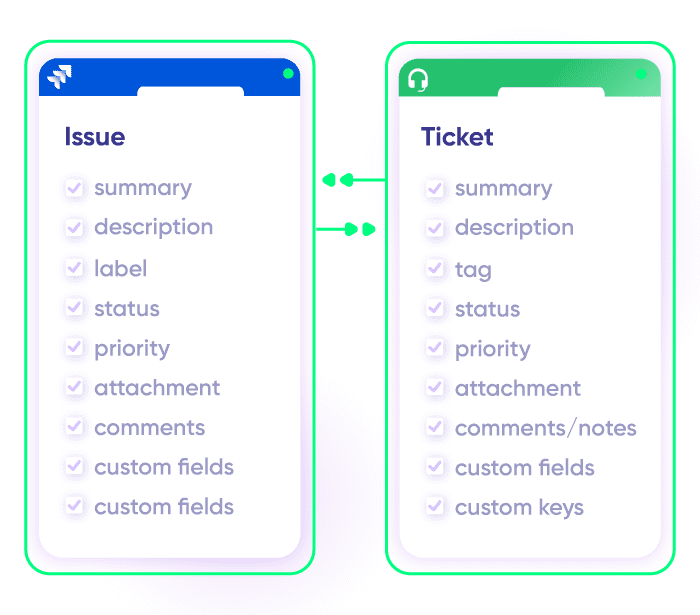
Sync summary, description, labels...
Sync status, priority, attachments,
Sync phone, notes, custom fields, custom keys...








Get Direct Context Without Switching Tools
Automate your Freshdesk Jira integration to keep customer support and dev teams aligned. Improve transparency, customer satisfaction, retention, and revenue.
Ensure smoother workflows and faster resolutions.
Track Freshdesk ticket progress across L1, L2, and L3 support, within your tool.
Seamlessly connect your internal Jira with outsourced support teams using Freshdesk.
Instantly transform customer tickets into actionable Jira issues.
Automate syncs to eliminate handovers and improve efficiency.
Link multiple related Freshdesk tickets to a single Jira issue for streamlined resolution.
Get accurate reports on key metrics, from resolution times to customer satisfaction.
Sync Anything and Everything You Need
Sync all or a subset of Freshdesk tickets with full flexibility.
You have complete control over what gets synced, ensuring sensitive data stays private.
Choose one-way or two-way mapping and tailor fields to your exact specifications.

Jira
Jira Software (Cloud and Data Center)
Jira Service Management
Work Items (Issues)
(Bugs, Tasks, Stories…)
+40 fields are supported, including:
- Custom fields
- Summary
- Status
- Description
- Key
- Comment
- Attachment
- Priority
- Third-party plugin fields (e.g Insights)
Sprints
All fields are supported, incuding:
- Name
- State
- Start date
- End date
- Complete goal
- Origin board ID
- Goal

Freshdesk
Freshdesk
9 fields are supported:
- Custom fields
- Summary
- Status
- Description
- Type
- Priority
- Labels
- Comment
- Attachment
“
Exalate is stable, flexible, customizable, and pretty easy to set up and use.
ALEXANDER SINNO

How it Works
Connect
Easily connect multiple projects, instances, and platforms. With local, or external partners.
Customize
Set your sync rules to make sure the right data is shared.
Prompt Exalate’s AI to generate rules, or fine-tune with Groovy-based custom mappings and logic for complete control.
Automate
Set triggers to automate your sync based on specific conditions.
Synchronize
Now your connected instances will exchange information automatically. Happy syncing!
Get the Most Out of Your Integration
Sync in Real-Time
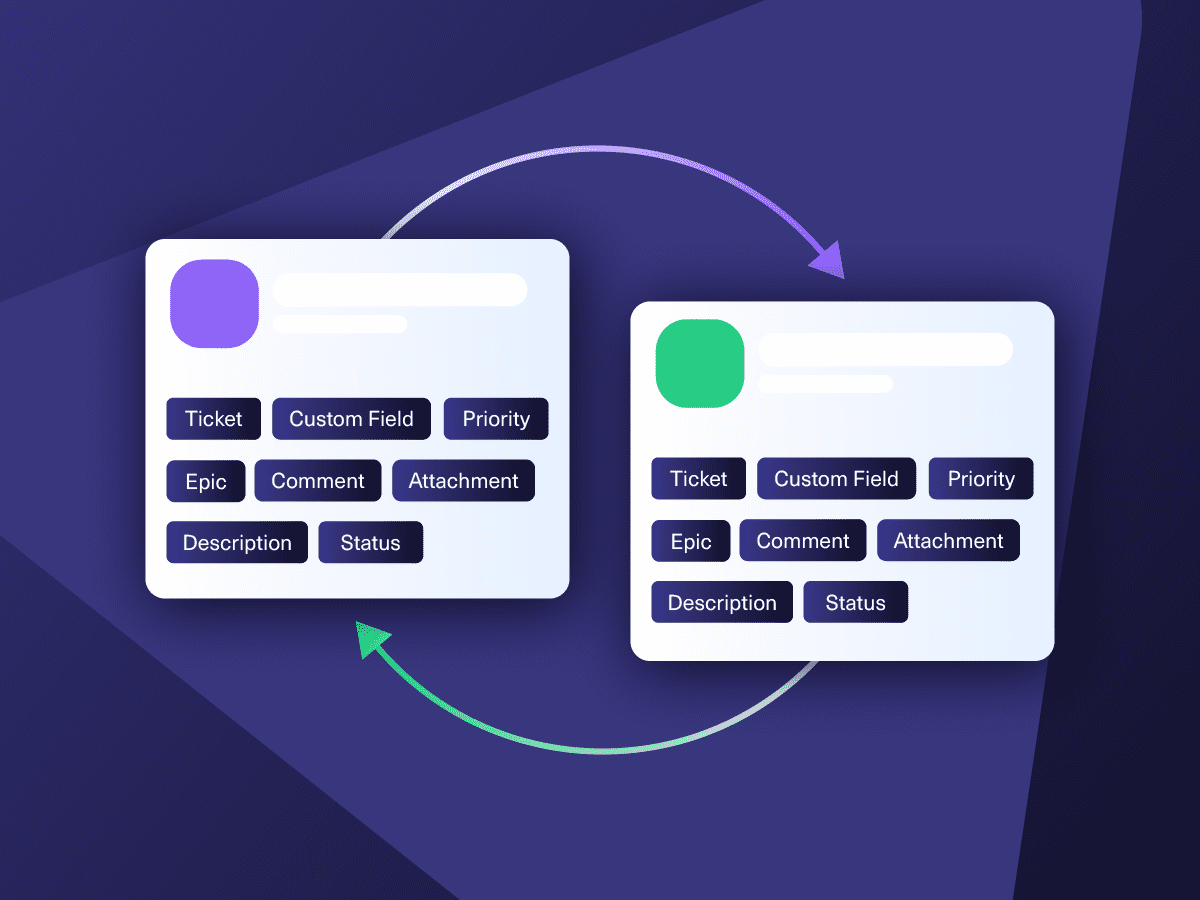
Two-way, real-time sync between platforms. Updates flow automatically. No manual exports, no delays.

Connect Any Number of Instances
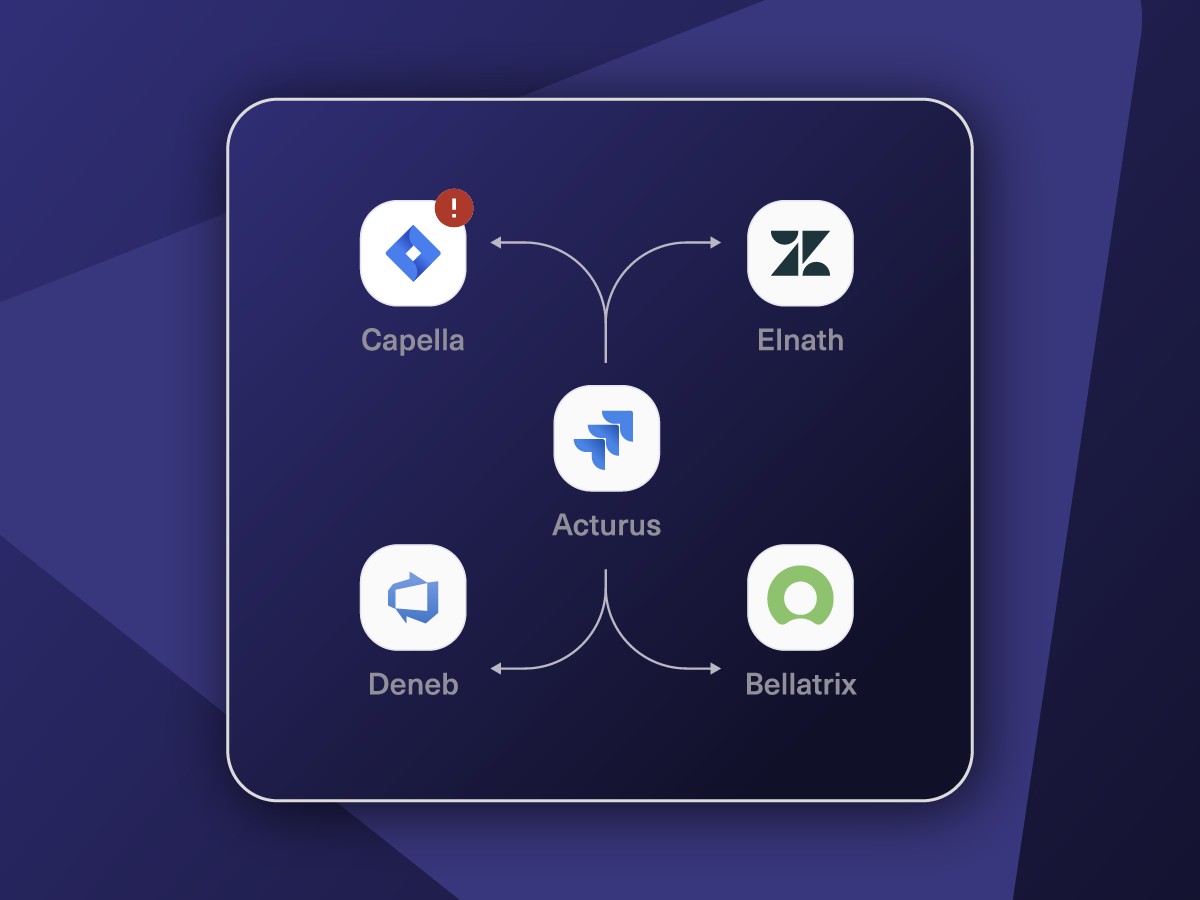
Connect multiple projects, instances, and platforms. Use different rules for each connection.

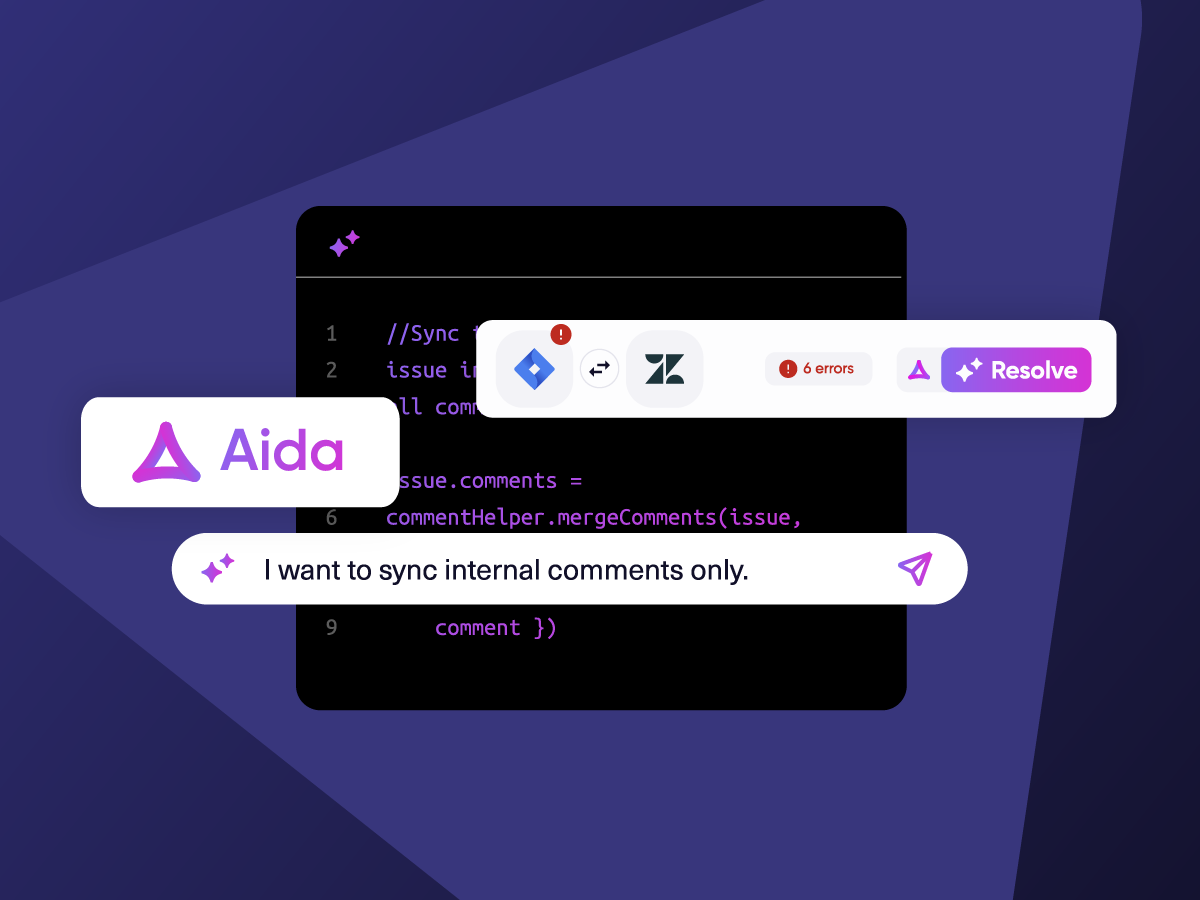
Know What Failed and Why
Get AI-powered recommendations for resolving the issue, including possible fixes and next steps.

AI Assisted SetUp
Describe your integration goal. Aida reviews your sync rules and connector type, then suggests script changes

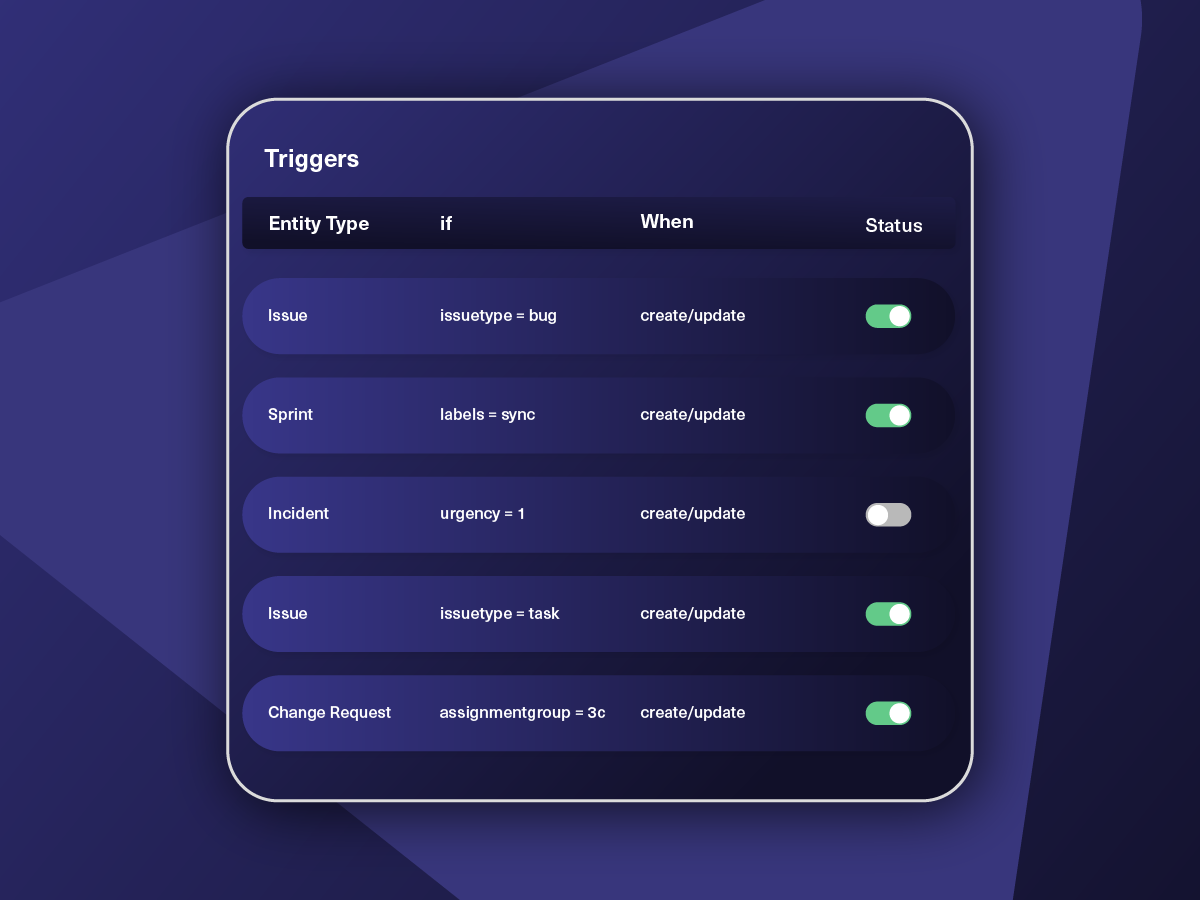
Only Sync What Matches
Set various conditions for automatic synchronization.


Sync Visibility, Right Where You Work
Check the real-time status of your active syncs, spot failures, and trigger a manual push. All from a browser extension, without opening the Exalate console.

“
We can now handle around 500 customer incidents per week, thanks to Exalate, which is a very good result regarding the number of products we’re dealing with. It synchronizes 45x faster than our previous solution.
Christof Cuyper |

ai assisted script
Your Integration, Your Rules
Full Control, Boosted by Aida AI
Exalate comes with default sync rules, that can be adapted to your specific needs.
Build your unique integration rules with just a few lines of Groovy Script – or a few prompts.
- Deepen, change, adjust sync rules easily
- Control outgoing and incoming data on each side
- Simply mirror or customize mappings
- Track changes with version history
- Move confidently with draft mode
“
We can do almost anything we want with the sync thanks to its groovy script.
I can say I haven’t seen any other apps as flexible as Exalate.
Daniel Miks

From Simple to Advanced Integrations
Begin your Jira Freshdesk Integration with predefined simple templates. Expand the sync as your use case grows.
Sync Any Data, Your Way
Sync new or existing Freshdesk tickets with Jira issues. Have full control over what and how data flows. Set up one-way or two-way syncs for statuses, priorities, attachments, labels, notes, and more—including historical data.
Escalate Freshdesk Ticket as a Jira Issue or Bug
When a Freshdesk ticket requires dev attention, it automatically creates a Jira issue. Any updates in Jira can sync back to Freshdesk, keeping support agents informed.
Streamline Outsourced Services with MSP Integration
For MSPs managing multiple clients, a Freshdesk-Jira integration ensures each client’s tickets sync to the right Jira project. Automate ticket routing and status updates for smoother service delivery.
Set Up a Freshdesk Jira Service Management Integration
Integrate Freshdesk with Jira Service Management to gain complete control over your ITSM integration. Support teams can collaborate across platforms, track tickets in real time, and resolve incidents faster without switching tools.
Enhance Visibility and Reporting with Real-time Data Sync
Gain complete visibility into ticket progress by syncing Freshdesk and Jira. Track key metrics like resolution times and service performance across platforms. Use Jira’s reporting to analyze Freshdesk data, enabling data-driven decision-making and continuous service improvement.
Preserve Rich Text Formatting Across Platforms
Ensure notes and descriptions stay clear and structured when syncing between Freshdesk and Jira. Maintain bold, italic, underlined text, lists, links, dividers, and text colors, so nothing gets lost in translation.
Map Multiple Related Freshdesk Tickets to a Single Jira Issue
Map multiple related Freshdesk tickets as a single Jira bug or issue to avoid duplication or confusion. Stay in your environment and get timely updates on related bugs or incidents.
Pricing Built for Scale, Not Surprises
Exalate offers a 30-day Free Trial
Starter
Small teams with straightforward synchronization needs
Scale
Growing teams with moderate synchronization volume
Pro
Organizations needing enterprise systems
pricing per integration starts atThis is the entry price for the lowest-cost integration. Your price depends on which systems you connect, items in sync, environments, SLA/support, and add-ons. To get a tailored quote, contact sales.
$
550
/mo
Billed annually
Enterprise
Large-scale deployments with custom requirements
Let's talk
Get in touch for your custom pricing














& more
See the New Exalate in Action
Let us show you how Exalate can fit your unique business needs.
trusted by clients worldwide

FAQ
Answers to the most frequently asked questions
You can sync multiple Freshdesk ticket fields like summary, description, attachments, labels, priorities, statuses, custom fields, and custom keys. For Jira, you can sync any issue and sprint fields. The most common issue fields are summary, issue type, description, attachments, labels, priorities, statuses, and custom fields. If you don’t see the fields or entities that you need to sync, please let us know.
There are a lot of possibilities with Exalate’s Groovy-based script mode and you can sync almost any field available via REST APIs.
You can use Exalate’s no-code Basic mode for simple scenarios and sync up to 1000 entities per month for free. For the advanced Script mode, you need to buy the premium plan after a free 30-day trial.
The price varies according to your use case. For a quote, talk to our team via the live chat.
Yes, you can install Exalate for Freshdesk and Jira on Docker. You can also deploy Exalate for Jira on-premise and it is available for all Jira products like Jira Service Management, Jira Work Management, etc. You can set up private connections for instances behind firewalls.
We offer both Standard and Premier Support options. Premier Support gives you a dedicated support engineer, assistance with configurations, enhanced SLAs, and more. We also provide a specialized Exalate for Service Providers package to help you connect seamlessly with service providers and build a strong collaboration network.
Yes, you can use Exalate to map multiple related Freshdesk tickets to a single Jira issue. This situation is helpful when customers raise tickets concerning the same issue or bug. In this case, you can map these tickets to a single Jira issue to avoid duplication and confusion.