
Zero Downtime ITSM Migration
Switch Systems With No Stress
Migrate data from one ITSM or work management system to another, while keeping entity relationships, hierarchies, and workflows intact.
Perform live migrations without disrupting your daily work.








CSV migration
This might work for simple needs, but they fall short when:
Data is interdependent (e.g., parent-child tasks, custom workflows).
You need bulk transfers or multiple projects migrated simultaneously.
With Exalate
Automate migrations and reduce manual effort:
- Migrate even complex data relationships, dependencies, and custom fields.
- Scale effortlessly for bulk data and multi-project transfers.





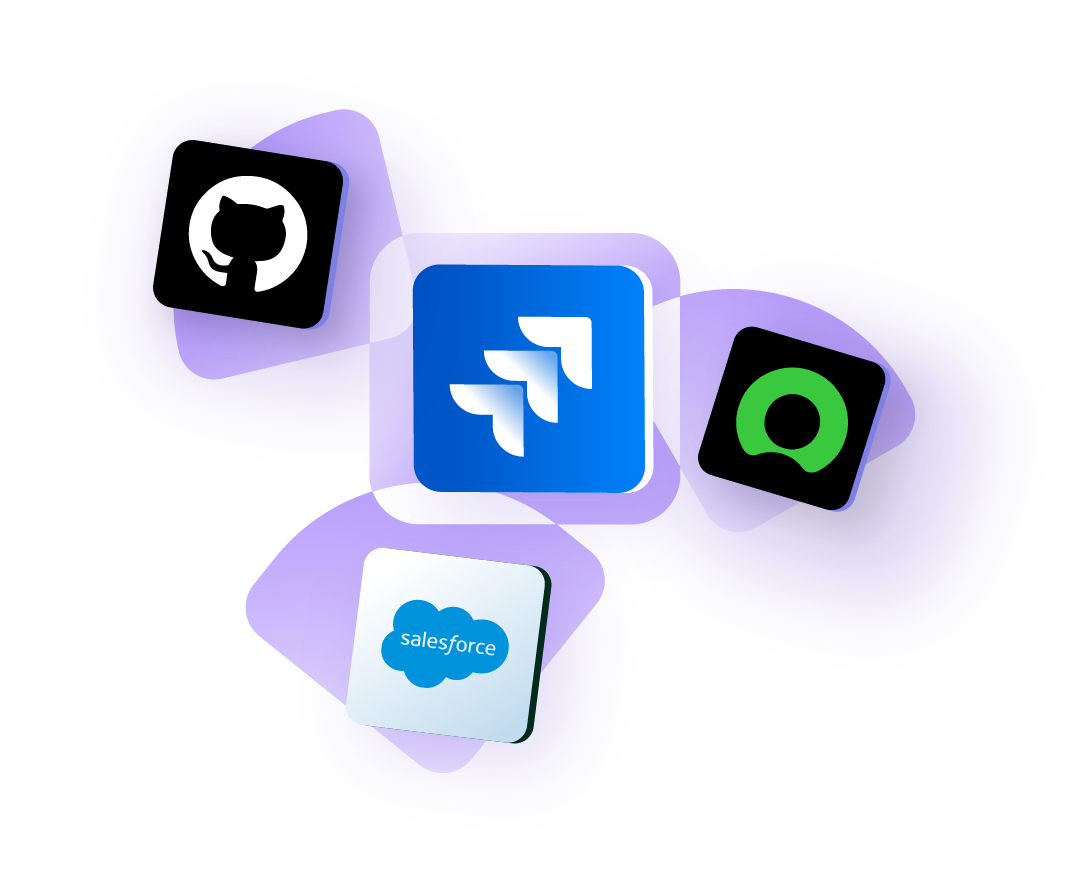
Flexible Mapping Options for Tailored Migrations
Choose exactly what data to migrate — specific fields, values, or entire sets. Exalate gives you the control you need for customized migration scenarios, saving time and reducing unnecessary data transfer.
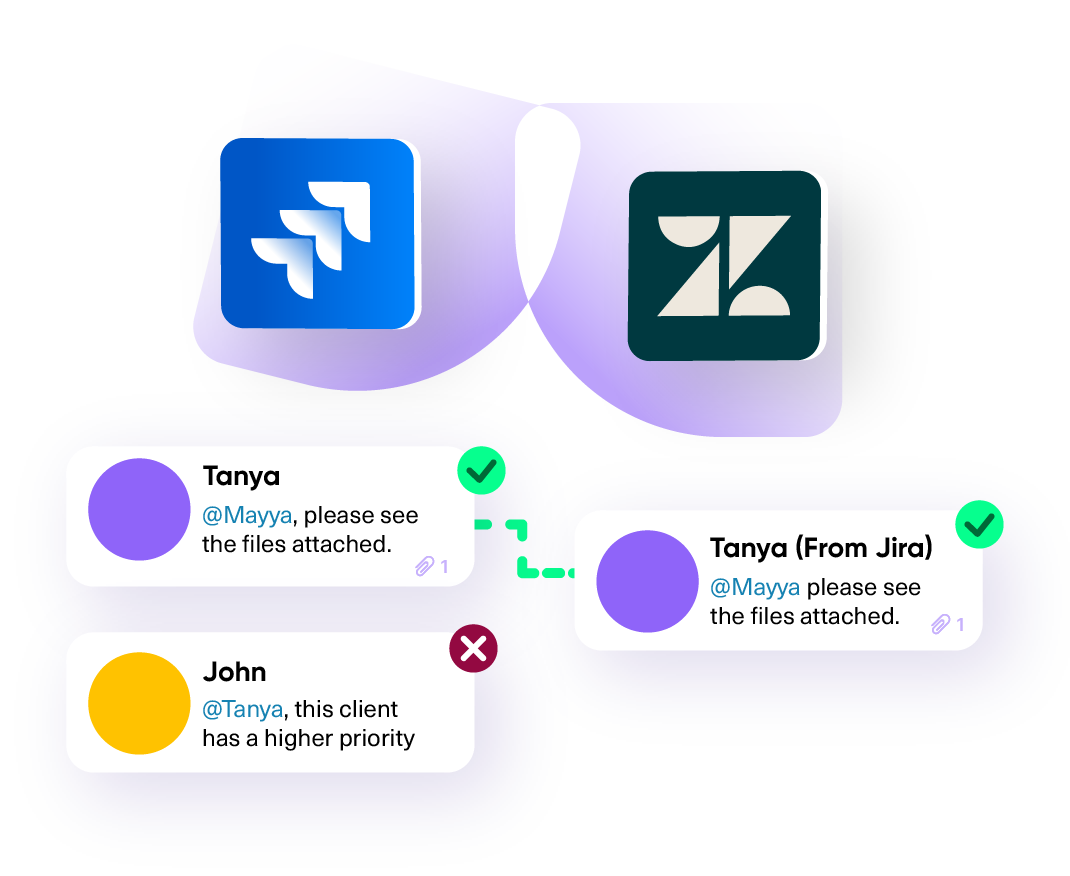
Smart Filters for Precise Migrations
Migrate only what matters. Use advanced filters to exclude unnecessary data and focus on specific projects, statuses, timeframes, users, and more. Ensure a streamlined, efficient migration process.
Migrate Historical Data
Transfer all your past data—projects, issues, and workflows—without losing details.
Pick the Sync Directions (1-way or 2-way)
Decide whether to keep it one-way for a clean transfer or two-way for ongoing collaboration.
Keep Hierarchies
Easily migrate and reorganize project hierarchies.
Enterprise-Level Migrations
Scalable to handle large-scale data migration and complexities based on business needs.
Live Migrations
Sync live data while the migration is ongoing. Don't leave any data behind.
Data Privacy and Security
Ensures compliance with enterprise-grade security standards.
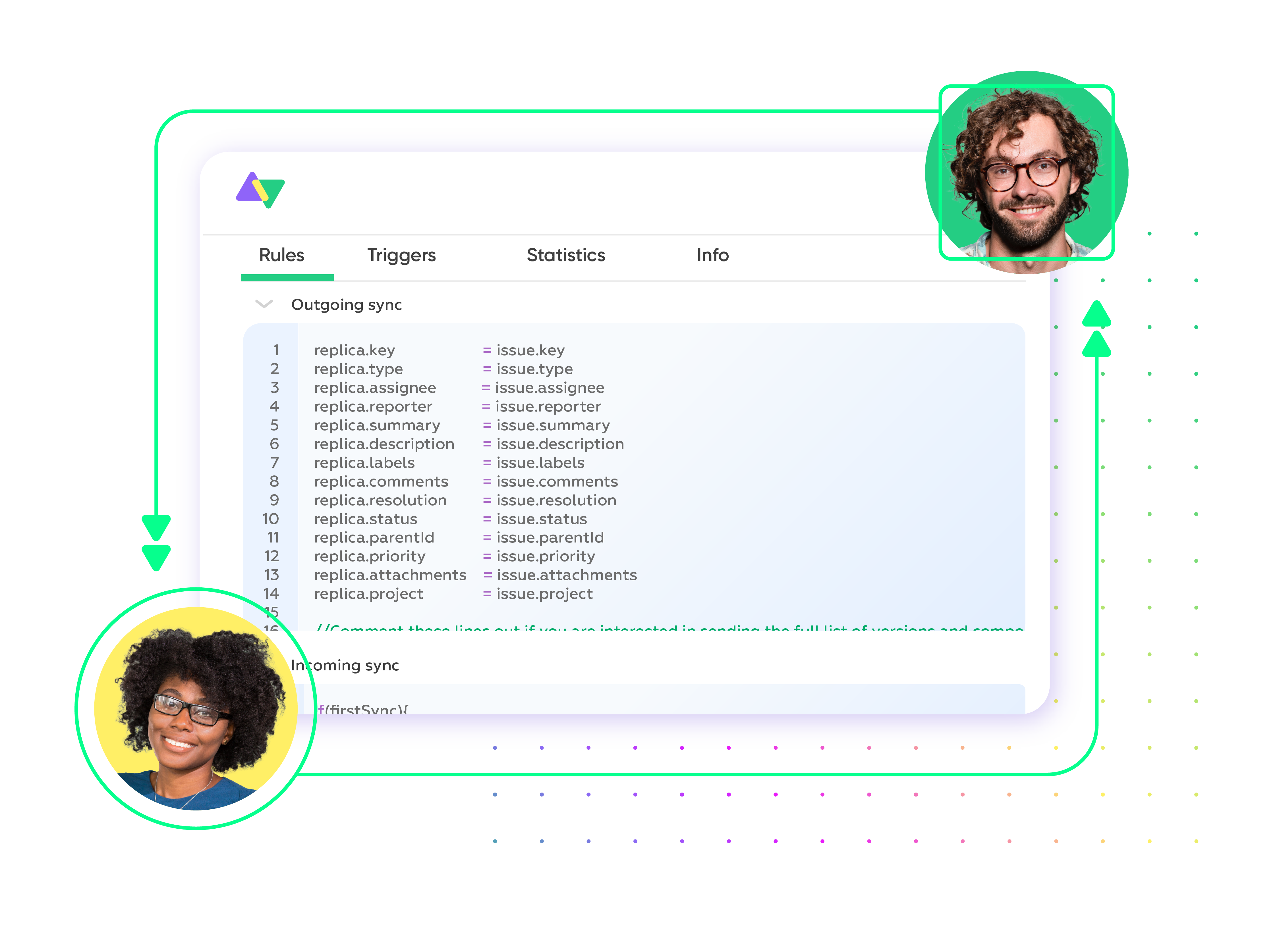
migration support
We’ve Got Your Back
Our migration specialists are with you at every step — from planning to execution.
- Dedicated support team available 24/7.
- Migrate worry-free on weekends for minimal disruption of your services
- Resources and documentation tailored for self-service.
- Optional migration services will handle everything for you.
Book a discovery session with an integration expert. We will analyze your current challenges and see how Exalate can meet your specific requirements.




End-to-end Migration Roadmap
Streamline your data migration process: from validation to execution and post-migration support
Proof of Concept (POC)
Validate that the migration is feasible.
Requirements Definition
Define your specific migration needs.
Migration Strategy
Develop a data migration strategy based on volume, system pairings, and performance requirements.
Test Run on Production
Execute a test run to identify any issues before the final migration.
Plan the migration
As a timeline, detail how many batches will be executed, the number of issues per batch, and when to execute each batch.
Migration Execution
Implement the migration according to the planned timeline and batches.
Post-Migration Support
Provide limited support after migration for any configuration issues.
Project Shut down
Once migration is complete and validated, all the feedback is processed. Stop the Exalate connection and execute the necessary cleanup.
Trust a Team with Over a Decade of Experience

"
The team was very hands-on and very responsive. If we encountered an issue, they were able to resolve it quite fast.
Maarten Cautreels

"
It shows that the developers and engineers behind the product really do know what they are doing.
Alexander Sinno

"
The support is always so close at hand. If we need any assistance, we’re sure that they’ll take care of it.
Howard Kenny
FAQ
One-way migration transfers data in a single direction, typically from one system to another. Two-way migration keeps data synchronized between both systems, ensuring changes are reflected in both places.
The duration depends on the volume of data and the complexity of your setup. With Exalate, migrations are typically completed in batches, and your first connection can be established in as little as six weeks.
Yes, it’s always recommended to back up your data to avoid any loss during the migration process. This gives you a safety net and ensures that you can restore everything if needed.
Yes, Exalate is built to handle intricate data, including custom fields, dependencies, and complex workflows. It ensures that nothing gets lost or broken during the migration.
Exalate supports a wide range of platforms including Jira, Azure DevOps, ServiceNow, GitHub, Salesforce, Zendesk, and many others, allowing for seamless migrations across your tools.
Exalate minimizes downtime by syncing live data during the migration process, so your team can continue working without disruption.
Yes, Exalate offers flexible migration filters, allowing you to migrate specific data ranges, statuses, projects, assignees, and more.
You can start by booking a demo or reaching out to our support team. We’ll guide you through the process and help define the best approach for your migration needs.